A:AnswerI assume you are using Windows of which we are not experts, we use various Linux OS on out home computers. However, I would imaging that if you want you can clone the drive you have now and put it on the this external drive and when you get your new desktop just transfer the drive to the new machine. We have done that often with out Linux OSs however, you might want to Google that for Windows and I am sure there are plenty of YouTube videos that can walk you through each step to do this to make sure do it right. See if you have any backup software app on the computer like time-shift that copies the drive and stores it off the machine (external drive or Cloud) as you might be able to use it to do the same thing. Good luck but please check out YouTube or Google to make sure you are doing it for your exact OS.
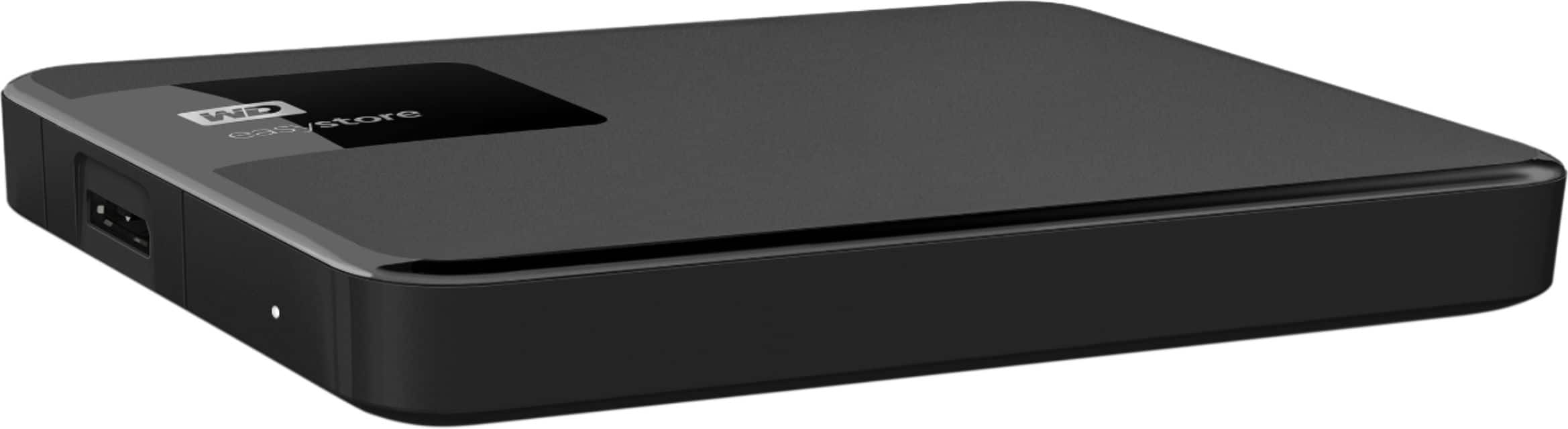
A:AnswerYou can go to the manufacturers website and find your product using part and serial #s for support info and device drivers/upgrades. Western digital should have all information to fix your back ups readability and parameters if u cant get it readable again it may very well be that the data on external drive is corrupted, and unfortunately at that point u may just have to reset entirely redownload drivers for hard drive. Which also means you will lose all stored data on drive i hope this helps u fix your device without losing data.
A:AnswerVideo storage uses a different format from PC or Mac, You may need to have a file downloaded from your DVR provider to recognize the drive. After that you will be required to reformat the drive from your DVR. Sit back, relax, have a date night, over night, and into the next day following the day after date night. I'm judging from the 1TB drive I added to mine 6-10 years ago.
A:AnswerThat’s what I did. Had a old computer that wouldn’t turn on anymore and brought to a computer store and they took out the hard drive and copied all data to this. If you computer is running it will be easy.
A:AnswerNot directly. Best way is to import into Photos on your Mac and then export to the hard drive, Windows should allow you to do something similar.
A:AnswerIt’s similar to any USB external drive. However, this HD is formatted for Windows. You can still use it on your Mac with no changes or simply reformat for Mac using Disk Utility.
A:AnswerThis hard drive will have no problems adding XP documents or old photos. I bought a second one for my laptop and it holds all my documents from my old XP Laptopto my windows 10 Laptop. So far I’ve had no issues.