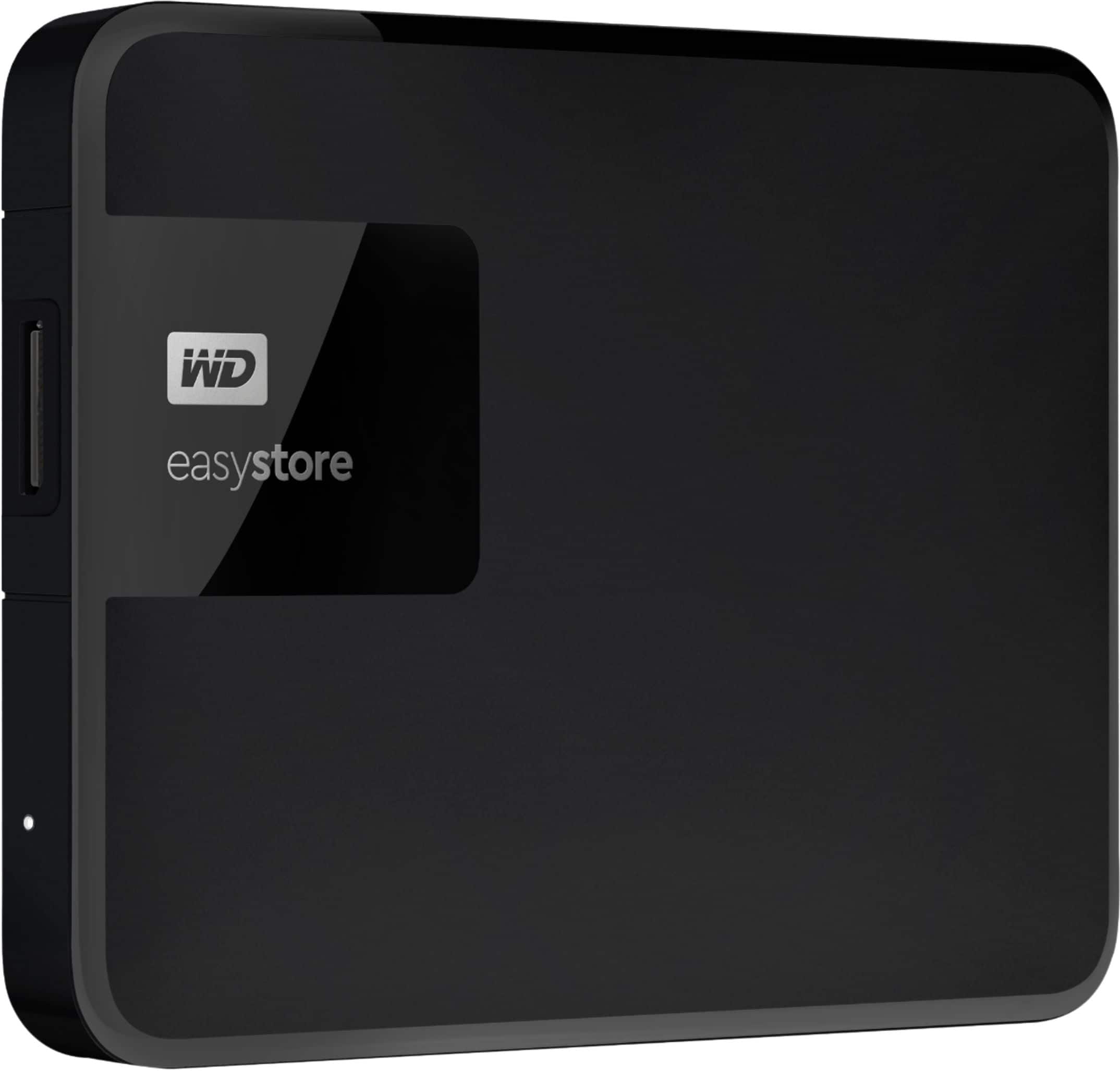
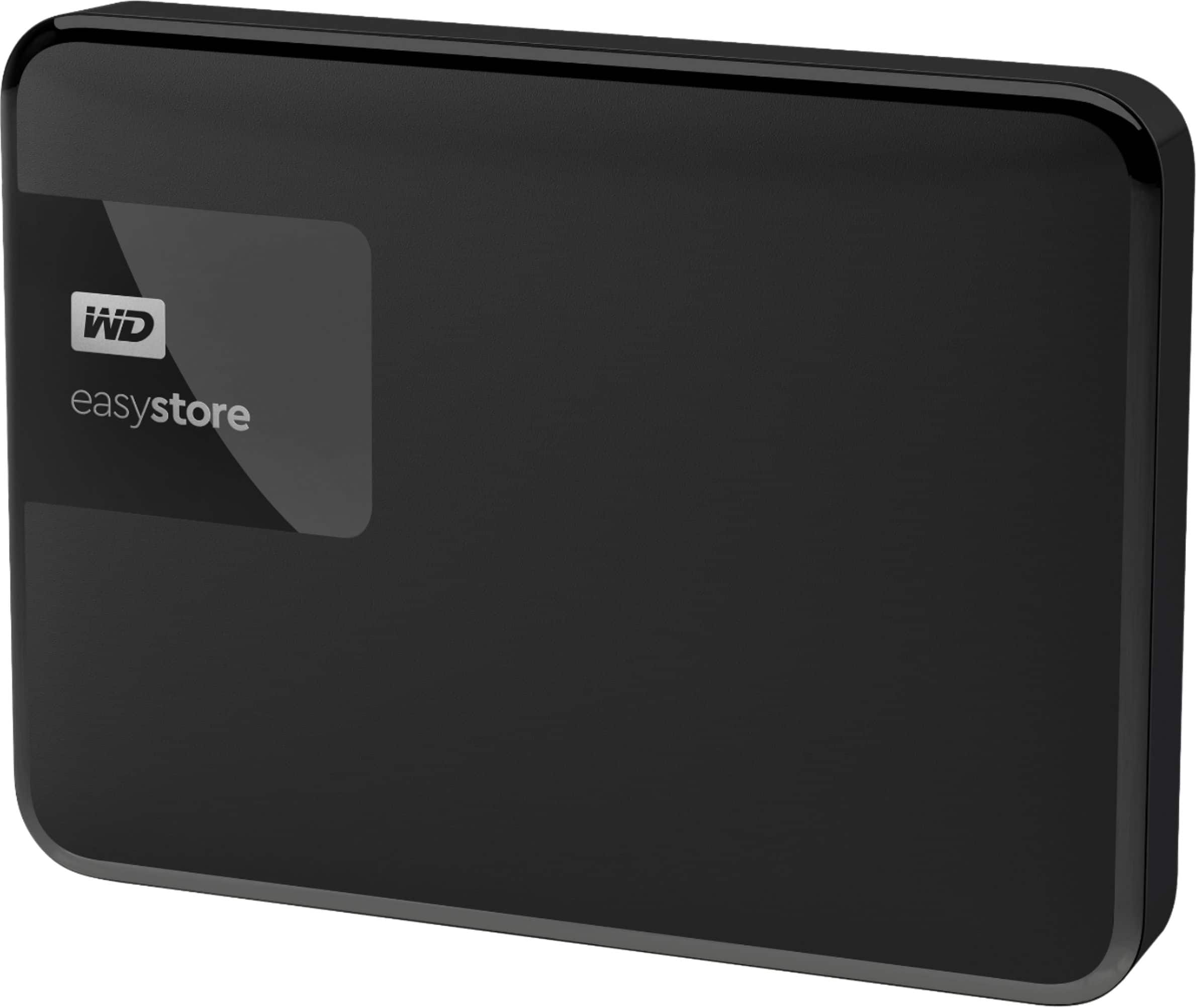
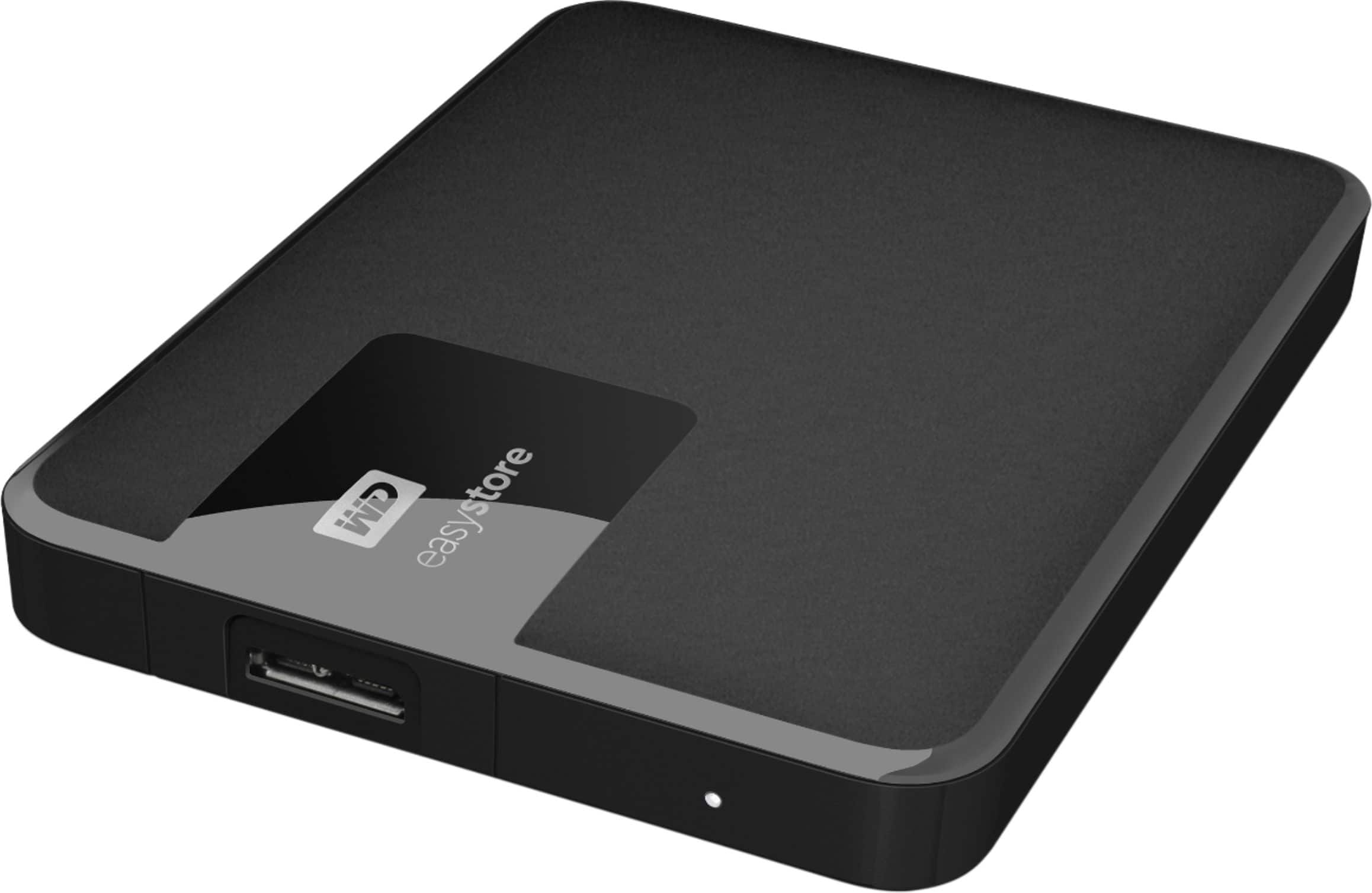
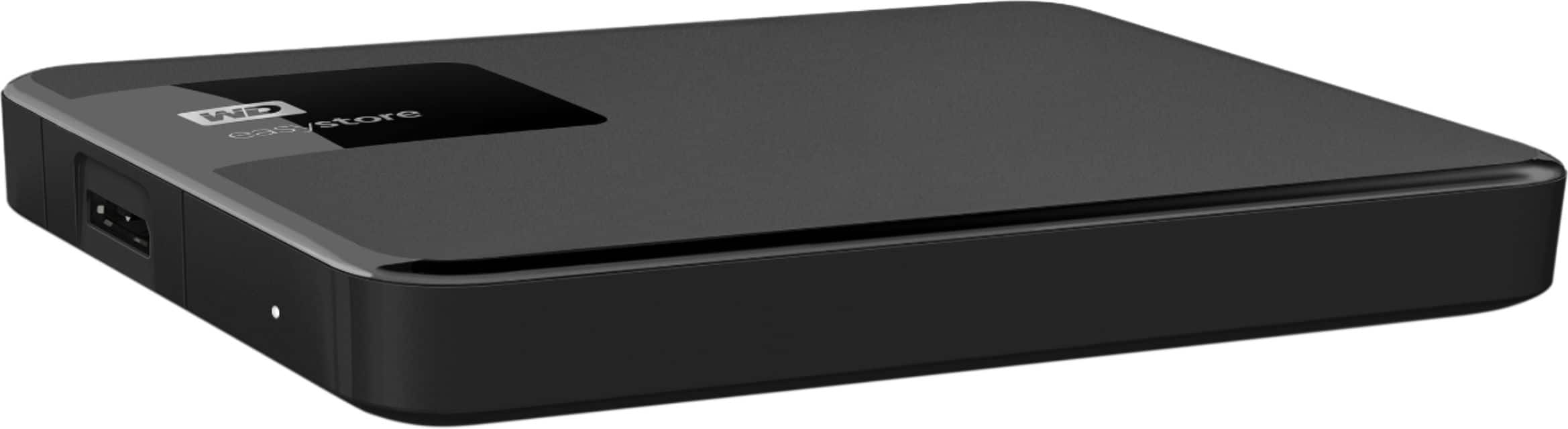
A:AnswerYes! I just installed a 2TB Easystore on my iMac running MacOS 10.15.1 and set it up to run under Time Machine. Just use Disk Utility to reformat the Easy Store (the first Mac format, journaled, in the list) and then add the Easystore to your time machine. Went perfectly for me and just completed my first Time Machine backup on this device.
A:AnswerYes. As long as your PC is configured to allow plug and play, it'll show up as an external drive. You can drag and drop your files onto the hard drive from Windows explorer.
It does come with software if you want to use it, but I format the drive first thing so it doesn't muck anything up
A:AnswerSorry I am not familiar with Dish Playmaker. Keep in mind this laptop is a portable thin kind which does not have any kind of built in TV tuner. It does have a HDMI port in order to be plugged into any TV that has a HDMI cable. Plugging this into a home TV will mirror the laptop onto the TV Screen. Personally I am not sure if I would attempt to connect this to any kind of external satellite dish to view TV since most laptops tend to run a little hot.
A:AnswerI tried using it to run sims and it didn't work. However, I'm not that great with computers so it might work for you. I should also add that this was the first game I ever even tried to download on my computer. You should be able to store everything other than the games on there, which will give you more room on your laptop for more games.