A:AnswerHi TVbinge,
Please be informed that the WD Easystore drive is a plug and play device tested and designed only for Windows and Mac computers for seamless operation.
Need Help? Please see our "'Contact Us" page for information.
A:AnswerHi sid,
Thank you for showing your interest in WD Easystore drive. Please know we have tested these drives on windows OS and mac OS. In order to check the compatibility, we would suggest you to please contact to your Host device manufacturer. Need Help? Please see our "'Contact Us" page for information

A:AnswerHi BillyBob,
Please know USB 3.1, USB 3.0 and USB 2.0 are backward compatible with USB 1.1. When connected to a USB 1.1 port or hub, a USB 3.1, USB 3.0 or USB 2.0 device can transfer data up to 12 Mbps.
We would recommend you to please contact to your Motherboard or computer manufacturer in order to get right information.
Need Help? Please see our "'Contact Us" page for information
A:AnswerHi Gamingnerd21,
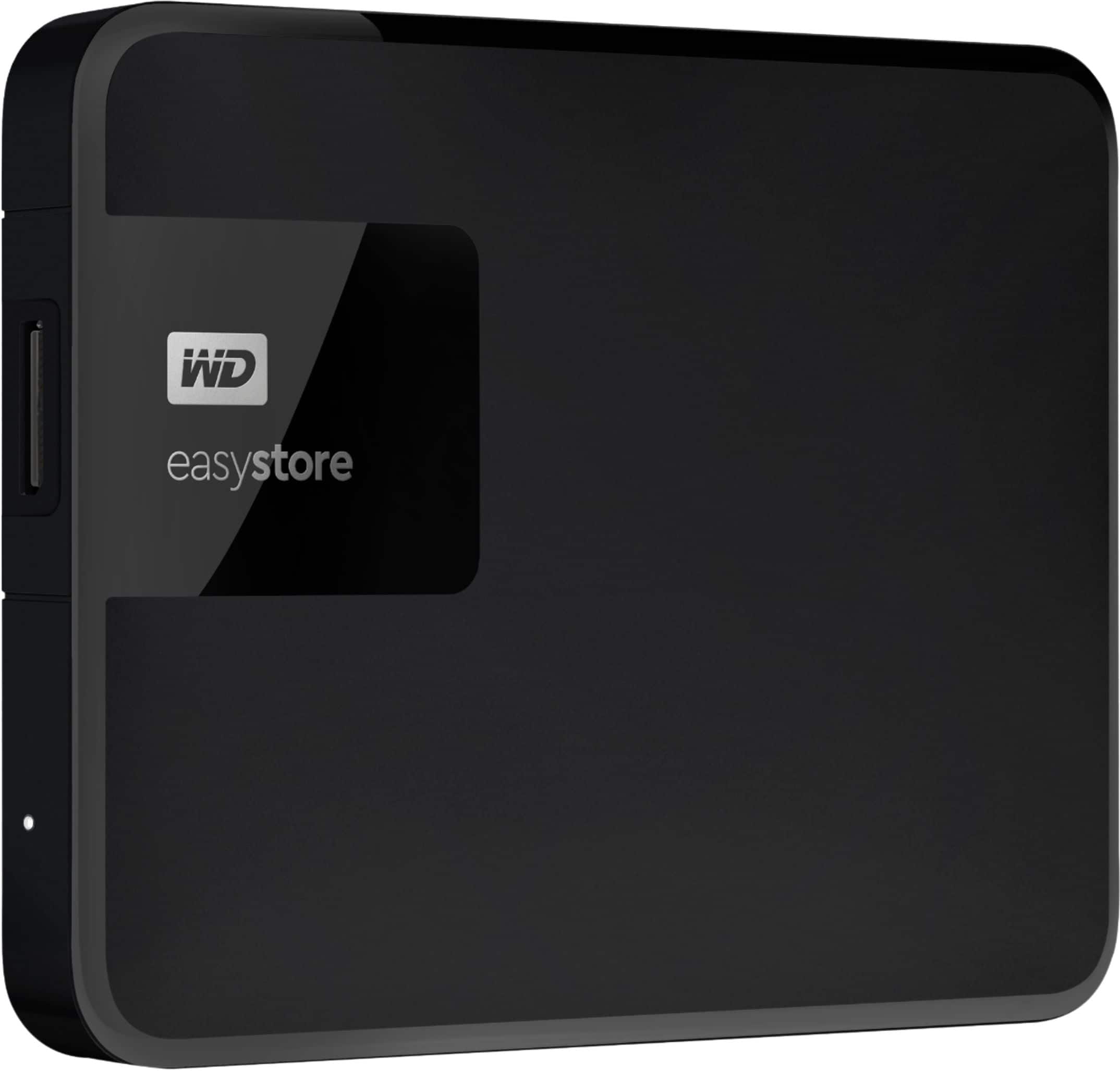
Thanks for showing your interest in WD My Easystore External Hard drive. Please know these hard drives are mechanical driven. A long time run can be a caused by malfunctioning or can be corrupt your data. For more information, you can refer to the link mentioned below. http://products.wdc.com/library/AAG/ENG/4078-705145.pdf Need Help? Please see our "'Contact Us" page for information.
A:AnswerYes, I just installed the Easystore 2Tb drive on my iMac which is running Catalina OS 10.15.1 and it was fine. I wanted to use TIme Machine with it, not WD software andI just had to visit Google to figure out how to reformat the EasyStore to become a TIme Machine device, and once I saw someone's post on using Disk Utility I had it! So happy I did this.
A:AnswerYep! That's what I use it for, and 2tb is more than enough. I could only download about 15 games, after getting this I now have over 50 downloaded!
A:Answergo to the WD Support website page and if you don't find your answer listed - you can ask the WD community for an answer - https://support.wdc.com/product.aspx?ID=238&lang=en
A:AnswerNot sure about Mac or PCs but it should definitely work on your Xbox One. Sony recently added an update allowing it to work on PS4s (original model) with an update but the Xbox One did that from the start. Still, I would google it first but being someone who owns both those systems, I guarantee you it will work on the Xbox One. I’m not sure if you It has to be plugged in directly to the system your using it for but I’d say you should if there’s going to be others connected to it as well.
A:AnswerThe answer is yes. Unfortunately you can’t get the driver from Microsoft. You need to go to the manufacturer’s site and download it from there.
A:AnswerHi Martin, Please be informed that the WD Easystore drive is a plug 'n' play external portable drive tested and designed for Windows and Mac computers. To know more about the compatibility of the drive please refer to the link: http://products.wdc.com/library/AAG/ENG/4078-705145.pdf -Need Help? Please see our "'Contact Us" page for information.
A:AnswerUse mine for Xbox. Plug it in and it will format itself to the console. If in the rare circumstances it doesn’t, I believe you have 14 days to return it.
A:AnswerHi Nanaof8, It may work, but we do not recommend as support for Windows XP ended. After 12 years, support for Windows XP ended April 8, 2014. Microsoft will no longer provide security updates or technical support for the Windows XP operating system. Need Help? Please see our "'Contact Us" page for information