A:AnswerHi cadillacman,
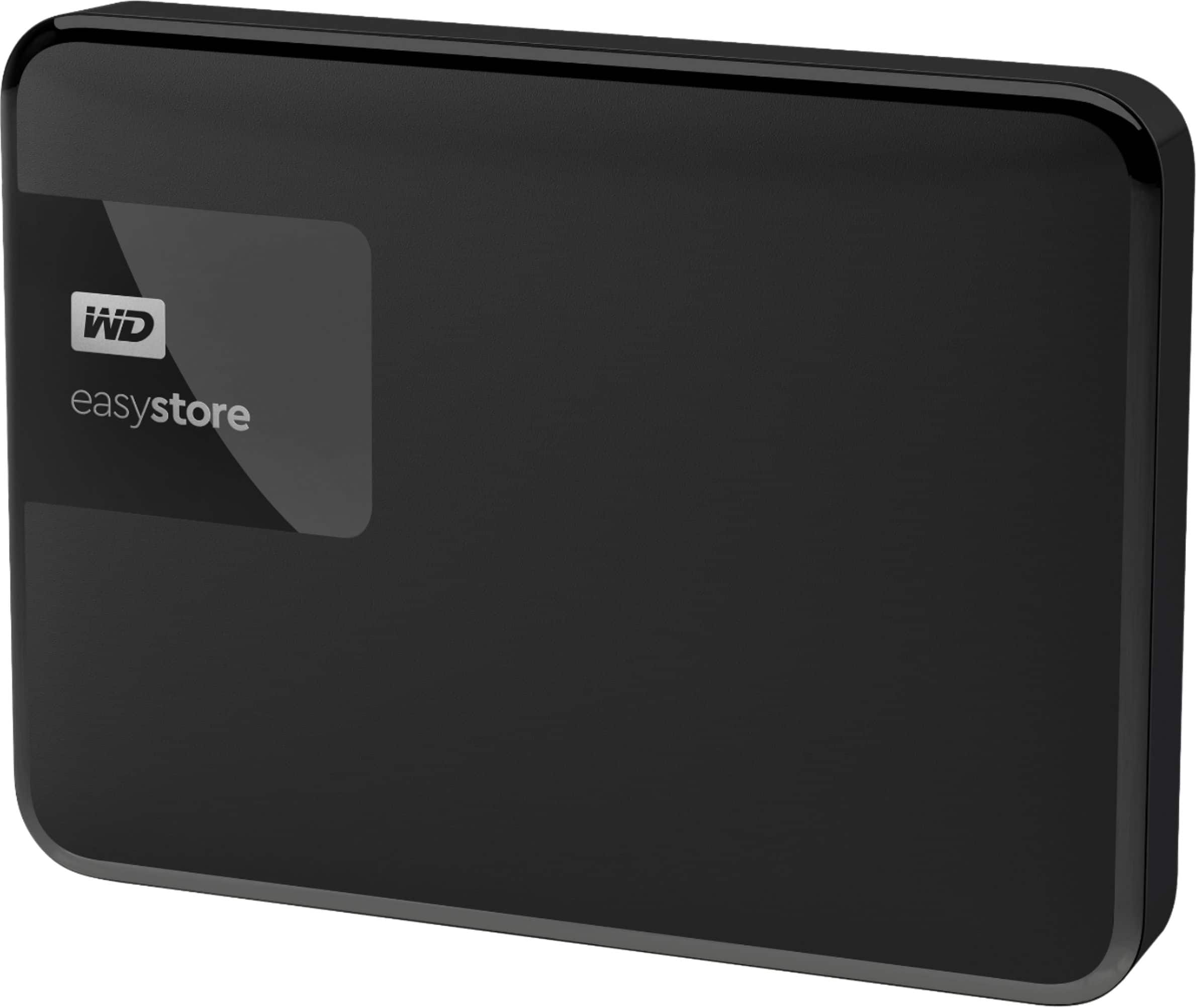
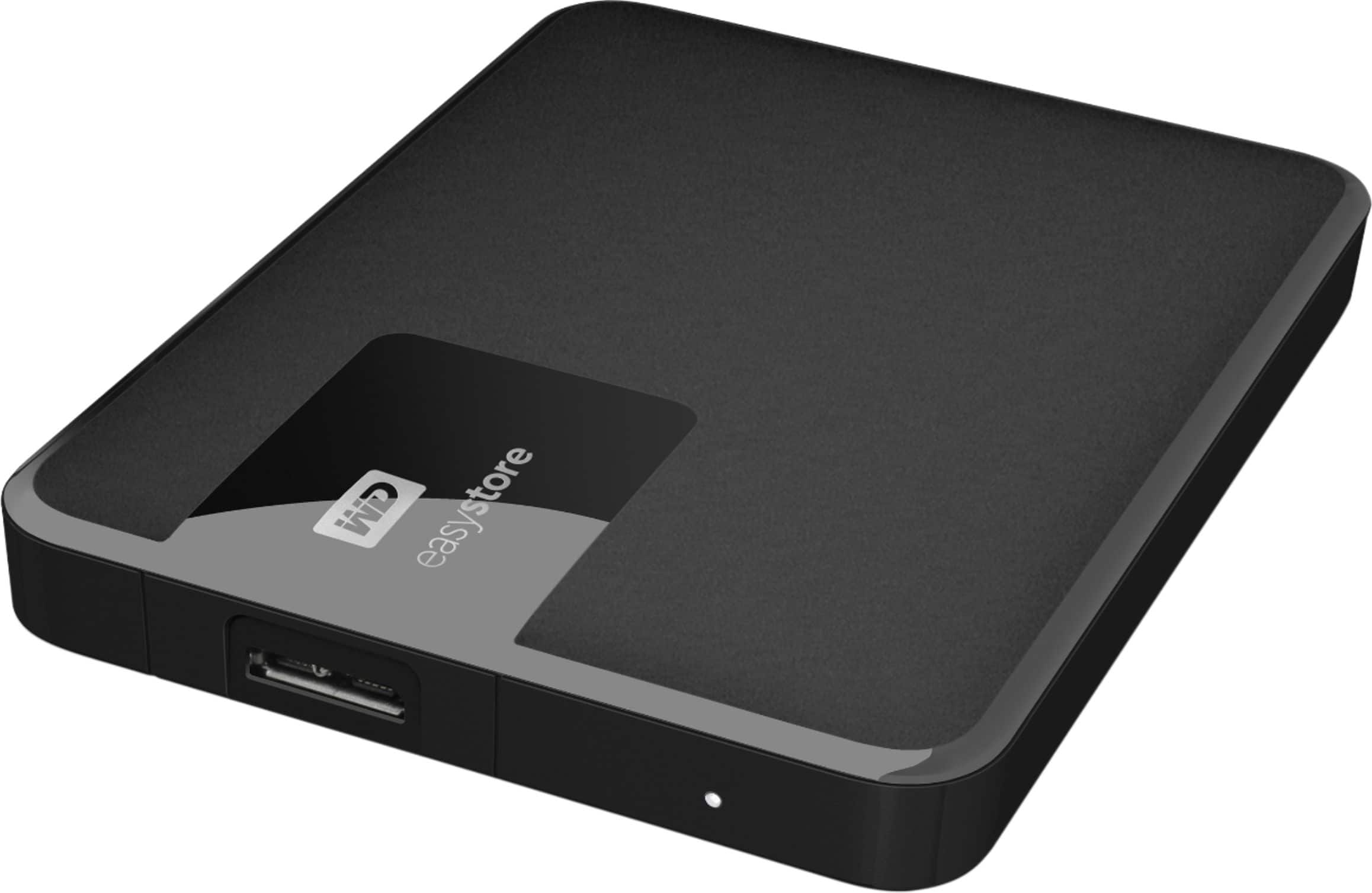
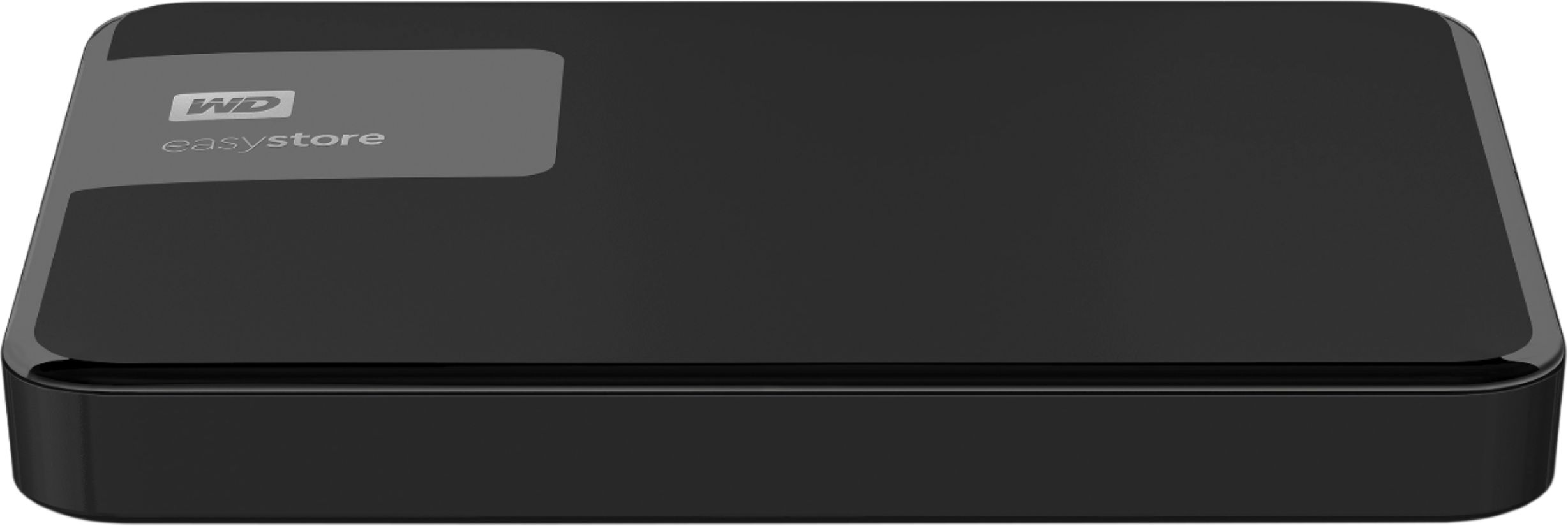
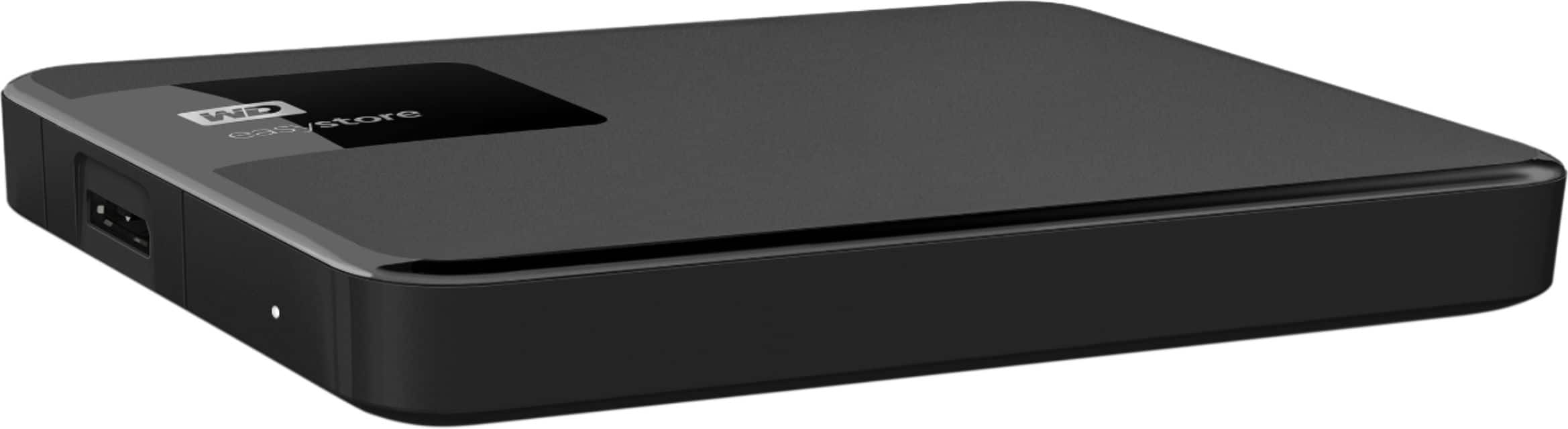
The WD Easystore drive is a plug and play device which comes preformatted in NTFS file system for Windows computer. It is best your WD Easystore to be re-formatted in macOS Extended (Journaled) file format, to be compatible with Time Machine or exFAT to be read/write ready on both Windows and macOS.
How to Format a WD Drive on Windows and macOS":
https://support-en.wd.com/app/answers/detail/a_id/8200
Need Help? Please see our "'Contact Us" page for information.
A:AnswerHi johnsmtv,
The WD Easystore External hard drive is designed to be used with Windows or Mac computers. We have not tested and will not recommend connecting the hard drive to a mobile phone and tablets. Need Help? Please see our "'Contact Us" page for information.
A:AnswerHi Eastm, Thank you for showing your interest in WD My Easystore drive. Please know we have tested these drives on windows OS and mac OS. For more information please refer to the link mentioned below. http://products.wdc.com/library/UM/ENG/4779-705168.pdf
In order to check the compatibility, we would suggest you to please contact the motherboard or Laptop manufacturer. Need Help? Please see our "'Contact Us" page for information.
A:AnswerHi, Please know WD My Easystore preformatted for Windows computer and tested only with macOS and WindowsOS. For more information you can refer to the link mentioned below. http://products.wdc.com/library/UM/ENG/4779-705168.pdf Need Help? Please see our "'Contact Us" page for information.
A:AnswerThere could be an administrative lock, or the usb port in your computer could not be working well. Try changing the usb chord itsself or a different port.
A:AnswerHi PatS, Please be informed that the WD Easystore drive is a plug 'n' play External Hard Disk Drive. The drive ships with a USB 3.0 cable and uses USB 3.0 Type-A interface. The drive comes pre-formatted with NTFS file system. To know more about the drive please refer to the link for user manual: http://products.wdc.com/library/UM/ENG/4779-705168.pdf -Need Help? Please see our "'Contact Us" page for information.
A:AnswerHi JH, The WD Easystore external hard drive comes pre-formatted for Windows computer. The hard drive can be reformatted in a supported filesystem for Mac OS. Please refer to the link mentioned below for more information. Reformatting Required for Mac OS Compatibility: https://support-en.wd.com/app/answers/detail/a_id/3879 Need Help? Please see our "'Contact Us" page for information

A:AnswerHi RadioWinnerGuy,
Please be informed that the WD Easystore drive is a plug and play device tested and designed only of Windows and Mac computers for seamless operation.
Need Help? Please see our "'Contact Us" page for information.
A:AnswerHi samuel, Please be informed that the WD Easystore Portable drive comes pre installed with WD Backup software. WD Backup is an application which automatically stores a copy of your files, photos, and documents with on premise backups to a WD drive as primary storage. It can also restore previous backups to your computer For more info about the WD Backup Software, refer to the link: https://support-en.wd.com/app/answers/detail/a_id/12279 -Need Help? Please see our "'Contact Us" page for information.
A:AnswerHi Scott,
The WD My Easystore external hard drive is designed to be used with Windows or Mac OS. We recommend using "WD GAMING DRIVE ACCELERATED FOR XBOX" to be used on the Xbox console. Please refer to the link mentioned below for more information. WD GAMING DRIVE ACCELERATED FOR XBOX: https://documents.westerndigital.com/content/dam/doc-library/en_us/assets/public/wd/product/portable/wgdxbox1/4078-705152.pdf Need Help? Please see our "'Contact Us" page for information
A:AnswerWe need to know the actual information about the drive. such as the SN or at least capacity. No information is provided here. If the drive is 8TB or higher it won't be SMR either so its a clear response if we know the capacity.
A:AnswerHi Mura, You can refer to a blog post we made “What are the currently shipping SMR Drives” that does outline this more.
Search for knowledge base article: 29458
Need Help? Please see our “ Contact Us” page for information