Questions & Answers
- Model:
- WDBKUZ0040BBK-WE32
- |
- SKU:
- 6290668
Highly rated by customers for: Storage, Ease of use, Reliability
Page Showing 21-40 of 85 questions
Q: Questionhow east to transfer data
Asked by Michael.
- A:Answer Very simple using Windows 10. Keep in mind, if your computer and the drive you buy is not USB 3.0, it will run very slow on transferring very, very large files.
Answered by Rellimguod
Q: QuestionWill it work with OS X 10.6.8?
Asked by AQFARN.
- A:Answer No, it will not work with OS X 10.6.8.
Answered by CommunityAnswer
Q: QuestionCan this be used for ps4?
Asked by Crash.
- A:Answer Yes. It takes up one of the USB ports.
Answered by Dave
Q: QuestionHi, this ssd can be used to record with a dash cam
Asked by julio.
- A:Answer Initially I would say no. Better off with grabbing a MicroSD card But... Few things to think about first: 1. Does your dash cam have a full side USB port? or will use use an adapter? 2. This drive is also USB powered, so can your Cam can provide the power output? 3. It is also a spinning HDD and not a SSD. That's another consideration
Answered by Wilyum
Q: QuestionWill this or any similar External USB drive work for external storage for an ARLO PRO 2 base station?
Asked by KSURooter.
- A:Answer Yes you can connect a USB device to the Arlo Pro base station and use the USB device as a second location to store Arlo Wire-Free and Arlo Pro Wire-Free recordings locally.
Answered by Babybear
Q: QuestionIs it compatible with my chromebook?
Asked by Kyla.
- A:Answer Hi Kyla, Please be informed that the WD Easystore Portable Hard Drive is a plug 'n' play device and has connectivity with USB 3.0 devices as well as backward compatibility with USB 2.0 devices. The drive is designed and test for Windows and Mac computers. However, the drive will work with chrome book also. For more info about the drive, refer to the link: http://products.wdc.com/library/AAG/ENG/4078-705145.pdf -Need Help? Please see our "'Contact Us" page for information.
Answered by Western Digital Team
Q: QuestionIs this compatible with a ps5?
Asked by Jbg25.
- A:Answer Hi Jbg25, Sony added support for external USB hard drives on the PS5 with their April 2021 update. However, due to PS5 restrictions, games can only be played off the console’s internal SSD. As such, external USB storage hard drives only function as a faster way to hot-swap games and data on or off the PS5’s internal storage. -Need Help? Please see our "'Contact Us" page for information
Answered by Western Digital Team
Q: QuestionIs this also compatible with a 2.0 hub or just a 3.0 hub? Can the 2.0 usb hub read this drive? Thanks
Asked by StreetHawk.
- A:Answer Hi, Please be informed that the WD Easystore drive is both USB 3.0 ready and USB 2.0 compatible. Need Help? Please see our "'Contact Us" page for information.
Answered by Western Digital Team
Q: QuestionWhat is the difference between this WD easystore 4TB and for $99 WD easystore 4TB?
Asked by Gera.
- A:Answer Hi Gera, This information can be better provided via call. Please contact us (https://t.co/A4CnCZLf4F), and we'd be happy to help.
Answered by Western Digital Team
Q: QuestionWill this work on a computer with windows XP?
Asked by PB.
- A:Answer Yes
Answered by superdavem
Q: QuestionHow many photos could be stored on this device? And, how easy will it be to retrieve specific photos?
Asked by Iliana.
- A:Answer Many thousands. It depends totally on file size - the smaller the file, the more pictures it will hold. It's simple arithmetic. I currently have about 49,000 pictures on mine, and I'd guess the average file size is 300k. The drive is barely half full, and there are many other documents on it as well (videos, etc.) Access is simple: just like accessing any other drive on your computer, internal or external. Speed of USB also determines how quickly files can be retrieved. Even with an older 2.0, it's fast. Good unit.
Answered by MaryJane
Q: Questionis this drive ntfs formatted?
Asked by Ron.
- A:Answer Hi, I’m not sure if this helps. This drive can should be able to be formatted for both Mac and Windows. I believe that Windows standard format is NTFS.
Answered by 808Capture
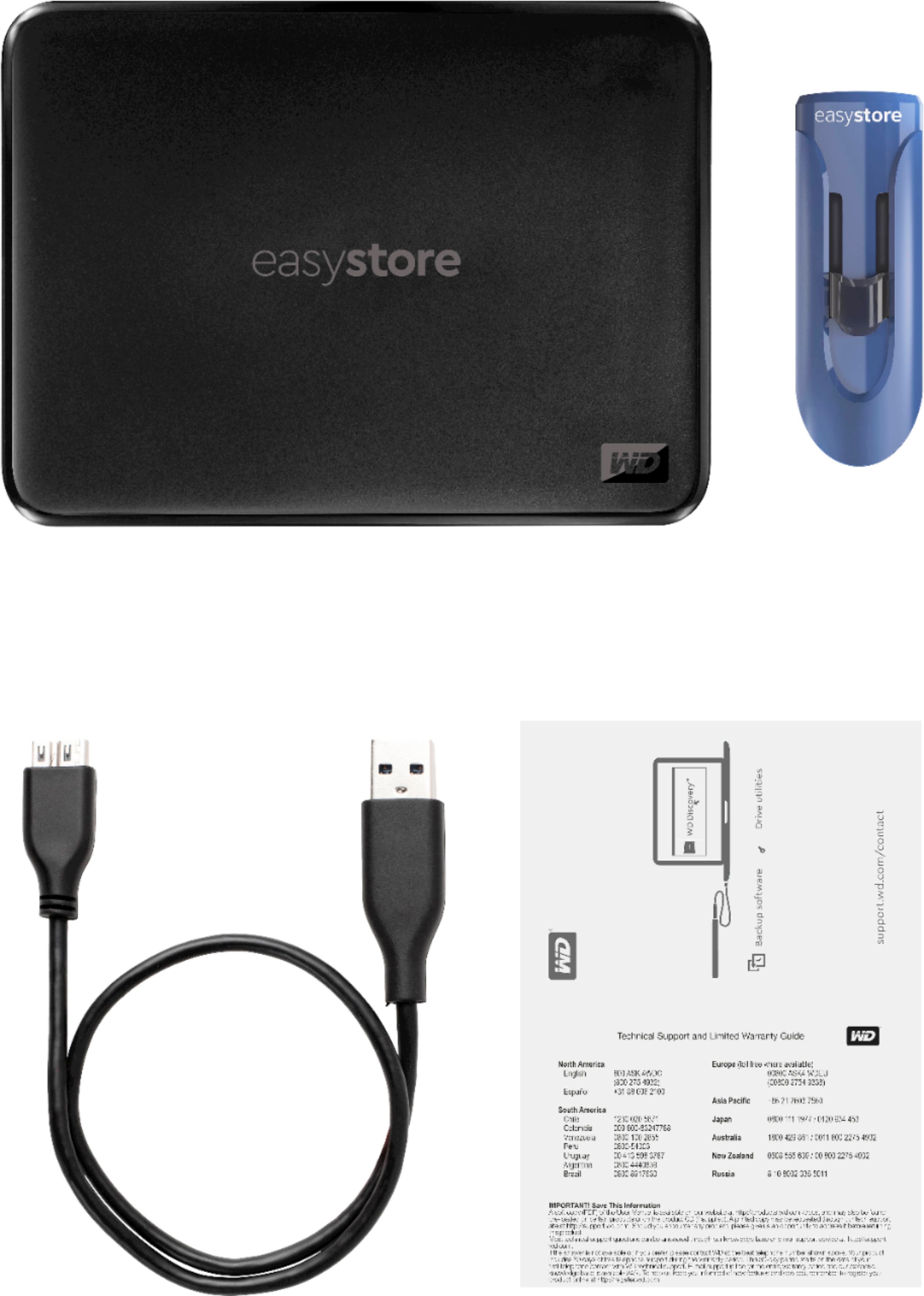
Q: QuestionDoes it come with a connecting cable?
Asked by Anonymous.
- A:Answer Yes it comes with a cable
Answered by Lucky
Q: QuestionHow do I use this hard drive on the xbox one x? The console will not recognize the drive. When plugged the drive into the USB port, the console formatted it, but will not recognize it.
Asked by Michelex67.
- A:Answer Format it using a laptop or computer and select the function that will allow you to use it on any device.
Answered by Yardie
Q: QuestionOK will this work with a PS4 Pro? I am using a WD 2 TB Easystore now. but it is full of games and need more room for games.
Asked by nightoneracing.
- A:Answer Yes it will
Answered by Carolsue60
Q: Questionwill this work with the PS4?
Asked by wallace293.
- A:Answer Absolutely, that's what I'm using mine for now and it's working great. Handy tip for upgrading from a smaller external drive, without downloading again; just move stuff from you internal storage to the new 4TB drive and then disconnect the new and reconnect your original external and move it's stuff back the internal drive, wash and repeat until everything is where you want it. Only one external storage device can be connected at a time.
Answered by BigBubba
Q: QuestionWHAT IS THE READ AND WRITE SPEEDS FOR THIS DRIVE
Asked by Anonymous.
- A:Answer It’s quite fast for my laptop , don’t remember the exact number but on the order of 10 MB / s . But it’s not compatible with my desktops . (Two)
Answered by comicaffe