Questions & Answers
- Model:
- WDBAJP0040BBK-WESN
- |
- SKU:
- 6406511
Highly rated by customers for: Storage Capacity, Ease of use, Reliability
$135.99Your price for this item is $135.99
Page Showing 101-120 of 297 questions
Q: QuestionWhy is my hard drive beeping when powering on and my ps4 says its not connected
Asked by Drew.
- A:Answer it might be the usb connection like what usb are u useing is it 3.0 or 2.0?
Answered by Dankmemer
Q: QuestionCan I connect this to a iMac newest 24inch version. Do I need a special connecting cord?
Asked by MikeS21.
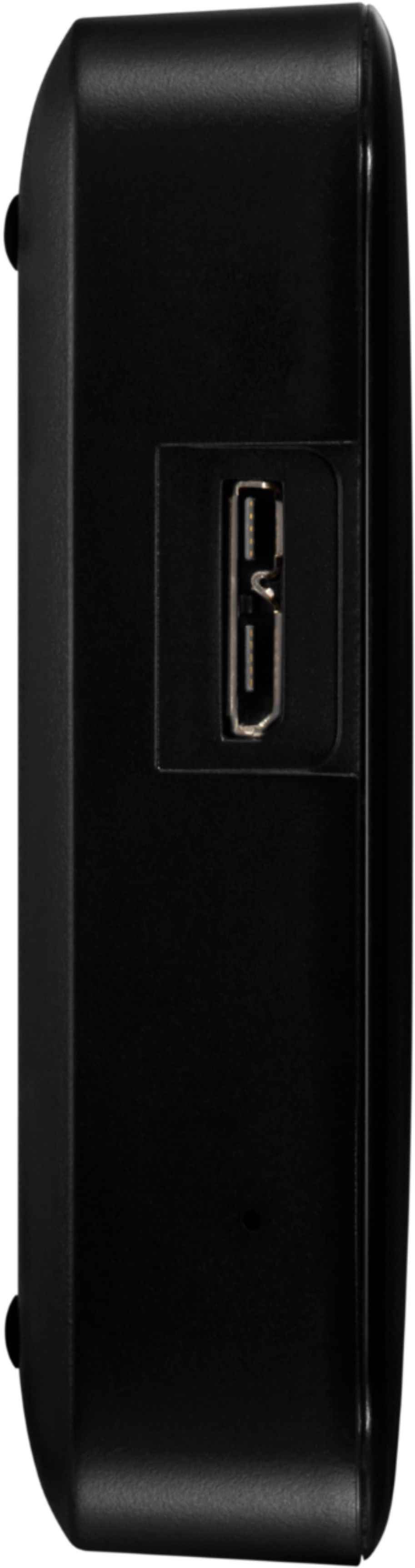
- A:Answer It comes with a USB cord to plug in
Answered by HappyinNM
Q: QuestionHas anyone opened the enclosure and tried installing this as an internal hard drive on a laptop? If so, did you have to do anything special to make it work (i.e. block power supply pins or adjust bios settings)?
Asked by TechEnthusiast.
- A:Answer Yes, I opened mine up after it stopped working to see if it could be reformatted. Unfortunately, the drive uses a proprietary USB controller board. It does not use a SATA controller board that would allow it to be reused in a laptop or in an external drive case.
Answered by Anonymous
Q: QuestionIs this drive TAA Compliant
Asked by minnie.
- A:Answer Hi minnie, Please be informed that in order to assist you better, we request you to please get in touch with our customer service team. -Need Help? Please see our "'Contact Us" page for information.
Answered by Western Digital Team
Q: QuestionDoes this work with the Xbox X/S ?
Asked by Raiderman55.
- A:Answer If it is for music and videos, then you can use it as a simple plug and play device. If you're going to install games on it, then you will need to format it simply for the purpose of installing just games and apps.
Answered by BravesFan1976
Q: QuestionIs the WD - Easystore 4TB External USB 3.0 Portable Hard Drive formatted NFTS?
Asked by Rick.
- A:Answer Hi Rick, I bought this hard drive as well as the external 8TB and found on the 8TB it is indeed NFTS but I had to go into properties and click on the box to have it compress the hard drive to save on space. If I were you I would do this immediately prior to putting anything on it to save on time. I did not do this until I had already put tons of data on it and it took for ever for the process. I have not used or opened my 4TB yet because I bought it as a backup and don't need it just yet but would think they are the same as the 8TB. Hoping this helps my friend!
Answered by Audrey
Q: QuestionWhy will it not work on my Samsung TV? My 2Tb HDD in a case work fine but the will not allow any files to be seen. Tested this on my newer 55 Samsung TV and it still will not work. Tested on a laptop and it view and play files
Asked by Dallas3.
- A:Answer Check to see if your TV needs a hard drive with an external power source. This hard drive will not work if this is the case.
Answered by RyloKen
Q: QuestionWill this work with a Macbook Air, Early 2015?
Asked by Anonymous.
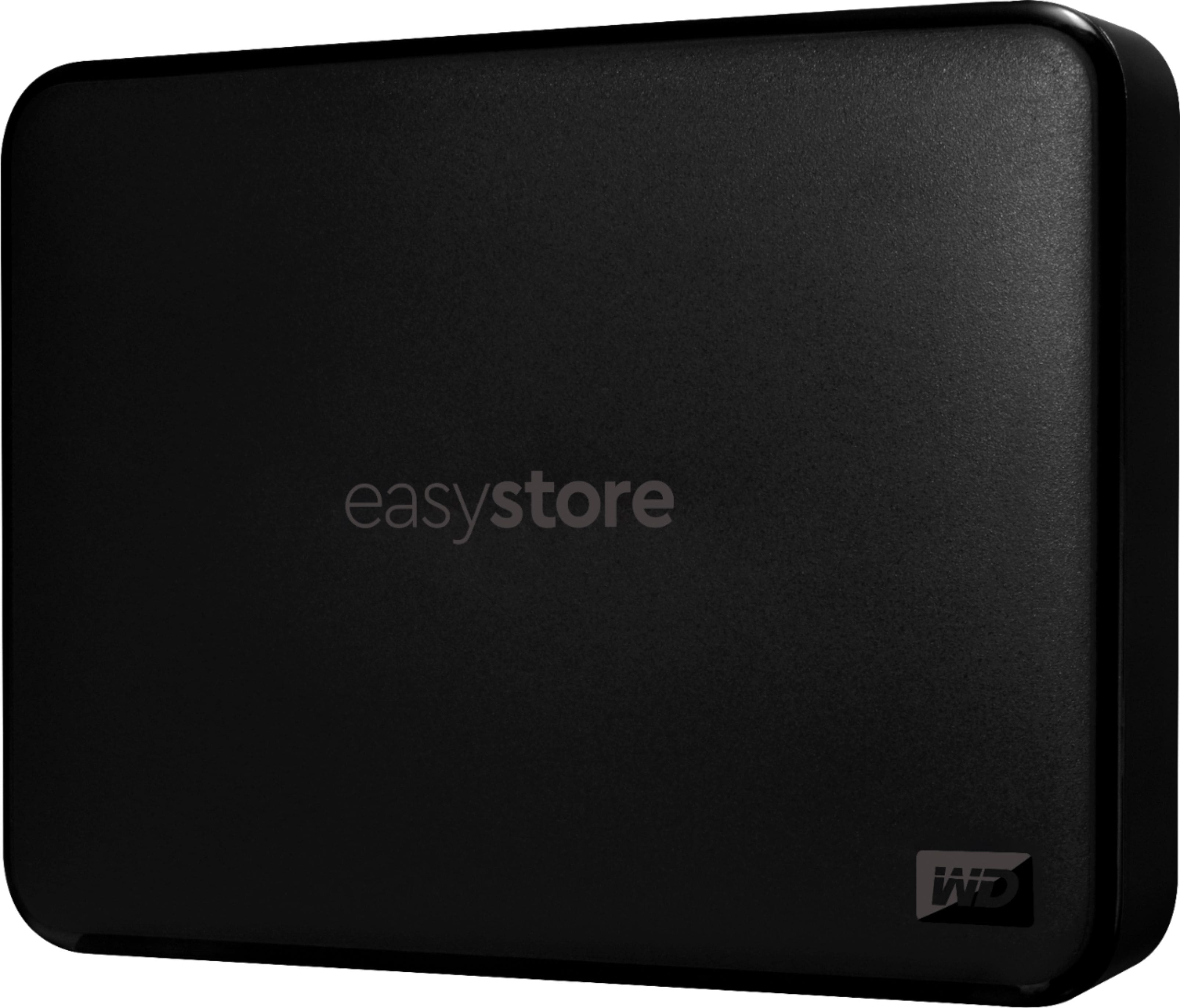
- A:Answer Hi, Please be informed that the WD Easystore is an External Portable Hard Drive, and comes preformatted in NTFS format for Windows OS, However, in order to use the drive for macOS you can reformat the drive with macOS supported HFS+J file system by using this link: https://support-en.wd.com/app/answers/detail/a_id/3879 -Need Help? Please see our "'Contact Us" page for information.
Answered by Western Digital Team
Q: Questionwould this be useful with 27 inch Imac Ret %K 3.1GHZ 10th G serieal # SH4TDX1MEPN5T
Asked by pat.
- A:Answer Hi pat, Please be informed that the WD Easystore is an External Portable Hard Drive, and comes preformatted in NTFS format for Windows OS, However, in order to use the drive for macOS you can reformat the drive with macOS supported HFS+J file system by using this link: https://support-en.wd.com/app/answers/detail/a_id/3879 -Need Help? Please see our "'Contact Us" page for information.
Answered by Western Digital Team
Q: QuestionDISHNETWORK Hopper 3 compatible?
Asked by Anonymous.
- A:Answer Dish compatible.
Answered by John
Q: QuestionIf this drive crashes, will I be able to get to the pictures and other files stored on it or are they lost? Also, why would this be better than a thumbdrive?
Asked by jackie27.
- A:Answer You can generally but not always recover some files in the event of a crash. I always back up important files. A thumb drive is fine if you are just copying some files for safekeeping every once in a while. But for constant reads and writes of data over a long period, an external drive is best.
Answered by Nogs
Q: QuestionI was wondering if this will be compatible with the new xbox series X
Asked by Merkz.
- A:Answer Hi Merkz, Please be informed that the WD Easystore drive is a plug and play external portable drive tested and designed only for Windows and Mac computers for seamless operation. Moreover, for XBOX, you can consider the WD Gaming Drive Accelerated for Xbox One. Please refer to the link mentioned below to know more about the WD Gaming Drive. https://shop.westerndigital.com/products/portable-drives/wd-gaming-drive-accelerated-for-xbox-one-usb-3-0-ssd#WDBA4V5000AWB-WESN Need Help? Please see our "'Contact Us" page for information
Answered by Western Digital Team
Q: QuestionIs this a "solid state drive" - no moving parts??
Asked by CC.
- A:Answer no
Answered by allen
Q: QuestionDOES IS AUTOMATICALLY BACK UP FILES
Asked by PAL.
- A:Answer Hi PAL, Please be informed that the WD Easystore drive is a plug and play device that comes equipped with WD Backup software for automatic backups. To know more about the WD Backup software refer the below link- https://support-en.wd.com/app/answers/detail/a_id/12279 Need Help? Please see our "'Contact Us" page for information.
Answered by Western Digital Team
Q: QuestionDoes this come with the cables to plug into the laptop
Asked by HERM.
- A:Answer Yes, a USB cable is included.
Answered by Accessories
Q: QuestionCAN I SAVE MOVIES AND WATCH IT ON MY SMART TV?
Asked by 1800.
- A:Answer Hi 1800, Please know that the WD Easystore external portable drive is a plug and play device tested and designed for Windows and Mac computers for seamless operation. To check the compatibility we suggest you to please contact your Smart TV vendor. For more information refer to the link: http://products.wdc.com/library/UM/ENG/4779-705168.pdf -Need Help? Please see our "'Contact Us" page for information.
Answered by Western Digital Team
Best-selling external hard drives
- $69.99Your price for this item is $69.99$79.99The comparable value for this item is $79.99
- $69.99Your price for this item is $69.99
- $84.99Your price for this item is $84.99
- $79.99Your price for this item is $79.99
- $89.99Your price for this item is $89.99
- $124.99Your price for this item is $124.99$134.99The comparable value for this item is $134.99
- $279.99Your price for this item is $279.99
- $129.99Your price for this item is $129.99
- $74.99Your price for this item is $74.99
- $169.99Your price for this item is $169.99$179.99The comparable value for this item is $179.99
- $124.99Your price for this item is $124.99$144.99The comparable value for this item is $144.99
- $164.99Your price for this item is $164.99$169.99The comparable value for this item is $169.99
- $104.99Your price for this item is $104.99$109.99The comparable value for this item is $109.99
- $279.99Your price for this item is $279.99$329.99The comparable value for this item is $329.99
- $149.99Your price for this item is $149.99$169.99The comparable value for this item is $169.99
- $389.99Your price for this item is $389.99
- $124.99Your price for this item is $124.99$139.99The comparable value for this item is $139.99
- $169.99Your price for this item is $169.99
- $329.99Your price for this item is $329.99$349.99The comparable value for this item is $349.99
- $229.99Your price for this item is $229.99