A:AnswerHi,
We can only guarantee drive capacity. We cannot guarantee a particular internal hard drive model, data interface, rotational speed, transfer speed or cache size in the external hard drive enclosure.
https://support-en.wd.com/app/answers/detail/a_id/13652
Need Help? Please see our "'Contact Us" page for information.
A:AnswerHi Danu,
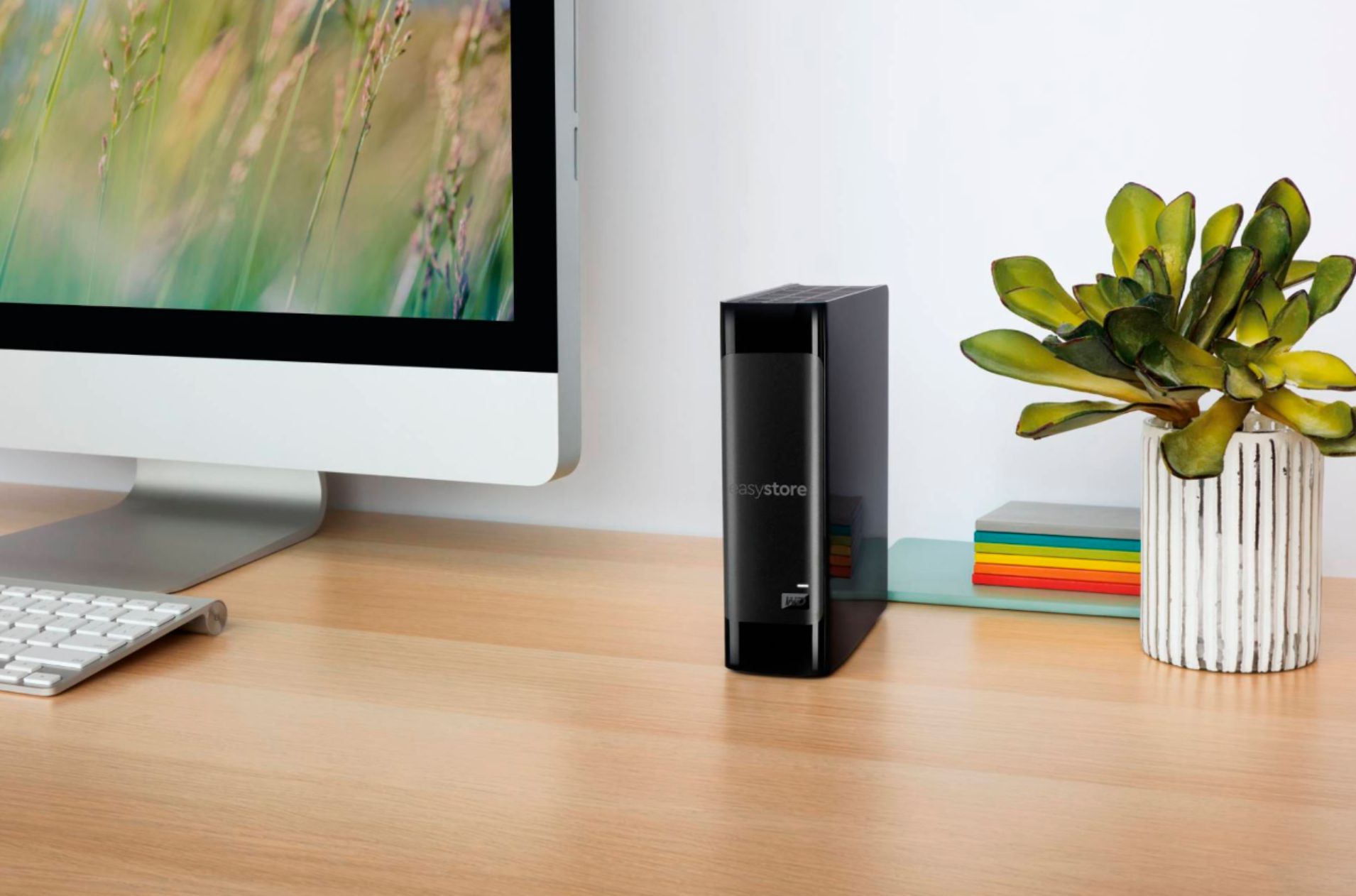
Please be informed that the WD Easystore drive is a plug and play device tested and designed only for Windows and Mac computers for seamless operation.
Need Help? Please see our "'Contact Us" page for information.
A:AnswerHi WILLIAM, There are many third party encryption utilities available through retail stores that have the ability to password protect files. https://support-en.wd.com/app/answers/detail/a_id/4817 Need Help? Please see our "'Contact Us" page for information.
A:AnswerI have a few Western Digital external hard drives (My Book and Easyshare 3.5 inch models that use its own power supply). The power supplies for them works with 100-240v. I have the U.S. version. No voltage converter is needed. Just use an adapter for the wall socket if needed.
A:AnswerNot in the way you intend. You need a Tivo expander drive with an eSata port. Be cautious though as through the years those connected drives have been known to be unstable.
What you can also do is hook up this or any drive to your pc, install the tivo desktop app and store recordings on your computer once the tivo is full.
Look up Tivo community forums for your more specific Tivo needs.
A:AnswerHi, Please be informed that the WD Easystore drive is a plug and play device tested and designed only for Windows and Mac computers for seamless operation. How to Format a WD Drive on Windows and macOS": https://support-en.wd.com/app/answers/detail/a_id/8200 Need Help? Please see our "'Contact Us" page for information.
A:AnswerYou can store your video files on it, but I would advise against editing files that are stored on it. Especially 4K. You'll experience a very low frame rate, lag, and it will be very slow. Depending on your editing software, creating proxy files may help, but I'd suggest either keeping the video files you're working on, on the computer hard drive or use a solid state external.
A:AnswerIt’s an external hard drive with no internet access of it’s own. So no you can not “download” your pictures from your phone or anything on to it. You CAN transfer pictures or other data on to it using the usb cable that is included with the hard drive.
A:AnswerHi security,
The WD EasyStore USB external hard drive comes pre-formatted for Windows computers. We will recommend you contacting the manufacturer of the security system to confirm if they support USB hard drives.
Need Help? Please see our "'Contact Us" page for information