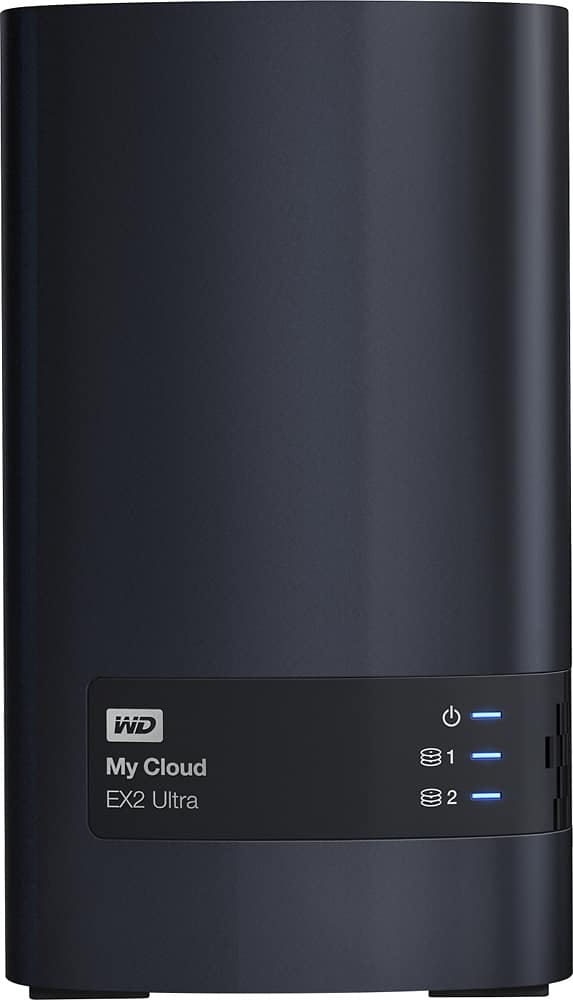
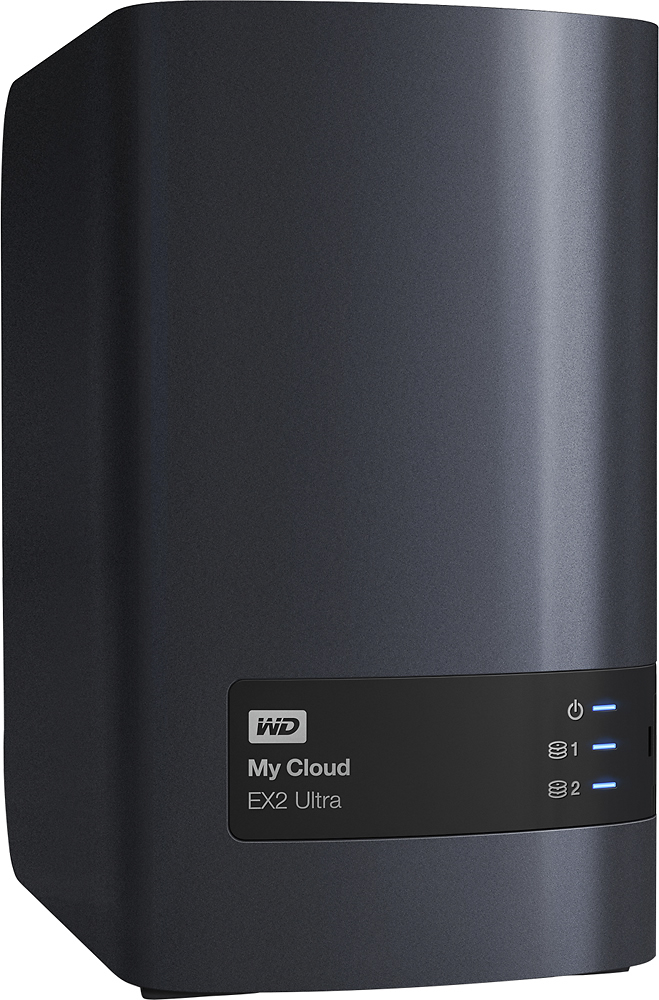
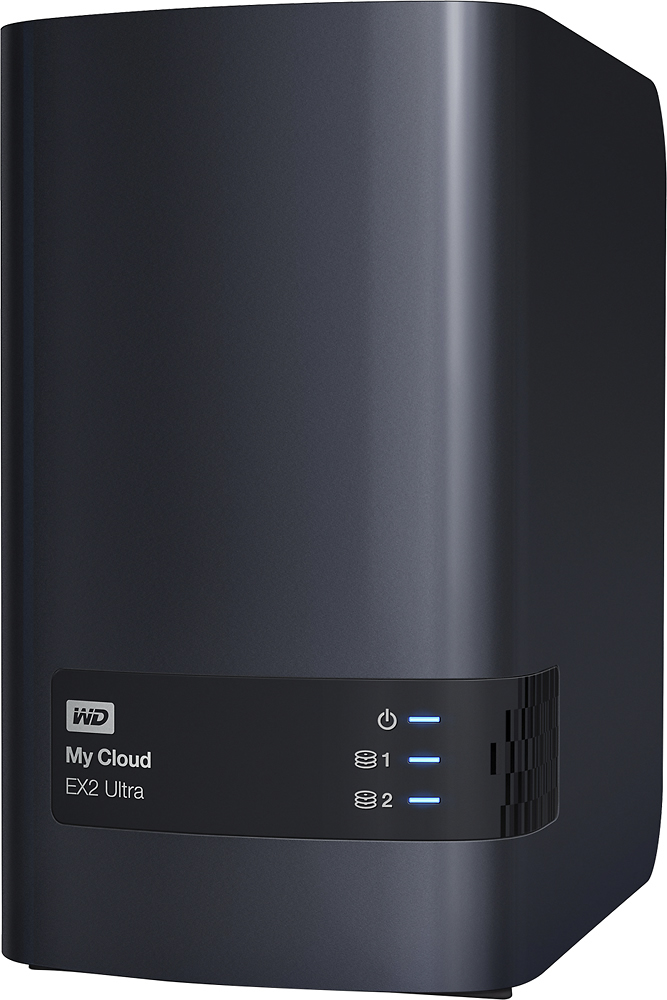
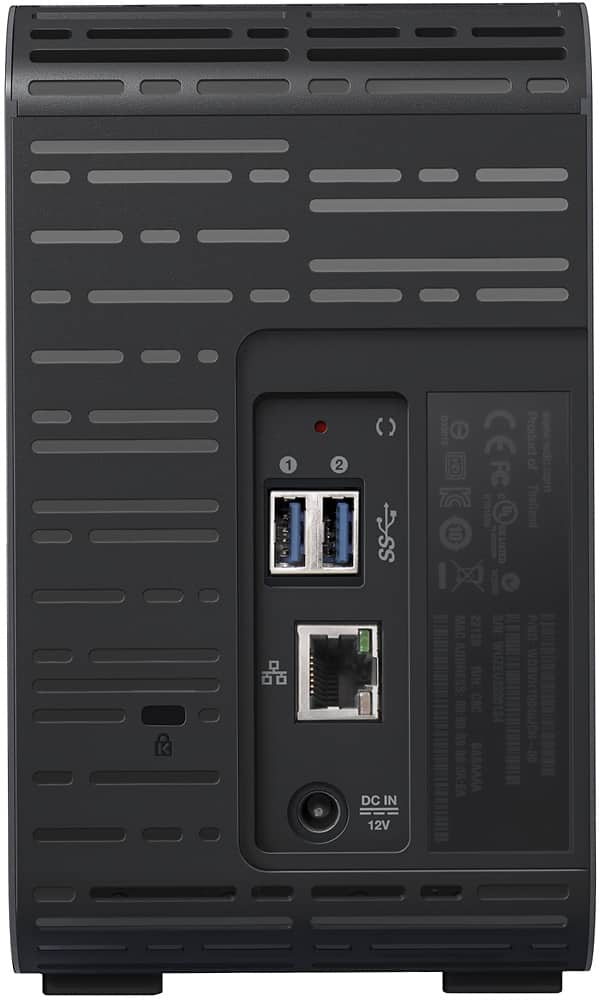
A:AnswerYou can easily swap the drives from an old EX2 or Mirror into this new enclosure and it will recognize that the RAID was built in another drive and ask you if you want to incorporate it into the new device. Click OKAY to accept. Moving your drives over to another WD enclosure WILL NOT WIPE THEM.
A:AnswerHi Michael, Please be informed that the My Cloud EX2 Ultra can be quickly found on your network and installed over the web, making the setup process simple and intuitive. You can also access the drive using mycloud.com. To know more about the drive please refer to the link: https://documents.westerndigital.com/content/dam/doc-library/en_us/assets/public/wd/product/nas/my_cloud/ex2_ultra/product-overview-my-cloud-expert-series-ex2-ultra.pdf -Need Help? Please see our "'Contact Us" page for information
A:AnswerPlex is an installable option under Apps.
Plex Media Server
Plex organizes all of your video, movie, TV show, music, and photo collections so you can stream them to all of your screens.
A:AnswerI configured with two 3TB drives in RAID1. I found that the MyCloud timed out at a max of every 30 minutes. I only wanted to backup 400GB and it was time for bed before my backup completed. My evaluation: Look elsewhere.
A:AnswerHi AniD, Please be informed that My Cloud EX2 Ultra comes preconfigured with WD Red hard drives, specifically built for NAS systems to provide improved performance within 24x7 environments. The My Cloud EX2 Ultra is also available in a diskless version to create a custom NAS with compatible hard drives. To know more about the drive please refer to the link: https://documents.westerndigital.com/content/dam/doc-library/en_us/assets/public/wd/product/nas/my_cloud/ex2_ultra/product-overview-my-cloud-expert-series-ex2-ultra.pdf -Need Help? Please see our "'Contact Us" page for information