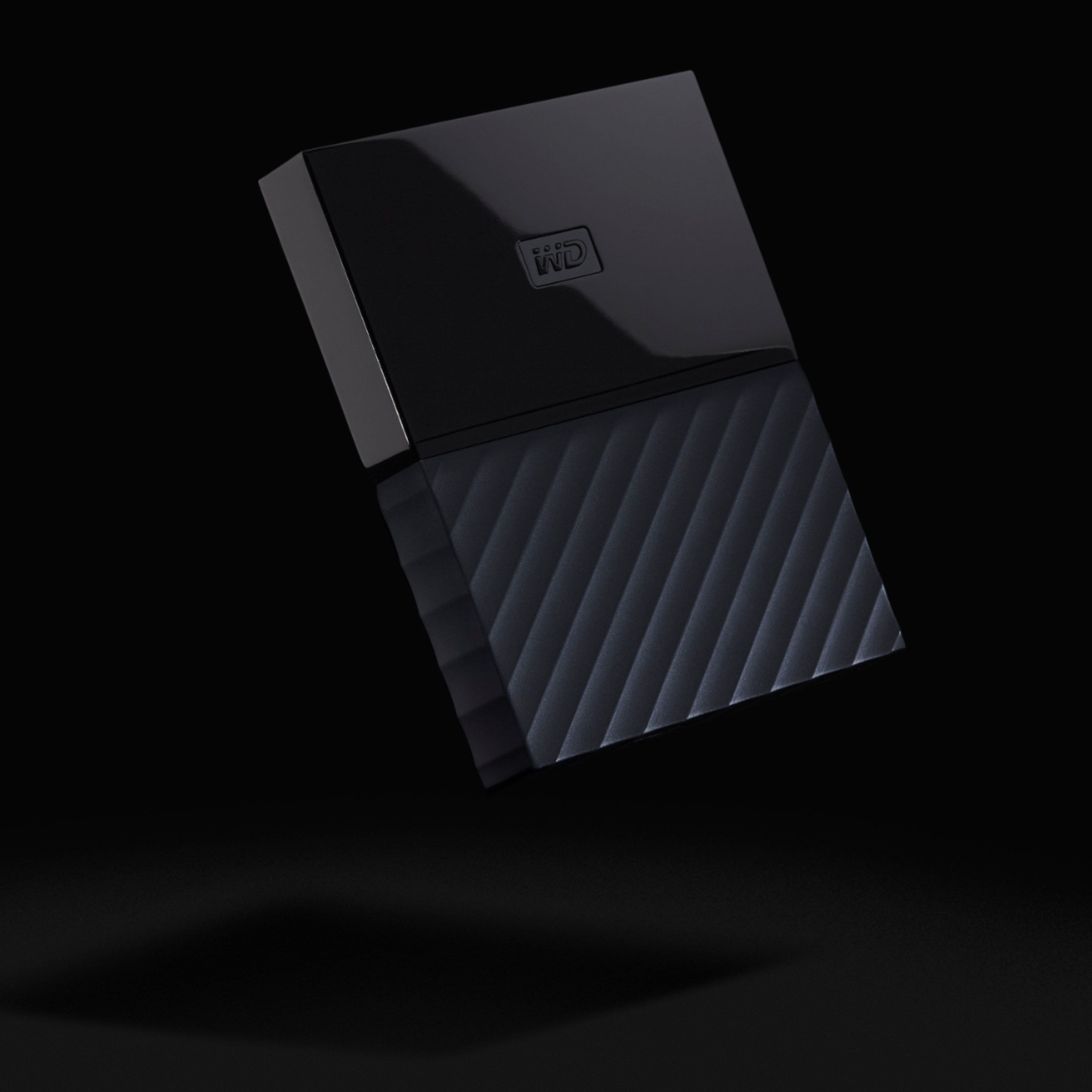
A:AnswerI just plugged and played with mine. As always let it automatically install the driver when first plugging it in and always always hit the remove hardware icon or turn off the comp before unplugging hard drives
A:AnswerOut of the box, no but it's an easy fix. On your iMac is a program called Disk Utility. You can use that to reformat your disk for use on a Mac. You'll erase the disk and reformat it to work on Mac with I believe either the FAT32 or exFAT (for transferring in files larger than 4 gigs) setting.
I'm not super technical, Googled the process, and in a few minutes my disk was running on my iMac.
I believe a similar version of the drive is made for the Mac but at my store it was not in stock.
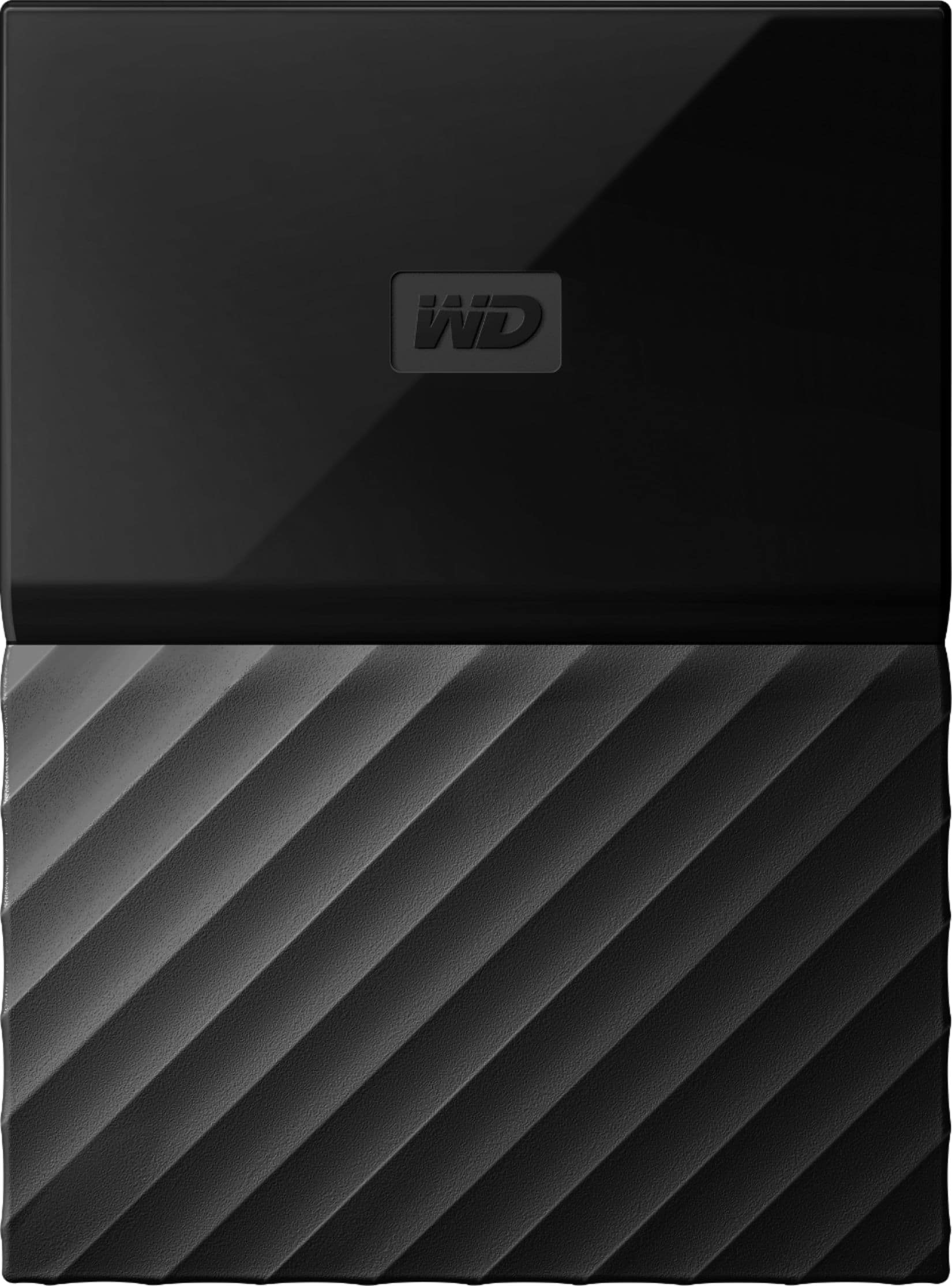
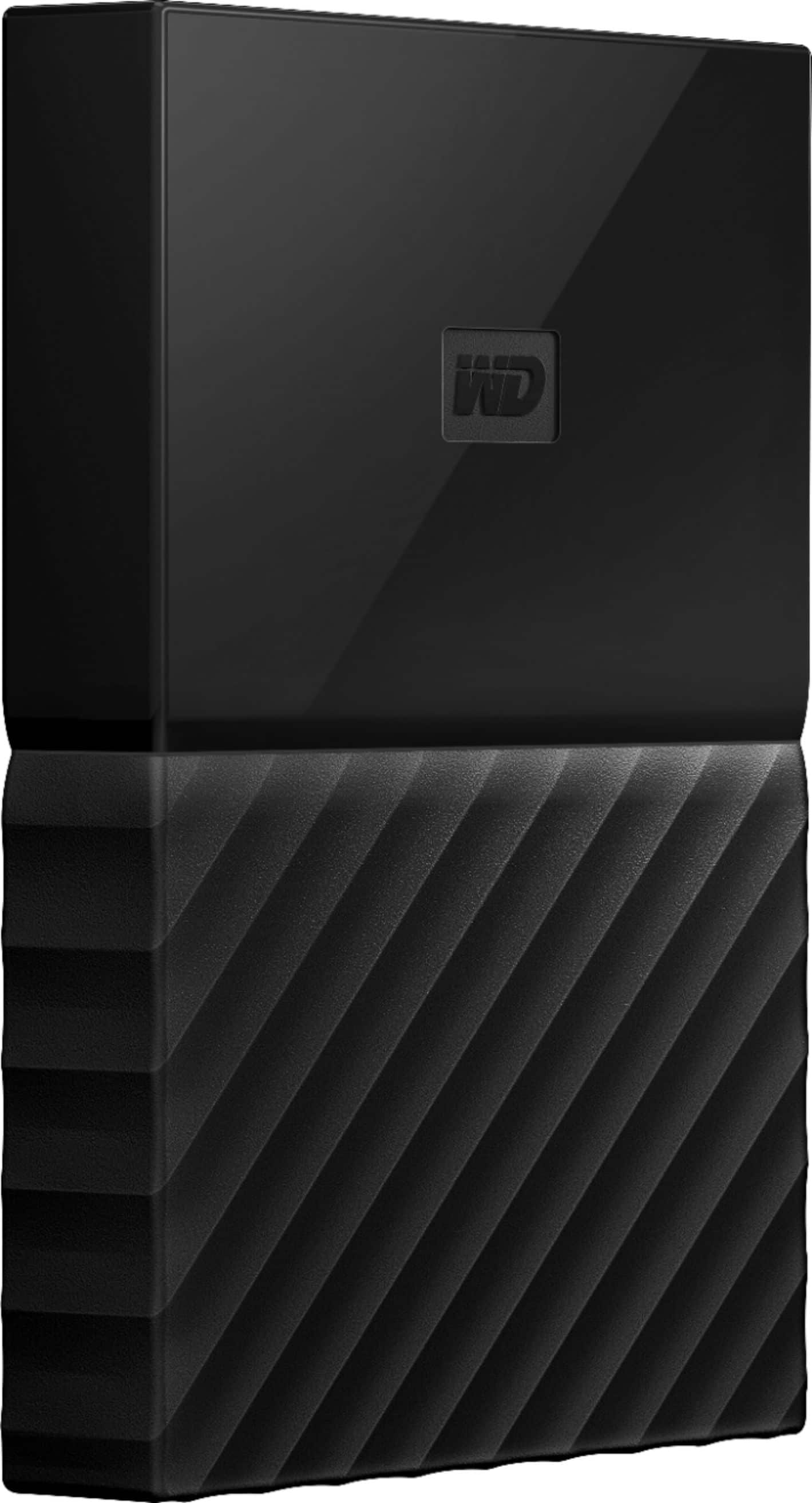
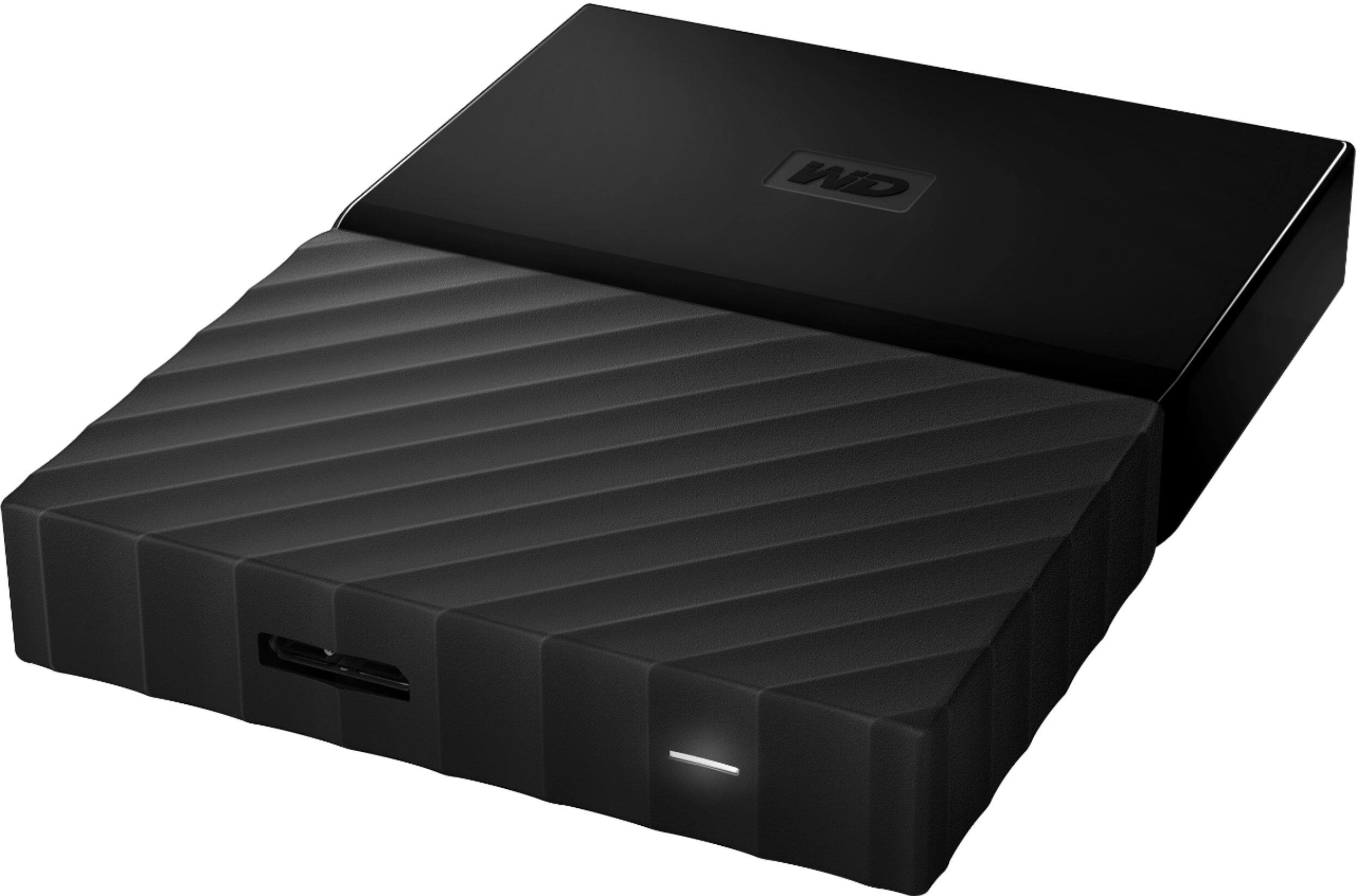
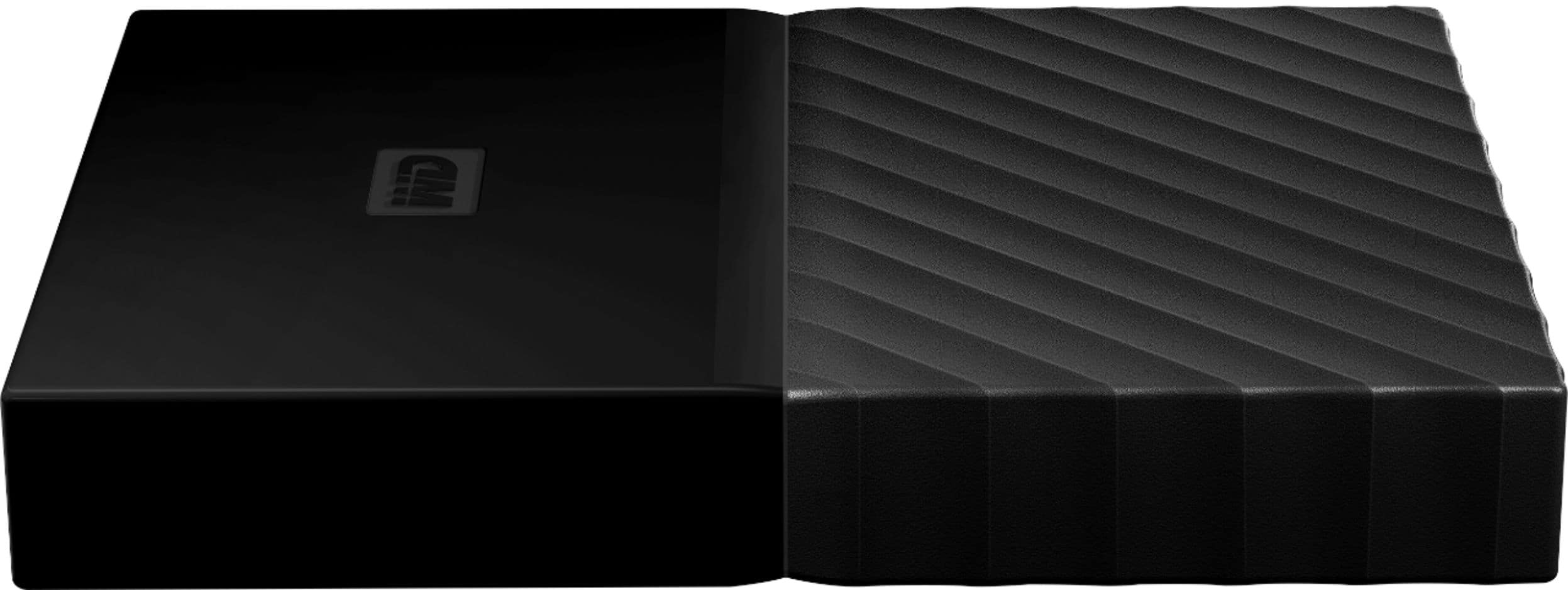
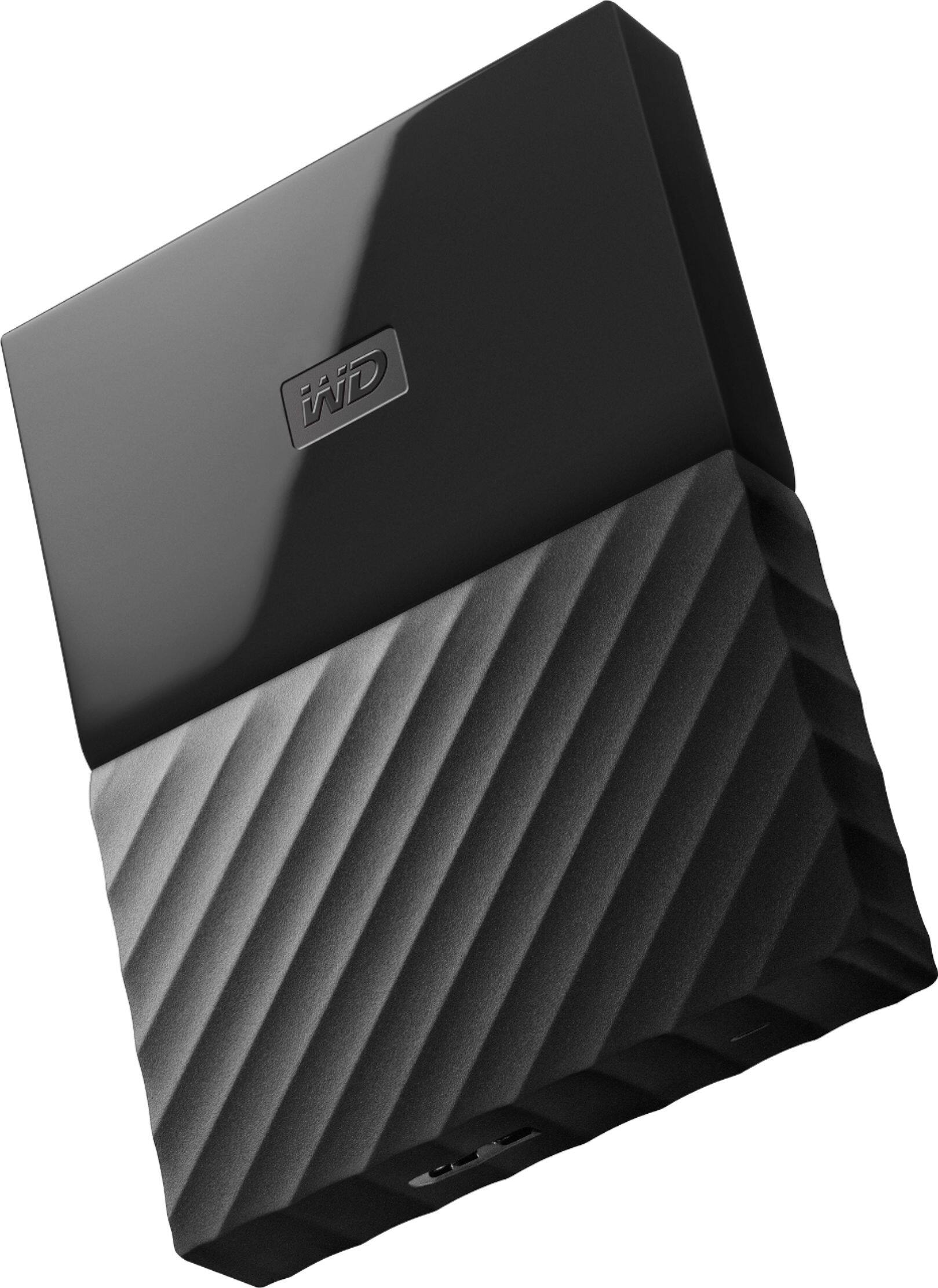
A:AnswerHere are the Features if it helps...
2TB storage capacity
Provides ample space for storing documents, photos, music and more.
USB 3.0 interface
Offers an easy-to-use connection to devices. Backward compatible with USB 2.0 for simple connection to your computer.
Data transfer rates up to 5 Gbps with USB 3.0
Enable a rapid response when updating files.
Automatic backup options
Allow you to use compatible software to back up your files to the server.
Password protection and 256-bit AES hardware encryption
Help keep your files secure.
Portable design
Lets you take your data on the go.
*500GB of WD2go® cloud storage PLUS FILERECOVERY® software included FREE! Only @ BBY
One year cloud storage & Filerecovery license with included WD Discovery software.
A:AnswerI recommend Ashampoo's Backup Pro 12 for an easy-to-use, complete solution to either select files or complete system backup (full or incremental, easily selectable).