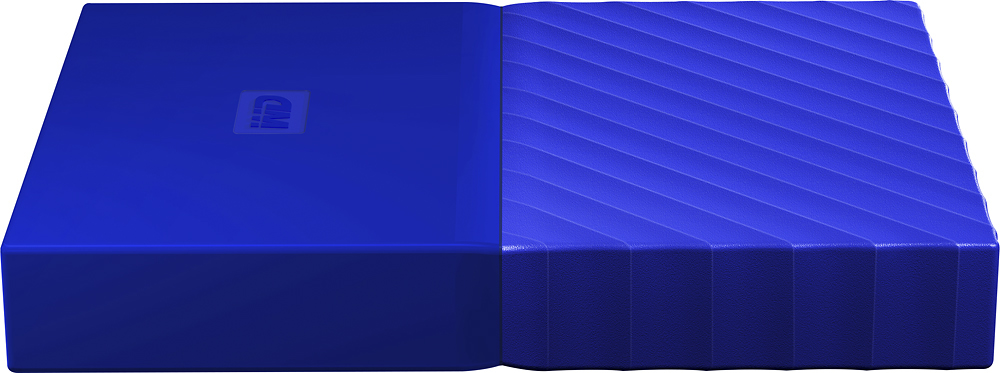
A:AnswerI copied my DVDs to digital and stored over 1000 of them on one of these hard drives. U have to have software to read and copy the DVD’s but this device will store and read for playback.
A:AnswerMine is not USB powered it comes with an AC adapter to plug into the wall!! Without this it will not work. This is all lies. Lies! Cords going everywhere. Power cord for PC USB cord for phone, power cord for external HD USB for hard drive o have 4 cords plugged into my laptop. Be smart. Buy the wireless pro. Dont be like me. I'm dumb.
A:Answeryes. i've used this on a windows 7 computer. Make sure you have a windows version or if you have a mac version, just reformat it to a windows acceptable format
A:AnswerNo. The connection for the device is not compatible with your phone. My suggestion is to connect both your phone and the drive to a computer and copy the files from the phone to the disk drive via the computer. Good luck!
A:AnswerYou have to enable encryption on the drive if you want to use the built in encryption. It just depends on what you want to do. One way is to encrypt the drive using the built in encryption and decrypt once connected to your mac. the other way is to not use the built in encryption and use the mac encryption. The first way is more portable and you can take the drive to other machines and decrypt it. The second way will generally only work with the mac that you used - depending on set up. This is may be if you are using the drive for something like time machine though you should verify that first.
A:AnswerYes,will work with the PS4. That is exactly what I bought it for and it works great. I formatted as per PS and never had Password issues that I am aware of. Hope this helps
A:AnswerThis drive is compatible with smart TVs but it should not have the security enabled. disable it then connect the drive to the TV. i have tried that and it works
A:AnswerI asked the same thing. There is some additional software from WD for auto backup etc.. It wasn't worth the extra money to me. Both drives specs are similar and perform similarly
A:AnswerThis depends on the Blu-ray player. If the Blu-ray player has multi-media support (can play back content from other drives and thumb drives for example) then most likely this will play fine. It's a standard drive, and can be reformatted ahead of use of need be.
A:AnswerWindows 98 does not support USB 3.0 and you will possibly need drivers for the MB that will allow it to use USB2.0. Also Win 98 can see a partition that is FAT32 with a max partition size of 32GB. You will need to partition your WD 4TB so that you have a FAT 32 partition with a max size of 32GB.