Questions & Answers
- Model:
- WDBMWV0015BBK-NESN
- |
- SKU:
- 9377441
Highly rated by customers for: Storage, Ease of use, Size
Page Showing 1-6 of 6 questions
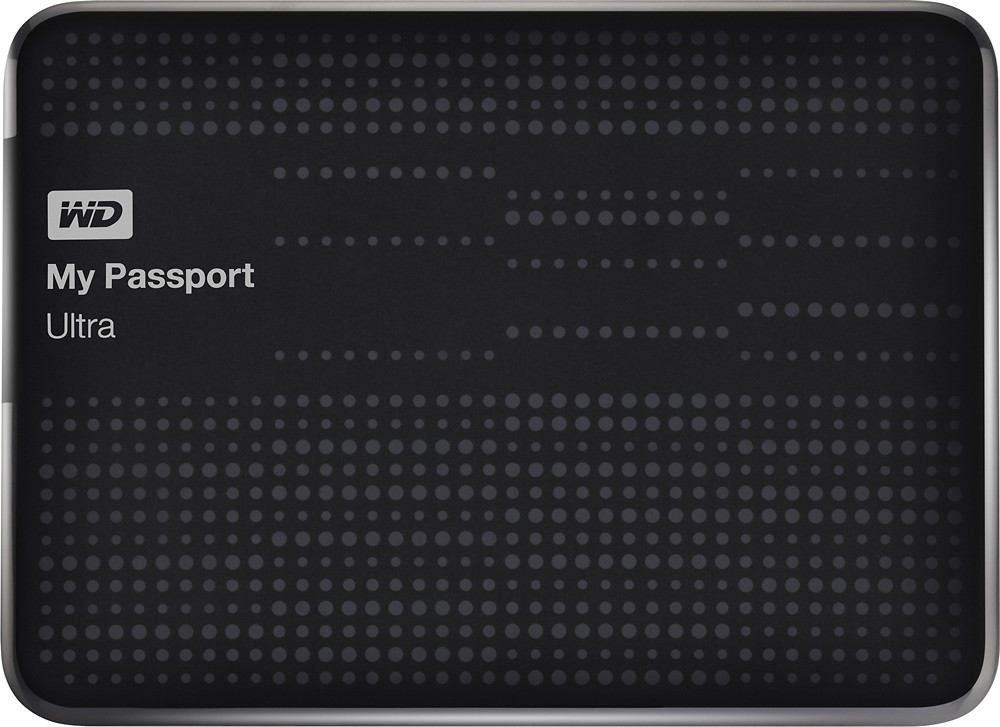
Q: QuestionPower supplyMy question is: does this unit require a separate power supply to run or will it have sufficient power when connected to my computer by the USB cable?
Asked by Tim.
- A:Answer No, this product does not require a separate power supply. It is powered entirely via the USB cable connected to your computer.
Answered by CommunityAnswer
Q: QuestionIs it difficult to reformat for use with a Mac OS X?I will be buying this for my macbook, but I do not know how to reformat it for the Mac OS X. Will it be difficult?
Asked by Anonymous.
- A:Answer No. If you want to reformat it for OSX, you can do so with the Disk Tool. if you want it to be able to read and write to it with a Windows computer also, format it to FAT32, an old Windows format. You can also buy 3rd party software so you can use the modern Windows NTFS format and read and write to it with a Mac or Windows. If you are just using it on Mac, format it for OSX.
Answered by BuckBuck
Q: QuestionfullOnce this is full, does it automatically overwrite or do you have to erase it and start over
Asked by Mingman.
- A:Answer Some of the backup software may do this but if you just use it for file storage no.
Answered by KSouthern
Q: Questioncompatibility with mac book proWhat is required for compatibility with mac book pro with retina display, RFB MBP 13.3/2.6GHZ/8GB/256GB
Asked by Anonymous.
- A:Answer You simply need to format it for Mac. Instructions: 1. Plug the drive into your Mac. Cancel or continue through any warning messages that you get. 2. Go to Applications > Utilities and open Disk Utility 3. On the left, choose the WD Password drive. 4. Click the "Erase" tab on the top. 5. From the Format dropdown menu, choose either Mac OS Extended "journaled" (which is what I chose) or "journaled encrypted" (if you want the data encrypted). You can choose one of the other options if you know what you're doing and have different needs. 6. Give the drive a Name 7. Click the "Erase..." button. It doesn't take long. Once finished, your drive will be formatted for Mac. It will likely pop up a message asking if you want to use the drive for Time Machine automatic backups. That is your choice (research it if you don't know what it is). I chose No because I do my own backups.
Answered by hendridm
Q: QuestionWill this drive work as a DVR with my TV?I had a Seagate DVR Expander that needs to be replaced.
Asked by Joy.
- A:Answer No,it will not. it's not intended to work as DVR.
Answered by alex
Q: QuestionWill this be compatible with the new Windows 10?
Asked by Anonymous.
- A:Answer Yes, it will work fine with future versions of Windows.
Answered by KSouthern
Page 1, Showing 1-6 of 6 questions
Most-viewed items
- $799.99$799.99The price was $1,099.00
- $89.99$89.99The price was $229.99