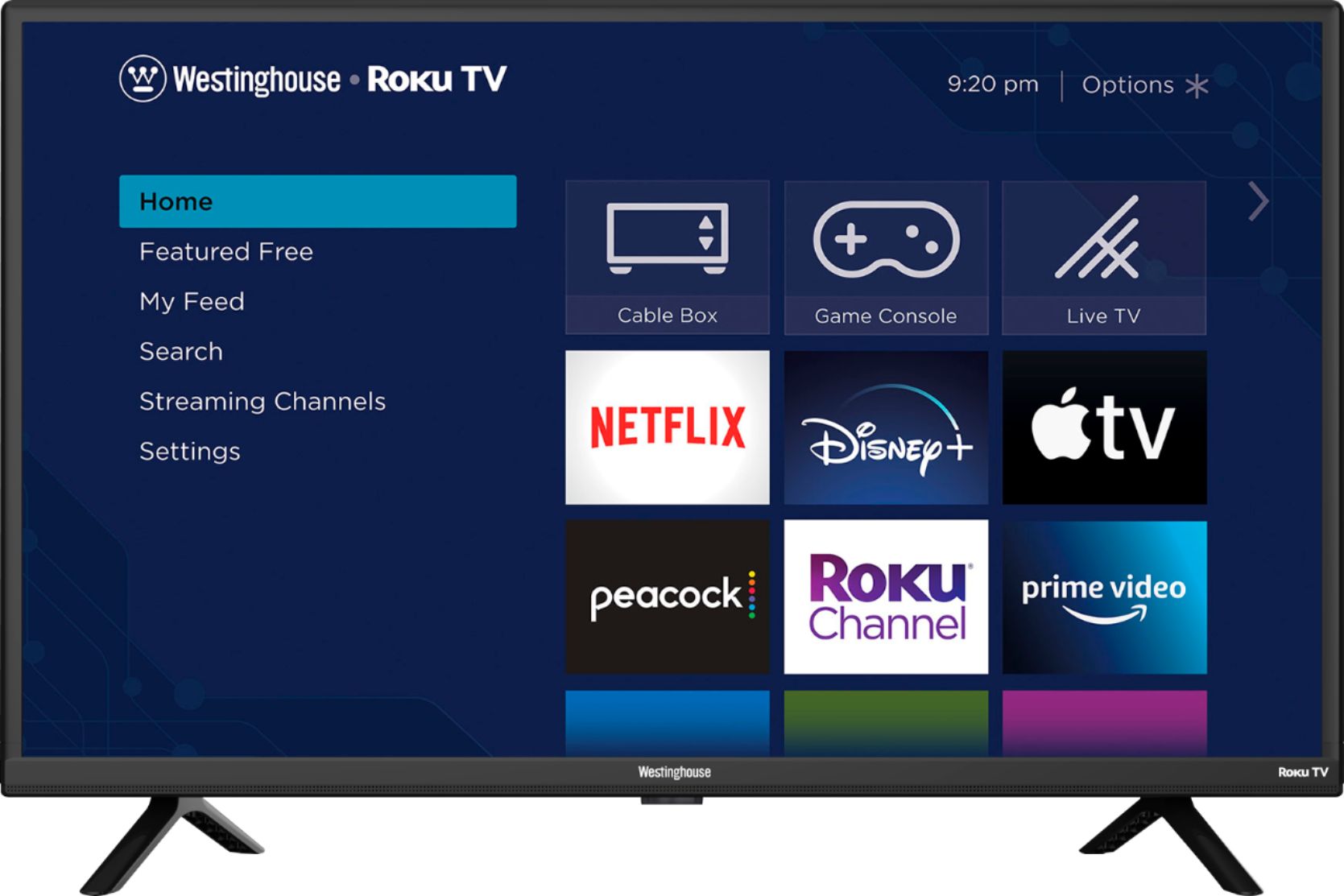
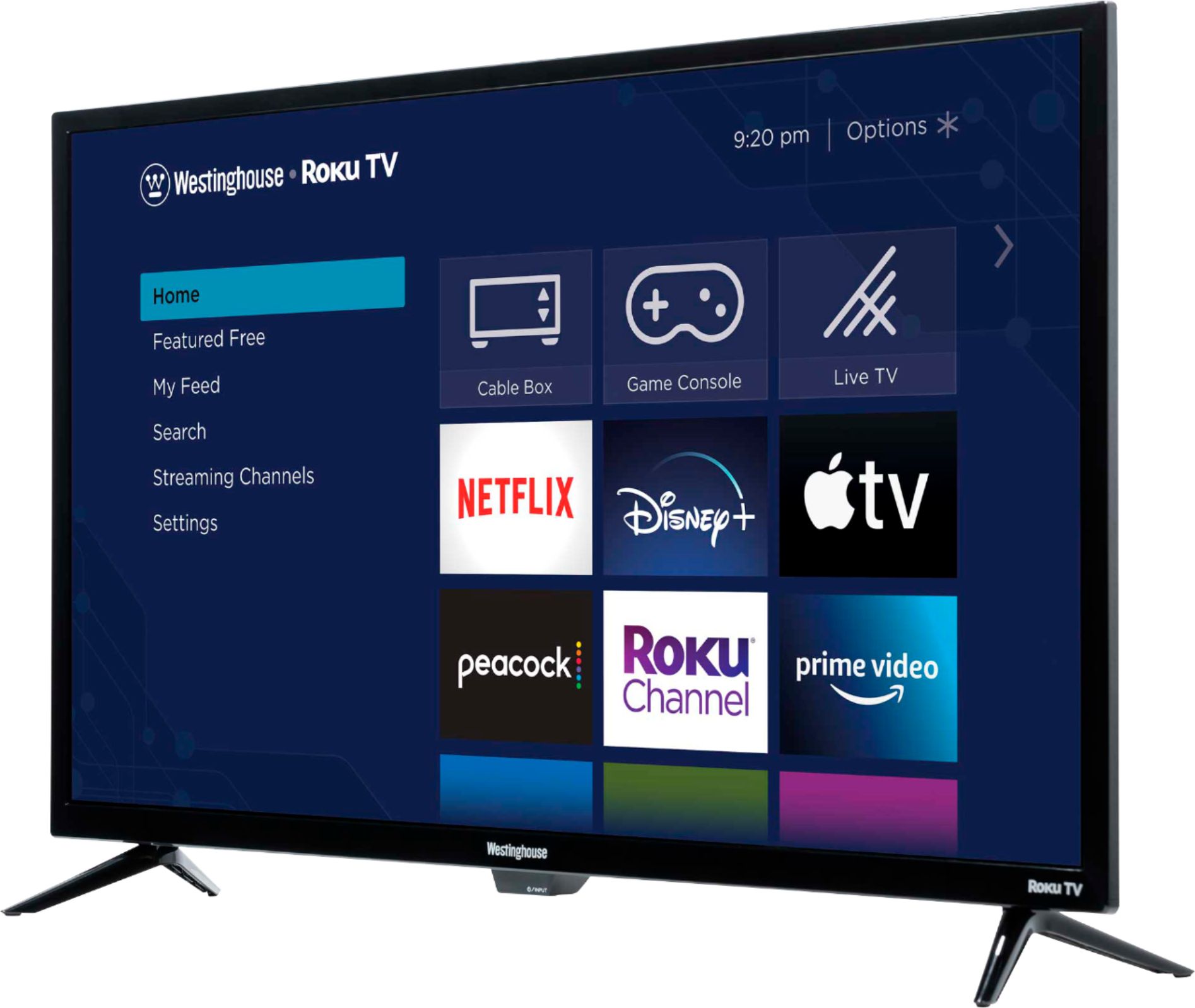
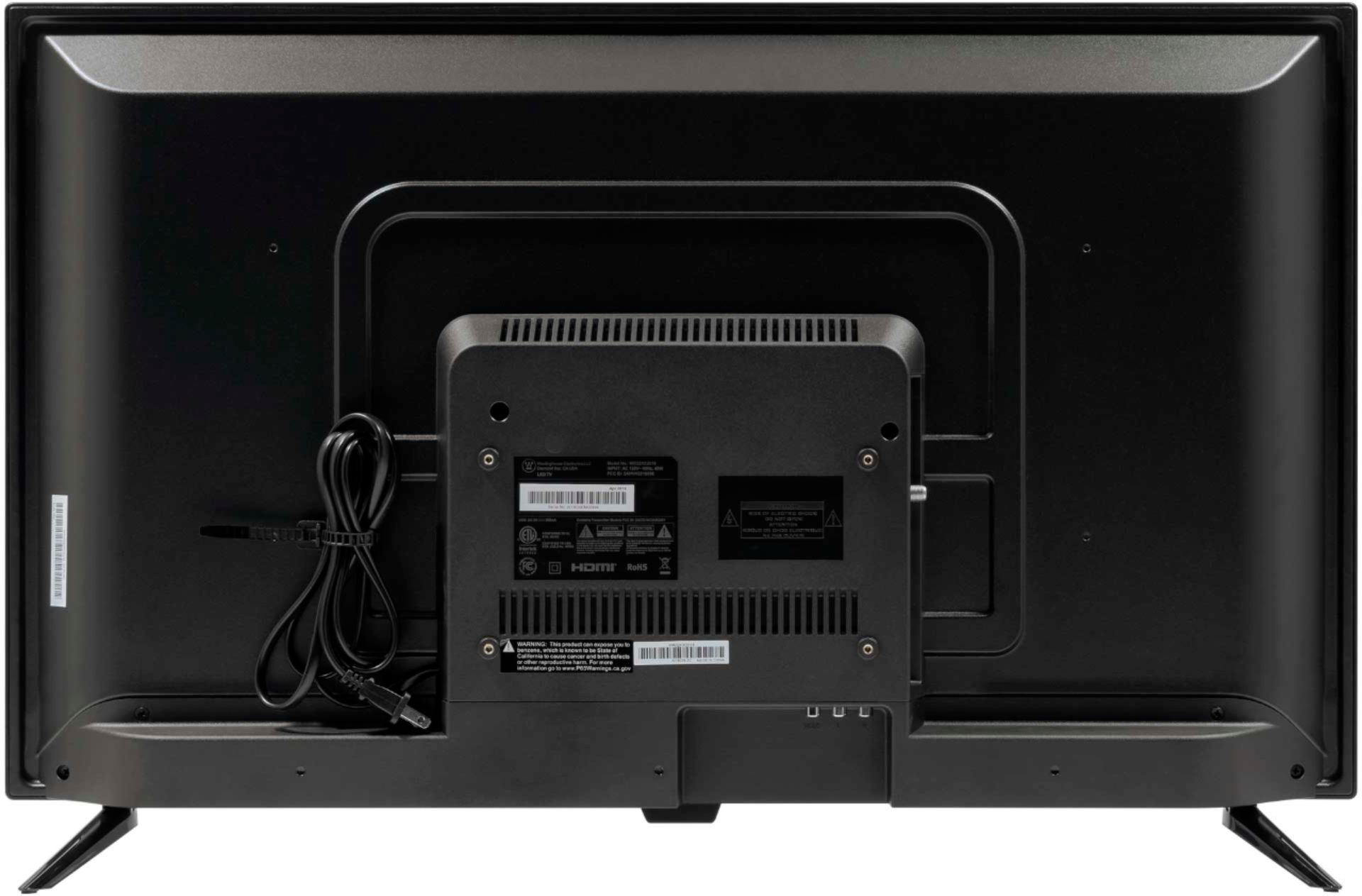
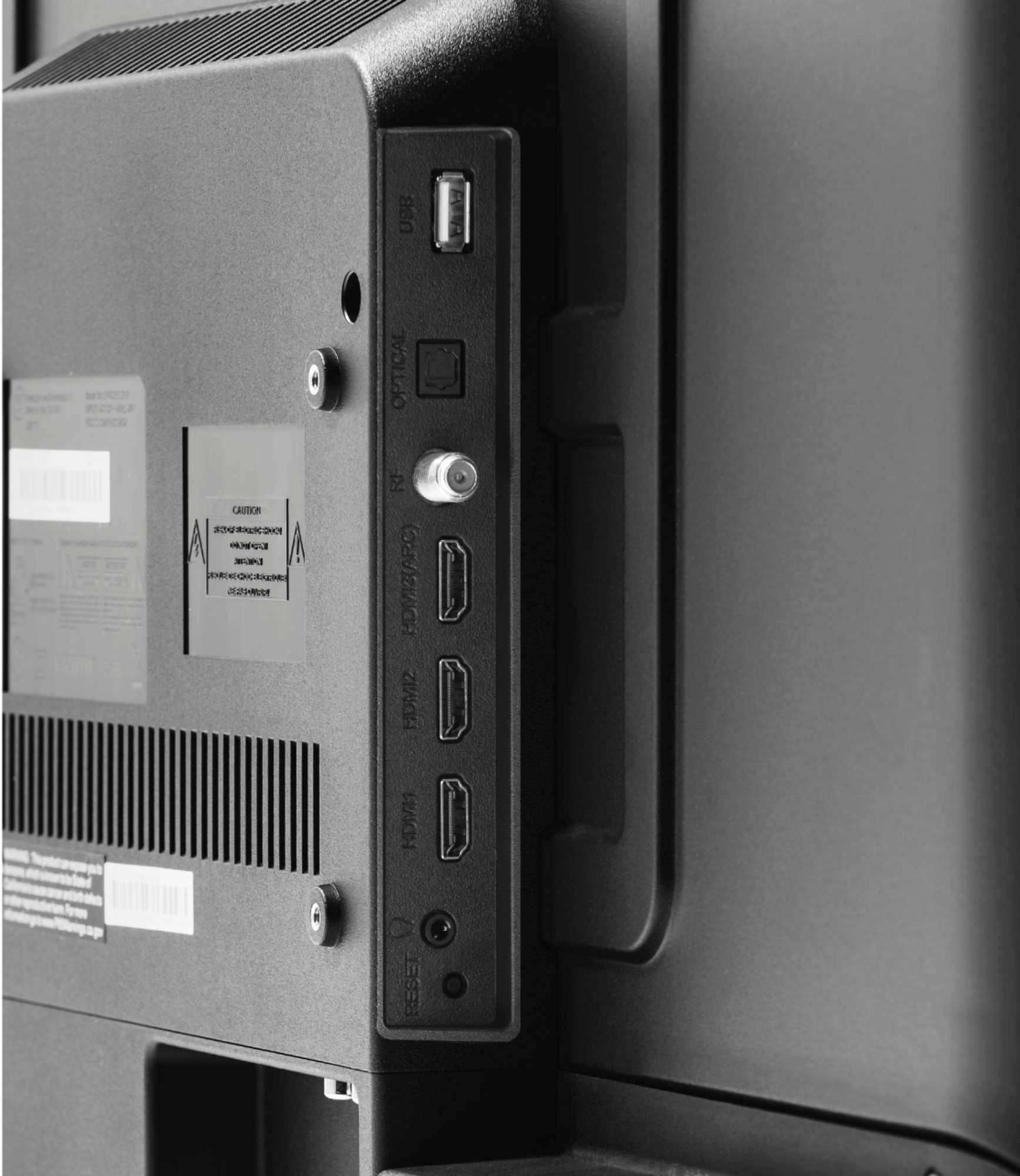
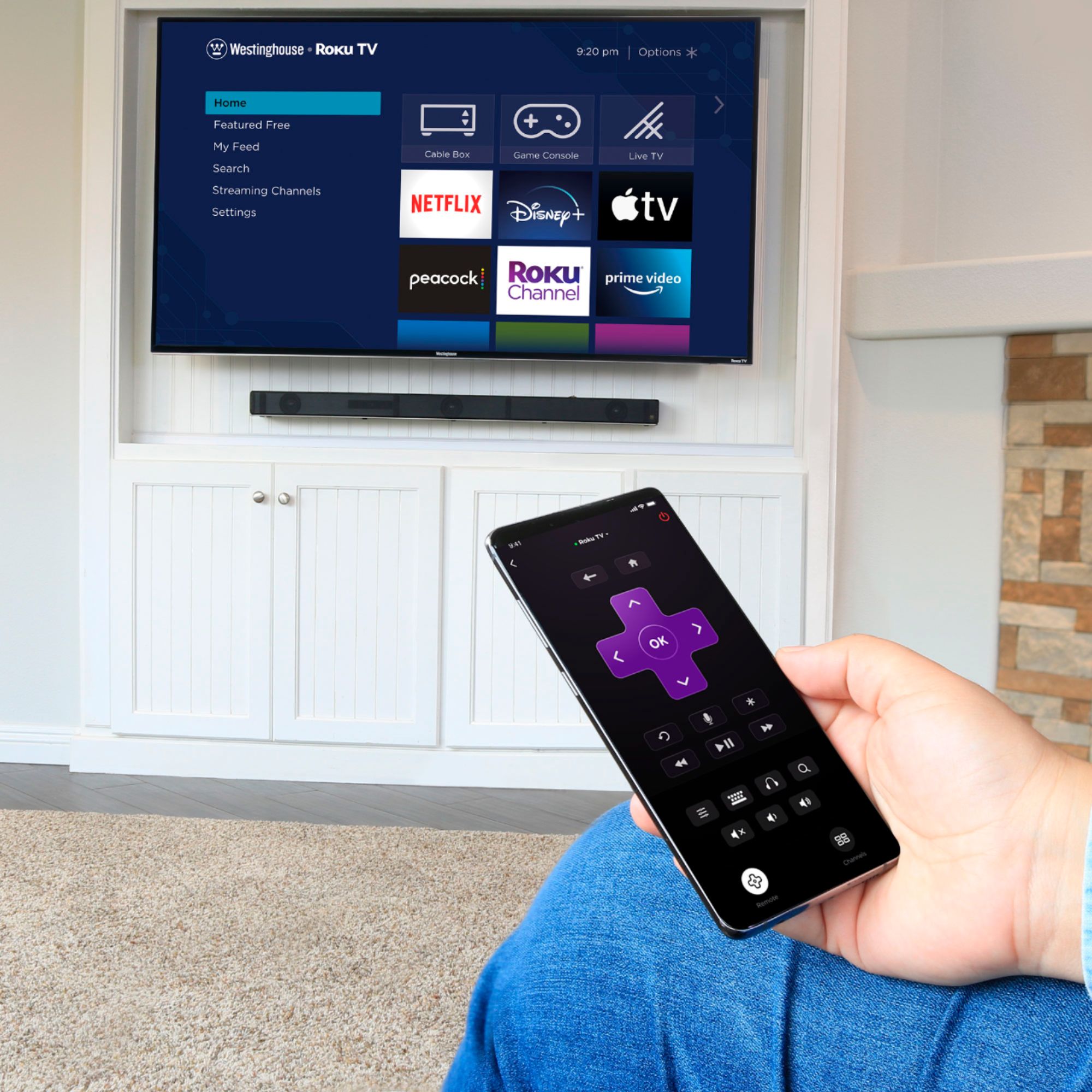
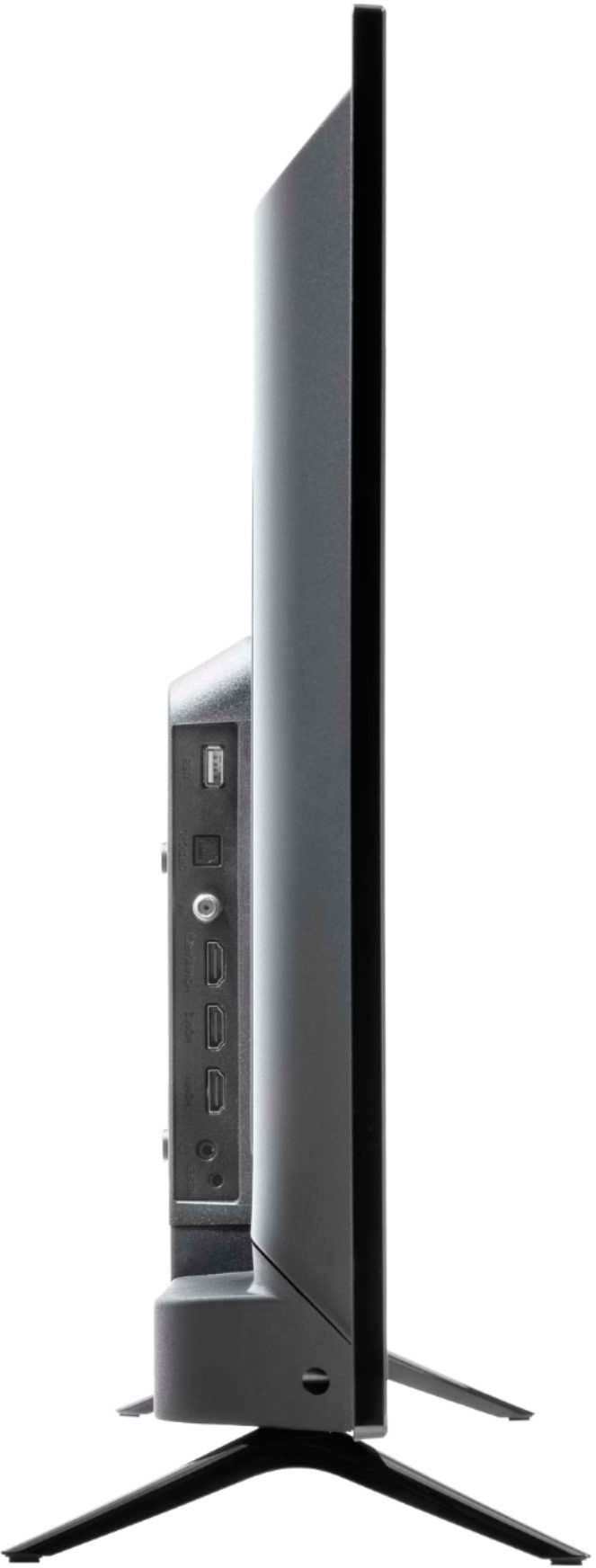
A:AnswerThis TV does not have Bluetooth. If you are trying to listen to the TV through your earbuds or headphones you can download the Roku Mobile app for free and connect your earbuds to the phone via bluetooth and private listen like that. If you are trying to connect a soundbar you can do so through the optical cable or hdmi inputs.
A:AnswerGo to Settings > System > Power > Power on and select “Last used TV input” as the Power On screen. You can select any other inputs as the default power on screen as well from this menu.
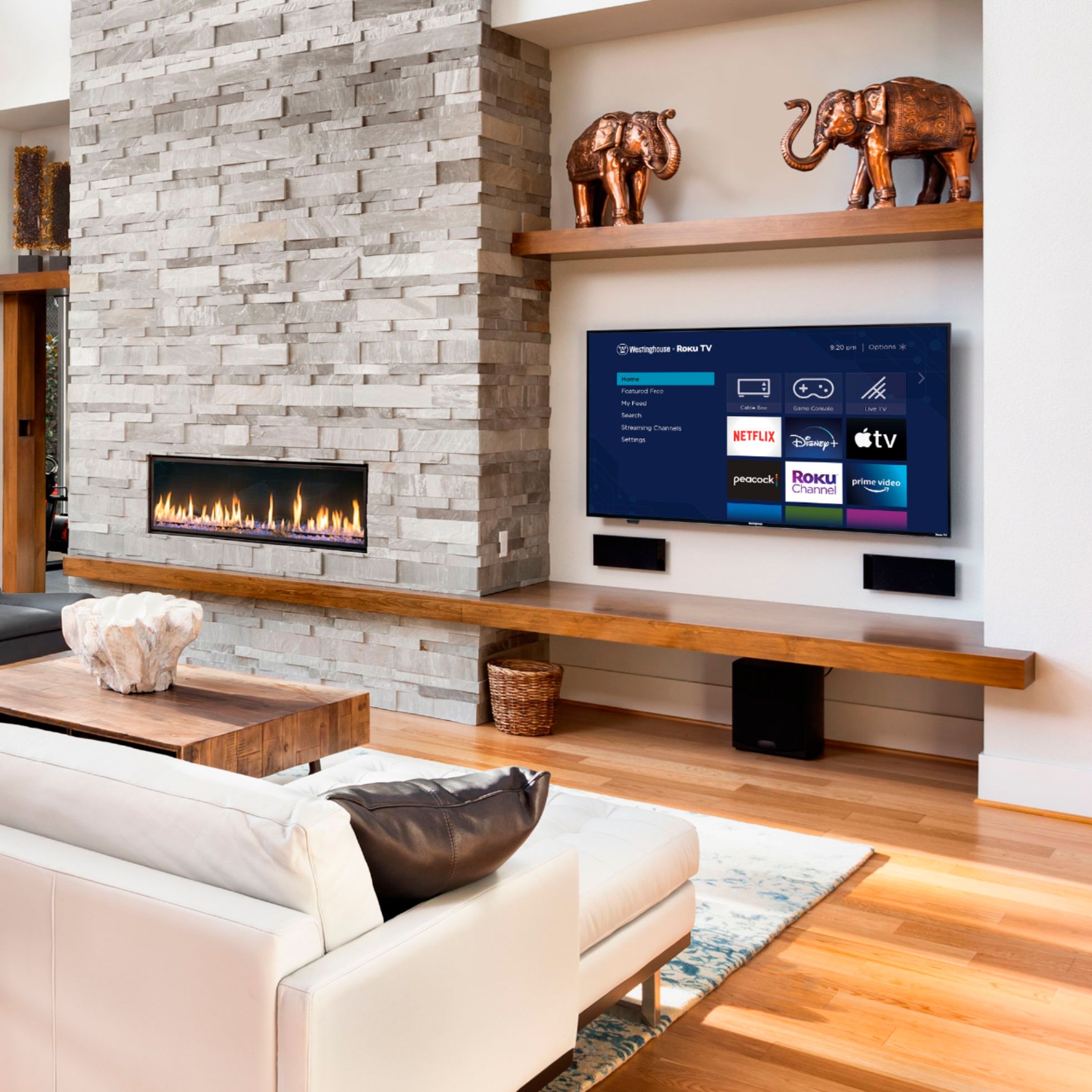
A:AnswerHello! Yes, most wall mounts will work! For further details and specifications regarding this product, please visit our website at www.westinghouseelectronics.com
A:AnswerHello! Yes, you can mount this TV to the wall. For further details and specifications regarding this product, please visit our website at www.westinghouseelectronics.com.
A:AnswerHello! You can use this TV wirelessly. You don't need to be connected directly to the modem. For further details and specifications regarding this product, please visit our website at www.westinghouseelectronics.com.
A:AnswerI bought a cheap $18 one at Walmart and through it up on the wall and it turns side to side and everything and it’s very light so any if u wanna go cheap go to a electronics store and they should have one
A:AnswerHello! Yes, you would be able to by using a digital antenna. For further details and specifications on this product, please visit our website at www.westinghouseeletcronics.com