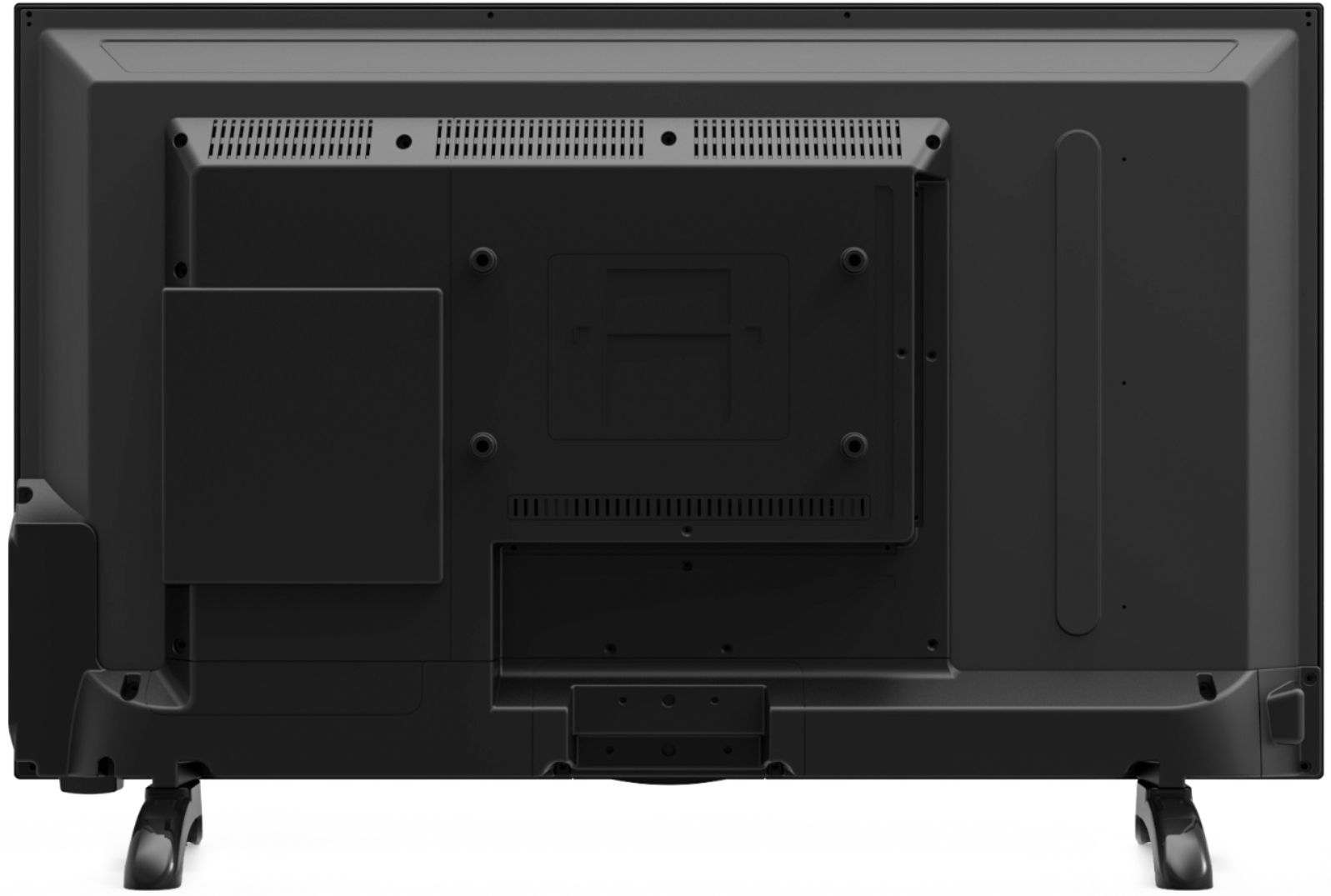
A:AnswerHi, we can provide replacement screws for your TV stand! Please contact our customer support team at 1-800-701-0680 so they can further assist you or you may chat with our team! Simply click on the following link: https://westinghouseelectronics.com/support/. Our customer support team is available 24/7.
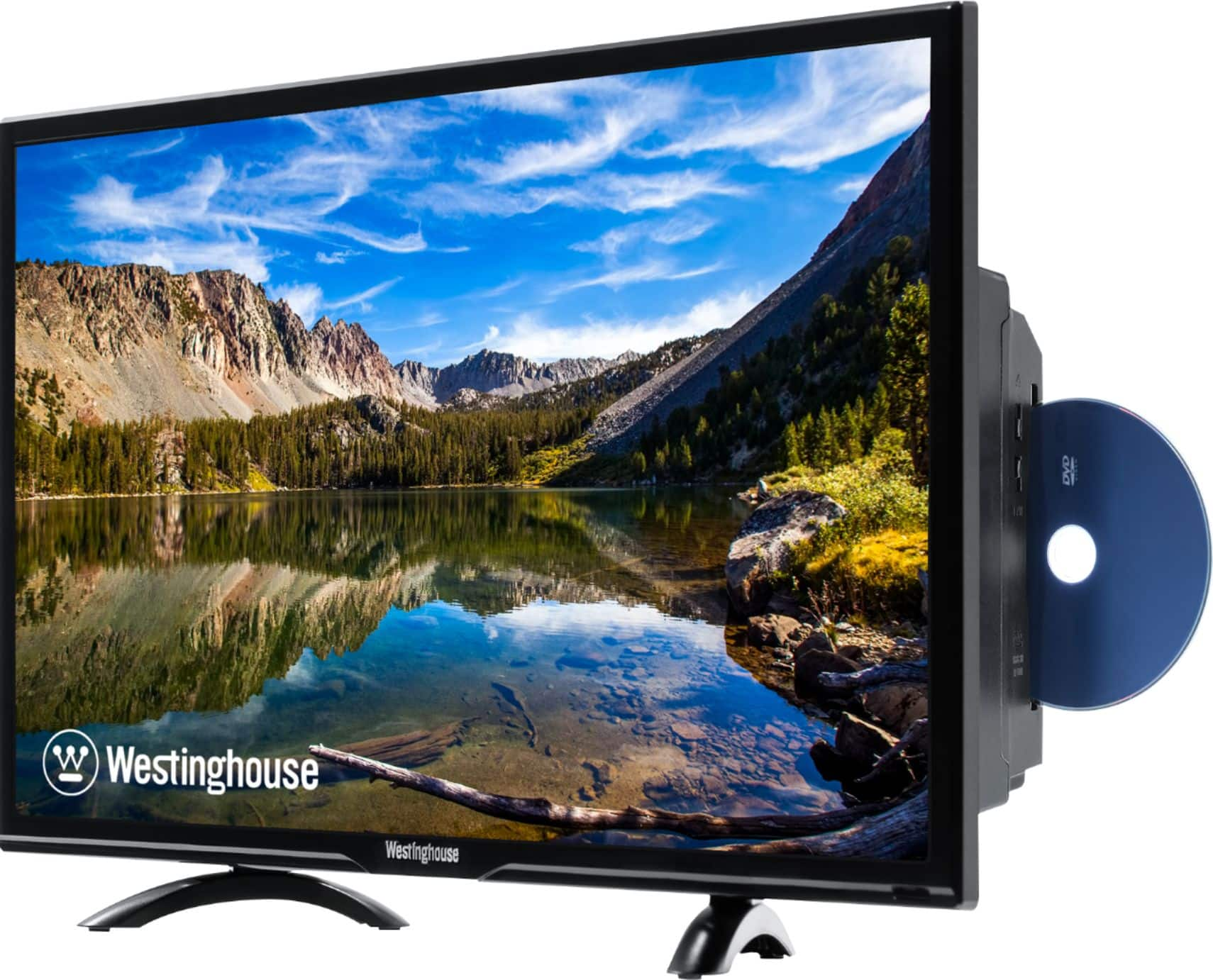
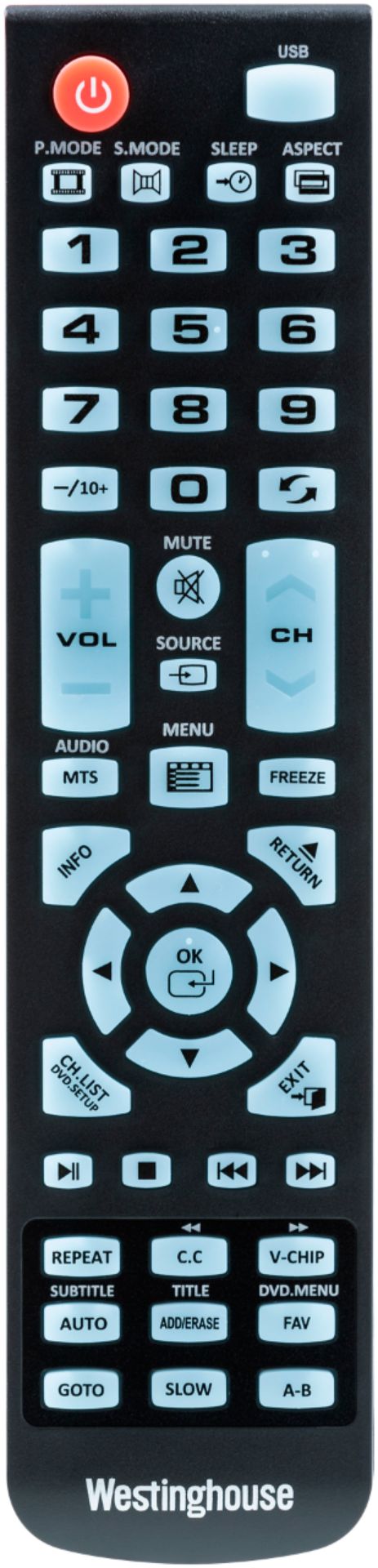
A:AnswerI went to the Westinghouse website as suggested and downloaded the user manual. This unit does not allow programming the DVD for play. Just wanted to update in case someone else had the same question.
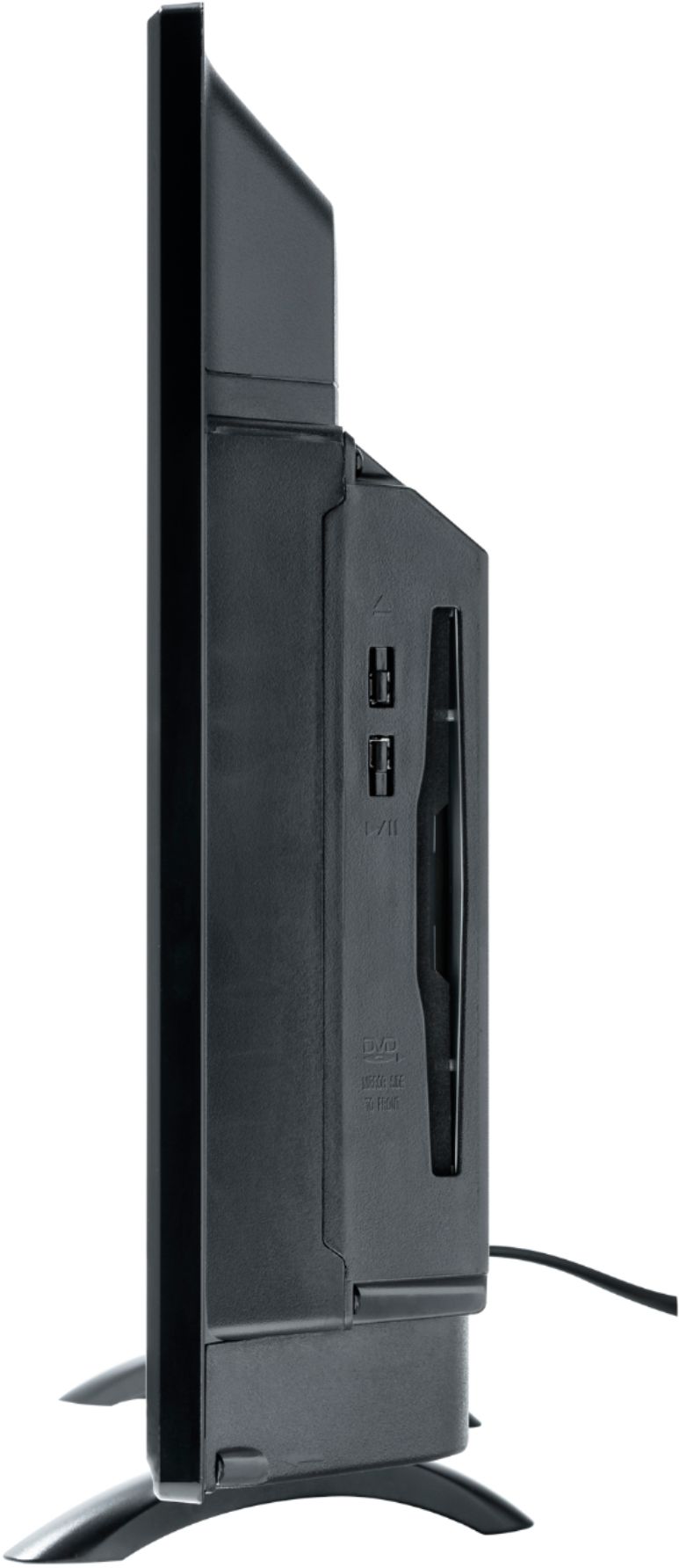
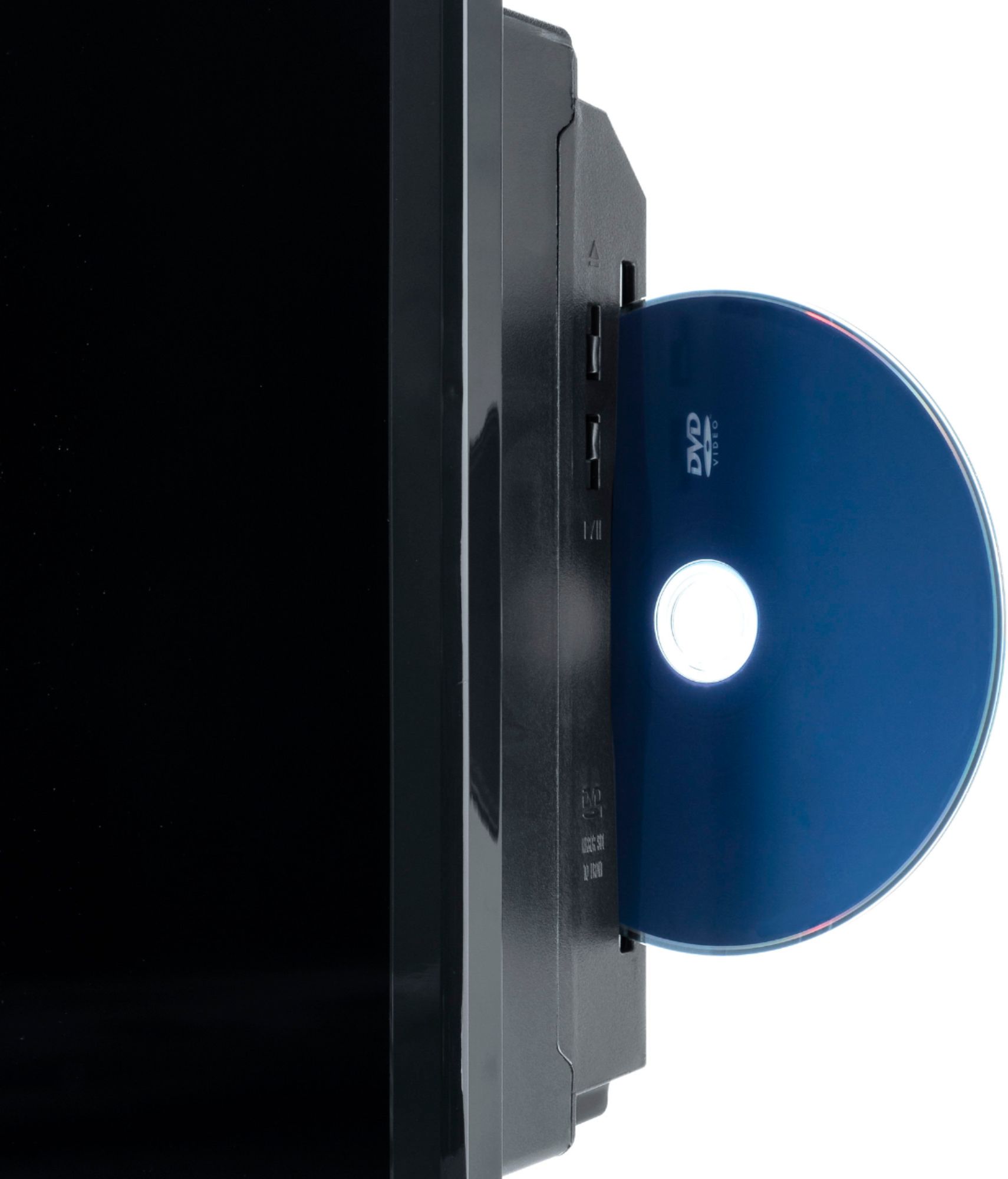
A:AnswerHi, unfortunately we don't have any products that would read blu-ray disks. All of our TV/DVD combo TV's read only regular DVD's. For further questions please contact our customer support team at 1-800-701-0680 or you may chat with our team! Simply click on the following link: https://westinghouseelectronics.com/support/
A:AnswerI am sorry to hear that you are having difficulties. Please contact our customer support team at 1-800-701-0680 or you may chat with our team! Simply click on the following link: https://westinghouseelectronics.com/support/
A:AnswerIt should be able to. Please contact our customer support team at 1-800-701-0680 or you may chat with our team! Simply click on the following link: https://westinghouseelectronics.com/support/
A:AnswerPlease contact our customer support team at 1-800-701-0680 or you may chat with our team! Simply click on the following link: https://westinghouseelectronics.com/support/
A:AnswerYou may contact our customer support team at 1-800-701-0680 or you may chat with our team for further questions! Simply click on the following link: https://westinghouseelectronics.com/support/
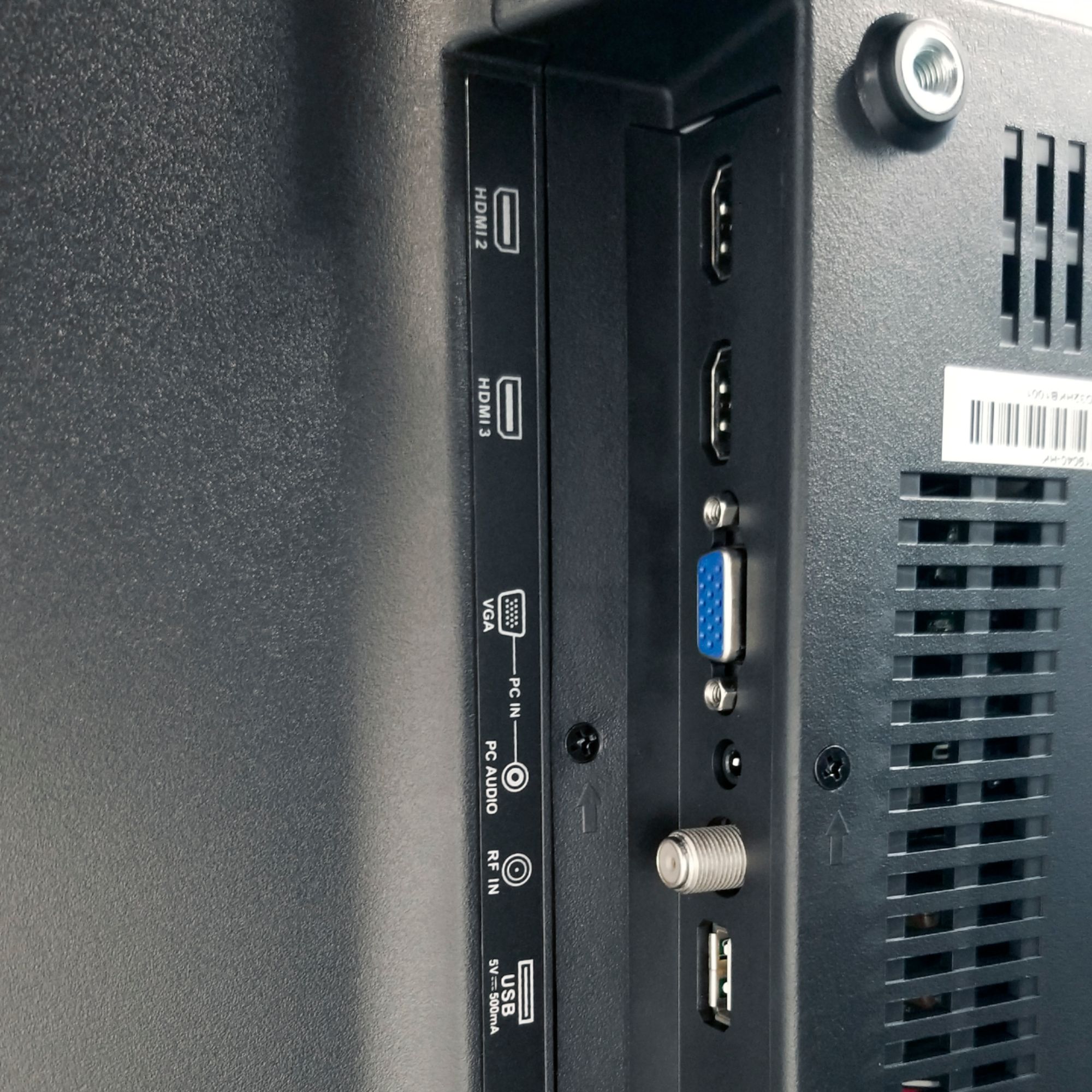
A:AnswerYou would need to connect the TV with an HDMI cable. Other than that you wouldn't be able because it is not a smart TV and has no bluetooth capabilities.