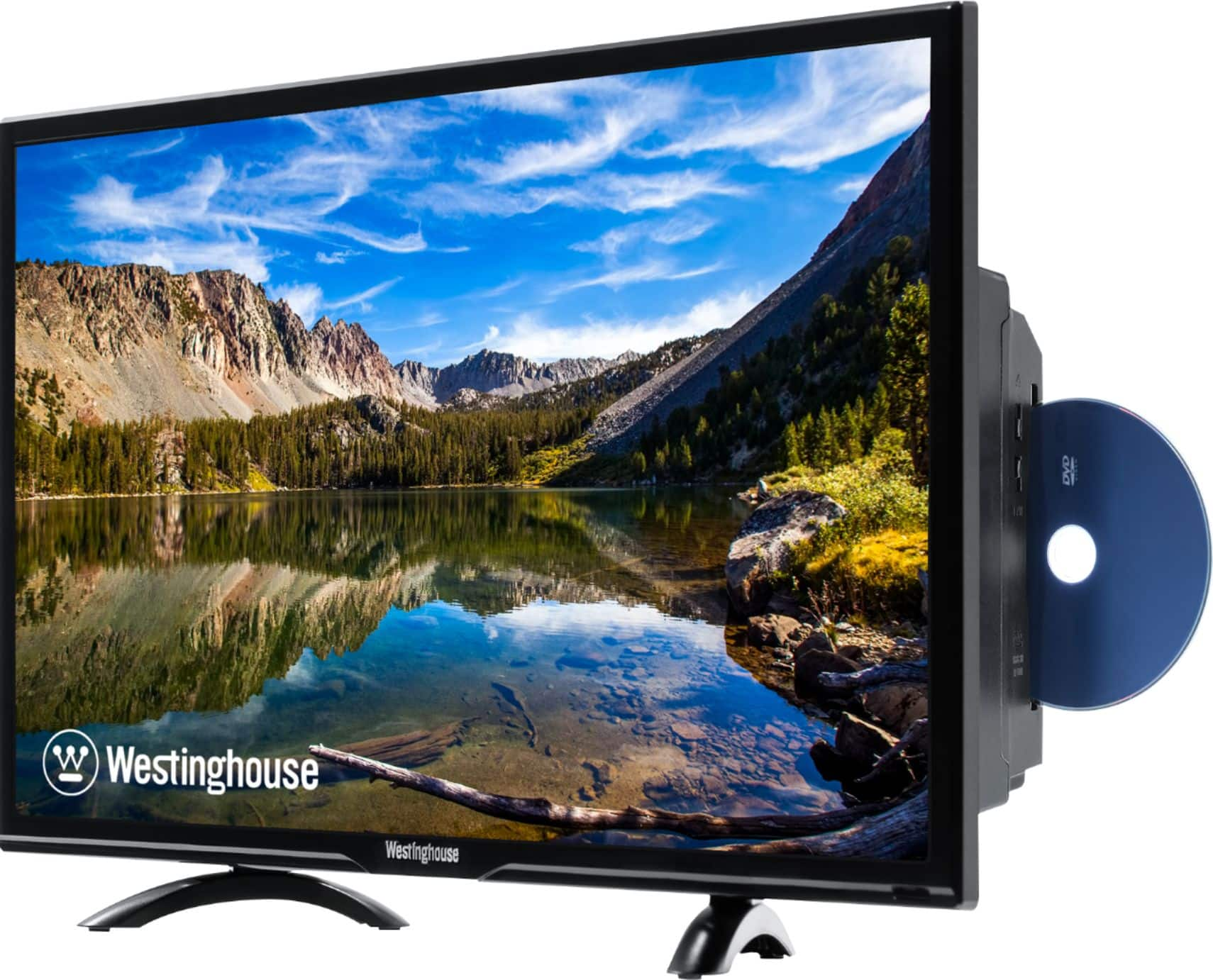
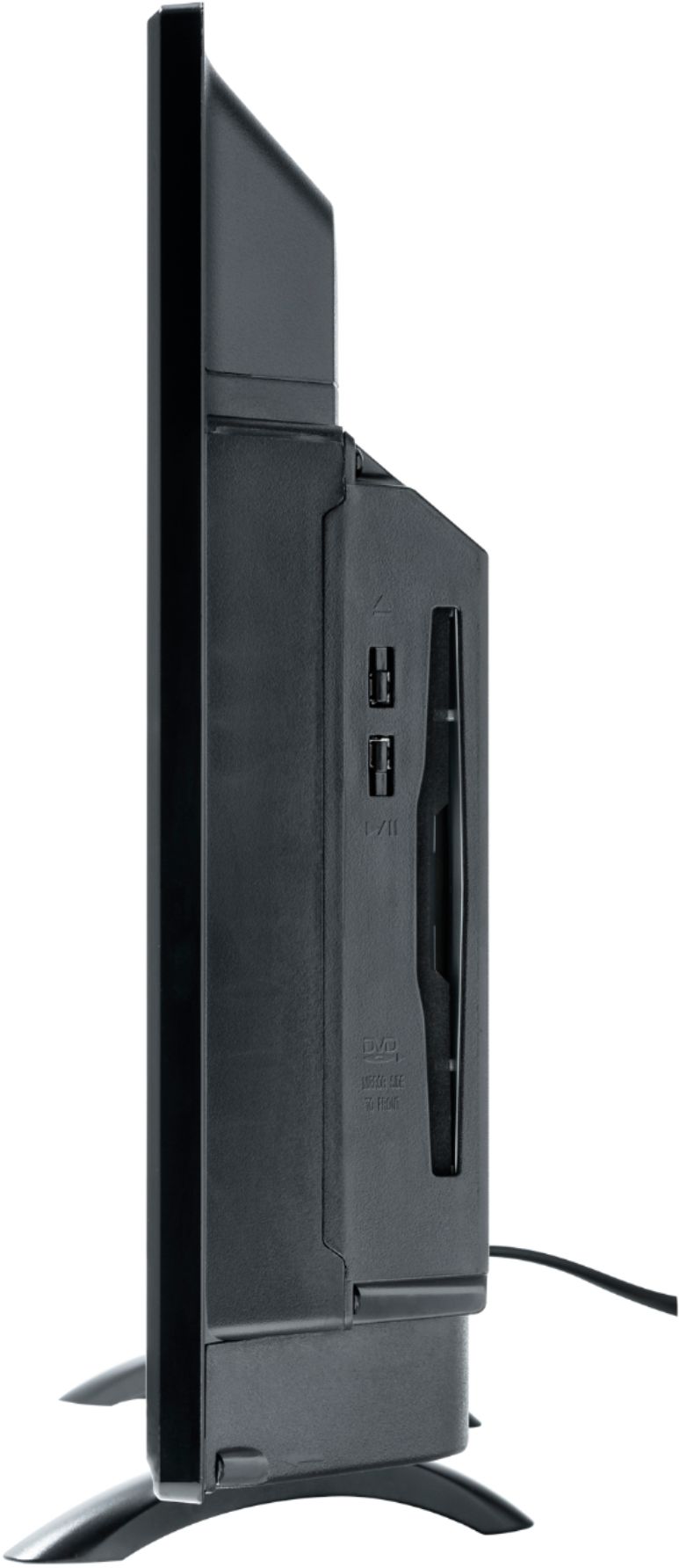
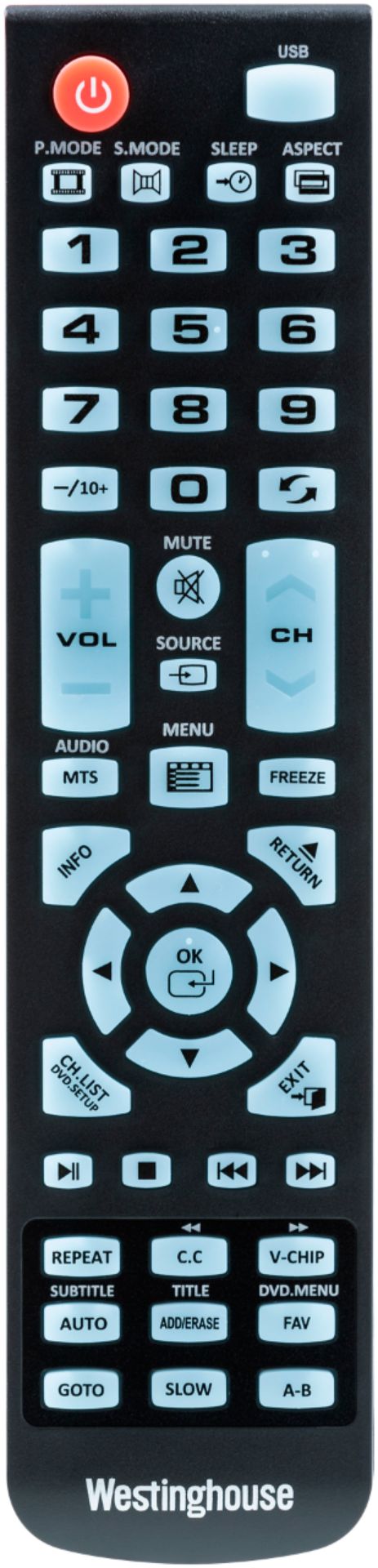
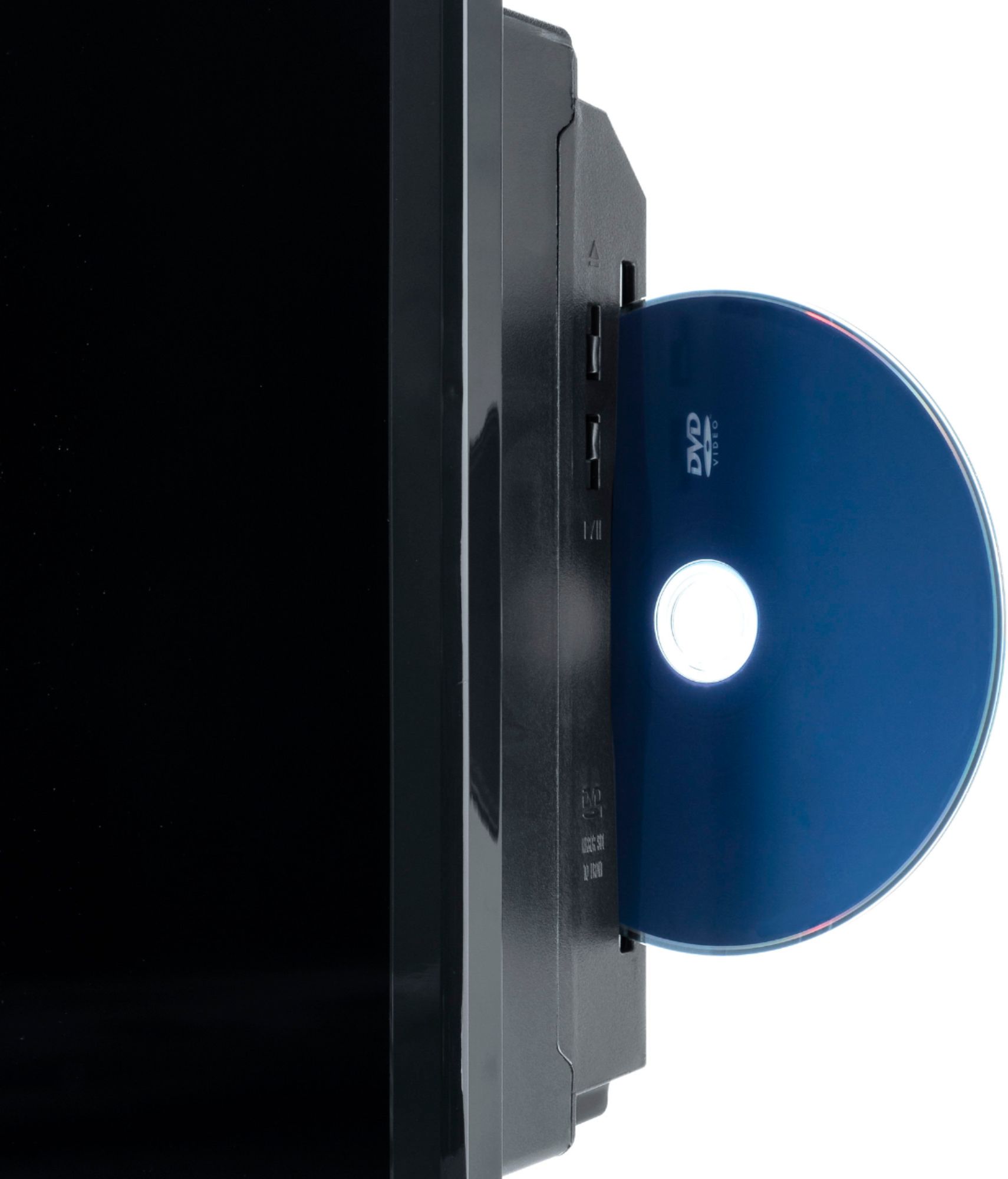
A:AnswerHave you tried accessing the DVD Menu from the remote? It is near the bottom left of the remote and is the same button as CH.LIST. I believe it is only available when you are in DVD mode.
A:Answerthis is not a sophisticated system. I has built in speakers, one of the "musts" that I needed..It didn't need any adjustments. I think if you are looking for something complicated, this may not be the one for you. It is perfect for me.
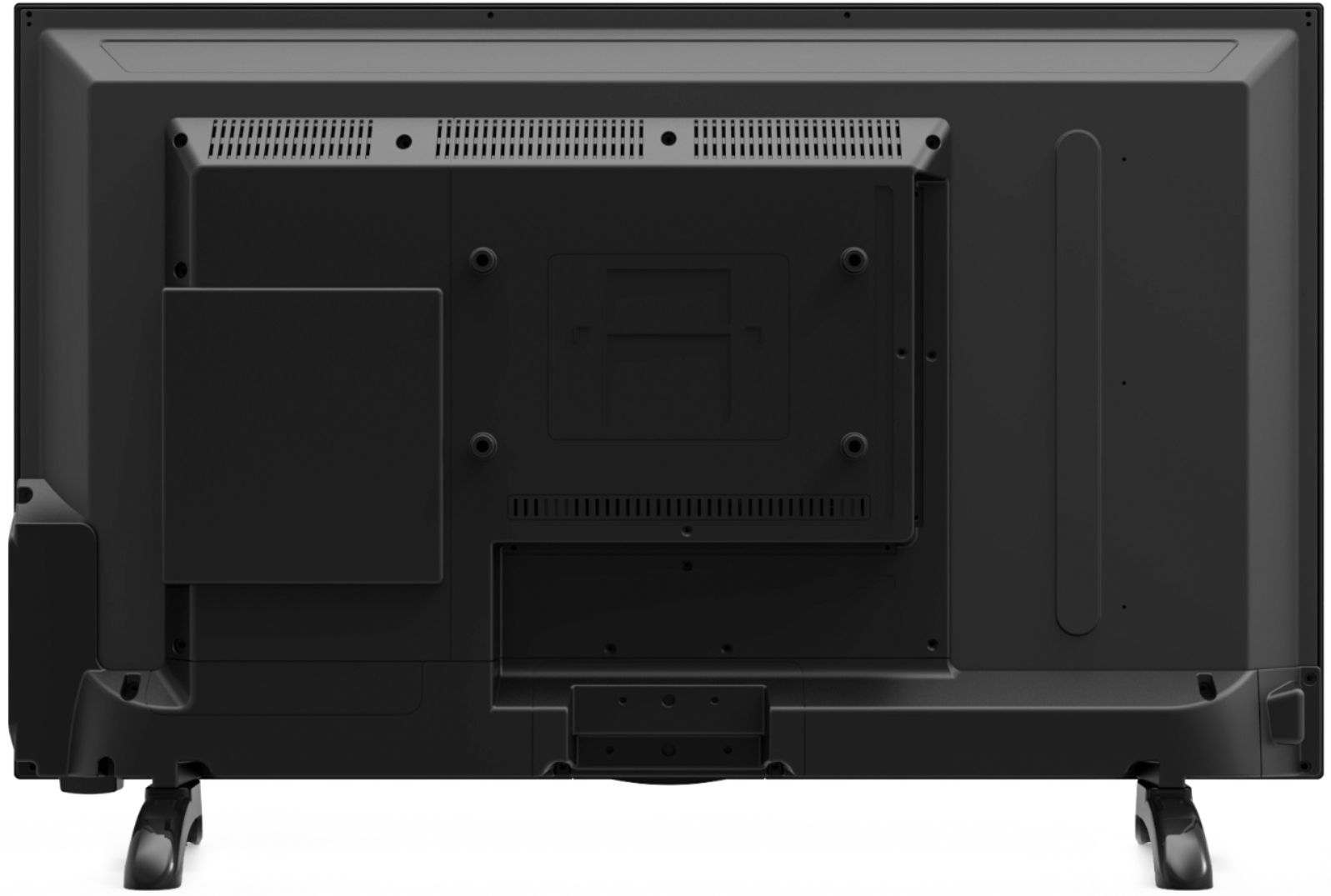
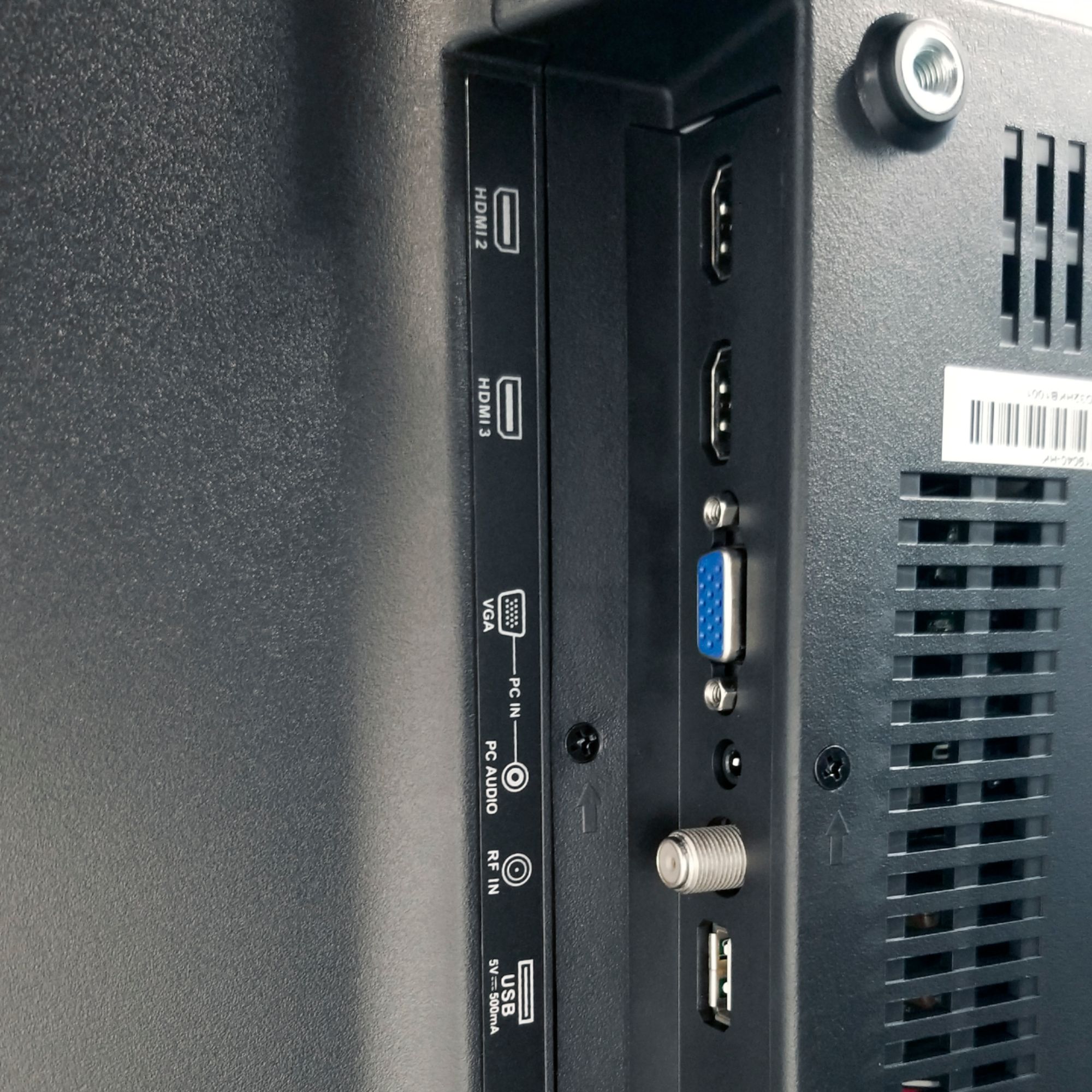
A:AnswerAccording to the specifications it can be mounted to a TV stand. This is what it says on this Best Buy site:
Wall Mountable Yes
VESA Wall Mount Standard
200mm x 100mm
I purchased a tall freestanding TV stand so I don't have to put holes in the wall but will hold it 48 inches (middle of the back of the TV) high.
The instructions for the tall freestanding TV stand says this:
Universal VESA mounting
The bracket fits any VESA pattern on the back of your TV between 75x75mm to 200x200mm including the following common patterns:
75mm x 75mm
100mm x 100mm
200mm x 100mm
200mm x 200mm
These are the standards you should compare.
A:AnswerHello! You can definitely use this TV for photos and music by inserting your flash drive. For further details and specifications regarding this product, please visit our website at www.westinghouseelectronics.com
A:AnswerHello! By pressing the "repeat" button on your remote, it will repeat the disc you have inserted! For further details and specifications regarding this product, please visit our website at www.westinghouseelectronics.com
A:AnswerWe sincerely apologize for any inconvenience. We would love to help further. Please contact our customer support manager directly at [email protected]. We look forward to hearing from you and making it right!