Questions & Answers
- Model:
- WD32HKB1001
- |
- SKU:
- 5872505
Highly rated by customers for: Picture Quality, DVD Player, Ease of use
Page Showing 341-350 of 350 questions
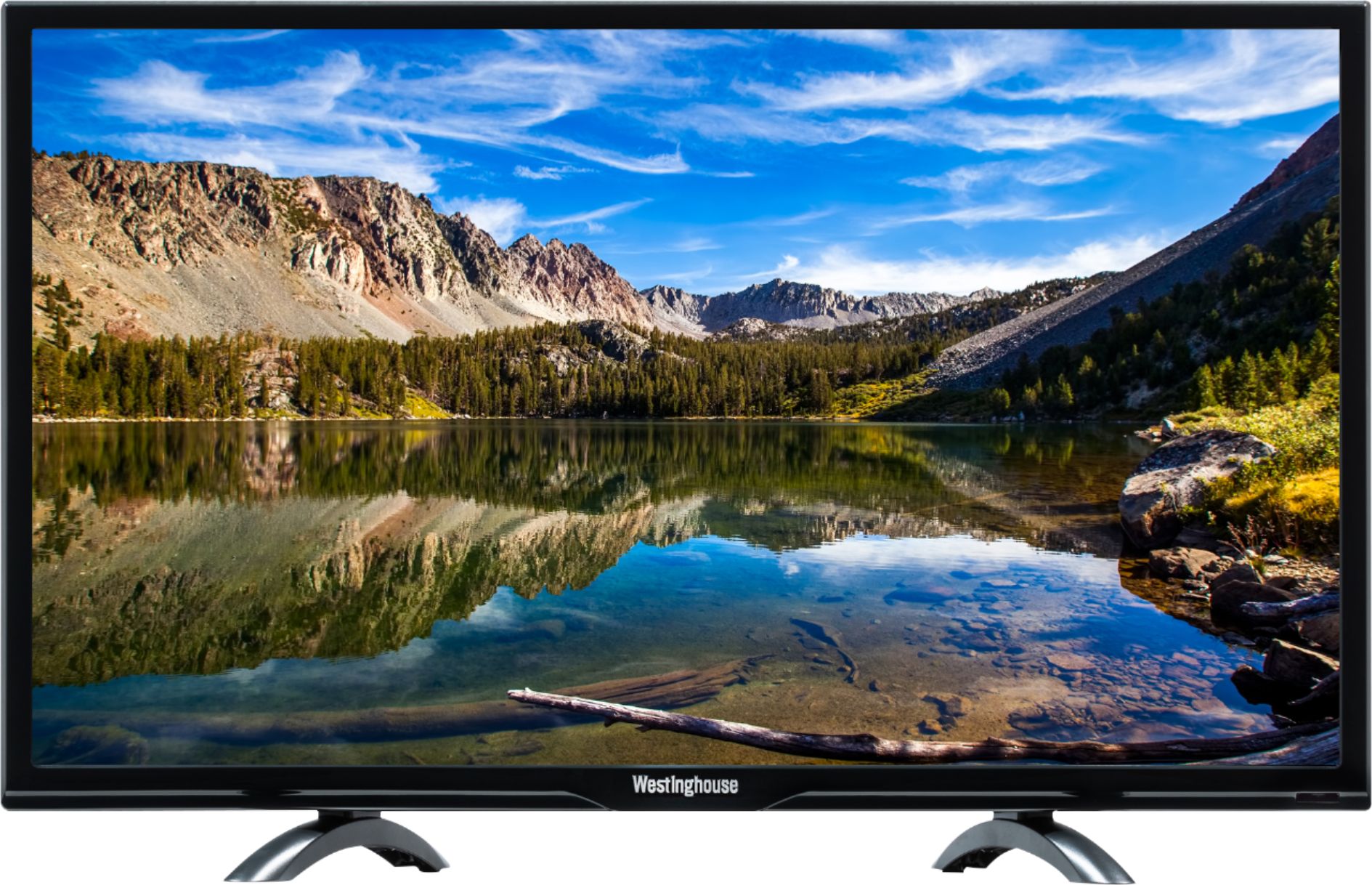
Q: QuestionWhat are the overall dimensions for this model as well as the 24" model?
Asked by Jbfretiree.
- A:Answer The dimensions are 18.9 x 8.2 x 28.8 inches.
Answered by CommunityAnswer
Q: QuestionDoes this use A 12 volt step-down power inverter plug as a power cord?
Asked by Anonymous.
- A:Answer The power supply is AC 120/230 V 50/60 Hz.
Answered by CommunityAnswer
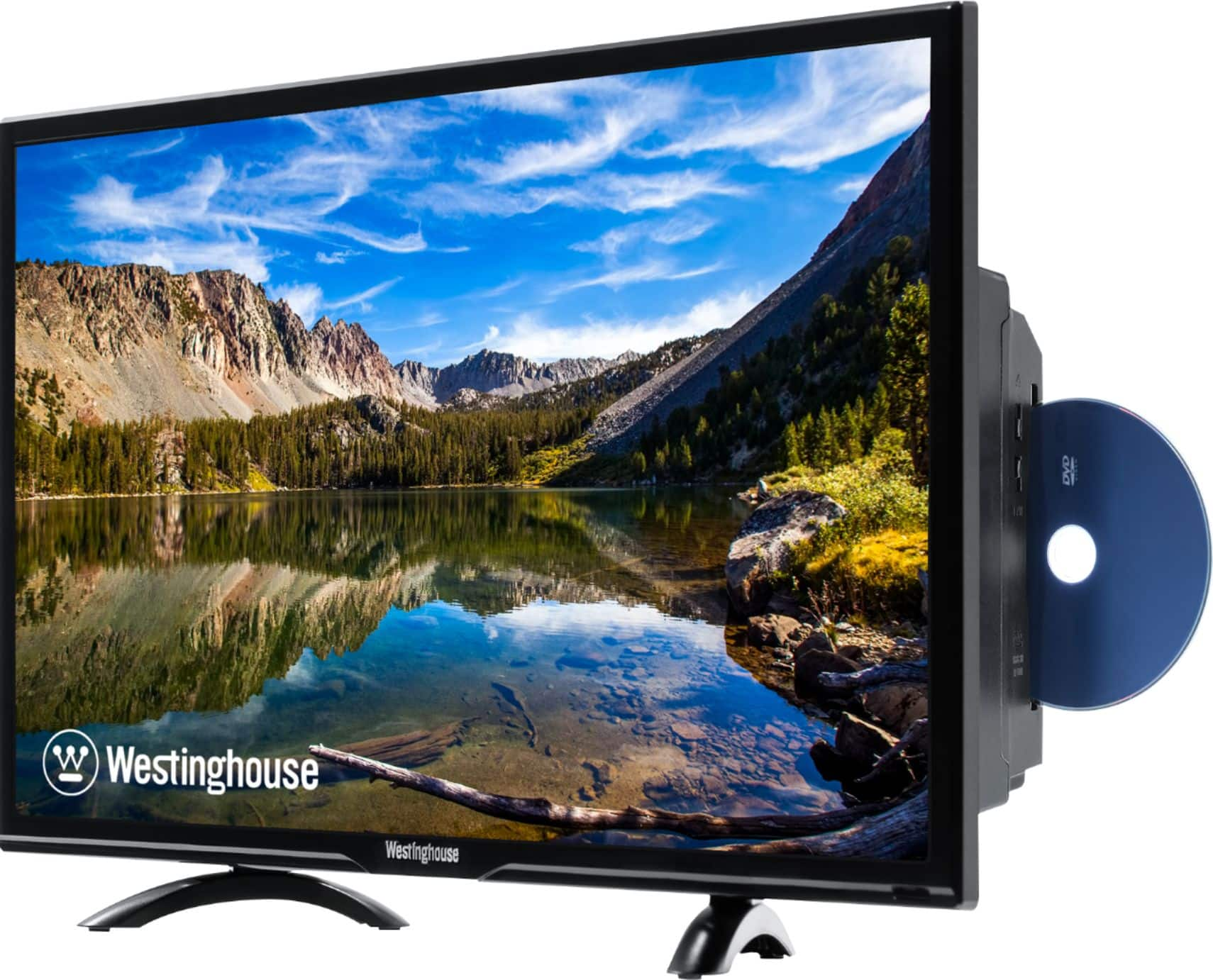
Q: QuestionCan I attach a Fire Stick to the model WD32HBK1001
Asked by Jerry.
- A:Answer Hello! Yes, you can use Firestick with this TV, however, this TV already comes with Roku built in it so no need to purchase an additional devices! For further details, specifications, and pictures please visit our website at www.westinghouseelectronics.com
Answered by Westinghouse Product

Q: QuestionI can't access the lock menu
Asked by Kurtaudio.
- A:Answer You may contact our customer support team at 1-800-701-0680 or you may chat with our team for further questions! Simply click on the following link: https://westinghouseelectronics.com/support/
Answered by Westinghouse Product

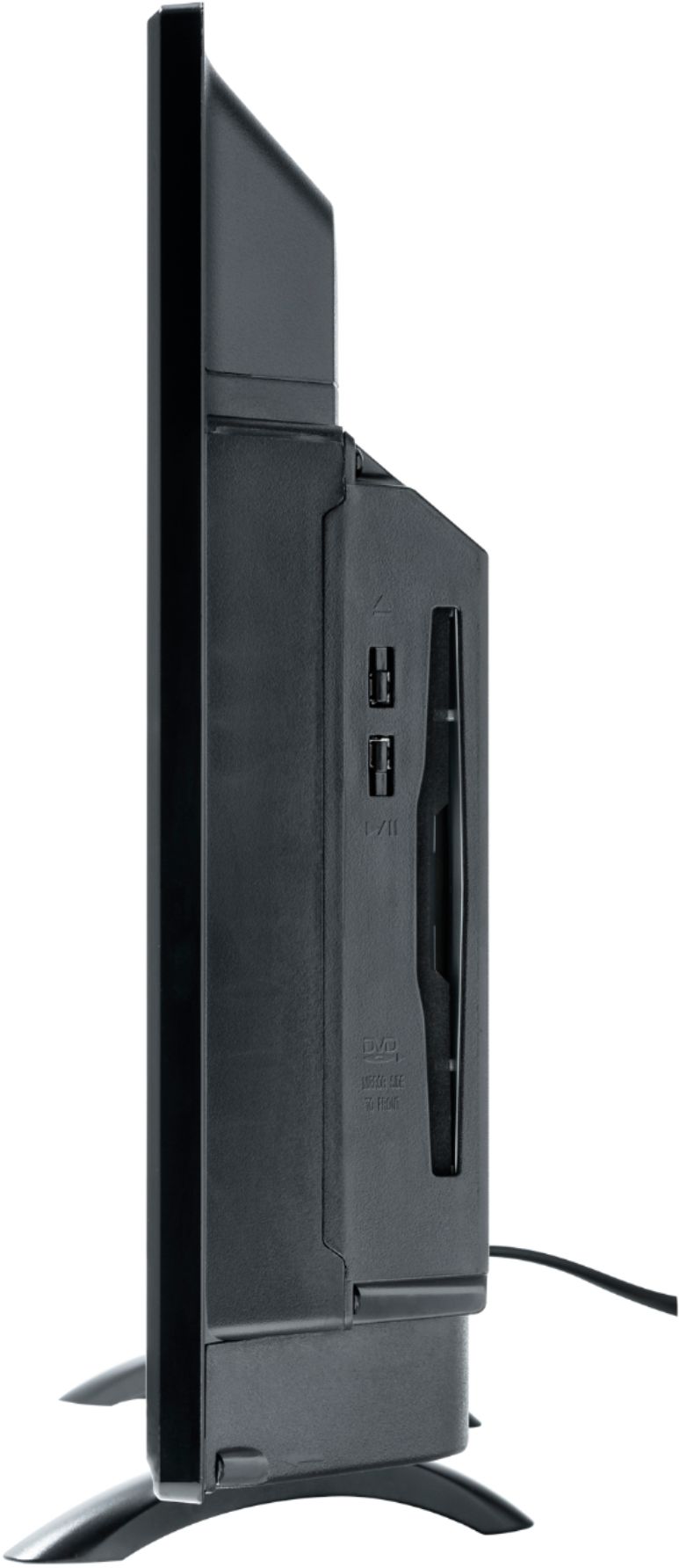
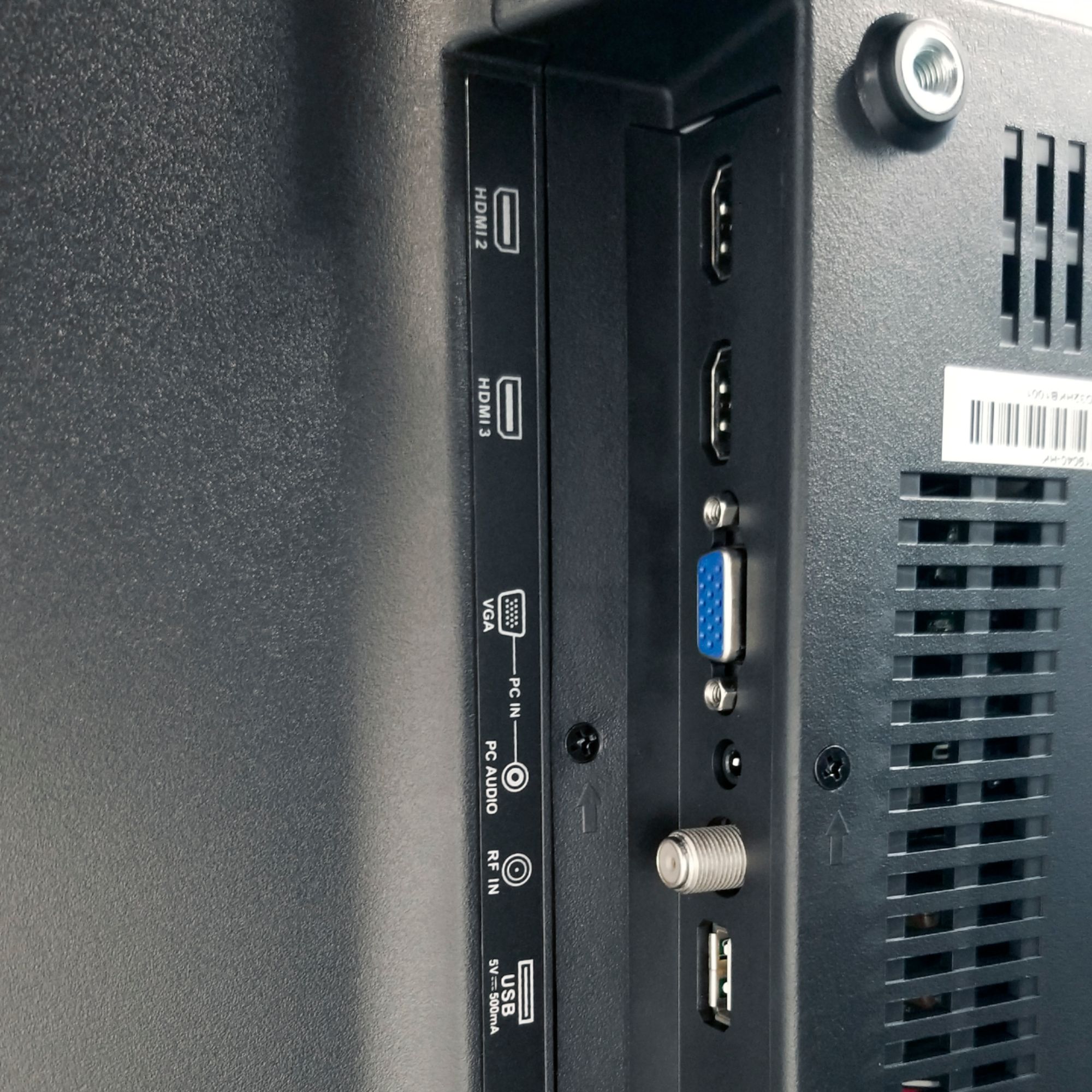
Q: QuestionDoes this unit have an Audio output to connect an external speaker?
Asked by WAHA1022.
- A:Answer You may contact our customer support team at 1-800-701-0680 or you may chat with our team! Simply click on the following link: https://westinghouseelectronics.com/support/
Answered by Westinghouse Product

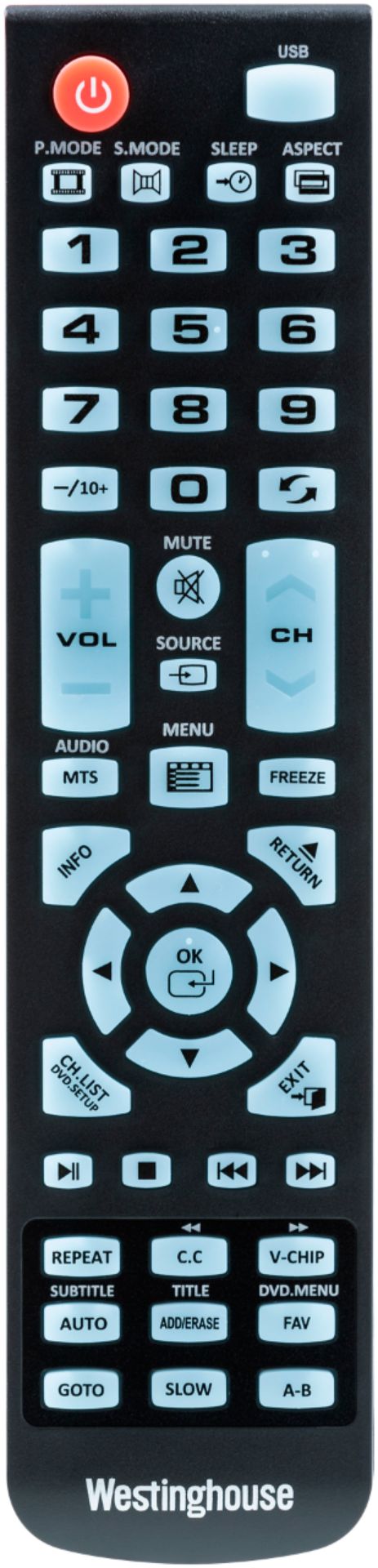
Q: QuestionWhat is the code for programming a remote for this tv. Wd32hkb1001? I have tried all the Westinghouse codes in the cox remote booklet and they did not work. Also searching went on and in with no result. Can this set be programmed to my cox remote?
Asked by Aliceo.
- A:Answer Call your cable company that you are currently using - that's how I got the code to link up with the cable remote provided by cable company
Answered by AlamoCity
Q: QuestionI plugged in the TV and connected with coaxial cable. Turned it on and got no picture, no sound. Yet the the power light is on. How do I fix this?
Asked by Lizzie.
- A:Answer Make sure you have TV reception coming through your cable. If you do make sure it's set to proper reception either Antenna or Cable once your TV is on. I think it may come on with the Cable settings and if your are using a Antenna you want get anything on the TV or it may be on Antenna setting and needs to be changed to Cable.
Answered by Duane
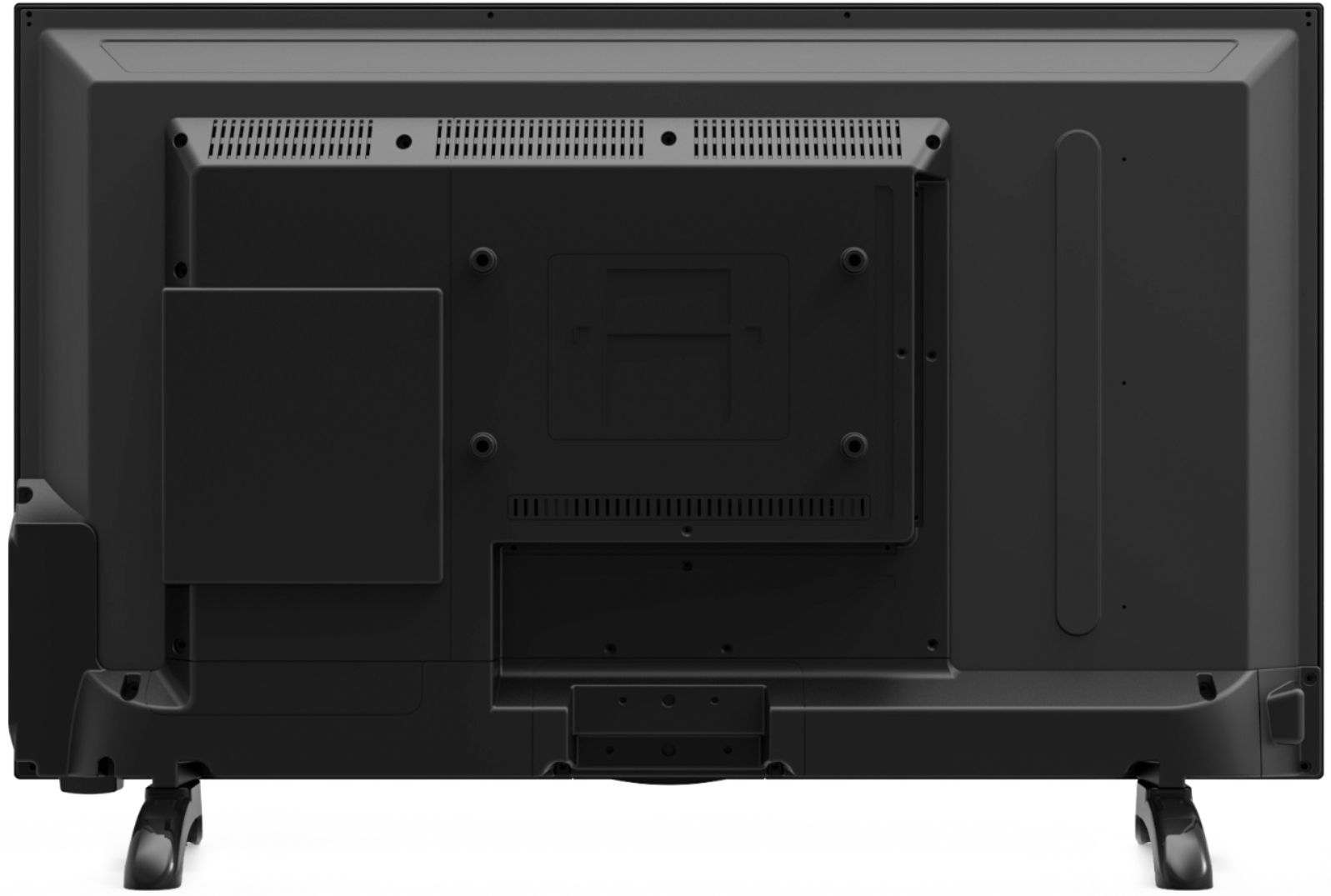
Q: QuestionCan this tv be mounted on the wall?
Asked by MZAB1GA1L.
- A:Answer Yes, this product is wall mountable
Answered by CommunityAnswer
Q: QuestionHas anyone figured out how to change the TINT settings on this TV? Some of my movies the flesh color is too PINK and needs to be adjusted just a little more, but I have yet been able to change the TINT settings on this TV. Thanks, Shopguy
Asked by SHOPGUY.
- A:Answer I called customer support and they told me the option to change the TINT is not available on this tv. The menu on this tv is similar to a TV I have had once before several years ago and the software was set not to allow changing of the tint settings. The manual to this TV shows how to change The TINT settings, but option definitely not available which I was told by Westinghouse support so I returned the TV.
Answered by SHOPGUY
Q: QuestionWe just purchased a Westinghouse WD32HKB1001 TV/DVD combo from your store in Lancaster, OH. The screws for the (4) holes to attach a wall mounting bracket are not included. Can we get them and/or can you give me the size and length that is needed?
Asked by Anonymous.
- A:Answer Mine came with the mounting bracket,
Answered by Cranberrymore
Best-selling Best Buy
- $99.00$99.00The price was $129.00
- $14.99$14.99The price was $19.00
- $24.99$24.99The price was $29.99
- $14.99$14.99The price was $19.00