A:AnswerHow do I change the aspect ratio on my Westinghouse TV?
2 Aspect Ratio
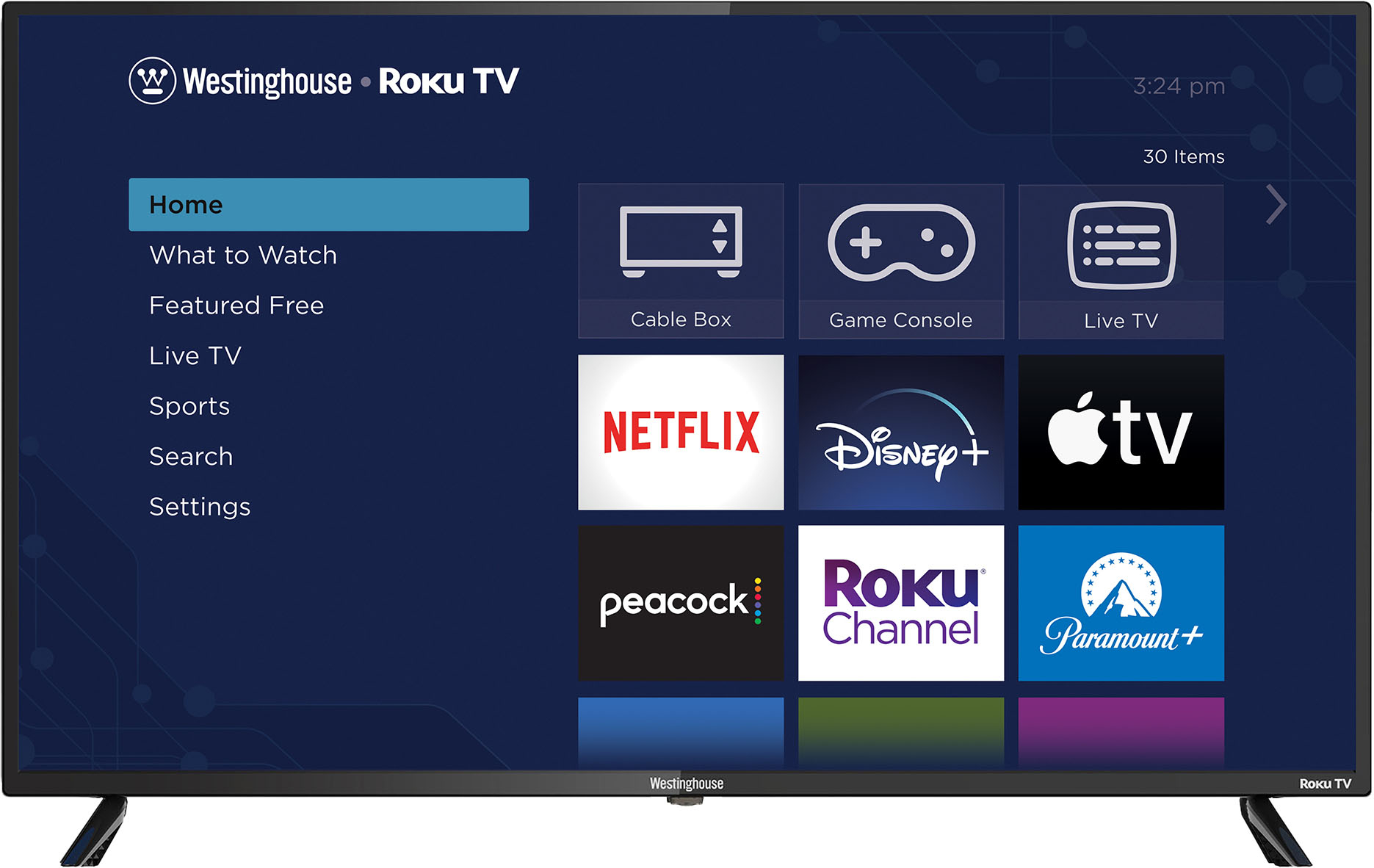
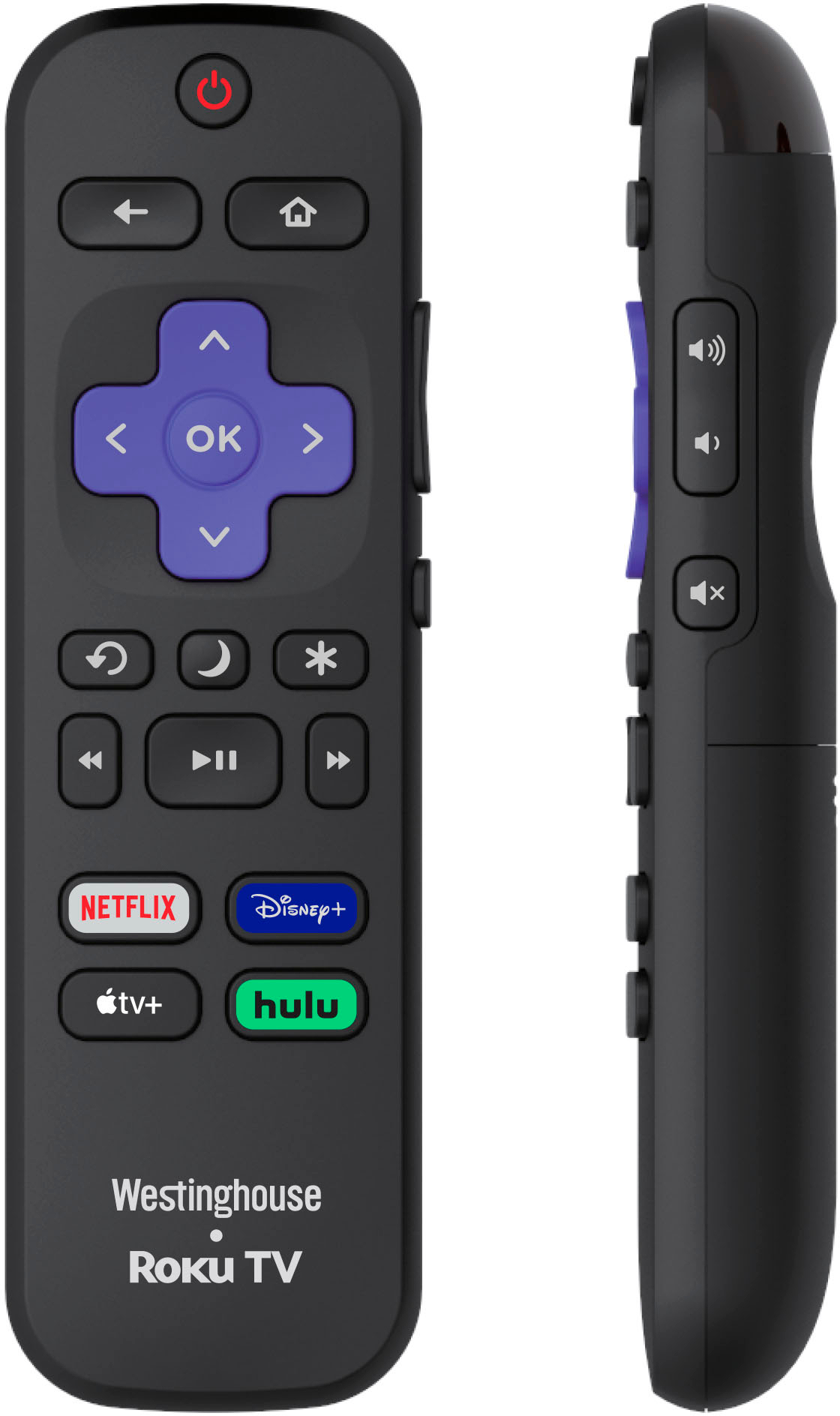
Push the Home button on your remote.
Select Settings from the menu at top.
Select Display & Sounds.
Select Display.
Select Video Resolution.
Use the Up and Down keys on your remote to make sure you can just see the ends of each arrow. When complete, select Accept.