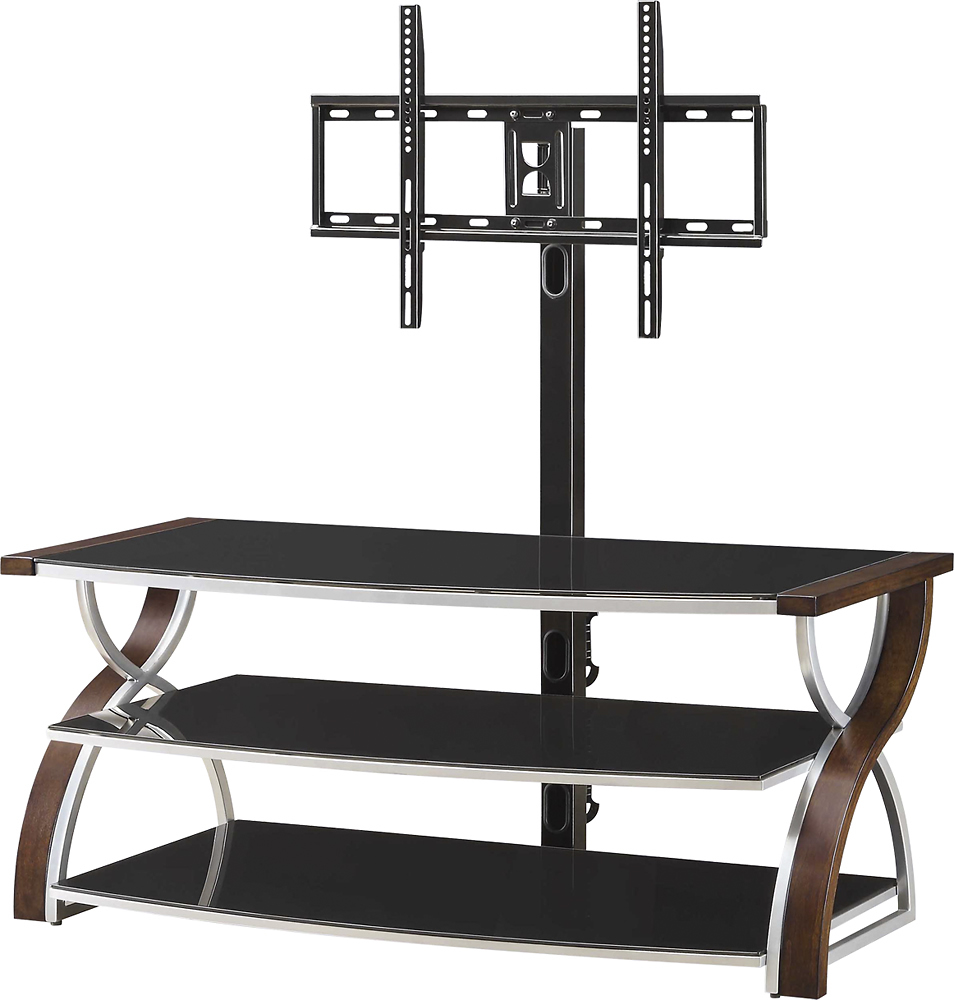
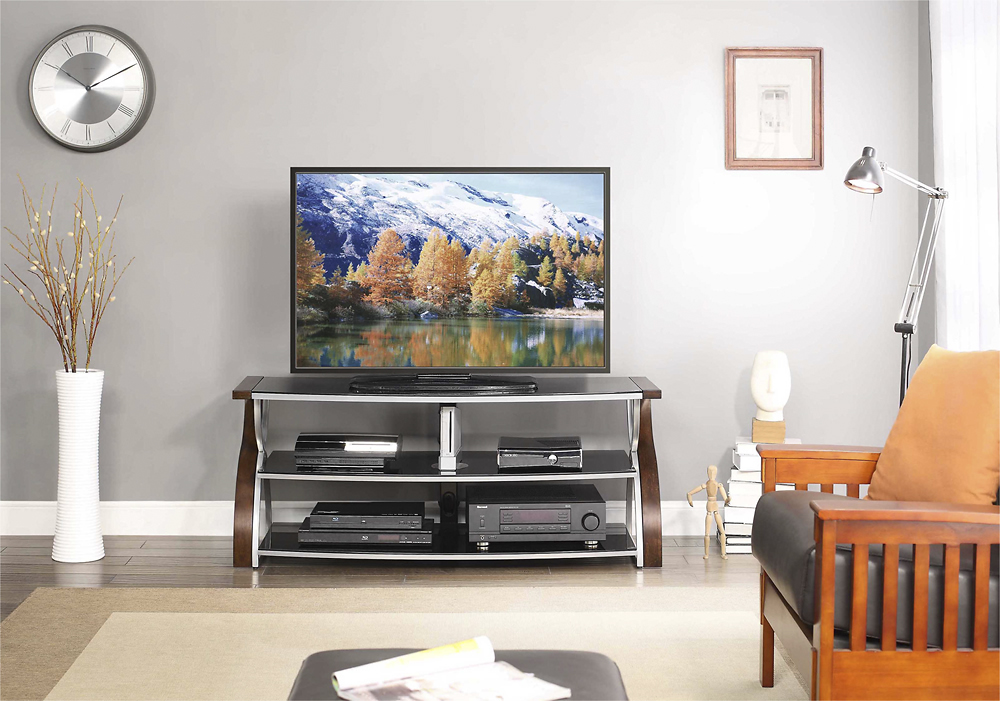
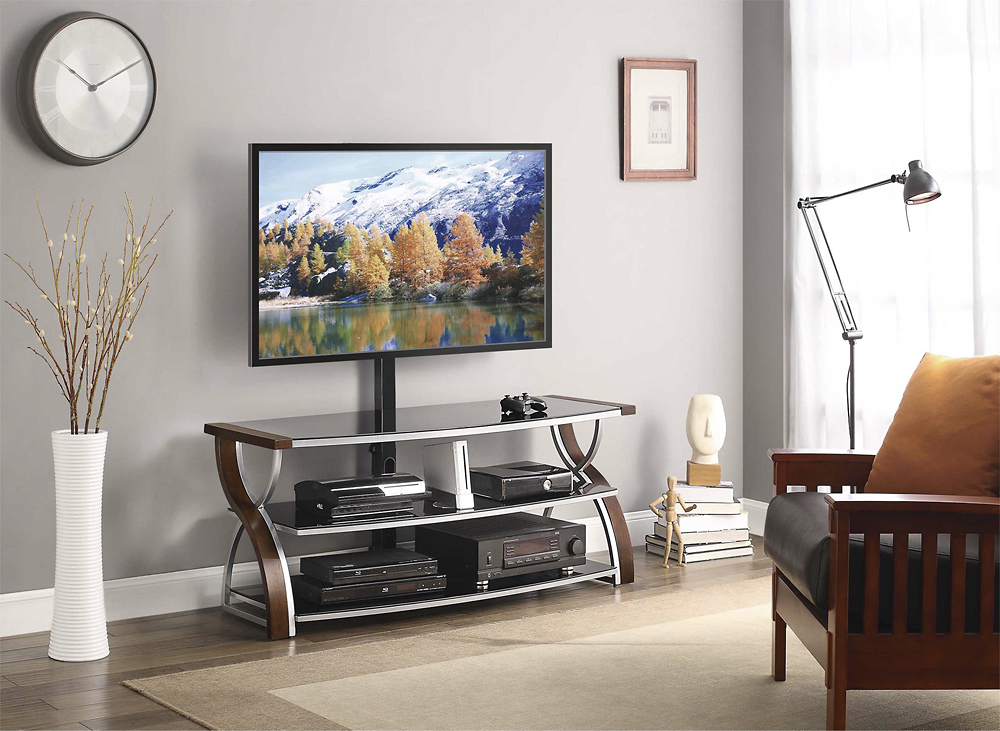
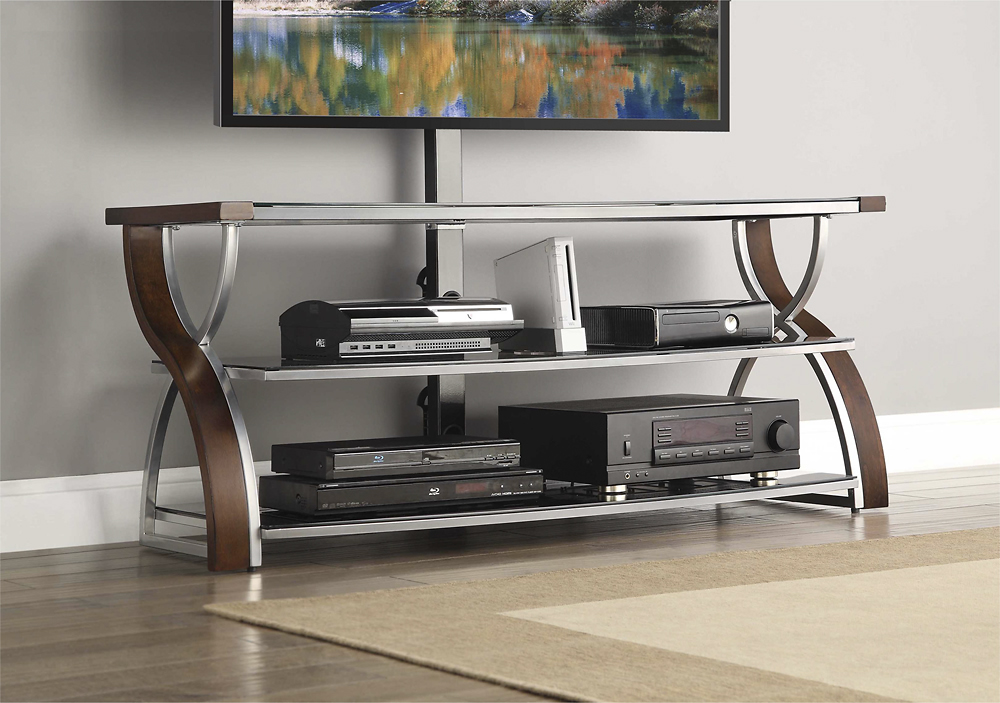
A:AnswerHi Dave, our TV stand can hold up to most 65" Flat Panel TV's with a maximum weight of 135 lbs.; we do not recommend using it with anything larger/heavier than specified.
A:AnswerThe swivel fits up to 65” flat panel TV’s, maximum load 135lb. (61.3kg)
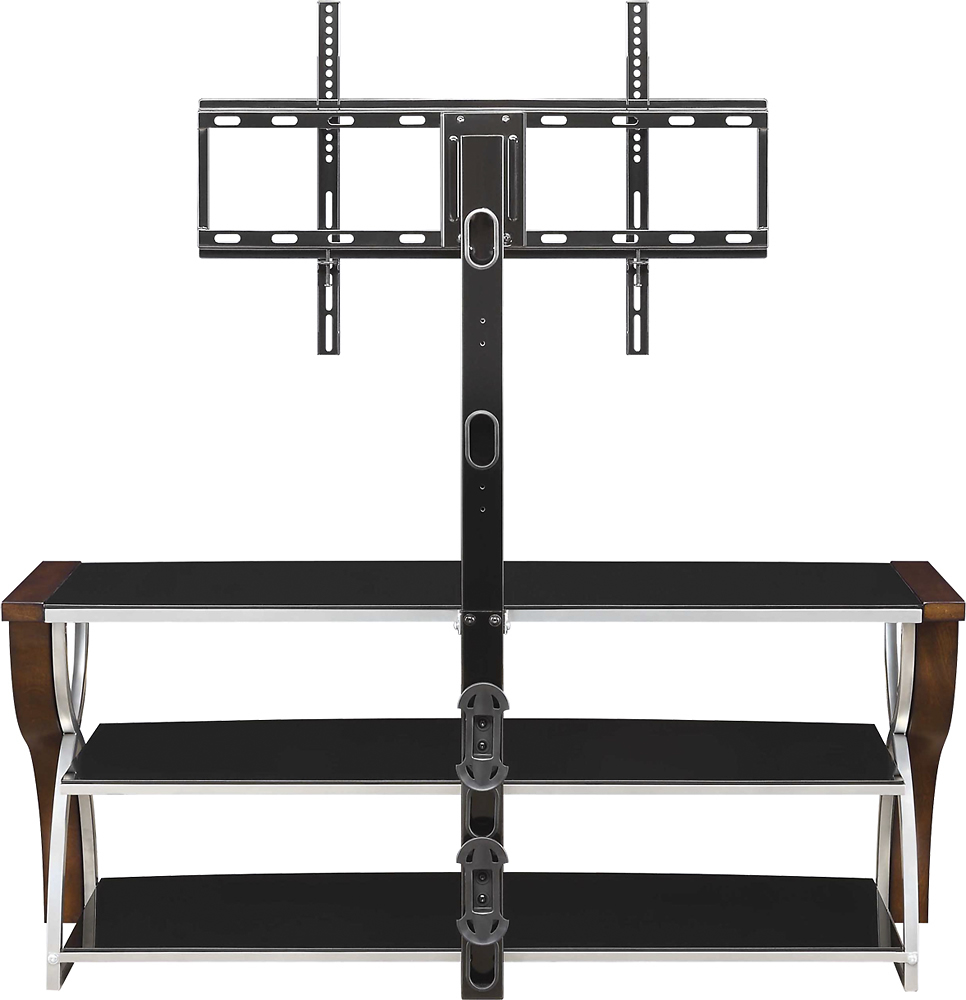
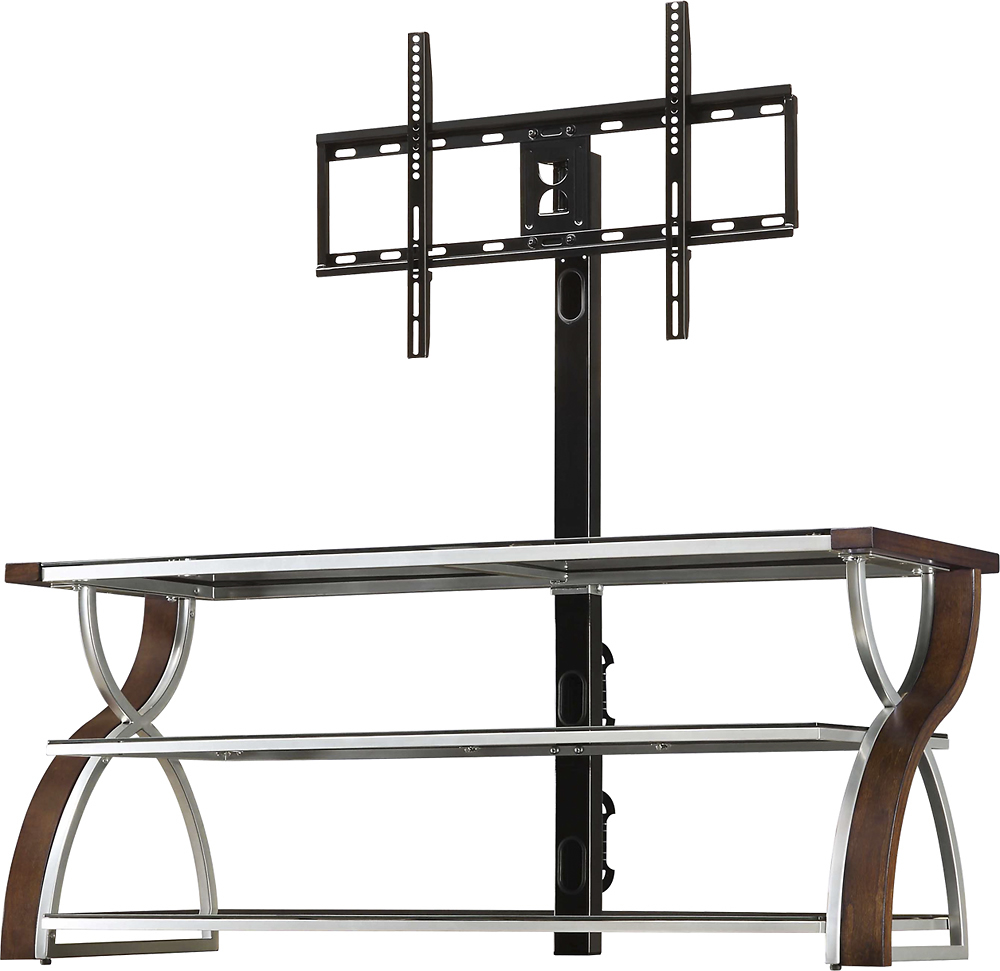
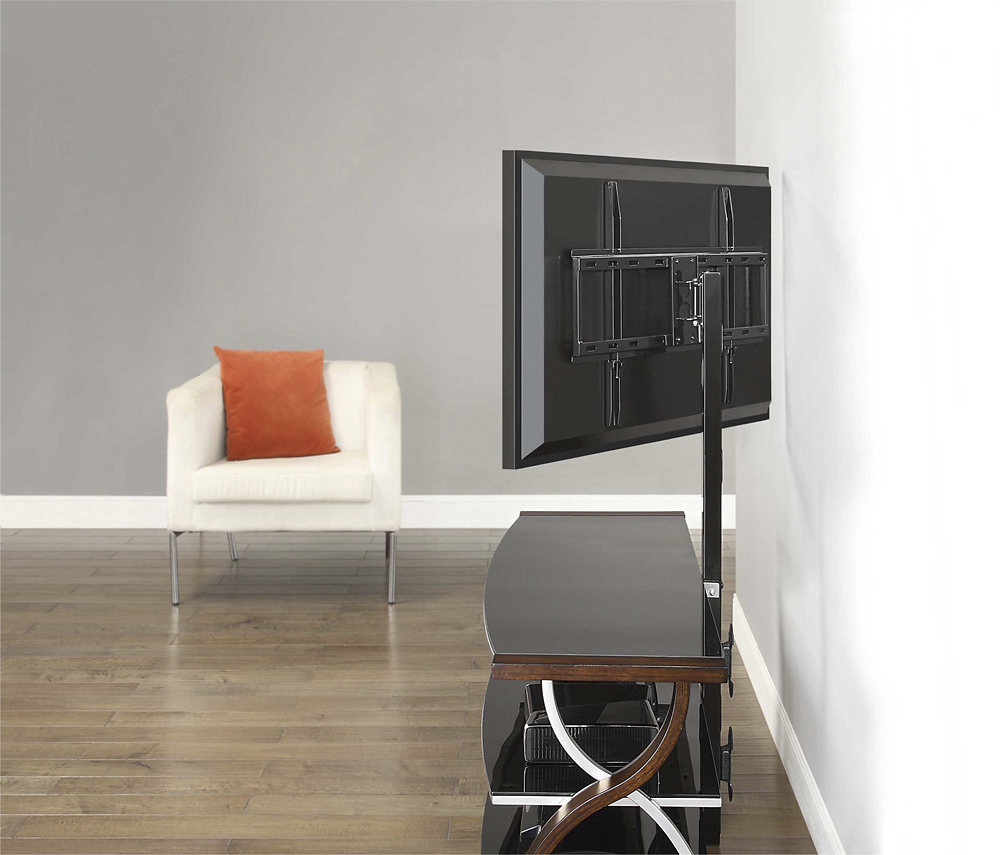
The Monitor brackets are mounted to the back of the flat screen TV . There are specific instructions if the back of the TV is curved. Once the monitor brackets are securely screwed onto the back of the TV - then you lift the TV up to hang the monitor brackets onto the mounted frame.
I hope this is helpful. Thank you
A:AnswerThe first shelf fits up to most 65” flat panel TVs without swiveling brackets. Maximum load 135lb. (61.3kg
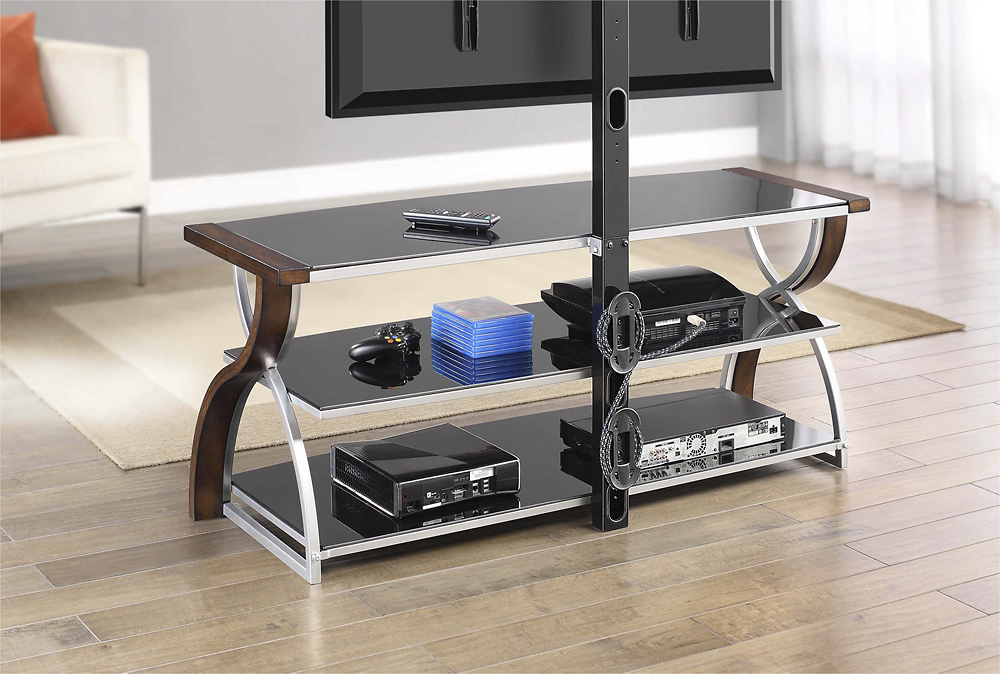
The second and third shelves maximum load capacity is 50lb. (22.6kg).
I hope this is helpful. Thank you
A:AnswerHi Mattmc, this TV console accommodates most flat-panel TVs up to 65" and 135 lbs. We do not recommend to use with larger/heavier than recommended Flat Panel TVs.
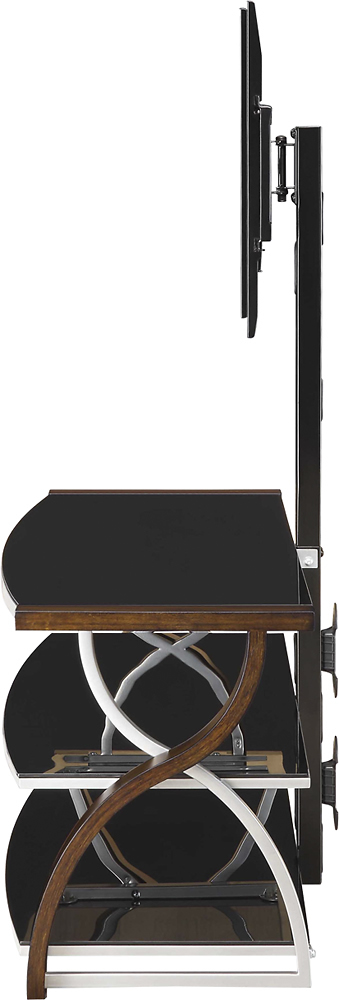
A:AnswerIt will actually depend on the overall height of the TV; there is usually between 5 to 11 inches between the top shelf and the bottom of your TV when using the Swinging Floater option.
A:AnswerIt says up to 65". So I would say no. There might be some room if you install it, but the weight of the TV may be a problem as it may not hold up to the weight of it or could tip over. Nice stand. Looks great and all my stereo components fit on it with room for my turn table. But I do have a 55" mounted on it.
A:AnswerFor quick & easy assembly - you can download the free app: - BILT Intelligent Instructions - find 3D instructions for this product.
I hope this is helpful. Thank you
A:AnswerA fair amount of assembly is required and not too difficult. All the parts are labeled in packages and instructions are fairly clear. There is one step that is backwards though and not even required. The step where you screw in the wood screws should be after the next step following that step. I find that the wood screws are essentially pointless. It comes with the required Allen wrenches. You won't need any other tools unless you intend on doing a wall mount with the exception of a Phillips screwdriver, but I suspect most people are purchasing this for the swivel mount feature.
A:AnswerYes. As long as you're within the weight limits you should be good. From a physics perspective, the way it's mounted, the weight is distributed so you'll be fine.
A:AnswerOur Customer Service center is currently closed and we are only working remotely; please contact us with this request at [email protected] to assist you further. You may also reach out to your local Best Buy store for their selection of Universal TV Mounting systems that will fit onto your Swiveling bracket!
A:AnswerHi Andre, thank you for choosing our product. Please contact Customer Service if you still need assistance with your TV stand. We hope you are already enjoying it!
A:AnswerMake sure your mount is centered, use tape measure to be sure as well as level. Make sure you follow step by step instructions and all fasteners are tightened. Hope this helps you.
A:AnswerHi Joe, unfortunately, no; however, the Spine can provide two height options for the TV set. Refer to your TV size and adjust the Swiveling Bracket to the desired height for optimum viewing!