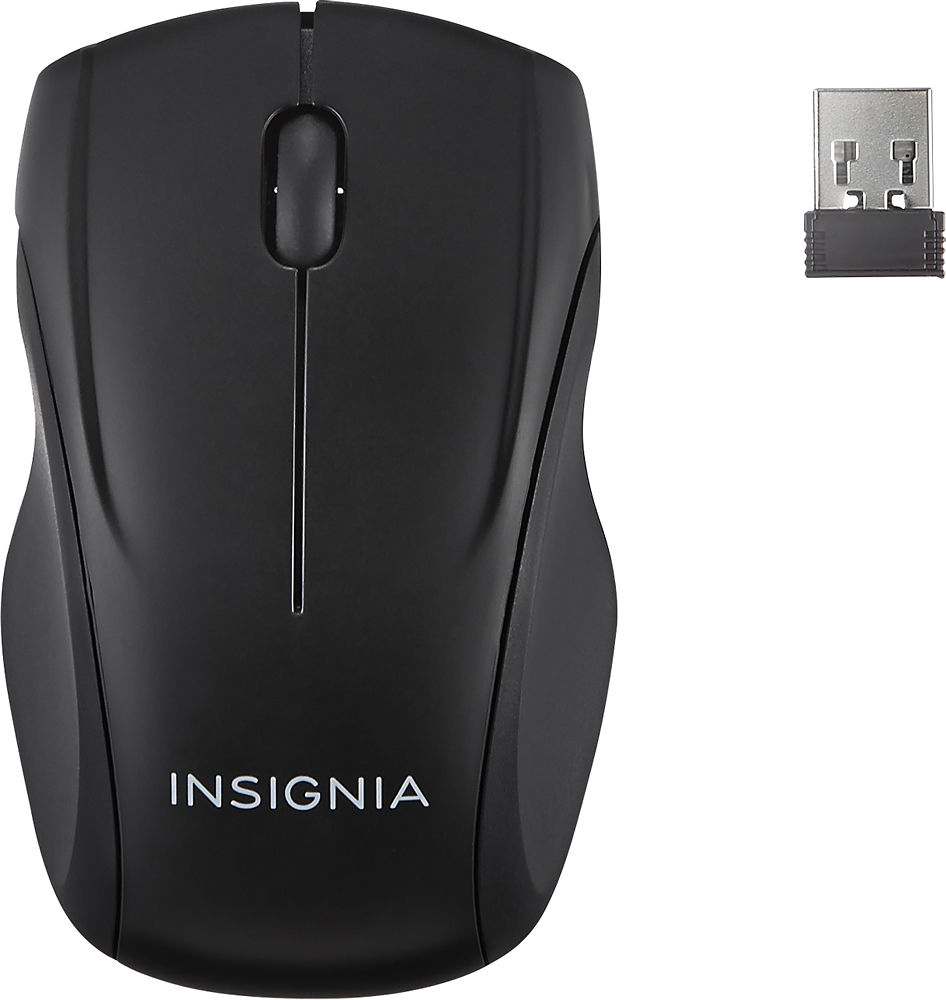
A:Answer I would suggest that you try to insert new batteries into the mouse, switch it on and then attach the communication dongle to your computer. Check to see if the LED tracking light at the bottom comes on. If it does, probably your computer drivers are messed up. Might have to disable driver from Device Manager, disconnect the device and reconnect back in. Windows should reinstall drivers. Also try changing your USB port.
If these scenarios dont help, return the product to Best Buy. They have a great Warranty on Insignia products. You could ask them to provide you with a working replacement.
If mouse size is not an issue you could try looking into Logitech M300 series.