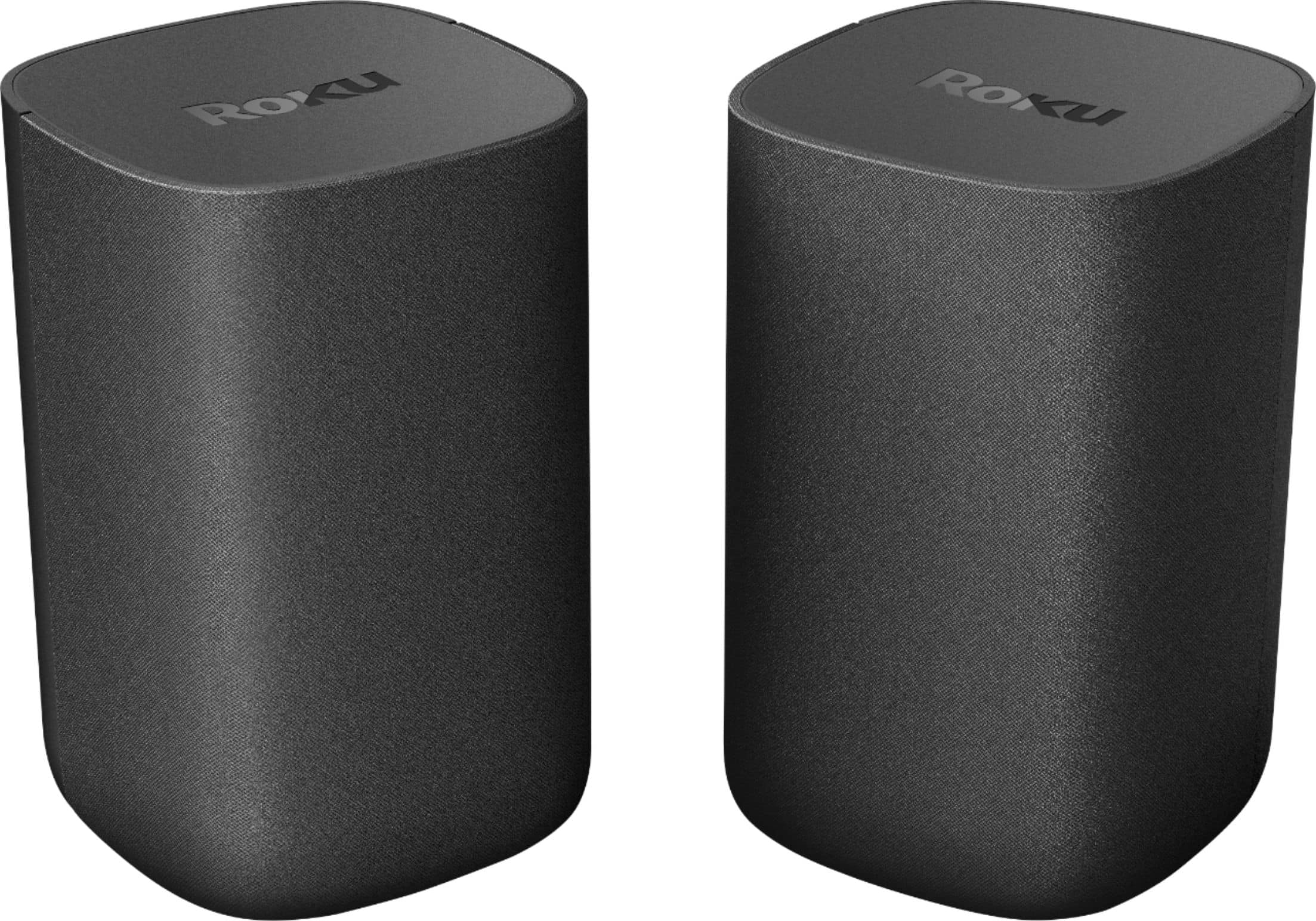
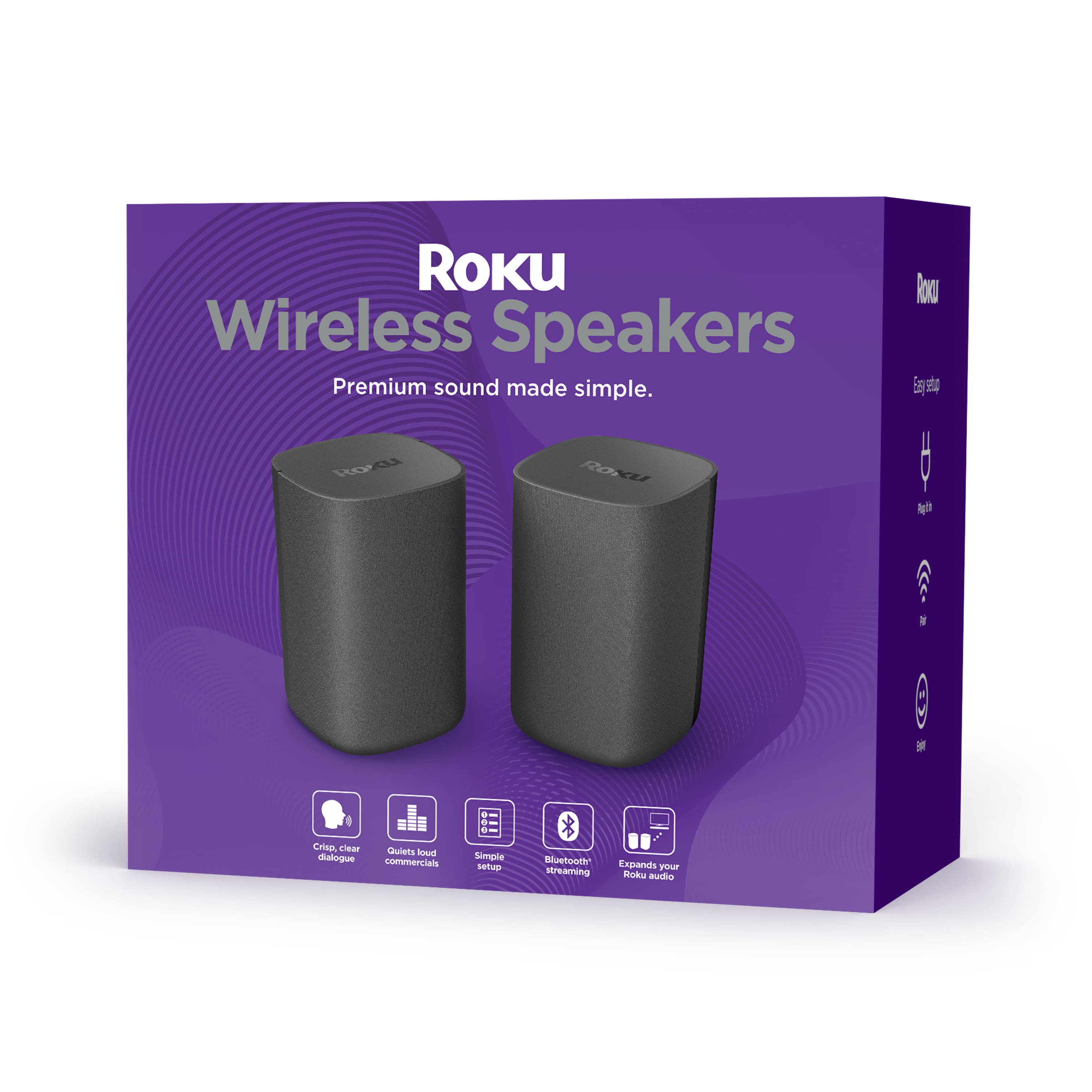
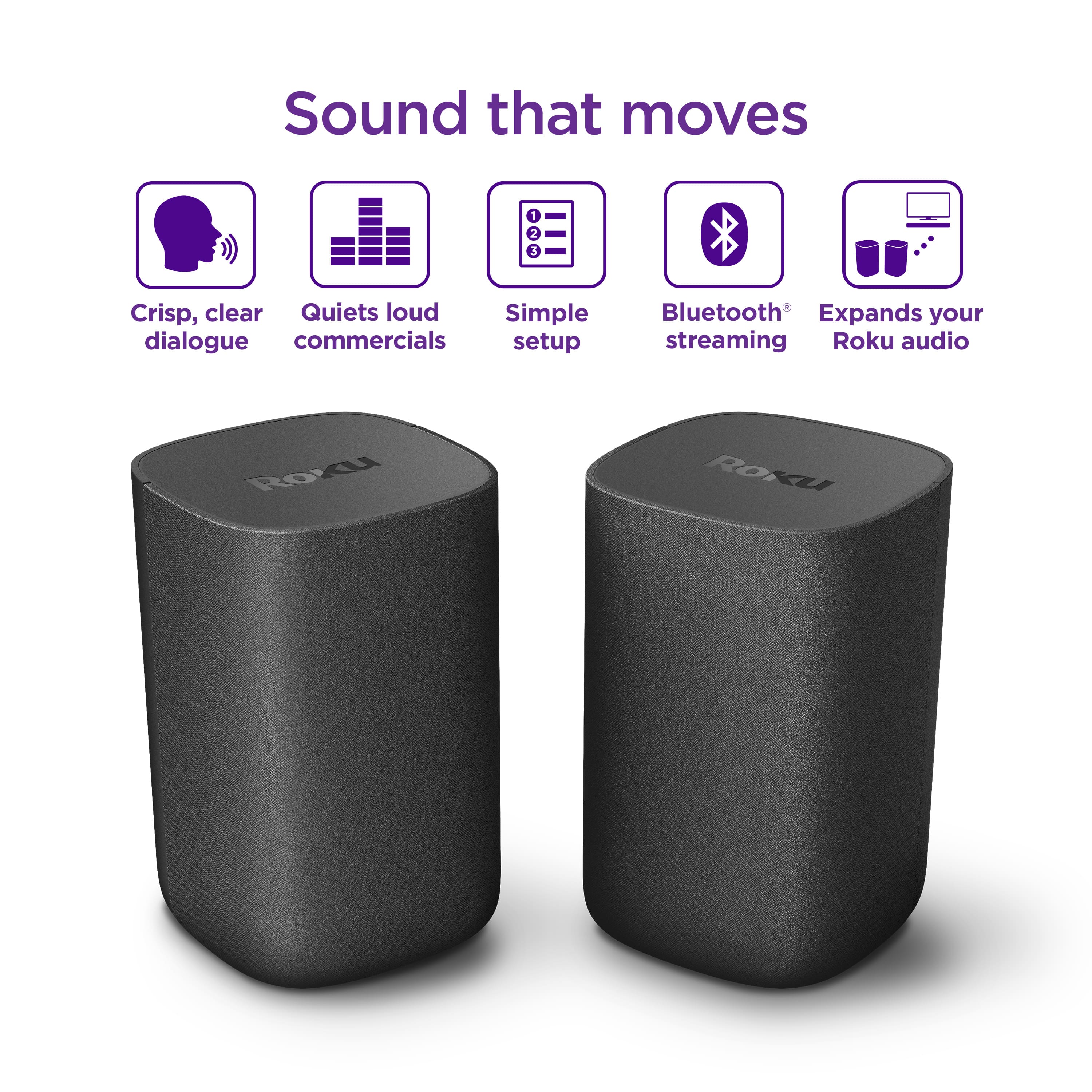
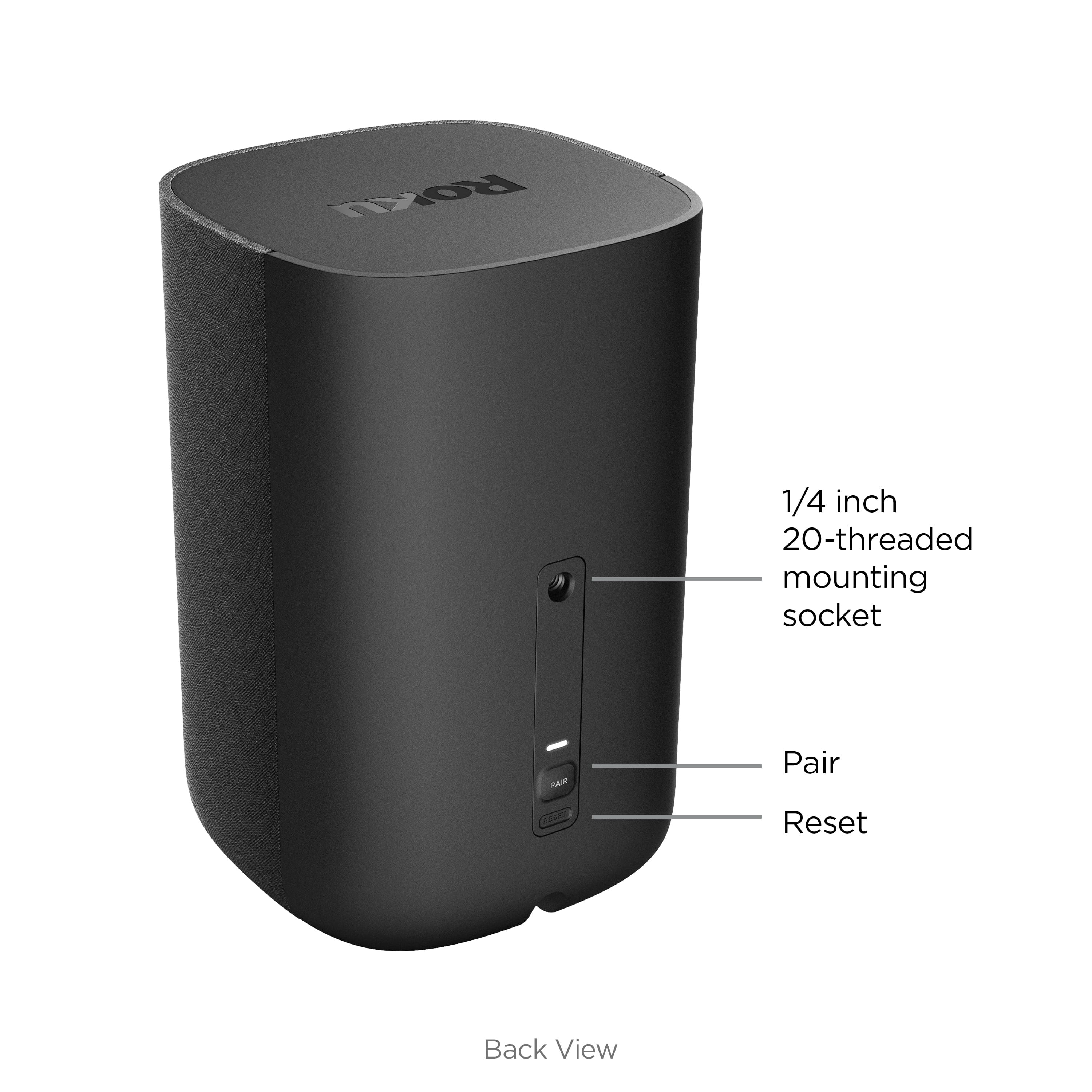
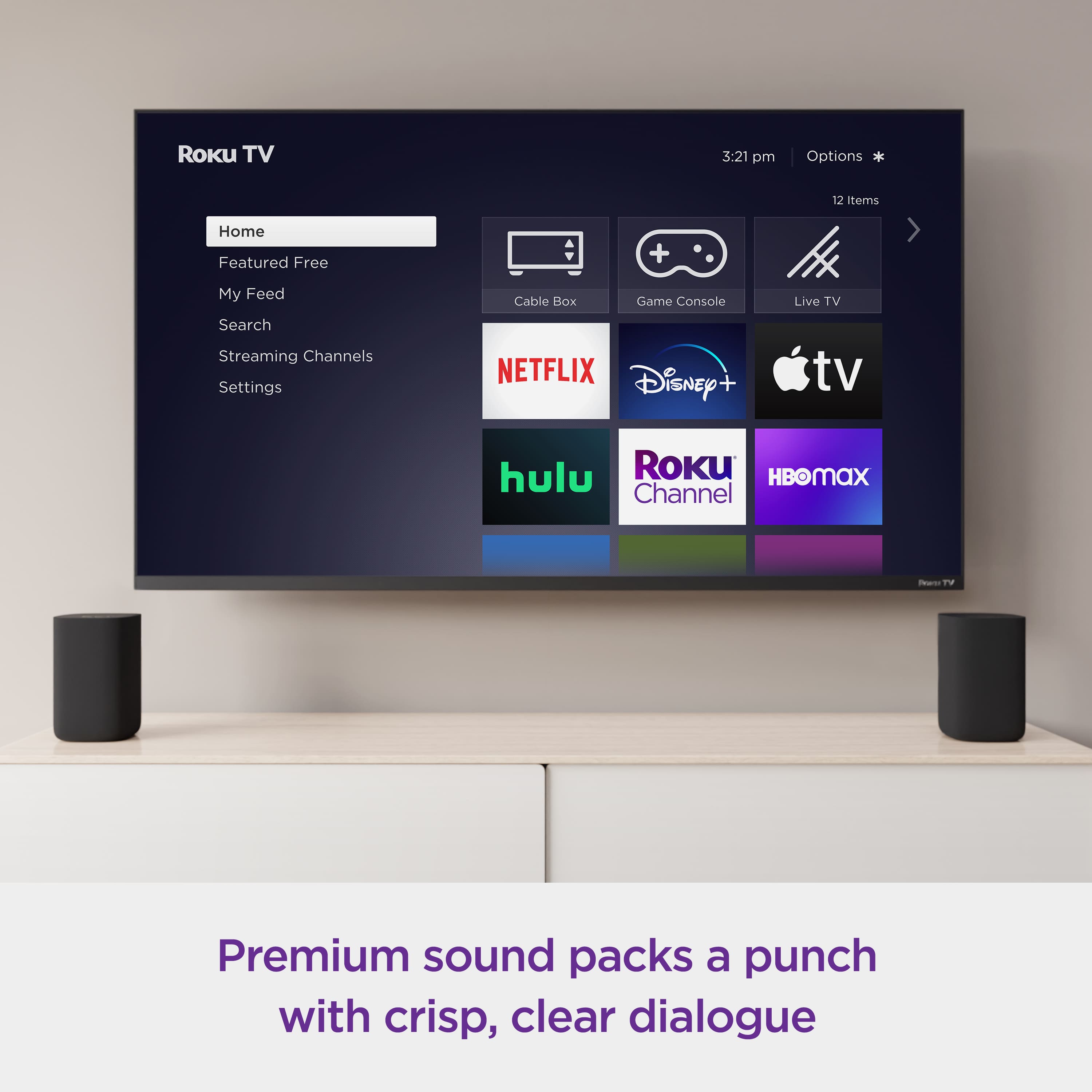
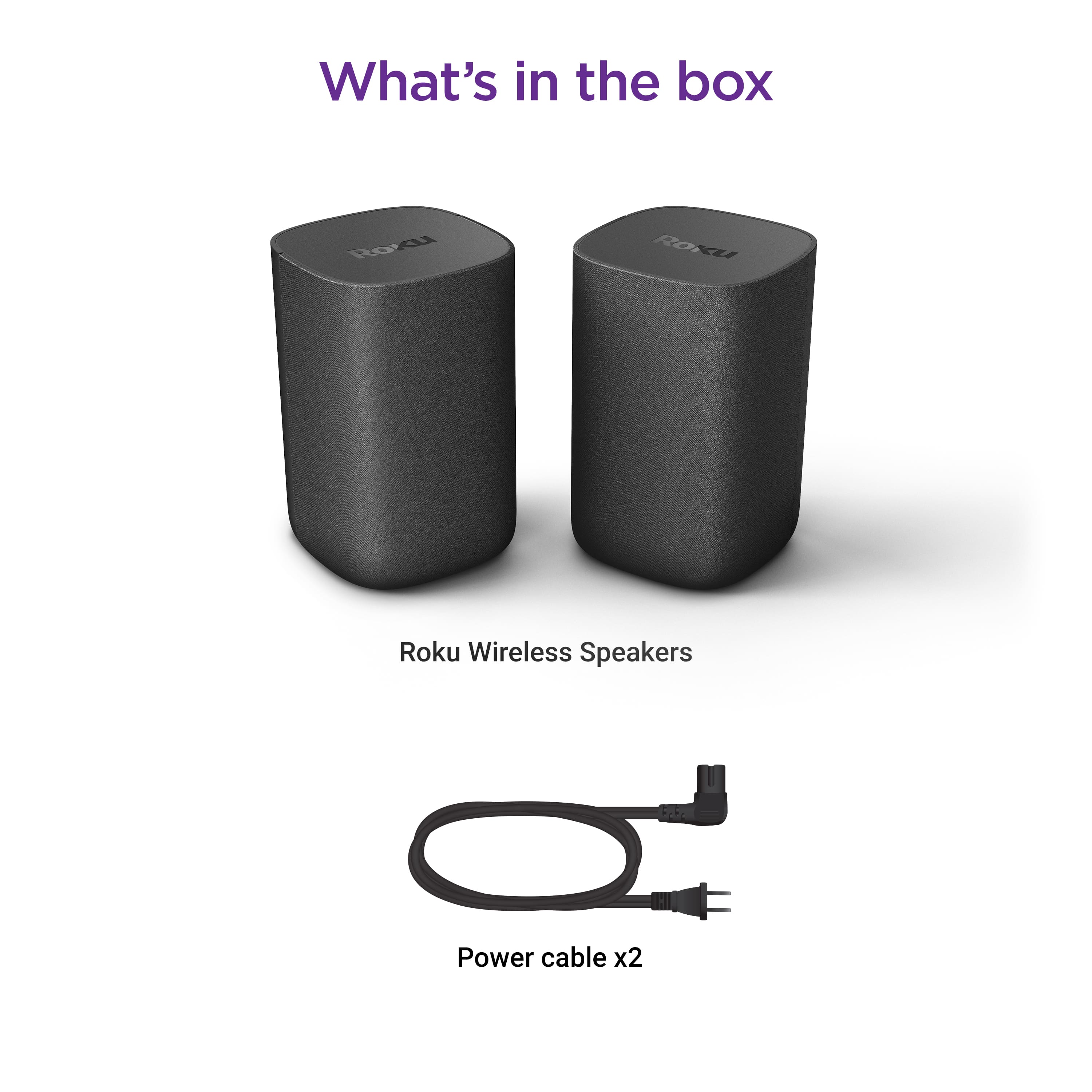
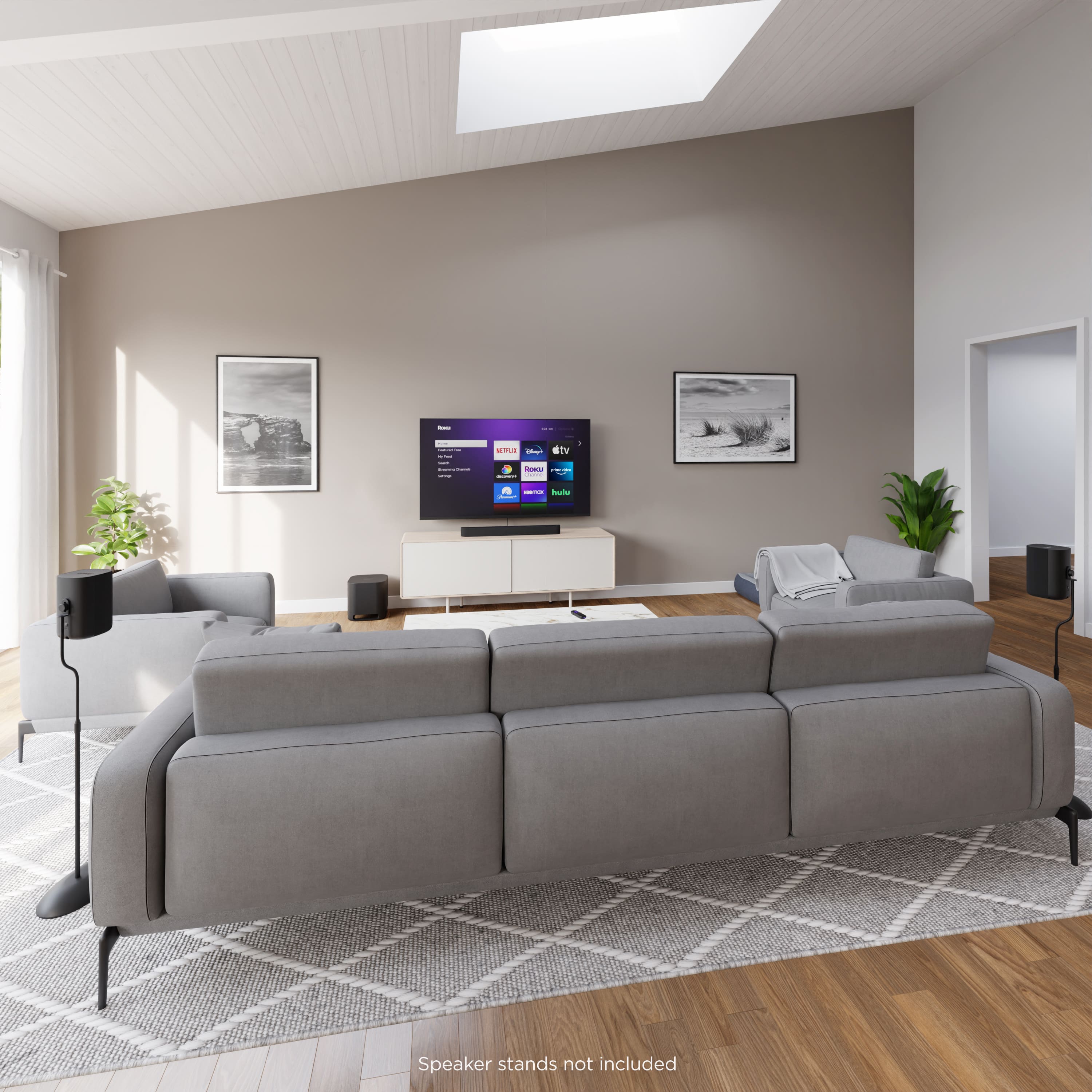
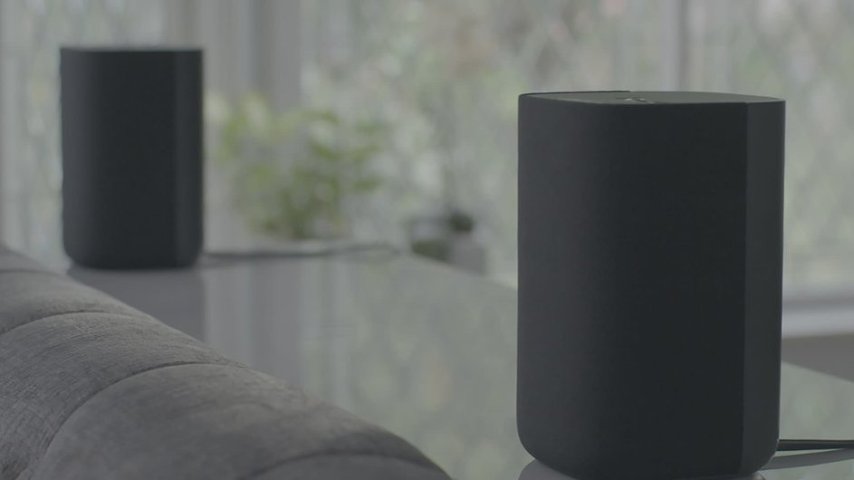
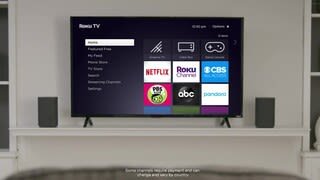
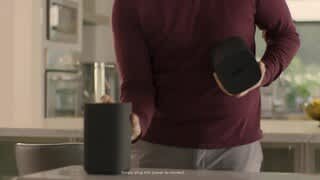
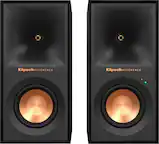
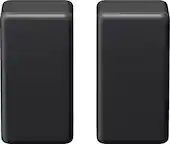
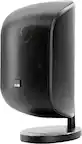
A:Answer Hi Skip! In order to use the Roku Wireless Speakers, you will need a Roku host device. Compatible Roku host devices include; Roku TV, Roku Streambar Pro, Roku Streambar or Roku Smart Soundbar. Once you have a Roku host device, the Roku Wireless Speakers can be paired. To pair Roku Wireless Speakers to a Roku host device start by making sure the the host device has been setup and is connected to the internet. Then plug the Roku Wireless Speakers into a power outlet and make sure they are within 30 feet of the TV. From here turn on your TV, select input for Roku host device, hold the Home button on your Roku remote for 5 seconds and select speakers. Your Roku Wireless Speakers will automatically be detected and begin pairing.