Questions & Answers
- Model:
- WVODV2B1
- |
- SKU:
- 6507737
Highly rated by customers for: Video Quality, Battery Life, Ease of use
Page Showing 1-8 of 8 questions
Q: QuestionHas anyone used the Wyze solar panel with this?
Asked by Bunny.
- A:Answer Yes. Plug it into the back of the camera where the charging port is and go. Had trouble getting it to stay connected so plan to cut off the silicon protector since the panel blocks the port. Should work out fine. Otherwise, the panel works great. Fully charged every day. Worth it!
Answered by dgutierrez
Q: QuestionIs it easy to install
Asked by Anonymous.
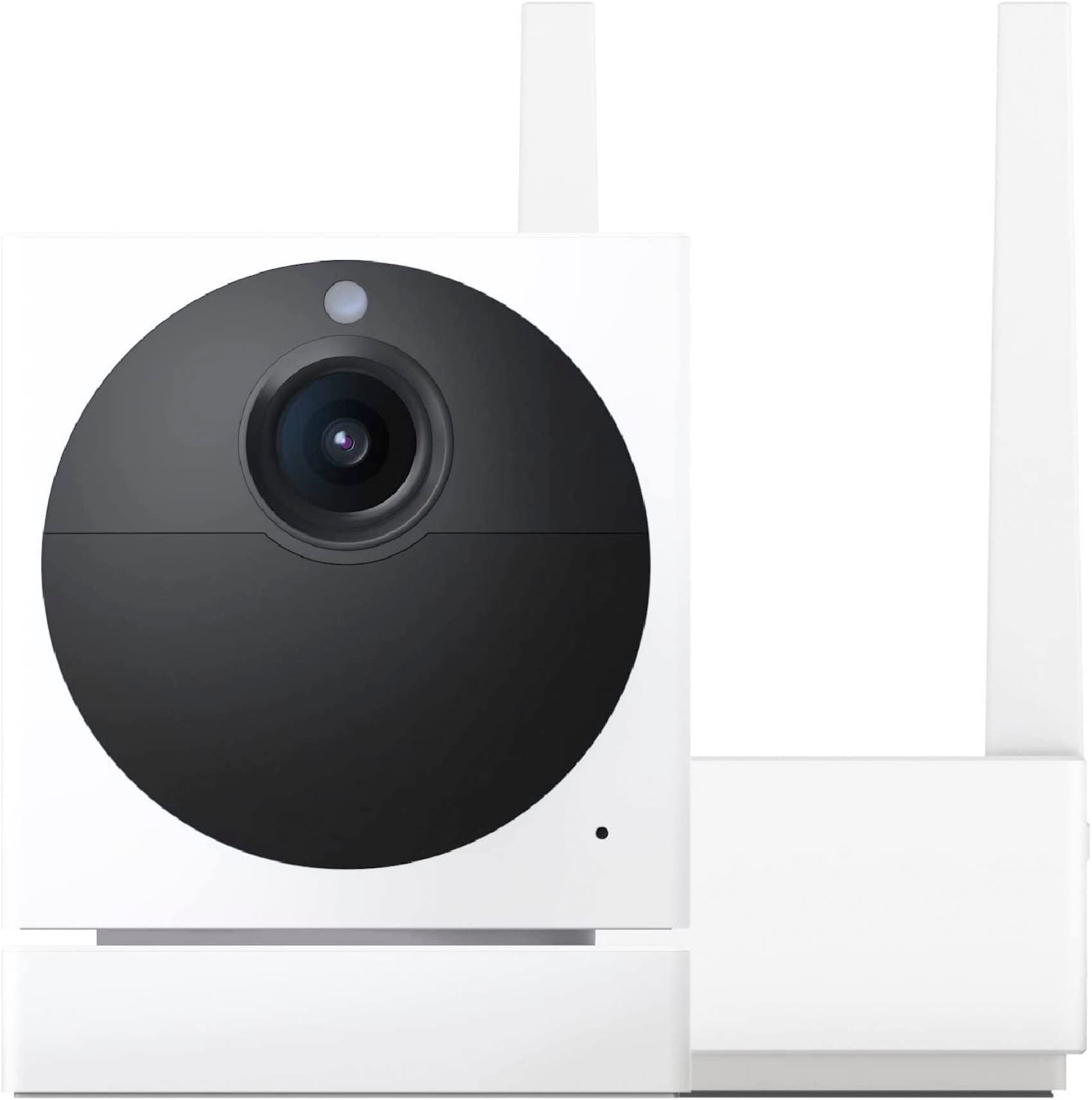
- A:Answer Hi there, with regards to setting up the Wyze Cam Outdoor v2 it is the same as setting up the Wyze Cam Outdoor v1, you will need to setup first the Wyze Outdoor Base Station that comes with the bundle and then connect your camera. The outdoor Base Station serves as an extender that you will connect directly to your router. To learn more on how it works and to setup the device, you may check this link: (https://support.wyze.com/hc/en-us/sections/360011338891). If you have more questions or concerns, you may reach out to our team at (https://wyzelabs.zendesk.com/hc/en-us) so we may assist you further. Thank you and have a great day!
Answered by Wyze Labs
Q: QuestionDoes it interfere with someone privacy inside their home?
Asked by Anonymous.
- A:Answer no you dont even know its on.
Answered by RichD
Q: QuestionIs a subscription required to use this camera?
Asked by Doug.
- A:Answer Officially no. In reality yes you are pretty limited without it. But it’s only $20 a year not per month so it’s cheap and you don’t need to worry about sd cards needing to be replaced which trust me you will be replacing them if you get even a moderate amount of triggering events.
Answered by Elite03
Q: QuestionCan I use this starter kit with the Wyze Pan v2 indoor camera all in one app?
Asked by Crystal.
- A:Answer yes
Answered by RichD
Q: QuestionHas there been any changes to using 5G Internet for Wyze cameras? T-Mobile has offered it in rural areas. My 2.4ghz hotspot device is up/down in connectivity so it won't work.
Asked by rayon100.
- A:Answer Hello there! All Wyze devices are only compatible with 2.4 GHz Wi-Fi signals. They are not compatible with 5 GHz signals. We use 2.4 GHz because the signal reaches further from the source, allowing users to install their devices all over their homes depending on their Wi-Fi network's bandwidth. We also use 2.4 GHz because it is more widely available than 5 GHz. If you have 5 GHz available you most likely have a 2.4 GHz signal available too, your internet service provider should be able to help you with finding the information for the 2.4 GHz network. At this time we do not have plans to implement connectivity with 5 GHz network signals but you can vote for the feature on our roadmap here - https://forums.wyzecam.com/t/support-5ghz-wifi-band-for-wyze-cams/7095
Answered by Wyze Labs
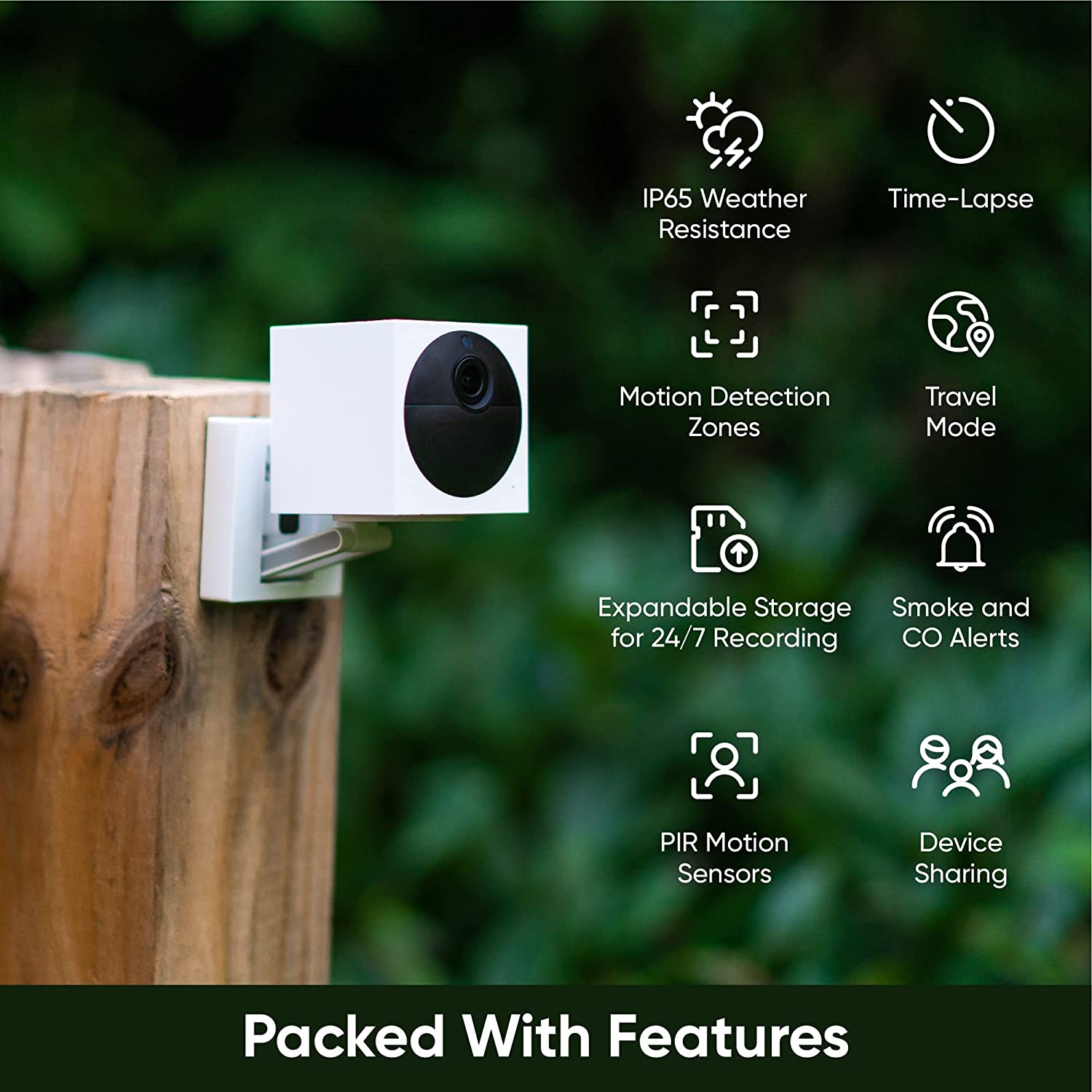
Q: QuestionCan this camera record continuously or at least while movement is detected?
Asked by CamQuestioner.
- A:Answer yes
Answered by RichD
Page 1, Showing 1-8 of 8 questions
Best-selling Best Buy
- $299.99$299.99The price was $349.99
- $59.99$59.99The price was $99.00
- $199.99$199.99The price was $349.99
- $14.99$14.99The price was $19.00
- $24.99$24.99The price was $29.99
- $14.99$14.99The price was $19.00
- $139.99$139.99The price was $149.99