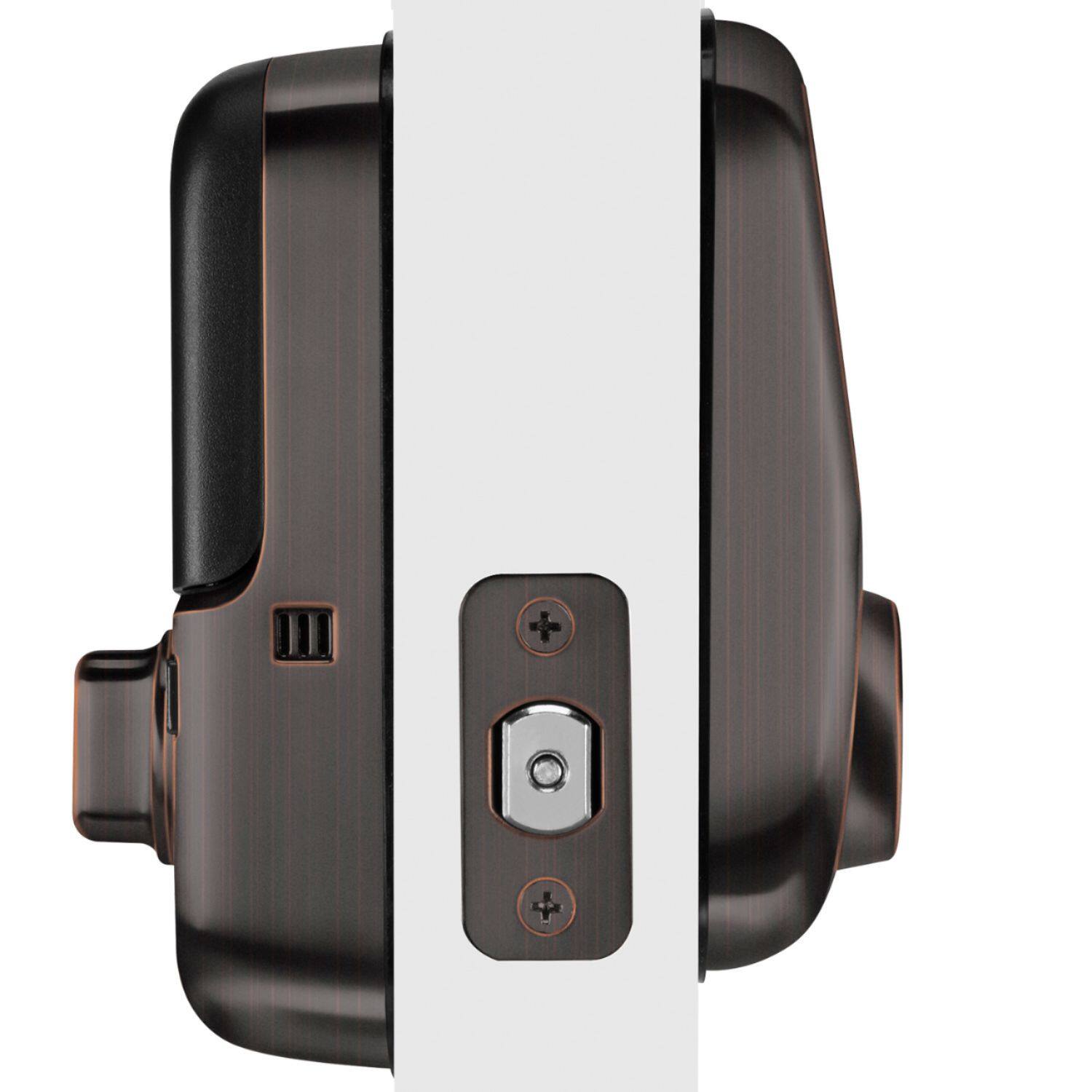
A:AnswerNo, please read the specifications before you buy. Besides thickness, the location of the hole, distance from the handle and distance with the edge of the door.
There are four measurements are required. I got lucky because I did not know before buying the lock.
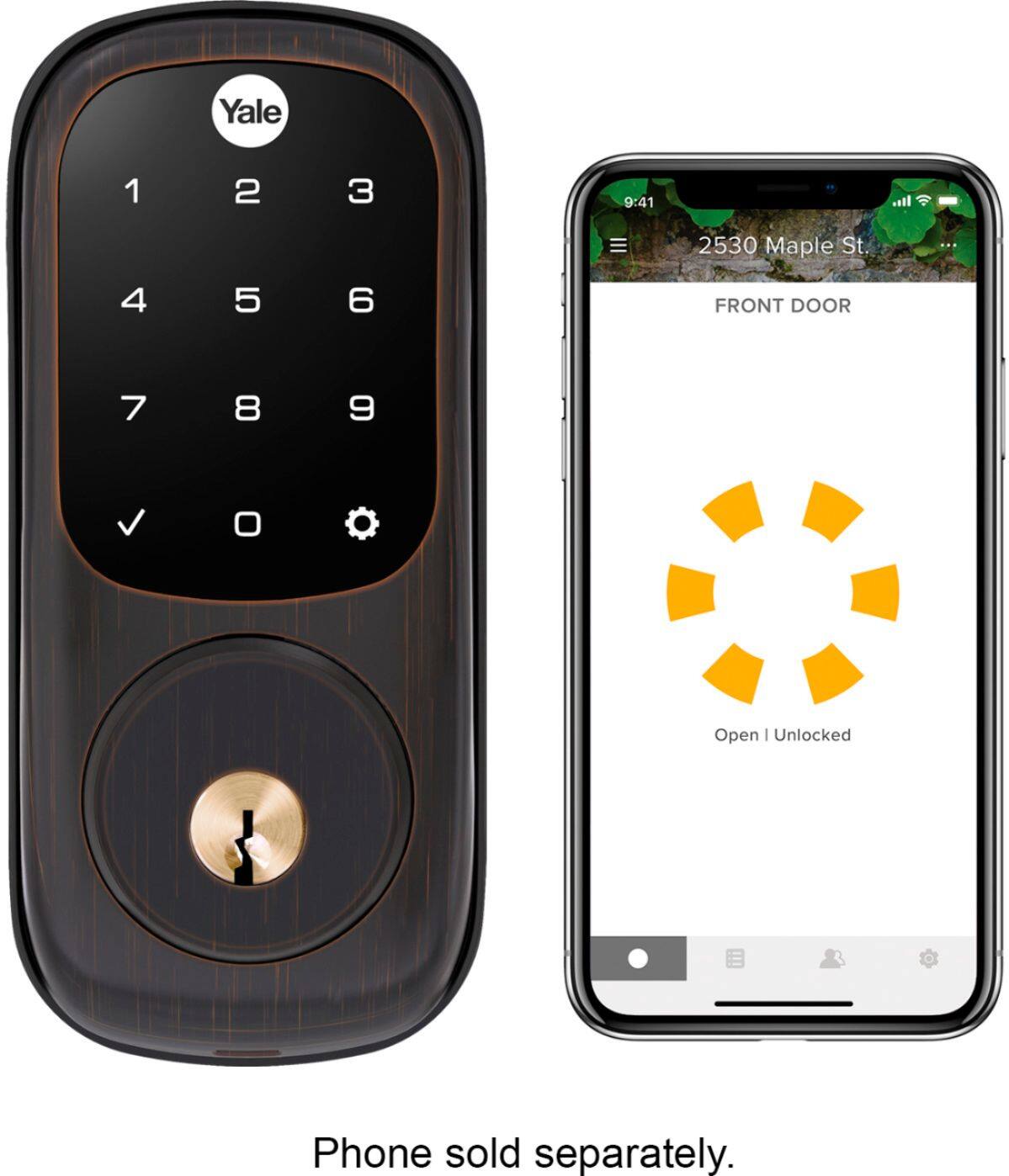
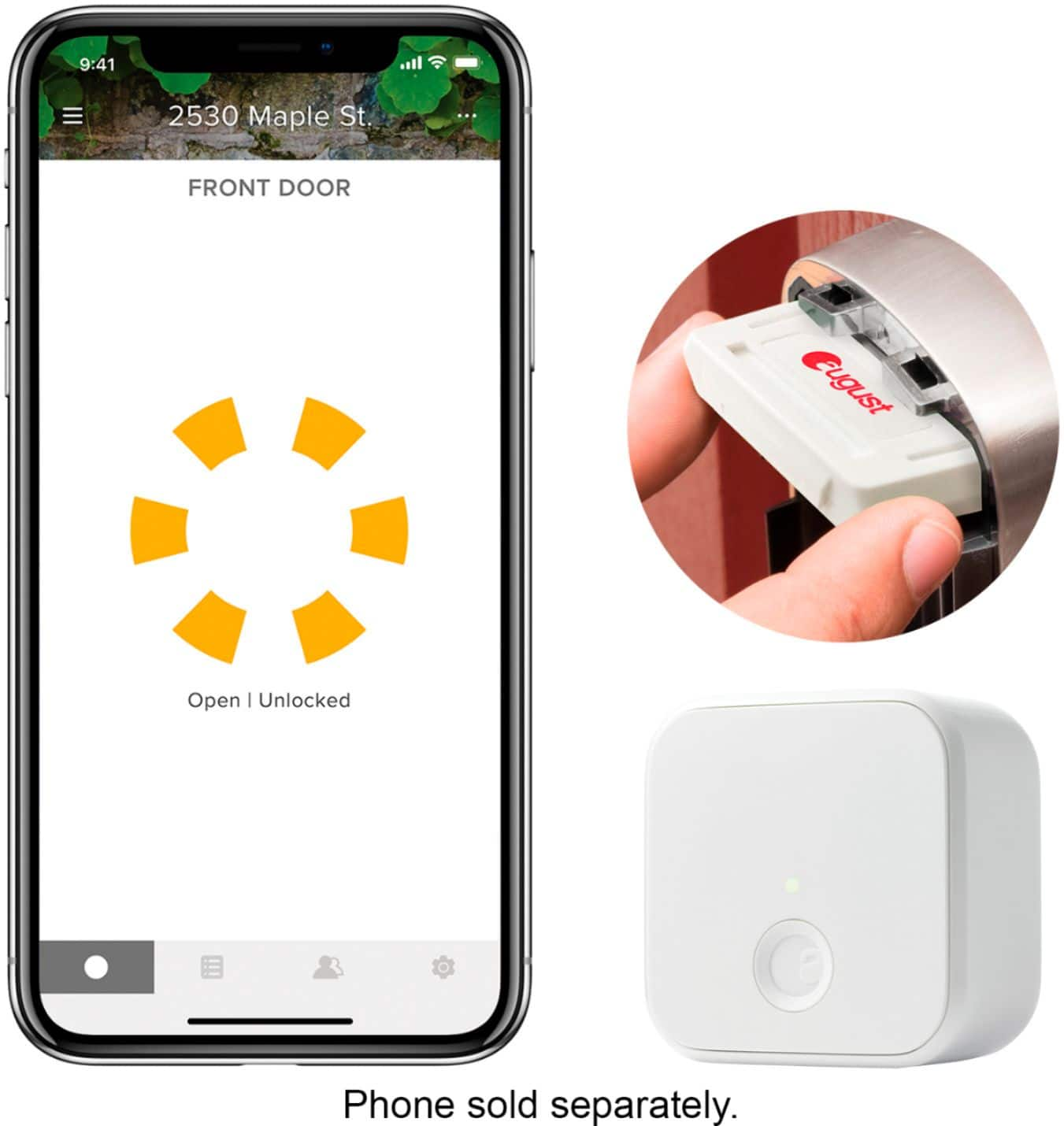
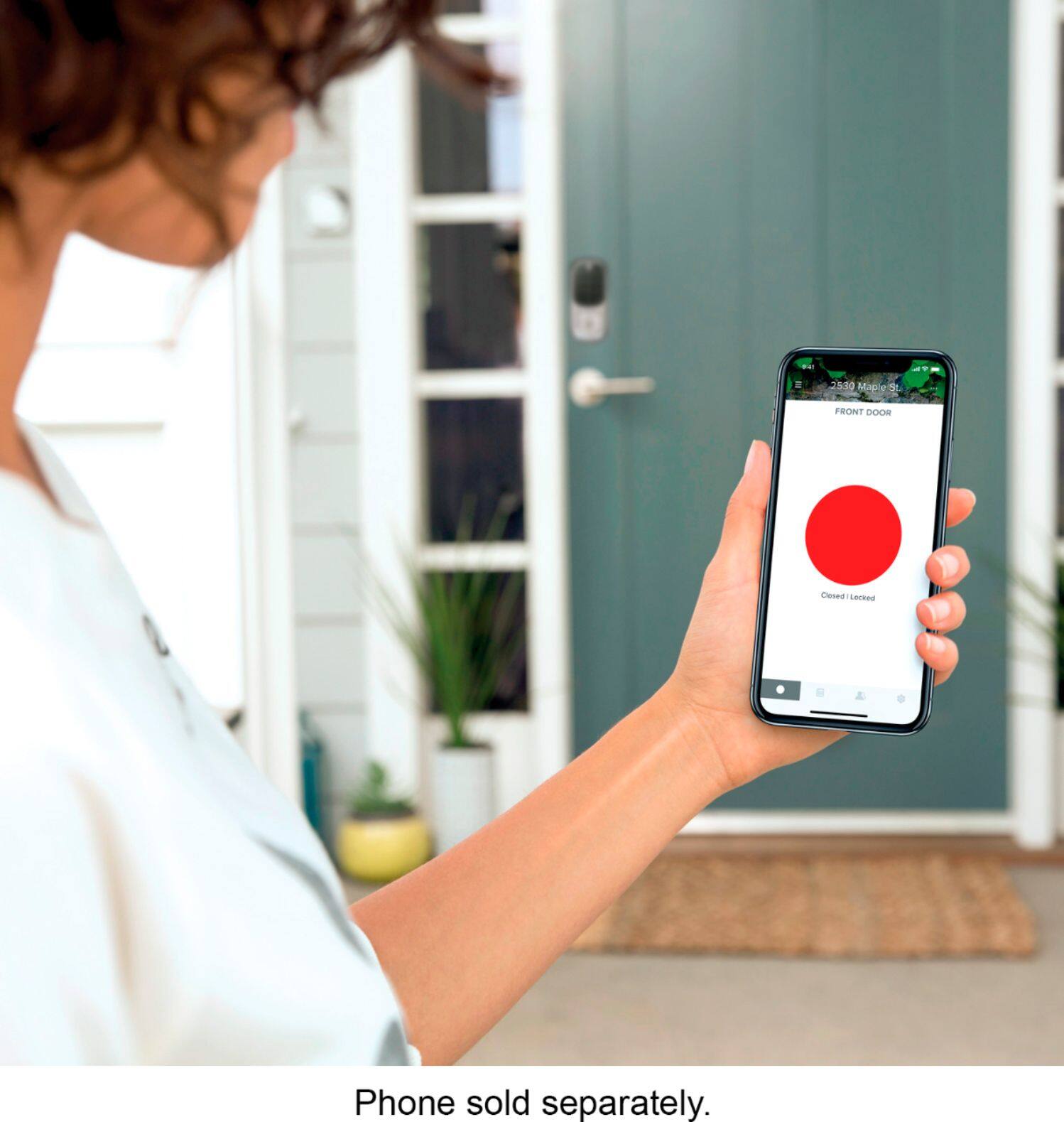
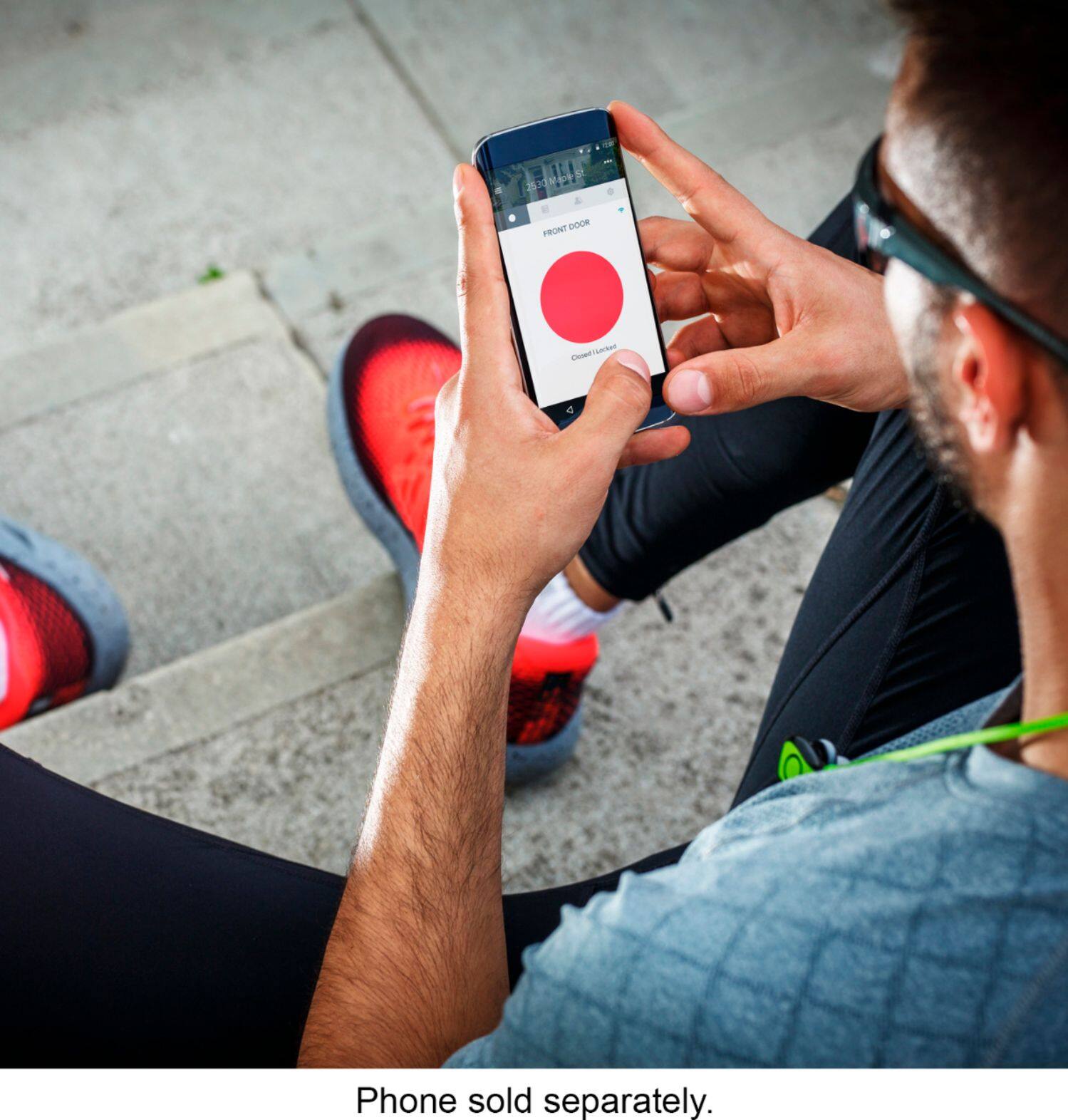
A:AnswerYou can easily add it to HomeKit during installation but you do need the August app for initial setup. HomeKit only lets you know wether the door is locked or unlocked. The August app allows you to set PIN numbers for guests or family and also gives you a timeline of when the door was opened, HomeKit does not.
A:AnswerYes, it can be done. If you are the admin then all you have to do is send invitation to your wife phone and make her admin too. By this way you both will have access to Admin features. Cheers and Enjoy
A:AnswerHello! Thanks for your question. The Yale Assure deadbolt can withstand direct sunlight as well as temperatures ranging from -32 to 120 degrees Fahrenheit.
A:AnswerI'm sure you can get Geek Squad to install this. If you already have a deadbolt, install and setup is grade school simple. Remove a couple screws, place new one, tighten two screws. The unit talks you through electronic setup. There is an 800 number for questions.
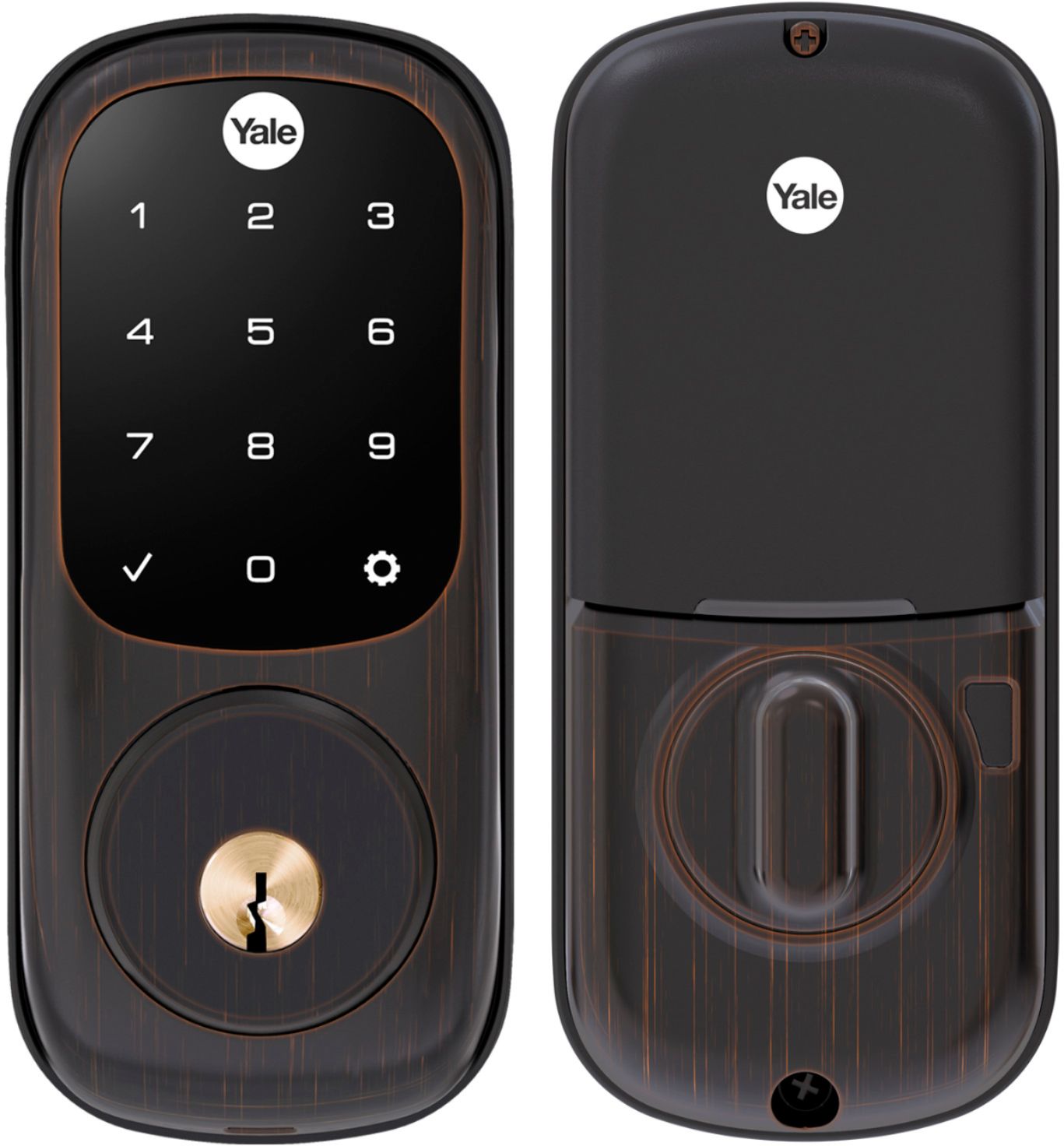
A:AnswerYes mine does work during a blackout. The lock gets it’s power from batteries so I keep extra batteries on hand. The lock gives you warnings to replace the batteries in plenty time to keep from getting locked out. I love my lock. It gives me peace of mind since I do not have to mess with keys.
Also, it can work off the internet from your phone if necessary.
A:AnswerNo smart home needed just install the lock and setup through the app. But there are cheaper versions that work with an app if you don’t want to use home automation.
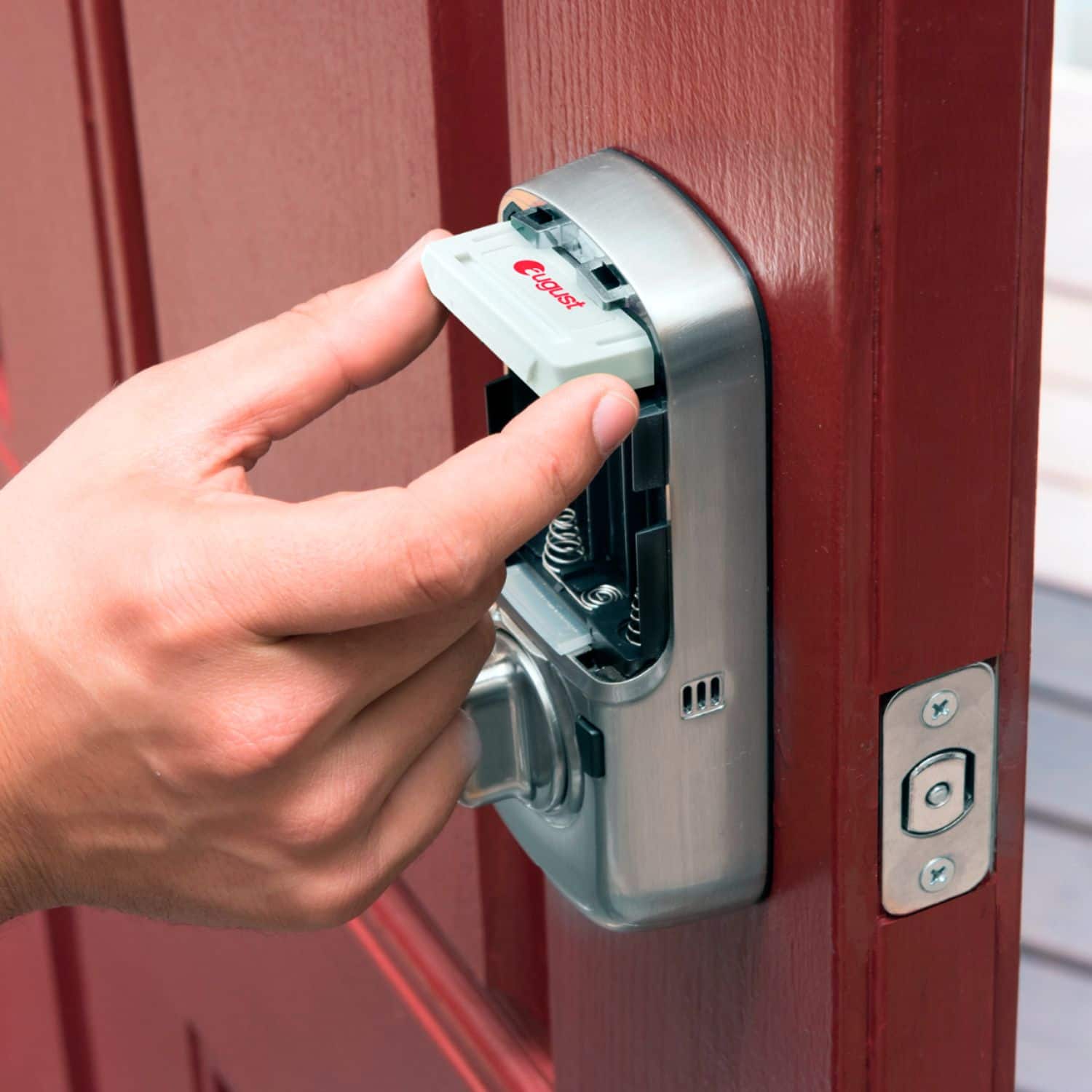
A:AnswerThe batteries are changed inside the cover on the inside of the door.. it’s a great lock very easy to use and setup.. the strike needs clearance to close all the way in the door that’s the only thing you have to watch on setup .. if it can’t fully extend when it closes it will cause lock to retract and try again which can be annoying .. hope this helps
A:AnswerWifi is not needed at all, in fact I'm having trouble connecting mine to the wifi so based on my experience it's exactly what you need lol, Bluetooth does work though for proximity though.
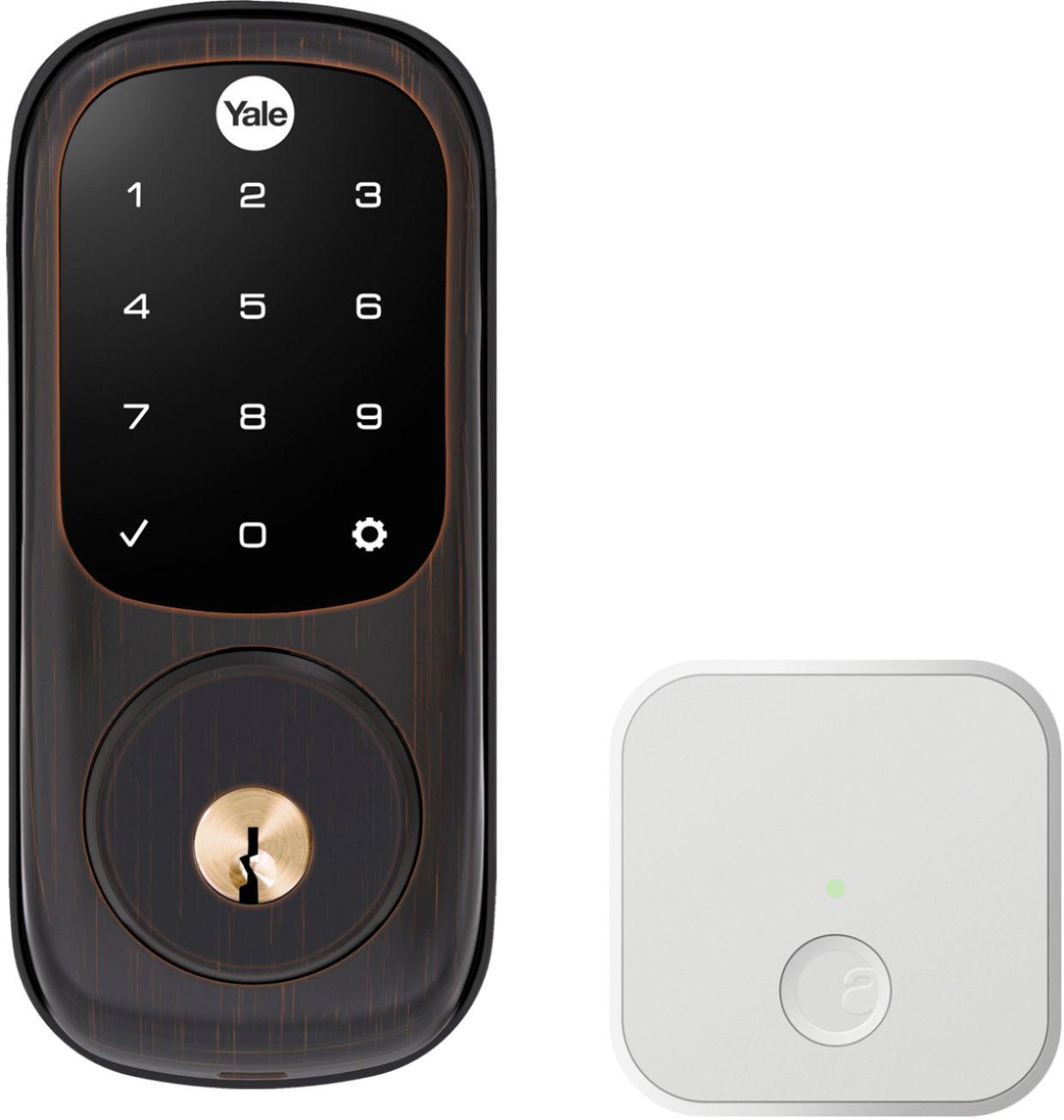
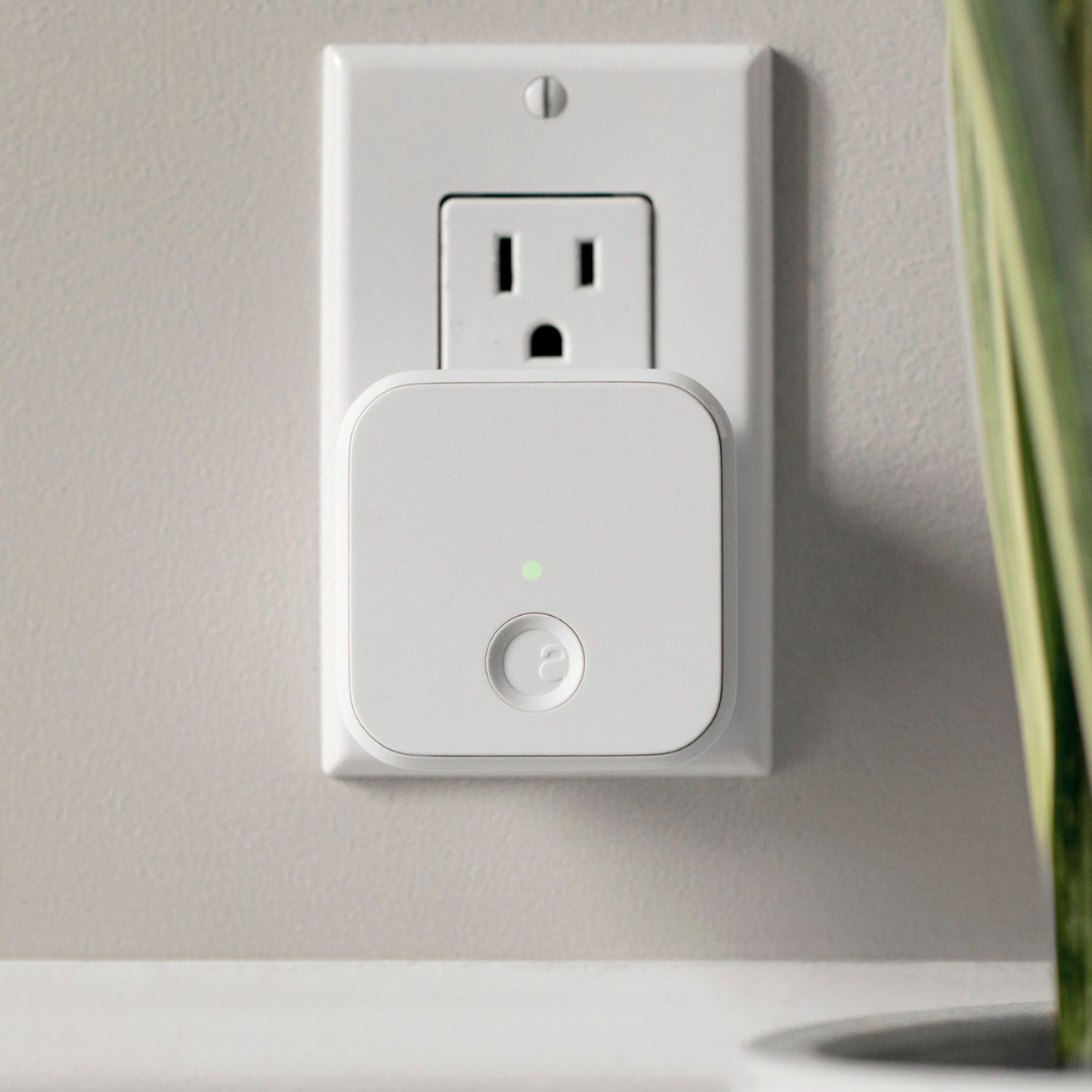
A:AnswerNo the yr226 model comes with a WiFi bridge for such applications although to use it with Apple home you must own a HomePod/ Apple TV/ or an iPad with the most recent iOS update
A:AnswerYes. To set it up you have to be there or someone has to be there with the app to set it up and set all the codes. If geeksquad is setting it up I'm sure they can send the info and app login remotely though. Blue tooth and wifi are needed to set it up.
A:AnswerYes, absolutely. I have this model and keyless touch one on all my doors. You just need to make sure it’s a model with the wifi module and the wifi bridge. You can use the Yale app to link the lock to Alexa via Skills. If you have Ring, you can and should add the lock and then it will link to Alexa and bypass the Yale app.
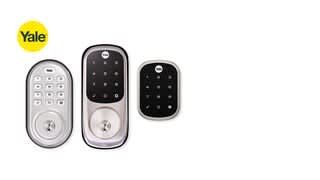
A:AnswerTo integrate with Ring, you'll need a Z-Wave version of this lock (YRD226-ZW2 series.)
If you own a YRD226 series lock without Z-Wave, you can add Z-Wave capabilities via our Z-Wave Plus Smart Module add-on (part number AYR202-ZWV-USA.)