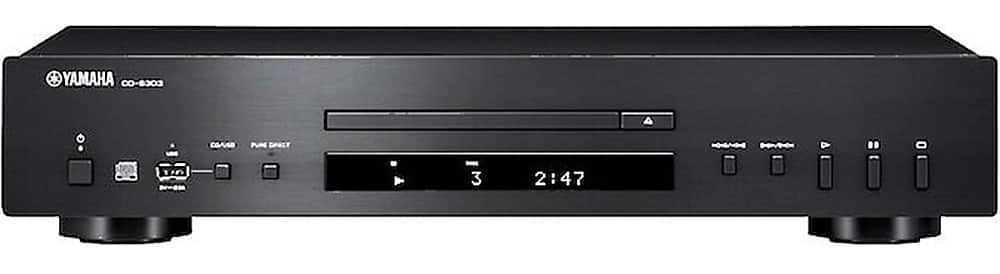
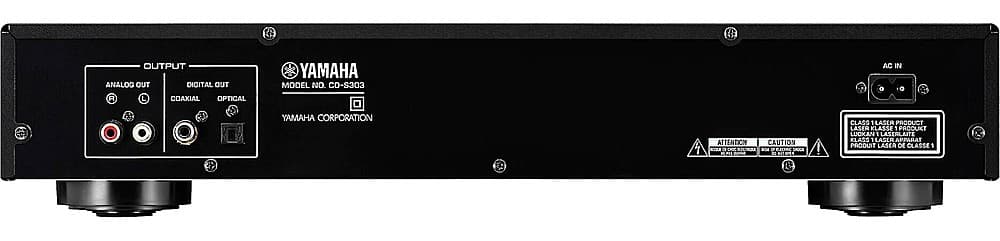
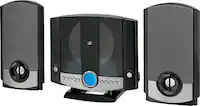
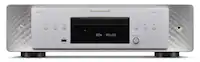
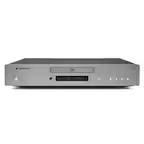
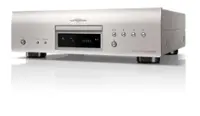
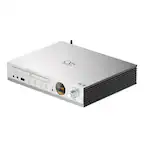
A:AnswerThe CD player does not have an amplifier, so you would need to connect it to amplified or powered speakers.
Alternatively, you can connect the CD player to a receiver or a powered home entertainment center.
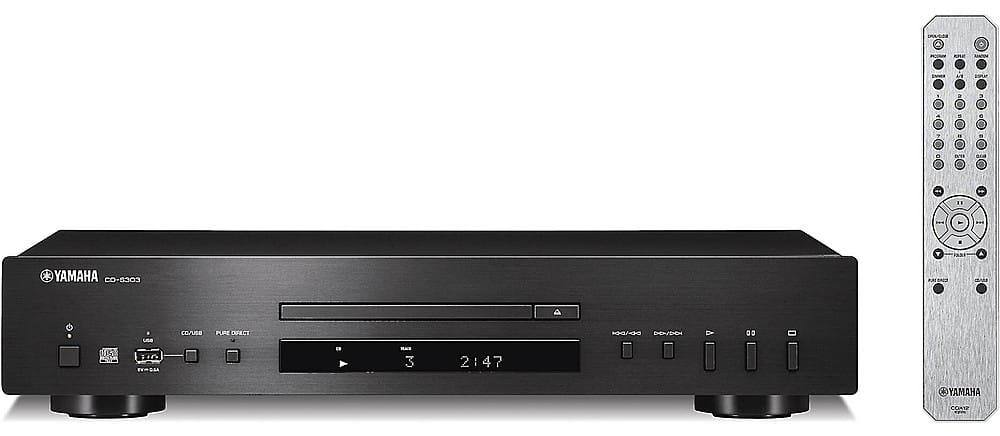
A:AnswerYou must download the music from your computer to a USB drive and then you can playback by inserting the USB drive into the cd player and pressing the cd/USB button.
A:AnswerThe unit plugs into an ac outlet. It comes with a remote that requires batteries that are included. I believe they are 2 AAA batteries. You can use the remote to play tracks or the buttons on the unit itself. Enjoy!
A:AnswerI did have an older “scratched CD that skipped when I got the unit. I applied the firmware update and the same CD worked fine afterwards. The firmware update was very easy to install.
A:AnswerGo to Yamaha's website and download the firmware update 1.53 to a blank USB drive. Then follow Yamaha's instructions to install. Its only about a 3 step process. Takes a couple of minutes. Best Buy might be able to do it for you but I don't know if they charge to do it.