
Skip to contentGo to Product Search
Main Content

Questions & Answers

Page Showing 1-9 of 9 questions
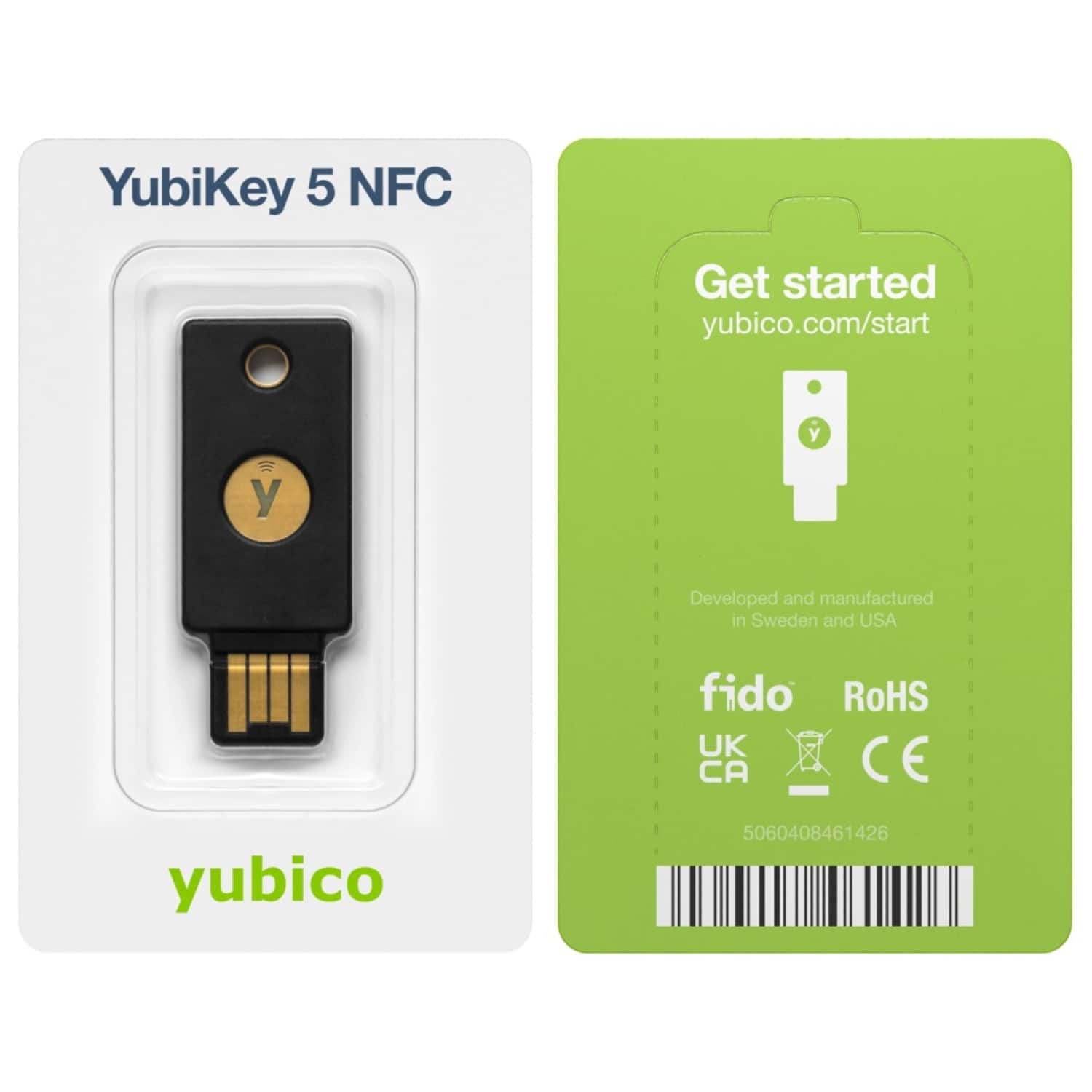
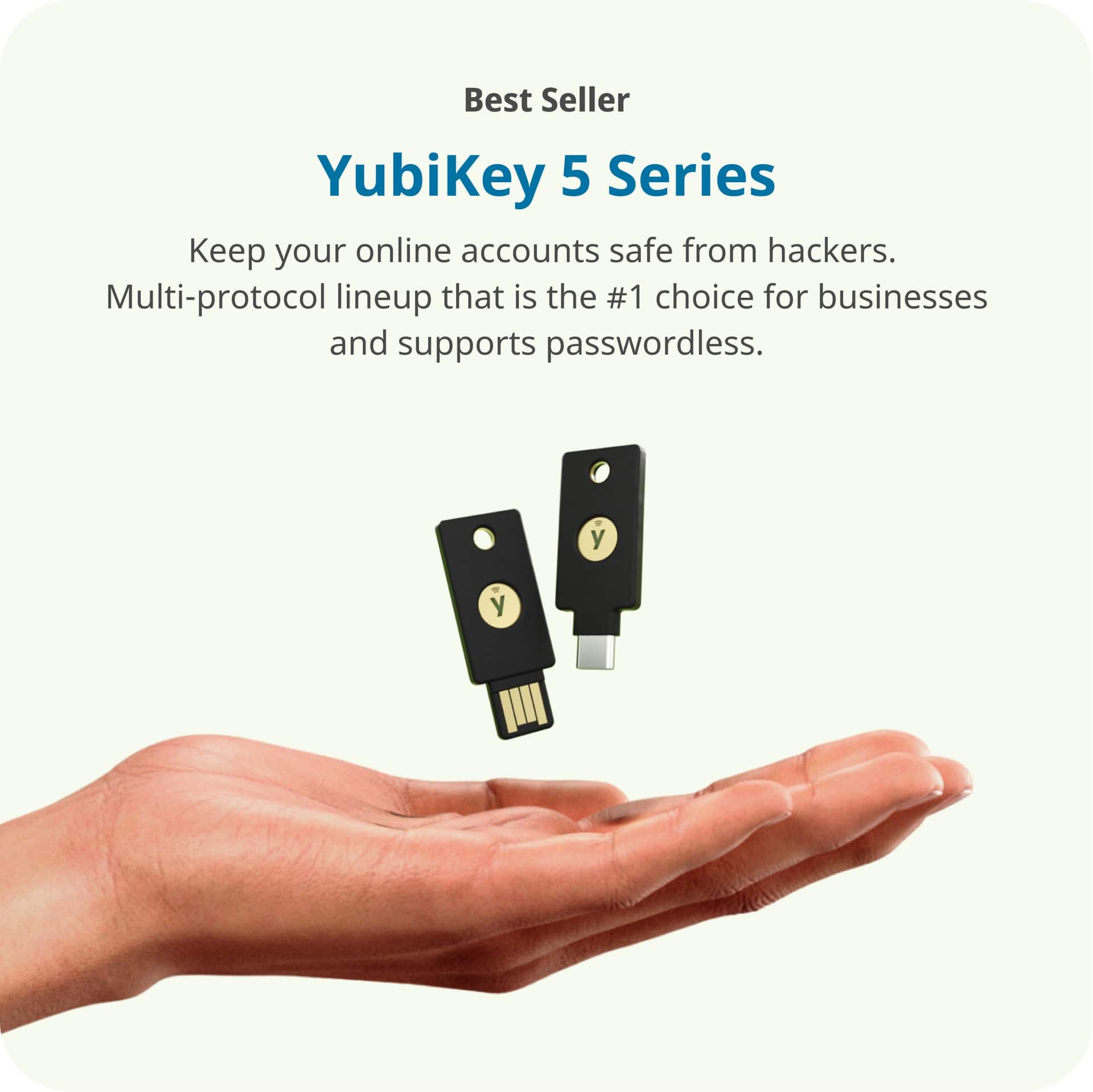
  • QuestionIs the security key compatible with both USB-A and NFC?

    • Answer This security key can connect via USB-A or NFC.
    This question and answer was generated by AI based on customer and product data.
  • QuestionHow does the security key connect to a device?

    • Answer The security key can connect via a USB-A port or NFC.
    This question and answer was generated by AI based on customer and product data.
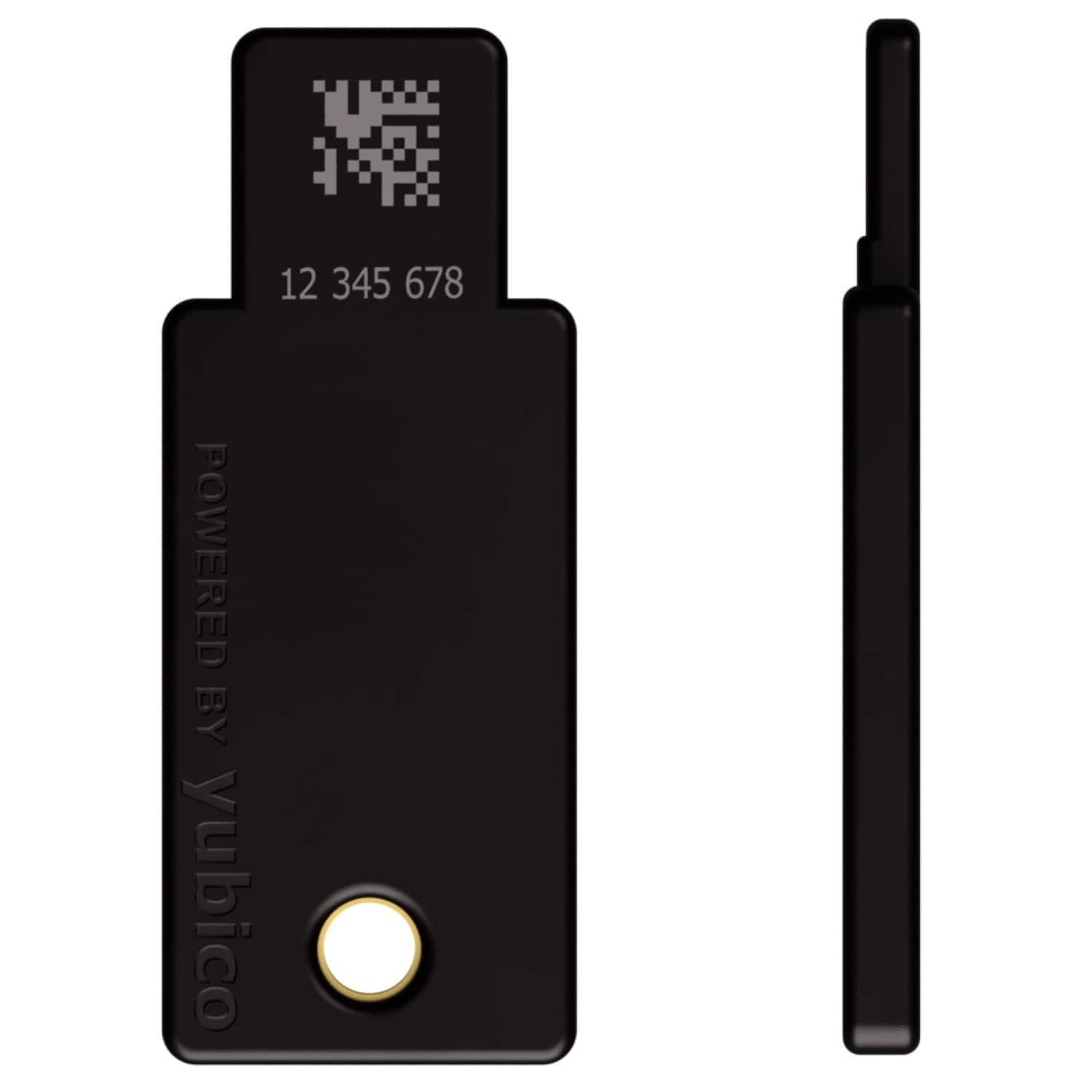
  • QuestionWhat are the dimensions of the security key?

    • Answer The product height is 0.14 inches.
    This question and answer was generated by AI based on customer and product data.
  • QuestionWhat is the warranty period for the security key?

    • Answer The YubiKey 5 NFC comes with a one-year limited warranty.
    This question and answer was generated by AI based on customer and product data.
  • QuestionWhat is the purpose of the security key?

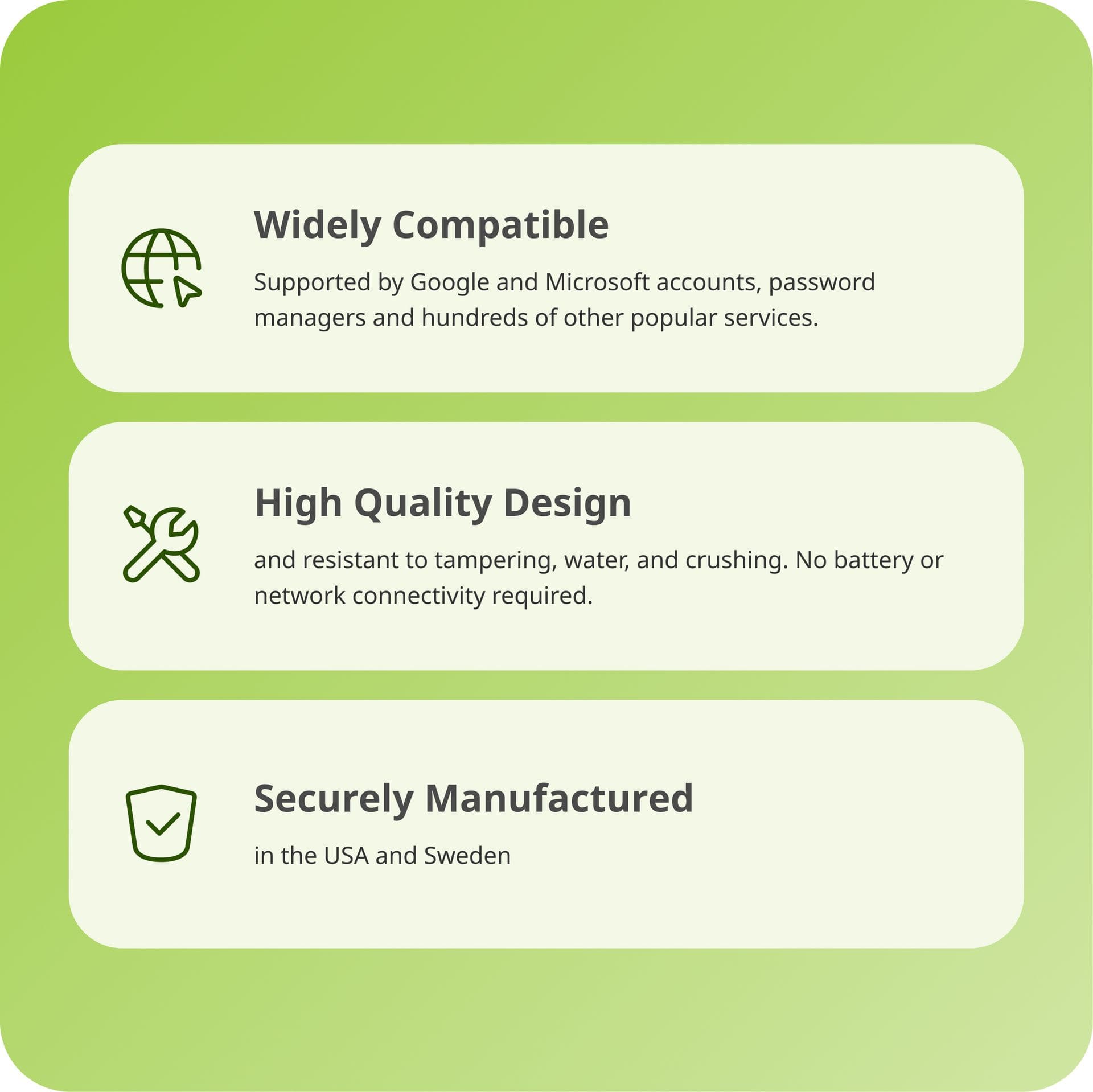
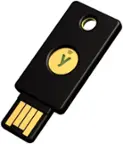
    • Answer The YubiKey 5 NFC is a two-factor authentication security key.
    This question and answer was generated by AI based on customer and product data.
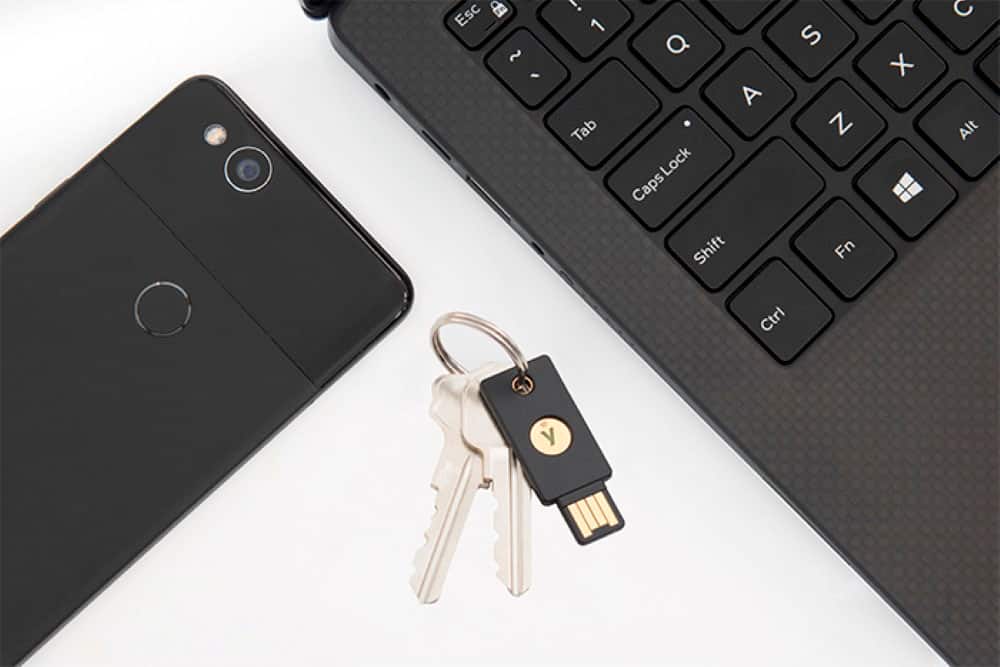
  • QuestionWhat is the process of using the key on my phone, for example? Do you just connect via USB when you want to unlock something and it automatically unlocks it? Is there an app that Ill need to download to manage passwords or anything like that?

    Asked by KyOte.

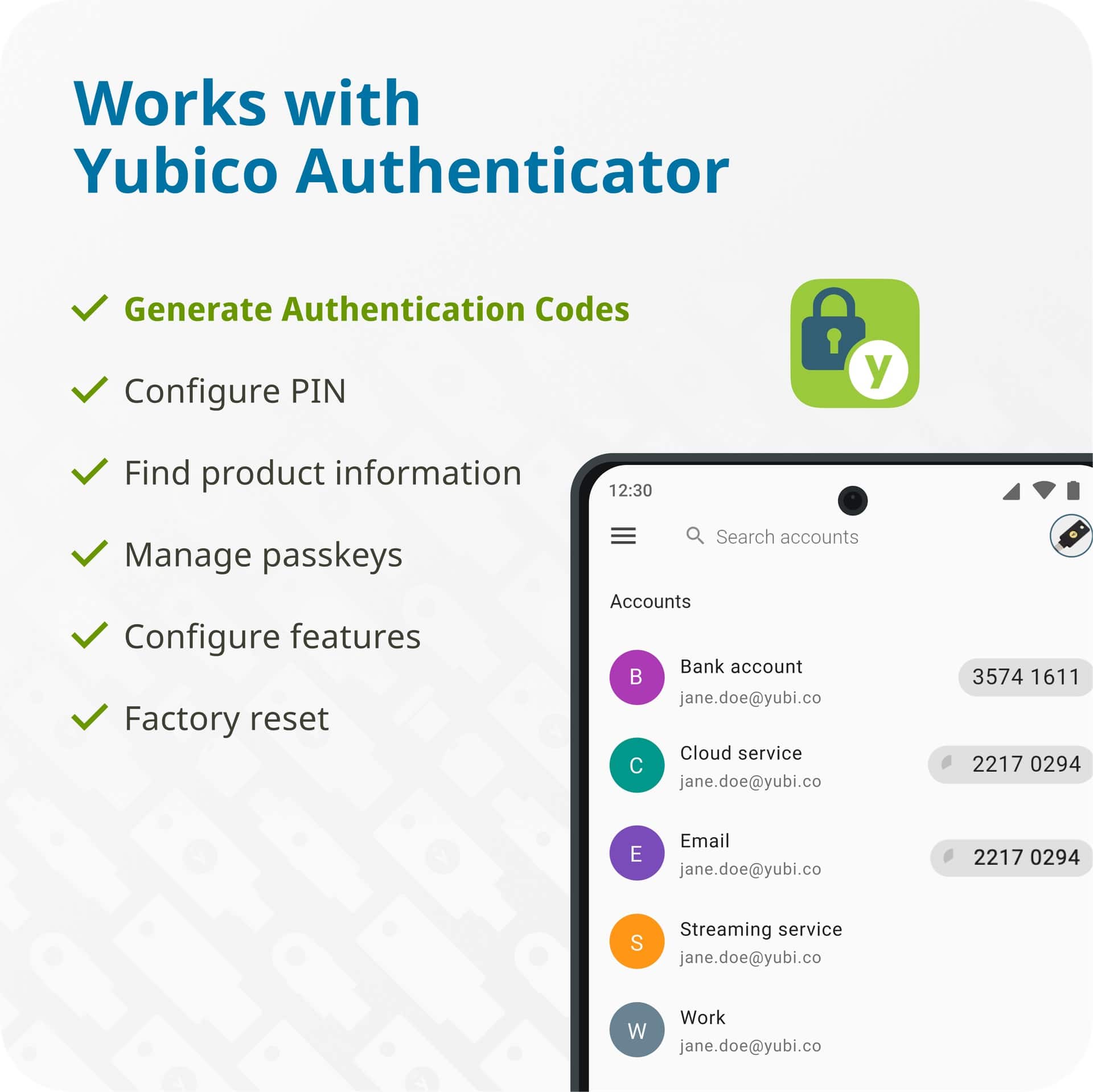
    • Answer Using the Yubico Key on your phone is usually very simple. Depending on the model, you can connect it through **USB-C, Lightning, or NFC (tap-to-use)**. When logging into a supported app or website, it will ask for your security key—then you either plug it in or tap it to the back of your phone and confirm. It does **not automatically unlock everything**; it only works when a login requests verification. You typically **do not need a password manager app** just to use the key. The key is mainly for two-factor authentication and secure login verification. However, some users choose to use the **Yubico Authenticator app** or a separate password manager if they want to store/manage login codes or passwords. So in short: no constant connection is needed—just use the key when a supported service asks for it.

      Answered by SurenderS

  • QuestionWhat Firmware version is this?

    Asked by Jake.

    • Answer I got the latest firmware when buying from Best Buy so it should be the 5.7 firmware.

      Answered by Chris

  • QuestionHow many does it come with

    Asked by Chris.

    • Answer Most Yubico keys come as 1 key per package unless you specifically buy a bundle or two-pack.

      Answered by SurenderS

  • Questiondoes yubikey fit a moto smartphone

    Asked by Anonymous.

    • Answer Yes—most Motorola (Moto) smartphones can use a YubiKey, but it depends on which Moto model you have and which YubiKey version you buy. Best ways it can fit: USB-C Moto phones → Use a YubiKey 5C NFC or other USB-C YubiKey. It plugs directly into the charging port. Yubico states the 5C NFC supports USB-C authentication. Moto phones with NFC → Use an NFC-enabled YubiKey and just tap it to the back of the phone. No plugging in needed. Yubico notes tap-to-authenticate on NFC devices. Older Moto phones with Micro-USB → You’d usually need an OTG adapter to connect a USB key. Users report this can work on Android devices.

      Answered by SurenderS