Page Showing 41-48 of 48 questions
Q: QuestionCan't get my camera to link to my TV. It is an HDMI type with two ports. I have the correct cord and adaptor plug. I have tried both ports. Neither funtioned correctly. Seems like the TV trys to do it, but always comes back to "no signal."
Asked by Lewis.
- A:Answer Check your q2n settings. It took me finking with settings to web cam AND micro/mini HDMI into my HDMI tv. Maybe also confirm you adaption cables and connectors are working as complete integrated dignal connection
Answered by Daniel
Q: QuestionCouple of things. How do I change the speed for the play back on my pc. Do I have to convert it if, so to what format!? Mpeg4 WMV. I know it's not the codec or video card as some vids will play @ regular speed & I can hear the sound. Thank you.
Asked by Q2NQUADPERCUSSIONGUY74.
- A:Answer It saves it in the .mov format you need software that can convert this if you want it in mpeg format I use Easy Video Maker for this .It allows me to edit and cut sections out if I want to shorten the video and convert to a format better suited for online viewing .
Answered by Rocknout
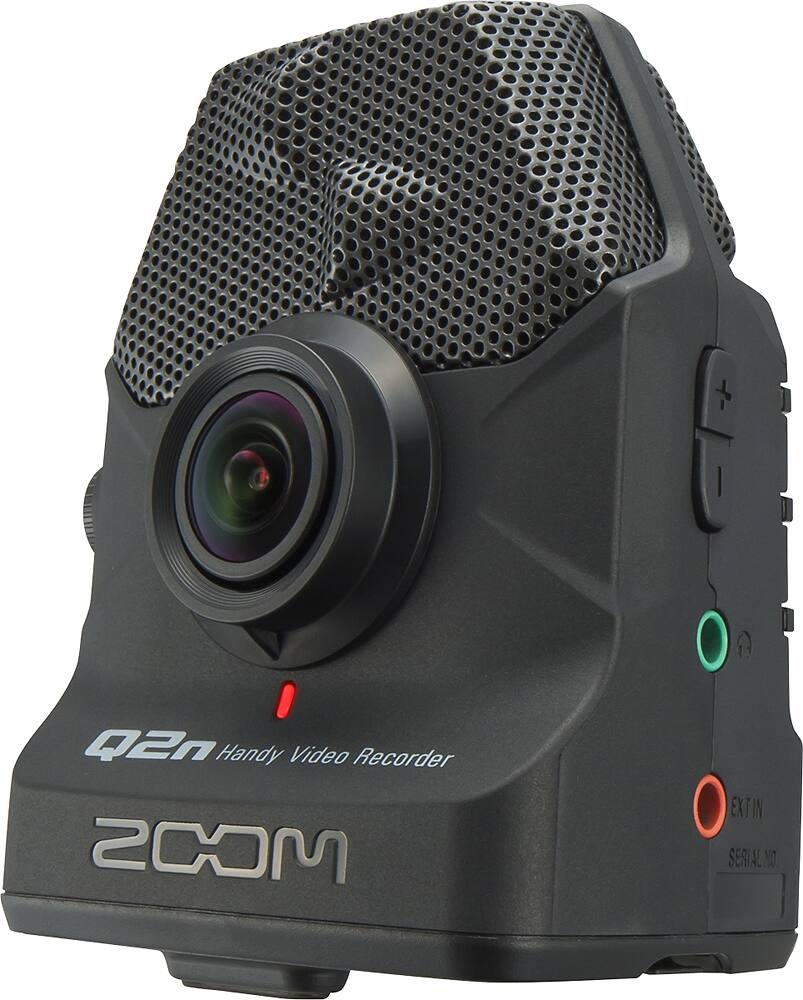
Q: QuestionIs there a protective shield over the lens when you first take the Qn2 out of the packaging?
Asked by lens.
- A:Answer No, and shame on Zoom for requiring the purchase of an auxiliary package to get one. Still, the quality makes it a worthwhile acquisition.
Answered by Trirok
Q: QuestionCan I use the camera as a webcam in higher than 720p resolution?
Asked by Mtnjam421.
- A:Answer You can, but only in record mode (not in webcam mode). And in webcam mode it's only 720p, not 720p HD.
Answered by Merco
Q: QuestionThe video files won't transfer to my mac no icon appears when I connect and set up the card reader
Asked by Dogstar.
- A:Answer You need to go into settings, second page by hitting the scroll arrow, and select iOS card reader. do this FIRST, then plug into computer..
Answered by Tjlindsey
Q: QuestionI just recorded a choir concert using the Zoom Q2N. I can get the video on my computer to show my class but there is no audio. Did I do something wrong when I recorded it?
Asked by Teach.
- A:Answer I just read on the zoom site, q2n troubleshooting is an audio khz limit that Microsoft Movie Maker can translate from is 16khz, therefore YOU MUST PRESELECT WITHIN Q2N RECORD SETTINGS THE 16KHZ AUDIO OPTION PRIOR TO RECORDING. ALTERNATIVELY YOU COULD PULL THE AUDIO PORTION BY INPUTTING IT INTO THE FREE AUDACITY AUDIO RECORDER THEN SAVE IT IN A 16KHZ FORMAT FOR RE INPUTTING IN FOR MOVIEMAKER, YOU'LL NEED TO ENSURE YOUR FRAME TIME ALIGNMENT BETWEEN AUDIO & VIDEO.
Answered by Daniel
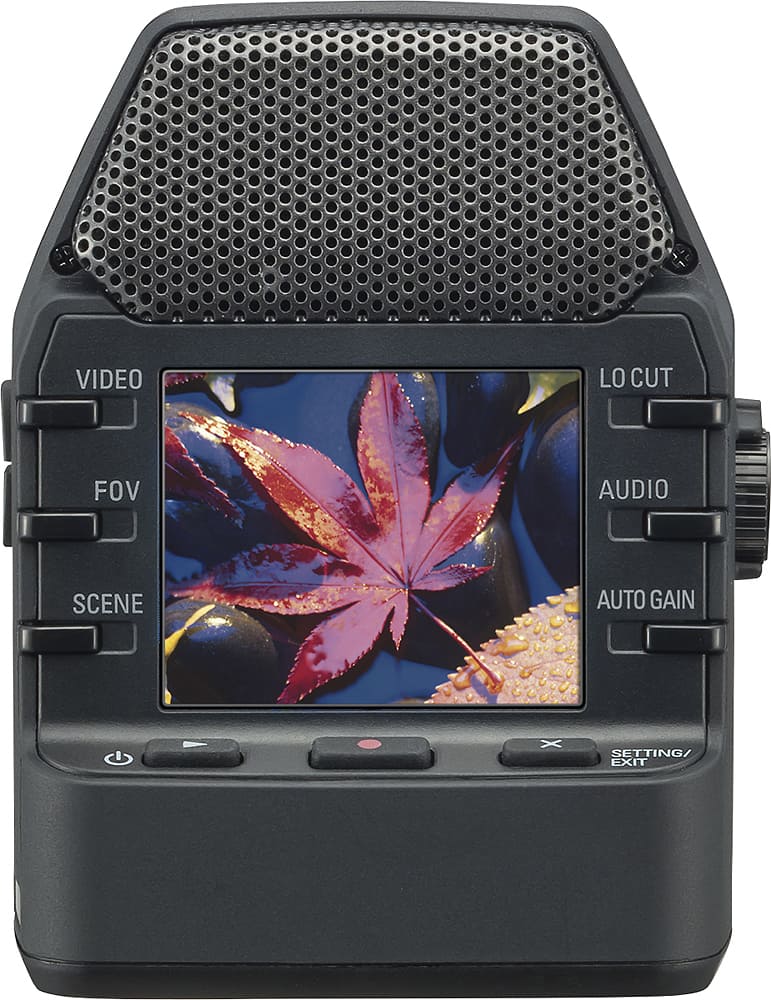
Q: QuestionIs there a way to send the signal to an external monitor, or even my iPhone to get a live screen to aid in framing? The screen on the back is very small. It says you can send via usb or micro hdmi for viewing vids, but does not mention live monitoring.
Asked by Mivo.
- A:Answer Yes, I connected my wif’s camera via HDMI directly to a 7 inch camera monitor to help her frame her violin students while recording them as a teaching aid. It works great once you choose the right settings
Answered by Starmaker
Q: QuestionHow come I can't hear the sound when I play video play back on my computer? I can see the video but no sound.
Asked by scarlethill.
- A:Answer Your computer doesn't have the correct audio codec installed. A codec is like a driver for various audio and video formats. You can use an app like VLC to play the videos as it will support a great deal of different codecs, or you can install the correct code driver. Search Google to find out more on codecs, and look for an app called Media info to show you what codecs a file is encoded with. Hope this helps.
Answered by opeth2112
Page 3, Showing 41-48 of 48 questions
Most-viewed items
- $209.99$209.99The price was $439.99
- $109.99$109.99The price was $199.99
- $199.99$199.99The price was $349.99
- $139.99$139.99The price was $259.98
- $249.99$249.99The price was $379.99
Linkind - A21 1600 Lumens Smart LED Blub, Matter Compatible, Coloring Changing (4-Pack) - Multicolor$39.99$39.99The price was $69.99- $229.99$229.99The price was $599.99
- $99.99$99.99The price was $129.99
- $159.99$159.99The price was $309.99