Customer Ratings & Reviews
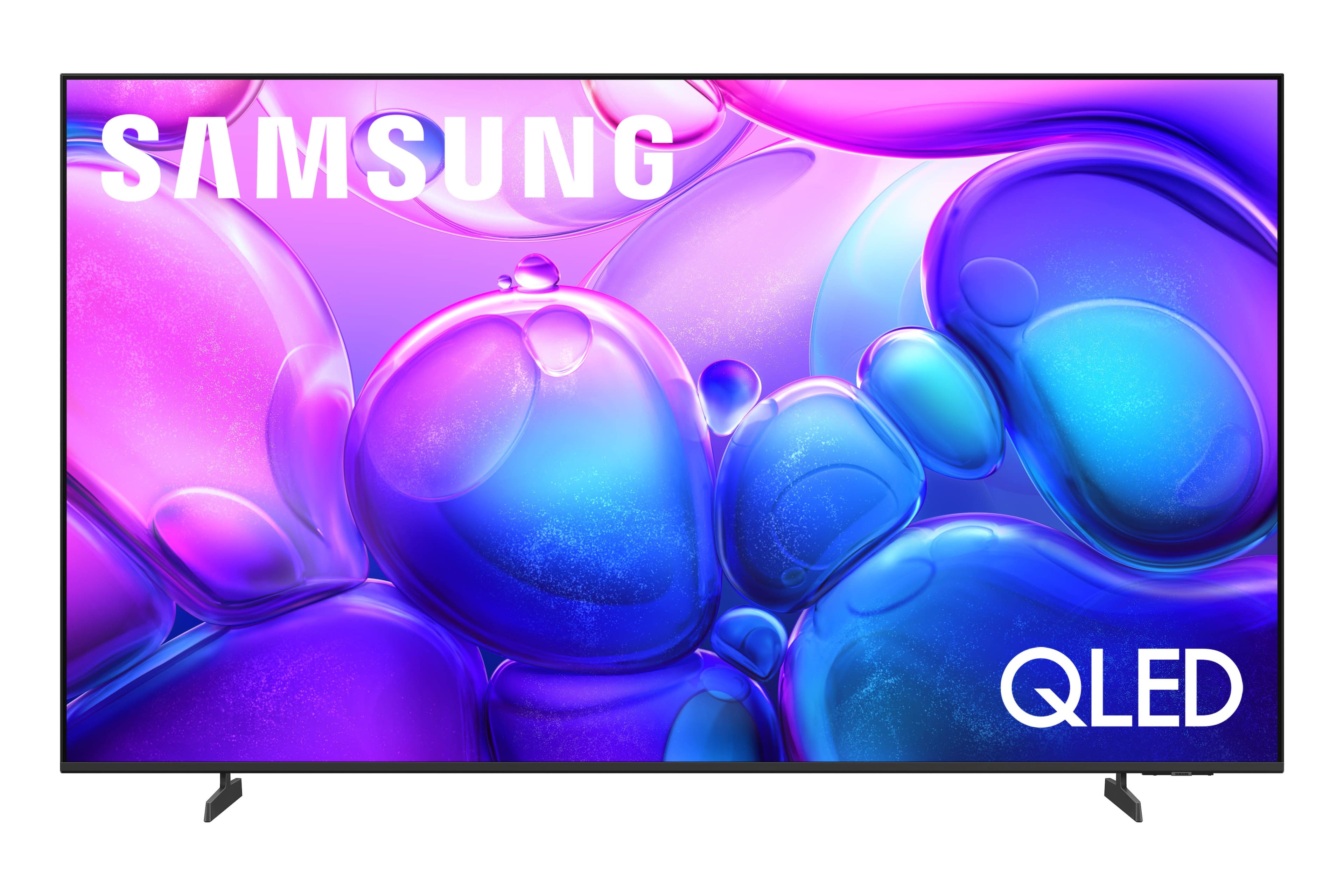
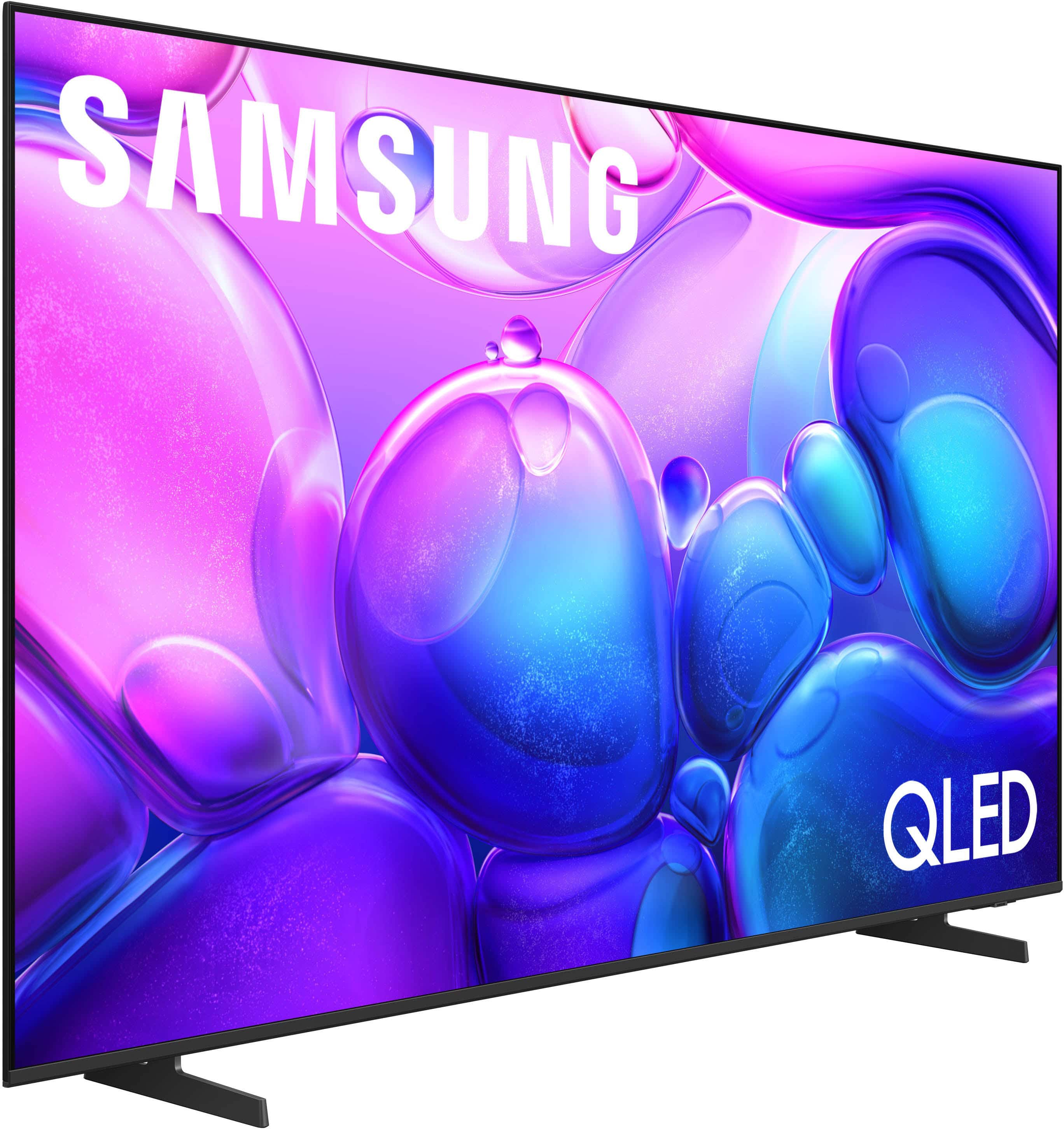
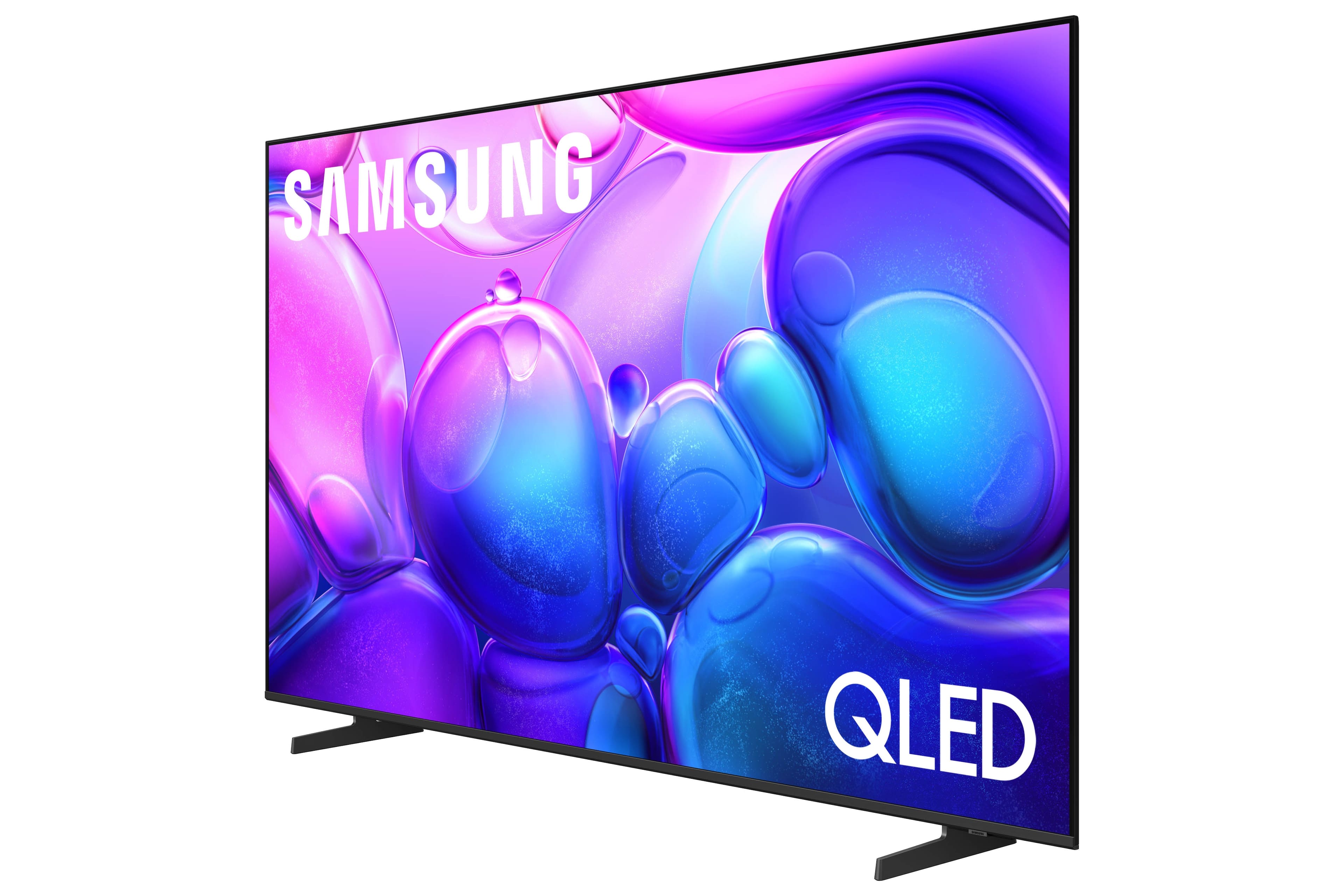
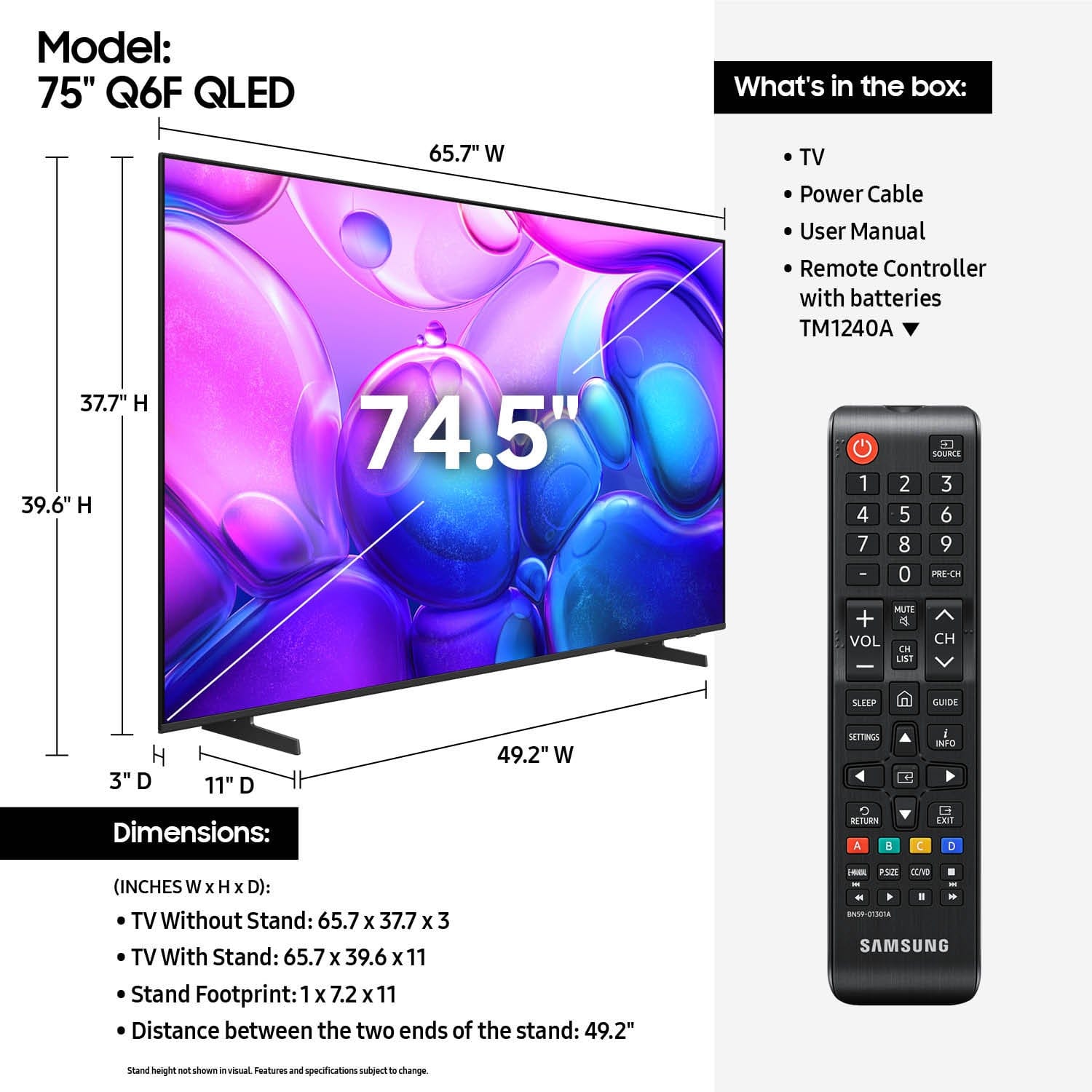



- Model:
- QN75Q6FAAFXZA
- SKU:
- 10844519
Rating by feature
- Picture Quality
Rating 4.8 out of 5 stars
- Sound Quality
Rating 4.7 out of 5 stars
- Brightness
Rating 4.8 out of 5 stars
Great TV purchase
||Posted . Owned for 3 weeks when reviewed.This reviewer received promo considerations or sweepstakes entry for writing a review.Amazing Tv, very clear, no issues. We ordered online and got delivered in a few days. First tv had an issue with the screen so we got i taken back & another was delievered. The second tv has been amazing. No issues. We love our new Tv.
I would recommend this to a friendGood buy
||Posted .This reviewer received promo considerations or sweepstakes entry for writing a review.Great smart TV with all the fixings, very intelligent with much to offer and browse.
I would recommend this to a friendcheap and good
||Posted .This reviewer received promo considerations or sweepstakes entry for writing a review.this is a good samsung tv for a nice price. we took advantage of the holiday as well.
I would recommend this to a friendtv GREAT - apps PROBLEMATIC
||Posted . Owned for 2 weeks when reviewed.This reviewer received promo considerations or sweepstakes entry for writing a review.tv GREAT - apps PROBLEMATIC Troubles occasionally with youtube tv app not working properly - needed to reset and then worked fine. TV picture rocks!
I would recommend this to a friendBrand response from Samsung
Posted .skrogger,
Thank you for sharing your experience with the YouTube TV app. If the app is freezing, not loading, or crashing, we recommend trying the following steps:
1. Cold boot the TV by holding down the power button on your remote for 5+ seconds until the TV turns off and back on.
2. Delete and reinstall the app to clear out any potential corrupted data.
3. Reset Smart Hub to remove any app conflicts (Settings > Support > Device Care > Reset Smart Hub).
Please also make sure your TV has the latest firmware installed: Settings > Support > Software Update > Update Now.
If the issue continues, please reach Samsung Support at 1-800-SAMSUNG, 8AM – 12AM EST, 7 days a week. LiveChat and additional resources are available through the ‘Support’ link on our website.
~ Samsung Specialist
good quality picture
||Posted . Owned for 2 weeks when reviewed.This reviewer received promo considerations or sweepstakes entry for writing a review.The picture quality is good, but it wasn't something I particularly liked; it could be better.
I would recommend this to a friendGreat quality holiday TV
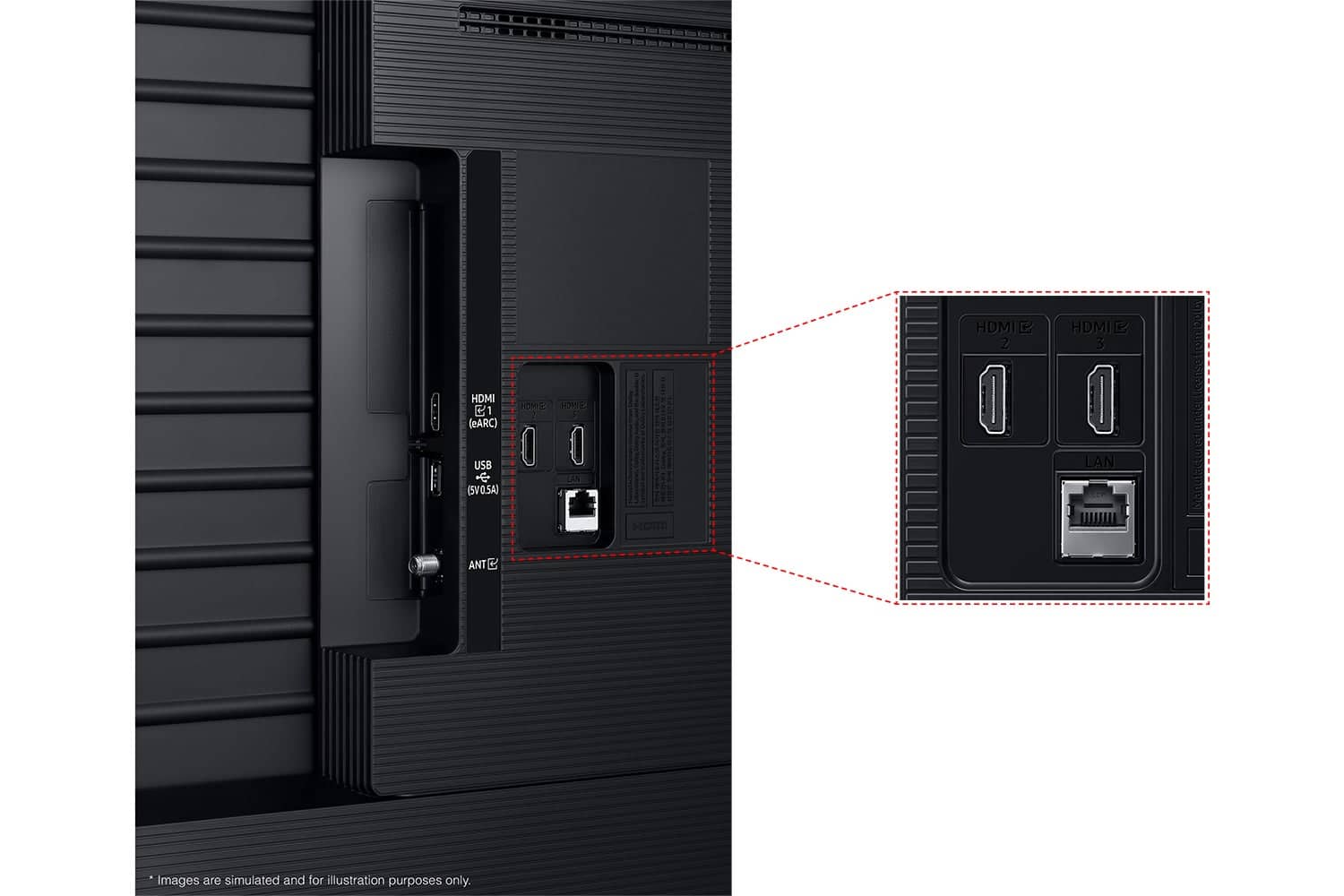
||Posted . Owned for 3 weeks when reviewed.This reviewer received promo considerations or sweepstakes entry for writing a review.Great packaging. Great quality would prefer to couple more HDMI’s.
I would recommend this to a friendReview for tv
||Posted . Owned for 3 weeks when reviewed.This reviewer received promo considerations or sweepstakes entry for writing a review.It’s great, only thing is that the phone controller lags sometimes
I would recommend this to a friendNot impressive
||Posted .This reviewer received promo considerations or sweepstakes entry for writing a review.The clarity i expected from your team is not as good as i had hoped. Your installation team Didn't help us at all setting up the TV. We can't get it to play our sound bar or set up the Samsung TV. I scanned the bar code but it has not helped at all.
No, I would not recommend this to a friendBrand response from Samsung
Posted .TamiL,
We appreciate your feedback on the picture quality of Samsung’s Q6F TV. If the image doesn’t quite match your preferences, there are several adjustments you can make to better suit your viewing environment and content type.
First, please ensure your TV is running the latest firmware, as updates may include important picture quality enhancements. Go to: Home > Left directional button > Settings > Support > Software Update > Update Now
To explore picture mode options, navigate to: Home > Left directional button > Settings > All Settings > Picture > Picture Mode. Options include:
• Standard – Ideal for general viewing
• Dynamic – Brighter and more vibrant for well-lit spaces
• Eco – Optimized for energy efficiency
• Movie – Best for viewing in low light
• Filmmaker Mode – Preserves the content creator’s intent and disables motion smoothing for supported content
You can further customize your image by going to: Settings > All Settings > Picture > Expert Settings, where you can adjust Brightness, Contrast, Color Tone, Sharpness, Contrast Enhancer and more.
If you’d like help finding the best picture settings for your preferences, please don’t hesitate to contact Samsung Support at 1-800-SAMSUNG, available 8AM – 12AM EST, 7 days a week. You can also LiveChat with an agent or explore additional resources on our website by clicking the ‘Support’ link.
~ Samsung Specialist
Big screen
||Posted .This reviewer received promo considerations or sweepstakes entry for writing a review.This item was awesome. It sits in the box. Well, haven’t opened it yet.
I would recommend this to a friendSamsung tv review
||Posted .This reviewer received promo considerations or sweepstakes entry for writing a review.Great tv and reasonable price. Happy with my purchase
I would recommend this to a friendWish it was good
||Posted . Owned for 3 weeks when reviewed.This reviewer received promo considerations or sweepstakes entry for writing a review.1st had dead pixels took it back and 2nd tv came cracked, 3 tv tired it at the store and had dead pixels again. Not sure if it was a bad pallet or not but I can not recommend base on the 3 tvs i saw. The quality looks good for a budget TV if all the pixel worked. Not the greatest experience; however, Best Buy employees were good and upgrade me to Q7F do to all the issues.
No, I would not recommend this to a friendBrand response from Samsung
Posted .ElvisL,
Thank you for sharing your experience with Samsung’s Q6F TV and for letting us know what led you to switch to a different Samsung model. We appreciate your loyalty.
Your feedback on this model has been recorded and will be shared with our teams to help improve future products.
If you need assistance with setup, settings, or features on your new Samsung Q7F TV, please don’t hesitate to reach out. We’re always happy to help at 1-800-SAMSUNG (8AM – 12AM EST, 7 days a week), or visit the ‘Support’ section of our website for LiveChat, manuals, and more.
~ Samsung Specialist
Horrible remote
||Posted . Owned for 3 weeks when reviewed.This reviewer received promo considerations or sweepstakes entry for writing a review.The remote was horrible to work. The TV was clear. Returned item due to the remote. Went in to store to buy a Roku TV, and got talked into this one. My fault for not sticking to my guns. Came back and bought what I wanted.
No, I would not recommend this to a friendBrand response from Samsung
Posted .DeborahB,
We're sorry to hear that your experience with the Q6F TV led to a return. Your feedback matters to us and will be shared with our product team.
If you decide to explore Samsung TVs again in the future, we’re always here to support you - whether it’s setup, features, or troubleshooting. Reach us anytime at 1-800-SAMSUNG (8AM – 12AM EST, 7 days a week), or visit the ‘Support’ section of our website for LiveChat, manuals, and more.
~ Samsung Specialist
Disappointing
||Posted . Owned for 1 month when reviewed.This reviewer received promo considerations or sweepstakes entry for writing a review.Sound goes out for no apparent reason. The picture is good.
No, I would not recommend this to a friendBrand response from Samsung
Posted .KW2025,
Thank you for your review of the Samsung Q6F TV and for sharing your experience with the sound cutting out.
If this issue occurs when using a device connected via HDMI, the cable may be the cause. We recommend replacing it with a High-Speed HDMI cable with Ethernet Channel, often labeled HEC or HEAC on the cable.
If you're not using HDMI, or if the issue still occurs after replacing the cable, please contact Samsung Support so we can assist with additional troubleshooting or help set up a service appointment if needed.
You can reach us at 1-800-SAMSUNG, 8AM – 12AM EST, 7 days a week. LiveChat and additional support resources are also available through the Support link on our website.
~ Samsung Specialist
Very bad remote and no local channels
||Posted . Owned for 1 month when reviewed.This reviewer received promo considerations or sweepstakes entry for writing a review.The remote is terrible.It literally skips about three lines.When you're trying to move it down and no local channels
No, I would not recommend this to a friendBrand response from Samsung
Posted .LarryV,
We appreciate your review of Samsung’s Q6F TV. So we can better understand the issues you’re experiencing and provide you with troubleshooting assistance, please reach out to Samsung Customer Support at 1-800-SAMSUNG, available daily from 8AM - 12AM EST. You can also chat with a LiveChat agent by clicking the ‘Support’ link on our website for:
• Live Chat
• Manuals, Software, & Warranty Info
• Creating a Service ticket
~ Samsung Specialist
Bad Screen DOA.. had to return it
||Posted .This reviewer received promo considerations or sweepstakes entry for writing a review.The screen has a defect that caused there to be a bright halo at the top edge of the screen.. the picture was not good quality and motion was laggy.. had to lldrag this thing back to return it.
No, I would not recommend this to a friendBrand response from Samsung
Posted .Reviewer,
We're sorry to hear that your experience with the Q6F TV led to a return. Your feedback matters to us and will be shared with our product team.
If you decide to explore Samsung TVs again in the future, we’re always here to support you - whether it’s setup, features, or troubleshooting. Reach us anytime at 1-800-SAMSUNG (8AM – 12AM EST, 7 days a week), or visit the ‘Support’ section of our website for LiveChat, manuals, and more.
~ Samsung Specialist
Bad experience
||Posted .This reviewer received promo considerations or sweepstakes entry for writing a review.I love shopping at best buy but this time my experience was not good. I was promised a gift card that i did get by the way, but it took lots of time off my busy schedule to try to get a hold of some one. I was told to call them several times and then i was told to drive to the store because they had the gift card there manager at store was rude. Long story short i had a bad delivery experience.
I would recommend this to a friendBrand response from Samsung
Posted .JorgeL,
It appears your 1-star review for the Samsung Q6F TV is based on your experience with Best Buy, and we’re sorry to hear that. We recommend contacting the store directly to share your feedback.
If you need help with the TV itself, Samsung Support is available at 1-800-SAMSUNG, 8AM – 12AM EST, 7 days a week, or via LiveChat under the ‘Support’ section of our website.
~ Samsung Specialist
Spend more and get better model
||Posted .This reviewer received promo considerations or sweepstakes entry for writing a review.Like ....not love..but I got a good discount so that makes up for it. Spend the extra
I would recommend this to a friendBrand response from Samsung
Posted .Rambo,
Thanks for your feedback. If there's anything we can help with, please reach Samsung at 1-800-SAMSUNG, 8AM – 12AM EST, 7 days a week. LiveChat and additional support resources are also available through the Support link on our website.
~ Samsung Specialist
Don’t recommend
||Posted . Owned for 3 weeks when reviewed.This reviewer received promo considerations or sweepstakes entry for writing a review.Processing poor. Remote control horrible and slow. No voice command. Arrived damaged with line down screen.
No, I would not recommend this to a friendBrand response from Samsung
Posted .AmandaS,
We appreciate you sharing your delivery experience and are sorry to hear that your TV arrived damaged. For issues related to shipping or delivery, we recommend reaching out to Best Buy directly so they can assist in resolving the situation.
Once your issue is resolved, if you have any questions about setup, usage, or features, please don’t hesitate to contact Samsung Support at 1-800-SAMSUNG (8AM – 12AM EST, 7 days a week), or connect with a LiveChat agent via the ‘Support’ link on our website.
~ Samsung Specialist
slow and keeps on hang
||Posted .This reviewer received promo considerations or sweepstakes entry for writing a review.tv is slow and keeps on log I thought this tv is good
No, I would not recommend this to a friendBrand response from Samsung
Posted .MarkT,
We appreciate your feedback regarding response time. For optimal performance, please ensure your TV is running the latest firmware. You can check this by going to: Home > left directional key > Settings > Support > Software Update
To further optimize performance, try running Device Care, which checks memory, clears unused cached data, and closes background apps: Home > left directional key > Settings > Support > Device Care > Start Device Care
If issues continue, please reach Samsung Support at 1-800-SAMSUNG, available 8AM – 12AM EST, 7 days a week.
LiveChat is also available via the ‘Support’ link on our website.
~ Samsung Specialist
75'' Class Q6F Series QLED 4K UHD Samsung
||Posted .This reviewer received promo considerations or sweepstakes entry for writing a review.TV was defective, would not reboot, and screen was stuck on the same settings. Had to contact Best Buy could not do much on their end, so we had to contact SAMSUNG. Fortunately they were able to help us.
No, I would not recommend this to a friendBrand response from Samsung
Posted .HelenR,
We appreciate you sharing your experience in working to resolve the issues with your Samsung Q6F TV, and we’re glad to hear that our Service team was able to assist with troubleshooting.
Please know that Samsung remains committed to delivering the best possible product experience, quality, and value. Your feedback will be shared with both our product and customer care teams.
If there’s anything more we can do to further improve your experience, please don’t hesitate to contact Samsung Support at 1-800-SAMSUNG, available 8AM – 12AM EST, 7 days a week. You can also reach us via LiveChat by visiting the ‘Support’ link on our website.
~ Samsung Specialist