Customer Ratings & Reviews
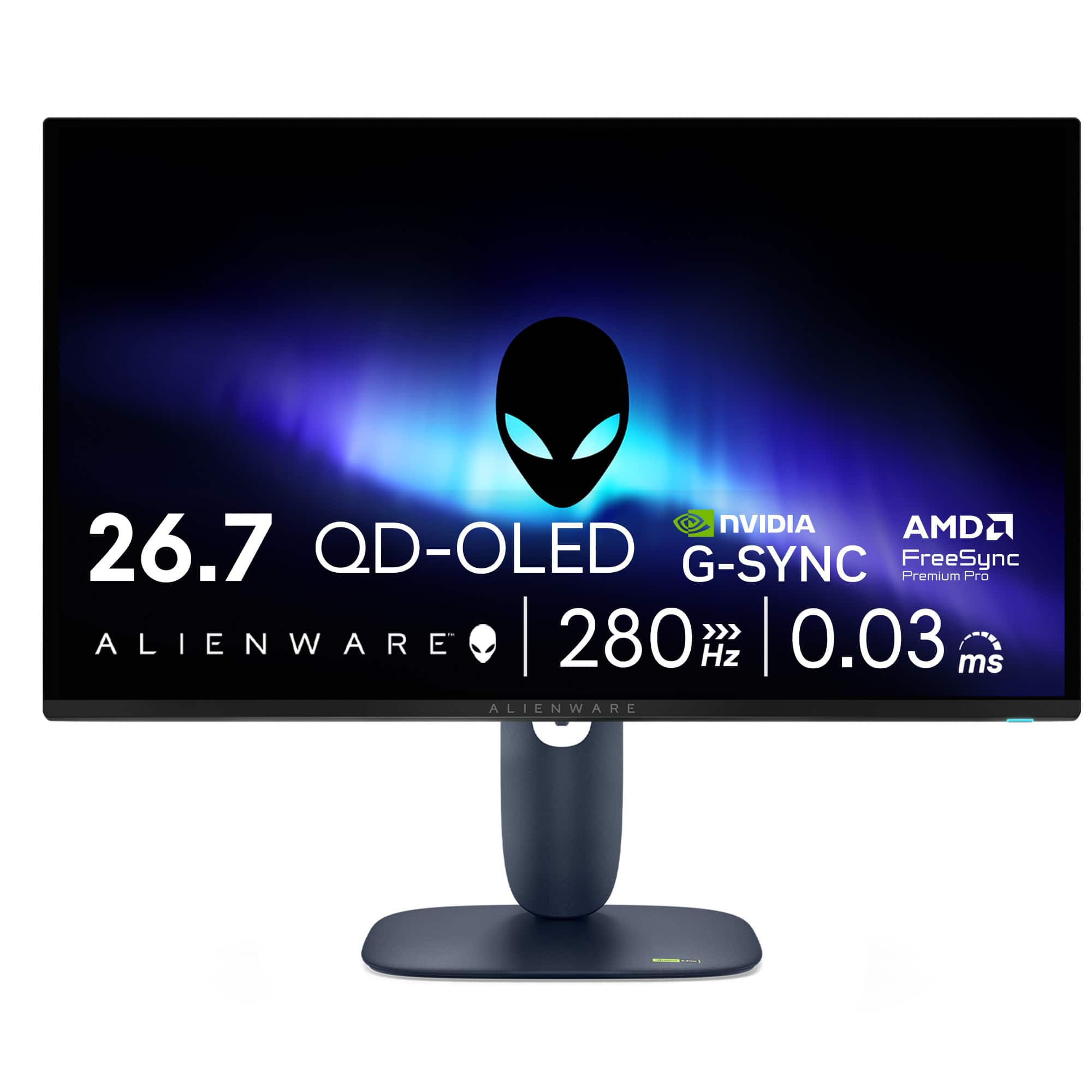
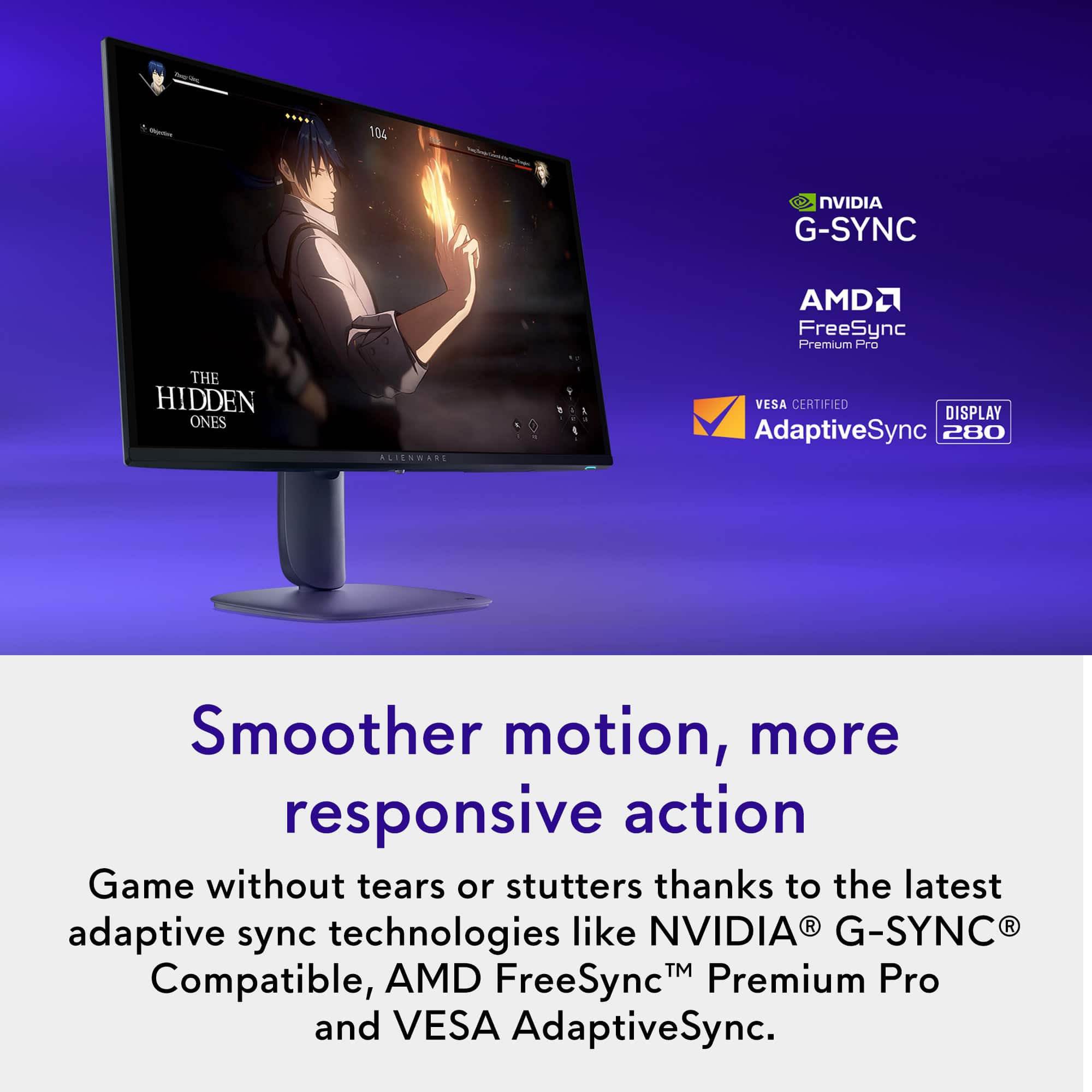
- Model:
- AW2725D
- SKU:
- 6640502
Rating by feature
- Display Quality
Rating 4.9 out of 5 stars
- Ease of Use
Rating 4.8 out of 5 stars
- Features
Rating 4.7 out of 5 stars
Customers are saying
Customers enjoy the AW2725D monitor for its exceptional color quality and high refresh rate, which contribute to an overall stunning visual experience. The monitor's performance is considered top-tier, and the inclusion of USB ports is a welcomed convenience. Features such as resolution, adjustability, and HDR performance are also appreciated by users.
This summary was generated by AI based on customer reviews.
- Pros mentioned:Color quality, Refresh rate
Fantastic monitor!
||Posted . Owned for 2 weeks when reviewed.This reviewer received promo considerations or sweepstakes entry for writing a review.Upgraded from my trusty Dell S2721DGF (Nano IPS), and the difference is night and day. Pros: + Amazing colors + Super deep blacks (in a dim / dark room) + Crazy smooth 280Hz + Response times basically instant + Sharp text (looks the same as IPS/LCD to me) + Unobtrusive panel maintenance Neutral: - Raised blacks in a bright room (QD-OLED trait) Cons: - Slight vertical banding on dark gray content (should improve a little over time)
I would recommend this to a friend - Pros mentioned:Refresh rate
A Game-Changer for Gamers and Content Creators Ali
||Posted .This reviewer received promo considerations or sweepstakes entry for writing a review.I recently picked up the Alienware AW2725D 27” QD-OLED Gaming Monitor, and let me just say—it is nothing short of phenomenal! From the moment I set it up, I was blown away by the stunning picture quality. The Quantum Dot OLED technology really brings out vivid colors and deep contrasts, making every scene look incredibly lifelike. Whether you’re gaming or editing content, the 2560 x 1440 resolution and 280Hz refresh rate deliver an ultra-smooth experience with zero motion blur. The 0.03ms response time is perfect for fast-paced action, and the FreeSync and G-SYNC support make sure everything stays buttery smooth without tearing. The monitor is also surprisingly easy on the eyes, even during long gaming or work sessions, thanks to its HDR support and customizable settings. The design is sleek and modern, with the iconic Alienware aesthetic, which perfectly matches my setup. One of the best parts is the versatility—whether I’m gaming, streaming, or creating, the monitor handles it all with ease. It’s an absolute must-have for any serious gamer or professional creator. If you’re looking for a top-tier display that combines performance and style, the AW2725D is the way to go. Worth every penny!
I would recommend this to a friend - Pros mentioned:Color quality, Connectivity
28 inch Oled monitor for a reasonable price
||Posted . Owned for 1 week when reviewed.This reviewer received promo considerations or sweepstakes entry for writing a review.I got this open box in excellent condition. Picture is bright and the blacks are perfect. I’m using this with my Xbox and PS5. It has 2 HDMI 2.1 ports allowing me to do 4K at 120 on console. I’m coming from a LG IPS monitor that is 32 inches and it was worth the change. The highlights pop when using HDR and the colors are vibrant because of the QD oled.
I would recommend this to a friend - Pros mentioned:Color quality
The perfect all in one monitor
||Posted .This reviewer received promo considerations or sweepstakes entry for writing a review.This monitor is magnificent. Truly, it's hard to envision a better monitor (although I know 4k exists). I've only had the monitor for a few days and have only played CS2 and a MOBA so far, both of which are fantastic. Can't wait to play an open world game in the coming days. I haven't customized the picture settings yet as the presets have worked for me so far. I know it's expensive, but this monitor is well worth it, in my opinion. I would certainly recommend this to anyone who's in the market for monitor that can support FPS games while also provide a beautiful visual for graphic-driven games.
I would recommend this to a friend - Pros mentioned:Color quality
Great gaming OLED monitor
||Posted . Owned for 2 weeks when reviewed.This reviewer received promo considerations or sweepstakes entry for writing a review.this monitor was a great buy at $480. There were cheaper options available but for just a little more you get great build quality, good software, and a trusted brand. Upgrading to an OLED is a huge jump in clarity and HDR colors. The panel gets plenty bright and the purple tint in indoor lighting is barely noticeable. 10/10 would recommend!
I would recommend this to a friend - Pros mentioned:Color quality
My purchase of Alienware monitor
||Posted . Owned for 1 month when reviewed.This reviewer received promo considerations or sweepstakes entry for writing a review.Beautiful monitor. Exactly what I excepted for low price compared to other sites. Premium feel.
I would recommend this to a friend New 1440p OLED
||Posted .This reviewer received promo considerations or sweepstakes entry for writing a review.This monitor is amazing! The colors pop and the blacks are perfect. Using the HDR settings they have set for the monitor is the best setting. I originally had a 1080p 240hz monitor on my 3060rtx card and I am getting the same FPS with this monitor at 1440p. All my games from BF6 to using my Nintendo Switch 2 I notice zero negatives. The price is on point for what you are getting, and 280fps is plenty! Really glad I got this monitor and happy as can be with this upgrade!
I would recommend this to a friendGreat Value
||Posted . Owned for 2 months when reviewed.This reviewer received promo considerations or sweepstakes entry for writing a review.Games have never looked better. Can’t wait to complete my setup with a second one.
I would recommend this to a friend- Pros mentioned:Color quality, Refresh rate

Well balanced budget gaming OLED
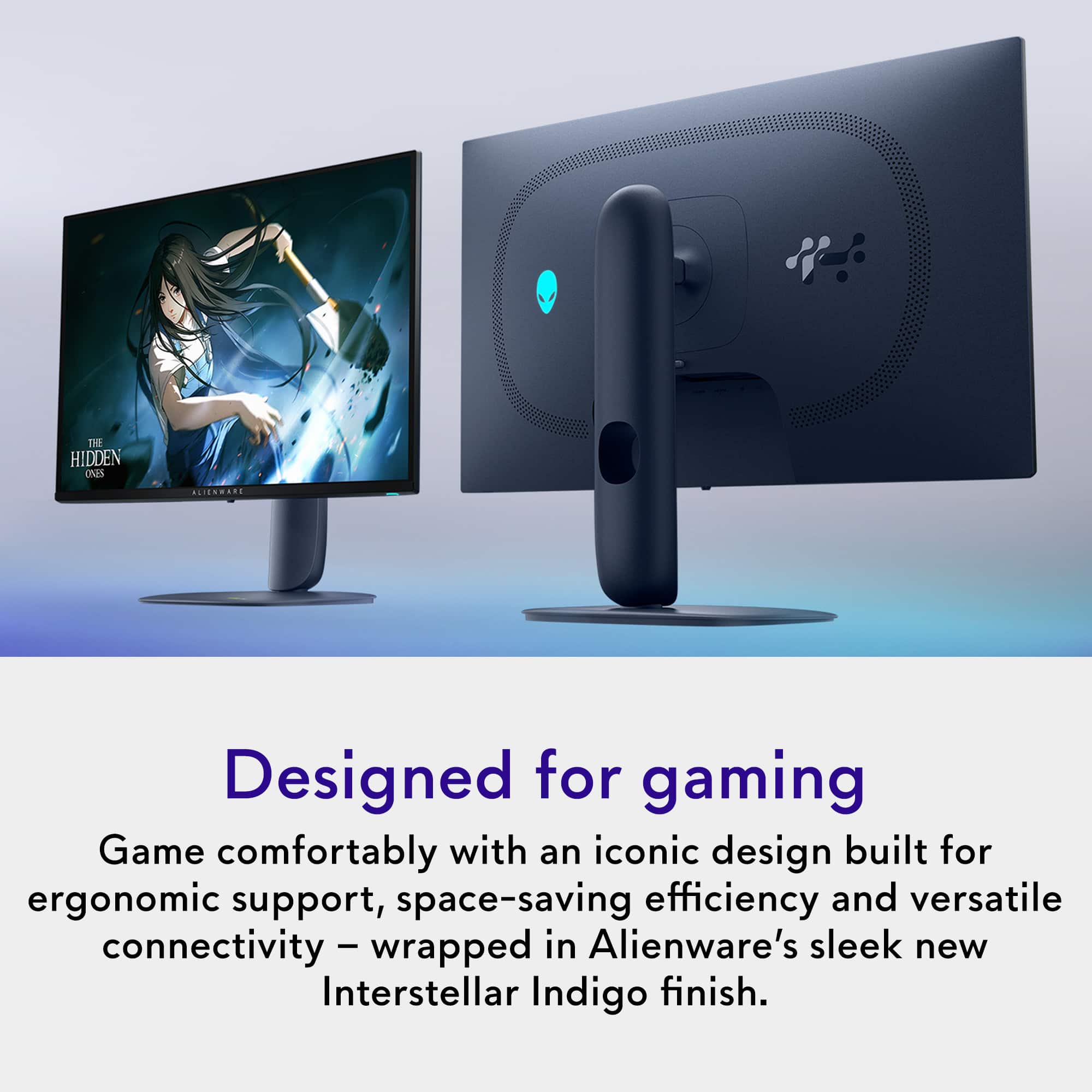
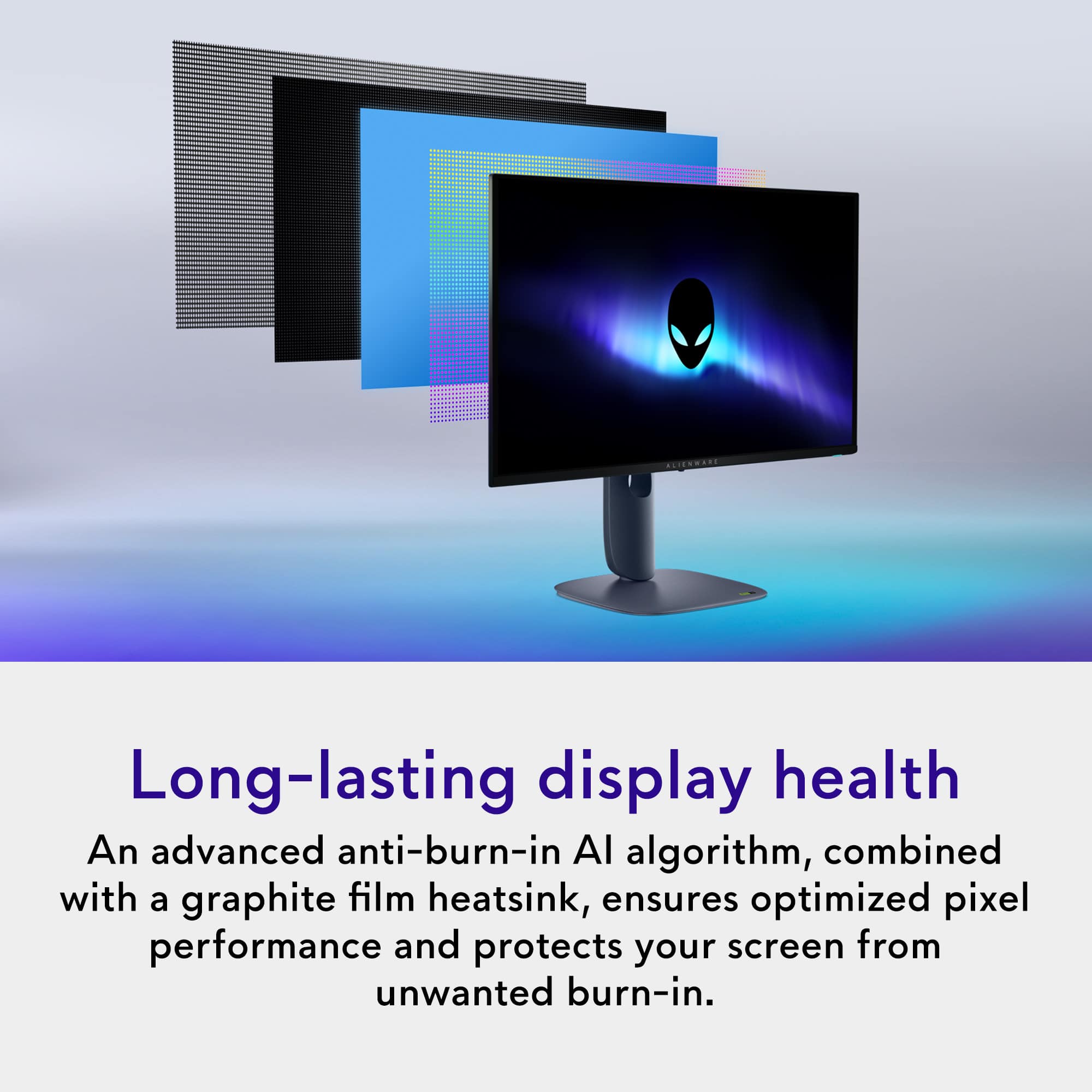
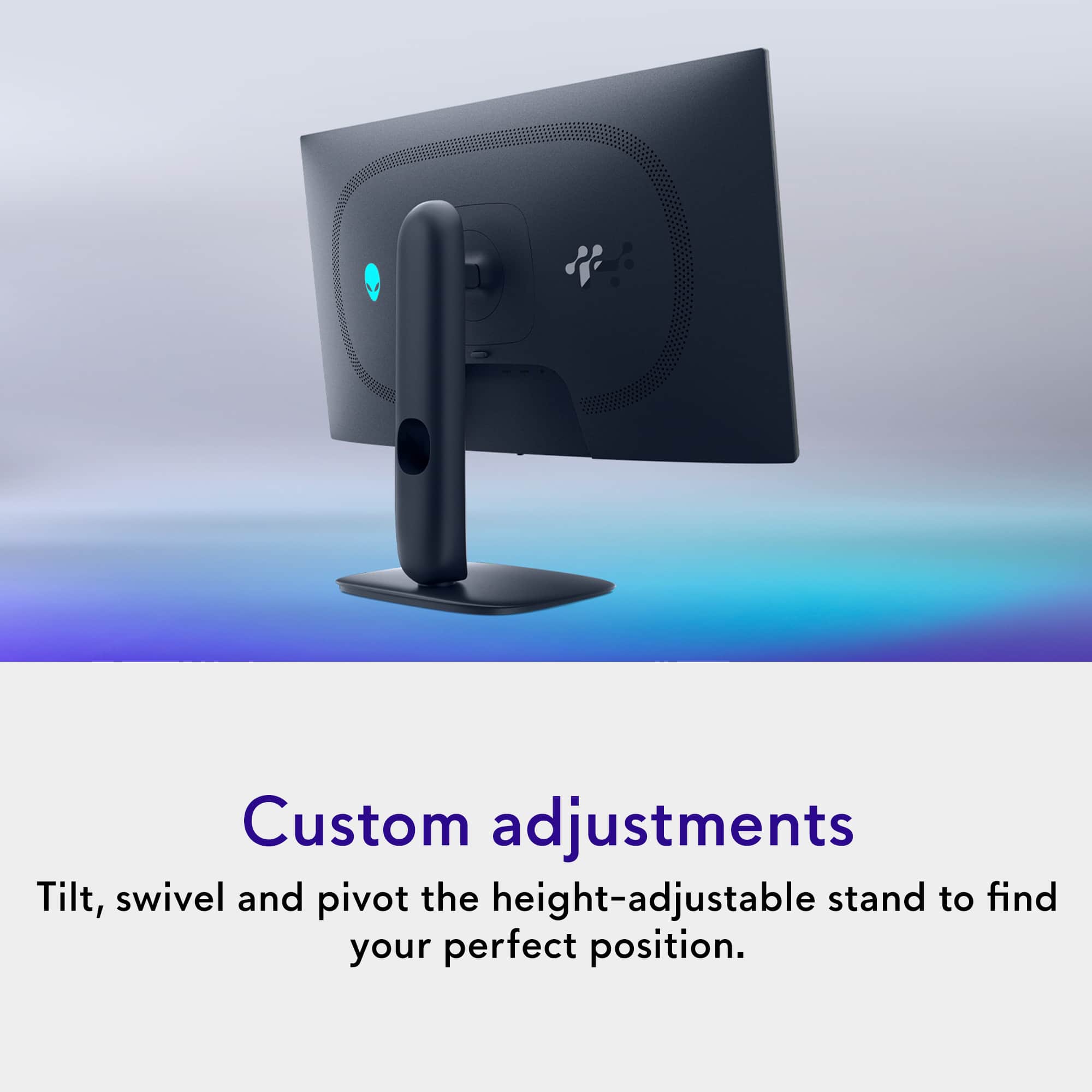
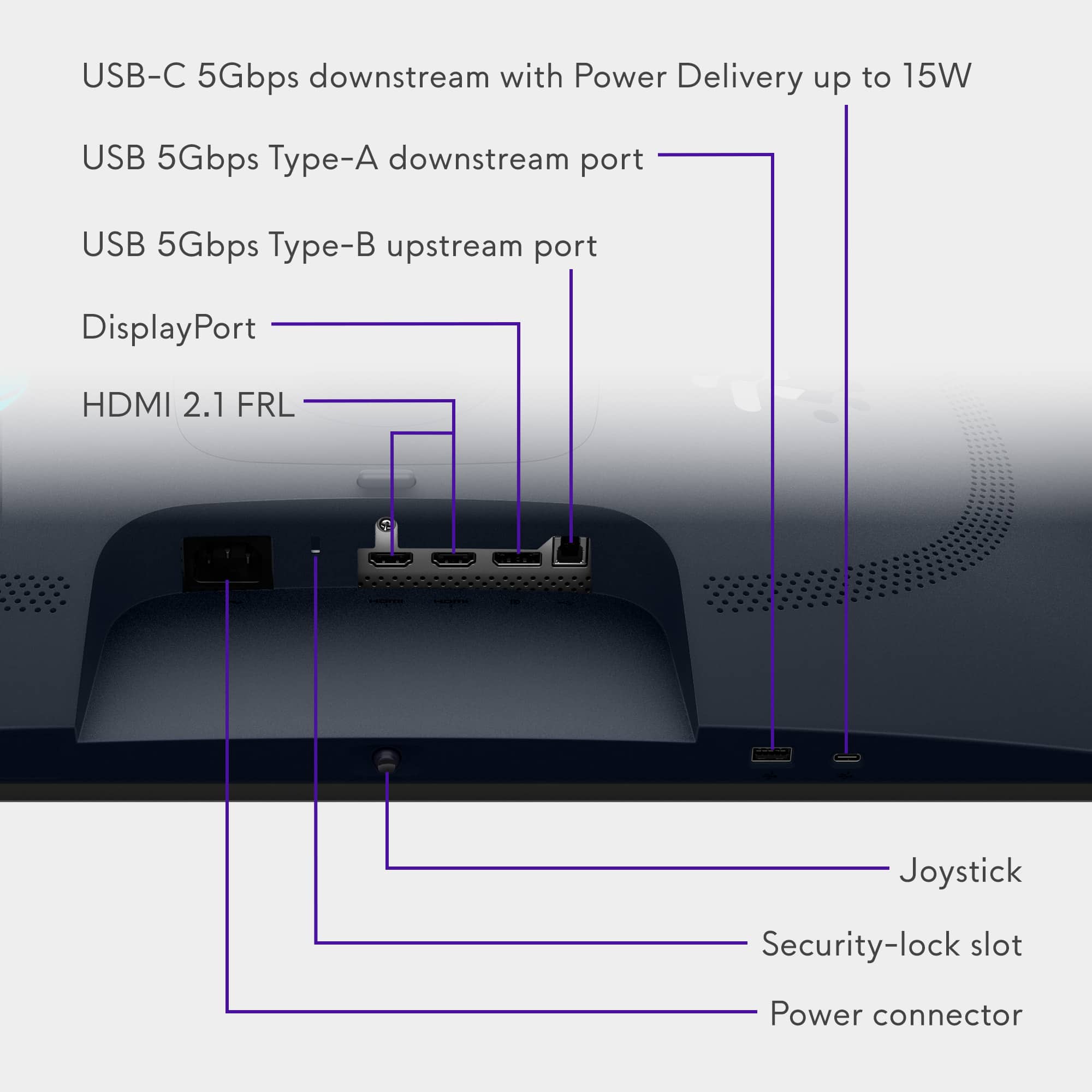
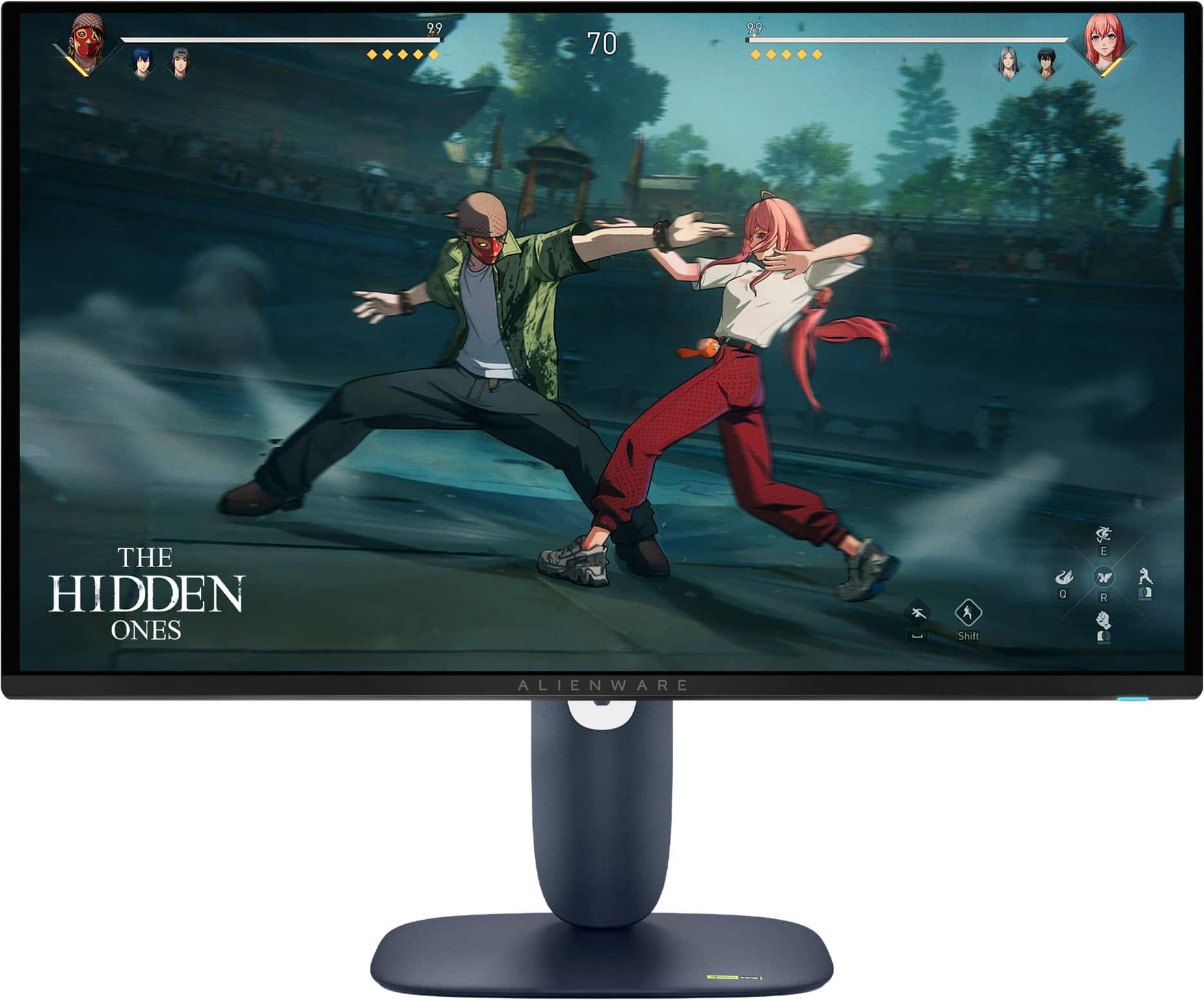
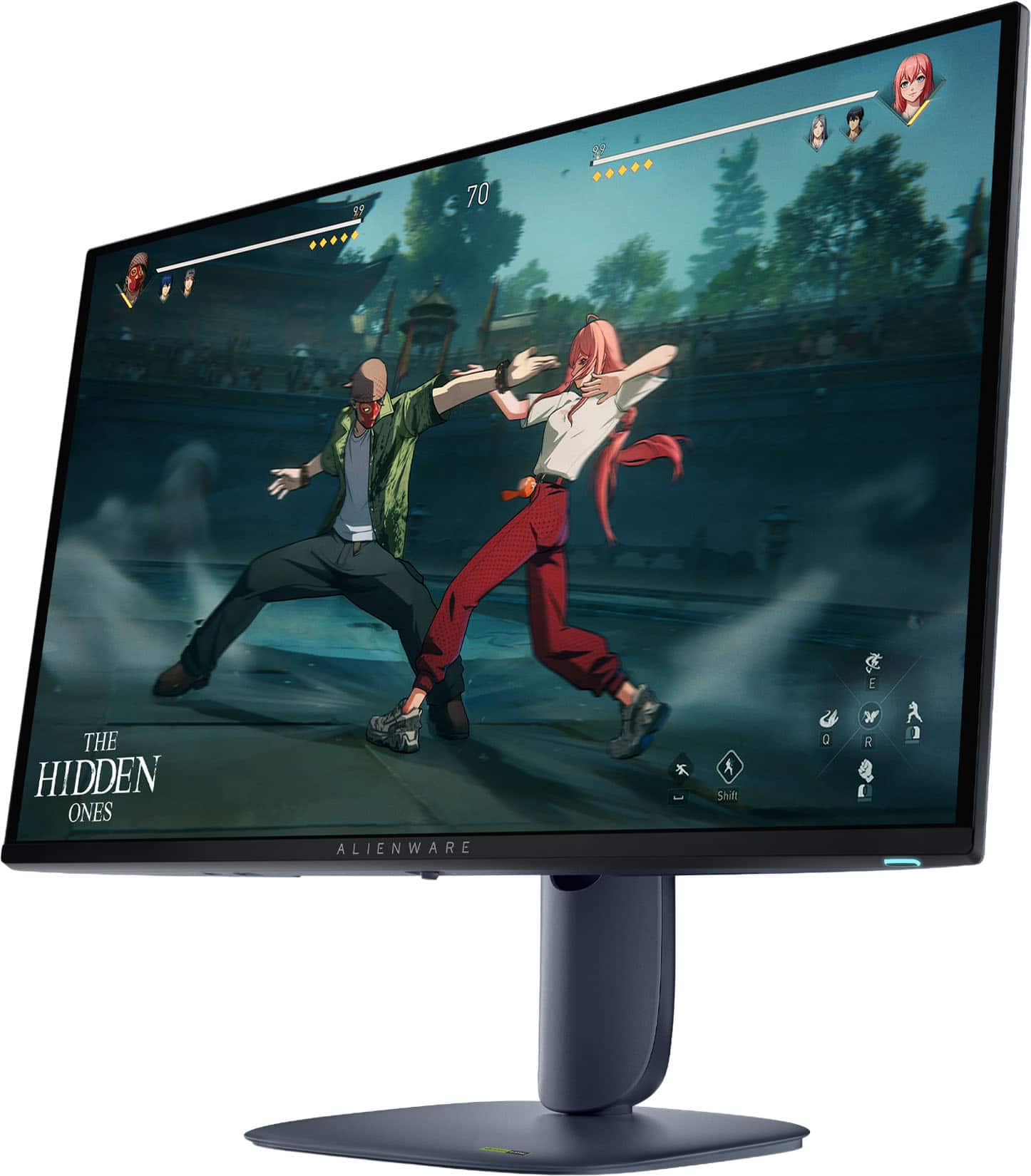
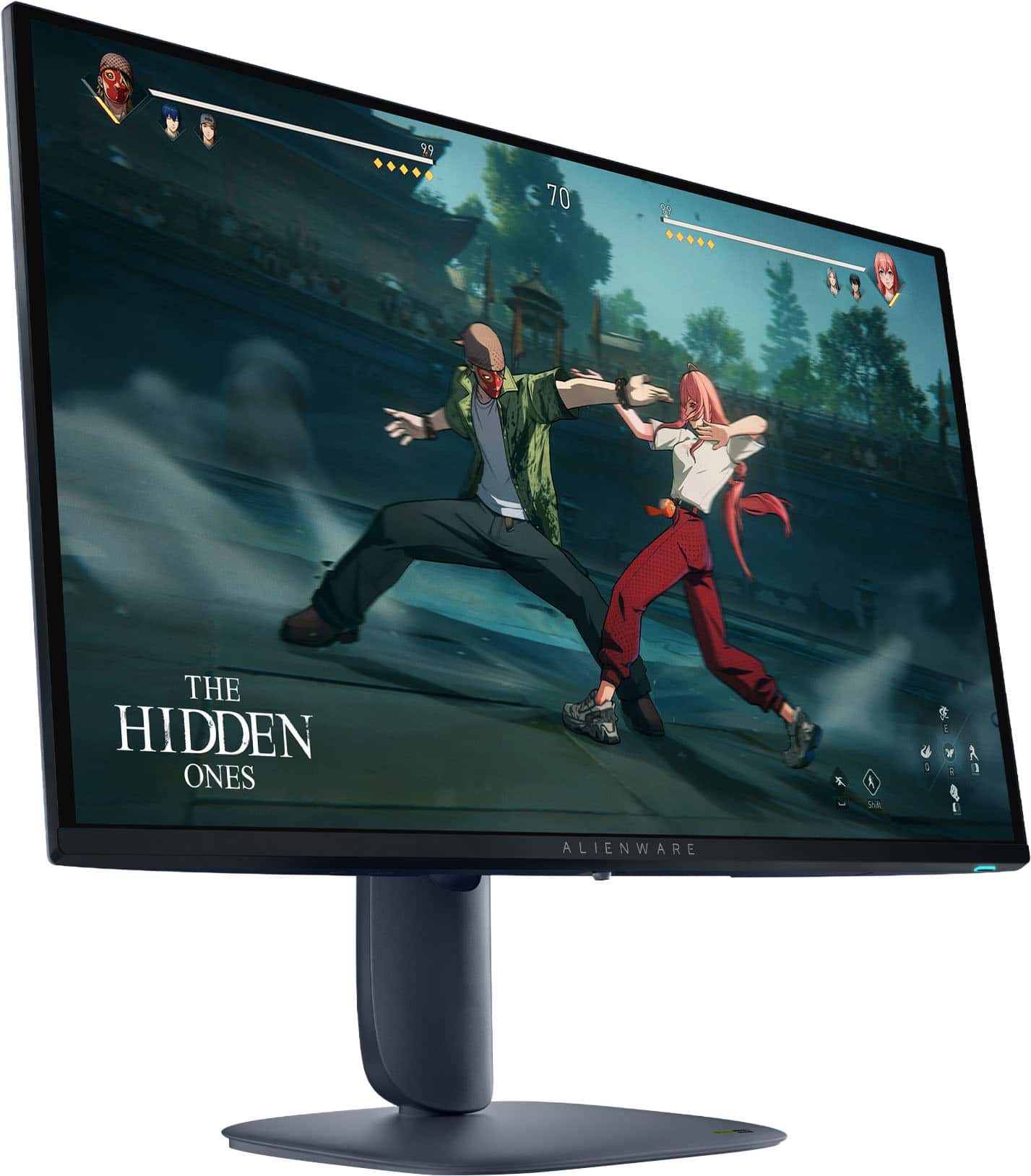
|Posted .This reviewer received promo considerations or sweepstakes entry for writing a review.Great Clean design Reflective screen better for high contrast in the dark Nice color calibration out of the box Very bright for light-controlled room Flat stand allows more room on the desktop Integrated cooling fan ensures monitor doesn’t overheat 280Hz refresh gets you closer to 360Hz without the price bump QHD panel is sharp without requiring beefier GPU Dark blue color is a nice change from the standard black or white monitors FreeSync and G-Sync support 3-year burn-in warranty Not so great Blacks turn gray in brighter rooms Screen glare Some prefer passively cooled monitors USB ports are on the bezel Minor purple fringing on text No light sensor The Alienware AW2725D is an incremental upgrade from the previous version going from 250Hz to 280Hz, but it puts it closer to the 360Hz category without the large price bump that goes with that upgrade. The monitor is sleek and clean looking, particularly for a gaming monitor. Instead of the standard Black or white color it is a dark blue that could be described is midnight. A nice change is the stand is a flat rectangle that doesn’t take up a lot of desk space and you can still place things on top of it unlike the arms many gaming monitors have. The monitor has adjustments for height, rotation, and tilt. The HDMI and Displayport connections are downward facing on the back of the monitor. The monitor does offer a built in USB hub, but strangely the ports are facing downward on the bottom of the bezel. It has 1 USB-C and 1 USB-A plug. While it may be a convenient location to plug in a flash drive it feels a bit awkward for other uses. Setup 9/10 Setup is easy and straightforward. Just use the thumbscrew to attach the base to the stand and then click the screen into the stand. After plugging in the cords Windows automatically recognizes the monitor and prompts you to install the Alienware Command Center software. When you click “yes” it handles the rest including installing a color calibration profile. The strange thing is the monitor defaults to 60Hz with HDR and Auto HDR off. Of course, it isn’t hard to change but it is just strange that it doesn’t default to 280Hz and HDR on Auto as there is no need to safe power for a desktop monitor like you would on a laptop. Alienware Command Center allows you to configure the HDR mode or set custom monitor options as well as configure your lighting preference for the Alienware logo and power light. Performance 8/10 Out of the box, the monitor is set up on the standard profile where the colors look very accurate, and the tone is just slightly on the warm side. Brightness is good for a light-controlled room. You will see the limitations of this more budget-oriented OLED sooner than higher-end ones in brighter rooms. On SDR mode it maxes out around 250 nits and in HDR True Black it is around 400 so it doesn’t have a ton of headroom to fight against light. The screen is also glossy to help boost contrast but that means in a bright room you will see more glare. Blacks will turn dark gray, and the screen may appear slightly dim if the room is very bright. In most situations this will be minimal, but this is definitely a monitor for gaming first. There is also some minor purple fringing on text, but it is slight so most people would be fine doing productivity work with this monitor. Burn in controls are not customizable. The only manual option is pixel refresh. A plus is that it comes with a 3-year burn in warranty. Cooling is a concern and Alienware chose active cooling on this model. While some may consider it a con, the fan is not audible and it keeps the monitor temps more stable than passive options can. Of course, looking past all that, the big question is how does it do for gaming? If you are gaming in a low light or a dark room, you would not only enjoy the inky blacks of an OLED but the near instant response times with no perceivable ghosting or stuttering. For most people short of an Esports Gamer the 280Hz is going to be buttery smooth and the QHD display gives enough detail without killing your GPU and your framerate. So far, there has been no sign of flickering. Final Thoughts If you are a gamer that is looking for a budget conscious OLED monitor that can be a great gaming monitor and a respectable monitor for productivity use, then the Alienware AW2725D could be a great fit.
I would recommend this to a friend - Pros mentioned:Color quality, Connectivity, Refresh rate
Love the awesome color and deep rich blacks
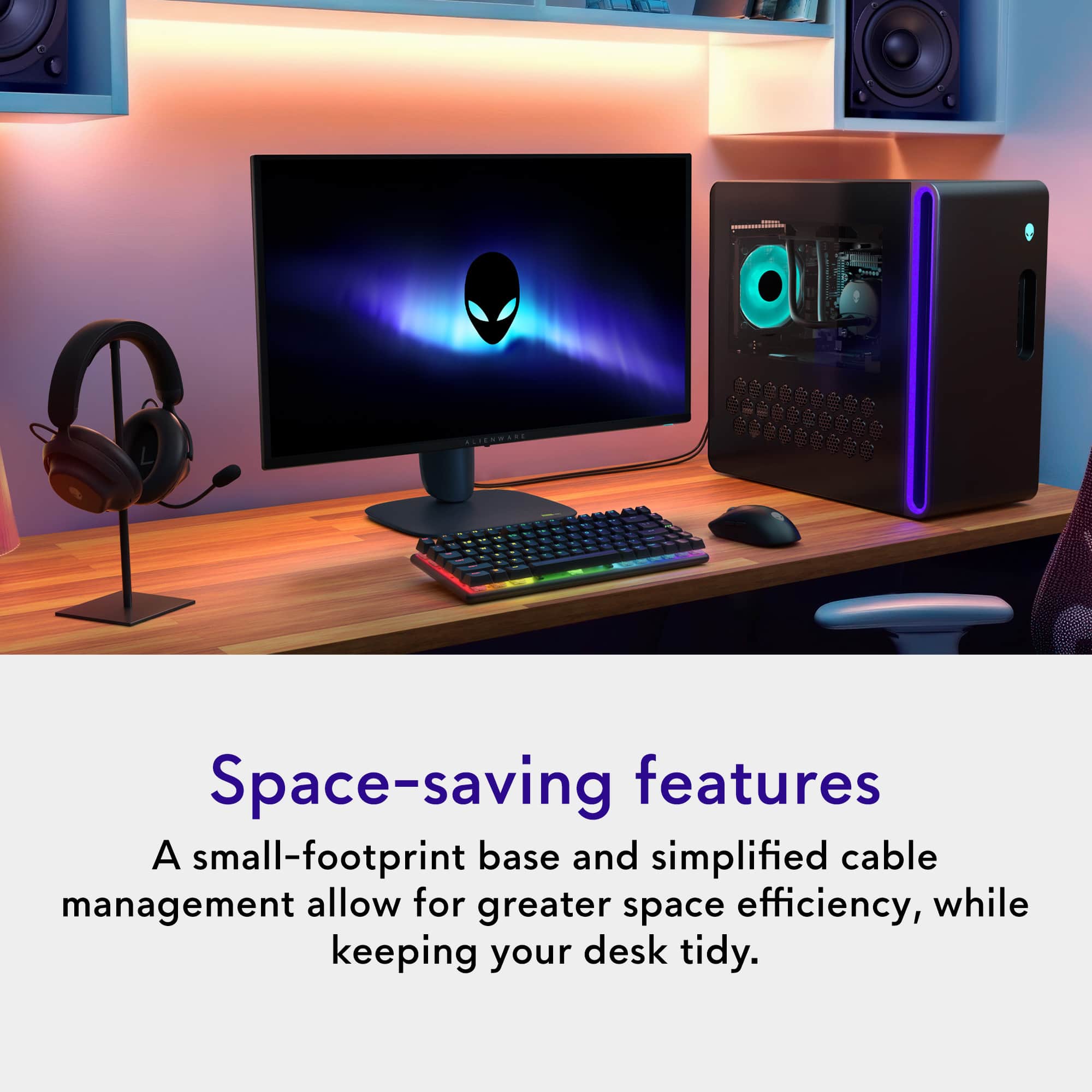
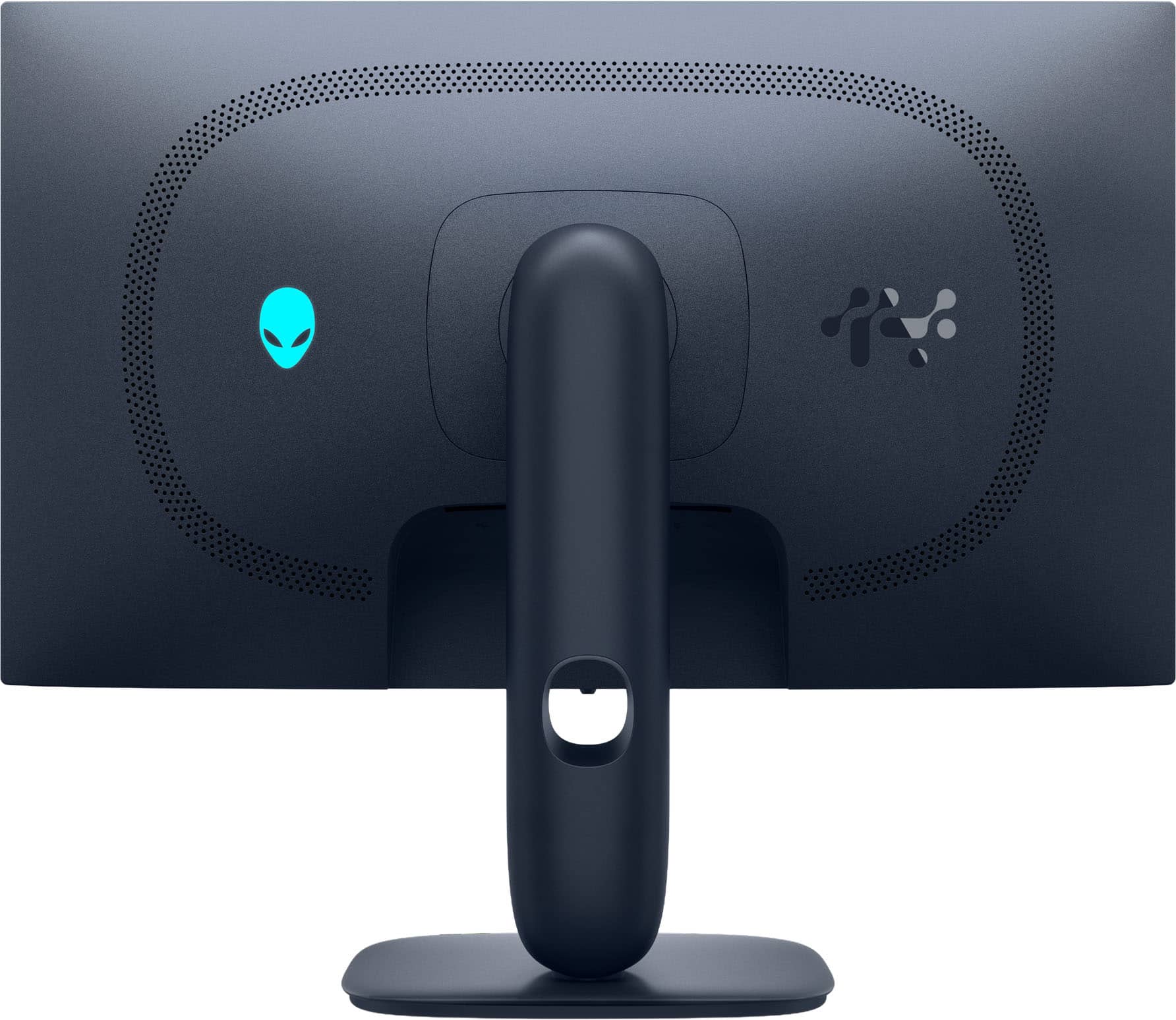
|Posted .This reviewer received promo considerations or sweepstakes entry for writing a review.The AW2725D first and foremost is an outstanding gaming monitor from Dell’s Alienware “gaming” division, based largely on its more affordable QD-OLED QHD with HDR 27-inch panel, which is optimized for superior color accuracy, higher brightness, and deep rich blacks than your standard VA or IPS monitors. Sure, it’s a little more expensive, but once you’ve seen an OLED monitor in person, you’ll never want to go back. My next comment dates me but viewing images on an OLED monitor like this one reminds me of the excitement of seeing Kodachrome slides projected for the first time. The AW2725D has QHD resolution, which means it displays 2560 x 1440 pixels with a maximum refresh rate of 280 Hz. I chose this monitor to serve as a second display for my new Alienware Aurora desktop PC, whose primary display I use is the Alienware AW3225QF QD-OLED monitor, an absolutely stellar 4K OLED HDR monitor. I find the resolution of the 27” AW2725D to be a sweet spot, and images and text appear every bit as crisp at 100% magnification as they do on the recommended 150% setting at 4K on the AW3225QF. Alienware does sell a 4K version of the 27-inch monitor (AW2725Q), but the cost of 4K makes the mid-resolution AW2725D seem like a bargain and more than adequate thanks to it’s OLED display. It supports a wide color gamut, covering 99.3% DCI-P3, which means it's not only great for rich saturated colors in games, but it's also well-suited for color-critical productivity tasks like video grading. The extent of my gaming is pretty much limited to flight simulator games with frame rates seldom exceeding 150 fps, so I don’t get the maximum benefit of the higher 280 Hz refresh rates, but settings at 120 Hz and with Nvidia G-sync enabled, game play is incredibly smooth. The display also supports FreeSync Premium Pro, which is AMD’s Adaptive Synch for gaming. Dell thoughtfully includes all the necessary cables for connecting to most newer video cards in the box, including a DisplayPort 1.4 cable, a premium HDMI 2.1 FRL cable, and a USB-A to USB-B cable for enabling additional USB ports on the monitor. That last USB cable also is required if you set up the Alienware Control Center software which integrates monitor options and features with Alienware desktops or laptops. The power plug is a standard PC-type, and I much prefer that over the bulky and awkward power brick found on a lot of monitors.. I also appreciate the LED power button conveniently located on the bottom right of the display, easy to reach. There is a tiny joystick button located at the center of the display’s thicker bottom frame to control and optimize this highly configurable monitor to your preferences and various game settings. The monitor’s stand optimizes desktop space with a sturdy yet compact base and a riser that routes all cables neatly through to the back. No tools are needed for assembly. Like most OLED displays, the screen is glass-like and smooth with anti-reflective coatings, so there is some appearance of window reflections, but I haven’t found it distracting. The fact that it’s not a matte finish I believe enhances the appearance of image sharpness and color saturation and viewing angles don’t appear to be an issue whatsoever. Cleaning the screen can be a bit challenging though, but Dell also included is a black microfiber cleaning cloth for removing smudges and fingerprints. As a second monitor, I absolutely love this display. Productivity software like Adobe Photoshop can really take advantage of the second display and the photo quality of images on its QD-OLED screen make it a valuable addition to my Alienware desktop, and it’s there to provide a top-notch gaming experience should I venture deeper into electronic gaming in the future. I even appreciate the lighted LED Alien symbol on the back of the monitor as it matches perfectly with the “Alien” power button on my PC and a similar light on the back of my AW3225QF monitor. The AW2725D completes my set up and I couldn’t be more satisfied.
I would recommend this to a friend Great Graphics
||Posted .This reviewer received promo considerations or sweepstakes entry for writing a review.Although mine came with minor scratches, you can hardly see the damage when in use. The oled is really amazing on games like Expedition 33 or when you’re streaming movies.
I would recommend this to a friendReceived but didn’t use
||Posted .This reviewer received promo considerations or sweepstakes entry for writing a review.Didn’t use the product as when I received it the box was open and it was delivered without a cardboard box and it was raining.
I would recommend this to a friend- Pros mentioned:Color quality, Refresh rate, Resolution
Great gaming monitor with excellent refresh rate.
|Posted .This reviewer received promo considerations or sweepstakes entry for writing a review.This Alienware AW2527D 27” QD-OLED QHD 280Hz 0.03-ms FreeSync and G-Sync Gaming Monitor with HDR (HDMI and DisplayPort) in Black is a great gaming monitor with top-notch performance. The resolution is outstanding, and the picture quality is as well. The refresh rate keeps your multiplayer games alive and going without any issues. It’s just a great gaming monitor. In the box, you get the Alienware AW2527D 27” QD-OLED QHD 289Hz 0.03-ms FreeSync and G-Sync Gaming Monitor with HDR (HDMI and Display Port), Monitor Stand, Power Cable, Display Port Cable, HDMI cable, USB Cable, Alienware Sticker, Cleaning Cloth, and papers. Setup is easy as I had it out of the box and on the stand in less than 5 minutes. I connected it to my gaming laptop with the HDMI cable and used it first as a duplicate monitor, then as an extended monitor, and lastly as a monitor instead of the laptop monitor. I also used this on my gaming desktop. All of them set up easily, and there were no issues at all. I did a calibration on each of the systems after setup. Stand - The stand is adjustable as it will tilt, pivot, swivel, and you can adjust the height with little to no effort at all. Gaming features are what I look for in a monitor as it’s what I mostly use it for. This monitor has the following gaming features: - [ ] 280 Hz Refresh Rate - helps in action-packed and fast-moving games. Keeps things smooth. - [ ] NVIDIA G-SYNC compatible - [ ] AMD FreeSync Premium Pro - [ ] 0.03 ms GTG response time - [ ] VESA DisplayHDR True Black 400 - [ ] 99.3% DCI-P3 color gamut keeps colors vibrant and accurate. - [ ] Anti-reflective coating. - [ ] Picture-by-picture and Picture-in-picture are great for multitasking. During gameplay, I had to calibrate the monitor once again because the blacks looked deep purple and not black. Once the calibration was done, that issue was resolved. The room I use this in is very bright during the day, but I have not had any problems seeing anything on the monitor or having a bad picture due to light. The monitor sits in front of a window, so it’s not like the light is shining on the monitor screen. I have been nothing but pleased with this gaming monitor, and I expected nothing less from Alienware, as I have always gotten great products from them.
I would recommend this to a friend - Pros mentioned:Color quality, Connectivity, Refresh rate
Beautiful monitor for gaming and content creation.
|Posted .This reviewer received promo considerations or sweepstakes entry for writing a review.I got this monitor to replace my 10 year old 25" Dell UltraSharp monitor. I primarily do content creation (video and photo editing), home business and finance, and moderate gaming. This monitor pairs perfectly with my Dell EBT2250 desktop which has a dedicated GeForce RTX 5070 graphics card. I have been using this for 4 days now and I absolutely love it. This monitor looks and feels more advanced/premium than my Dell UltraSharp monitor. In addition, the specs on this model are outstanding and the performance is a definite improvement over my old monitor. Physical Aspects: This monitor was packaged well and it includes everything you need to connect it to your PC. It included a HDMI cable, a DisplayPort cable, and a USB Hub cable as well as the power cable and a dust cloth. Putting it together is very simple and pretty much the same as most other monitors. You just screw on the base to the stand and snap the base into the back of the monitor. Also, I was quite surprised by the base. It is 2" inches smaller than my old monitor at only 9.5" inches. But, it is heavier and seems to be more stable. Like most other monitors of this size/quality, there is a cable management hole to keep the cables out of the way. I also appreciate that it is a USB hub for (1) USB-A and (1) USB-C downstream ports. Connections to the monitor are via (2) HDMI ports or (1) DisplayPort connections. The on-screen setup is through a joystick placed conveniently in the middle underneath the front of the monitor. It is easy to enter and adjust the display settings. Lastly, it has a cool blue-green LED glow in the back that hilariously scares my cat. Technical Specifications and Performance: The QD-OLED is provides sharp, rich colors while still providing subtle gradient shadows. The overall display is bright from corner to corner. It displays 99.3% of the color gamut, which works very well for the photos and videos that I take and edit. Having the QHD resolution, like my old monitor, is sufficient for my needs, while still being cost effective. But, I feel this monitor really excels with its 280Hz refresh rate, low 0.03ms refresh rate and synchronization for both AMD and NVIDIA. Summary: I first used this to produce a video from drone footage that I took this Fall. I was able to see to whole picture much clearer and synchronize the video and audio much easier. The video showed absolutely no lag, stuttering or tearing. It was all just smooth flow from scene to scene. I also watched a movie on DVD and it looked better than TV quality. My gaming trials were no different. In addition, my kids want to play their games on my desktop now (can we say password now). Setup was super simple. As soon as I turned on my PC it entered the on-screen setup options, then I ran Windows Update and it installed the drivers, and it prompted me to download the Alienware Command Center Software. Overall, this is a beautiful monitor and it exceeds my expectations and needs. Having the extra real estate space is really nice too. I feel the price of $549.99 is an excellent value and I would highly recommend this monitor.
I would recommend this to a friend - Pros mentioned:Color quality, Connectivity, Refresh rate
OLED Sexiness
|Posted .This reviewer received promo considerations or sweepstakes entry for writing a review.Alienware has a very great OLED monitor for 1440p gaming at a reasonably fast 280hz refresh rate. Some might even say this can keep up with some of the big dogs and more expensive gaming monitors that lack the OLED quality and I would have to agree after a few weeks of testing this thing out. Now I will say that this monitor would do best strictly for those gamers that seek vibrant OLED quality and can utilize the ultra smooth motion from newer generation gaming consoles or 1440p and up PC gaming builds. The included NVIDIA G-SYNC, AMD FreeSync Premium Pro, and VESA adaptive sync allows for the major video graphics card to benefit from limiting screen tearing and stuttering. Display - We all know OLED panels have the deepest blacks and very vibrant color reproduction. I will even take it a step further and say for gaming on the new Battlefield 6, it really does bring out the cinematic gameplay. 27" is what I would consider a great size without going too large to 32". Stay away from doing any work/productivity as I am sure you do not want to burn in this monitor accidentally. You can go manually into the monitor settings to try to mitigate some of the screen burn in but you would have to remind yourself to do so as it does not do it automatically. Look/Feel/IO - Very cool color blue that Alienware is known for. It pairs very nicely if you have a newer Alienware laptop with the same color. It has a cool backlit Alienware logo on the rear that turns on while in use. It looks very sleek on a desk and although the screen is glossy, it does have a anti-reflective coating. Which I believe makes a small difference depending on how harsh your lights around you can be. You can try to limit reflections easily by working on the stand positioning or moving your external room lights. 2 HDMI ports (HDCP 1.4 & 2.3) and 1 DisplayPort 1.4 (HDCP 1.4 & 2.3) connection ports are perfect for consoles and PC video cards. It does not include speakers or a way to connect headphones. If you rely on that, this is not the monitor for you but I would also recommend you update your gaming experience by looking at some dedicated headphones. I very much enjoyed gaming on this display and even though burn in might be an issue further down the line with how many hours I plan to put on this thing, I am glad that they offer a 3 year warranty.
I would recommend this to a friend - Pros mentioned:Color quality, Resolution
Amazing display
|Posted .This reviewer received promo considerations or sweepstakes entry for writing a review.This is ann amazing display right out of the box. Package very well and easy to unbox and assemble. Virtually no tools needed. Simple plug into the wall and another simple plug into the source and in my case a gaming laptop. Right away from the initial power on and connection, the display demonstrated outstanding Picture quality. The OLED display is very well made, and constructed. The Display using the initial settings were outstanding, and I was hooked right away. We played Is somewhat demanding online game Marvel rivals which showcase beautiful colors on the display. It was an obvious difference in upgrade over the laptop display, which was pretty good As a comparison. The Alienware OLED display demonstrated beautiful colors, sharp contrast and resolution, great shadow detail, and just an overall amazing pop to the image. The speed and refresh rate with which the display handled the content was impressive. There was virtually no lag, and everything was displayed at such an An impressive smoothness. We then played with the various menu settings which was easy to navigate and Able to tweak some of the Image quality. But even out of the box, it was outstanding. The screen size was excellent at a viewing distance of 2 to 3 feet away. Overall very impressive and I highly recommend.
I would recommend this to a friend - Pros mentioned:Connectivity
Great budget friendly OLED gaming monitor
|Posted .This reviewer received promo considerations or sweepstakes entry for writing a review.This is the second Alienware OLED monitor I have gotten over the last few years and again this one exceeded my expectations at this price point. It comes with everything we need to get it connected via either DisplayPort or HDMI and also had a few USB connections underneath as well to offer some quick access for a controller or set of headphones. It is a 100x100 Vesa Mount pattern so I was able to quickly swap it out with my previous monitor and have it on my wall and powered up within just a few minutes. There are multiple different features and modes depending on which game you're playing, from racing the first person shooters to strategy there are multiple different color profiles preset. One cool feature that I have noticed and more and more monitors and TVs lately is what they call alien vision on this one which allows you to set up a fixed position aiming. For FPS games. There's a couple different settings or options which is really cool with one looking like the Predator vision. I haven't connected to an Asus ROG i9 with an Nvidia RTX graphics card and every game looks beautiful running in Max or Ultra settings. Just monitor offers HDR as well as multiple resolutions and refresh rates up to 4K and 144 Hz depending on what your graphics card is capable of producing. It also has multiple different sync modes as well as G-Sync. In addition to having multiple various settings it is also very light so mounting it was very easy due to how lightweight this monitor is. Pros - Great budget friendly OLED 4K gaming monitor - Multiple different video modes and enhanced settings within the Alienware menu - Adaptive Freesynch or G-Synch functionality - Lightweight for easy mounting Cons - Only has a few USB ports, my other monitors have double or triple - Potential for burn in if not properly maintained or managed like any other OLED Overall this monitor offers class leading gaming features and offers excellent price to performance numbers. I have been very happy with this monitor with the games I have played as well as the work I have done on it for my business which is heavily excel based.
I would recommend this to a friend - Pros mentioned:Color quality
Brilliant QD OLED picture, fast screen response
|Posted .This reviewer received promo considerations or sweepstakes entry for writing a review.This was very well packed. The simple assembly consisted of screwing the base to the arm, and snap the arm into the display. There is a button on the display to easily unsnap from the mount. The height, tilt, swivel can all be adjusted. There are a number of ports along the bottom recess, and edge. Two HDMI ports, display port, one each USB 1, 2, and 3 port. Also on bottom edge is the power button and a joystick to get into all the menu options. The specs are very respectable, and are available on line, so I will mention only a few. The screen is a 26.7 inch QD OLED 2560 X 1440 resolution with a 280Hz refresh rate. Resopnse time is a mere .03 milliseconds. Typical brightness is 250 cd/m². AMD FreeSync Premium Pro, Nvidia G-SYNC with HDR. I went on to test out, and first I explored the menu items. I was impressed at the number of items that a user can adjust. There are color, hue, brightness, and contrast levels, dark stabilizer, preset color mode, input, etc. After setting some color settings to achieve a good white balance, I used with a gaming computer on some games and even streaming movies. The picture was excellent. Color was saturated, picture was bright and dynamic, and deep blacks. Games looked great, ran smoothly, and I didn't notice any defects. And even playing a movie immerses you in the picture. The excellent, fast screen makes this monitor a nice choice to be used for any HDMI device – games, videos, streaming. One thing I would like to see is an optical audio output to use with powered speakers or audio system.
I would recommend this to a friend - Pros mentioned:Color quality
Brilliant picture, very cool styling.
|Posted .This reviewer received promo considerations or sweepstakes entry for writing a review.The Alienware QLED 27" monitor is a must have gaming and multimedia monitor. The images that is produces are breathtaking. You can clearly tell the difference between this OLED display and a traditional LED monitor. The image is crystal clear and the colors are brilliant. The first thing I tested was 4k videos. It was hard to even move past the movies since the picture is so nice. The OLED display brings out the vivid UHD picture in movies, much like my OLED display TV in my living room. This monitor will make for great streaming in your gaming room, office, or bedroom. This display really shines when it comes to gaming. I adjusted the graphic settings on my gaming laptop and launched a few games. The first was Arkham Asylum on Steam, and everything ran so smooth. The game automatically adjusted display settings and the game showed really well. I got lost in the visuals right away. I then ran Robocop and just really enjoyed every minute of the gameplay. Everything looks so sharp and smooth with the OLED display. The monitor came well packed in the shipping box, and included an HDMI cable and DisplayPort cable. To assemble the monitor you simply attach the bast to the stem, then snap the stem to the back of the monitor. The monitor plastic is a slightly textured flat housing, which completely resists fingerprints. I like the monitor casing as it reminds me of an old school video game such as a GameCube. The back of the monitor also features a glowing alien logo. Overall, I really love this monitor. The 27" monitor is the perfect size for a small setup, such as in a dorm or bedroom. The display is very crisp and sharp as it is an OLED display. Everything about this monitor is great and checks all of my boxes for a high end gaming monitor.
I would recommend this to a friend - Pros mentioned:Refresh rate
OLED makes all the difference
|Posted .This reviewer received promo considerations or sweepstakes entry for writing a review.I’ve been trucking along with a single 34” widescreen monitor for a while in my home setup. It serves well for gaming and productivity, but I kept finding myself short of screen real estate for work and decided it was time for a second monitor. First thing’s first - if you’re going to buy one of these and have a two screen setup, do yourself a big favor and just go ahead and order two. This OLED screen with such a high refresh rate will make your other monitor, no matter how good you thing it is, look like you got it at a thrift store. When gaming, Ive been astonished at how the refresh rates make such a tremendous difference in the action on screen. I have a pretty solid gaming rig and never thought of my monitor as a potential weak link until now. It’s smooth, blazing fast, and Ive just started turning off my 34” and focusing on the 27” Alienware instead. There’s a couple of thoughtful touches - one bit one being the USB-C port tucked under the front lip that can be used for charging. You can turn off the power draw if you’re not using it, but it’s perfect for my gym earbuds so they stay charged and in line of sight. All in all I highly recommend and encourage you to check this one out in person.
I would recommend this to a friend