Customer Ratings & Reviews

- Model:
- AW2725Q
- SKU:
- 6640501
Rating by feature
- Display Quality
Rating 4.9 out of 5 stars
- Ease of Use
Rating 4.9 out of 5 stars
- Features
Rating 4.7 out of 5 stars
Customers are saying
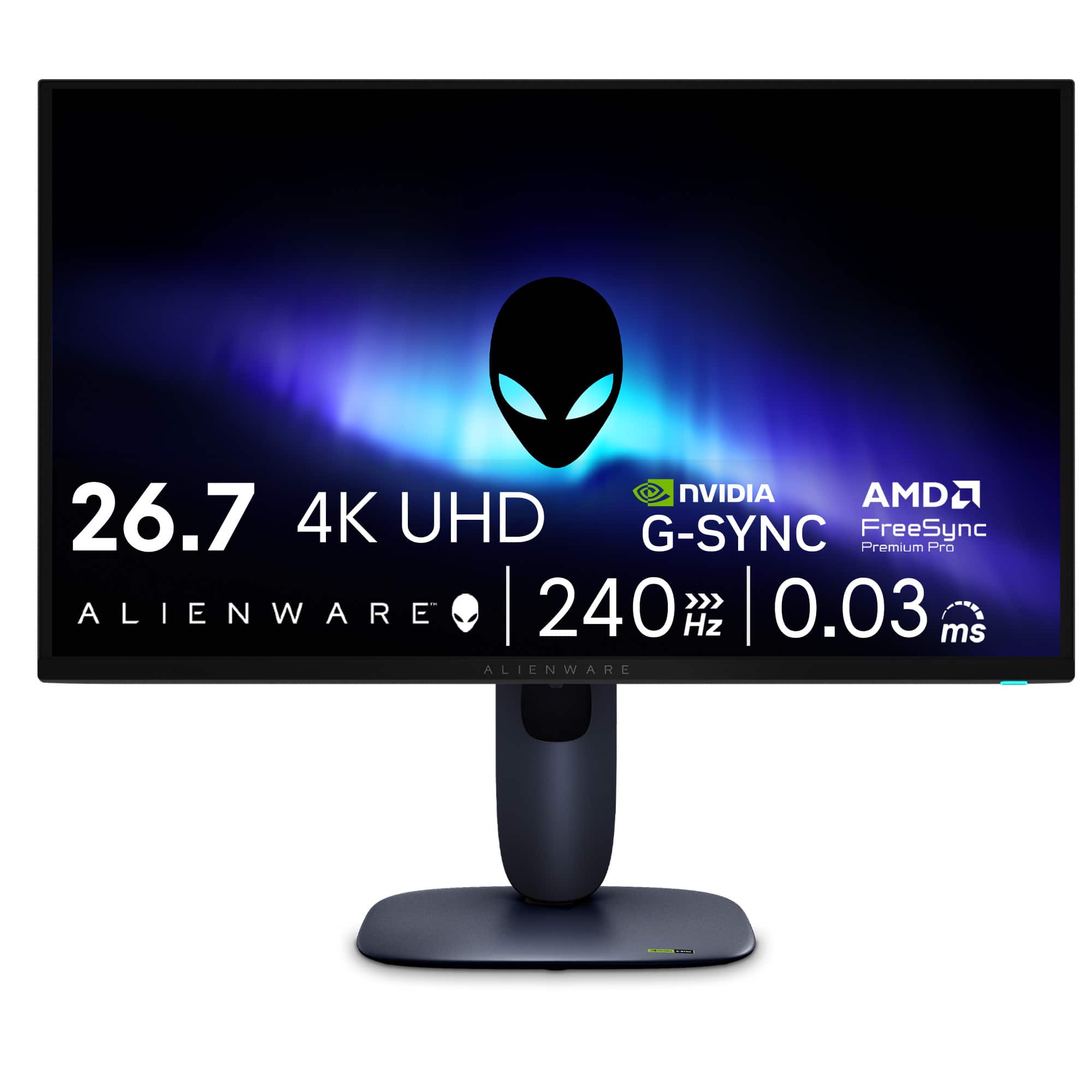
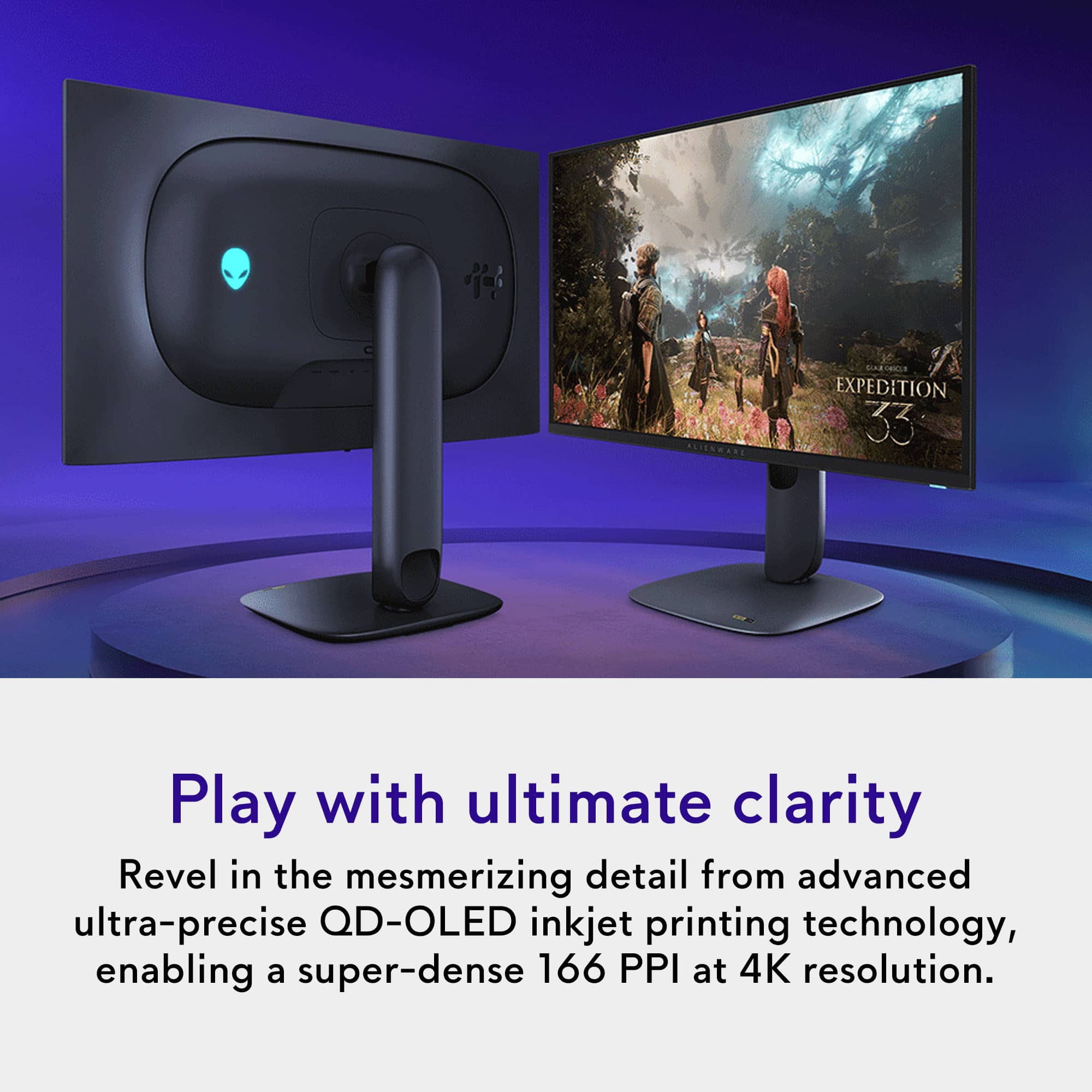
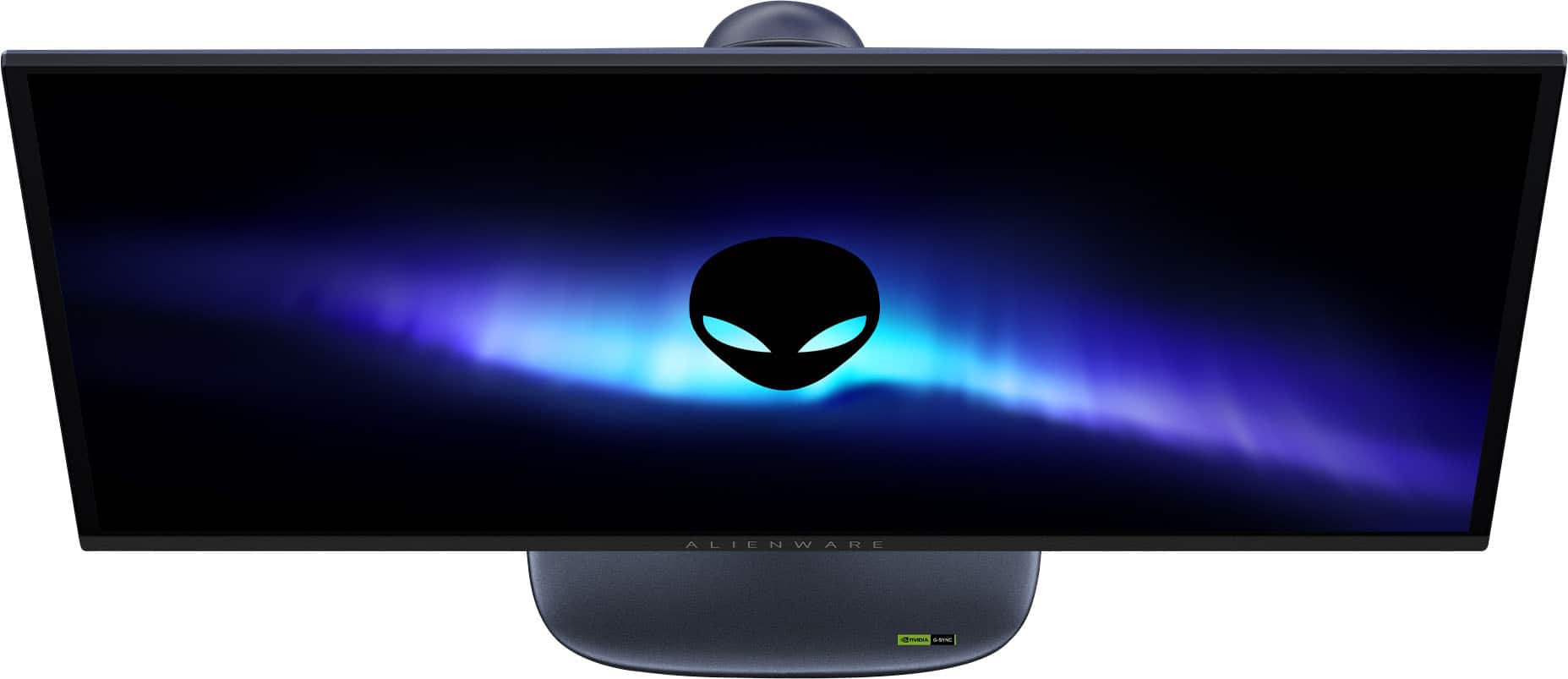
Customers highly value the AW2725Q 27" QD-OLED monitor for its exceptional image quality, rapid refresh rate, and impressive OLED quality. The monitor's stand design and connectivity options are also well-received, with users appreciating the easy-to-reach controls. Furthermore, the monitor's deep black levels, intuitive menu navigation, and adjustability contribute to a positive user experience.
This summary was generated by AI based on customer reviews.
- Pros mentioned:Color quality
Major Monitor Upgrade
||Posted . Owned for 1 week when reviewed.This reviewer received promo considerations or sweepstakes entry for writing a review.Large screen with crisp 4K picture. Plenty of ports to handle 4K feed, HDMI, and multiple USB connections. User interface is a bit clunky at first but easy to use with some practice. A bit pricey but the high quality picture make it worth it.
I would recommend this to a friend - Pros mentioned:Design
Great monitor, no major complaints.
||Posted . Owned for 1 week when reviewed.This reviewer received promo considerations or sweepstakes entry for writing a review.This monitor is very compelling at it's MSRP compared to other offerings. The 4th generation QD-OLED panel used is great and Dell's user experience is excellent. The OSD is thoughtfully designed and is a joy to use when needed. There is general black level raise when ambient light is present though minimal. I find it tolerable as brightness, color volume, and clarity is stellar. It's worth noting that this monitor does NOT support DP-alt over USB-C and PBP mode only supports 60Hz. The USB-C port is downstream only so do not plan on connecting a laptop or other USB-C device expecting it to work. I did not see any information regarding the 60Hz restriction for PBP mode which is a little upsetting but input switching is fast so it's not that big of a problem. While being priced competitively with other OLED offerings, Dell/Alienware has put a lot of effort into the design of this product and the packaging, which is appreciated and makes the device just feel a bit more premium. I'd highly recommend this monitor at it's list price and on sale, I think it's an extremely enticing product.
I would recommend this to a friend - Pros mentioned:Color quality
Wish I could have kept them!
||Posted . Owned for 1 month when reviewed.This reviewer received promo considerations or sweepstakes entry for writing a review.I bought two AW2725Q monitors, but unfortunately I had to return them due to incompatibility issues with two identical monitors being detected at the same time by my work laptop (MacBook Pro M4). I wish it had worked because the image is exceptionally vibrant. I got them on sale for $700 for context. The semi-glossy coating is delicate, but really good. Basically all the benefits of full glossy clarity, but when a game scene cuts to black in a lit room, I don't see my own reflection like I do on my replacement monitor (An LG 32GX850A-B glossy WOLED). The purple/ambient black level raise typical of qd-oled is there if you are looking for it, but is pretty much not an issue for me even working in a well-lit room with sunlight. It was much less of a problem than I was expecting. I prefer this qd-oled monitor during the day over my current WOLED replacement with its super glossy screen. The colors on the AW2725Q blew my mind when I watched Wicked, or Avatar: Way of Water for the first time in a dark room. They truly tickle my retinas in a way my current WOLED cannot. I intended to use two AW2725Q's for work and gaming, which currently is not recommended by most people due to burn-in risk. But I say life is too short to stare at IPS-panel light bleed for 10 hours a day. The only annoyance in my mind was the every 4-hour refresh cycle, but it is important for long term care. However, it is peace of mind that Alienware supports burn-in on their warranty for three years, and apparently support is great through Dell. However, I believe there is some limit to the number of hours of on-time, so if you use it for work like I wanted, you would run short of the three-year mark for the burn-in replacement.
I would recommend this to a friend - Pros mentioned:Color quality
Unbeatable Image. A New Standard for Gamers.
||Posted .This reviewer received promo considerations or sweepstakes entry for writing a review.I have to say that I have never seen anything more amazing than this display. Are there more expensive ones out there? Sure, but at 32” they do not have the pixel density that this 27” monitor has. Everything is crisp and responsive with beautiful colors and TRUE black. Seriously, when I first booted my system with this beast I was in disbelief. OLED truly is a game changer and I am not aware of another panel technology that even comes close. The monitor comes pre-calibrated and even gives you a digital test result upon initial boot. The options for tweaking in the firmware are decent but other more expensive monitors offer more fine tuning. However, this monitor doesn’t really need it, in my opinion. The only “con” is that the body is a dark blue. However, I genuinely love it and it fits in just fine with my black-everything system. I only list this because it’s the only con I could think of and wanted to keep this review truthful.
I would recommend this to a friend - Pros mentioned:Color quality
Alienware does it again!
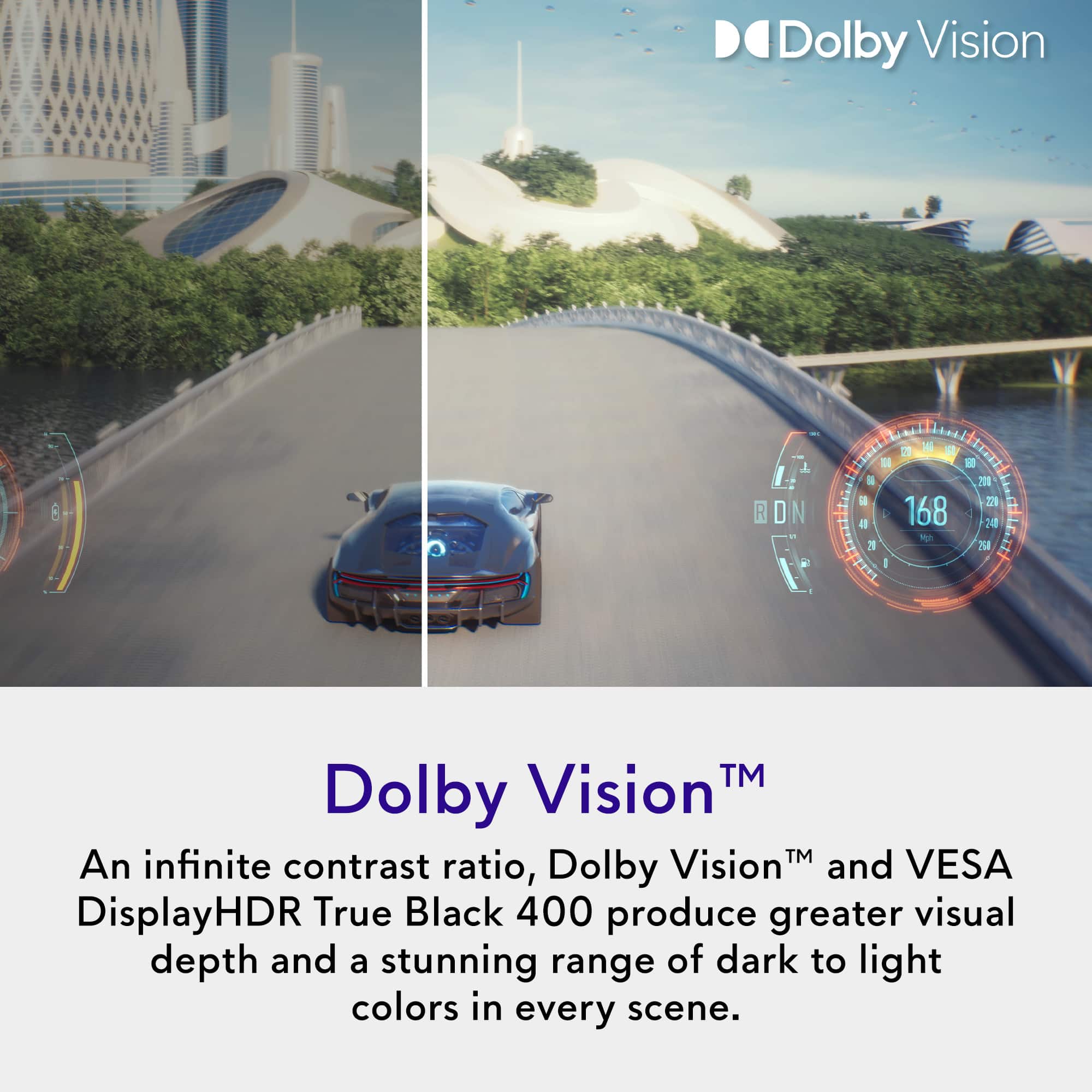
||Posted . Owned for 3 weeks when reviewed.This reviewer received promo considerations or sweepstakes entry for writing a review.Truly amazing colors. Bought the AW3423DWF when it first came out and was amazed by the colors and dark blacks. Decided i wanted to get a second monitor and go with 4k instead of 2K but wasn't convinced there would be much difference, but not only is the screen crisper because of the higher PPI but the colors seem to pop even more especially with Dolby vision content. Debating on getting a second one.
I would recommend this to a friend Topdog
Posted .This reviewer received promo considerations or sweepstakes entry for writing a review.The best 4K OLED monitor available right now—grab it while it’s on sale. It’s absolutely worth it.
I would recommend this to a friendPhenomenal monitor. Don't think twice!
||Posted . Owned for 1 week when reviewed.This reviewer received promo considerations or sweepstakes entry for writing a review.Fantastic monitor! Using it for both my PC and switch 2. I love OLED monitors and this monitor, in particular, is amazing. I purchased this as an open box and took a chance. The monitor was mostly in excellent condition. The only issue was that the panel did not come with the protective film and there are some scratches.
I would recommend this to a friend- Pros mentioned:Color quality
Alienware 4k 240hz OLED
||Posted . Owned for 1 month when reviewed.This reviewer received promo considerations or sweepstakes entry for writing a review.This is my first 4k monitor. Its night an day difference btween my 2k IPS and my 1080p 360hz Alienware dark side of the Moon. I prefer my 1080p Alienware for CS2 but i use the OLED 4k for everything else. It has build in pixcel refresh which ive found convenient.
I would recommend this to a friend - Pros mentioned:Color quality
Worth the buy!
||Posted . Owned for 1 week when reviewed.This reviewer received promo considerations or sweepstakes entry for writing a review.Amazing image quality, deep inky blacks and simple OSD, the colors are a decent bit inaccurate off the box so I would recommend watching a guide and following through RTINGS ICC profile of this monitor to correct these color inaccuracies which after makes the monitor near perfect!
I would recommend this to a friend - Pros mentioned:Refresh rate
A stunning 4K gaming monitor
||Posted . Owned for 1 week when reviewed.This reviewer received promo considerations or sweepstakes entry for writing a review.The Alienware AW2725Q is one of the most compelling 27″ 4K OLED gaming monitors available right now. When it works as intended, its combination of resolution, color depth, refresh rate, and responsiveness delivers a premium experience. As long as you’re willing to accept a few tradeoffs (brightness, no speakers, pay attention to burn-in), it’s hard to beat for high-end gaming and media consumption.
I would recommend this to a friend - Pros mentioned:Color quality, Refresh rate
Amazing
||Posted .This reviewer received promo considerations or sweepstakes entry for writing a review.No issues amazing picture quality HDR works flawlessly silky smooth 240hz
I would recommend this to a friend - Cons mentioned:Hdr performance
Good, not Great
||Posted . Owned for 2 weeks when reviewed.This reviewer received promo considerations or sweepstakes entry for writing a review.First off, this is a top-tier monitor. 27 inches at 4K is incredibly sharp, and since it's an OLED, you get all the benefits that come with that. I gave it 4 stars because I just wasn't that impressed with this relative to other OLED monitors, particularly the ASUS XG27UCDMG, which is significantly brighter in SDR mode. If you work in a dark, light controlled room, then this could be a good fit, if not, I'd opt for something with a bit more brightness, like the ASUS version.
No, I would not recommend this to a friend - Pros mentioned:Color quality
Has Dell fixed "black screen of death" problem?
||Posted . Owned for 1 week when reviewed.This reviewer received promo considerations or sweepstakes entry for writing a review.Pros: Great OLED picture quality. Deep blacks. Most affordable 4k OLED 27 inch monitor Bestbuy had (on sale for $700). I use this paired with my Xbox Series X for reference. Games look great. Cons: Might be cheap for a reason. Tons of reviews about "black screen of death" where the screen goes black and won't turn on. Reviews from customers said that Dell replaced theirs with refurbished ones that often also went dead. I'm worried. Look it up. For aesthetics, it's ugly. I don't like the round backside and the ugly stand. I also don't like the odd dark blue color. Lastly, no AUX connection means you have to buy more things to even get some sound out of this thing. Huge bummer. For now I'm not sure if I will keep it or pony up some more money for a better OLED with less issues. This thing might be a ticking time bomb who knows. It has a 3 years burn-in warranty but even that is not reassuring.
No, I would not recommend this to a friend - Pros mentioned:Color quality
Great OLED
||Posted . Owned for 2 weeks when reviewed.This reviewer received promo considerations or sweepstakes entry for writing a review.Great contrast and great colors on this monitor. A bit worried about other reviews stating they developed issues but so far ao good and the warranty is good too.
I would recommend this to a friend - Pros mentioned:Color quality
Great screen
||Posted . Owned for 1 month when reviewed.This reviewer received promo considerations or sweepstakes entry for writing a review.This screen is great for 4K gaming and watching movies. Deep blacks make the screen look amazing. Highly recommend
I would recommend this to a friend - Pros mentioned:Color quality
Insane Picture Quality – Total Game Changer
||Posted .This reviewer received promo considerations or sweepstakes entry for writing a review.The picture quality on this monitor is amazing! Everything looks super sharp with vibrant colors and deep blacks. It really makes games feel more immersive the moment you switch it on.
I would recommend this to a friend - Pros mentioned:Color quality
Visual Nirvana
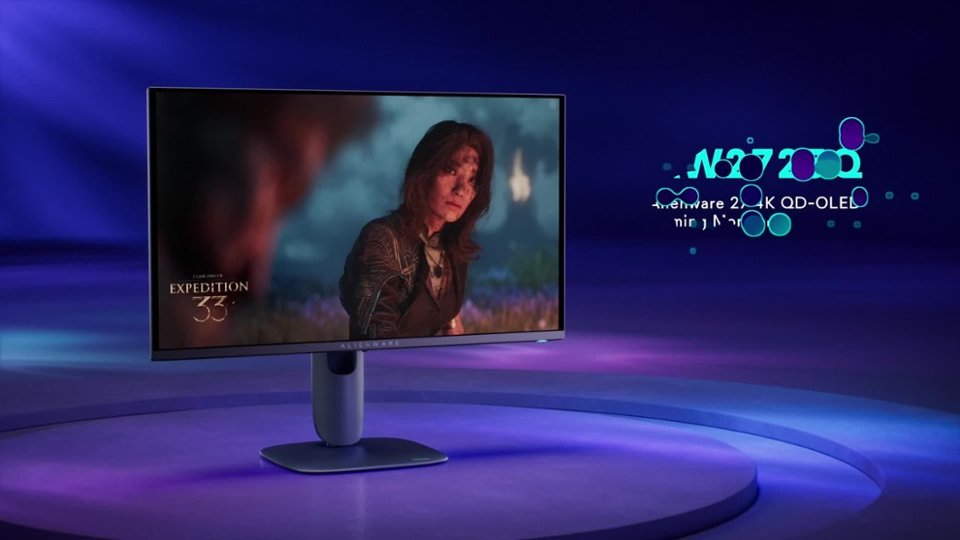
||Posted .This reviewer received promo considerations or sweepstakes entry for writing a review.Amazing quality! Coming from an older LG IPS panel, this is a major, major upgrade. I've been playing Expedition 33 on it and the colors look heavenly on it. Take the plunge, it is worth the money!
I would recommend this to a friend - Pros mentioned:Color quality
AMAZING
||Posted . Owned for 1 week when reviewed.This reviewer received promo considerations or sweepstakes entry for writing a review.OLED is the way to go. Completed my setup, absolutely no complaints. The colors POP. I don’t think I could ever go back from OLED
I would recommend this to a friend - Pros mentioned:Color quality

Perfect for consoles
|Posted . Owned for 2 weeks when reviewed.This reviewer received promo considerations or sweepstakes entry for writing a review.Great colors and perfect for gaming! I would rec to anyone looking for a 4K 120hz console monitor
I would recommend this to a friend Great Monitor for 4k Gaming
||Posted . Owned for 1 month when reviewed.This reviewer received promo considerations or sweepstakes entry for writing a review.When on sale this is one of the best deals for an oled monitor at 4k and 240hz. The 27inches provides amazing clarity due to the pixel density and resolution. Early manufactured versions had a black screen problem, but this one purchased in January 2026 has had no issues. Another issue is a loud buzzing fan noise but I also haven't heard that as well.
I would recommend this to a friend