Customer Ratings & Reviews

- Model:
- AW2725Q
- SKU:
- 11961310
Rating by feature
- Display Quality
Rating 4.8 out of 5 stars
- Ease of Use
Rating 4.8 out of 5 stars
- Features
Rating 4.7 out of 5 stars

Great picture, bad software, Burn-in concerns
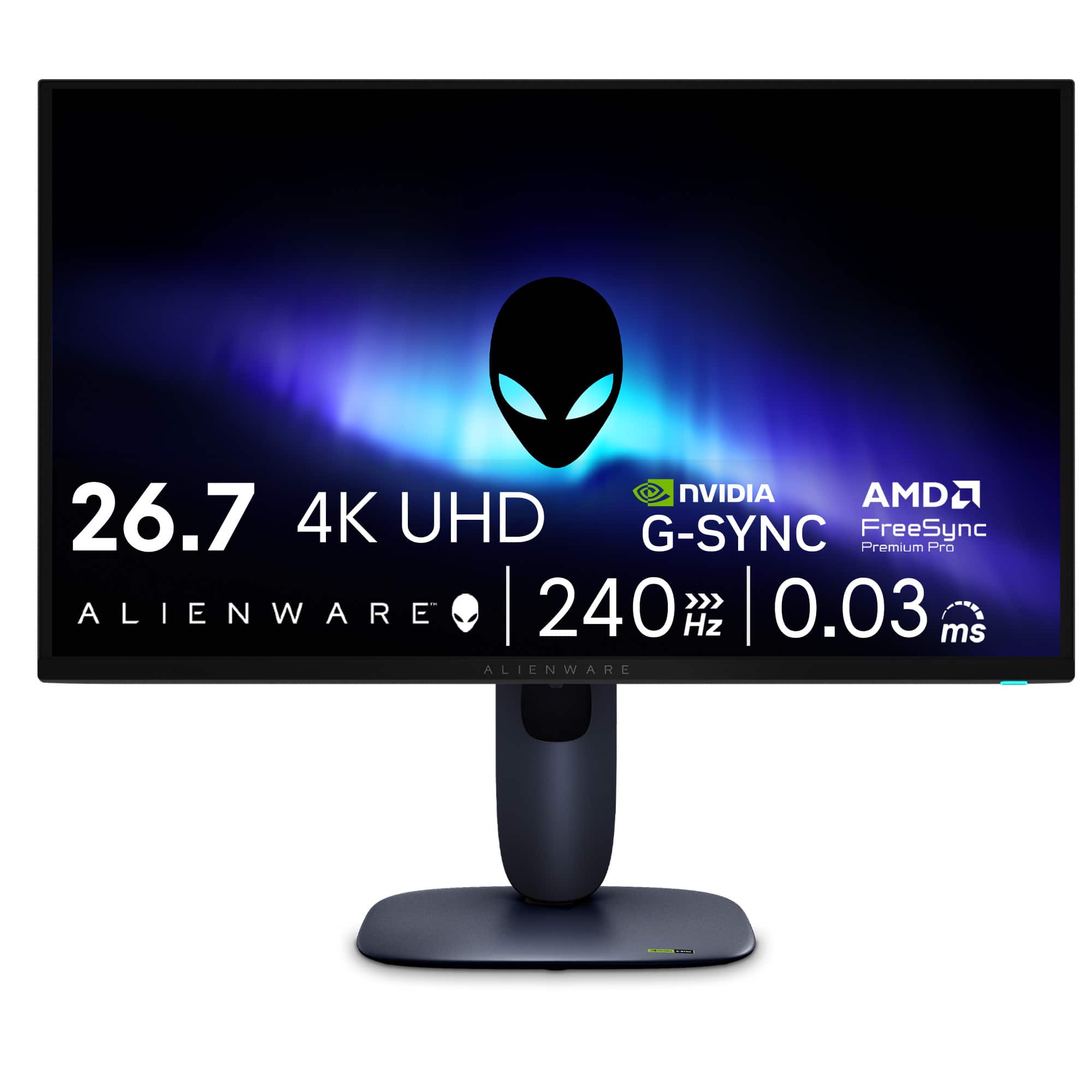
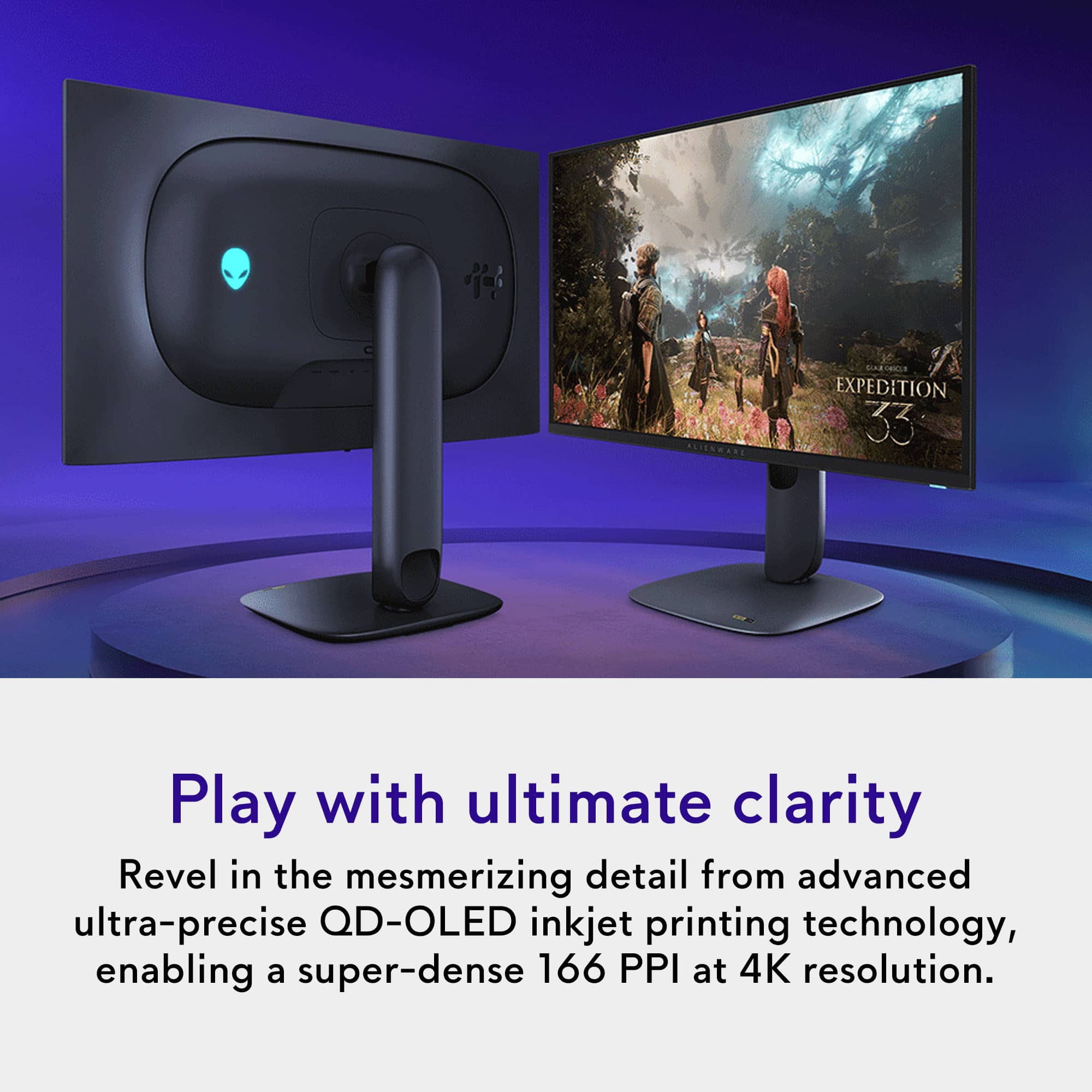
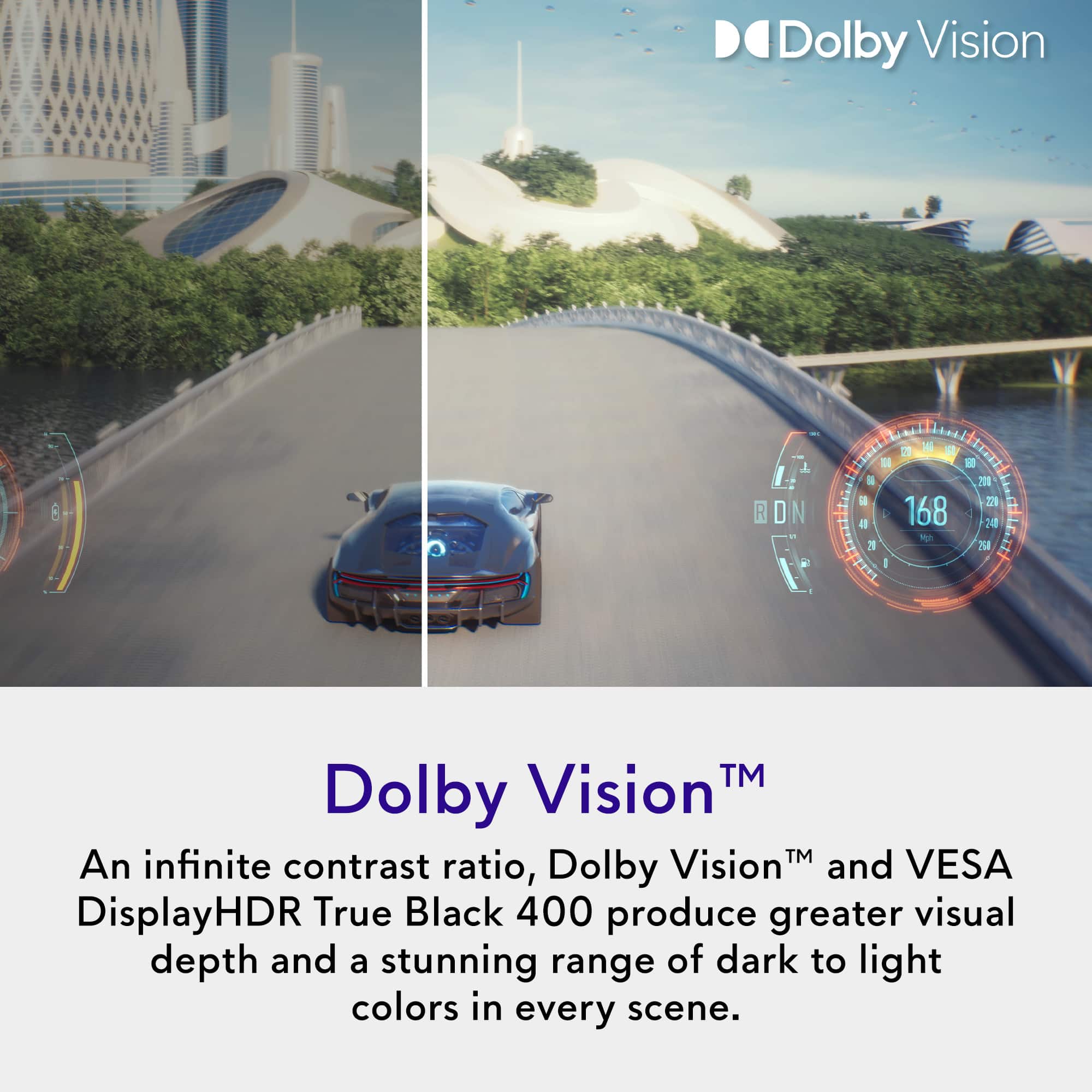
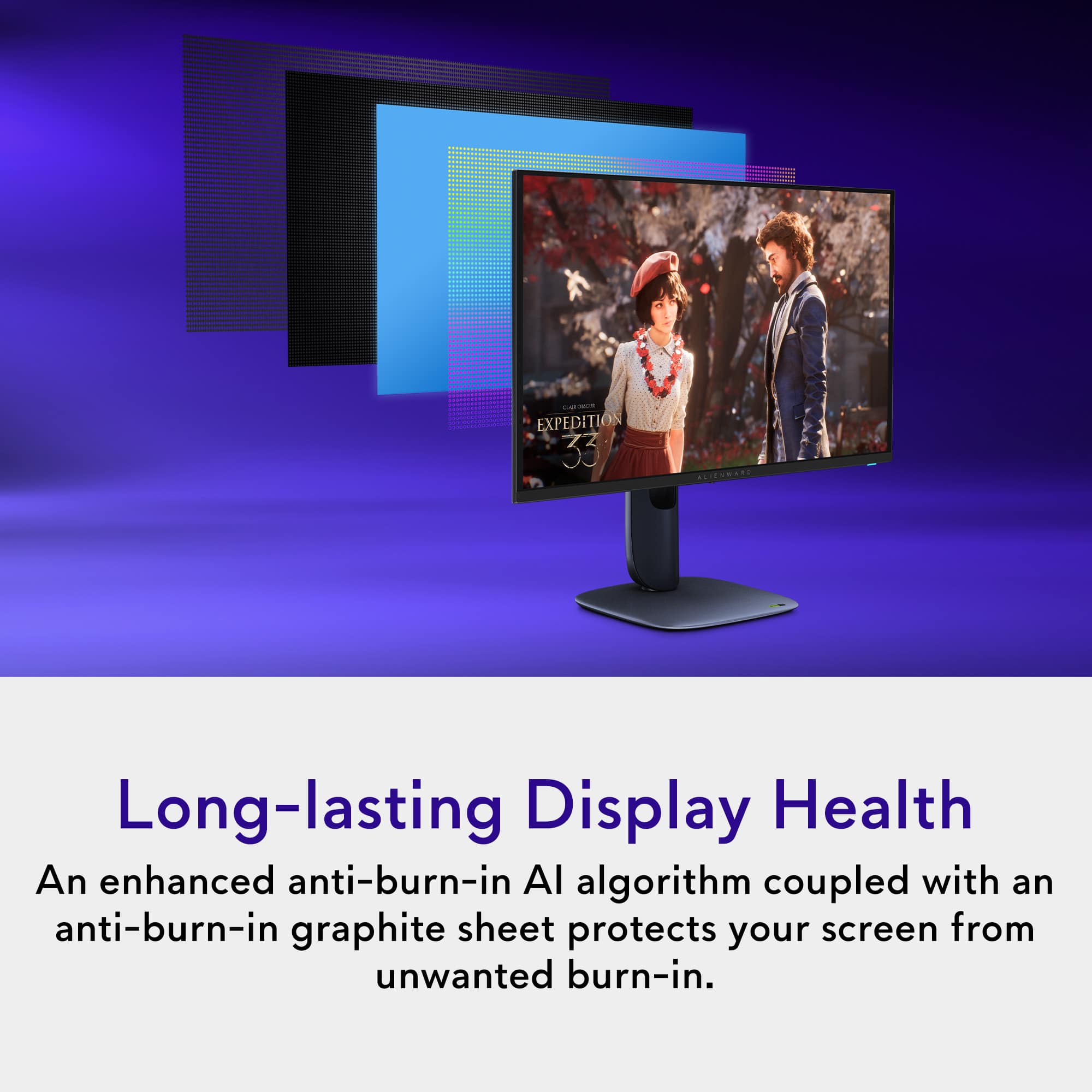
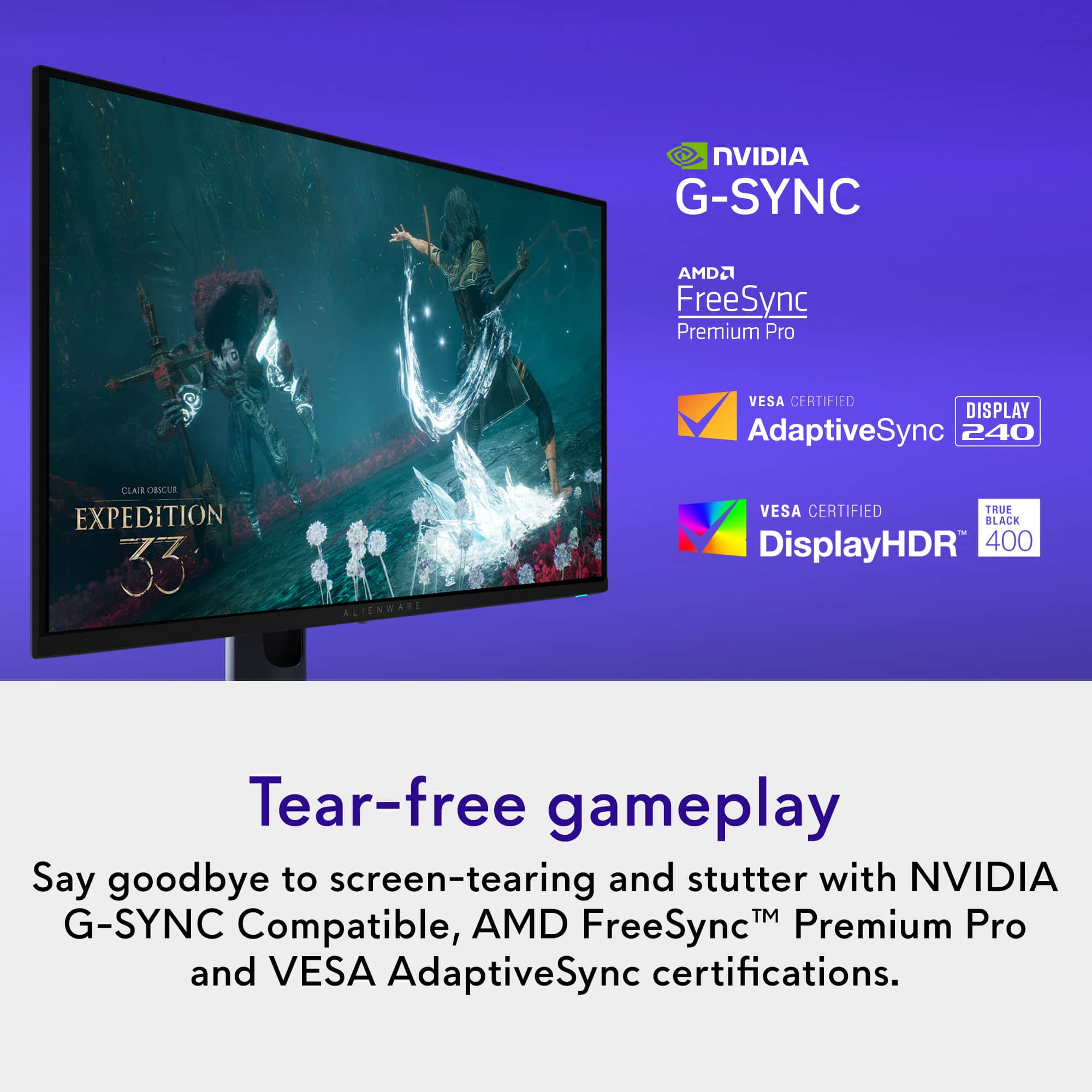
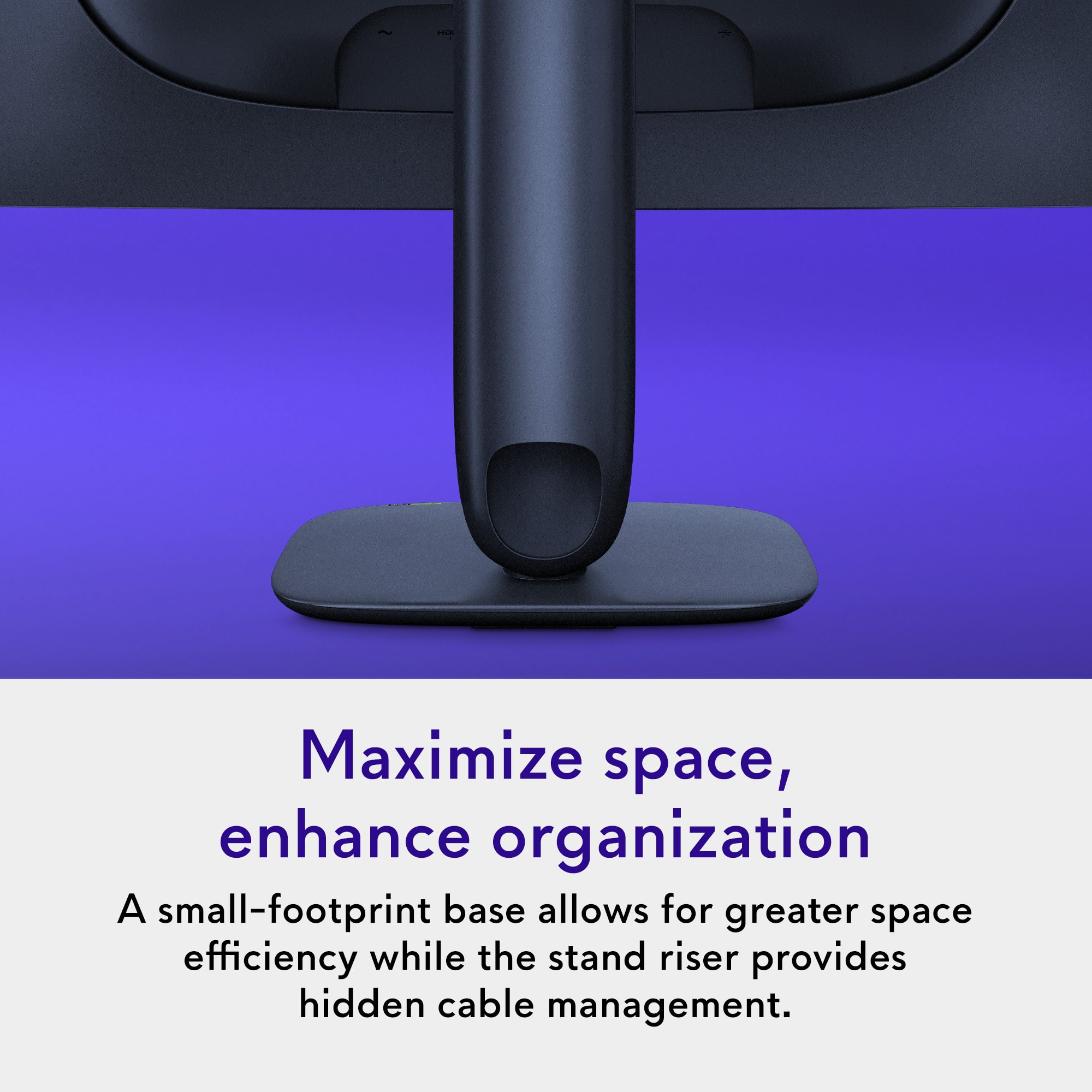
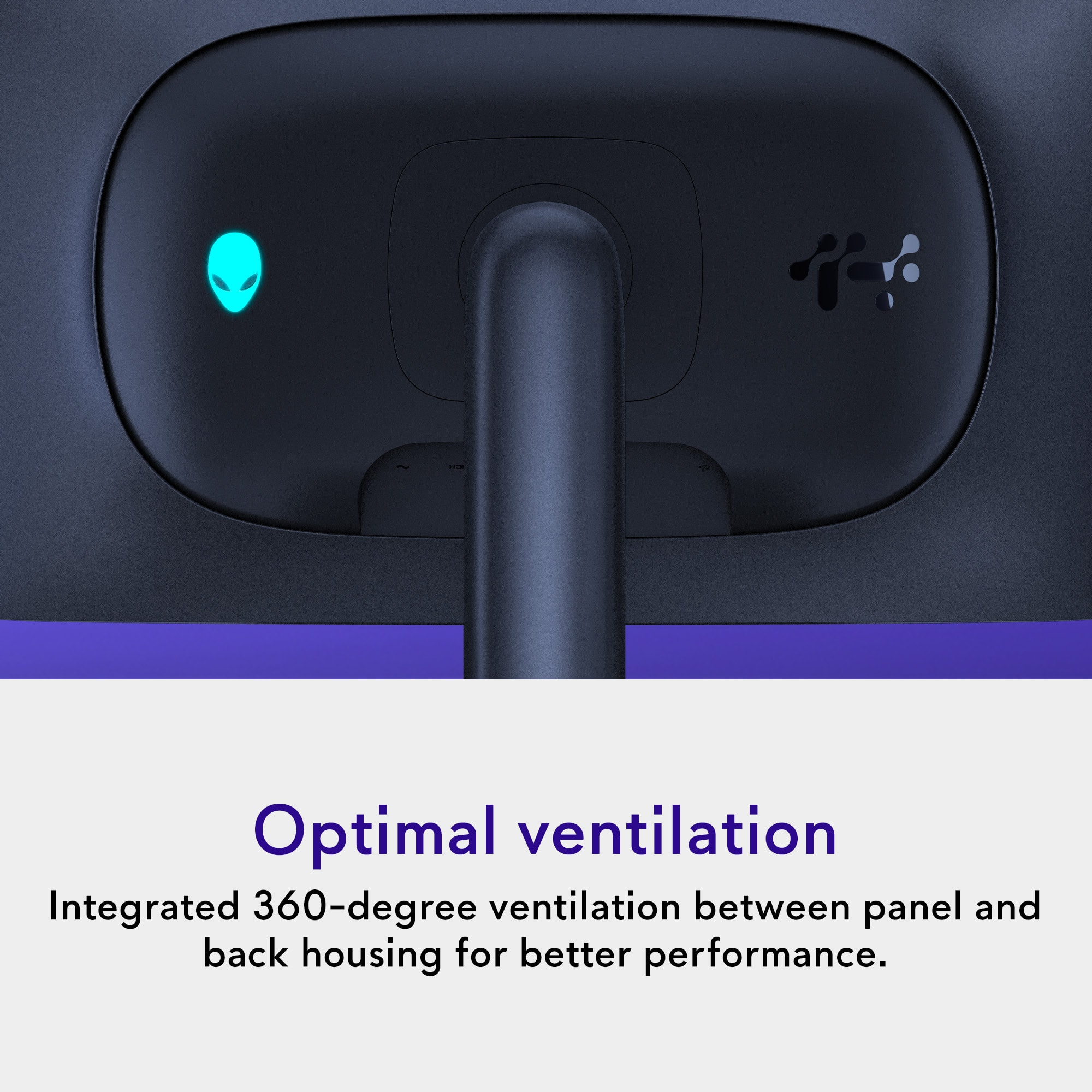
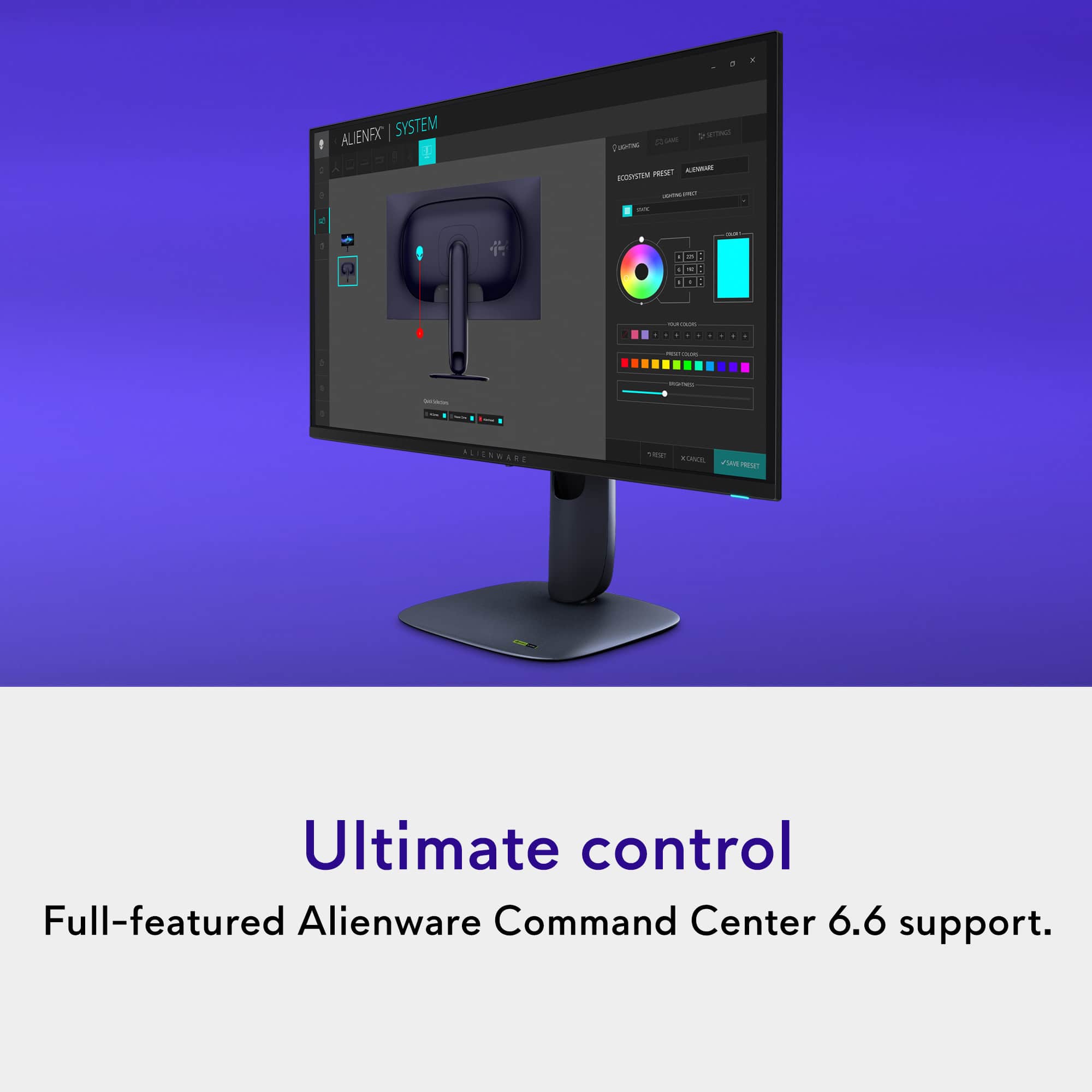
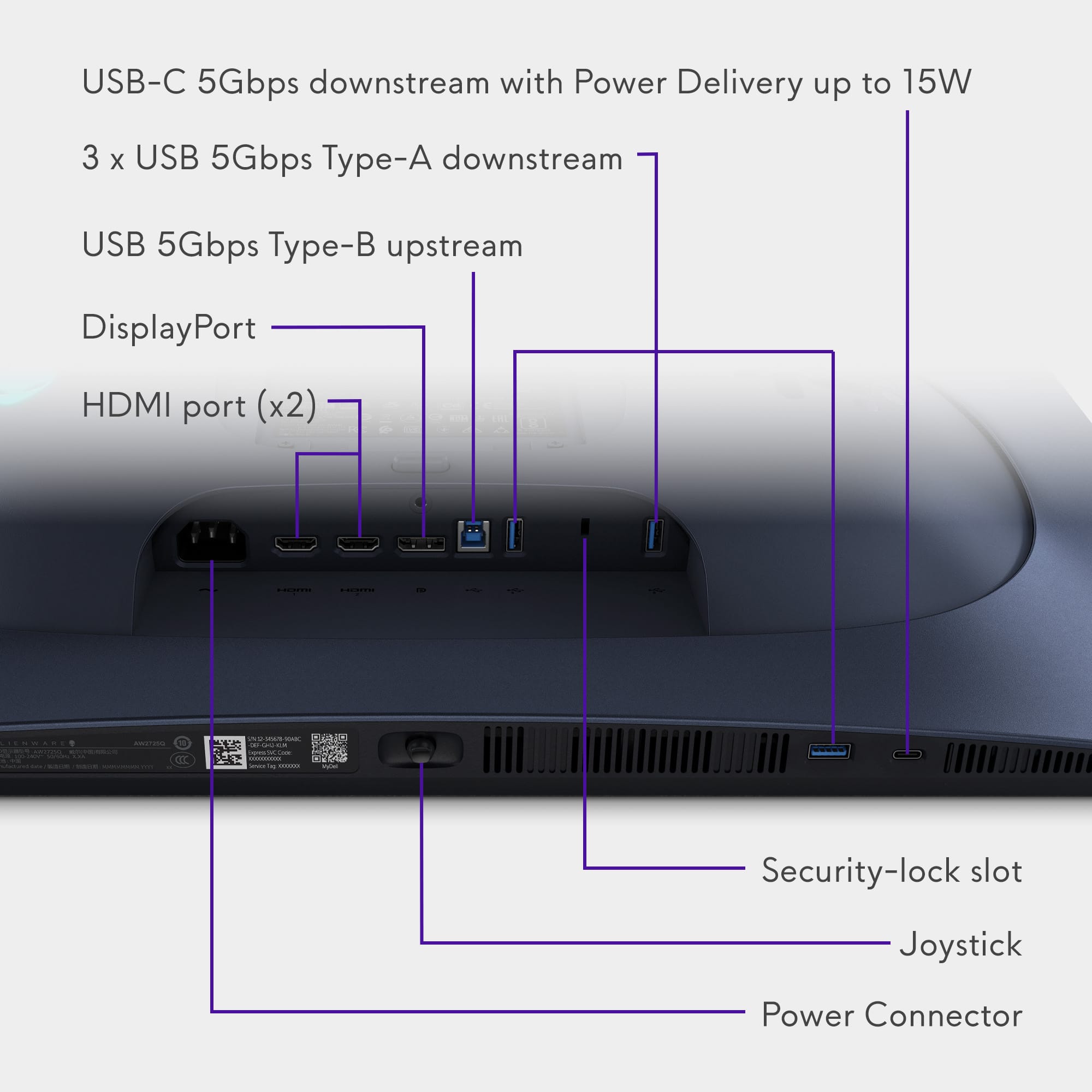
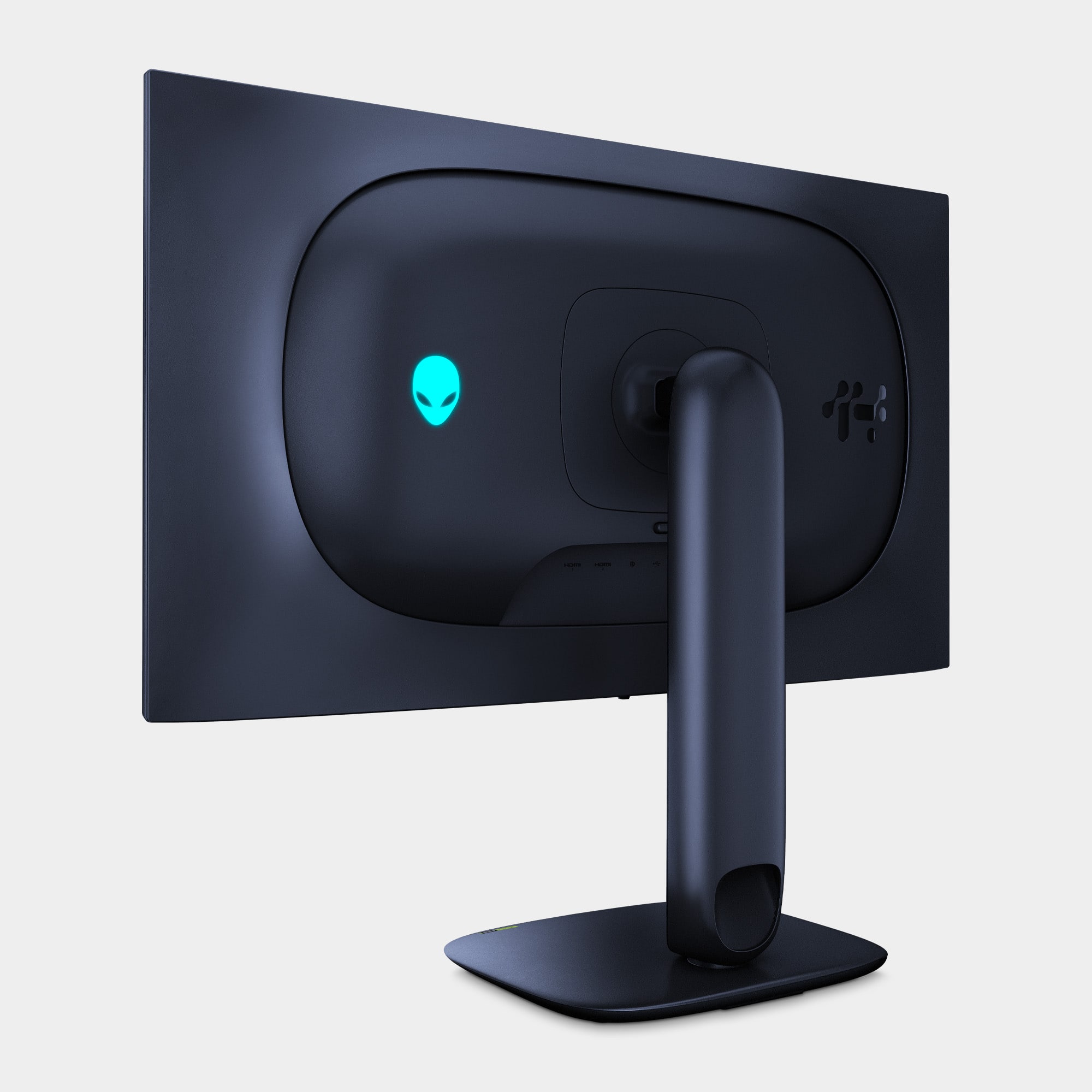
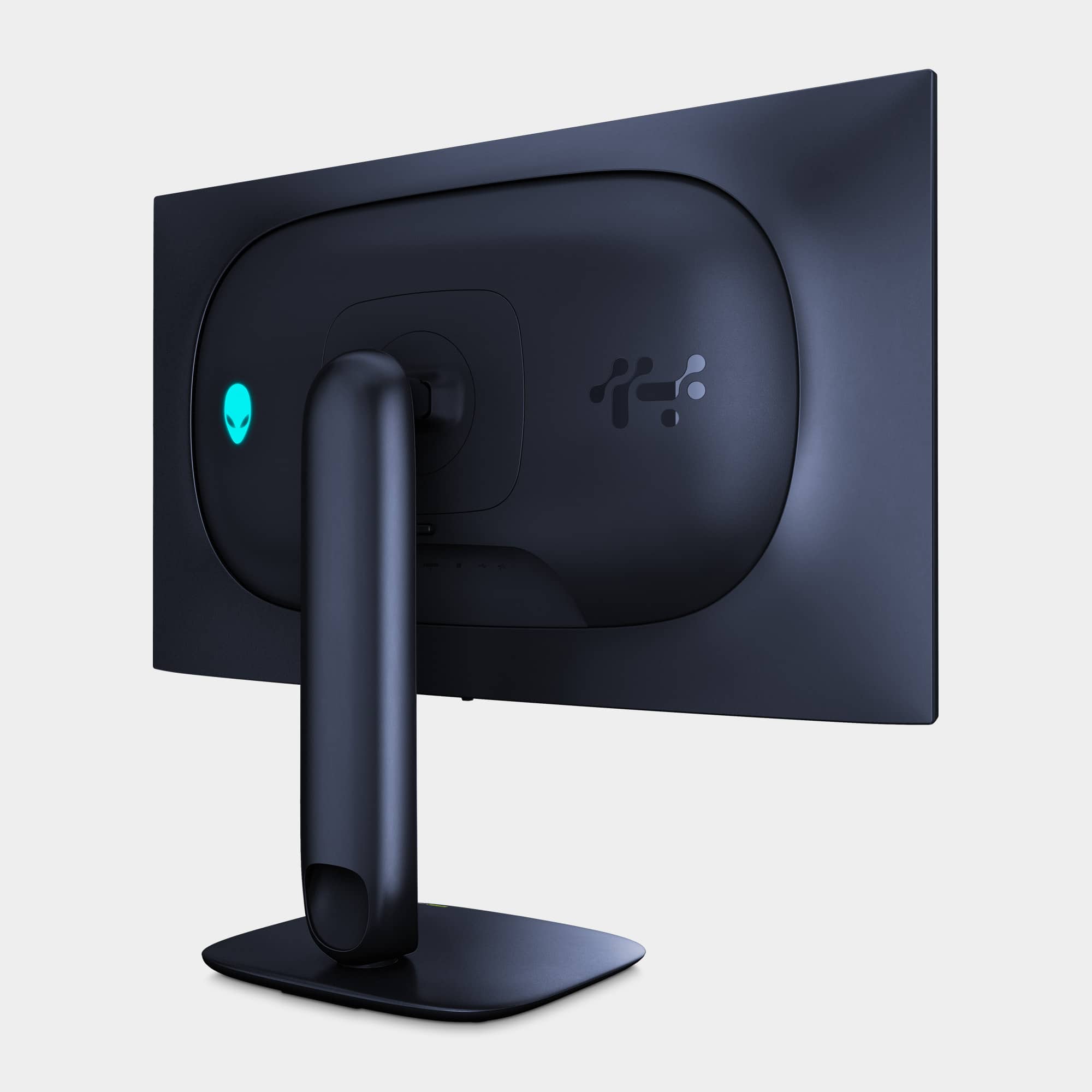
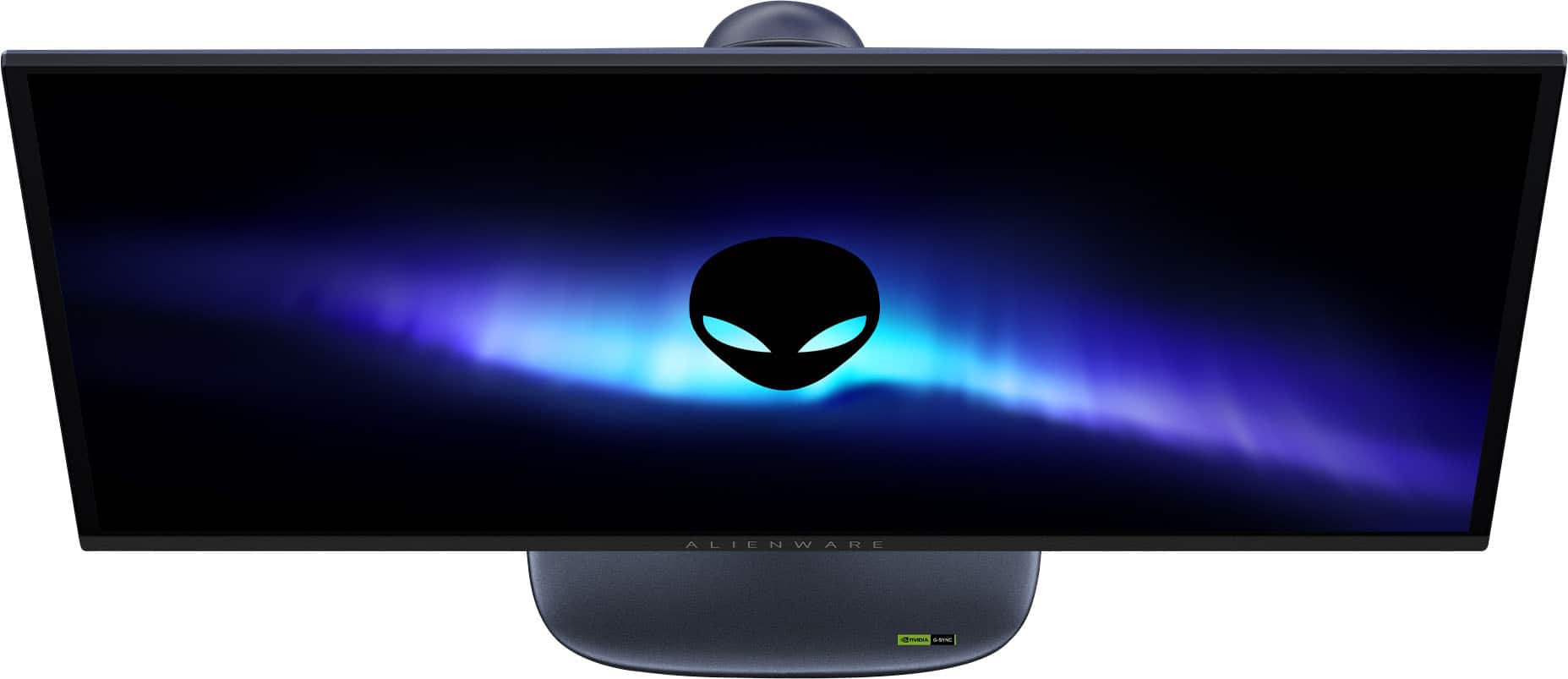
|Posted .This reviewer received promo considerations or sweepstakes entry for writing a review.Coming from using a WOLED monitor as my main monitor, getting used to the Alienware AW2725Q's QD-OLED took a while. I was upset that some colors looked washed out, particularly black, on the AW2725Q. Calibrating the monitor helped a little but I still wasn't satisfied. However, eventually I got used to the way it displays color and colors no longer appeared washed out. Doing a true black test on it makes it look like the monitor is completely off, especially when I turn off the power button and logo's lighting. So just bear that in mind, if you have a similar first impression as I did. The top bezel measures 1/4". The side bezels measure 7/16".The bottom bezel measures a noticeably larger 9/16" with the Alienware branding printed on it. Thankfully for me, the print isn't very assuming. It's in an understated white or silver that doesn't physically or not so much visually stand out of the monitor. But I still do find it distracting, and my visual experience less immersive, in my multimonitor setup, when I have the monitor rotated to portrait. The rest of the monitor itself is in a dark purple color that looks black under most normal lighting. It's something I personally prefer because I like an understated professional looking monitor, even though I game. To each their own. Its stand design, and LED customizable logo (on the back of the monitor) and power button lighting is where Alienware showcases its "gamer" personality. The Alienware print on the bottom bezel on the front of the monitor isn't LED backlit, and is not customizable. I love that it has the traditional dedicated power button instead of integrating the power/on function on the menu joystick like some other monitors do, which is often cumbersome for a function that is frequently used. Navigating the menus with the joystick is easy as the controls are responsive and not finicky. What I didn't like is how changes made to the monitor's settings through the monitor's OSD (on-screen display) menu doesn't sync up with the monitor's configuration software on Windows, Alienware Command Center. For example: I'll turn the logo light off from directly on the monitor itself. But if I go to the logo's light settings on Alienware Command Center, it will override the change I made and turn the logo's light back on again, without me even making a change. I found this very frustrating. Furthermore, while there's an on and off setting for the logo's lights on the monitor's OSD menu, on Alienware Command Center there is no setting to turn the logo's lights on or off. Or rather, it's a lot less obvious. You have to set the logo's light's brightness to 0 to turn it off. I don't understand why there's such a large disconnect between the on-screen controls and the software's controls for the same functions. The display itself is gorgeous after I got used to the more vibrant display of a QD-OLED compared to the WOLED I was using. It gets brighter than my WOLED monitor despite my WOLED having the higher peak brightness, according to Windows. The 27" display really makes stuff on the screen look like they've been painted on thanks to the combination of OLED, and the high pixel density at 4k resolution. The AW2725Q also supports Dolby Vision, which is noticeably superior HDR for content that supports it. On Windows, Dolby Vision content can't be viewed straight out of the box. You'll need to install the Dolby Vision extensions. Installing the Dolby Access app from the Microsoft Store will walk you through the process. The AW 2725Q also supports Dolby Atmos by passing the signal through its HDMI port with eARC. To get Dolby Atmos sound, you'll need Dolby Atmos sound system that connects through HDMI, like a Dolby Atmos soundbar or a Dolby Atmos receiver. The monitor does not have internal speakers. The AW2725Q has 3 video inputs: 1x DisplayPort 1.4, 1 x HDMI 2.1 with eARC, and 1 x HDMI 2.1 *without* eARC. With these inputs the monitor has hardware PBP (Picture-by-Picture) and PIP (Picture-in-Picture). Alienware Command Center, the software used to configure the monitor, as well as update its firmware, is terribly designed. It's almost like it was meant to be run *only* in full screen because nothing in it scales. If you resize the window, everything just gets cropped out. And it has an image of your monitor needlessly taking up almost half of the window. You can still use the app when it's resized smaller, but you'll be forced to scroll, both vertically *and* horizontally to get to the settings that you want to configure. The USB hub with one upstream USB-B and four downstream USB 3.2 Gen 1 (5Gbps) ports (three Type-A, one Type-C). The USB-C port has 15W Power Delivery, so you can charge a phone, earbuds, or other low power rechargeable devices. The monitor gives you the option of allowing you to charge through the port even while the monitor is off, warning you that it will consume more power with that option enabled. QD-OLEDs are known for their glossy screens, which inherently causes them to be reflective, but the antireflective coating does help minimize its impact. You will still absolutely see reflections though, and they can still be obtrusive to you. Nothing beats a matte screen when it comes to dealing with reflections. So if you plan to use the monitor near an open window where there's sun, perhaps WOLED may be your better option. With the monitor's 240Hz refresh rate I didn't experience any screen tearing while gaming. With VRR (variable refresh rate) on I'll experience a little VRR flickering while immediately enabling the monitor setting in Windows but I've never experienced anything else noticeable thereafter. As far as OLED screen burn-in goes, I don't see anything outside of something called "Pixel Refresh" as the monitor's preventative measure. And that's something that's seemingly done manually by the user. Other monitors have OLED screen moving. It appears that the AW2725Q doesn't. I've also read about users experiencing issues with this monitor over time. I've only been able to use the monitor for about 2 weeks and experienced zero hardware issues. But I have no guarantee that that will be the case in the months or 3 years ahead. Because of the uncertainty of burn-in with no clear preventative measures, my frustrating issues with the settings, and the large bottom bezel, I can't personally recommend the monitor. There's better out there. But don't let me stop you from considering it. Apart from that, it's a fabulous monitor. It's just too expensive to take a risk on, or settle.
No, I would not recommend this to a friendNeeds speakers
Posted .This reviewer received promo considerations or sweepstakes entry for writing a review.Seems to do everything we need. Only reason there is not 5 stars has to do with no built in speakers. Really need built in speakers in today’s world of electronics. Other than that - no complaints.
I would recommend this to a friend