Customer Ratings & Reviews

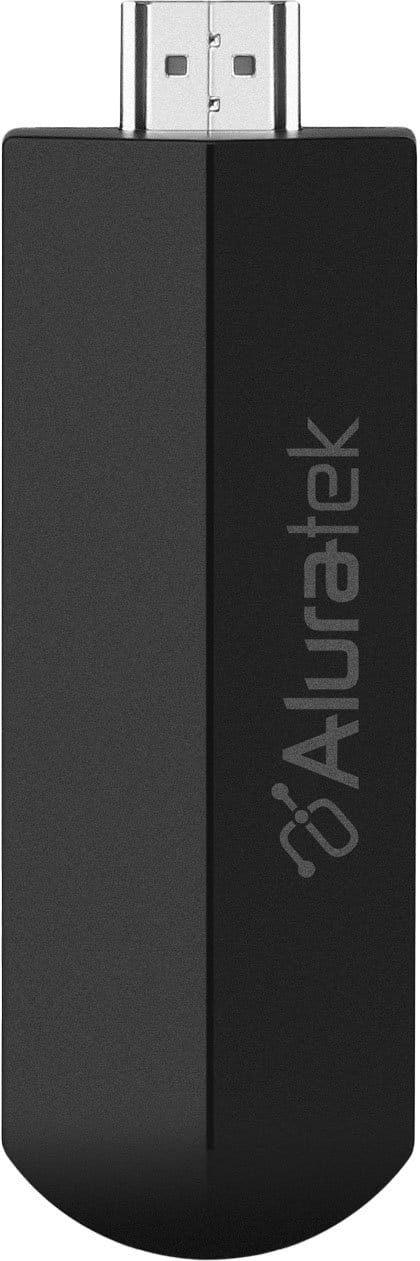
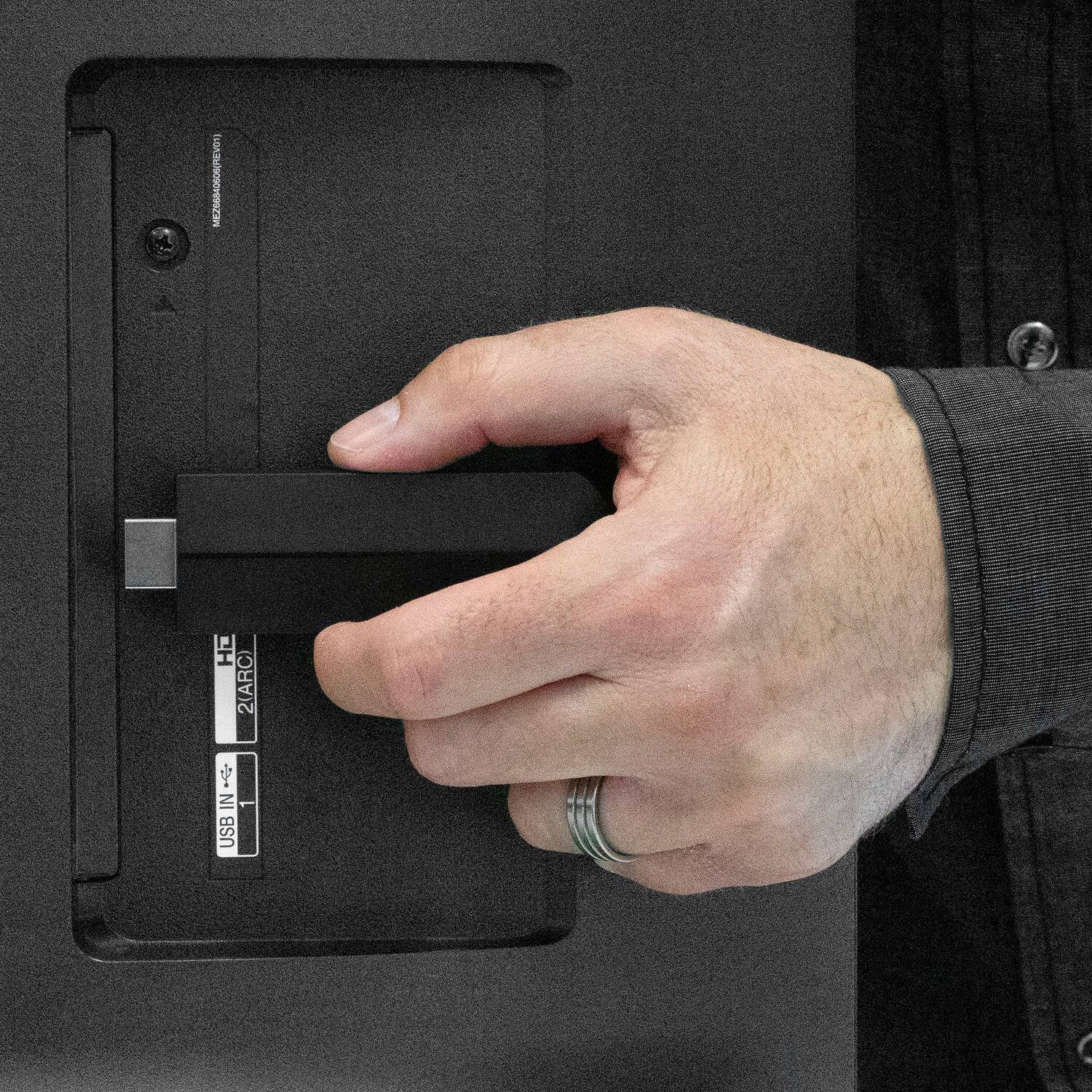
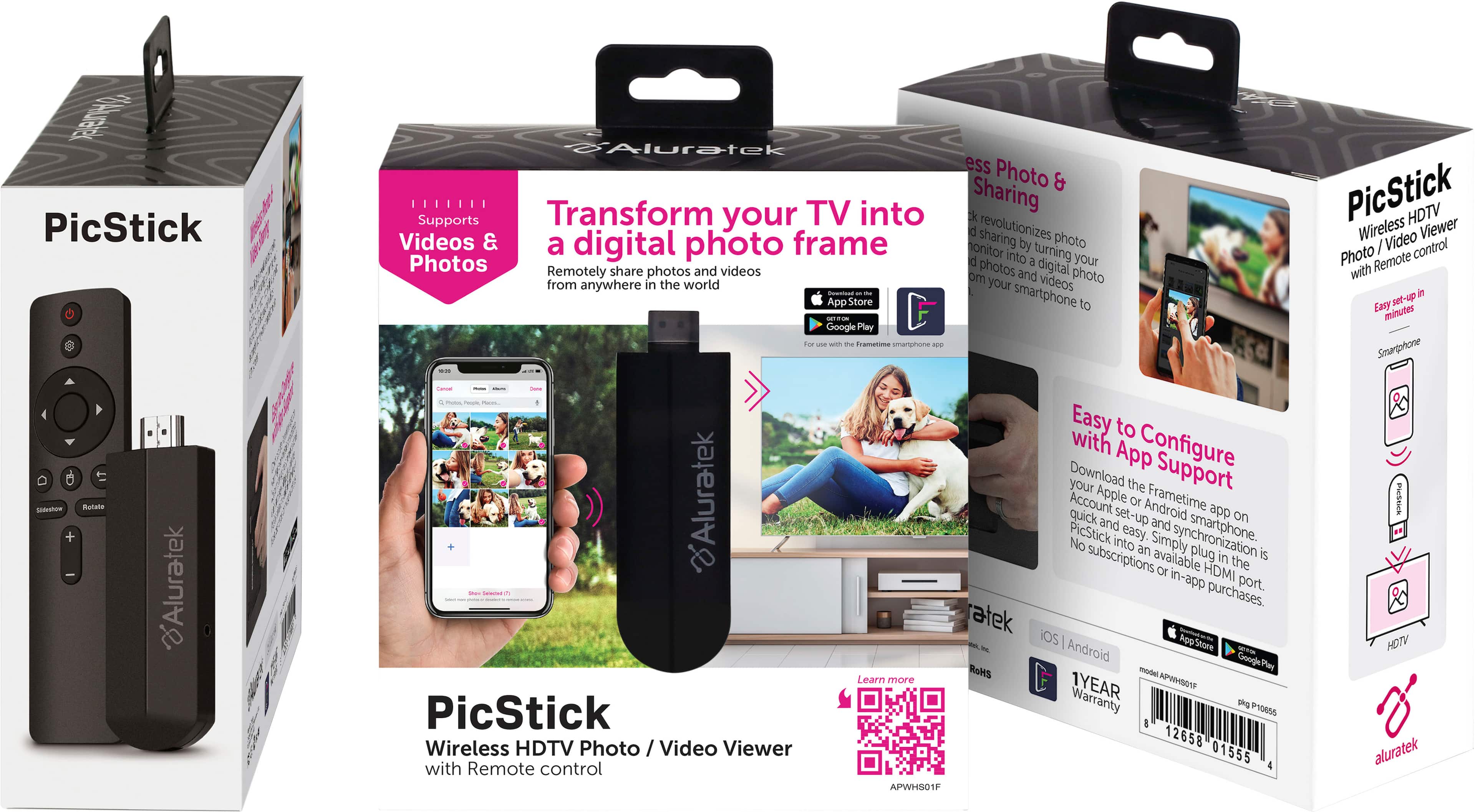
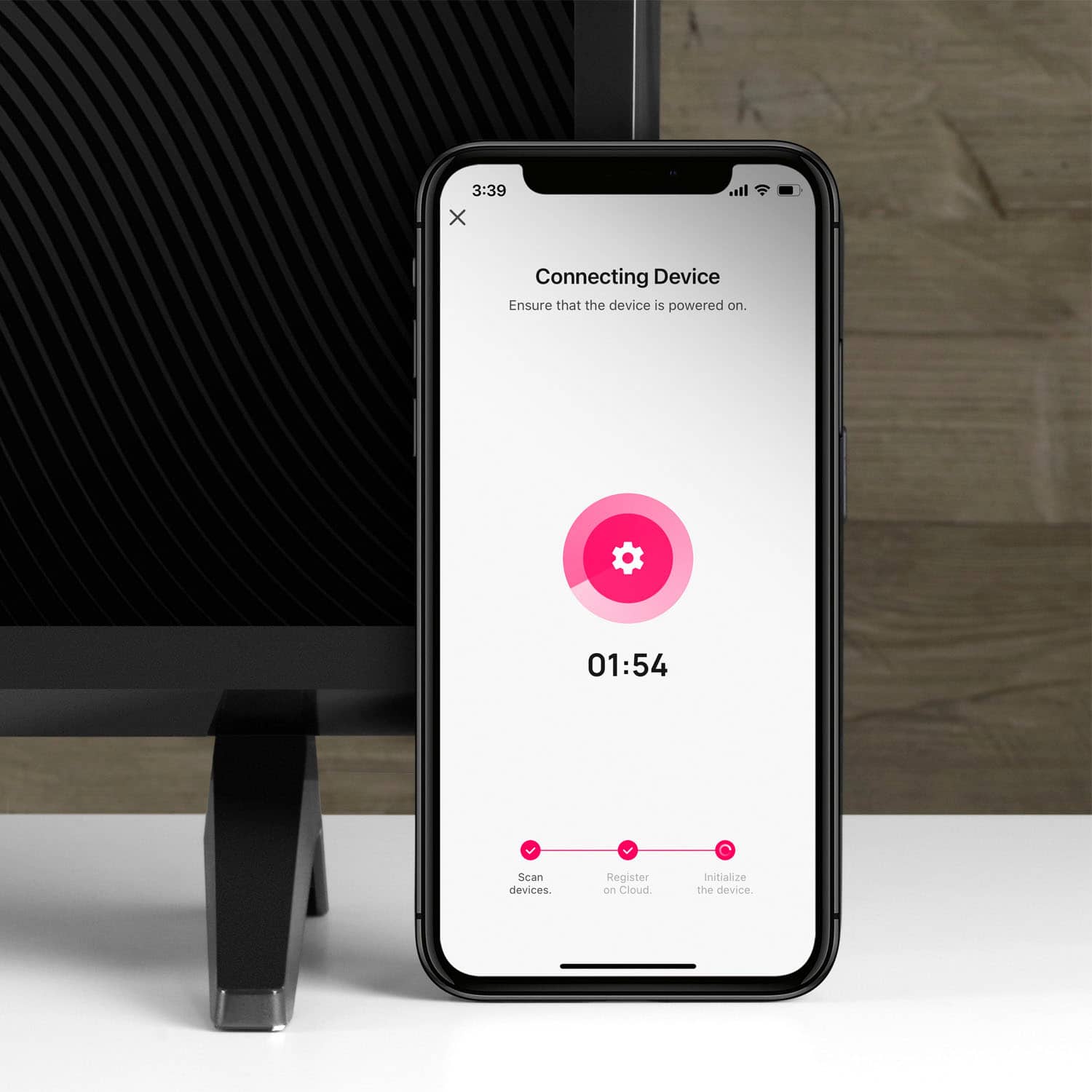
- Model:
- APWHS01F
- SKU:
- 6593023
Rating by feature
- Value
Rating 4.2 out of 5 stars
- Quality
Rating 4.4 out of 5 stars
- Ease of Use
Rating 4.3 out of 5 stars
Customers are saying
Customers frequently mention the PicStick's HDMI connectivity and ease of use, highlighting the simple setup process. The remote control and video quality are also well-received features. However, some customers have noted concerns regarding the app's stability.
This summary was generated by AI based on customer reviews.
- Pros mentioned:Ease of use
Great gift for a nostalgic recipient
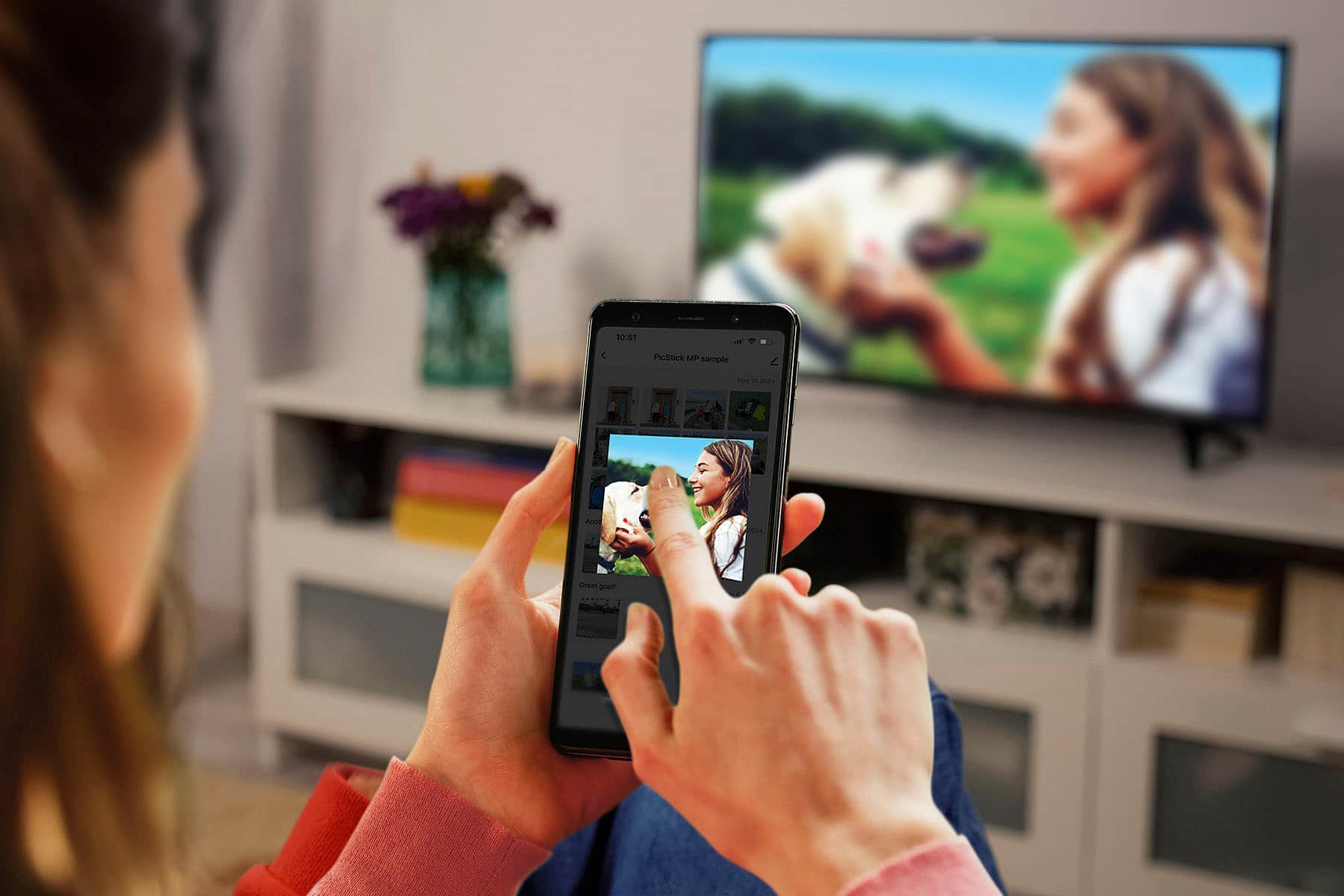
||Posted . Owned for less than 1 week when reviewed.This reviewer received promo considerations or sweepstakes entry for writing a review.I got this for my wife who was excited when we received it. Now we can view our photos on the tv or on the go instead of stuck on a laptop. Easy to setup and looks sleek.
I would recommend this to a friend - Pros mentioned:Ease of use
So worth it, so easy to use!
||Posted . Owned for 1 week when reviewed.This reviewer received promo considerations or sweepstakes entry for writing a review.Such an Awesome product and easy to use! So many occasions it can be used for great for birthday celebrations , anniversaries, family get togethers. An most importantly affordable. Definitely recommended.
I would recommend this to a friend - Pros mentioned:Remote
Pictures in my pocket
||Posted . Owned for 2 weeks when reviewed.This reviewer received promo considerations or sweepstakes entry for writing a review.This picture stick is exactly what you need when you're on the to and want to guarantee you only see what you load. Easy to use and comes with a remote. So good!
I would recommend this to a friend - Pros mentioned:Ease of use
Great buy
||Posted . Owned for 1 week when reviewed.This reviewer received promo considerations or sweepstakes entry for writing a review.Very cool product, works well for my project. Easily set up and easy to use.
I would recommend this to a friend Present for my inlaws.
||Posted . Owned for 1 week when reviewed.This reviewer received promo considerations or sweepstakes entry for writing a review.I wanted an easy way to give my inlaws pictures of their grandkids. This does exactly what I was invisioning. I can update pictures daily to give them surprises on their screen. They will love it.
I would recommend this to a friend- Pros mentioned:Ease of use, Hdmi, Remote

Wonderful way to display all of your memories !
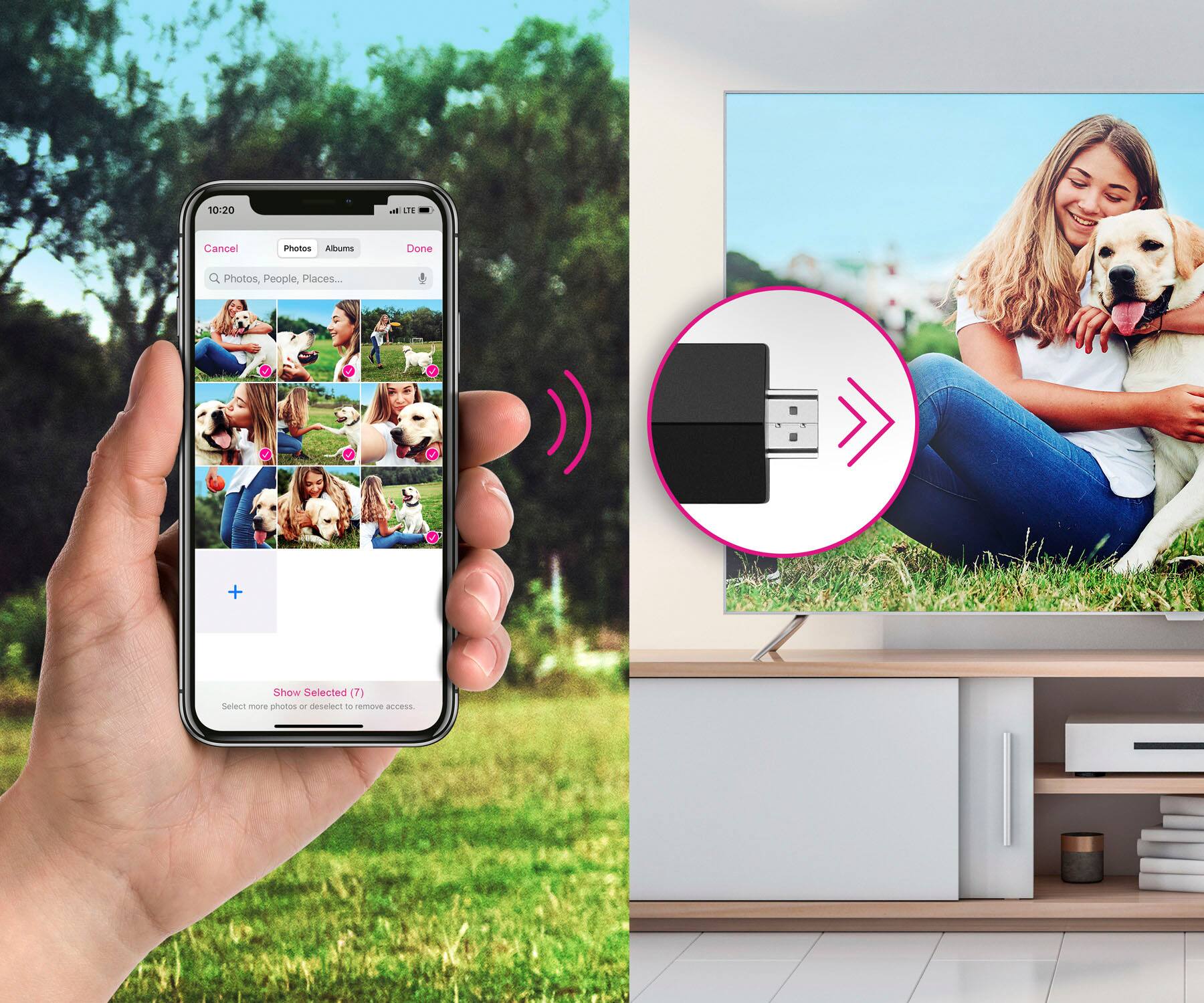
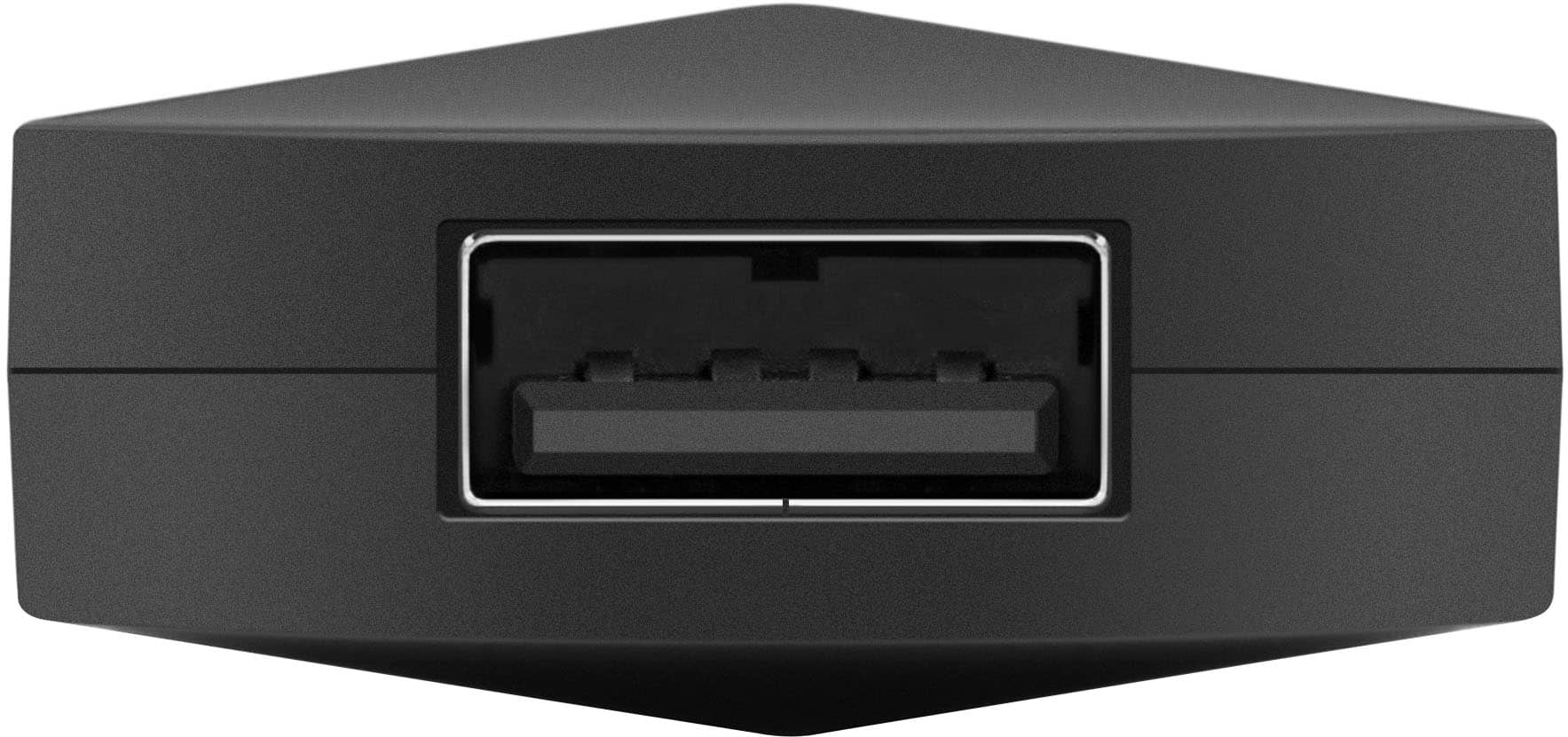
|Posted .This reviewer received promo considerations or sweepstakes entry for writing a review.I think we've all bought the digital picture frames that we can load pictures into. They've also gotten really costly for what you get and what they do. The Aluratek PicStick Wireless HDTV Photo/Video Viewer is like those but on steroids lol. You can can have them on a huge television screen, not on some eight to ten inch picture frame. So size wise there's no limitation anymore. It even comes with its own remote and application. Unlike most of those picture frames, with this you can not only pictures but you can add video also which I was very pleased to find out. Another feature that makes this stand out from the digital picture frames which are usually dependent on bluetooth or direct connection to load your pictures, The Aluratek PicStick connects to your hdmi on your television and the through WIFI to your phone or tablet, so you can literally change or upload what you'd like to view from anywhere in the world practically. The Frametime application makes everything easy and a breeze to work with. If you want to have additional storage, it even comes with a usb thumb drive port to add up to 512GB of storage. The displays are awesome and stream flawlessly, the application gives you tabs where you can save favorites, library, or if you add a USB it'll show that as well. My only I guess you could say negative is having to have it plugged in to power too. It's a lot hanging from the HDMI port with the PicStick itself, if you had a USB thumb drive and then having a power cord plugged in and hanging down too. I would highly recommend this to others looking for a truly awesome way to display their memories.
I would recommend this to a friend Aluratek Wireless
||Posted . Owned for 1 month when reviewed.This reviewer received promo considerations or sweepstakes entry for writing a review.This device turns your phone into your tv and watch your pictures and video on your tv or any larger device.
I would recommend this to a friend- Pros mentioned:Hdmi, Remote, Video quality
Does What It Promises - But Do You Need It?
|Posted .This reviewer received promo considerations or sweepstakes entry for writing a review.The Aluratek PicStick Wireless HDTV Photo/Video Viewer accomplishes it’s stated goal of ‘transforming your TV into a digital photo frame’. I found it easy to follow the directions for installing the PicStick - though there are a number of steps in the process. Plug it into an HDMI slot on my TV | plug the charging cord into a powered USB-A slot (also on the TV) | turn on the TV and choose the correct HDMI input | insert the batteries (included) into the remote | power it on and see it on the TV | download and install the app on my iPhone | upload pictures to the PicStick via the app (slow and only 8 pics at a time) | use the remote to establish the settings for the display of the photos and which of the (limited) options I’d like for the slideshow | and, finally, start the slideshow and watch it. Once installation was finished, it worked fine without a hitch. It displays photos you’ve uploaded as a slideshow on your TV screen. And that’s it. You can ‘edit’ the photos - which basically means you can delete them after you’ve uploaded them - or not. So, what do I think? Here’s some things to consider in making your decision: * It does what it says it’ll do. However, once you’ve installed it, what is offers is very basic and limited. I’d like to have it fill the screen with a picture, which it does not offer. It would also be great if it actually added some kind of ‘frame’ around the pics (with a choice of frames so you can adjust it for your room colors and decor). These kinds of features are not part of what the PIcStick offers. * You can accomplish what the PicStick offers on most smart TVs (or TVs with a streaming device attached). In most cases, you also have more features for displaying photos than the PicStick offers. If you do not have a smart TV, or TV with a streaming device connected, you still need to have a TV that offers HDMI ports and, ideally, a powered USB-A port (though you can get around that by plugging into a charger. * On the other hand, once you’ve uploaded your pics to the PicStick, they’re on the device and can easily be transported and used anywhere you’ve got a TV with an HDMI port. No need for a more complex streaming device. This would be useful in settings where there is little or no internet - and for when you need to minimize what tech you use or carry. The fact that it eliminates the need for a smart TV (or additional streaming device), could be just what’s needed for specific applications. I was a bit conflicted over how to rate or recommend this device - finally giving it 4 stars for the fact that it does what it says, but not giving it a ‘recommended’ because I cannot think of enough specific situations which would make this a uniquely essential solution.
No, I would not recommend this to a friend Don't expect much
||Posted . Owned for 1 week when reviewed.This reviewer received promo considerations or sweepstakes entry for writing a review.The virtual keyboard would never work. The only way to connect ti my wifi network was to connect using the guest network because it didn't need a password. So I returned it. I chose a refund, rather than an exchange.
No, I would not recommend this to a friend- Pros mentioned:Hdmi, Remote, Video quality
Not as convenient as it sounds, but decent.
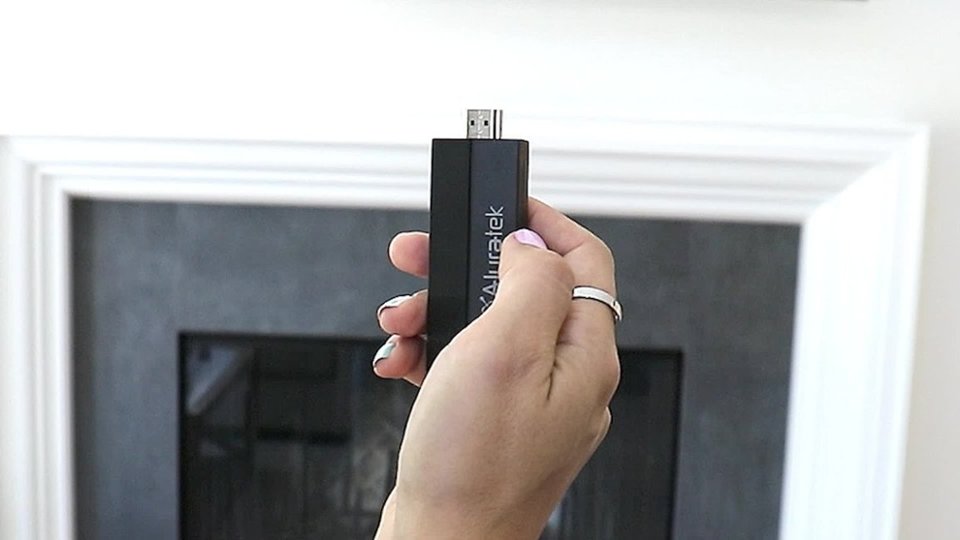
|Posted .This reviewer received promo considerations or sweepstakes entry for writing a review.I was surprised to discover how difficult it is to cast your pictures and video from your phone to a TV. It was previously easy to do so with DLNA or screen mirroring, but as I recently discovered, newer phones are no longer compatible with that format. That's why devices like the PicStick by Aluratek are in demand to help bridge the tech gap. This HDMI dongle is about the size of a fire stick and comes with a power cable and IR receiver for the included remote. I'm glad this came with a small extension cable as it would be quite difficult fitting that horizontally in-line with other plugged ports. Turning the unit on with the remote, the Aluratek logo shows for almost a minute then goes to a login page that requires you to get the app for your phone and scan the QR code (took a couple of minutes for that to appear). After which time, it goes to a home screen with a night scene background. The gallery needs to be populated by selecting the pictures and video you want in the app and uploading it to the stick. Pictures uploaded rather quickly and were viewable in full clarity, while videos take an abnormally long time (depending on file size) over high speed Wi-Fi. I'm happy to report that media doesn't need to be uploaded to play as long as you have a phone with removable MicroSD storage and a reader with USB connector. Sadly, iPhones don't have this option. The unit is a little slow to respond when scrolling in the gallery and sometimes gets lost for a bit. I had some issue with keeping the time correct as it would always revert back from Eastern to Central time zones until I shut off the auto-update feature. For its intended purpose, this unit fails at being a convenient way to display media from your phone because of the tedious uploading to the stick for everything you want to show. I was hoping it would work like a screencast or DLNA streaming content from the phone. Thankfully, it saves itself from being useless by offering a USB connector to plug in USB keys or SD card adapters and display all your content quickly and easily (if your Android phone takes microSD cards). It gets very hot while in use so be careful removing your key from the slot. If you have no other choices, it gets the job done. Otherwise, get something else.
No, I would not recommend this to a friend - Pros mentioned:Hdmi, Remote, Video quality
Whieless HDTV Photo/Video Viewer
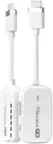
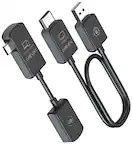
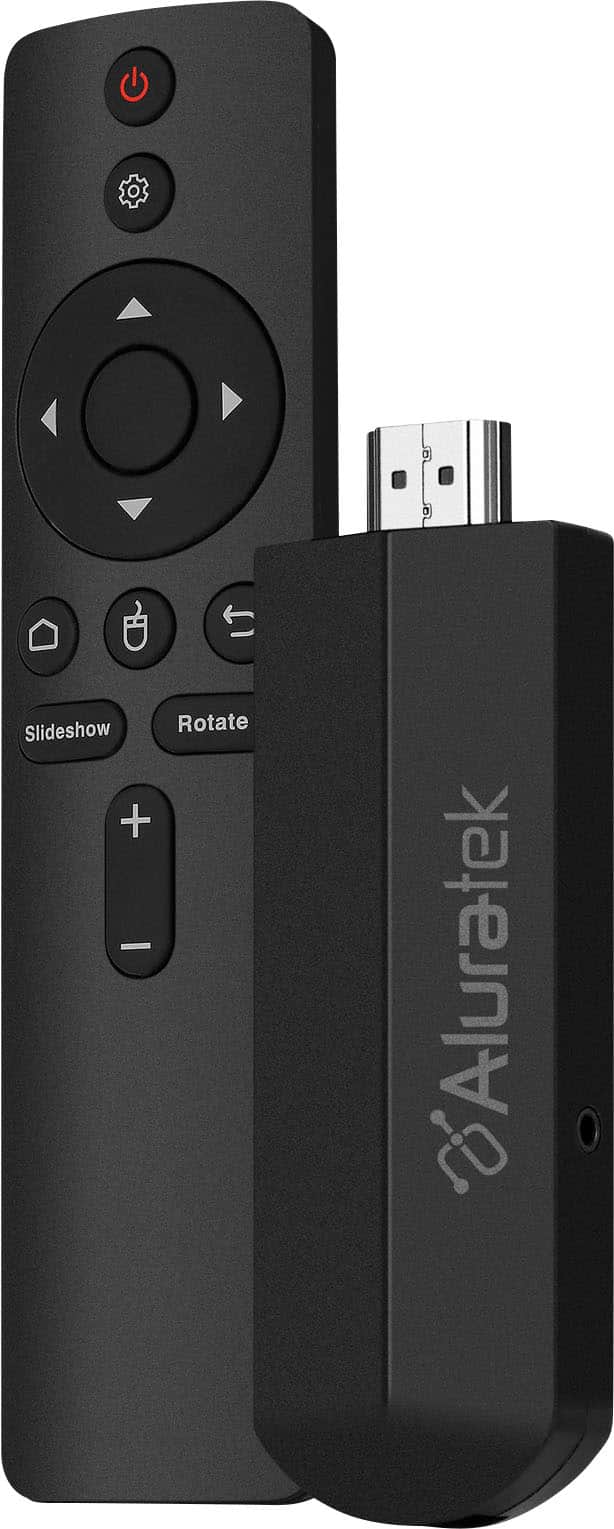
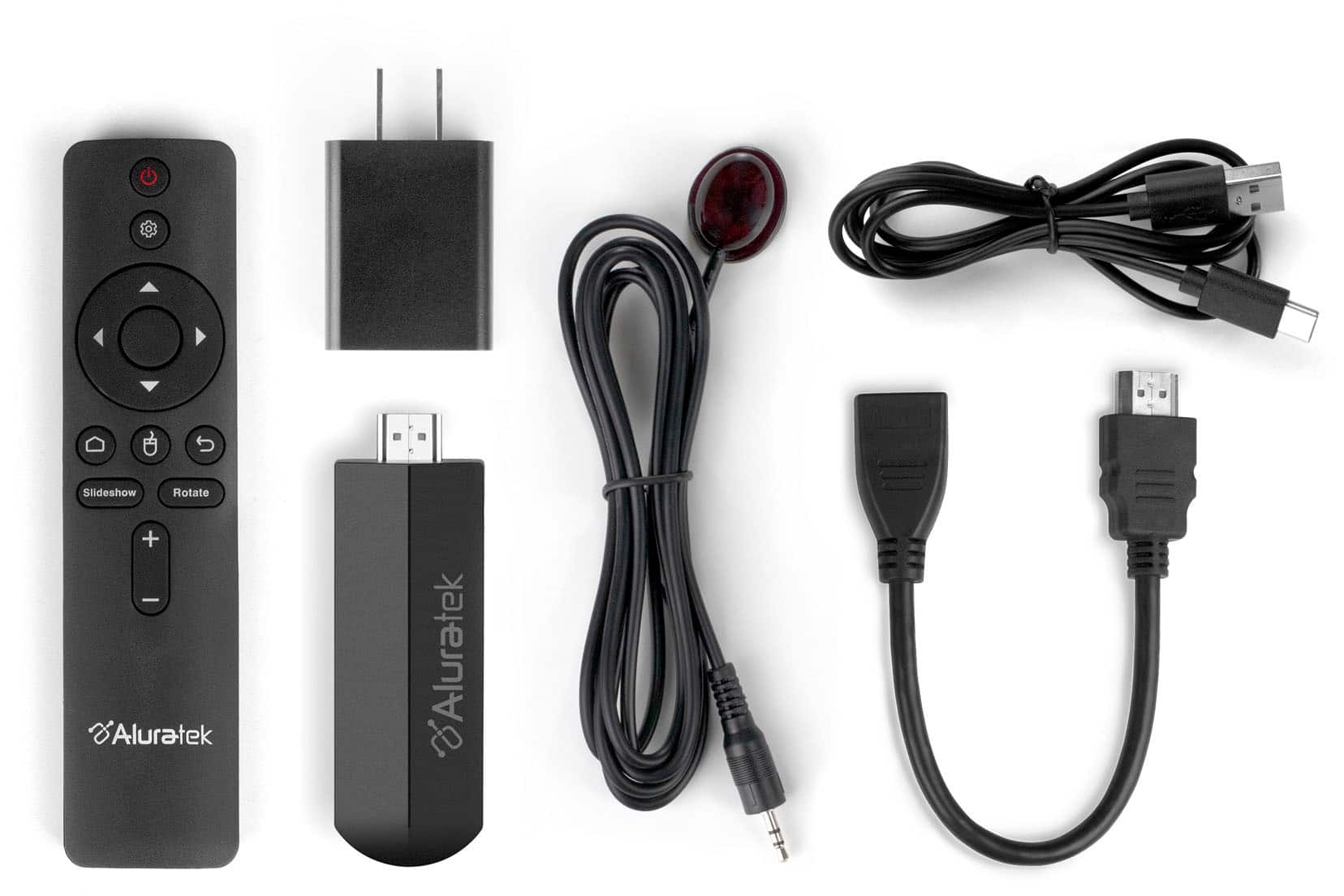
|Posted .This reviewer received promo considerations or sweepstakes entry for writing a review.The Aluratek PickStick Wireless HDTV Photo/Video Viewer comes with the following: 1) Remote Control 2) USB Power Cable 3) HDMI Extender 4) Power Adapter 5) Infared Cable First downloaded the app, next plugged the the PicStick into the HDMI 2 port of the television. Then selected the settings to connect to Wifi. There were options to choose how you would like pictures to be viewed on the screen. There were also options to create an email to send pictures to yourself or you can use the app to view pictures. I chose to send pictures and videos to through email. The pictures uploaded in about 3 minutes. I peferred that option, then uploading from the app itself. However, you are able to upload using the app. The pictures showed on the tv clearly. Was able have photos displayed as a screensaver, slide show, and more. Your able to add music to your images as well. Which is nice. The remote in combination with my tv remote both worked fine together. I had wondered about this. There were no issues. Thank you for the chance to review this product. My Pros: Able to email photos. Can play videos/photos with ease and clear Yes I would recommend this product for those of you looking for this type of product.
I would recommend this to a friend - Pros mentioned:Remote, Storage
Perfect companion to non-smart TVs
|Posted .This reviewer received promo considerations or sweepstakes entry for writing a review.Though most TVs nowadays have cast abilities, there are some out there that do not. I have a couple of unused TVs, one that actually came back to life with this. SETUP and INSTALLATION The device is pretty simple to put in the back of the TV, except that the device is pretty wide—it takes up more than one HDMI space. Good thing is that there is an HDMI extender included. Powering it up is easy as it comes with a USB interface. I chose to power it up using one of the USBs behind the TV, though it comes with a small power brick that I can plug onto a socket. Connection setup is a little tricky as it is app-enabled. Don’t be like me and do not just search for the app name because there is a similar name in the play store: Use the QR code provided. Next, in the manual, it says to scan the QR code on the device, but there isn't any—this step will actually come up in the on-screen installation where the QR code will come up in the screen. Again, just one of those that will be a challenge for most people who will purchase this device. These details are pretty critical to the set up. It adds to the stress of a rather simple device Connecting to WiFi is easy once it is setup in the app, and the remote is very responsive. ACTUAL USE Once it is set up, the main screen of the device shows helpful info-- clock, date and weather. This is great because you can actually leave the device on as a useful screen if not casting anything. It is perfect for lobbies or parties. The app easily recognized my phone photos I allowed it access to, and it automatically sent the selected ones to the device library. It took some time to upload a lot, and I don't think it took so much space because there was still a lot remaining. This device was installed on a bigger TV and unfortunately, the photos were quite soft up on the ddisplay. This is quite a huge quirk for me as I would usually share photos because I took good quality ones, like landscapes or objects with intricate detail and depth. But seeing them come up on the screen with less quality is a bummer. If there is one thing I find super great about this, was the ability to share access to the device. I invited a couple of people through the app and they can upload photos to the library as well, and now, we have a consolidated slideshow. Even modern TVs with cast capabilities are associated with one device. This makes collaboration possible. I thought this was a rather too simple device but it actually found use with my old TV. I know I can also use this at parties while sharing photos or just to simply run a slideshow to display curated images. Maybe an update can increase image resolution? Who knows.
I would recommend this to a friend - Pros mentioned:Storage, Video quality
Works But Basic
|Posted .This reviewer received promo considerations or sweepstakes entry for writing a review.This device allows you to upload photos to it from your phone and display them as a slideshow on your TV. It is basic no frills but does what it is supposed to do. Installation: Setting it up was easy but the directions you get are incorrect and will require some guesswork. You start by connecting everything together which is the HDMI connector (which includes an extension cable in case the device doesn’t fir directly on you TV), USB-C power, and a connector for the IR sensor. None of this is explained but is probably common sense. You follow the on-screen instructions to add the device to your network. This was easy except that for some reason, when entering the password with the remote, it kept skipping letters and would sometimes just randomly cancel out. Took a few tries to get this entered. Then you install the FrameTime app, create an account, and follow the directions in the app which are not accurate. When adding this device, it says to scan the QR code on the device or packaging, but you will soon find out there is no QR on the device or packaging. What they really mean is to skip past a few screens on the TV and it will soon display a QR code on there. The silver lining in this is that you don’t have to deal with a small QR code printed on the device already connected to the back of the TV, or on the packaging you already threw out. Once you have figured all this out, you are good to go. I really do think the remote should have been Bluetooth to avoid the IR sensor. Uploading photos: Uploading photos was easy to do. You enter the upload mode on the app, select the app you want to use to select the photos on your phone. I chose the photos app, but there were a few to choose from. The problem I had was that I had to individually select each photo I wanted to add instead of all or a large group. I’m not sure if this was a limitation of the photos app that I used or the FrameTime app. Once selected you upload them to the device, or Cloud, I’m not sure where they ended up. You get a total of 11GB of space which I found to be plenty. They did upload very quickly once selected. Viewing Photo: As mentioned, this is a very basic photo viewer that allows you to view photos, and that is about it. You select the photo you want to view from the thumbnails and press the OK button on the remote. It doesn’t highlight the currently selected photo, so you must open it to see which one is selected. You also have the option of showing all the photos in a slide show. You don’t have the ability to change the rate it moves through the photos, but the default rate seems to work well. You also don’t have the ability to view a subset of photos. One last thing is that you can attach a USB drive to it to display photos from that. Photo Quality: The photo quality is very good…but not outstanding. They did appear a little bit grainy, and the colors washed out compared to what is on my phone. They are perfectly viewable and enjoyable none the less. Overall, this is enjoyable and gets the job done but is no frills and no fancy features included with it.
I would recommend this to a friend - Pros mentioned:Ease of use, Hdmi, Remote
Versatile and super handy stick!
|Posted .This reviewer received promo considerations or sweepstakes entry for writing a review.I'm super impressed with this stick! At first glance, I was skeptical on how useful it could really be, but now having tried it, I'm going to be getting another one as it's the perfect device to turn any screen/tv that has an HDMI port in to a photo/media frame that you can control from anywhere. It's super easy to use and control with minimal effort. Getting it setup only takes a few minutes, and once it's connected, you can easily send photos/media to it for slideshows and even pair it up with music and it includes a remote so you can navigate and control the media with it though doing so is not required for automatic slide shows that you can create that are set to repeat. I think it'd be perfect to have when you have parties, a wedding or whatever, and want to add a touch of elegance by adding a slide show to the event. I am also thinking about getting one for our business, to put on an large tv or monitor we mount on the wall in the breakroom to display information for employees on upcoming events as it really is perfect for that too where it's easy to use and can be controlled from anywhere. I can also see a use case where it'd be helpful to have in a retail business or food truck to display a menu with photos of the products on a rotating slideshow. I think you get the idea, but having used it, I can say it's easy to use and very functional. The only thing that you might have to work around is if the port is close to other HDMI ports or your port is recessed, this stick is a little larger than the port so if other ports are close you might have to get an extension cord to remedy it. Outside of that, the design and ease of use is great and I'd recommend getting one!
I would recommend this to a friend - Pros mentioned:Hdmi, Video quality
Awesome idea, decent execution
|Posted .This reviewer received promo considerations or sweepstakes entry for writing a review.I really love this device! We already have a Smart Photo Frame that hangs on the way but I really wanted to play around with this because I want to get my mom a smart photo frame that I can upload photos to so that she constantly has new photos she can look at. I believe this will 100% fit the bill! Setup & Fist Impressions Getting the device installed & setup was a breeze! So if you have ever hooked up anything via HDMI then you can set this up. The included instructions were great! They are clear & easy to follow/understand. When booting up the device I noticed how it definitely runs a version of Android as evidenced by the keyboard that pops up when setting up the account. I am going to play around with that more at a later date by trying to set up a keyboard/mouse of some type. Anywho, it was super easy to get running & I had it done in less than 10 minutes. Loading Photos I noticed you can only load 9 (or was it 10? I think it was just 9) photos at a time. That is a super annoying little caveat to be aware of if you have hundreds of photos you want to load as it will take FOREVER to get then uploaded from your phone. BTW this was on iOS in case maybe Android is different? So I did not load up the ton of photos I wanted to and only did 3 sets of the photos I wanted to upload (so 27). Definitely something to be aware of and something I hope they fix in a new update of the app. Utilization Getting the slideshow started was super easy & I currently have it cycling through photos of our family in our living room when we are not watching TV. My significant other really likes it and I have set it up where she can load photos because she loves taking photos all the time (we took multiple as a couple last night for our last get together of the year before winter starts to hit; which she has already loaded up on the device and has it cycling through them). Conclusion So should you get this device? Well, I already have a Smart Photo Frame that is a standalone device with a screen & can be in portrait or landscape mode (it rotates on the wall) but I wanted to try an updated version that just plugs into HDMI, so I am glad that I did. However, I feel like they need to fix the uploading issue, and they really need to link it to Google Photos, or iCloud photos and/or Instagram or the like because that would be great. If they cannot or will not then there are other solutions that absolutely will and would be of better use. So if you are looking for those integrations then know that this device, as of yet, does not support any of that.
I would recommend this to a friend - Pros mentioned:Ease of use, Hdmi
Versatile and easy picture sharing
|Posted .This reviewer received promo considerations or sweepstakes entry for writing a review.A great solution for a digital picture frame. Any device with an HDMI input can be used to share pictures and videos. Sure there are other ways to display pictures on a smart TV, but few other options to allow friends and family to send their digital memories directly to your display. Goin someplace? It’s easy to bring the PicStick along. Need something for a business display, seminar, home based marketing business? Maybe a teacher prepping a presentation for your students? I can see this and many other uses. It’s also a great way to reuse an older computer monitor. In my case, it’s the ease of sharing that a grandmother can enjoy. Family can easily send her the latest pics and they can be enjoyed. For a fraction of the price of digital displays, she gets to view them on a large screen. Installation and usage instructions could be better. The quick start guide will get you going, but I’d recommend following the on-screen display to finish the setup. Once the PicStick and app are installed, there’s a couple of rough edges. One in particular was the Time Zone configuration. It defaulted to Chicago, yet I’m in the New York time zone. The solution was to open the PicStick setup, and change the option for automatic time zone detection. Without a full manual, things like this take some poking around to discover. Overall, it fits the niche it’s designed for. An easy to use solution for those who enjoy digital picture sharing.
I would recommend this to a friend - Pros mentioned:Hdmi, Remote, Video quality
Renders pictures well, but many deficiencies
|Posted .This reviewer received promo considerations or sweepstakes entry for writing a review.OVERVIEW: The best things I can say about the PicStick is that it was easy to set up, connect to WiFi and to a TV/monitor, pair the good remote and that the pictures were well rendered. It also works decently with a USB stick. However, there are so many deficiencies with it that it makes it difficult to recommend. The biggest deficiencies are file management/syncing/sequencing and that it crashes. Some photo files just don't get copied from the app to the device. Unless Aluratek addresses these software deficiencies, I will never use the internal memory which is a shame. I will, however, use a USB stick inserted inot it that have pictures and mp3 audio files copied to it since it seems to work best that way. However file management is deficient with that too as there does not seem to be any order that you can ensure the pictures will be displayed. Also, it crashes from time to time. The transitions, zooming, etc of the pictures are nice, but this is one cumbersome device to use. There is promise with this device, but the deficiencies need to be addressed. And oh, please add a slot for an SD card so you can take an SD card out of a "real" camera and insert into the PicStick for display on a monitor/TV. Lastly, the Quick Start Guide (QSG) is ok, but there needs to be a more detailed user's guide. Details: PACKAGING: The box is standard and fine. Included is the PicStick, an HDMI Dongle which can be used to extend the built in HDMI port 9" from the device, a power adapter, a Type C to Type A USB Cable (used to either connect to a USB port on the TV for power, or into the aforementioned power adapter when using with a computer monitor), a remote control with two AAA baterries, and an infrared receiver with cable to attach to the PicStick. I assume this IR receiver is used if the PicStick was positioned out of sight, but I never needed it - the remote worked great even with the PicStick out of sight! Is it RF? Who knows because there is no mention of it in the included Quick Start Guide (QSG). I could not find a detailed manual on the Aluratek web site, but one is needed because many of the features are not discussed in the QSG. The PicStick has a USB port into which you can plug in a USB stick with pre-loaded pictures and audio files. However, there is no slot for an SD card. In my mind, this is a serious deficiency for any photographer with a dedicated camera - an SD card slot simply should be included. SETUP: It was very easy and quick to get started. I downloaded the ~70MB Frametime App which is unfortunately necessary to upload photos from your phone (as you will read, I am not sure I will ever again use it). You need to create an account which I also consider to be suboptimal. Following the instructions in the QSG, I easily got connected to WiFi, added the device and uploaded 5 pictures. After that, things went a bit downhill. RESULTS: Although I initially uploaded 5 photos to try out the device, only 3 were in the "gallery" on the PicStick for display on my TV. This is a recurring problem. I attempted to upload multiple files quite a few times and not all of the files were uploaded most of the time. I even tried resetting the device (which, by the way, is not explained anywhere in the QSG) and tried multiple times again with the same results. It also seems to take too long of a time to upload files (I have a state of the art WiFi 7 system so that isn't the problem). There should be an ability to transfer files from either phone or PC via a USB cable to the device. The files that were uploaded looked great, and the slideshow function worked well, but what happened to the other files? The files also seemingly were displayed in a random order - even though I set them to be displayed "sequentially" in the PicStick settings (again, no mention of this anywhere in the QSG). I then moved on to trying a USB thumb drive to display photos with audio files. There is no mention in the QSG about how to do this. I first formatted my drive to FAT, but results were spotty. So I formatted it to ex-FAT and then NTFS. NTFS seemed to work the best. And here is where the PicStick did decently but not great. The photos were displayed well, the transitions were pleasing and the background audio was great. Unfortunately, again, there does not seem to be a way to sequence files the way you would want - both video and audio. Maybe Aluratek knows how, but if so, they should publish it in either a detailed manual or on their web site. On a number of occasions (including as I wrote this review), the slideshow crashed and terminated, and the PicStick rebooted for no apparent reason. Note that after you plug a USB stick into the PicStick, a file structure is created. After, I loaded photos into the photo folder and my audio files into the music folder via File Explorer. This enabled audio files from not repeating and the slideshow seemed to work better this way (vs having all the files in the root directory). Also worth mentioning is another file management related deficiency: It was not apparent to me that to delete pictures from the PicStick itself, you don't just delete them from the app. Via trial and error (again, no manual!) I found out how: you have to use the remote and delete them from settings ( Under Settings->Photo Settings->Edit Photo->Library->Delete). But the photos still show up on the app. You then have to delete them individually. This lack of syncing and deleting files individually is cumbersome to say the least. I admittedly did not test what could be one of the devices' prominent feature - that of allowing others do send media files from their app on their mobile device to the stick. I simply did not want to have another user go through that for a deficient device as this. This could be great, for example, if you wanted to give your parents a PicStick and then send them pictures of the grandkids to their PicStick. If Aluratek updates the software/firmware to address deficiencies, I will definitely try it. Believe it or not - this feature is explained in the QSG! However, there is nothing in the USG regarding the "Home Management" feature on the APP so I did not fool with this either. BOTTOM LINE: While the PicStick was easy to set up, and its core function of displaying photos on a TV or monitor works and looks pleasing (which is the reason I almost gave this 3 stars), until Aluratek address file management (including screen showing only "galleries" (or certain files) , sequencing, and file syncing, this device is difficult to recommend. The fact that it crashed a few times while in the middle of a slideshow also adds to my frustration with this device. I also recommend they consider adding an SD card slot, and the ability to manage the PicStick and its contents wired via a PC. I also recommend a full Users Manual. Then they may really have something here.
No, I would not recommend this to a friend Old technology
||Posted . Owned for 1 week when reviewed.This reviewer received promo considerations or sweepstakes entry for writing a review.Slower and more complicated than it should be. Yeah..
No, I would not recommend this to a friend- Pros mentioned:Hdmi, Remote
Great device for family gatherings
|Posted .This reviewer received promo considerations or sweepstakes entry for writing a review.The Aluratek PicStick Wireless HDTV Photo/ Video Viewer with Remote Control is a handy little device that makes it easy to display pictures and videos on older televisions that are not smart TVs. On newer TVs, sharing things from your phone to the TV is pretty easy nowadays with screen mirroring but since this is not possible on older TVs and televisions that do not have smart capabilities, this is where a device like the Aluratek PicStick really comes in handy. Setting up the Aluratek PicStick is pretty easy and straightforward. Just plug the device in to an available HDMI port on your TV, connect power to the device by using the included cable to plug it in to an available USB port on the TV itself or you can use the included wall adapter, and then finish setting up the device by connecting it to the free Frametime app on your phone. Once connected, you simply upload the desired photos and videos to the device. They are actually stored on the device itself which means you can plug the device into any screen with an HDMI port and have all of the uploaded photos and videos readily available. This makes it very convenient if you wish to preload family memories and then take the device with you to family gatherings to share with everyone. This is one of my family’s favorite things to do when we get together during the holidays and I’m really looking forward to being able to share the items I have saved with everyone this holiday season. Overall, the Aluratek PicStick Wireless HDTV Photo/ Video Viewer with Remote Control is a great little device for sharing photos and videos on bigger screens that are not smart-enabled and I highly recommend it!
I would recommend this to a friend - Pros mentioned:Storage, Video quality
Slow to load, good to show.
|Posted .This reviewer received promo considerations or sweepstakes entry for writing a review.With a small form factor and USB power, Aluratek’s Pic Stick gives live to your surplus HDMI monitor or TV. The stick can either use the 12 GB of onboard storage or a plug in USB stick. To access the onboard storage, you must install the Aluratek Frametime app. Connect the stick to your WiFi, then you can select pictures or videos to upload. Videos should be short, as they can fast forward, pause, or rewind. They can be edited / shortened as part of the upload process, however. I connected the Pic Stick to a 4K TV, and the pictures displayed sharply and clearly. I could certainly tell which pictures were taken on my cell phone and which were taken with my SLR camera. The slideshow can be to rotate anywhere from 10 seconds to 60 minutes. If you’d like to mimic the Samsung’s Frame TV with its fine art, the longer setting may be appropriate. Another use case could be a video message board, such as for a corporate lobby or team statistics. Messages on the board can use an MP4 output from power point slides or be formatted as individual pictures. The fastest way to make updates is to save the MP4 to a USB drive, the plug it into the Pic Stick. The stick can be set to start the slide show / movie playing automatically, so your display can activate with just the power being turned on. The stick is powered from a TV’s USB out (via the included cable) or from a wall adapter. Some downsides: While there’s an option listed for emailing pictures to the stick, the pictures I emailed never appeared. It may be that it simply takes > 20 minutes for the email to be processed. Loading pictures also takes quite a bit of time when uploading via WiFi. Bottom line: The slide shows run smoothly once the pictures are loaded. Loading pictures / movies is painful, other than when using a USB stick. Sticking with that will serve you well.
No, I would not recommend this to a friend