Customer Ratings & Reviews

- Model:
- B0DC91H3JK
- SKU:
- 12500542
Rating by feature
- Value
Rating 4.6 out of 5 stars
- Quality
Rating 4.7 out of 5 stars
- Ease of Use
Rating 4.7 out of 5 stars
Love this!
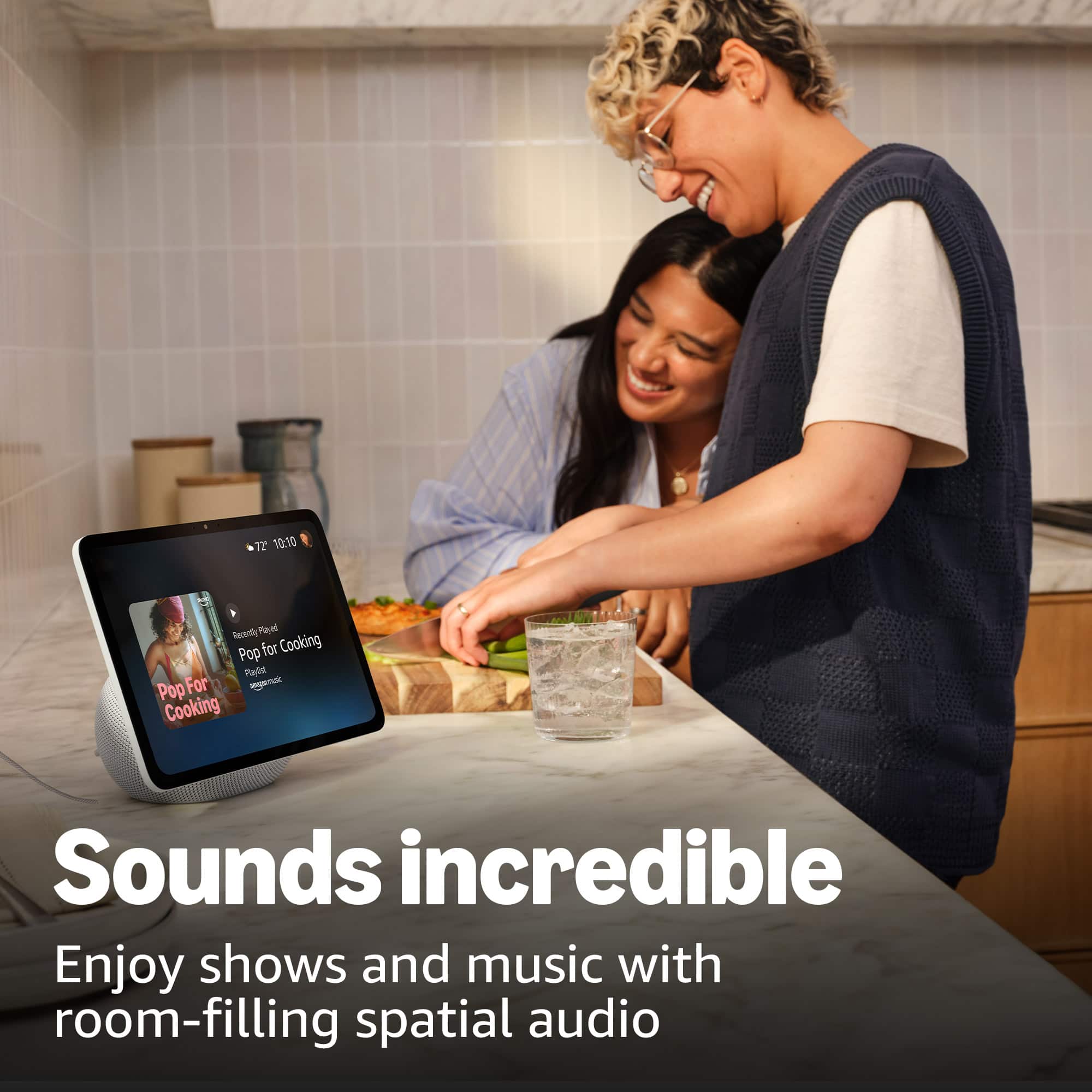
||Posted .This reviewer received promo considerations or sweepstakes entry for writing a review.I love this you can ask Alexa to do anything. I love that I can bring up recipes and see them right on the screen.
I would recommend this to a friendGreat Product
||Posted . Owned for 3 weeks when reviewed.This reviewer received promo considerations or sweepstakes entry for writing a review.I like it alot, very fun. I would recomend it to anyone.
I would recommend this to a friend100% recommend
||Posted . Owned for 1 month when reviewed.This reviewer received promo considerations or sweepstakes entry for writing a review.Love it! I listen to music. Ask Alexa for the daily weather and watch you tube .
I would recommend this to a friendReview 11 inch echo show
||Posted .This reviewer received promo considerations or sweepstakes entry for writing a review.Love it works great Alexa reminds me to to take the Trash out!
I would recommend this to a friendWorks Great
||Posted .This reviewer received promo considerations or sweepstakes entry for writing a review.Speaker sound is great size is perfect super helpful in the kitchen!
I would recommend this to a friendLove it nice and loud
||Posted . Owned for 2 weeks when reviewed.This reviewer received promo considerations or sweepstakes entry for writing a review.I love this product. I have 3 different devices s at home.
I would recommend this to a friendEcho 11
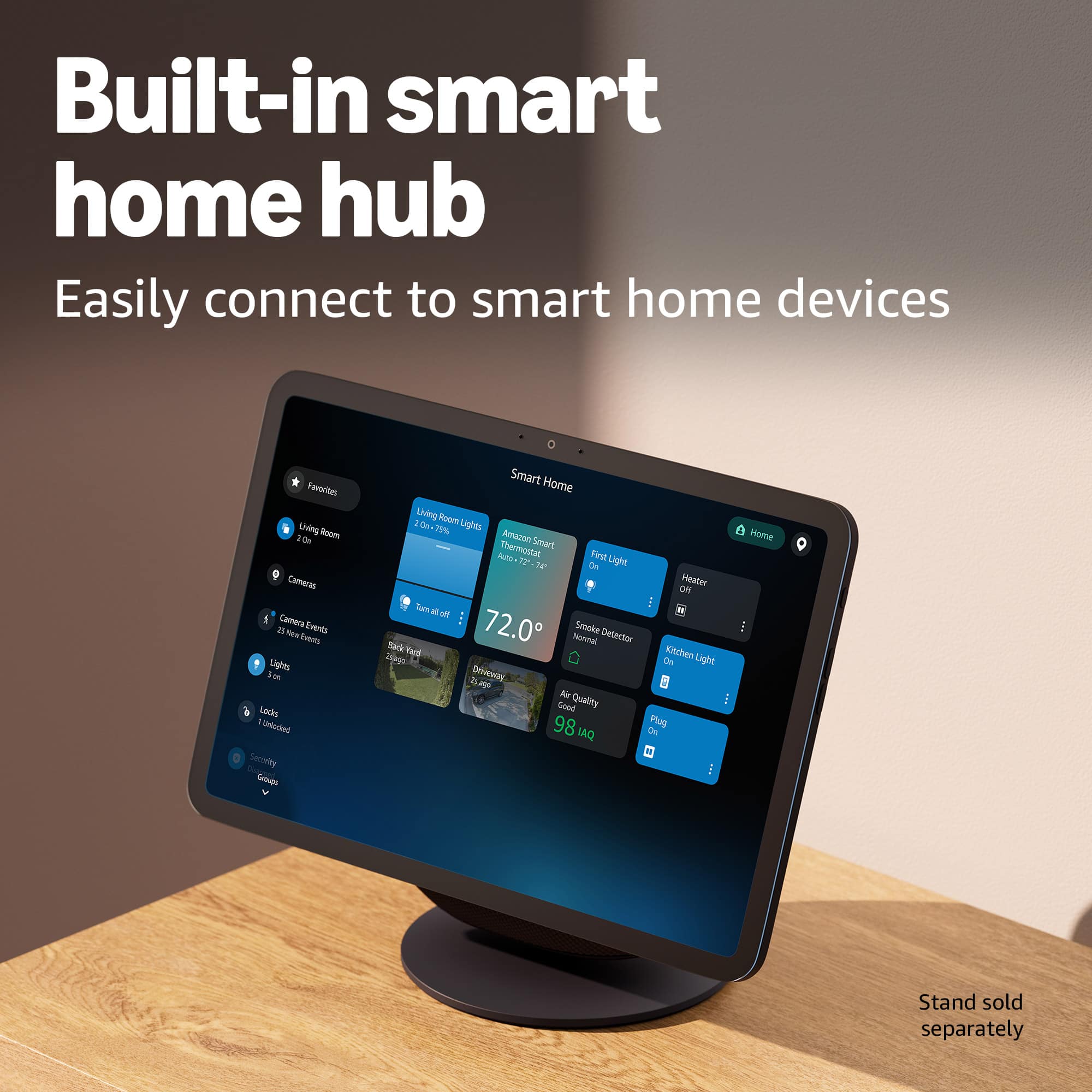
||Posted . Owned for 3 weeks when reviewed.This reviewer received promo considerations or sweepstakes entry for writing a review.I like the big screen on this echo but it’s functionality is. It the best it glitches a lot and won’t connect to all my WiFi lights and others. I might be returning it
No, I would not recommend this to a friendBrand response from Amazon Devices Customer Support
Posted .Hi LETTYC,
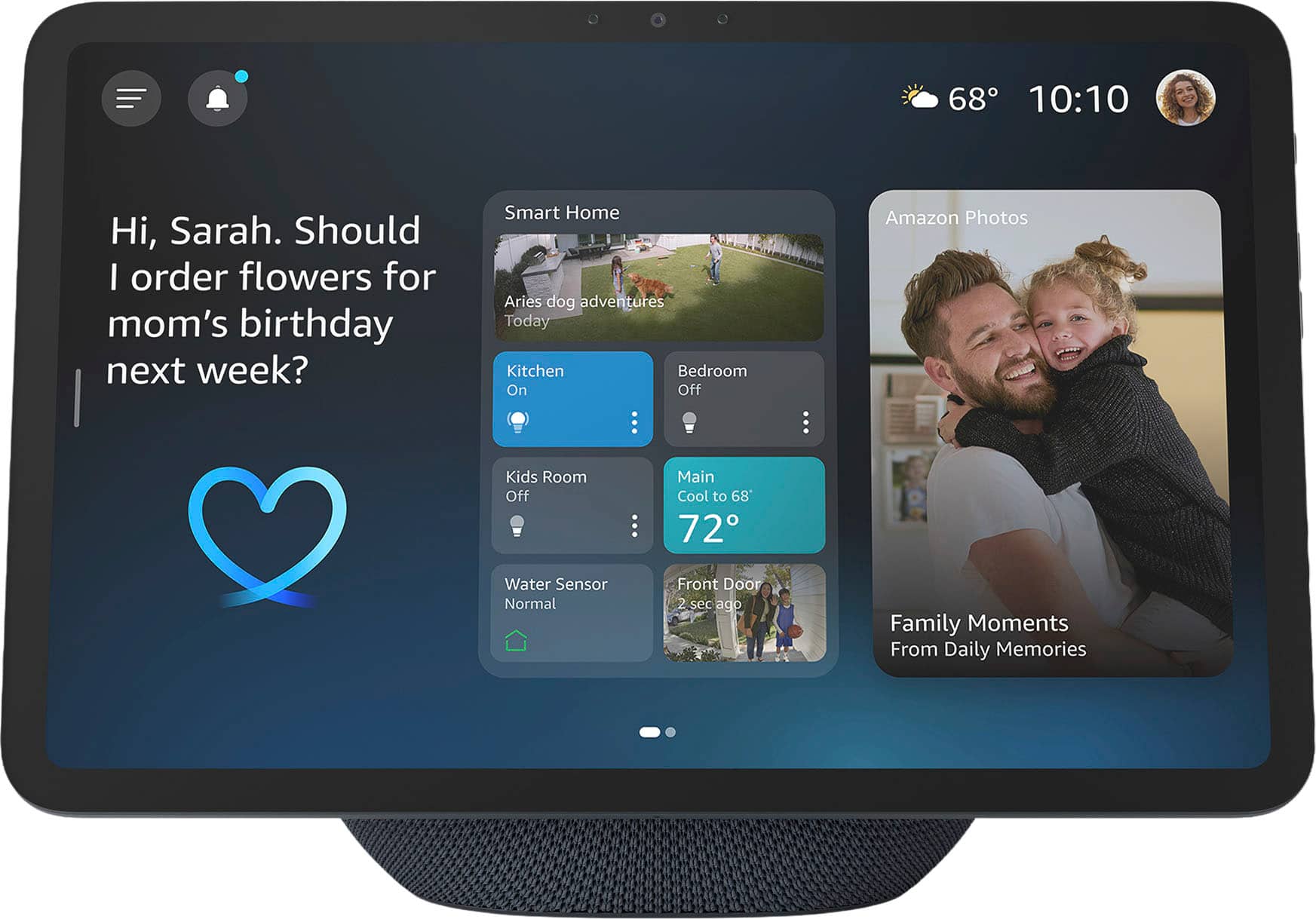
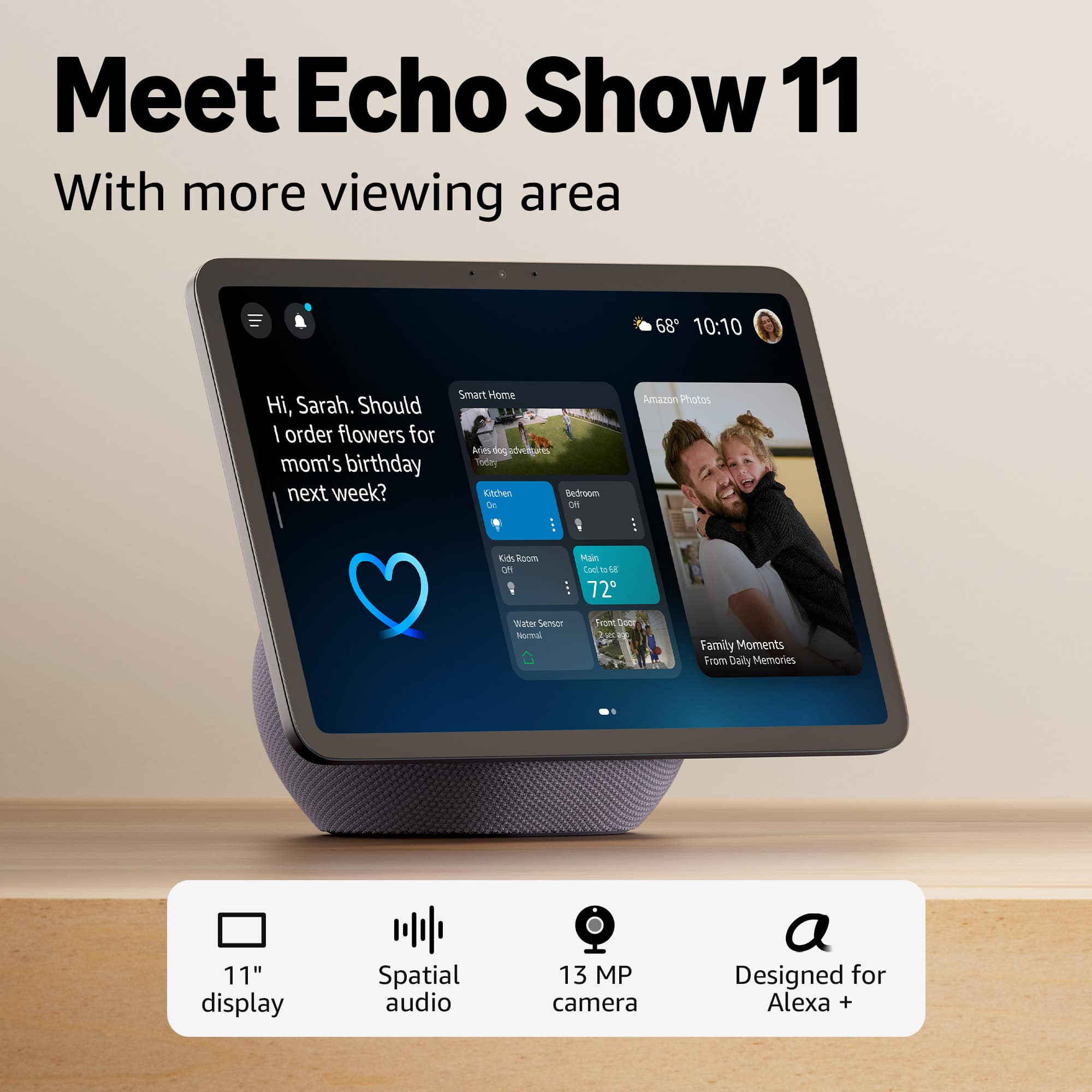
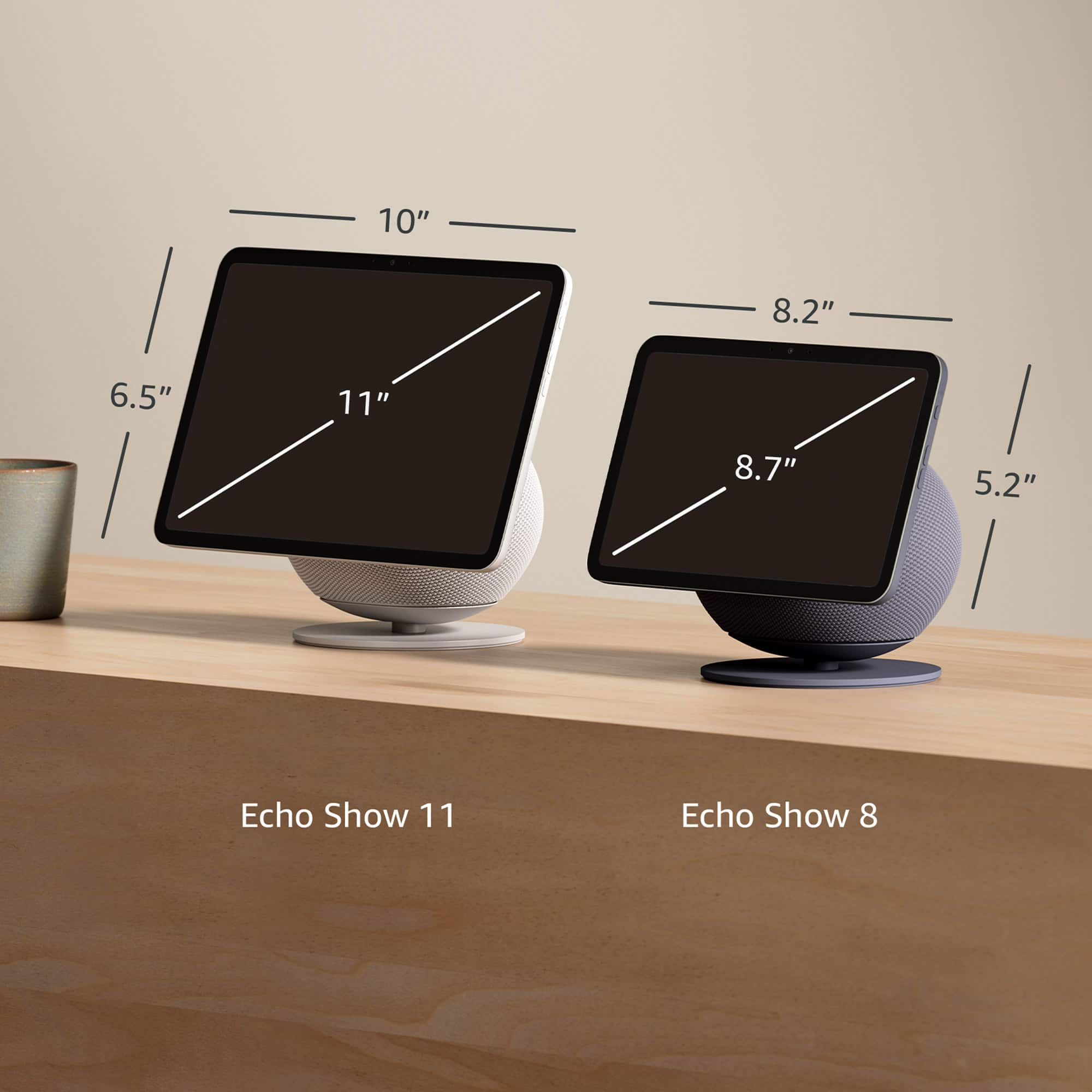
Thank you for sharing your feedback about the Echo Show 11. I'm glad to hear you're enjoying the large 11" display—it really does provide an impressive viewing experience with that vibrant Full-HD screen and spatial audio.
However, I'm sorry to hear you're experiencing glitches and connectivity issues with your WiFi lights and other smart home devices. These kinds of problems can be frustrating, especially when you're expecting seamless integration with your existing smart home setup.
Before deciding on a return, here are a few troubleshooting steps that might help resolve the connectivity issues:
First, try restarting the Echo Show 11 by unplugging it for 30 seconds and plugging it back in. This can often resolve temporary software glitches.
Second, check that your Echo Show 11 and your WiFi lights are on the same WiFi network (2.4GHz vs 5GHz can sometimes cause compatibility issues—most smart lights work best on 2.4GHz).
Third, try removing and re-adding your smart home devices through the Alexa app under "Devices" to refresh the connections.
Fourth, ensure your Echo Show 11 has the latest software update installed by going to Settings > Device Options > Check for Software Updates.
If these steps don't resolve the glitching and connectivity problems, I'd recommend contacting Amazon customer support at 1-888-280-4331 or through the Alexa app. They can run diagnostics and determine if there's a hardware issue or if a replacement might be needed.
Your feedback about these functionality issues is valuable and helps identify areas where the device performance needs improvement.
Alexa
||Posted . Owned for 1 month when reviewed.This reviewer received promo considerations or sweepstakes entry for writing a review.Good service and merchandise. I like to buy another one to give away.
I would recommend this to a friendVery useful
||Posted .This reviewer received promo considerations or sweepstakes entry for writing a review.Excellent, Agile, easy to install, Pretty. Buy it, you won't regret it, it will be a great help
I would recommend this to a friendPersonal assistant
||Posted . Owned for less than 1 week when reviewed.This reviewer received promo considerations or sweepstakes entry for writing a review.In love with the Alexa and the new system is amazing
I would recommend this to a friendEcho is great
||Posted . Owned for 1 month when reviewed.This reviewer received promo considerations or sweepstakes entry for writing a review.Love this product even better than its previous generation
I would recommend this to a friendAlexa device
||Posted . Owned for 1 month when reviewed.This reviewer received promo considerations or sweepstakes entry for writing a review.Amazing product compatible with other devices easy to work with.
I would recommend this to a friendEcho deano
||Posted . Owned for 1 month when reviewed.This reviewer received promo considerations or sweepstakes entry for writing a review.Excellent product everything I expected from the new echo love ot
I would recommend this to a friendALEXA
||Posted . Owned for 2 weeks when reviewed.This reviewer received promo considerations or sweepstakes entry for writing a review.Excellent equipment, and it's also very complete for the home
I would recommend this to a friendPerfect
||Posted . Owned for 1 month when reviewed.This reviewer received promo considerations or sweepstakes entry for writing a review.Works perfect. My brothers wife and kids loves it a
I would recommend this to a friendProduct
||Posted . Owned for 2 weeks when reviewed.This reviewer received promo considerations or sweepstakes entry for writing a review.Very good product my wife is enjoying it. Thank you very much.
I would recommend this to a friendAI Upgrade
||Posted .This reviewer received promo considerations or sweepstakes entry for writing a review.Really enjoy the new interactions and capabilities.
I would recommend this to a friendLove the product
||Posted .This reviewer received promo considerations or sweepstakes entry for writing a review.Works great interect is alot better with alexa plus
I would recommend this to a friendGlitchy
||Posted . Owned for 1 month when reviewed.This reviewer received promo considerations or sweepstakes entry for writing a review.Something's wrong with this device. It continues to show a half screen when it's on idle. I have to turn the screen off and turn it back on to get back to a full screen. Maybe an update will fix this.
No, I would not recommend this to a friendBrand response from Amazon Devices Customer Support
Posted .Hi sonnyboy,
Thank you for bringing this to our attention. I understand how frustrating it must be to have your Echo Show 11 display only showing a half screen when idle, requiring you to turn the screen off and back on to restore the full view. This definitely shouldn't be happening with your new device.
Here are a few troubleshooting steps that may help resolve this issue:
Restart your device: Unplug the Echo Show 11 from power, wait 30 seconds, then plug it back in. This can often resolve temporary software glitches.
Check for software updates: Say "Alexa, check for software updates" or go to Settings > Device Options > Check for Software Updates. As you mentioned, an update may indeed fix this issue.
Adjust display settings: Go to Settings > Display > Adaptive Content and ensure your display settings are configured properly.
Factory reset (if the issue persists): Settings > Device Options > Reset to Factory Defaults. Note that this will erase your settings, so you'll need to set up the device again.
If these steps don't resolve the half-screen issue, please contact us at 1-888-280-4331 so we can arrange a replacement or further assistance. Your device should provide a seamless full-screen experience, and we want to make sure you get that.
We appreciate your feedback and patience as we work to improve your experience.
Freezing
||Posted . Owned for 2 months when reviewed.This reviewer received promo considerations or sweepstakes entry for writing a review.Freezes after a few hours of use. Needs to be unplugged to reset.
I would recommend this to a friendBrand response from Amazon Devices Customer Support
Posted .Hello EddieF. I'm sorry to hear about the freezing issue with your Echo Show 11—it's frustrating when a device needs to be constantly unplugged and reset after just a few hours of use. Here are some troubleshooting steps you can try: make sure your Echo Show 11 has the latest software updates by going to Settings > Device Options > Check for Software Updates, check your Wi-Fi connection strength as a weak or unstable connection can cause freezing issues, try moving the device closer to your router or reducing interference from other electronics, ensure the device isn't overheating by making sure it has proper ventilation and isn't placed near heat sources, and disable any skills or features you're not using that might be running in the background. We appreciate you taking the time to share this feedback and want to make sure you have a fully functional Echo Show 11 that works reliably.