Customer Ratings & Reviews
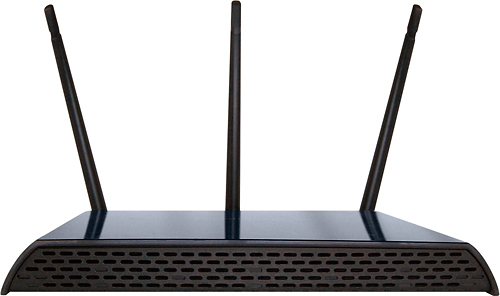
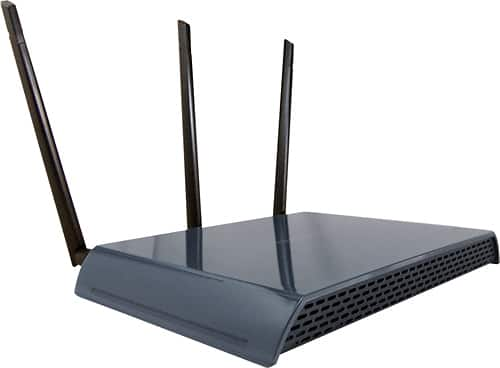
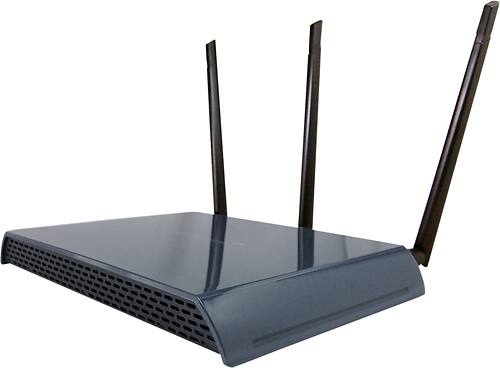
- Model:
- APA20
- SKU:
- 2322054
to a friend
Great coverage but drops WiFi connections daily.
Posted .This reviewer received promo considerations or sweepstakes entry for writing a review.This is a very expensive access point at close to $200. One would expect top of the line performance for this price. The APA20 does not deliver. I have flashed the firmware to the latest version downloaded from AmpedWireless.com several times. It made no difference whatsoever. You have to reboot this device on a daily basis in order to regain WiFi connections. In addition after flashing the firmware, I factory reset the unit to make sure all was clear before attempting to set up the unit again. I have 4 devices using the APA20: 1) Samsung Galaxy Note 3, 2) LG G2, 3) iPad, 4) Sony Vaio Laptop. Every single device looses the connection with the APA20 on a daily basis. These same devices do stay connected with no issues to my TrendNet Access point. I bought the APA20 to replace the TrendNet in order to gain a greater coverage area. Looks like that was a bad idea. Stick with what works. I used the 5 GHz band and monitored the device with a PC program called inSSIDer. With inSSIDer, you can see all devices in your neighborhood and make sure that yours is not on the same channel as neighboring devices. I had a unique 5 GHz channel so interference was not to blame. The APA20 just randomly drops connections. In fact there were no other 5 GHz channels in use in my area. Everyone else was using 2.4 GHz. I went for help on the Amped Wireless Community Forums. I joined the forum and posted questions 3 times concerning my issues. Each time I posted, I received a message that the post had to be approved my a moderator. Well, they never were approved and posted to the forum. I got zero response. I suspect this is because there were so many other users complaining of the same issues, that Amped Wireless did not want to look bad by adding yet another complaint of dropped connections to the list. One would think that they would at least get back with a response, but they didn't. The APA20 had the potential to be a great access point, but the firmware is not ready for prime time. Amped Wireless is letting the consumer be the beta tester for a product that was not ready for market. It's nice that they let us purchase these expensive units that don't reliably work, then possibly fix issues as time goes on at our time and expense. I spent hours fiddling with this thing to try and get it to keep a reliable connection. I have wasted way to much time. It's going back as defective.
No, I would not recommend this to a friendBrand response from Amped Wireless Elite Support
Posted .HbgCP,
We apologize for the trouble and inconvenience you experienced. Rest assured that we take customer feedback very serious and am surprised that you did not receive a reply to your forum post. Please accept our apologize and please feel free to call our customer service line at 888-573-8830 if you have any questions or concerns regarding our products.
Amped Wireless Tech Support
888-573-8820
Coverage Good, Reliability Very Bad
Posted .This reviewer received promo considerations or sweepstakes entry for writing a review.I have a couple of the RTA15 routers and many of the APA20 access points. All of them have good coverage when they work. I have to reboot the devices almost daily. I have reached out to Amped Wireless numerous times. I am told they will send a replacement which has never happened. The problem seems to be with the firmware. Please get this fixed Amped Wireless. If you could fix this issue you would have a product worth bragging about. If I could rate this product worse than Poor I would.
No, I would not recommend this to a friend