Customer Ratings & Reviews
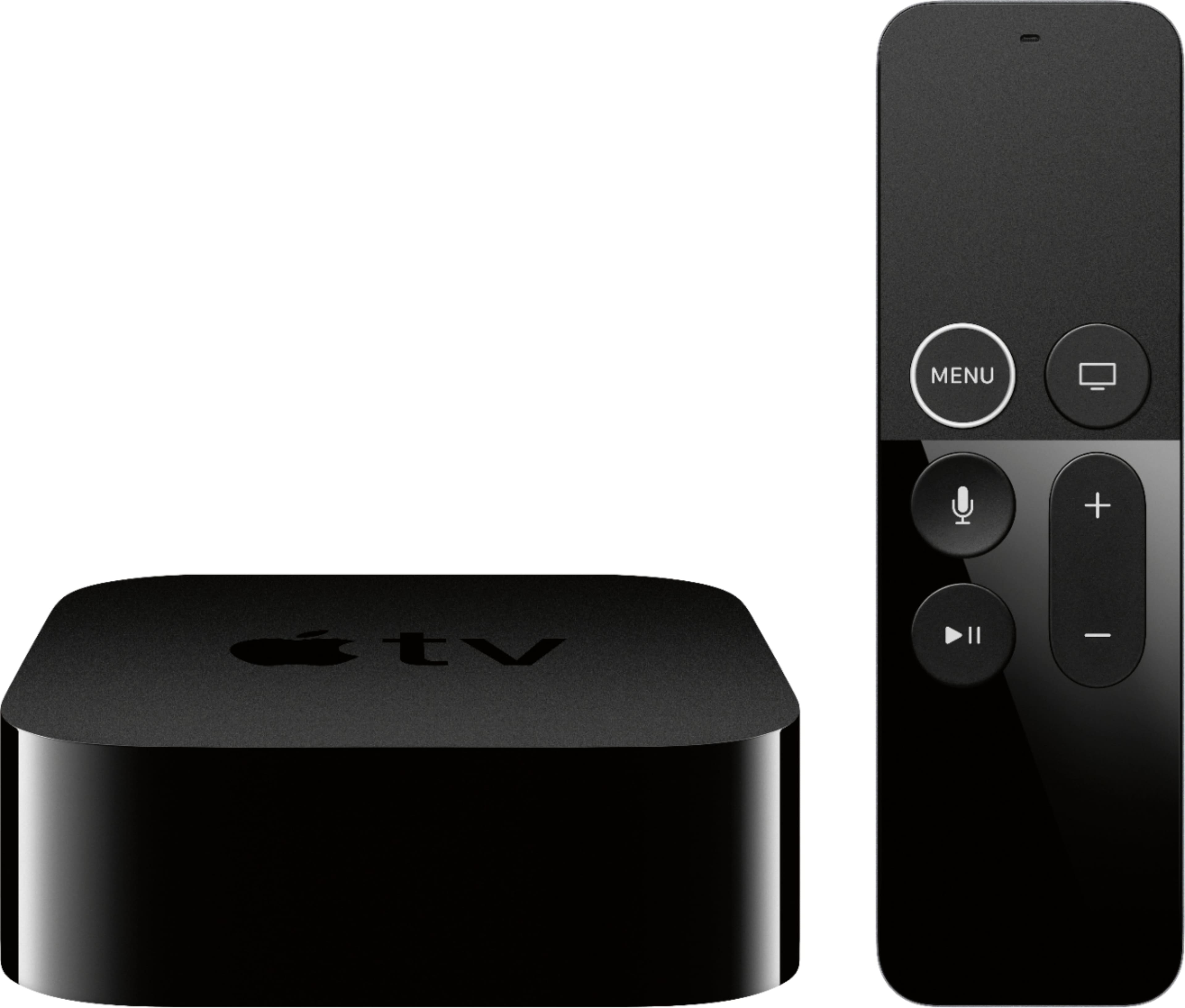
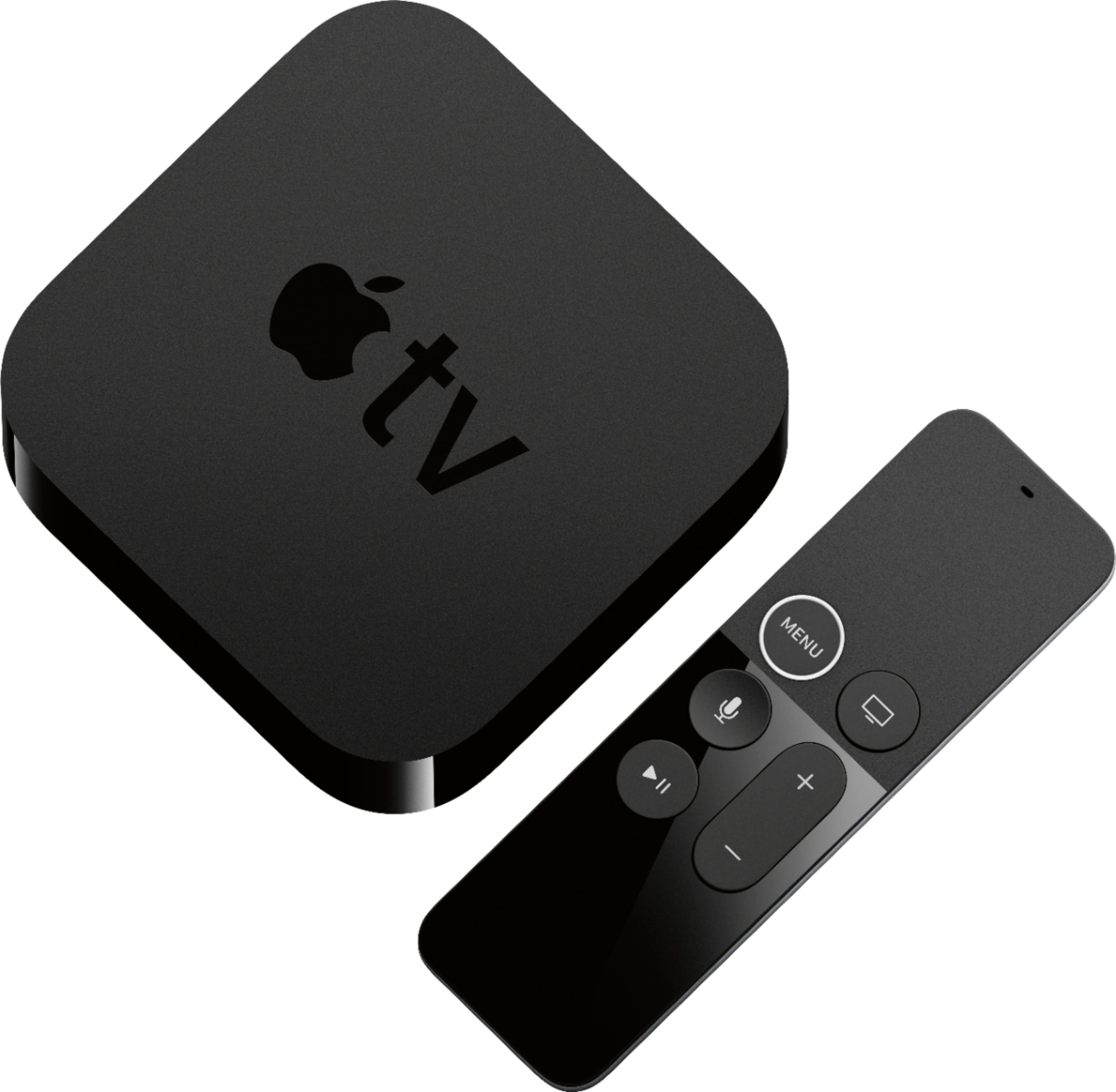
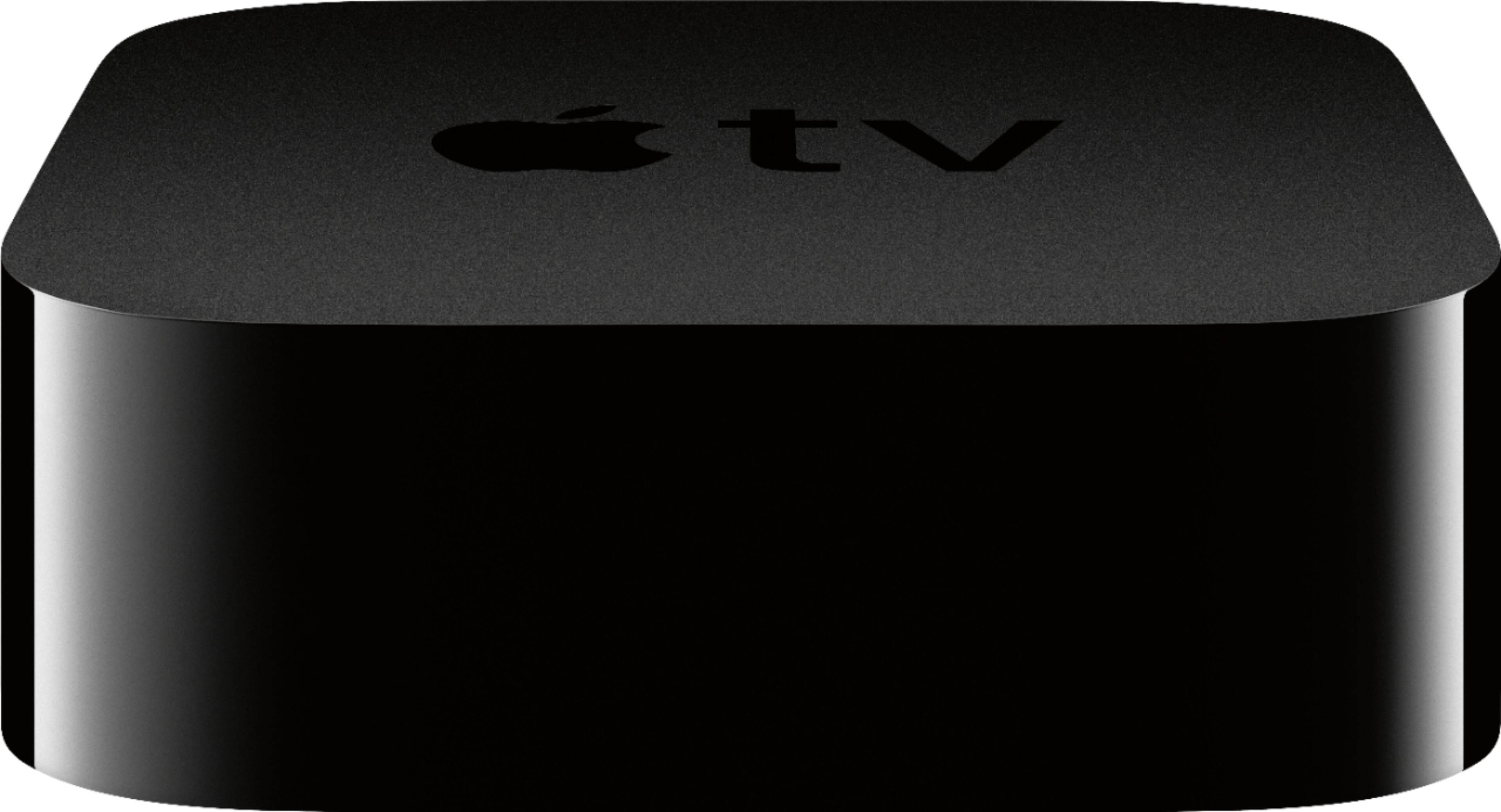
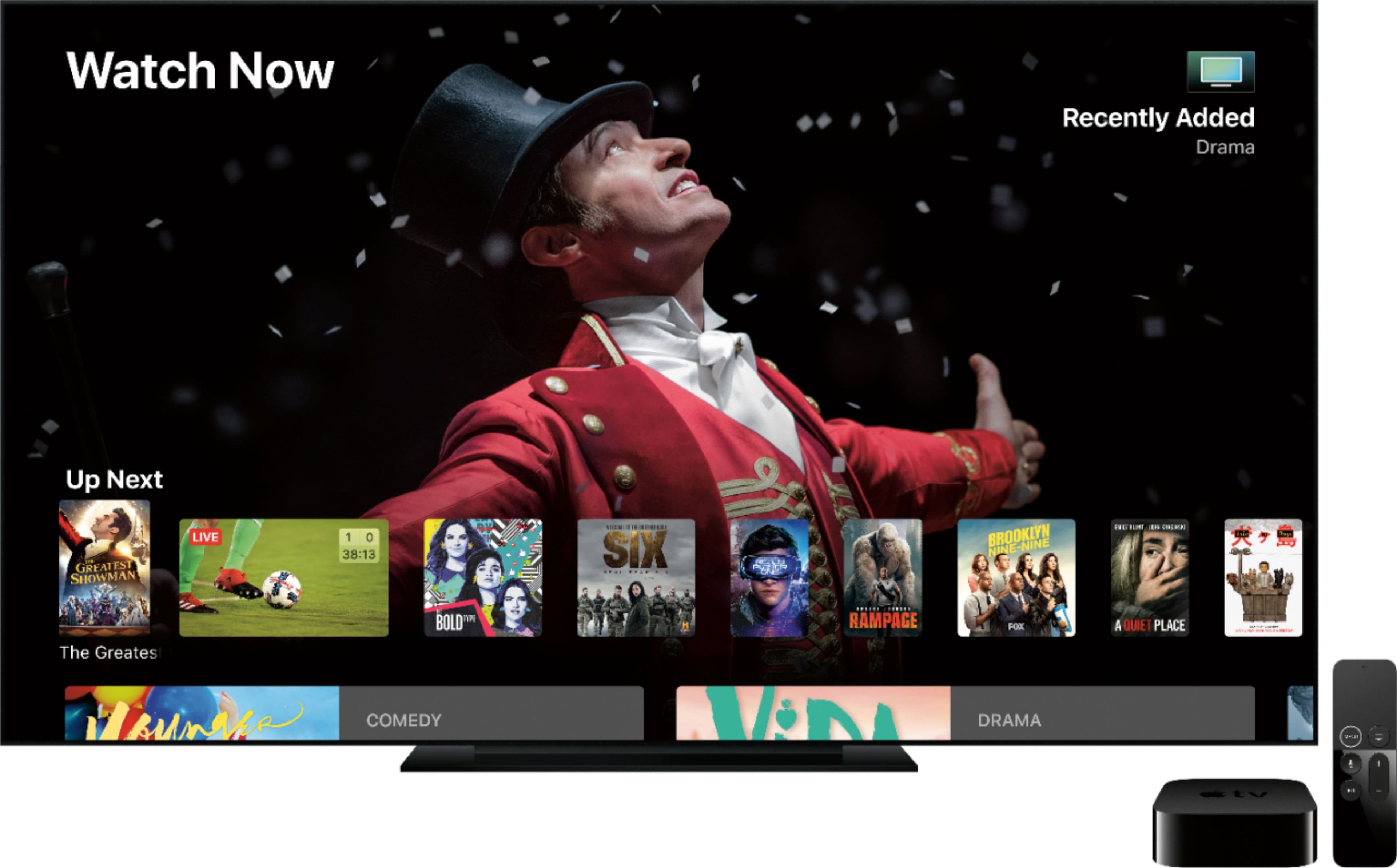

- Model:
- MQD22LL/A
- |
- SKU:
- 5901530
Customer reviews
Rating 4.8 out of 5 stars with 12235 reviews
(12,235 customer reviews)Rating by feature
- Value4.5
Rating 4.5 out of 5 stars
- Quality4.9
Rating 4.9 out of 5 stars
- Ease of Use4.7
Rating 4.7 out of 5 stars
Customers are saying
Customers find value in the Apple TV 4K 32GB's ease of use, excellent picture quality, and 4K streaming capabilities. Many appreciate the intuitive interface and smooth performance, praising it as a great streaming device. However, some users express concerns regarding the remote's quality and the product's price point. A few also mention storage limitations as a potential drawback.
This summary was generated by AI based on customer reviews.
Rated 5 out of 5 stars
Excellent product. Will recommend this product to
||Posted .This reviewer received promo considerations or sweepstakes entry for writing a review.Will recommend this product to anyone I know who will buy.
I would recommend this to a friendRated 5 out of 5 stars
Great for streaming
||Posted .This reviewer received promo considerations or sweepstakes entry for writing a review.Love this and with the addition of Dolby Atmos and HDR this is a home theater must have.
I would recommend this to a friendRated 5 out of 5 stars
Apple TV
||Posted .This reviewer received promo considerations or sweepstakes entry for writing a review.This product is amazing! I love it, it’s my 3rd one that I have purchased!
I would recommend this to a friendRated 5 out of 5 stars
Great Apple Product
||Posted .This reviewer received promo considerations or sweepstakes entry for writing a review.Love my apple tv box work the way I like it love it
I would recommend this to a friendRated 3 out of 5 stars
Cutting Cord - good option
||Posted .This reviewer received promo considerations or sweepstakes entry for writing a review.Glad I choose Apple TV (gen 4) to use when I decided to cut the cord. Don't like the touch area for scrolling it's such a poor choice from Apple. I like gen 1 with the push to move forward and back. I really hope when and if a gen. 5 comes out the scrolling function will be changed.
I would recommend this to a friendRated 3 out of 5 stars
Packaging
||Posted . Owned for less than 1 week when reviewed.This reviewer received promo considerations or sweepstakes entry for writing a review.The product is great. Works like my others. The only problem I have is it came in a zip lock baggy. I know I bought the open box one but to have it come in a zip lock bag and only get a $10 discount seemed wrong to me.
I would recommend this to a friend- Cons mentioned:Remote
Rated 1 out of 5 stars
Gen 4 Not Worth The Money
||Posted .This reviewer received promo considerations or sweepstakes entry for writing a review.The remote is nothing short of stressful and completely useless. In addition, there are situations where the device produces an unwatchable picture. Unplugging it does not resolve the issue, the picture returns to normal when it's ready to do so.
No, I would not recommend this to a friend Rated 2 out of 5 stars
Big Apple Fan but not this time...
||Posted . Owned for 5 months when reviewed.This reviewer received promo considerations or sweepstakes entry for writing a review.I'm a big apple fan but this Apple Tv is going green on me after 4 months and want stay on. It'll stay on for a minute and the screen will get scratchy with green lines and then it will go out. Can't even finish a movie.
No, I would not recommend this to a friend- Pros mentioned:Interface, Picture qualityCons mentioned:Price
Rated 5 out of 5 stars
Great Streaming Device for the 4K HDR Generation
||Posted .This reviewer received promo considerations or sweepstakes entry for writing a review.I was intrigued when Apple announced a new Apple TV with 4K HDR ability as there are not a lot of 4K HDR streaming devices on the market right now. I have a Samsung 4K HDR TV but I feel I am not getting the best quality out of it as my other devices aren’t as high end. After setting this up and using it a few days I can say I am very pleased! Pros: - Set Up was a breeze. If you have an iPhone/iPad you can do most the set up through that which makes it easy - Picture quality is unbelievable! I am very blown away by how great the 4K HDR works together whether its in the menu, screensavers, iTunes Movies, or streaming Netflix / Sports Apps / PlayStation Vue - “Airplay” is either screen mirroring or casting music to the Apple TV from your iPhone/iPad/Apple Computer and its very easy to use - Siri is a very helpful companion when searching for content - The interface is very smooth and stylish, easy to use - No Ads! Other devices push ads or shows even if you aren’t interested Cons: - Price. $180-$200 is much more than other popular devices out now - This device is focused mainly to iTunes users or Apple Product Owners. I don’t have an iPhone or Apple computer but I use iTunes for Movies so its a benefit for me. - It does not support 4K on YouTube and no Amazon Video App...yet...but Amazon Video is coming this fall and I’d expect them upgrade YouTube. - It does not change video formats automatically. It will default set the video resolution to the highest avaliable. After that you can only change it in the settings. So if you are watching a 1080i video it will upscale it to 4K HDR which is typically good but sometimes (like HBO GO) it seems a little grainy when upscaling. Overall: I would recommend this device to anyone looking to get the most out of their 4K HDR TV. If you are a cable cutter and primarily use streaming apps you won’t be disappointed. However, if you don’t have iTunes Movies/TV or don’t use anything Apple you could probably find similar benefits on much cheaper devices.
I would recommend this to a friend - Pros mentioned:4k, Ease of use, StreamingCons mentioned:Price
Rated 5 out of 5 stars
One of the smoothest media players
||Posted .This reviewer received promo considerations or sweepstakes entry for writing a review.The Apple TV, especially the 4K model, carries a high price. In typical fashion, Apple focused on the design aesthetics, ease of setup, and ease of use. They really did nail the Apple TV design and it blends right in with my TV and other devices. If it wasn't for the white status light, I wouldn't even be able to see it. The 4K Apple TV supports HDR (and even Dolby Vision) output, Dolby 5.1, and Dolby Atmos as well. 4K HDR movies in the iTunes Store look and sound great, better than standard Blu-ray movies on my Samsung QLED. I watched Interstellar two nights ago and many of the scenes were life-like. I don't have any issues streaming 4K content whether it's iTunes Store movies/TV shows or Netflix. Videos always instantly start with the 4K HDR versions and I don't experience any buffering or dropouts (unlike hardware from Amazon). Siri has also improved over the years and is always able to find what I want. I wish it had a built-in speaker and microphone so I could use "Hey, Siri" but raising the remote and holding the microphone button isn't too much of a hassle. The best thing about the Apple TV 4K, aside from having a large source of inexpensive 4K movies, is how smooth everything operates. It has never once crashed on me (even my 1080p Apple TV's haven't crashed), apps and the OS are updated automatically while I'm asleep, and it was extremely easy to setup. I held my iPhone near the Apple TV, it discovered it, I signed into the Apple TV using my iPhone's Face ID, and all of my previous apps began downloading automatically. The Apple TV discovered my TV and knew it was 4K HDR capable without me having to do anything. Honestly, I wish Apple would have made this like the Fire TV Cube: always listening and with the ability to control my TV. I do have to knock it a little for the high price but Apple really did a good job here. I picked up the 32GB 1080p version when it launched and its been a solid experience so getting the 4K edition, when I upgraded my TV, was a no-brainer. 4K HDR content looks great, 1080p content scaled up also looks really good, and I have never experienced dropouts or buffering. All-in-all, this is the smoothest media device I have ever used.
I would recommend this to a friend - Pros mentioned:Ease of use, Interface, Picture quality
Rated 4 out of 5 stars
Apple Users: 4K is Here
||Posted .This reviewer received promo considerations or sweepstakes entry for writing a review.I'm an avid iTunes digital HD movie collector. Having a huge library of films that I've bought through the iTunes store, I've been extremely anxious about watching films in 4K, especially since getting a 4K TV set earlier this year. When Apple TV 4K was announced in the most recent Apple Keynote, I jumped at the opportunity to pre-order one as soon as it was available for pre-order. Here are my thoughts on the Apple TV 4K: The interface, the processing power, the remote and ease of set-up are spectacular!! There's nothing else like it. Apple truly has some of the most user-friendly products out on the market. Getting the best picture quality, on the other hand was a little difficult. Upon plugging it into the TV set via HDMI (More about HDMI shortly) and turning it on, the Apple TV will auto-detect the best possible picture that it can produce via your TV. Which in my case was a 4K HDR at 60Hz setting. Initially I thought the display was not up to par as it was with the last Apple TV model. 4K movies with the HDR tag looked amazing on it, but everything else , especially 1080p films and even those 4K films with the Dolby Vision tags didn't look so good. Then the suggestion was made to me to switch in the video settings to 4K SDR, and that was fine for those non-4K HDR films. Basically having it to where I'd have to manually switch between formats for different formatted films. This initial revelation was upsetting to many Apple TV fans and many cried out for a software update that would implement auto-switching of formats. HOWEVER In light of new information made available to me, I now absolutely love this new Apple TV and here's what I had to do to get there: I have a Samsung - 55" Class (54.6" Diag.) - LED - 2160p - Smart - 4K Ultra HD TV Model: UN55KU6290FXZA If your TV has HDMI UHD color mode (this is what it's called on my TV, the model mentioned above) or sometimes called HDMI color mode in it’s picture settings and you turn it on, there becomes no need to switch back and forth between SDR and HDR. You can leave it on 4K HDR at 60Hz and turn on the chroma to 4:2:2 and all video will look spectacular for it's respective format and eliminated the need to switch your video display for every format you want to watch, essentially streamlining the viewing experience. Also be sure to be using a 4K UHD HDMI premium certified cable with your Apple TV 4K (their should be a sticker or label on the box of the cable with the words UHD premium certified cable on it). So, to summarize this product is extraordinary, and has an amazing interface and extremely user-friendly.. Just be sure to adjust and calibrate your TV settings to get the best 4K picture possible. It can be a pain at first, but once you "get there", the Apple TV 4K becomes one of the best 4K streaming devices you can own, especially if you're already well-versed in the Apple ecosystem.
I would recommend this to a friend - Pros mentioned:Interface, Picture quality
Rated 5 out of 5 stars
Elevate Your Entertainment with Apple TV 4K 32GB
||Posted . Owned for more than 2 years when reviewed.This reviewer received promo considerations or sweepstakes entry for writing a review.I recently upgraded to the Apple TV 4K 32GB, and I'm thoroughly impressed with its performance and features. This streaming device takes my entertainment to new heights with its stunning 4K HDR picture quality, delivering vivid and lifelike visuals. The 32GB storage capacity provides ample space for downloading apps, games, and storing media content. The intuitive tvOS interface offers seamless navigation and access to a wide range of streaming services, ensuring I never run out of options for entertainment. The inclusion of Siri voice control adds convenience, allowing me to effortlessly search for content or control playback with just my voice. The integration with the Apple ecosystem is seamless, enabling easy access to my iTunes library and other Apple services. Overall, the Apple TV 4K 32GB is a premium streaming device that elevates my viewing experience and offers a world of entertainment at my fingertips.
I would recommend this to a friend - Pros mentioned:Ease of use
Rated 5 out of 5 stars
Best Apple TV yet!
||Posted .This reviewer received promo considerations or sweepstakes entry for writing a review.I have owned several of the prior generations of Apple TVs and this one is by far the best. Ease of use and integration with the Apple ecosystem is typical Apple; in other words flawless and elegant. It's expensive but the fit and finish are top notch and the iPhone remote is built in to iOS. The dedicated Apple remote controlled the volume on my Vizio M65 out of the box without any setup or configuration, I assume over CEC through the HDMI connection. The remote, though small, is substantial feeling and feels expensive due to the glass and metal materials from which it's made. It is incredibly simple to operate and allows you to accomplish every possible function with only five, easy to distinguish in the dark, buttons and the integrated track pad. Siri voice control allows you to issue commands and enter passwords and login IDs verbally. eliminating the frustration of scrolling through an onscreen keyboard to pick out letters, numbers, and symbols. Or if you prefer to type, entering a text box on screen will call up a keyboard on your iOS device or you can simply use the iOS remote for the same purpose. The Vizio SmartCast app is remarkably similar to the Apple TV system in many ways, but lacks the refinement and elegance that is strictly Apple. The Airplay functionality allows me to mirror my iPhone screen on the Vizio set displaying photos, videos or the content of most apps. It can also turn the Vizio into a wireless second monitor from my MacBook Pro and allow me to either mirror the Retina display, or have the Vizio act as a second monitor. There are a number of excellent streaming devices out there including the integrated ChromeCast in the Vizio, Vizio's built in on screen system, Roku and more. And yes it's comparatively expensive but nothing quite compares to the Apple TV.
I would recommend this to a friend - Pros mentioned:4k, Picture quality, Streaming
Rated 5 out of 5 stars
Love it! Very good picture quality
||Posted .This reviewer received promo considerations or sweepstakes entry for writing a review.If you have a 4k TV this is a must. The streaming on this with Dolby Vision is awesome. Instead of watching HBO on my cable box, I use the apple tv and watch movies in Dolby Vision. In my opinion this makes your regular cable stations look 10x better (the stations that apple supports). I have an LG C7P OLED, and the apple TV 4K is totally worth it.
I would recommend this to a friend - Pros mentioned:Interface, Picture quality
Rated 5 out of 5 stars
Love This Product
||Posted .This reviewer received promo considerations or sweepstakes entry for writing a review.Upgraded from the pre-app store version and I love this! I’m not even hooked up to a 4K TV. Works great on 1080 TV’s. The new espn app allows multiple streams on one screen. Can set it up to watch 4 games at once! AmAZING!! The new interface and SIRI control is nice too! Love FF and Rw with Siri!! Great product!!
I would recommend this to a friend - Pros mentioned:4k, Interface
Rated 5 out of 5 stars
Gift for Christmas
||Posted .This reviewer received promo considerations or sweepstakes entry for writing a review.I cannot say much about the product, but from my experience on a usual Apple TV product is that they have an awesome interface, hundreds of apps, customized remotes and Bluetooth. It’s a shame that out of all the hundreds of apps and services, Google decided to fold arms here with lackluster YouTube support. Thankfully the majority of videos watched here are 1080p, so 4K is not essential. 4K is something I look forward on most movie rentals and purchases. Also, happy that won’t be a big issue on Netflix or Hulu either. Apple TVs relies on airplay for streaming from your phone. The advantage is that everything on an Apple Device such as music, photos and videos can be streamed to the device. The disadvantage is that you cannot use a non-Apple device by default (without some extra software). Overall, I trust I’m gonna like it and most of my family will. Can’t wait to rent a 4K movie.
I would recommend this to a friend - Pros mentioned:4kCons mentioned:Storage
Rated 5 out of 5 stars
Incredible streaming media device
||Posted . Owned for 2 weeks when reviewed.This reviewer received promo considerations or sweepstakes entry for writing a review.Love this device! Initially bought to use to stream Netflix, Prime video and other streaming apps. I was dissatisfied with my LG’s built in streaming apps as streaming was constantly disrupted although I hardwired the internet connection. The Apple 4K TV did not disappoint on that front and surpassed any of my expectations by offering so much more content and functionality. After 2 weeks and constant viewing show, movies seamlessly stream without interruptions. Additionally the Apple TV remote is amazing with it’s simplicity, touch screen navigation and built in Siri. I never imagined that the remote and Apple TV tech would improve in app navigation. For example Netflix or Prime, fast forwarding or rewinding is either a simple click, swipe, push or ask Siri to fast forward 30 minutes. Additionally a swipe down on the remote brings up a simpler intuitive menu. Menu button is multi purpose and convenient. There is an abundance of apps to watch other content including Live tv. Want to watch the NBA finals? Click on the microphone/Siri button and state what you want to watch, including movies. iTunes movies is very easy to bring up many movies that you might not have on your subscription service. I’m also an Apple Music owner and the incorporation of that with my set up was seamless. Now with a simple click or ask Siri I can enjoy music on my home theater. There is still more to explore including screen mirroring content from my iPhone or iPad. The Apple TV works seamless with my iPhone and IPad which is very helpful when you have to do a search or type in your Apple ID password, the virtual keyboard pops up on your phone or iPad for easier typing or even use your Face ID for stored passwords. As far as watching 4K and Dolby Vision content, it is amazing and comes very close to physical media/4K blu ray discs. Just make sure that you go to settings>Audio and Video and set it to 4K SDR, then turn on Match Dynamic Range and Match frame rate and turn off Dolby vision. This allows the Apple TV 4K to display the content as it was intended instead of forcing everything through a layer of Dolby Vision. You will not be happy if Dolby Vision is on when the TV itself or movie or content does not have Dolby Vision coding or capability...looks like crap. When the content has Dolby Vision and you have a Dolby Vision capable TV the Match Dynamic Range and Frame rate options allow the content to display the Dolby Vision automatically. So in short, the device is amazing and surpassed my expectations and continues to surprise with additional features and tech that I continuously discover. For what I use it for, it absolutely replaces my cable box. A word of advice go for the 32GB version instead of the 64. You will never need the additional internal storage as most apps have minimal space and most people will not hardcore game on the device itself.
I would recommend this to a friend - Pros mentioned:Ease of use, Picture quality
Rated 5 out of 5 stars
A great streaming device, but you pay for it
||Posted . Owned for 1 year when reviewed.This reviewer received promo considerations or sweepstakes entry for writing a review.We cut the cord and have Apple TVs all around the house connected to our TVs. We recently upgraded our older Apple TV to this 4K Apple TV. As with all Apple products, it is incredibly easy to use and works flawlessly. If you have other Apple products, such as iPHones, Apple Watches and HomePods, then it becomes a no-brainer to have the Apple TV for streaming device. The App store is huge and complete (Roku didn't have HBO Max for months), has snappy performance and outputs a great picture. One of the best features is Airplay 2 support, since it allows you to set up extension speakers wirelessly. Our home theater is in our family room, which is connected to our kitchen. If someone is cooking in the kitchen, then they can't hear the TV unless the volume is turned up, which makes it uncomfortable for people in the family room. The Apple TV provides sound through the HDMI for the family room receive and simultaneously transmits over Airplay to a HomePod Mini we set up in the kitchen. This way, the person in the kitchen can hear the TV and not bother the people in the family room with uncomfortable volume levels. The only down side with the Apple TV is the relatively high cost relative to competitors like Roku.
I would recommend this to a friend - Pros mentioned:Interface, Picture quality
Rated 5 out of 5 stars
The best streaming device out there
||Posted . Owned for 7 months when reviewed.This reviewer received promo considerations or sweepstakes entry for writing a review.If you're looking for a smooth interface with zero lag and an excellent picture, look no further. This is the best streaming device out there. It's easy to setup, is small and elegant, and is flexible if you are invested in an Apple environment. I own two Apple TV's, a 32GB and 64GB, both in 4K, and they have been flawless since the day they were installed. They are light years ahead of the Fire Sticks I used to have.
I would recommend this to a friend - Pros mentioned:Interface, Picture qualityCons mentioned:Price
Rated 4 out of 5 stars
Great picture an easy setup if you already have ap
||Posted . Owned for 1 month when reviewed.This reviewer received promo considerations or sweepstakes entry for writing a review.I bought this for my dad’s house to replace his old Roku. The setup would have been extremely easy if it were for my house as it links to your Apple ID from your iPhone to set up for you. Unfortunately, I had to set up an Apple account for their house, and had issues with it setting up a payment method. I ended up just using my account after all, but was able to limit purchases to require my password. The device itself looked amazing on my 4K oled tv, and I thought about getting one for myself but it would just be redundant in my house. It is more expensive than competitors, but the UI is a huge upgrade from the Roku. I don’t think you would regret this purchase if you are looking for a new streaming device.
I would recommend this to a friend