Customer Ratings & Reviews
- Model:
- C425TA-M364
- |
- SKU:
- 6513085
Customer reviews
Rating 4.4 out of 5 stars with 620 reviews
(620 customer reviews)Rating by feature
- Battery Life4.6
Rating 4.6 out of 5 stars
- Speed4.5
Rating 4.5 out of 5 stars
- Display4.5
Rating 4.5 out of 5 stars
Customers are saying
Customers find value in the 14" Chromebook's ease of use, affordability, and ample RAM. Positive feedback also highlights its lightweight design, compact size, and decent battery life. However, some users express concerns regarding the keyboard's legibility and the sound quality of the speakers. Limited storage space is another area where improvements are suggested.
This summary was generated by AI based on customer reviews.
- Pros mentioned:Battery life, Ram, SpeedCons mentioned:Keyboard quality, Storage
Rated 5 out of 5 stars
Realistic Windows replacement laptop
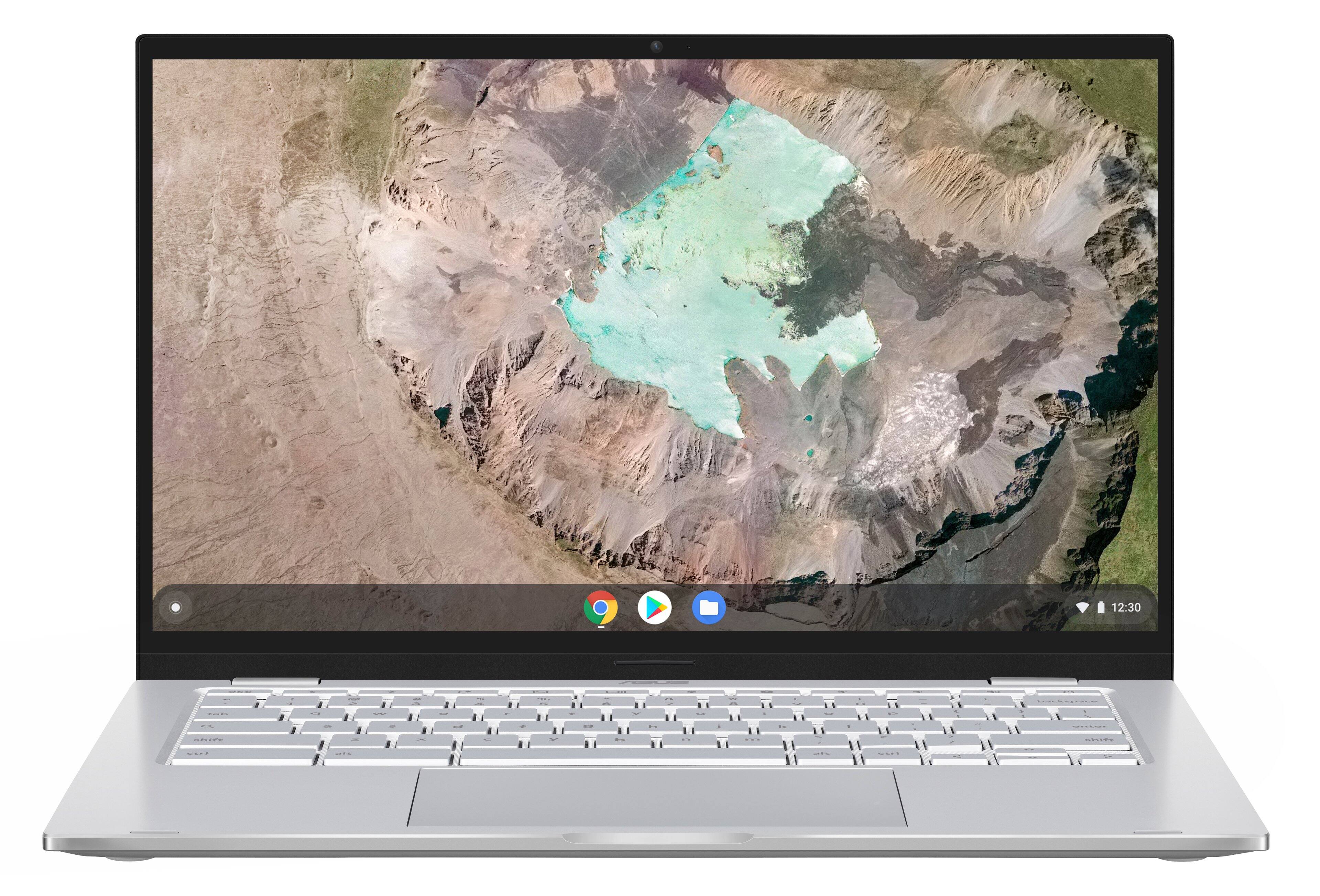
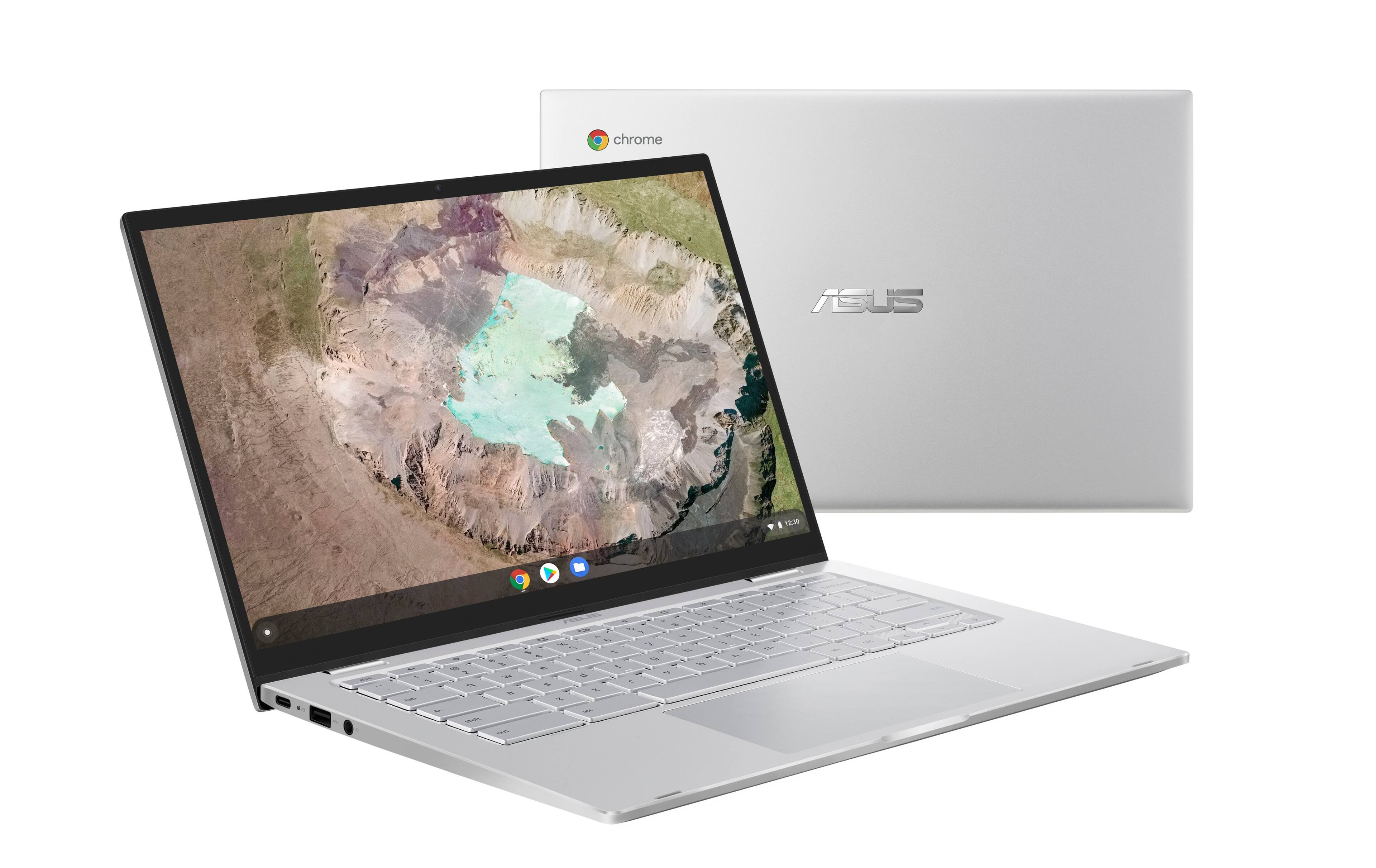
||Posted . Owned for 1 month when reviewed.This reviewer received promo considerations or sweepstakes entry for writing a review.Caveat - bought this on extreme clearance ($119), so review is framed in terms of that price, cost/benefit changes at current ($329) price. For $120, this is beyond a steal. The display is decent, the keyboard is good, the trackpad is large and responsive. It's very light, and the battery lasts in the 7-8 hour range. Opening 15 tabs and running other Android processes do not tax the Core M processor, and 8GB does the rest of the work. 64GB main storage isn't great, but it's a Chromebook, not Windows, so it's adequate. With the SD slot, you can save media there, and not stress the main storage. Linux functionality works well, I've only used it to set up desktop Brave browser, but I've found that while I rarely use Chrome on Windows, I use it >90% of the time on the Chromebook. Even with many tabs open, it's still fluid. The bigger question is whether this is worth it at $329, considering there are fully capable Windows laptops in that price range with far more power and expandability. Answer is... depends on your need. Core M chips are quite powerful, and 8GB is plenty of RAM for general usage. eMMC storage isn't the greatest, won't touch a proper SSD, but it's still much faster than spinning platters on an HDD. No touchscreen can be limiting if you are heavy on Android apps. If you're more into the browser, you won't miss it. If you catch on sale, this is an easy recommendation. At full price... less so. Pictures are compared to a several year old 15.6" laptop for size sake comparison. And to show backlit keyboard in the dark.
I would recommend this to a friend - Pros mentioned:Battery life, Ram, SpeedCons mentioned:Keyboard quality
Rated 5 out of 5 stars
Excellent Chromebook for $120
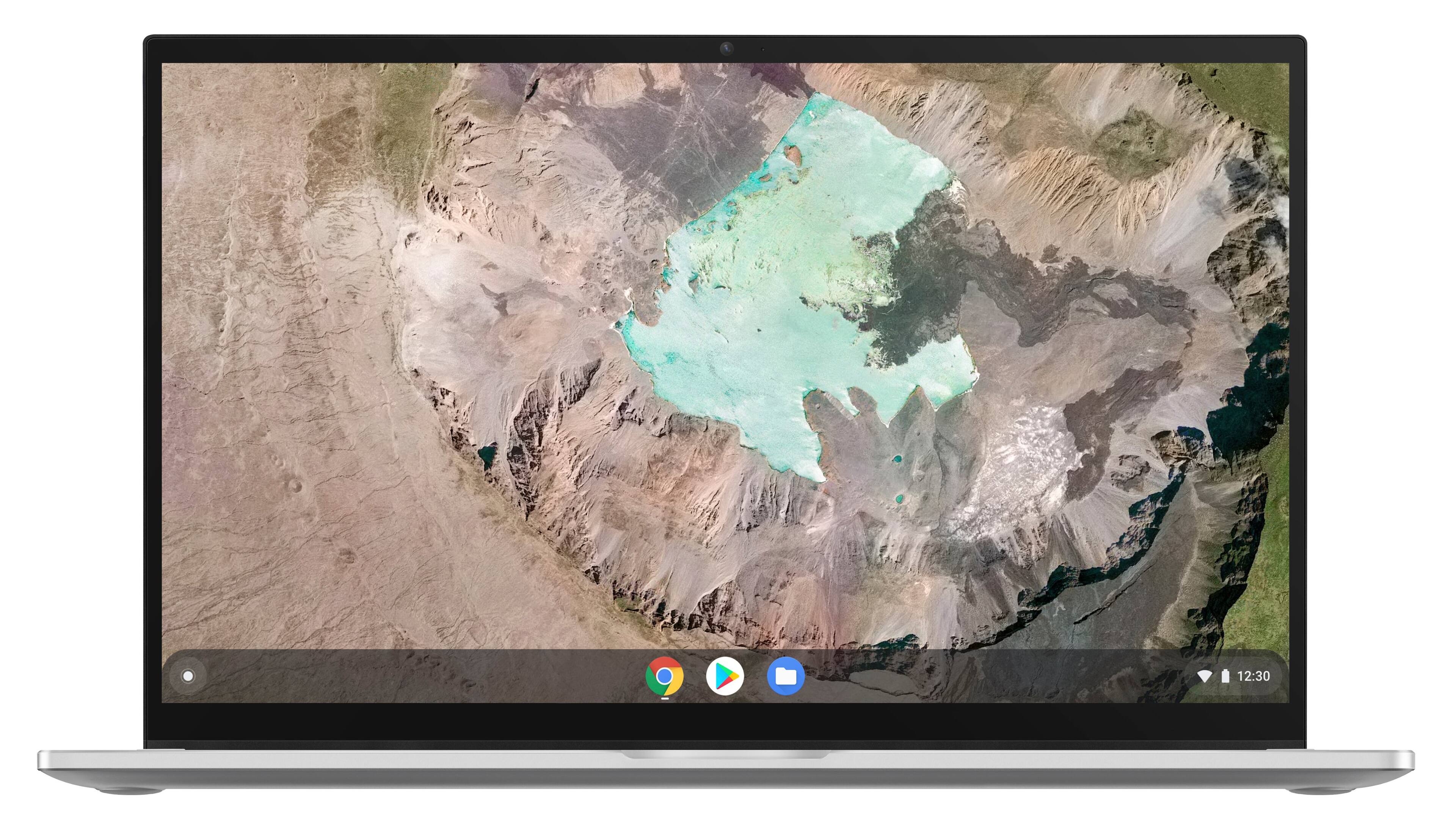
||Posted . Owned for 1 month when reviewed.This reviewer received promo considerations or sweepstakes entry for writing a review.I have bought this Chromebook from BestBuy when it was on sale for $120 and I have been using this for 4 weeks now on a daily basis. All assessments and comments listed below should be seen in light of that this is by a huge margin the cheapest (say: cost-effective) laptop I have ever owned. Performance: The Intel m3-8100Y processor is good enough for all low-power applications, like web surfing, office applications, video watching, email, remote control of other computers, etc. I would not recommend it for processor-intense games (no personal insights into that, though) or any photo- or video-editing application for which I am using Dell XPS laptops. Screen: It is absolutely sufficient for most applications. It is correct that it seems to be dimmer than other models but at the same time it is adequate for indoor, office-kind-of-applications. The color gamut is also reduced (I have read somewhere else that it is about 50% of RGB). So, it is not suitable for color-critical photo- and video-editing application purposes. Which I would not recommend for reasons listed above anyway. For everything else, the screen’s color rendition is absolutely fine! The 1080p screen resolution is great, adequate for a 14-inch screen. Via a USB-C adapter I have also connected my 4K external display. Works just great. Storage: The Chromebook features 64GB of eMMC storage. After 4 weeks of installing software (plus the operating system) I am currently utilizing 16.4GB of the 49GB available. I have also added a 256GB SD card via the Micro SD card reader slot. More than enough for all practical purposes. Memory: The computer offers 8GB of RAM. Just for the purpose of this review, I have started ten different random applications running in parallel. They occupy 4.2GB of the available 7.8 GB memory. Keyboard: Ironically, this is one the high- and low-lights at the same time. The mechanical properties are great. For all my other laptops I am using an external keyboard allowing for a comfortable typing experience. Here I do not need that. I can type for hours using the Chromebook’s keyboard itself. This adds to the transportability of the whole setup. I only need the laptop and the external mouse to carry around in my bag. The downside is that under certain lighting conditions the keys are simply not readable; you are just ‘typing into the dark’. The key illumination doesn’t make much of a difference. Given my work pattern, I do not perceive this as a limitation, but I have also seen tons of complaints by other users. Something to consider. Mousepad: For reasons unrelated to this Chromebook (or any laptop) I am exclusively using an external mouse. My wrist will thank me later …. So, I cannot comment on this from a long-term perspective. The very few times I have used the C425 mousepad, I found it to be very adequate. Battery: Within the range of applications listed above, I usually get 4–6 hours of <estimated> battery time left. Given my usage pattern, I never got anywhere close to the point of running out of power. Connectivity: Another highlight: the laptop features 3 USB 3.2 connections (2x USB 3.2 Gen 1 Type-C and 1x USB 3.2 Gen 1 Type-A). I routinely connect my USB-C dongle which offers tons of additional connectivity options, including charging the laptop. WiFi & Bluetooth: work great. No issues. Last benefit: Chromebooks in general come with a bunch of software perks. At this moment, I only care about the 100GB Google Drive offer, worth $24. If you want to take advantage of all other perks also, the aggregate financial benefits outweigh the hardware cost; or in other words, the laptop itself comes for free. It won’t get much cheaper than that. Summary: All in all, this is an excellent laptop that I can only highly recommend, especially at this price point.
I would recommend this to a friend - Pros mentioned:Ease of use
Rated 5 out of 5 stars
14" Chromebook -Intel Core M3 - by Asus
||Posted . Owned for 9 months when reviewed.This reviewer received promo considerations or sweepstakes entry for writing a review.This 14" Chromebook (Intel Core m3) has proven to be an excellent choice for a personal laptop. Lightweight, versatile, and reliable - it's easy to use and allows me to do my basic daily computing - with speakers and a mouse attached. I love its compact design - and being able to take it with me - wherever I go!!
I would recommend this to a friend - Pros mentioned:Ram
Rated 5 out of 5 stars
Excellent Chromebook
||Posted . Owned for 3 weeks when reviewed.This reviewer received promo considerations or sweepstakes entry for writing a review.I have multiple Chromebooks (8 over the course of the last 8 years or so) and bought this one specifically for the 8GB RAM and 4 thread CPU. It is a lot faster than the 4GB Chromebooks I have. For regular browsing 4GB RAM is good enough but if you are planning to have lot of open tabs and use multiple apps, the 8GB RAM and 4 thread CPU is a great choice. Regarding storage, the 64GB is very much required if you are planning to use Play store apps and Linux apps. I thought the plastic construct will make it a little flimsy, but it is pretty sturdy overall, and the backlit keyboard is a good feature. Note that this one has a short AUE (Auto Update Expiration) date but it is not a problem for me since I would re-purpose it as a Linux laptop or install Chrome Flex. And maybe LaCros (Google's initiative to decouple Chrome browser from Chrome OS and allow updates beyond AUE) would be fully released by that time and I can continue to use this Chromebook beyond AUE using LaCros browser. The simplicity of Chromebooks always makes me choose Chromebooks over Windows.
I would recommend this to a friend - Pros mentioned:Ease of use, Speed
Rated 5 out of 5 stars
No issues
||Posted . Owned for 2 months when reviewed.This reviewer received promo considerations or sweepstakes entry for writing a review.This is a fantastic chromebook... light, fast, and easy to use!
I would recommend this to a friend - Pros mentioned:Ram, Speed
Rated 4 out of 5 stars
Does the Job - Don't Go by Neg Reviews
||Posted . Owned for less than 1 week when reviewed.This reviewer received promo considerations or sweepstakes entry for writing a review.I got this laptop on black friday deal for following reasons 1) It has HD display 1920×1080 other laptop in sale in similar price tag does not have this clarity 2) It has 8G RAM the spec in portal is incorrect 3) It uses the same processor Intel m3 8th Gen as other 200$+ laptop 4) It looks premium and worth the money. I will update this review post 30 days whether it meet the expectation.
I would recommend this to a friend - Pros mentioned:Battery life, Speed
Rated 4 out of 5 stars
Great Chrom book in this price.
||Posted . Owned for 6 months when reviewed.This reviewer received promo considerations or sweepstakes entry for writing a review.I like it for my work. I watch video and use for browsing. It works good and battery good, speed of this Chromebook is good for basic user.
I would recommend this to a friend Rated 4 out of 5 stars
My first Chromebook -- I like it
||Posted .This reviewer received promo considerations or sweepstakes entry for writing a review.Pro: 14" 1080p FHD Display NON-touchscreen display. I have 2 laptops with touchscreens now -- and so rarely use them. NON-touch keeps you from looking though a smudged up touch screen. Con: Even on bright -- the display seems a little washed out -- blacks are not deep -- but viewable. Pro: The M3-8100Y processor kicks a s s . I only have Ryzen or Celeron chips in my pc's to compare to -- seems better than Celeron offerings. Con: The M3-8100Y processor is from 2019 and only has a few years of updates left with the Google Chrome OS. Pro: 802.11AC Wifi Con: It is listed as Wifi 6 in the description when purchasing. Not a deal breaker -- very fast on my Wifi 5 network clocking speeds of 300+mbps. Pro: 8GB RAM -- Makes for quicker response times and more multi-tasking. Con: It is listed as 4GB in the description when purchasing. (this would be a con for Best Buy and Asus) Pro: I used it for 5-6 hours after charging the battery before use -- the battery claims it has 50% left after use. Con: Like most laptops made in 2022 -- there is no user-removeable battery. Pro: Chrome OS updated itself 2 times when first powering on and getting through the sign-in. It also updated the Play Store apps and I was able to install a few additional apps. Updates are so far super fast and painless -- just reboot and done. Con: Not all apps are available in the Play Store -- I have gotten used to that -- as the apps are made available by the developers to the hardware devices they want to support -- only. Con: The lighted keyboard is too hard to see at default brightness. Pro: The lighted keyboard has 5 levels of brightness -- from OFF to BRIGHT -- if I counted right. Hold the ALT key down when you press one of the "sunshine" icons on the top row of the keyboard. When you press it without the ALT key -- it changes your screens brightness. There is a small and large sunshine icon -- you can figure which one does what. I can read the keys in a dimly lit room with the backlight OFF. Once setting the keyboard brightest setting all the way bright or one setting below bright -- it is easily viewable to me. Pro: The sound BLEW ME AWAY -- I can not complain about anything I heard coming out of the tiny speakers -- on the bottom of this Chromebook. At approximately ~$120 -- this is an excellent deal for an adult or child. Pair with a Bluetooth mouse, soundbar and USB-to-HDMI connector -- to connect it to a larger display -- for desktop or media center setups. It was only $20 more than other offerings with smaller 11" 720P touchscreens, weaker processors and only 4GB of RAM. I gladly paid the extra $20 for a 14" NON touchscreen, better processor and double the RAM @ 8GB. I posted the specs printed on the box the Chromebook was packaged in.
I would recommend this to a friend- Pros mentioned:Price
Rated 5 out of 5 stars
Good Buy
||Posted . Owned for 11 months when reviewed.This reviewer received promo considerations or sweepstakes entry for writing a review.I love it! Great size, functionality and exceptional price.
I would recommend this to a friend - Pros mentioned:Ease of use
Rated 5 out of 5 stars
I think I will be ok with this chome.
||Posted . Owned for 3 weeks when reviewed.This reviewer received promo considerations or sweepstakes entry for writing a review.I didn't think I was going to like this laptop, but I got a surprise. I think Im going to be happy with it. I've had my current Asus for 13 years & love it. The chrome part is what I'm new to.
I would recommend this to a friend - Cons mentioned:Speakers
Rated 4 out of 5 stars
Need some improvement
||Posted . Owned for 1 month when reviewed.This reviewer received promo considerations or sweepstakes entry for writing a review.Great laptop very portable speakers aren't as good as I would like it to be but 8 out of 10 I would recommend
I would recommend this to a friend - Pros mentioned:Speed
Rated 5 out of 5 stars
Powerful Chromebook, for a nice price
||Posted . Owned for 1 month when reviewed.This reviewer received promo considerations or sweepstakes entry for writing a review.Awesome Chromebook. Exact model is C425T. Nice size for the price, backlit keyboard is a plus, touchpad is HUGE. The 8th Gen Intel Core M3 is very fast and decent for this ‘book. Construction allows for full 180 degree opening.
I would recommend this to a friend - Cons mentioned:Keyboard quality
Rated 5 out of 5 stars
thumbs up
||Posted . Owned for 1 week when reviewed.This reviewer received promo considerations or sweepstakes entry for writing a review.I really like this Chromebook, I have to note there is another model of this Chromebook that's a touchscreen convertible. I thought I was picking that one up! but this one does have a brighter keyboard.
I would recommend this to a friend - Pros mentioned:Ease of use
Rated 5 out of 5 stars
Good starter Computer
||Posted . Owned for 7 months when reviewed.This reviewer received promo considerations or sweepstakes entry for writing a review.This a great computer for kid that is just learning how to use internet. It's easy to navigate and doesn't get viruses easily.
I would recommend this to a friend - Pros mentioned:SpeedCons mentioned:Keyboard quality
Rated 5 out of 5 stars
Snappy
||Posted . Owned for less than 1 week when reviewed.This reviewer received promo considerations or sweepstakes entry for writing a review.Quite snappy and easily handles multiple open tabs of Google chrome. Wireless card may not be the best but not too shabby. Display is good. Keyboard is not readable
I would recommend this to a friend - Pros mentioned:Price
Rated 5 out of 5 stars
Awesome Chromebook!!
||Posted . Owned for 7 months when reviewed.This reviewer received promo considerations or sweepstakes entry for writing a review.I've had this guy for about 2 years now and this 120 dollar has been one of the best devices I've got in awhile!
I would recommend this to a friend - Pros mentioned:Ram
Rated 5 out of 5 stars
PowerHouse
||Posted . Owned for 1 month when reviewed.This reviewer received promo considerations or sweepstakes entry for writing a review.This is a great Chrome Book..the 8Gb ram is super fast for this chrome book, which usually require only 4gb. This is a powerhouse
I would recommend this to a friend - Pros mentioned:Price
Rated 5 out of 5 stars
Useful, good value
||Posted . Owned for 1 month when reviewed.This reviewer received promo considerations or sweepstakes entry for writing a review.Handy little laptop that I take with me when traveling. Price was great, performance is as expected.
I would recommend this to a friend - Pros mentioned:Ram
Rated 5 out of 5 stars
Chromebook Asus
||Posted . Owned for 1 month when reviewed.This reviewer received promo considerations or sweepstakes entry for writing a review.Overall great device 8gb which is a great deal for 120$ usually 240$ and up for a 8gb
I would recommend this to a friend - Pros mentioned:Ram
Rated 4 out of 5 stars
Very good Chromebook. Excellent value on sale
||Posted .This reviewer received promo considerations or sweepstakes entry for writing a review.This 14" Chromebook is an excellent value laptop. The 8 GB RAM, 1080 display, and m3 processor are pluses. The display is decent at this price range. The keyboard is firm with a large trackpad. But the backlit keyboard wasn't designed well because the letters are hard to see at the default backlight. So change the backlight to none for daylight use and high for night use. Tip, the factory ChromeOS has weak wi-fi strength, so update to the latest ChromeOS fixes wi-fi strength.
I would recommend this to a friend