Customer Ratings & Reviews
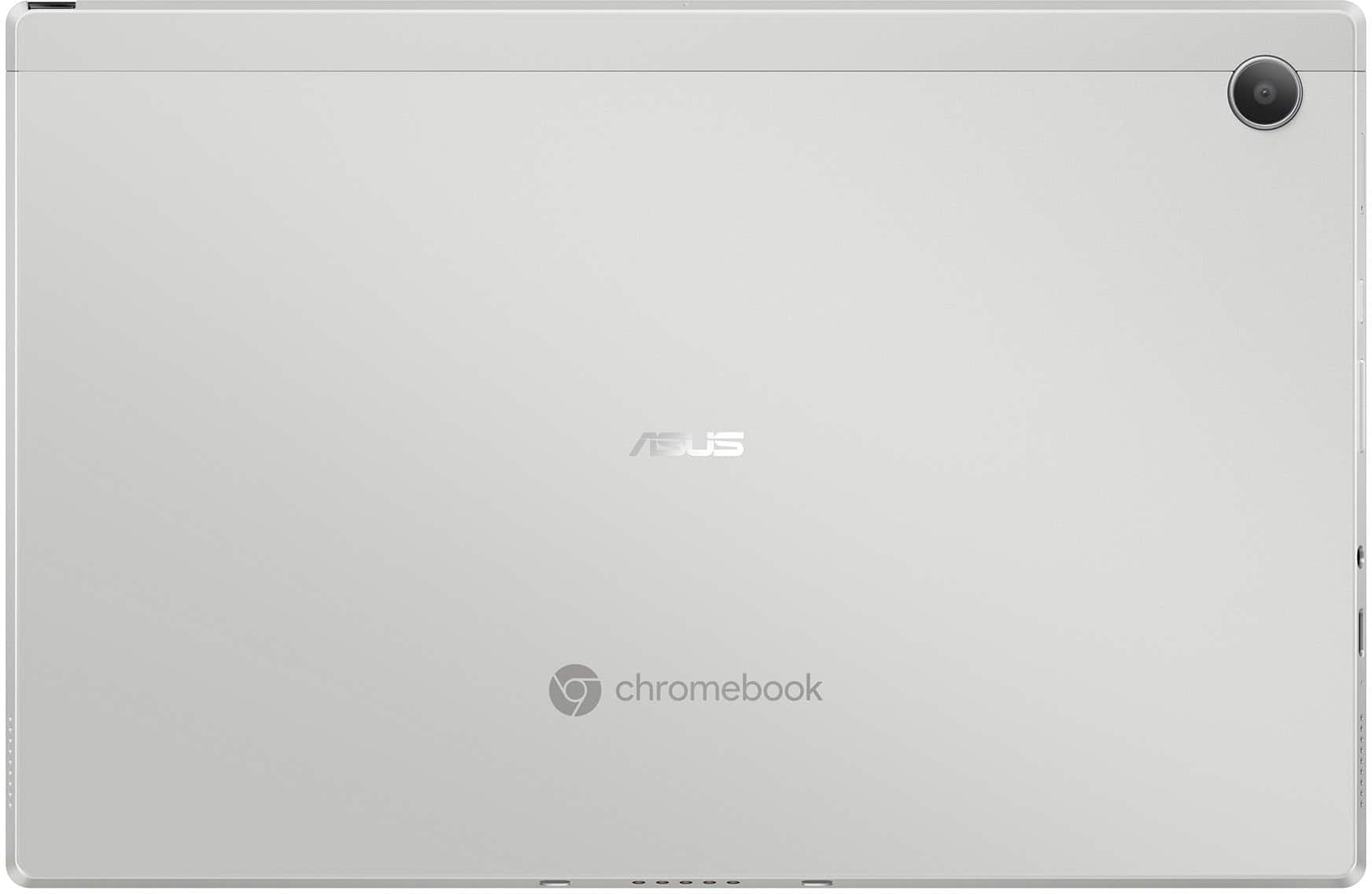




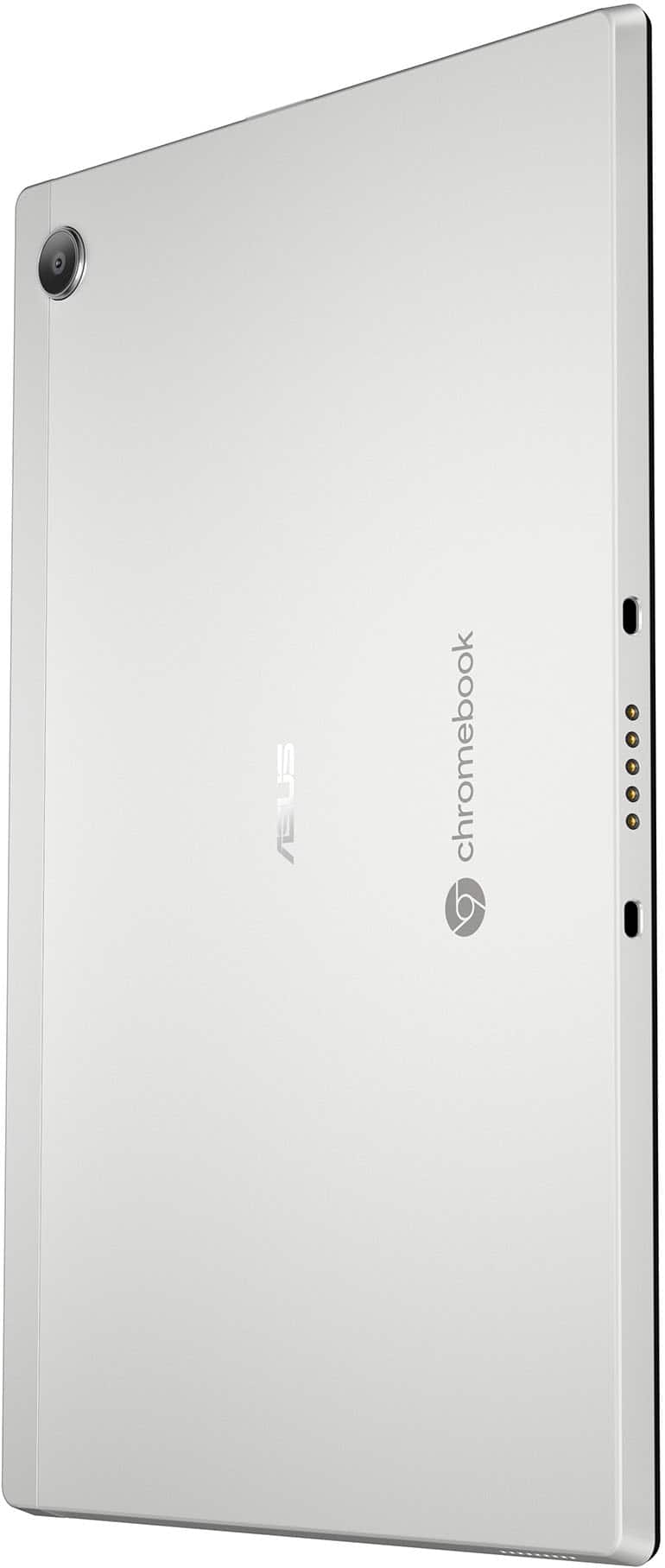
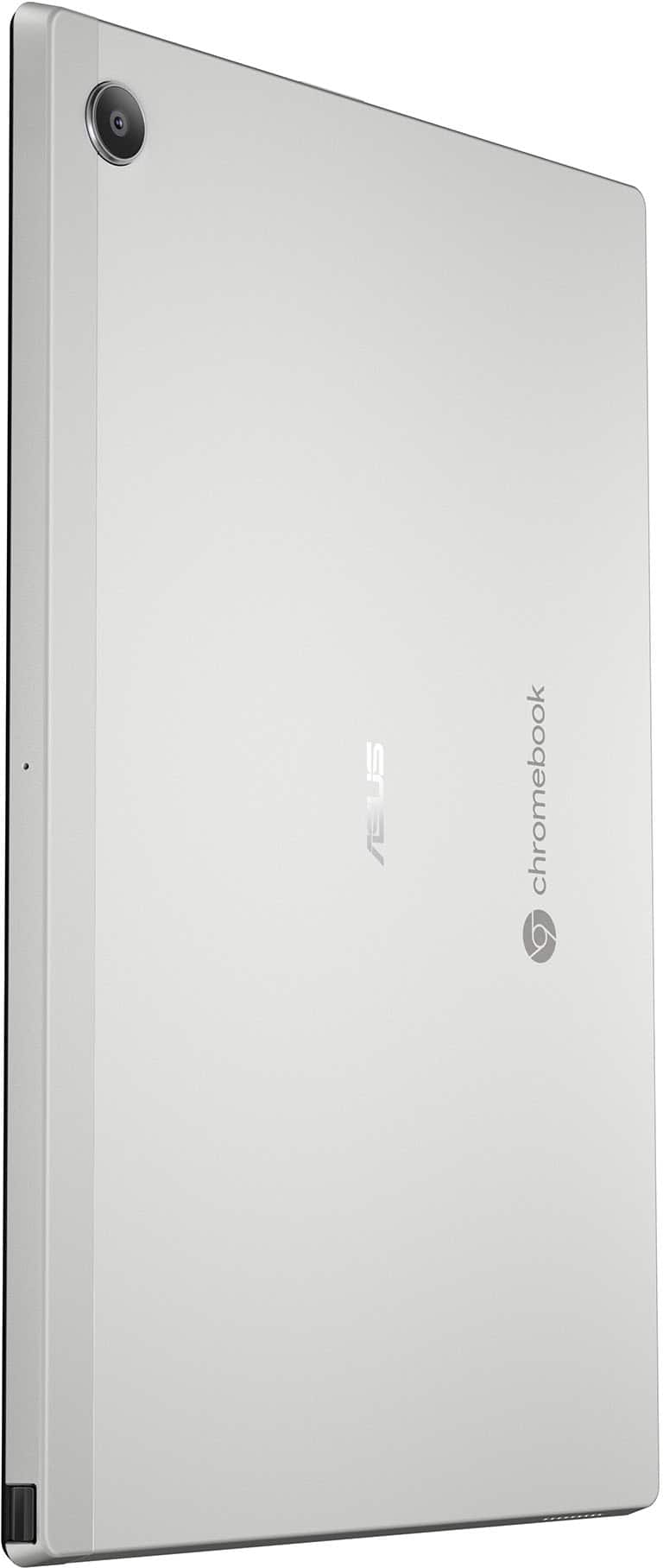



- Model:
- CM3001DM2A-M8186
- |
- SKU:
- 10467061
Customer reviews
Rating 4.4 out of 5 stars with 158 reviews
(158 customer reviews)Rating by feature
- Battery Life4.6
Rating 4.6 out of 5 stars
- Speed4.2
Rating 4.2 out of 5 stars
- Display4.6
Rating 4.6 out of 5 stars
Customers are saying
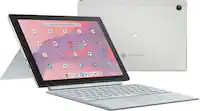
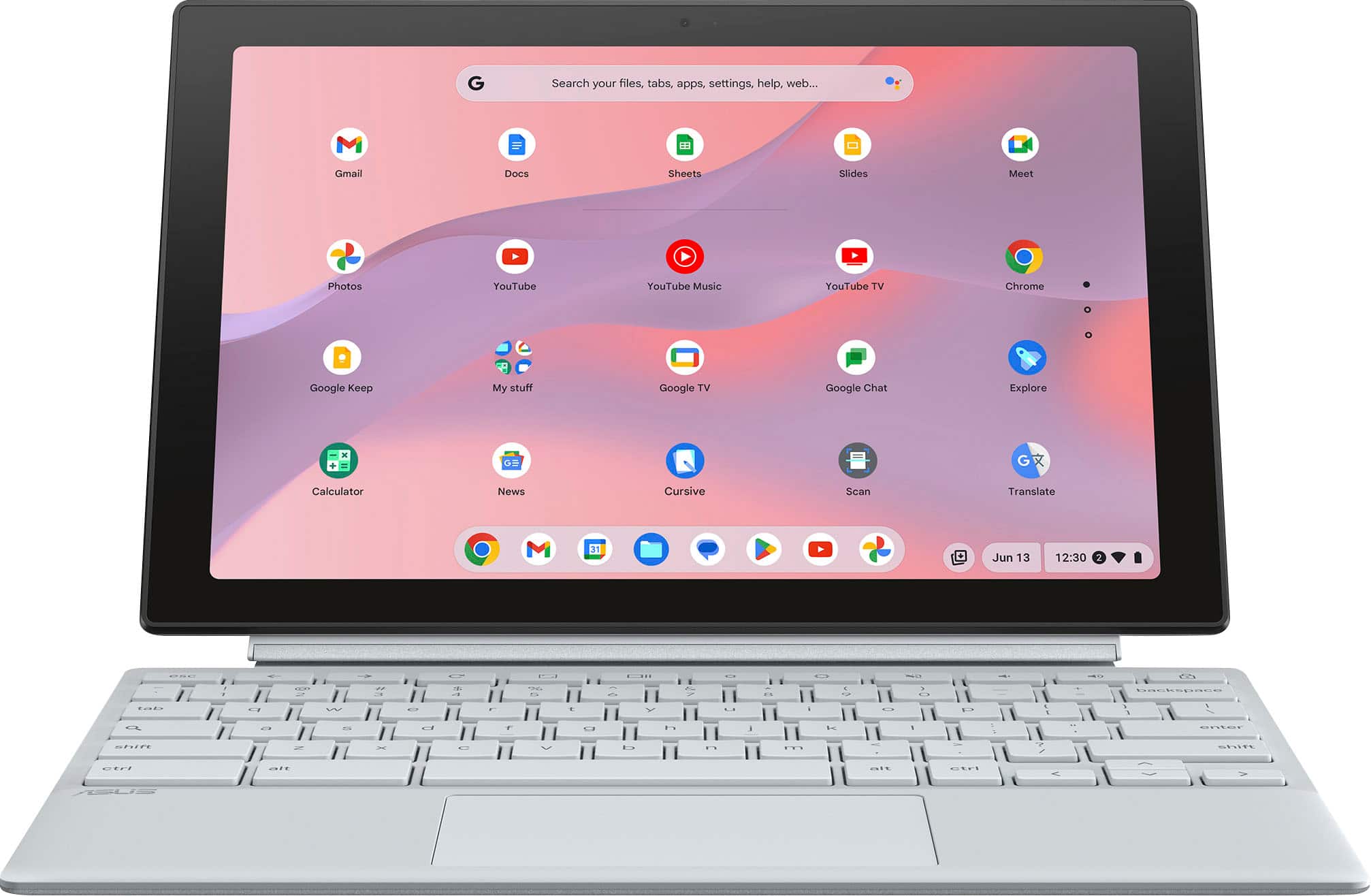
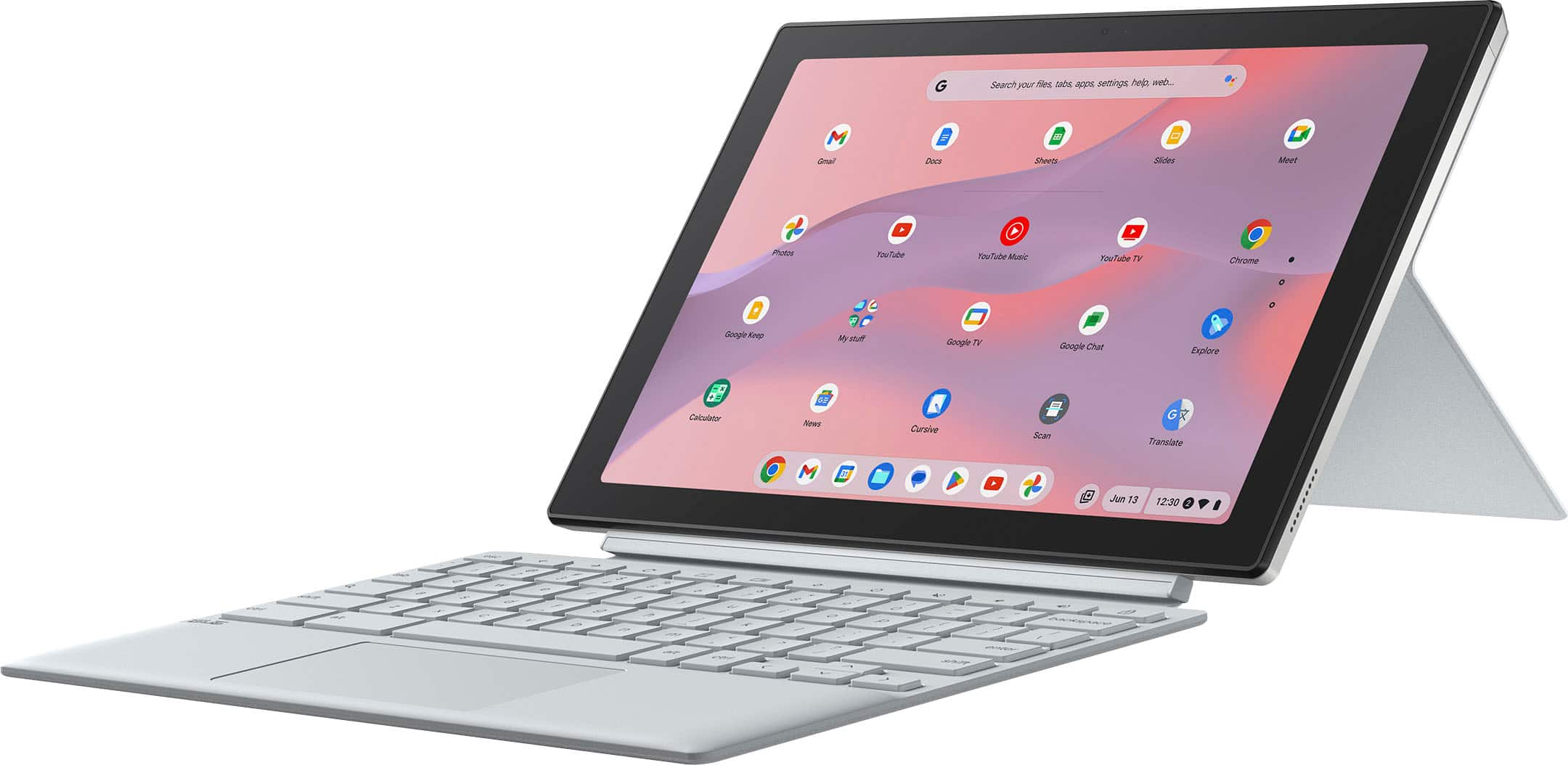
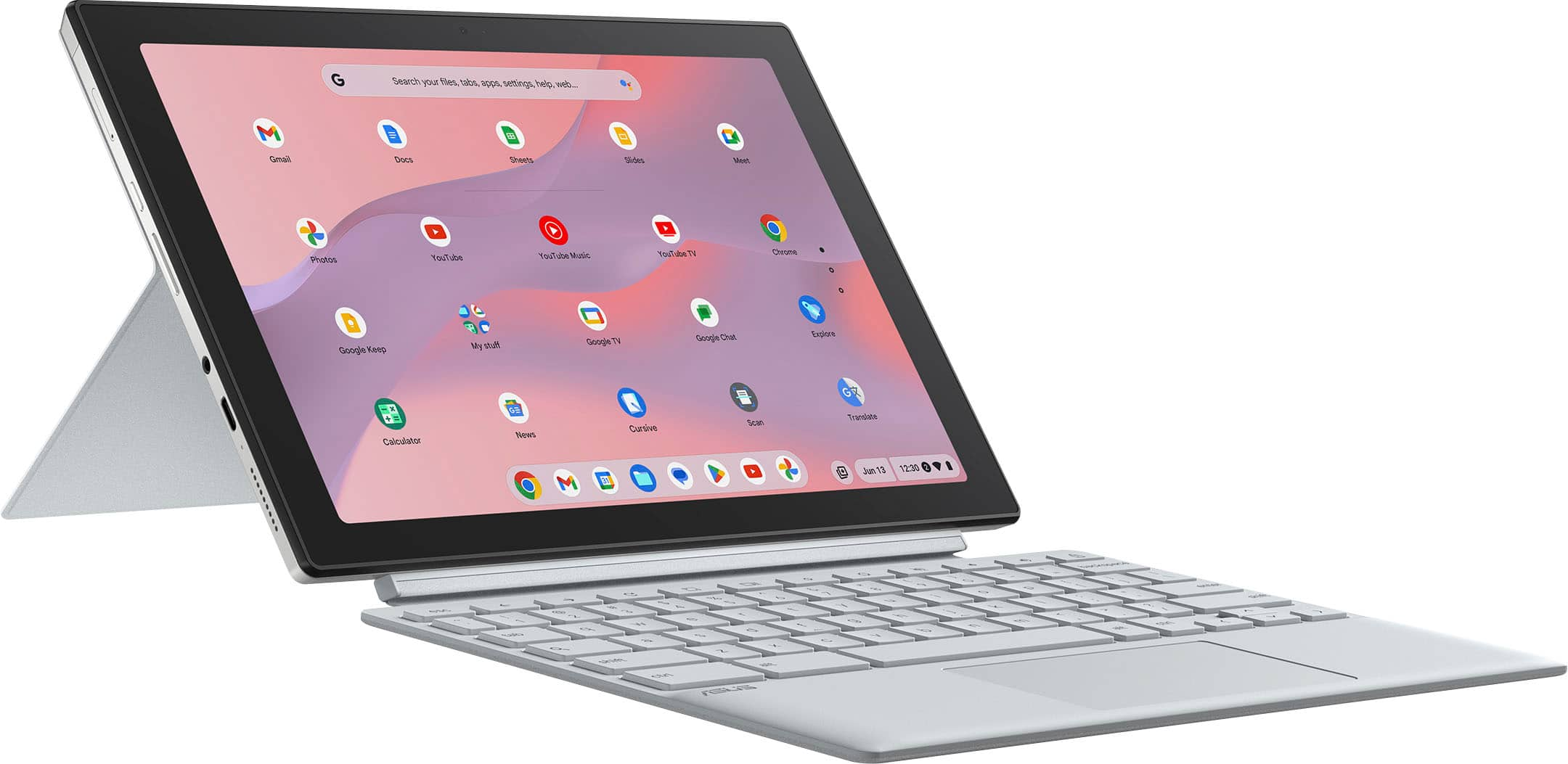
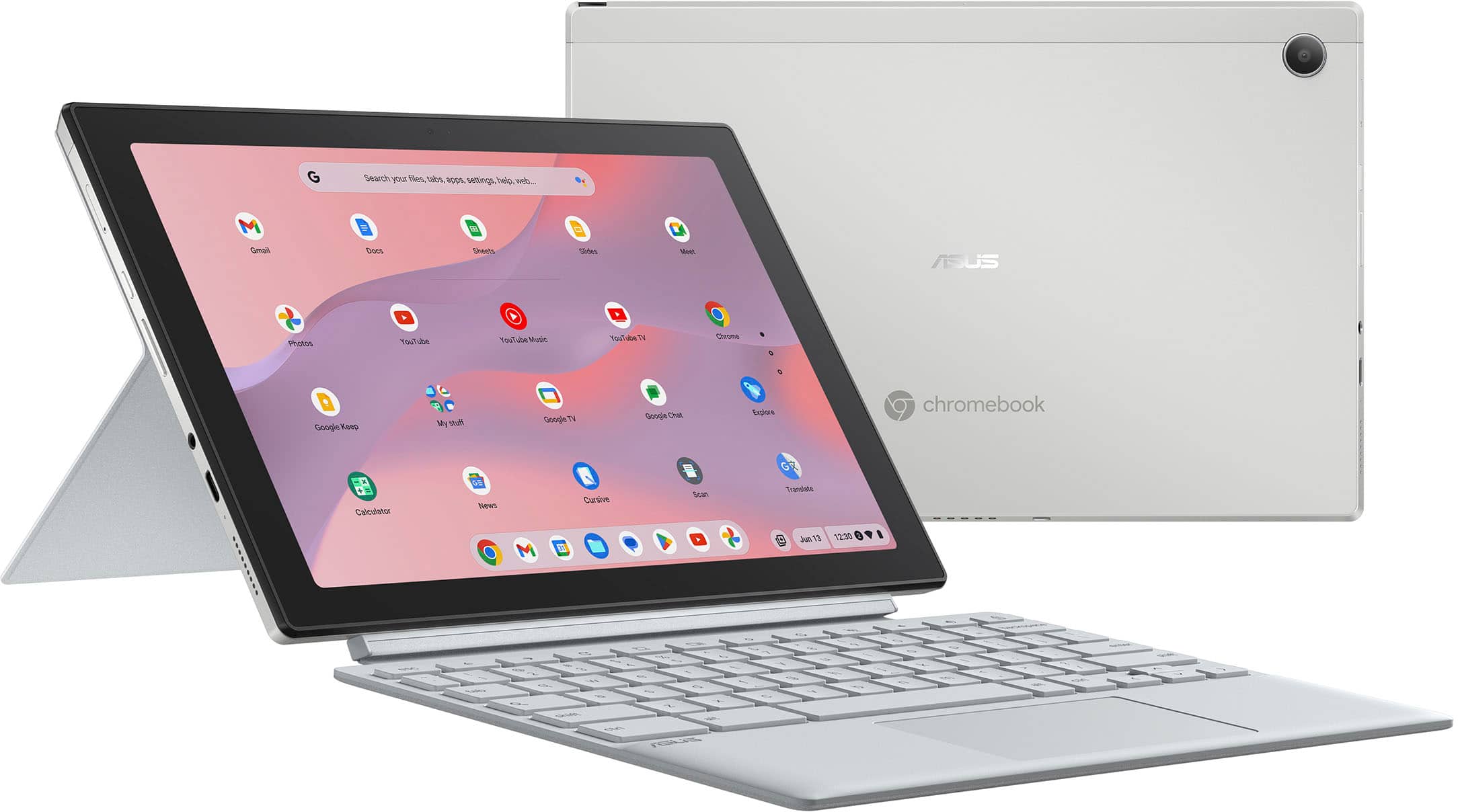
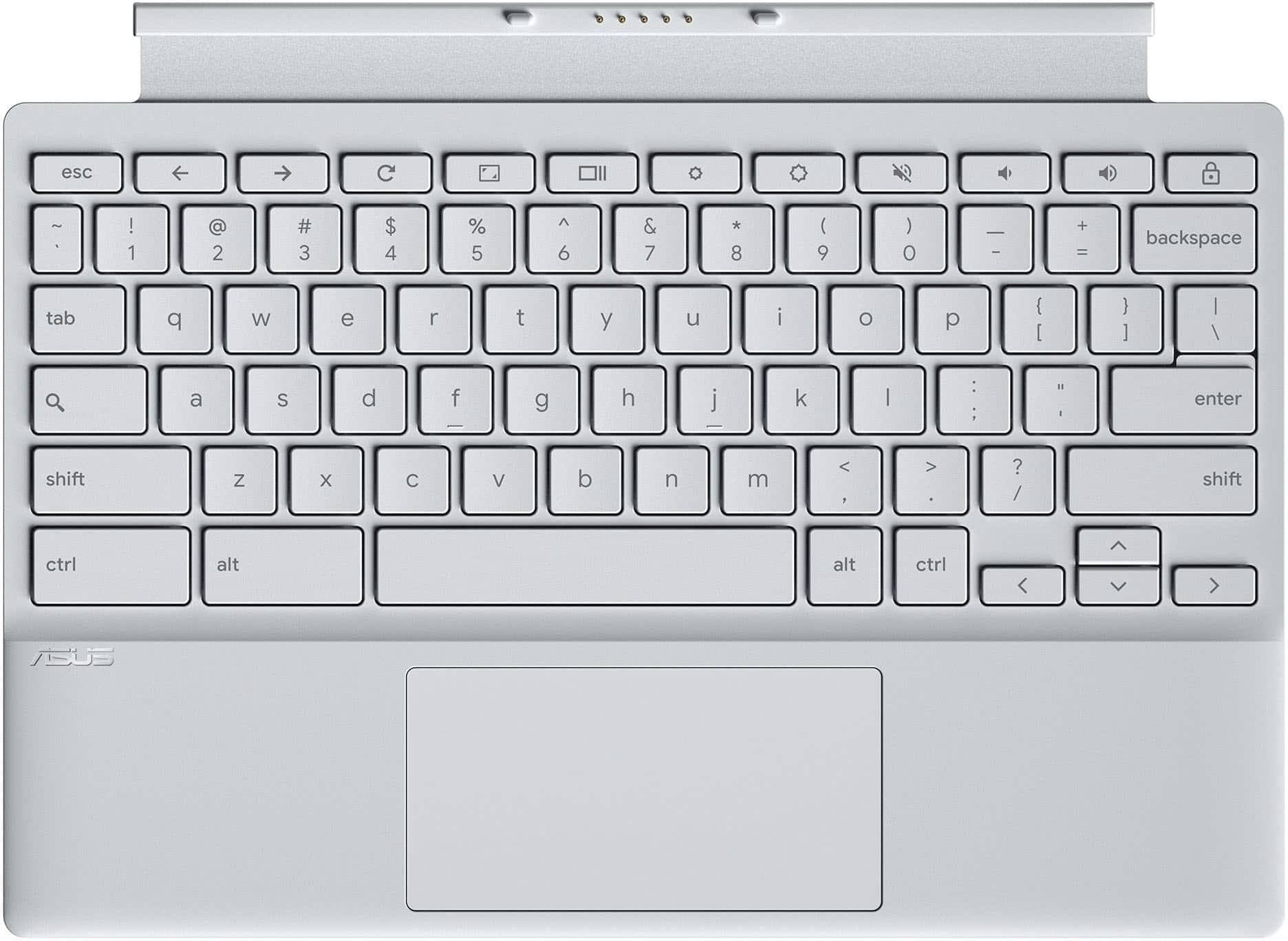
Customers commend the Chromebook Detachable CM3001 for its excellent keyboard quality, portability, and impressive battery life. The MediaTek processor ensures smooth Chrome OS performance, and users appreciate its perfect size and sleek design. However, some customers express concerns about the limited storage and RAM, and a few find the weight slightly excessive when used as a tablet. Additionally, a small number of users have reservations about the operating system.
This summary was generated by AI based on customer reviews.
- Pros mentioned:Keyboard quality
Rated 5 out of 5 stars
Great product
||Posted . Owned for 1 week when reviewed.This reviewer received promo considerations or sweepstakes entry for writing a review.Fear product compact and easy to use. Love that it came with a keyboard.
This review is from ASUS - Chromebook Detachable CM3001 10.5" Laptop - MediaTek Kompanio 520 - 4GB Memory - 64GB eMMC - Fog Silver
I would recommend this to a friend - Pros mentioned:Keyboard quality
Rated 4 out of 5 stars
Nice chrome tablet
||Posted . Owned for 3 weeks when reviewed.This reviewer received promo considerations or sweepstakes entry for writing a review.Nice size and included keyboard and housed pen for the price.
This review is from ASUS - Chromebook Detachable CM3001 10.5" Laptop - MediaTek Kompanio 520 - 4GB Memory - 64GB eMMC - Fog Silver
I would recommend this to a friend - Pros mentioned:Size
Rated 5 out of 5 stars
Good product
||Posted . Owned for 1 week when reviewed.This reviewer received promo considerations or sweepstakes entry for writing a review.Good quality, good size is fast , is exactly what I was looking for .
This review is from ASUS - Chromebook Detachable CM3001 10.5" Laptop - MediaTek Kompanio 520 - 4GB Memory - 64GB eMMC - Fog Silver
I would recommend this to a friend - Pros mentioned:Portability
Rated 5 out of 5 stars
Power packed
||Posted . Owned for 1 week when reviewed.This reviewer received promo considerations or sweepstakes entry for writing a review.Nice small chromebook for everyday use while traveling.
This review is from ASUS - Chromebook Detachable CM3001 10.5" Laptop - MediaTek Kompanio 520 - 4GB Memory - 64GB eMMC - Fog Silver
I would recommend this to a friend - Pros mentioned:Keyboard quality
Rated 5 out of 5 stars
Laptop
||Posted . Owned for 1 month when reviewed.This reviewer received promo considerations or sweepstakes entry for writing a review.Purchased for a senior family member. They love the look, feel and ease of the keyboard. Response time is excellent
This review is from ASUS - Chromebook Detachable CM3001 10.5" Laptop - MediaTek Kompanio 520 - 4GB Memory - 64GB eMMC - Fog Silver
I would recommend this to a friend Rated 5 out of 5 stars
Worth it.
||Posted .This reviewer received promo considerations or sweepstakes entry for writing a review.Works great! Looks great! Very Happy with my Purchase!
This review is from ASUS - Chromebook Detachable CM3001 10.5" Laptop - MediaTek Kompanio 520 - 4GB Memory - 64GB eMMC - Fog Silver
I would recommend this to a friend- Pros mentioned:Keyboard quality
Rated 5 out of 5 stars
Aiden ross
||Posted . Owned for 1 week when reviewed.This reviewer received promo considerations or sweepstakes entry for writing a review.It good and helpful i love and the pencil five star
This review is from ASUS - Chromebook Detachable CM3001 10.5" Laptop - MediaTek Kompanio 520 - 4GB Memory - 64GB eMMC - Fog Silver
I would recommend this to a friend - Pros mentioned:Portability
Rated 5 out of 5 stars
Happy with my purchase!
||Posted . Owned for 2 weeks when reviewed.This reviewer received promo considerations or sweepstakes entry for writing a review.Chromebook works great! Perfect for school work and very easy to use.
This review is from ASUS - Chromebook Detachable CM3001 10.5" Laptop - MediaTek Kompanio 520 - 4GB Memory - 64GB eMMC - Fog Silver
I would recommend this to a friend Rated 5 out of 5 stars
product function is amazing!
||Posted . Owned for 1 month when reviewed.This reviewer received promo considerations or sweepstakes entry for writing a review.the product is great for all my computing needs ! I got it to work with a bunch of my apps and social media. and I love that there is no way to get a virus on this thing
This review is from ASUS - Chromebook Detachable CM3001 10.5" Laptop - MediaTek Kompanio 520 - 4GB Memory - 64GB eMMC - Fog Silver
I would recommend this to a friendRated 4 out of 5 stars
Great for the little things
||Posted . Owned for 1 month when reviewed.This reviewer received promo considerations or sweepstakes entry for writing a review.Does everything that you need to do as long as it’s web surfing and simple programs such as word and such. Maybe some lower point and light editing but nothing major. Good for streaming as well.
This review is from ASUS - Chromebook Detachable CM3001 10.5" Laptop - MediaTek Kompanio 520 - 4GB Memory - 64GB eMMC - Fog Silver
I would recommend this to a friendRated 4 out of 5 stars
Asus chromebook
||Posted . Owned for 1 week when reviewed.This reviewer received promo considerations or sweepstakes entry for writing a review.It is great for the price! Have a little bit of trouble when you wanna play a game you have to remove the keyboard all the time. And sometimes you have to remove the back cover to get the screen to come back onto it when it goes into sleep mode.
This review is from ASUS - Chromebook Detachable CM3001 10.5" Laptop - MediaTek Kompanio 520 - 4GB Memory - 64GB eMMC - Fog Silver
I would recommend this to a friend- Pros mentioned:Portability
Rated 5 out of 5 stars
Chromebook
||Posted . Owned for 1 week when reviewed.This reviewer received promo considerations or sweepstakes entry for writing a review.Works great & easy to carry.. can use as a laptop or tablet
This review is from ASUS - Chromebook Detachable CM3001 10.5" Laptop - MediaTek Kompanio 520 - 4GB Memory - 64GB eMMC - Fog Silver
I would recommend this to a friend Rated 5 out of 5 stars
Best computer/ tablet on the go.
||Posted .This reviewer received promo considerations or sweepstakes entry for writing a review.This Chromebook has been a life saver. My computer screen broke on a pervious computer. I bought this on a whim because it was on sale and I was tired of doing everything on my phone.
This review is from ASUS - Chromebook Detachable CM3001 10.5" Laptop - MediaTek Kompanio 520 - 4GB Memory - 64GB eMMC - Fog Silver
I would recommend this to a friend- Pros mentioned:Portability
Rated 5 out of 5 stars
Great buy
||Posted . Owned for 1 week when reviewed.This reviewer received promo considerations or sweepstakes entry for writing a review.Great value for the price. Bought it for my highball son for school. Easy to use.
This review is from ASUS - Chromebook Detachable CM3001 10.5" Laptop - MediaTek Kompanio 520 - 4GB Memory - 64GB eMMC - Fog Silver
I would recommend this to a friend Rated 5 out of 5 stars
Great beginner chromebook
||Posted . Owned for 3 weeks when reviewed.This reviewer received promo considerations or sweepstakes entry for writing a review.My 9 year old loves his chromebook! Its great for beginners. He's favorite feature is the detachable screen because he feels like he is using a tablet. Set up was very easy and I was able to set up all the safety features I wanted.
This review is from ASUS - Chromebook Detachable CM3001 10.5" Laptop - MediaTek Kompanio 520 - 4GB Memory - 64GB eMMC - Fog Silver
I would recommend this to a friendRated 5 out of 5 stars
Highly recommend
||Posted . Owned for 2 months when reviewed.This reviewer received promo considerations or sweepstakes entry for writing a review.Works great for my son in elementary school . Lightweight
This review is from ASUS - Chromebook Detachable CM3001 10.5" Laptop - MediaTek Kompanio 520 - 4GB Memory - 64GB eMMC - Fog Silver
I would recommend this to a friendRated 5 out of 5 stars
Great tablet
||Posted . Owned for 6 months when reviewed.This reviewer received promo considerations or sweepstakes entry for writing a review.This is a great tablet and we use for homeschool and does excellent
This review is from ASUS - Chromebook Detachable CM3001 10.5" Laptop - MediaTek Kompanio 520 - 4GB Memory - 64GB eMMC - Fog Silver
I would recommend this to a friendRated 5 out of 5 stars
Asus chromebook
||Posted .This reviewer received promo considerations or sweepstakes entry for writing a review.Excellent product. The asus Chromebook is a nice and easy tablet to use
This review is from ASUS - Chromebook Detachable CM3001 10.5" Laptop - MediaTek Kompanio 520 - 4GB Memory - 64GB eMMC - Fog Silver
I would recommend this to a friendRated 5 out of 5 stars
Keyboard
||Posted .This reviewer received promo considerations or sweepstakes entry for writing a review.Love that i can detach keyboard it’s the best thing
This review is from ASUS - Chromebook Detachable CM3001 10.5" Laptop - MediaTek Kompanio 520 - 4GB Memory - 64GB eMMC - Fog Silver
I would recommend this to a friendRated 5 out of 5 stars
God product
||Posted .This reviewer received promo considerations or sweepstakes entry for writing a review.This product works perfectly. The only challenge i think i may have is the protection. Still trying to find a prtective case for it
This review is from ASUS - Chromebook Detachable CM3001 10.5" Laptop - MediaTek Kompanio 520 - 4GB Memory - 64GB eMMC - Fog Silver
I would recommend this to a friend