Customer Ratings & Reviews
- Model:
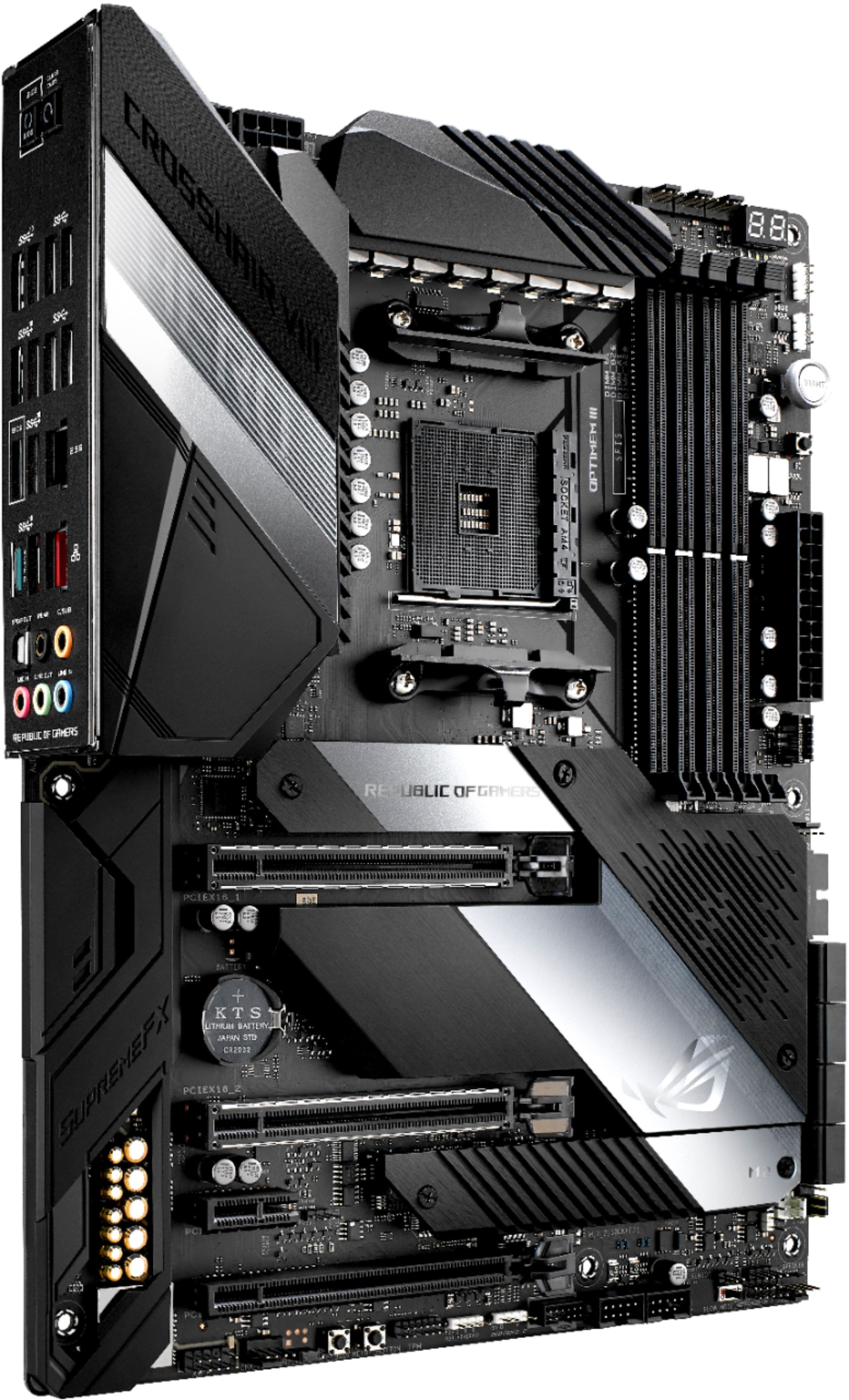
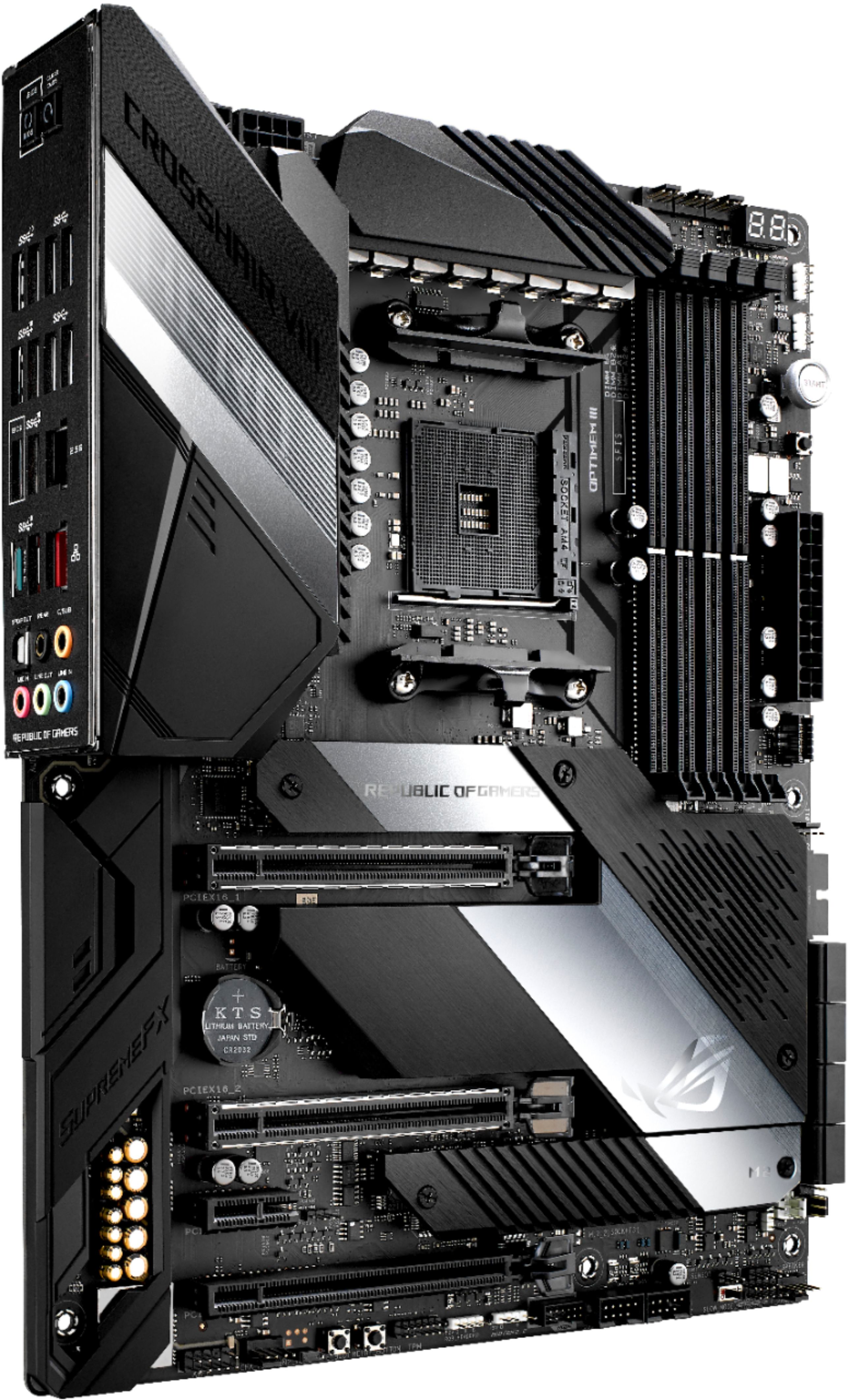
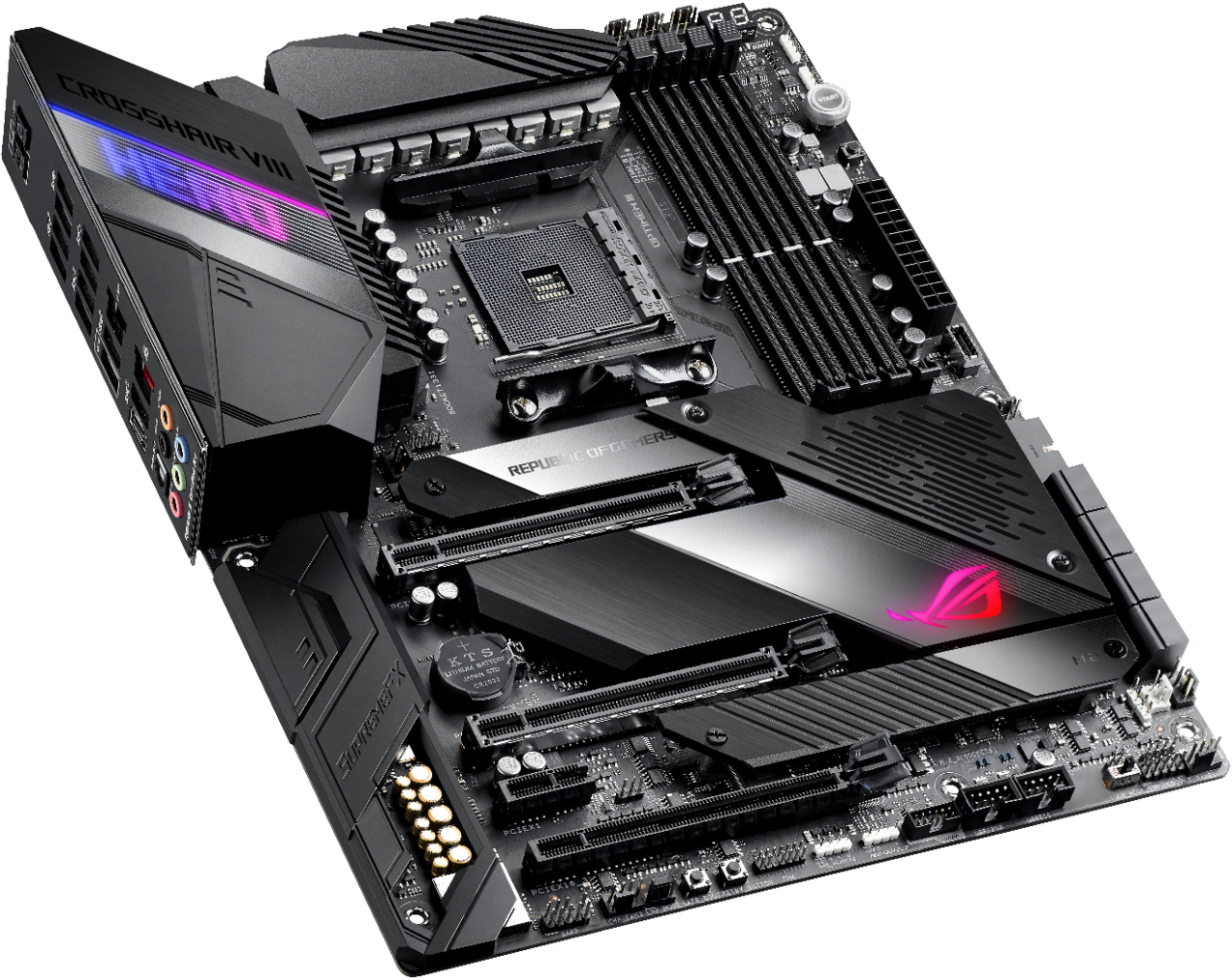
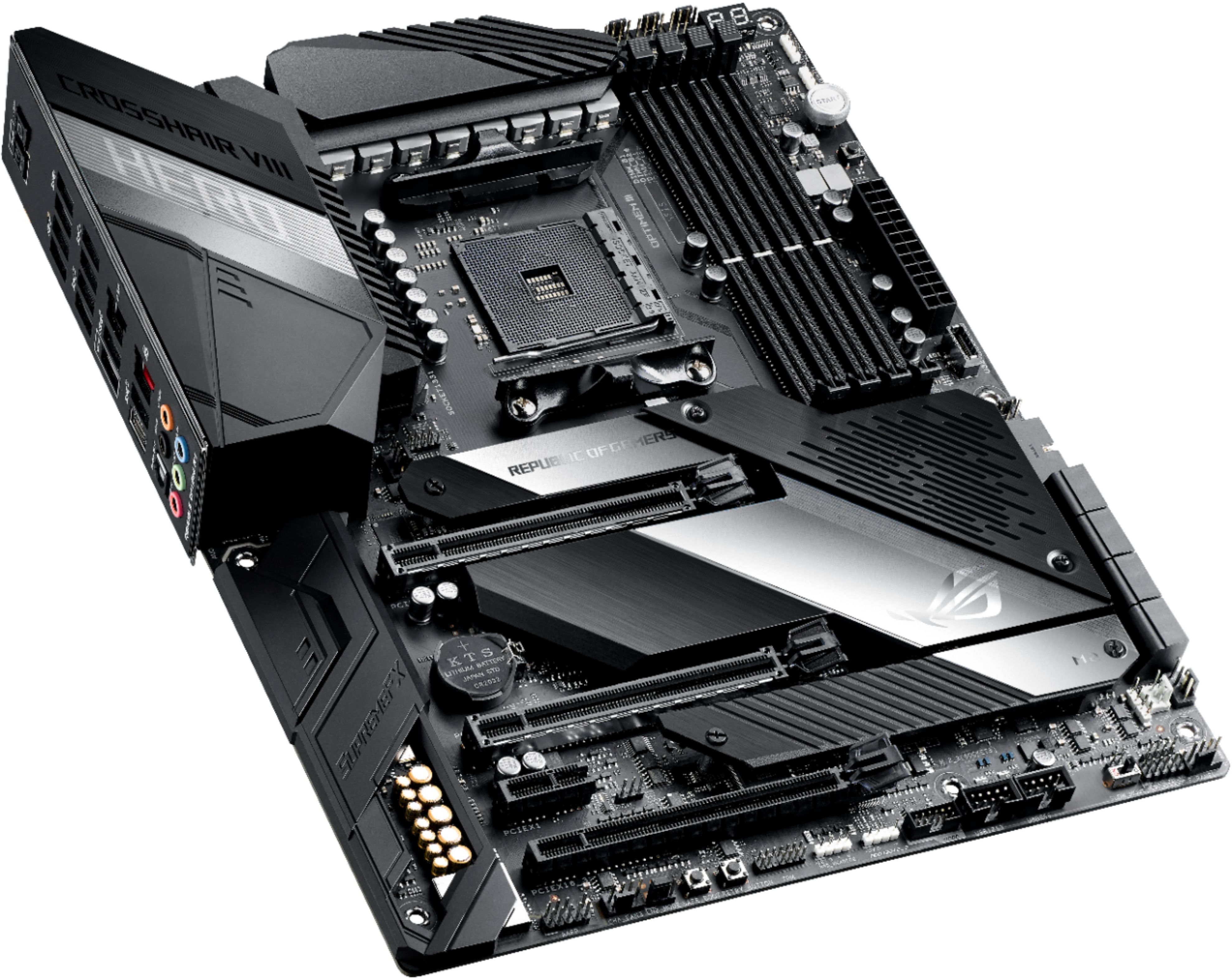
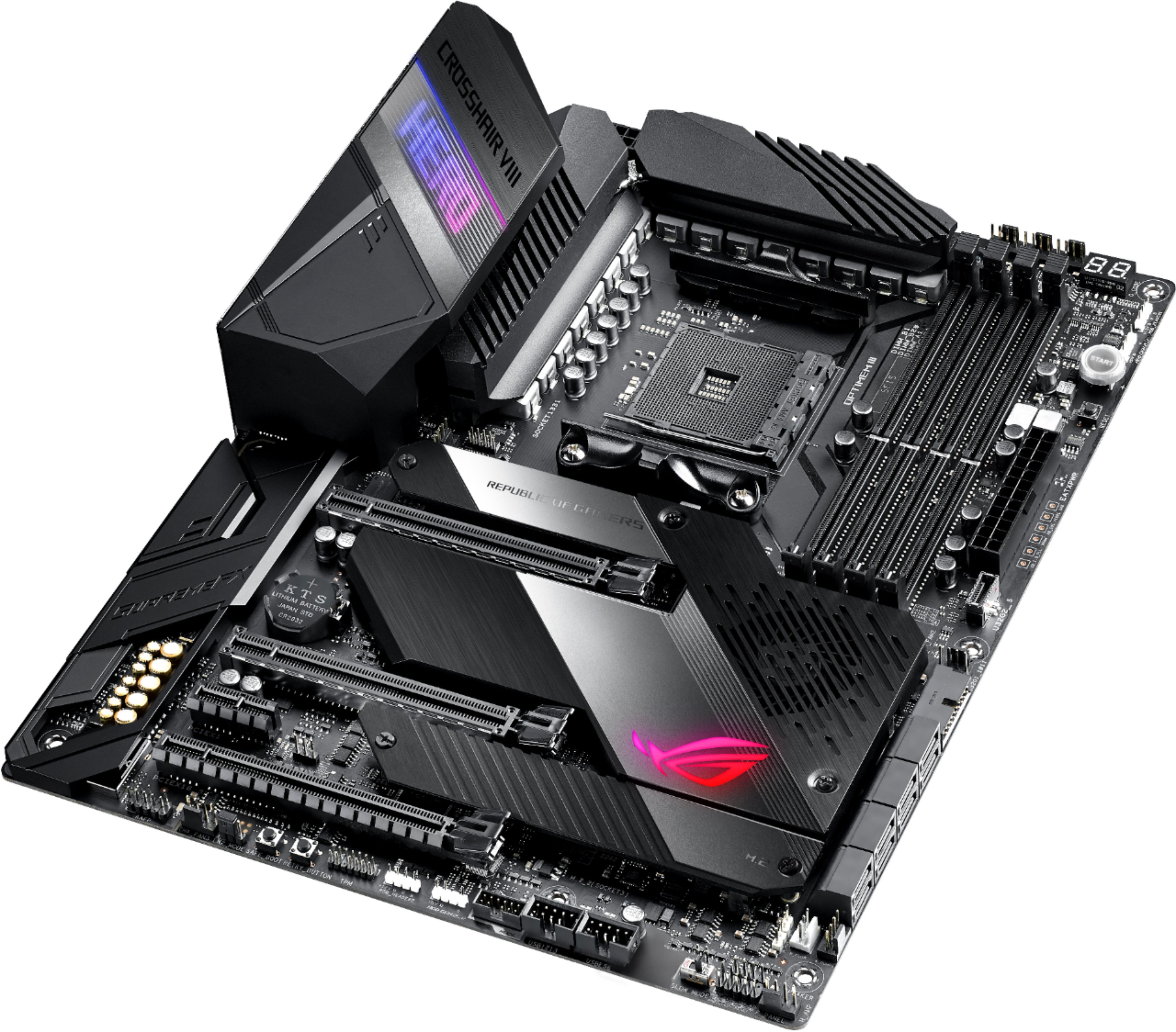
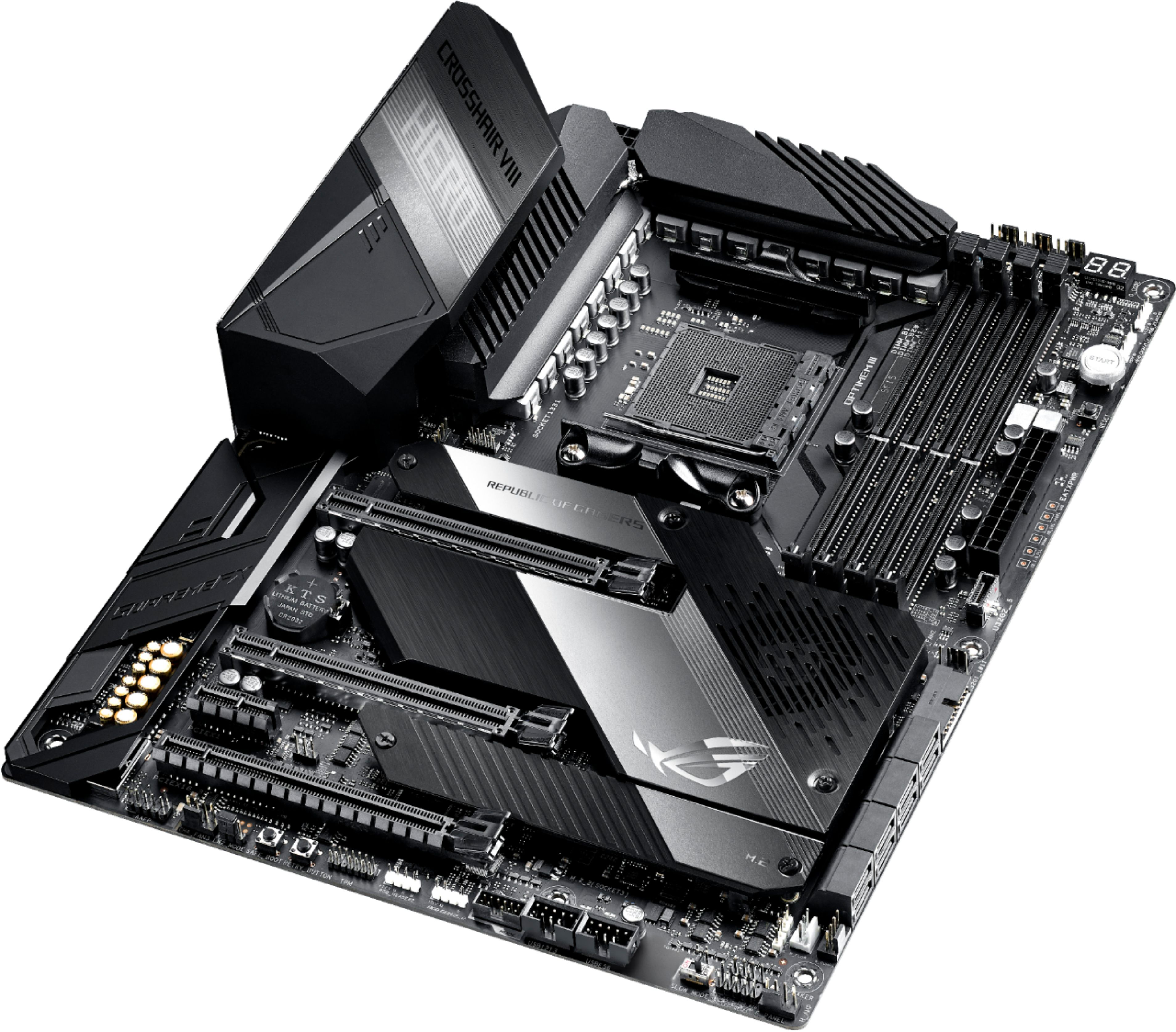
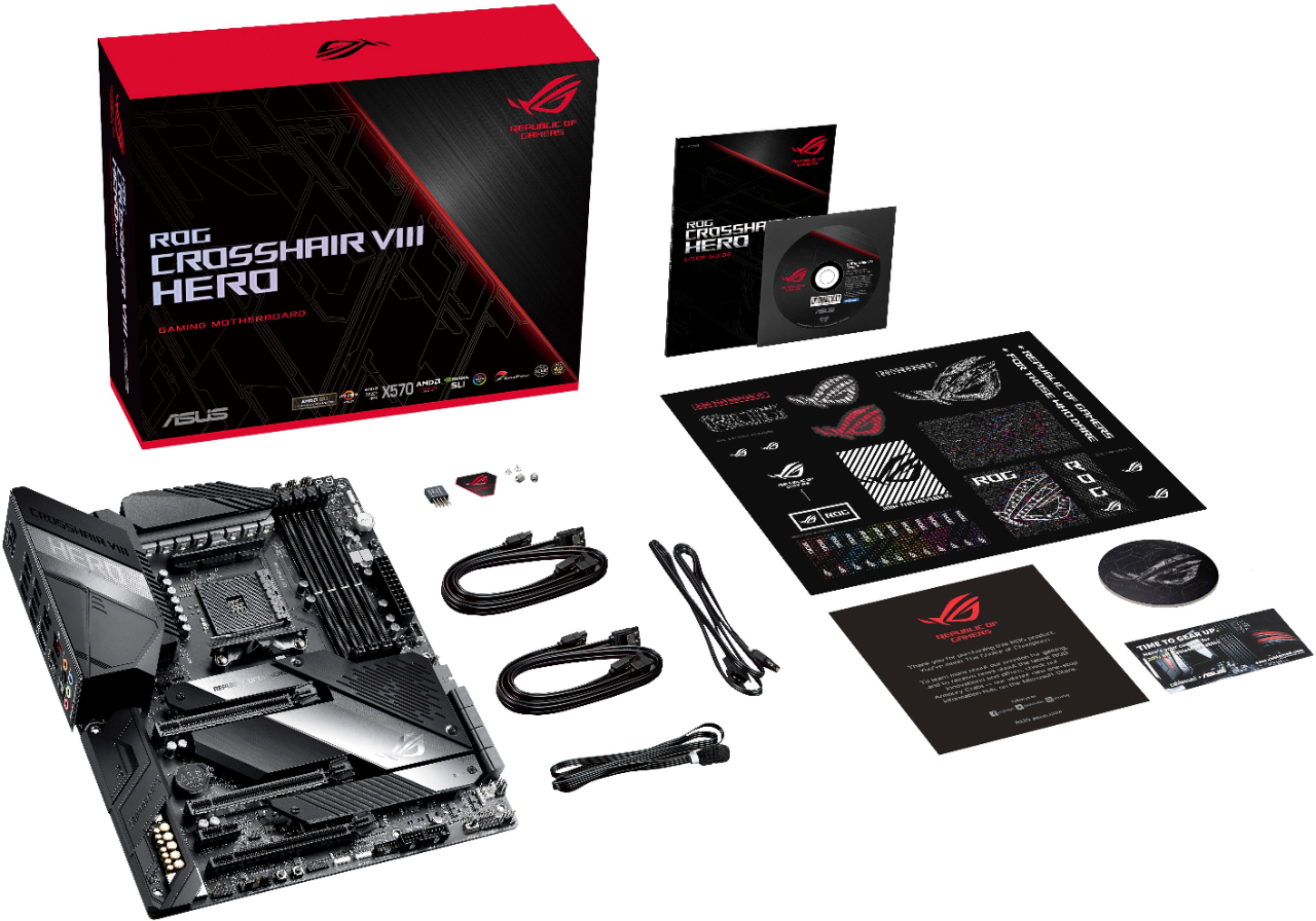
- ROG CROSSHAIR VIII HERO
- |
- SKU:
- 6356982
Customer reviews
Rating 4.6 out of 5 stars with 226 reviews
(226 customer reviews)Rating by feature
- Value4.3
Rating 4.3 out of 5 stars
- Quality4.7
Rating 4.7 out of 5 stars
- Ease of Use4.5
Rating 4.5 out of 5 stars
Customers are saying
Customers are impressed with the ROG Crosshair VIII Hero motherboard's overclocking capabilities, extensive USB ports, and high-quality build. Many appreciate its strong performance and the numerous features, including customizable RGB lighting options. The board's compatibility with various AMD CPUs and RAM is also frequently praised. However, some find the price to be a significant drawback.
This summary was generated by AI based on customer reviews.
Rated 4 out of 5 stars
Not compatible for future O/S
||Posted . Owned for 1 year when reviewed.This reviewer received promo considerations or sweepstakes entry for writing a review.Awesome for Windows 10. Cannot upgrade the O/S to windows 11.
I would recommend this to a friendRated 5 out of 5 stars
A Hero Indeed
||Posted . Owned for less than 1 week when reviewed.This reviewer received promo considerations or sweepstakes entry for writing a review.Already had a great X570 board from Asrock. Was a mini build and the wife got me the Lian Li 011-XL so a mini board would look a bit funny. So happy with this purchase. Setup was easy, features are great. Hands down the best Mobo I've worked with.
I would recommend this to a friendRated 4 out of 5 stars
Great VRM and Asus BIOS.
||Posted . Owned for 1 year when reviewed.This reviewer received promo considerations or sweepstakes entry for writing a review.First off, I am only giving this a 4 star review because I did have to RMA it and that was a pain. When you enter the serial number on Asus' webpage, it says you have to take it to Best Buy. I did that, but Best Buy does not take/ exchange motherboards/offer warranty. This is one tick against Best Buy as Micro Center does. However, the board is really good, but my NVMe controller died on the original one. Once the awesome customer service representative saw the rejection I got from Asus, they were able to locate a number for me to call. I called while in store and they processed the RMA. I could have just received a bad bored (I had it for a year before it failed), but Asus sent me a new one. This one has been working great without issue and PCIe Gen 4 is super fast. Asus' PBO settings are amazing too.
I would recommend this to a friend- Pros mentioned:Build quality
Rated 5 out of 5 stars
ASUS is still the king
||Posted . Owned for 3 weeks when reviewed.This reviewer received promo considerations or sweepstakes entry for writing a review.Very happy with this board. I routinely buy Asus mobos, and this one has been very stable. The quality is unmatched, as you would expect for the money. Nvme drive installation was a breeze as well as setting up the OS on this m2 drive.
I would recommend this to a friend - Pros mentioned:Performance
Rated 5 out of 5 stars
Amazing motherboard
||Posted . Owned for 3 weeks when reviewed.This reviewer received promo considerations or sweepstakes entry for writing a review.This motherboard has everything you need! Except wifi but I dont use wifi. Bios is super simple to use. This is perfect for the latest and greatest hardware. I'm using it with a ryzen 7 5800x and the performance is insane!! Super fast.
I would recommend this to a friend Rated 5 out of 5 stars
ASUS crosshair VIII
||Posted . Owned for 1 week when reviewed.This reviewer received promo considerations or sweepstakes entry for writing a review.This motherboard worked great. I ordered a MSI motherboard and had to return it dude to Ethernet not working. This ASUS board was easy to setup and get working for a first time PC builder. Has neat RBG lighting on the board too.
I would recommend this to a friend- Pros mentioned:Overclocking
Rated 5 out of 5 stars
Fantastic MOBO for your 3xxx or 5xxx Ryzen!
||Posted . Owned for 8 months when reviewed.This reviewer received promo considerations or sweepstakes entry for writing a review.Best X570 board right now. Unless you need the all blacked out version, the VRM on the Hero board is more than adequate for a 5950 or less. Currently running a 5900X with zero issues and ASUS has been good about bios updates.
I would recommend this to a friend - Pros mentioned:Led lighting
Rated 5 out of 5 stars
Looks amazing
||Posted . Owned for 3 weeks when reviewed.This reviewer received promo considerations or sweepstakes entry for writing a review.I love this motherboard Unfortunately I’ve had to buy it three times now because out of the box it was defective first time ever when buying a product from Best Buy Looks amazing when working properly
I would recommend this to a friend - Pros mentioned:Overclocking
Rated 5 out of 5 stars
Amazing motherboard to say the least.
||Posted . Owned for 1 month when reviewed.This reviewer received promo considerations or sweepstakes entry for writing a review.I really can't say anything bad about this motherboard to be honest. Paired with a Ryzen 7 3800X, decent memory, and an AIO overclocking is effortless. All the bells and whistles you would expect from a part in this price range.
I would recommend this to a friend - Pros mentioned:Usb ports
Rated 5 out of 5 stars
5000 ready!
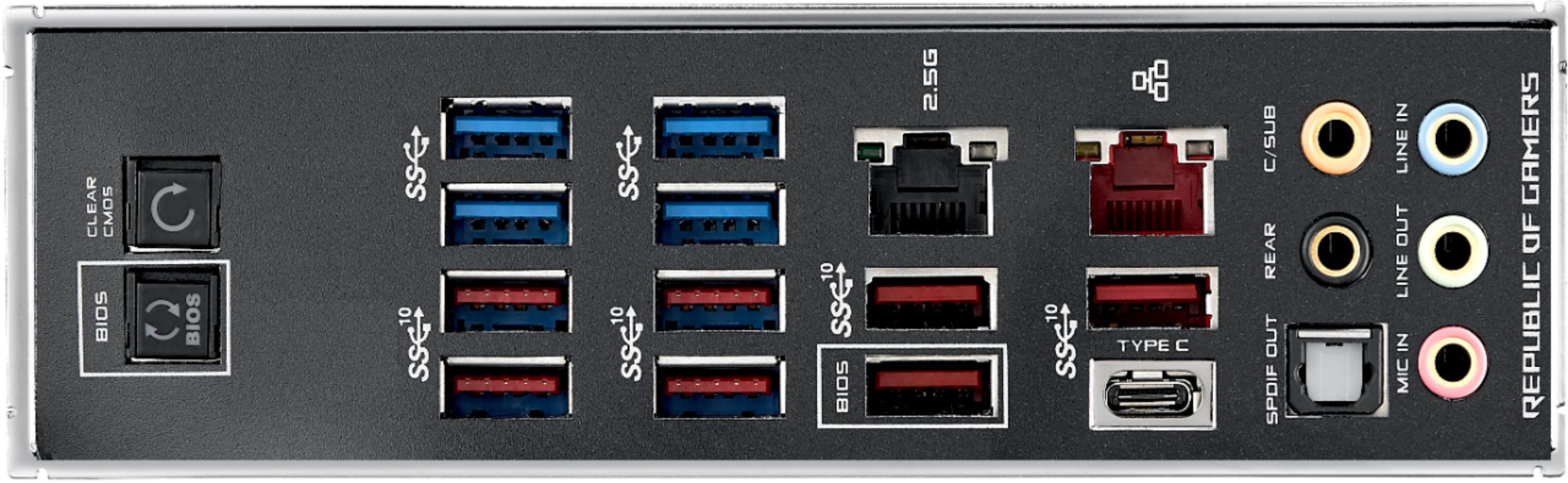
||Posted . Owned for 3 weeks when reviewed.This reviewer received promo considerations or sweepstakes entry for writing a review.The Asus ROG Crosshair VIII Hero Wi-Fi is packed with features, with 12 USB ports (eight of which are USB 3.2 Gen 2 speeds), a 2.5G LAN port, eight SATA ports, and integrated Wi-Fi 6, it’s a good base for a high-end build.
I would recommend this to a friend - Pros mentioned:Build quality
Rated 5 out of 5 stars
Amazing, DO get it if you can afford it.
||Posted . Owned for 10 months when reviewed.This reviewer received promo considerations or sweepstakes entry for writing a review.This thing is AWESOME! It does EVERYTHING you want it to. Very easy to build on, and the flashable bios is VERY useful! It’s definitely not cheap and you definitely get what you pay for.
I would recommend this to a friend Rated 4 out of 5 stars
Board seems good just takes 3x longer to start up
||Posted .This reviewer received promo considerations or sweepstakes entry for writing a review.Board seems good just takes 3x longer to start up Than my old 990 with a 9590 processor. I’m running 64 gig ram , m2 drive and ryzen 3900 so pretty much has to be the board. Probably would buy a different one next time It also is having issues seeing all my drives.
No, I would not recommend this to a friend- Pros mentioned:Usb ports
Rated 5 out of 5 stars
One of the best X570 boards there is
||Posted . Owned for 3 weeks when reviewed.This reviewer received promo considerations or sweepstakes entry for writing a review.Love this board! Lots of USB ports, and mine came updated with support for 5000 series support, which I appreciate. The only knock is the LEDs on the board are kinda dim, but it doesn’t bother me much.
I would recommend this to a friend Rated 5 out of 5 stars
Still spendy but totally worth it
||Posted . Owned for 7 months when reviewed.This reviewer received promo considerations or sweepstakes entry for writing a review.Still spendy but very capable. I really have zero negatives about this board. I love it. I use it in a Corsair C70 case with relatively good airflow and it has given me zero issues. My only wish is for a couple more fan headers. I've had to go through a fan controller to run everything, which is annoying but not a deal breaker by any means. I would absolutely buy this board again, if building another similar rig. I really appreciate how everything is actually labeled (albeit in teeny, tiny print). Makes the mystery of where to plug things in a breeze.
I would recommend this to a friendRated 5 out of 5 stars
High quality
||Posted . Owned for 4 months when reviewed.This reviewer received promo considerations or sweepstakes entry for writing a review.The first thing that I did was flash the bios using the flashback feature with a USB 2.0 flashdrive that only had the 1.0.0.3AB bios on it. Then I installed the 3900X amd processor with the stock wraith prism cooler along with the Crucial Ballistix Sport LT 3000 MHz DDR4 CL 15 memory 16GBx2. I encountered the error Q-code 02 and I figured out that my CPU fan was not starting, but the lights would work. So I ordered the Dark Rock Pro 4 CPU cooler. Now everything works like a charm and my PC idles at 37C. I tried running the memory at 3333, but my PC would freeze up after a while. I need to work on the timings. However, 3200 and the FCLK set at 1600 will work fine via DOCP settings.
I would recommend this to a friend- Pros mentioned:Overclocking
Rated 5 out of 5 stars
Everything I need and more.
||Posted . Owned for 1 month when reviewed.This reviewer received promo considerations or sweepstakes entry for writing a review.I live the bios flashback and CMOS option. I was able to overclock everything I needed including the CPU and rams. It worked out well and I didn't have any problem with the Mobo. It was 3rd gen ready!
I would recommend this to a friend - Pros mentioned:Overclocking
Rated 5 out of 5 stars
best motherboard for price.
||Posted . Owned for 4 months when reviewed.This reviewer received promo considerations or sweepstakes entry for writing a review.1 of the best and feature rich motherboards i have bought pro's handles over clocking with ease motherboard stay very cool compared to the VI hero con's none i can think of.
I would recommend this to a friend - Pros mentioned:Performance
Rated 5 out of 5 stars
Amazing Board.
||Posted . Owned for 4 months when reviewed.This reviewer received promo considerations or sweepstakes entry for writing a review.Love this board. Sorta wish they had the WIFI version, but this one works break and offers plenty of performance and options. If you're looking to build a Ryzen 3600-3950 CPU, this is a great choice.
I would recommend this to a friend - Pros mentioned:Overclocking
Rated 5 out of 5 stars
Great value
||Posted . Owned for 1 month when reviewed.This reviewer received promo considerations or sweepstakes entry for writing a review.Solid motherboard with great support for the new Ryzen 5000 CPUs if you are thinking about overclocking get this board. Also has a really good soundcard that produces clean sound.
I would recommend this to a friend Rated 5 out of 5 stars
Used for an all Black/Dark build.
||Posted . Owned for 1 month when reviewed.This reviewer received promo considerations or sweepstakes entry for writing a review.Went with an all black dark build and it is perfect. No Wifi but thats fine it has enough PCIE slots for a dedicated Wifi slot instead. Once running you can turn off the LEDs except for the Start button, havent found a way to turn it off. Might just use a Sharpie, dont know yet. Using it inside a 4000D Corsair case and using the double Noctua NH-D15 chromax black. Ram is cleared you just have to move the fans a bit higher dependong RAM. I am using the Corsair vengence black sticks of course. Also enough headers for all 6 fans. 2 slots for m.2 drives. Dont ask about my GPU but I am sure it fits most. haha
I would recommend this to a friend