Customer Ratings & Reviews


- Model:
- G16CHR-I7KF4070SVR
- SKU:
- 6572408
Rating by feature
- Value
Rating 4.6 out of 5 stars
- Quality
Rating 4.6 out of 5 stars
- Ease of Use
Rating 4.6 out of 5 stars
Customers are saying
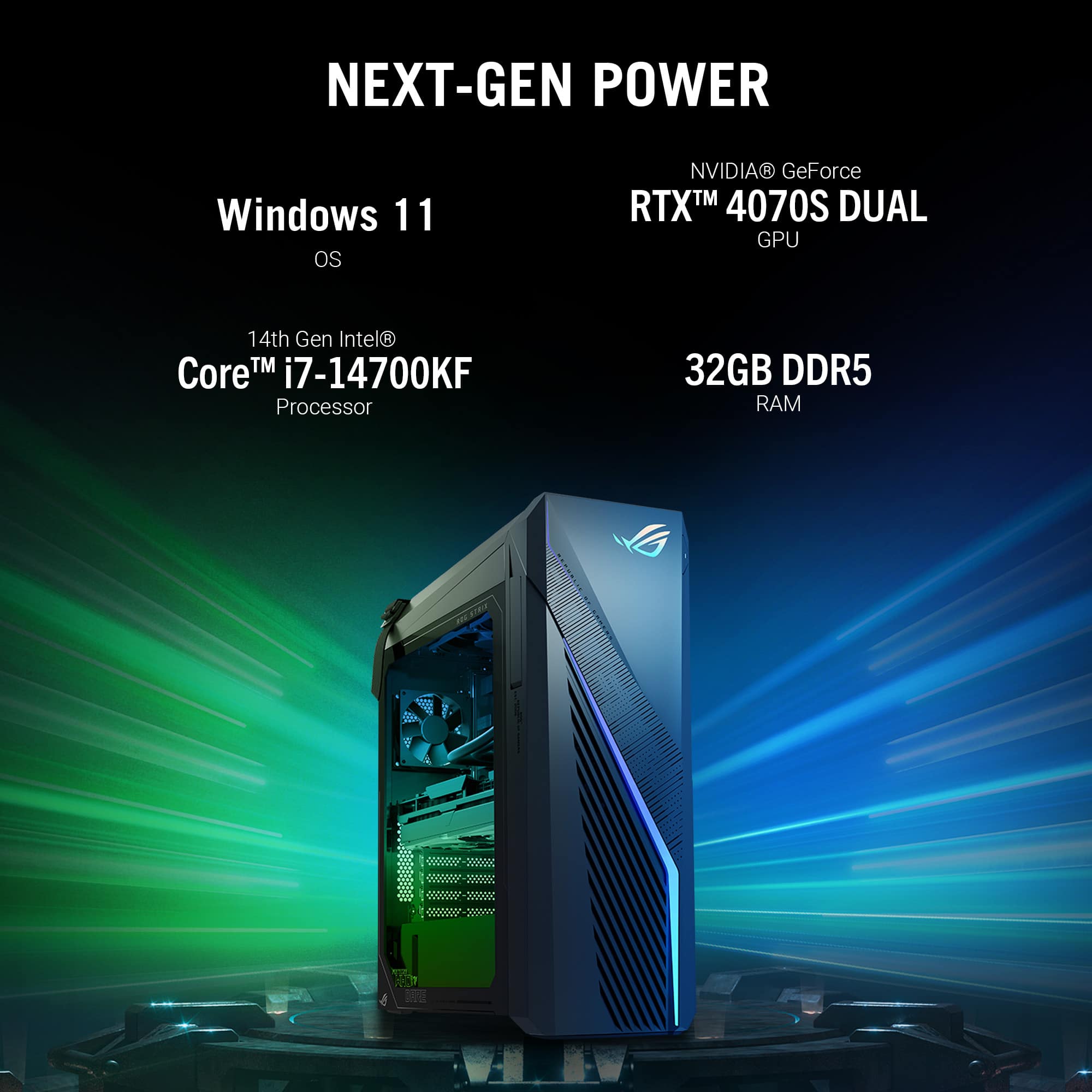
Customers appreciate the ROG Gaming Desktop for its strong performance, powerful NVIDIA RTX 4070-SUPER GPU, and ample 32GB of DD5 RAM, allowing for fast speeds while maintaining minimal fan noise. Many find the desktop reasonably priced given its specifications. However, some customers have reported issues with the audio and limited storage capacity expansion.
This summary was generated by AI based on customer reviews.
A Horrible Experience and a Broken Computer.
||Posted .This reviewer received promo considerations or sweepstakes entry for writing a review.I bought this gaming desktop from the store of Veterans Memorial Blvd in Metairie, LA. I brought it home, hooked everything up, and it didn't work. Kept getting "No Signal. Is it on?" between a few new monitors and televisions. Tried two different HDMI cables. The first person I spoke to with Geek Squad refused to answer any of my questions and told me to call the store. The store instantly said that it's a Geek Squad Problem. About 6 or 7 reps later, I just decided to return it and never buy PC's from Best Buy again. These people sold me a computer that doesn't work and then didn't want to help me afterwards. It was a horrible experience from start to finish. The last woman I spoke to said I can return it for a full refund if it's done within 15 days so I'm doing it as soon as I finish up with my last patient. PRODUCT DOESN'T WORK.
No, I would not recommend this to a friendBrand response from ASUS Answers
Posted .Dear Stephen,
We sincerely apologize for the issues you've faced with the desktop and the inconvenience caused. This is not the kind of quality to expect from ASUS products and it's not the norm. At ASUS, we take quality control, testing, and inspections seriously to ensure our products meet high standards. What you've experienced was not intentional or representative of our brand. The decision to make a purchase can be an important one, and we want to ensure that our customers receive the best products and services. We understand the impression this may have created and we hope this will not be a long-term lasting impression as you have chosen ASUS as a trusted brand for excellence. Providing our customers with a high level of satisfaction is our top priority, and we'll forward your feedback to our Product Team for review.
Although you have returned the unit, we do stand behind our products and we continuously strive to improve our products and processes to achieve customer service excellence. If you require any further assistance, please send us an email at [email protected] and include the case number "N2405026005-0001" as a reference. We will do our best to resolve your case quickly. Your feedback is very important to us, and it enables us to improve our support channels. Thank you for choosing ASUS.
Best Regards,
Chantae
ASUS Customer Loyalty US Support
ASU Pc
||Posted . Owned for 7 months when reviewed.This reviewer received promo considerations or sweepstakes entry for writing a review.Pc worked great for 7 months until the motherboard went it so that is out being replaced but it has done everything I wanted it to do
No, I would not recommend this to a friend- Cons mentioned:Audio
Not very good
||Posted . Owned for 3 weeks when reviewed.This reviewer received promo considerations or sweepstakes entry for writing a review.The audio keeps having issues and the PSU is too weak to connect another SSD drive. I couldn't recommend this computer. When asking for advice, the representative for the company said they don't help with the computer.
No, I would not recommend this to a friendBrand response from ASUS Answers
Posted .Dear Werewookiee,
We sincerely apologize for the issues you've faced with the Gaming Desktop PC and for the inconvenience caused. This is not the kind of quality to expect from ASUS products and it's not the norm. At ASUS, we take quality control, testing, and inspections seriously to ensure our products meet high standards. What you've experienced was not intentional or representative of our brand. The decision to make a purchase can be an important one, and we want to ensure that our customers receive the best products and services. We understand the impression this may have created and we hope this will not be a long-term lasting impression as you have chosen ASUS as a trusted brand for excellence. Our top priority is providing our customers with a high level of satisfaction, and we'll forward your feedback to our Product Team for review.
Please allow us to make your experience with ASUS a better one. To troubleshoot the audio issue described, we recommend following the steps in the FAQ below. Should the issue persist, please contact our support team at https://www.asus.com/us/support/CallUs to further investigate the problems or assist with repairing the device.
We stand behind our products and continuously strive to improve our products and processes to achieve customer service excellence. For more information, email us at [email protected] and include the case number "N2405026005-0003" as a reference. We will do our best to resolve your case quickly. Your feedback is very important to us and enables us to improve our support channels. Thank you for choosing ASUS.
Best Regards,
Chantae
ASUS Customer Loyalty US Support
https://www.asus.com/in/support/faq/1015070/
I don’t know how it works. It never showed up.
||Posted .This reviewer received promo considerations or sweepstakes entry for writing a review.I ordered this for a present and you needed a signature to drop it off. Somebody signed for it that I didn’t know who it was cause it wasn’t my house customer service lead me on for almost a month telling me that I would be getting a refund for my troubles and then it got denied and then they told me to contact my local law-enforcement which I did and like I thought they couldn’t do anything about it so Best Buy customer service sucks and I will not be buying anything from Best Buy again. I know that won’t hurt them because they are a big chain but be careful when you order things because they will not compensate you or help you in the least bit, they’ll tell you everything is OK. They’re sorry for your troubles and they’ll make it all right cause that’s all they said and nothing was made right the supervisor didn’t make it right and nobody would get back to me anymore about anything
No, I would not recommend this to a friendBrand response from ASUS Answers
Posted .Dear Valued Customer,
We do understand your dissatisfaction with the quality of your recent customer service experience with your seller and the inconvenience this may have caused.
If you need further assistance with the PC or other ASUS products, please email me at [email protected] and I would be more than happy to help. Or you are most welcome to call Product Support Hotline at: 1(888) 678-3688. Also, you can chat with an ASUS live support agent from the link: https://www.asus.com/us/support/article/1135/.
Regards,
Rodel
ASUS Customer Loyalty
Avoid the i7-14700KF
||Posted . Owned for 3 months when reviewed.This reviewer received promo considerations or sweepstakes entry for writing a review.Awesome gaming pc except for the faulty i7-14700KF. Returned.
No, I would not recommend this to a friendBrand response from ASUS Answers
Posted .Dear Melissa,
Thank you for sharing your feedback on the Gaming Desktop PC and we apologize for the problem you've faced with the the processor. At ASUS, we take quality control, testing, and inspections seriously to ensure our products meet high standards. We understand the impression this may have created and we hope this will not be a long-term lasting impression as you have chosen ASUS as a trusted brand for excellence. Our top priority is providing our customers with a high level of satisfaction, and we'll forward your feedback to our Product Team for review.
Having returned the desktop, we hope that you were able to obtain a functional replacement.
We do stand behind our products and we continuously strive to improve our products and processes to achieve customer service excellence. If you require any further assistance, please send us an email at [email protected] and include the case number "N2408029738-0001" as a reference. We will do our best to resolve your case quickly. Your feedback is very important to us, and it enables us to improve our support channels. Thank you for choosing ASUS.
Best Regards,
Chantae
ASUS Customer Loyalty US Support
Beware of open boxes items!
||Posted . Owned for 3 weeks when reviewed.This reviewer received promo considerations or sweepstakes entry for writing a review.We purchased an open box computer for our son for Christmas. The description stated that it could be missing some non essential items like manuals. We had to drive 50+ miles in Houston traffic to pick it up, since they wouldn't ship it. Our son goes to set the computer up, only to find it had no power cable. We tried to call the store to solve the problem, only to get directed to a call center. After several attempts to resolve the problem with customer service, they ultimately told me that the power cord wasn't an essential item and i needed to purchase the item. Really? A power cord is a non-essential item? The worst part is I'm supposed to be a valued customer.
No, I would not recommend this to a friendBrand response from ASUS Answers
Posted .Dear Bigjim4x,
Thank you for your feedback.
We certainly understand your disappointment and the inconvenience this may have caused if the open box item is missing a power cable. Typically, ASUS doesn't provide replacement for missing accessories with open box products being sold by resellers. Please contact your seller for details regarding their policy on open box products. Should you need further assistance with the desktop PC, please email me at [email protected] and I would be more than happy to help. Or you are most welcome to call Product Support Hotline at: 1(888) 678-3688. Also, you can chat with an ASUS live support agent from the link: https://www.asus.com/us/support/article/1135/.
Thank you for choosing an ASUS product.
Regards,
Rodel
ASUS Customer Loyalty
Horrible Customer Service
||Posted . Owned for 1 week when reviewed.This reviewer received promo considerations or sweepstakes entry for writing a review.Ordered the product for a Xmas gift, but the package got delayed. Not ideal, but understandable. However every 3 days the product continues to get delayed to the point where Fedex still has not shipped it and it has been over 2 weeks since it was scheduled to be delivered. Customer service refuses to cancel and refund the item even though they admitted something is wrong and the package is lost. I continue to try and work with best buy to solve the issue only to get the same run around. DO NOT RECOMMEND BUYING FROM BEST BUY ONLINE.
No, I would not recommend this to a friendBrand response from ASUS Answers
Posted .Dear Valued Customer,
We regret learning of the difficulties you have encountered during the purchase process with the place of purchase and we sincerely apologize for the inconvenience this may have caused you.
This is not the kind of experience we want our customers to have with our resellers. If you wish to file a formal complaint, we recommend contacting BestBuy customer service.
We do stand behind our products and continuously strive to improve our products and processes to achieve customer service excellence. If you require any further assistance, please email us at [email protected] and include the case number "N2405026005-0019" as a reference. We will do our best to resolve your case quickly. Your feedback is very important to us and enables us to improve our support channels. Thank you for choosing ASUS.
Best Regards,
Chantae
ASUS Customer Loyalty US Support
- Pros mentioned:Gpu, Performance, Ram

Wonderful prebuilt, ASUS ROG delivers as always
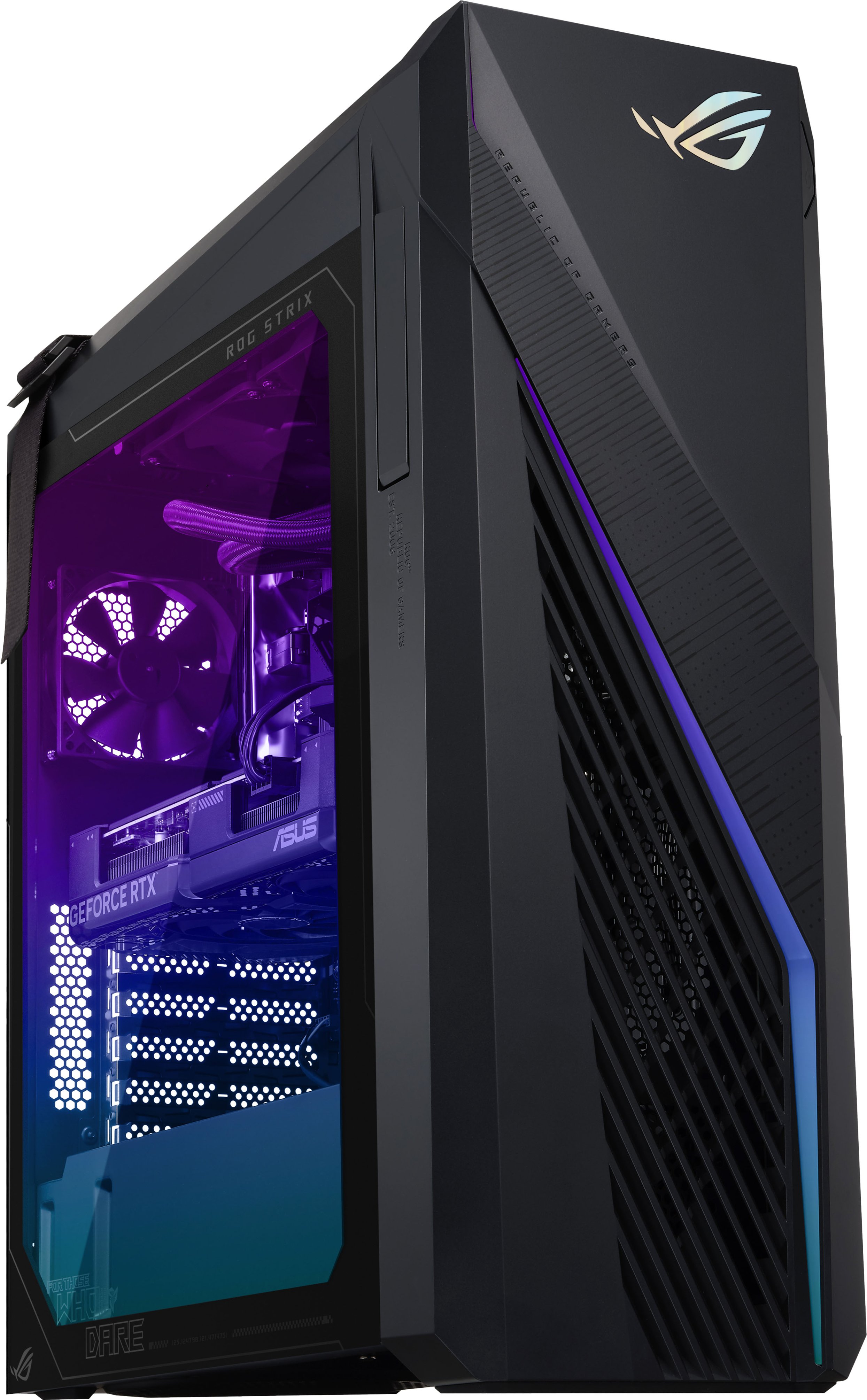
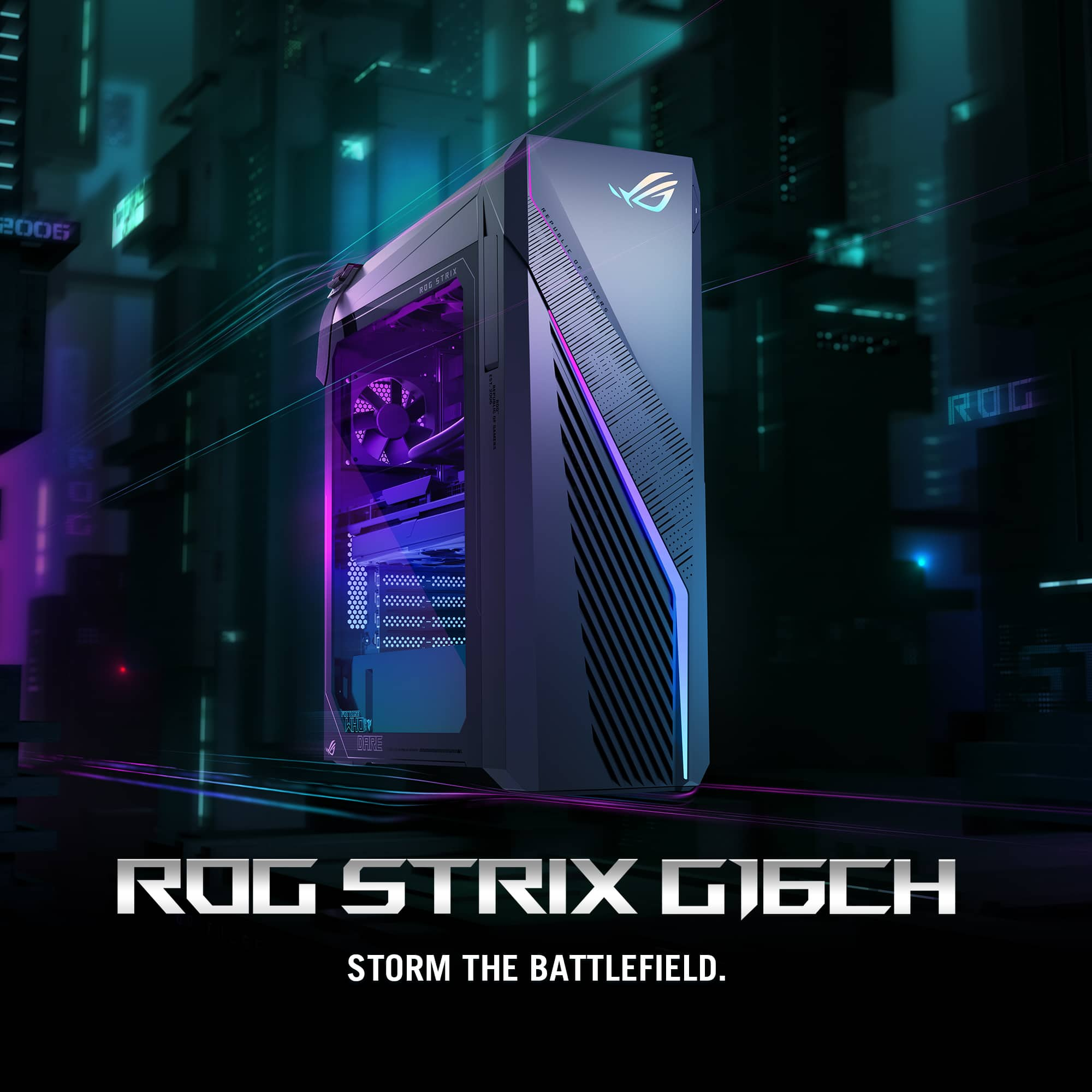
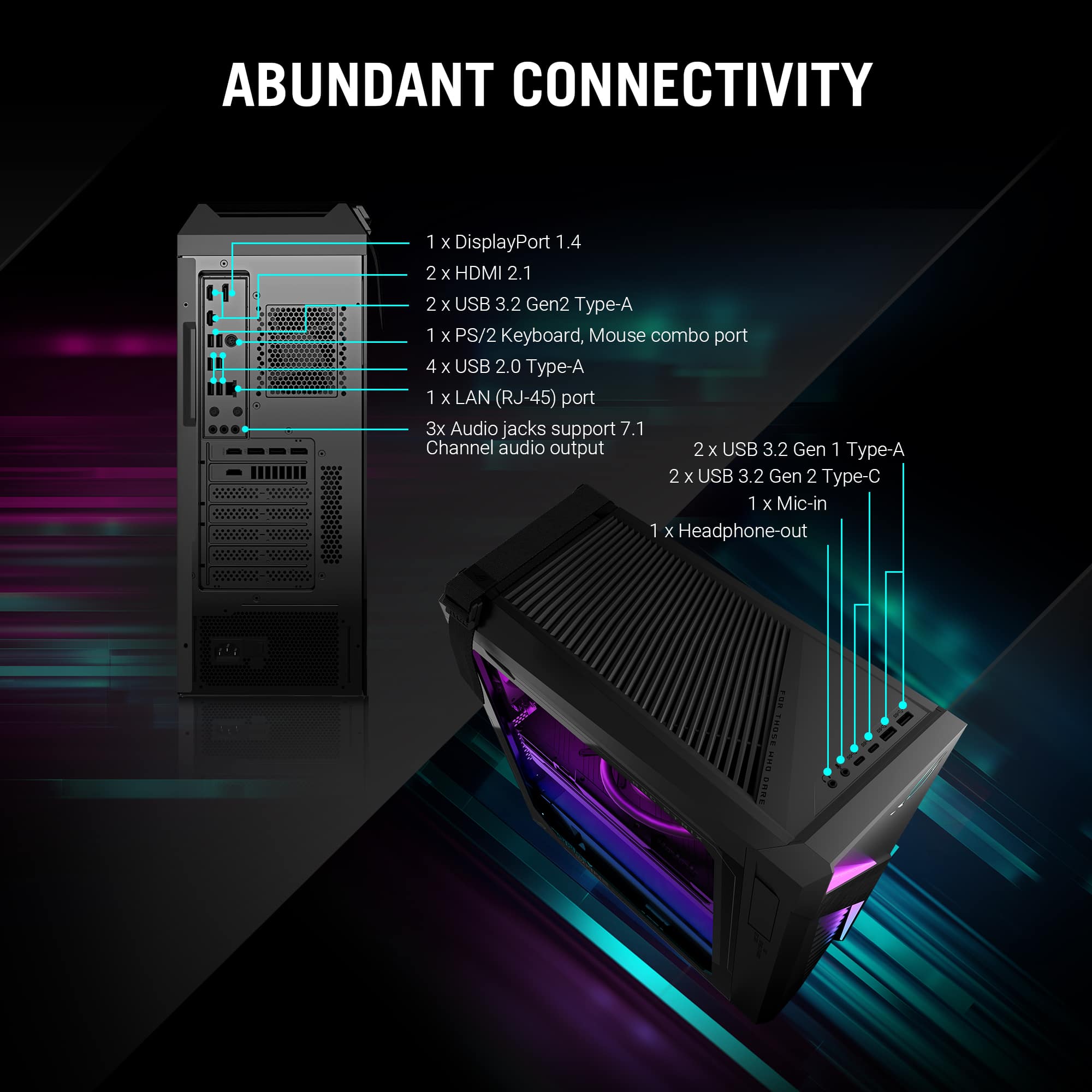
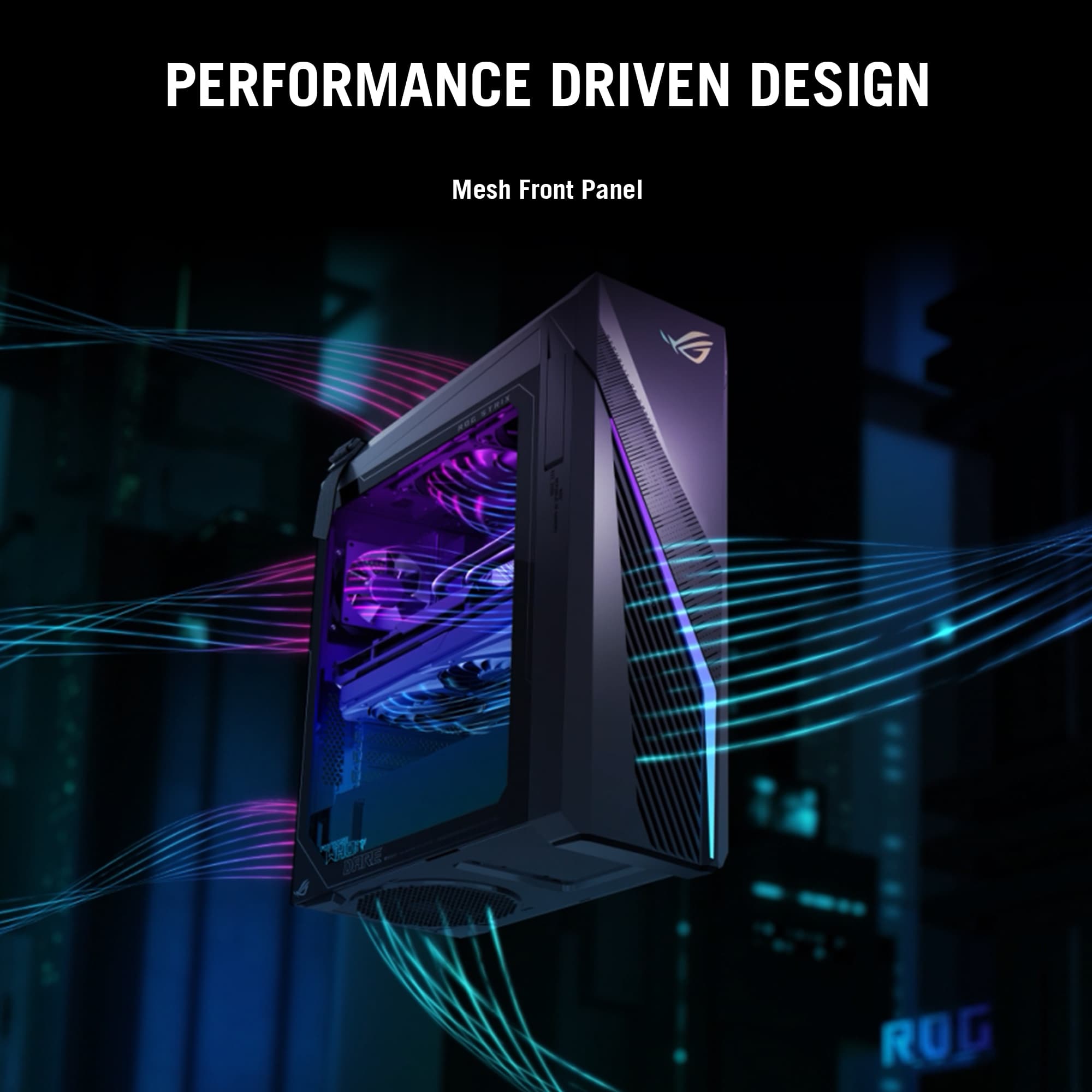
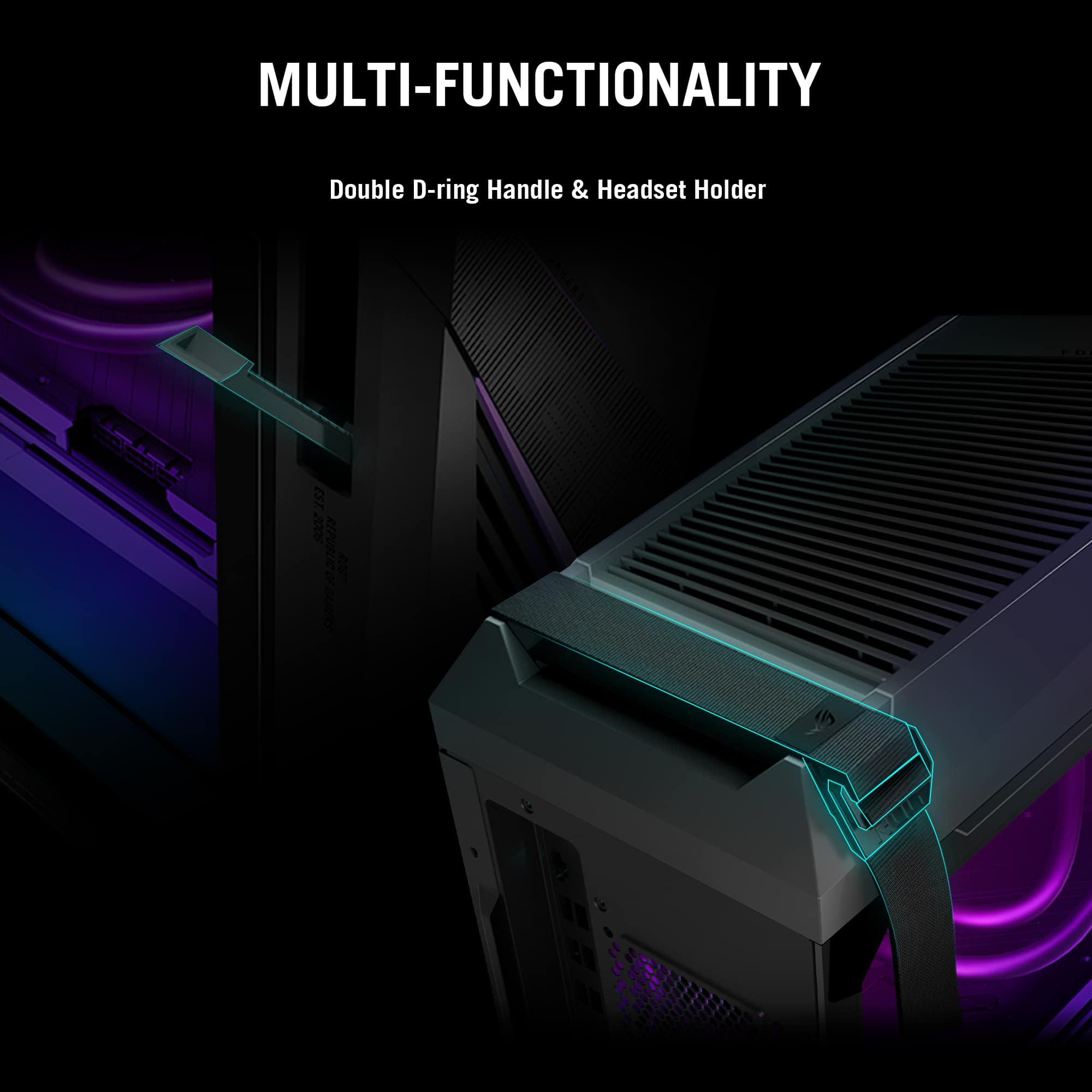
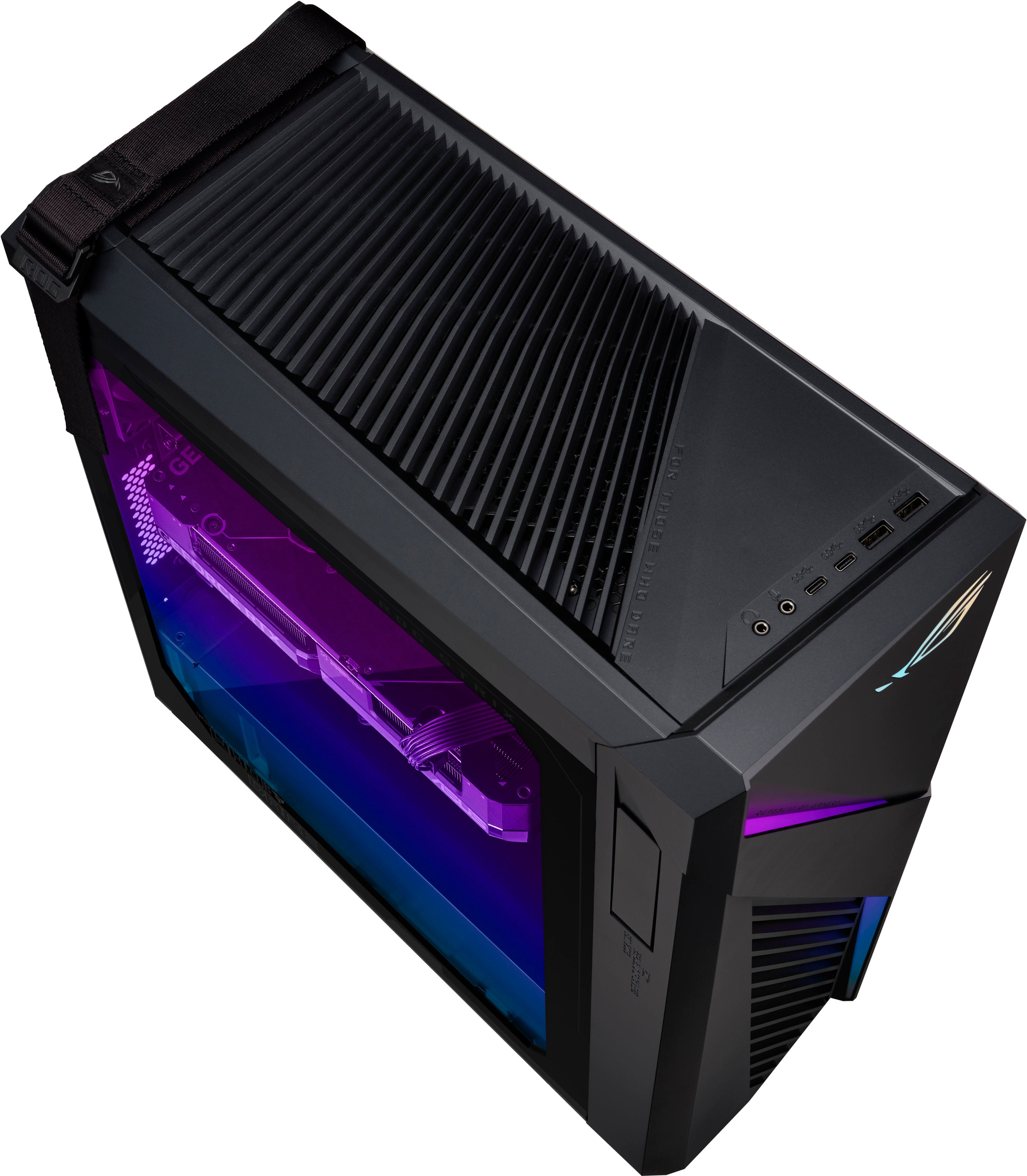
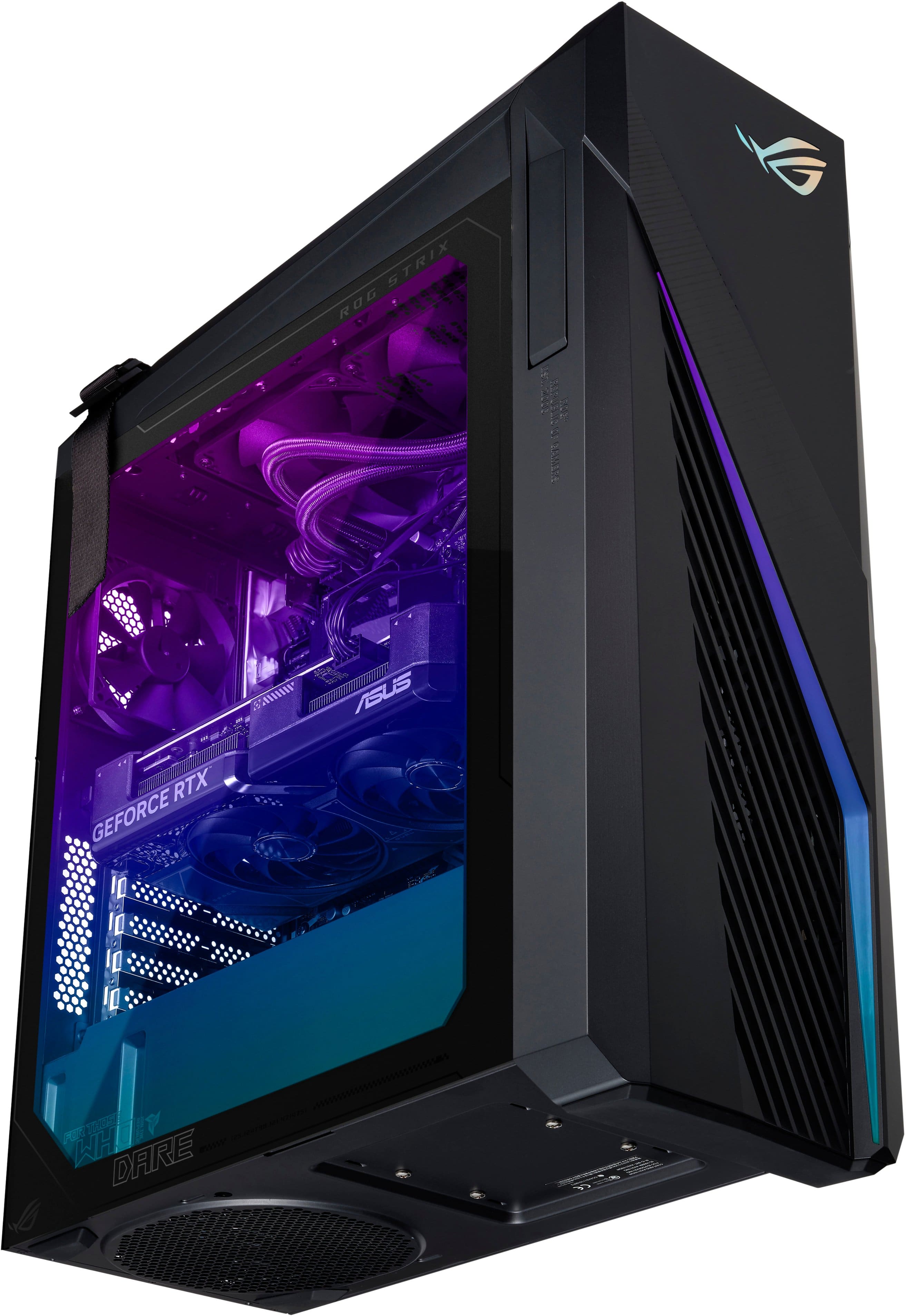
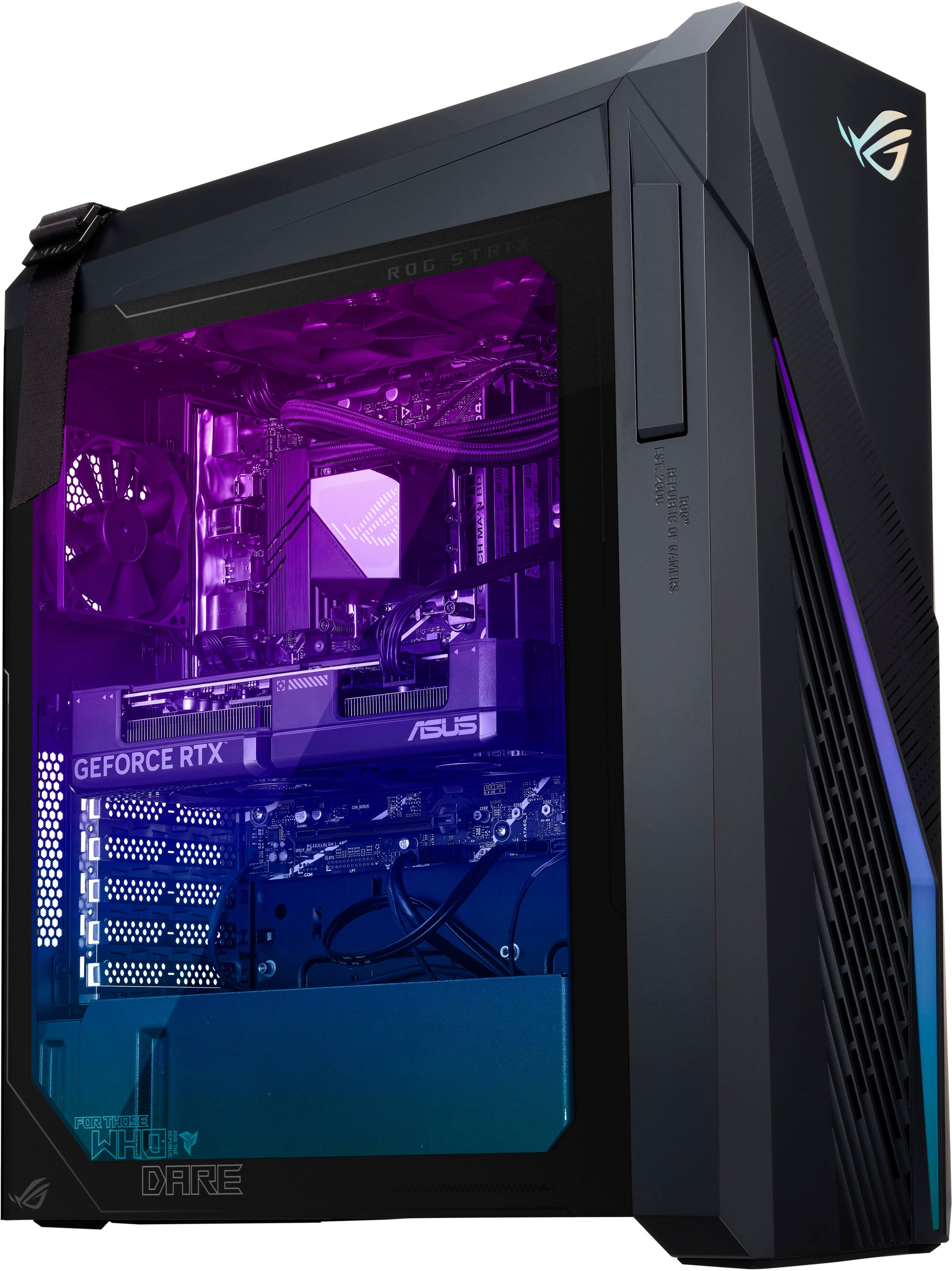
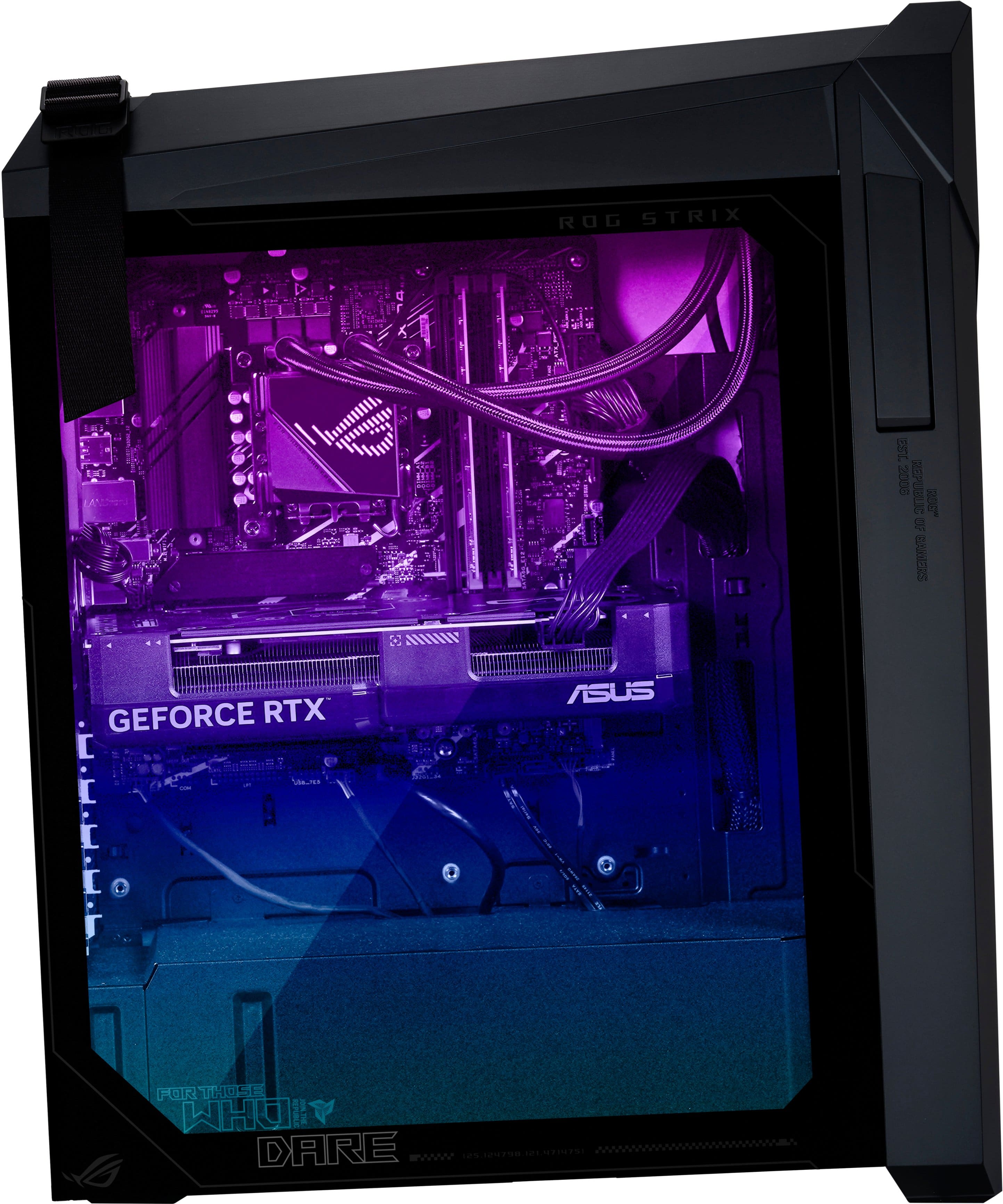
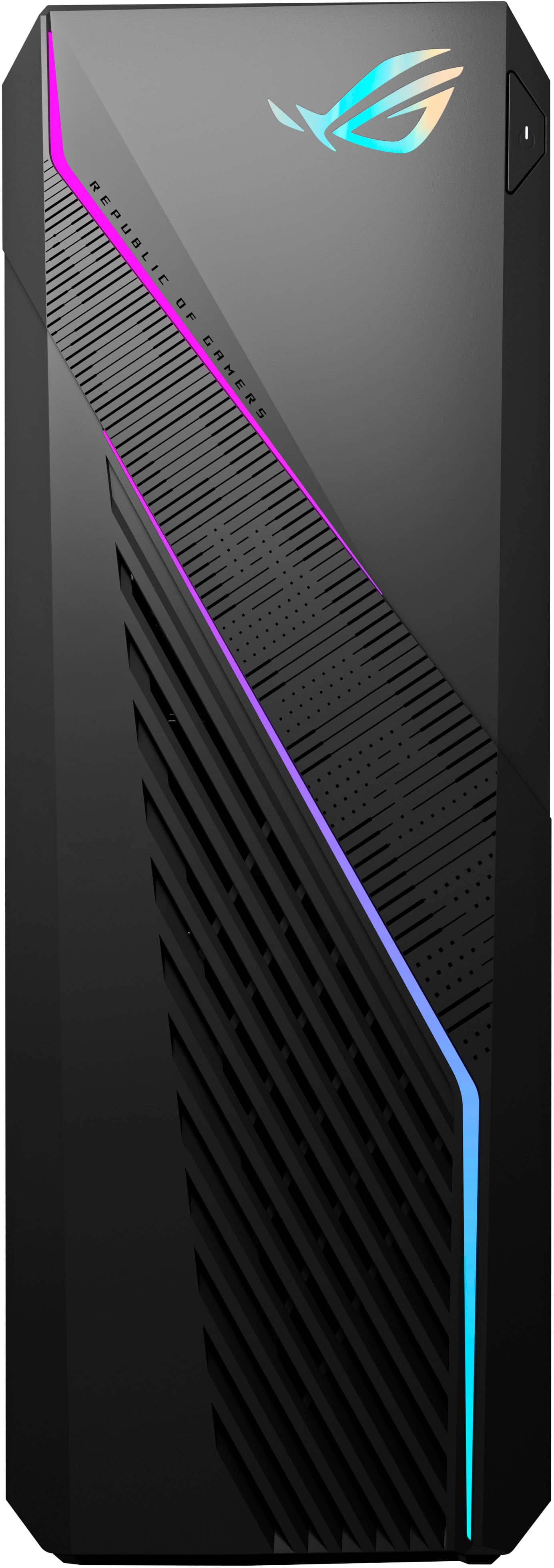
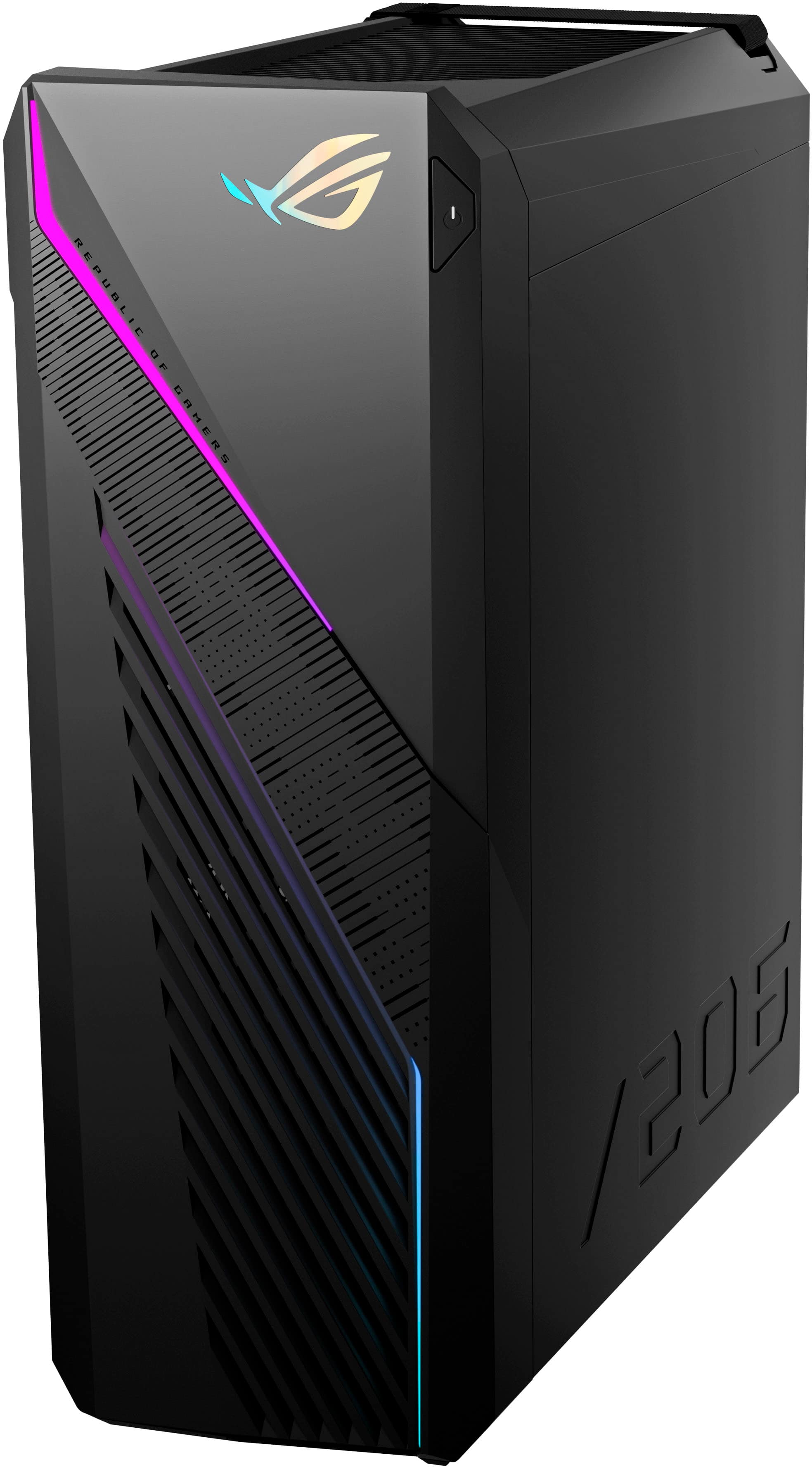
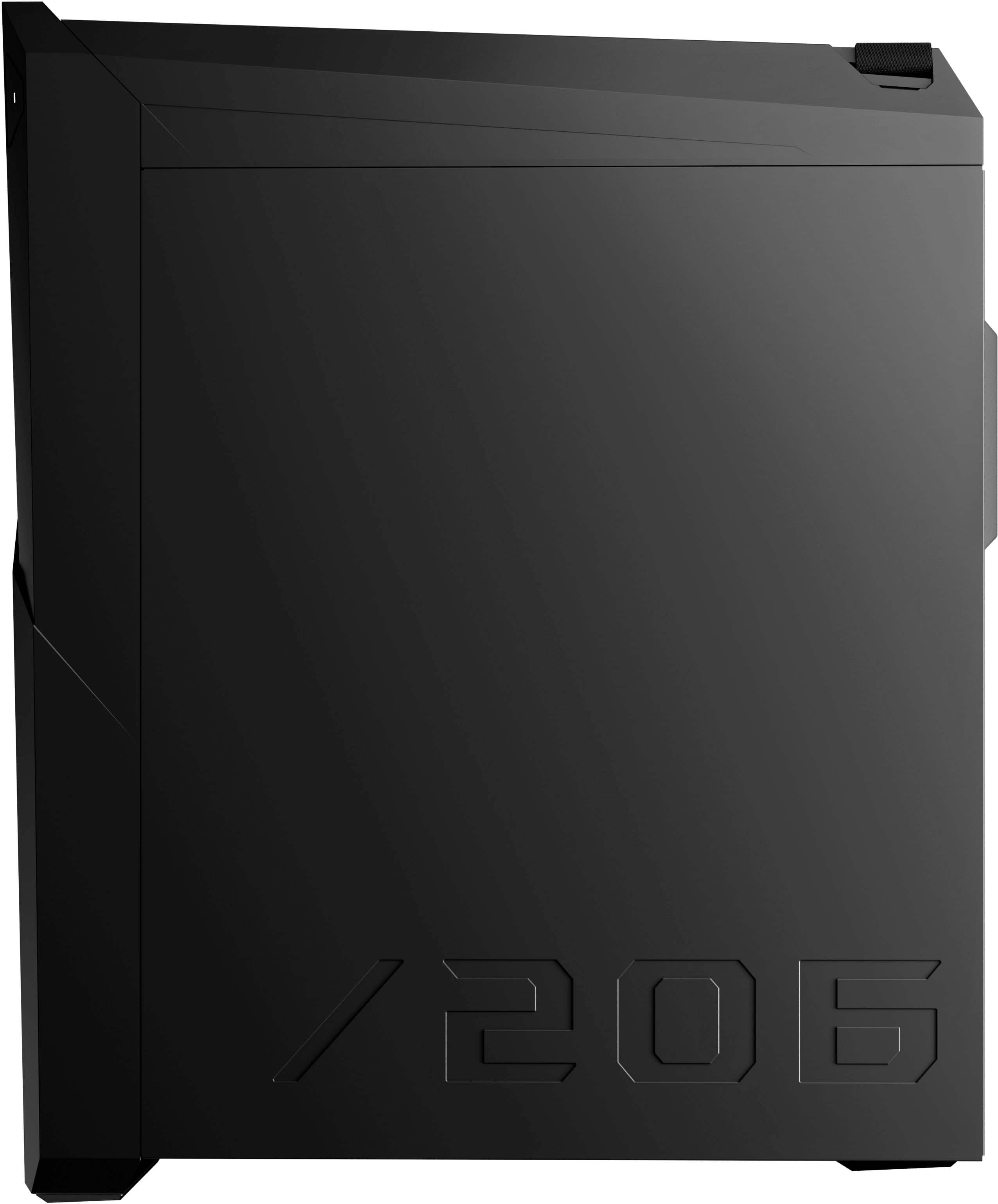
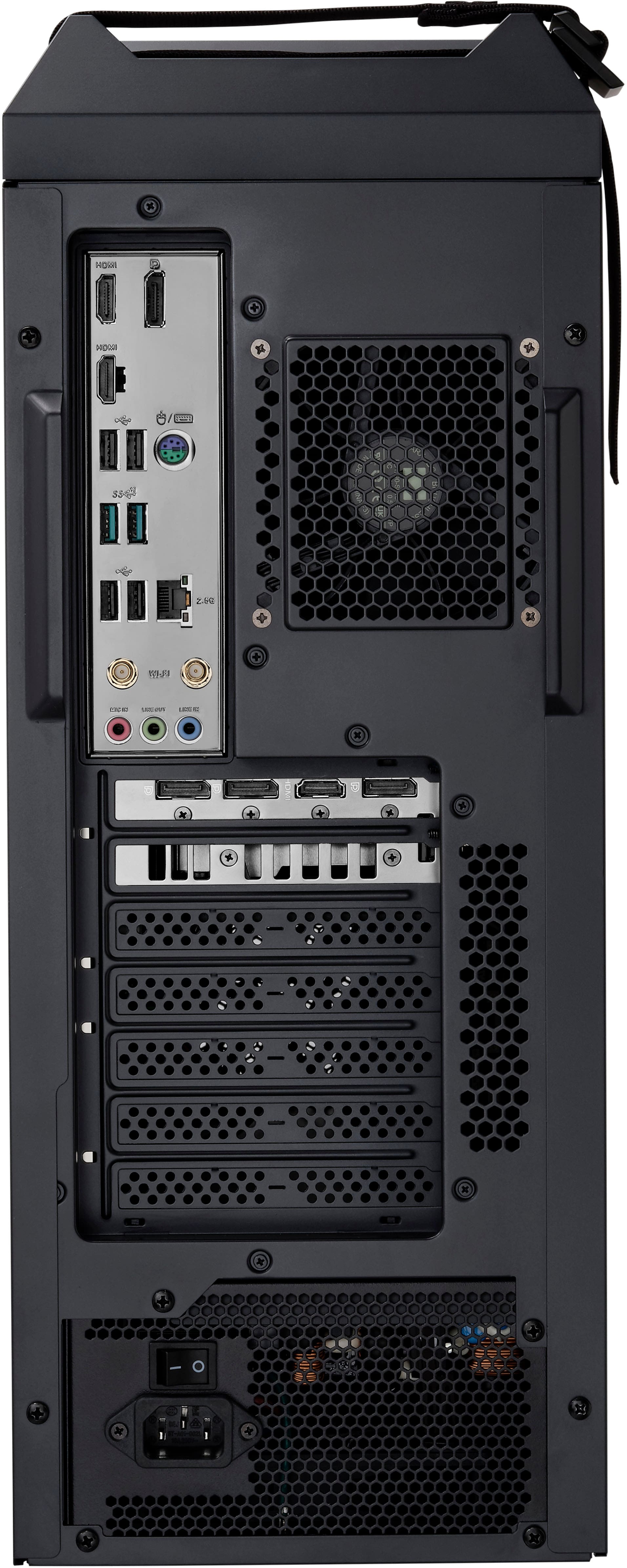
|Posted .This reviewer received promo considerations or sweepstakes entry for writing a review.ASUS knocks this prebuilt out of the park! With a leading edge CPU and GPU and plenty of RAM and storage on board, the G16CHR ROG Desktop is a fabulous gaming prebuilt that can handle just about anything you throw at it. Packing was incredible. The box is enormous and that’s because inside, the desktop is set in custom foam layers all around, keeping it nice and protected. The one thing I would have like to have seen, is some added packing inside the machine supporting the GPU. The 4070 is a large GPU and in this design, there is nothing underneath it, so having something there in shipping to make sure the card doesn’t bend or shake loose would have been nice. Like with any high end PC using large cards like this, prebuilt, always inspect all the connections before you power up, just in case one did come loose while shipping. The PC itself is also pretty large, make sure you have the room wherever you’re thinking of placing it. ASUS likes to use this “tilted” at an angle design, so resting flat, the PC looks like its angled sloping backwards. Pretty unique and while weird at first, you do get used to it. The left side is clear glass panel so you can see all the guts of the PC at a glance, and placement of all the components is very nice and tidy, along with the cable management, very clean and efficient. What I love about the ASUS ROG PCs is they opt for very subtle RGB lighting. Every piece or component doesn’t light up like a Xmas tree, but instead there is awesome RBG backlight emitting from inside the machine, and then RGB lightning bolt patterns on the outside face. Not tacky or distracting at all, very nice. On startup, you get a quick flash of all white light down the front RGB, then it turns softly to the multicolor RGB by default, and you can always change the RGB colors and design/patterns in the software. Even the base wired keyboard and mouse that comes with the PC offer basic RGB, very cool. A nice little feature on the left side of the case is a fold out headset rest. Right away you notice the PC is lightning fast. Boot up is amazing, opening apps, performing tasks, all blazing fast. You don’t wait for anything. One big key to this is the Wi-Fi 6E onboard via the external antenna. If you have a Wi-Fi 7 compatible router like I do, you get wired speeds on this PC. Performing speed tests using just the Wi-Fi antenna, I was getting near gigabit speeds wirelessly. So surfing the internet, downloading files, updates or playing online games is amazing due to the blazing speed you get. You have 32GB of RAM installed and you also get two open DIMMs to expand further. The I7 has 20 cores and together they blaze through anything. The onboard storage is touted as 2GB NVME and that’s true, but that 2GB is split between two 1GB drives, a C(OS) and D drive. Gaming on the G16CHR is fabulous. Running games like Call of Duty, Fortnite, Rainbow Six Seige, etc. all produce high end graphics and super high frame rates. The 4070 can produce max settings gaming on just about anything I’ve tried, but where this PC really hauls is when you simply drop the output to 1080P and then tailor the game settings to what you really want to achieve (no one I know really uses “Max” settings for gaming). This was getting frame rates in Fortnite of over 500 and frames in RB6 of upwards of 750. I alternated between a 32” Dell gaming 1440P and a LG OLED 46” and ran both at 144hz. With plenty of HDMI and DisplayPort connectors, you have a wide array of connection options to suit your needs, for one or multiple display setups. And speaking of connections, there are plenty of USB, display, PCE and even M.2 connections that the G16CHR should be able to handle what you need now, and have room to expand. If there was any drawback, or something I’d do differently, it would be the addition of another exhaust fan. Right now it only uses one, with two fans drawing fresh air in. I would have liked to see at least one more exhaust fan. But with that said, the PC runs super quiet, and even during long gaming sessions, never gets too hot or gives off excessive fan noise, the fans are super quiet even when spinning at full RPM. ASUS really delivers the bang for your buck with this G16CHR prebuilt.
I would recommend this to a friend Defected unit and apparently defected brand
||Posted . Owned for less than 1 week when reviewed.This reviewer received promo considerations or sweepstakes entry for writing a review.New, recieved without damage, setup was normal, however, motherboard bluetooth reciever from ASUS (apparently the Wifi receiver as well) is a known defect with these unit. Okay, bought a ASUS BT USB transmitter/reciever (benefit of doubt). Now HDMI will not output any sounds, hours of diagnostic useless. My Lenovo older gaming PC no issues, returned and replaced with better brand. Few bucks isnt worth its weight for the lower quality unit or self-build.
No, I would not recommend this to a friendBrand response from ASUS Answers
Posted .Dear DACNerd,
We sincerely apologize for the Bluetooth and HDMI issue you've faced with the Gaming Desktop PC and for the inconvenience caused. This is not the kind of quality to expect from ASUS products and it's not the norm. We are committed to providing our customers with the highest-quality products and we will forward your review to our Product team for review.
Although you have returned the desktop, we do stand behind our products and continuously strive to improve our products and processes to achieve customer service excellence. If you require any further assistance, please send us an email at [email protected] and include the case number "N2405026005-0017" as a reference. We will do our best to resolve your case quickly. Your feedback is very important to us, and it enables us to improve our support channels. Thank you for choosing ASUS.
Best Regards,
Chantae
ASUS Customer Loyalty US Support
Bait and Delay
||Posted .This reviewer received promo considerations or sweepstakes entry for writing a review.The PC may be great but anything good I may have to say about it was ruined by Best Buy's policy of lying, failing to communicate honestly, and misleading me for over a week getting this device. NEVER buy thing for pick up or delivery with this company. If anyone solution focused with this company wants to make this right, let me know. I'll update the review.
No, I would not recommend this to a friendBrand response from ASUS Answers
Posted .Dear Edwardjohn H,
We regret learning of the difficulties you have encountered during the purchase process with the place of purchase. This is not the kind of experience we want our customers to have with our resellers. If you wish to file a formal complaint, we recommend contacting Best Buy customer service.
We stand behind our products and continuously strive to improve our products and processes to achieve customer service excellence. If you require any further assistance, email us at [email protected] and include the case number "N2405026005-0026" as a reference. We will do our best to resolve your case quickly. Your feedback is very important to us and enables us to improve our support channels. Thank you for choosing ASUS.
Best Regards,
Chantae
ASUS Customer Loyalty US Support
No power cord, no help, no options
||Posted .This reviewer received promo considerations or sweepstakes entry for writing a review.They did not send me a power cord, and after a hour on the phone being ran around trying to speak with someone they refused to make it right. They told me my options are to buy a power cord for it else where or to return the PC I just bought and buy an other PC and hope it comes with the power cord.
No, I would not recommend this to a friendBrand response from ASUS Answers
Posted .Dear Valued Customer,
We're sorry to hear that you did not receive the power supply with the Gaming Desktop, and we apologize for the inconvenience this has caused. This is not the type of experience we want our customers to have with our resellers. In order to investigate this problem further or to obtain assistance with the missing power supply, we recommend contacting our support team at https://www.asus.com/us/support/CallUs.
We stand behind our products and continuously strive to improve our products and processes to achieve customer service excellence. For more information, email us at [email protected] and include the case number "N2405026005-0028" as a reference. We will do our best to resolve your case quickly. Your feedback is very important to us and enables us to improve our support channels. Thank you for choosing ASUS.
Best Regards,
Chantae
ASUS Customer Loyalty US Support
Wouldn’t buy a computer from best buy again.
||Posted . Owned for less than 1 week when reviewed.This reviewer received promo considerations or sweepstakes entry for writing a review.I got the gaming desktop 2 days ago, started using it and now it freezes up then when i try to update anything i could it starts to restart and go to a blue screen and wont start up anymore, its the 2nd time i got a computer and its messed up. Go to the store to see if i can get an exchange for a similar computer preferably same specs and they cant do that its either a lower or higher and i have to pay the difference if i wanted a higher one i would of bought it the first time. Definitely gonna return it and go somewhere else to buy a computer.
No, I would not recommend this to a friendBrand response from ASUS Answers
Posted .Dear Bryan,
We sincerely apologize for the performance issues you've faced with the Gaming Desktop PC and for the inconvenience caused. This is not the kind of quality to expect from ASUS products and it's not the norm. At ASUS, we take quality control, testing, and inspections seriously to ensure our products meet high standards. What you've experienced was not intentional or representative of our brand. The decision to make a purchase can be important, and we want to ensure that our customers receive the best products and services. We understand the impression this may have created and we hope this will not be a long-term lasting impression as you have chosen ASUS as a trusted brand for excellence. Our top priority is providing our customers with a high level of satisfaction, and we'll forward your feedback to our Product Team for review.
Having returned the device, we hope that you were able to obtain a functioning replacement.
We do stand behind our products and we continuously strive to improve our products and processes to achieve customer service excellence. If you require any further assistance, please send us an email at [email protected] and include the case number "N2405026005-0004" as a reference. We will do our best to resolve your case quickly. Your feedback is very important to us, and it enables us to improve our support channels. Thank you for choosing ASUS.
Best Regards,
Chantae
ASUS Customer Loyalty US Support
- Cons mentioned:Audio
Returned
||Posted . Owned for 1 week when reviewed.This reviewer received promo considerations or sweepstakes entry for writing a review.Audio receiver went out, only lasted 8 days. Instead of helping geeksquad told me to return it.
No, I would not recommend this to a friendBrand response from ASUS Answers
Posted .Dear Matthew O,
We sincerely apologize for the audio issue you've faced with the Gaming Desktop and for the inconvenience caused. This is not the kind of quality to expect from ASUS products and it's not the norm. At ASUS, we take quality control, testing, and inspections seriously to ensure our products meet high standards. What you've experienced was not intentional or representative of our brand. We understand the impression this may have created and we hope this will not be a long-term lasting impression as you have chosen ASUS as a trusted brand for excellence.
Although you have returned the desktop, we do stand behind our products and we continuously strive to improve our products and processes to achieve customer service excellence. If you require any further assistance, please send us an email at [email protected] and include the case number "N2405026005-0005" as a reference. We will do our best to resolve your case quickly. Your feedback is very important to us, and it enables us to improve our support channels. Thank you for choosing ASUS.
Best Regards,
Chantae
ASUS Customer Loyalty US Support
Do no recommend
||Posted . Owned for less than 1 week when reviewed.This reviewer received promo considerations or sweepstakes entry for writing a review.Computer would not connect to monitors even after calling asus support. Best Buy Support recommended paying their support team to fix it rather than honoring their warranty.
No, I would not recommend this to a friendBrand response from ASUS Answers
Posted .Dear Carolyn,
We're sorry to hear that the desktop is unable to connect to the monitors and we apologize for the inconvenience caused. This is not the kind of quality to expect from our products and it's not the norm. We would like to make your experience with ASUS a better one.
Please send us an email at [email protected] and include the case number "N2405026005-0007" as a reference so that we can further investigate this issue. We know that maintaining a functioning unit is an urgent matter, and we are committed to helping you.
We stand behind our products and continuously strive to improve our products and processes to achieve customer service excellence. We will do our best to resolve your case quickly. Your feedback is very important to us, and it enables us to improve our support channels. Thank you for choosing ASUS.
Best Regards,
Chantae
ASUS Customer Loyalty US Support
- Pros mentioned:Gpu, Ram, Speed
A Best of A Computer!
|Posted .This reviewer received promo considerations or sweepstakes entry for writing a review.The ASUS ROG Gaming Desktop is an absolute beast of a desktop. With the 32 GB of memory, and the 2 T.B. SSD, and the of course you can forget the amazing graphics card, I had to go buy a new monitor just so I could use the graphics card to to the fullest. Oh yeah and the RGB colors look amazing whether it's day or night, even the mouse and the keyboard have RGB. I absolutely love everything about this Desktop, it's not too big. It's super fast, with amazing graphics. I have tried to really work the graphics card by using Unity and running a game all at once, and the computer is able to keep up without even so much as a hiccup. I have tried to really make the processor work as well, and that has kept up with all of my multitasking that I have thrown its way. Overall this computer is amazing and a great buy! Oh yeah, and the fact that it has a glass side just makes it that better. It is an amazing machine with a sleek look and phenomenal hardware. One thing to keep in mind when setting up this computer is to make sure that you use Windows Update and make sure you use ASUS software to update the BIOS as well. Once you have completed all updates the computer is ready to go. The BIOS update is extremely important if you plan on connecting an XBOX Controller or anything Bluetooth-related to it.
I would recommend this to a friend Gaming computer
||Posted .This reviewer received promo considerations or sweepstakes entry for writing a review.Won’t run games without crashing. Keeps shutting off.
No, I would not recommend this to a friendBrand response from ASUS Answers
Posted .Dear RogerB,
Thank you for your comment.
We do understand your disappointment with this Desktop PC and the inconvenience this may have caused if you're unable to run games without crashing and experiencing random auto-shutdown.
If you are unable to play games, update Windows, drivers, BIOS and the Armoury Crate utility software if outdated. Updates for the device are posted at: https://rog.asus.com/us/desktops/mid-tower/rog-strix-g16chr/helpdesk_download/. Configure your system, game, video settings and performance mode settings inside the newest version of the Armoury Crate utility software posted at: https://www.asus.com/supportonly/armoury%20crate/helpdesk_download/ . Additionally, if you are playing these games online, ensure this laptop has access to an established router and internet service is working properly since this will definitely affect system stability and performance. If these steps were performed to no avail, please try to run a diagnostics or optimization test using the "My ASUS" utility software or application. If this is not pre-installed on the laptop, please download the application at the Microsoft Store. For details on how to use "My ASUS", please go to: https://www.asus.com/support/FAQ/1041686/.
If you need further assistance with the product, please email me at [email protected] and I would be more than happy to help. Or, you are most welcome to call Product Support Hotline at: 1(888) 678-3688. Also, you can chat with an ASUS live support agent from the link: https://www.asus.com/us/support/article/1135/.
Thank you for choosing an ASUS product.
Regards,
Rodel
ASUS Customer Loyalty
- Pros mentioned:Gpu, Performance
Strong Performance, Strong Value
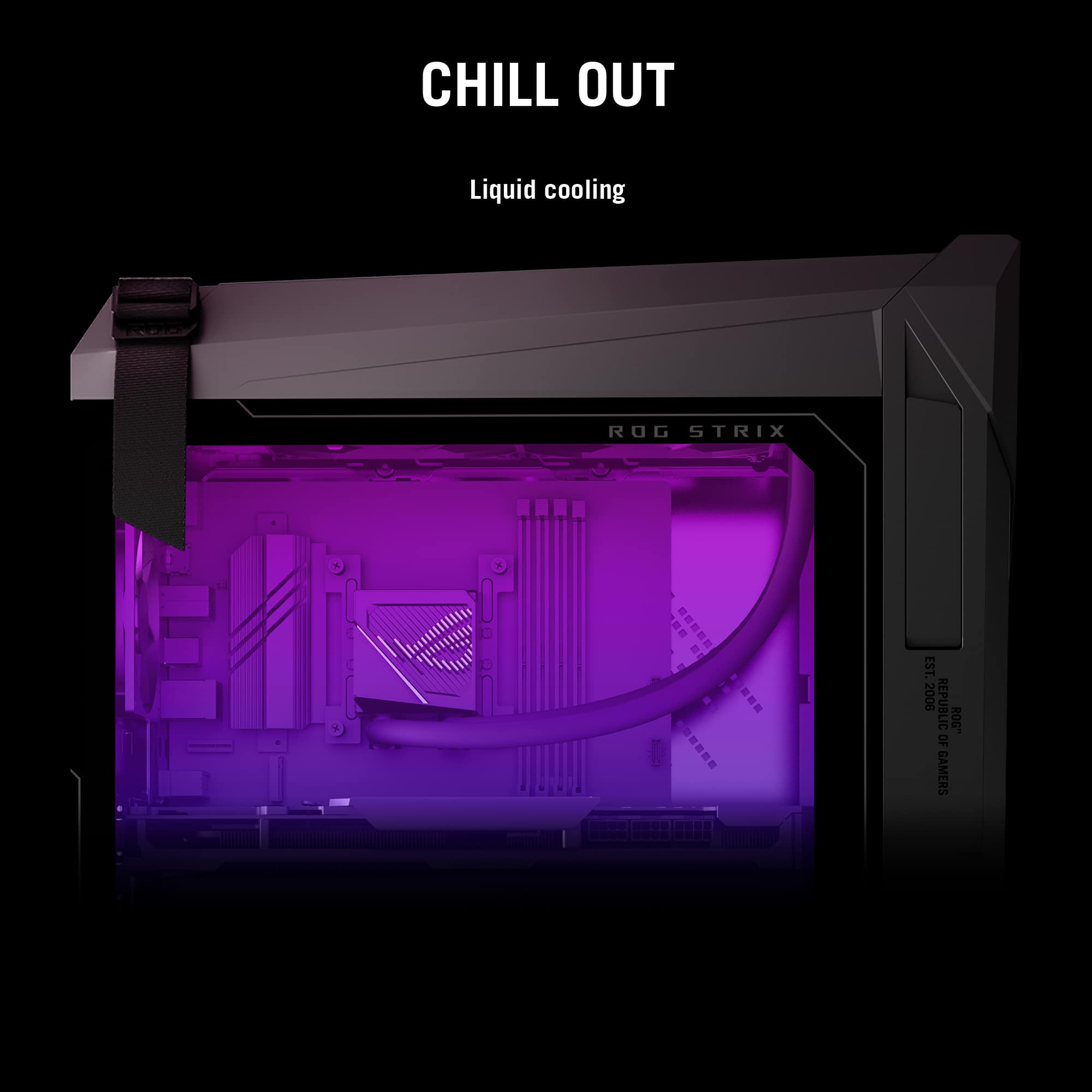
|Posted .This reviewer received promo considerations or sweepstakes entry for writing a review.PC gaming has never been as popular as it is today. Harnessing the latest and greatest hardware, PCs have consistently pushed the limits of what’s technically possible, well beyond what home consoles can produce. With that comes the need to have a machine capable of running such games, and the complexity and time spent doing so is not everyone’s cup of tea. Prebuilt gaming desktops like the ASUS ROG G16CHR fill the gap, offering a complete and ready-to-run system that won’t need intense tinkering or debugging knowledge to get up and running, plus manufacturer support to shore up anything that might go wrong. ASUS’ latest high-end configuration combines many potent pieces of hardware into an attractive package at a reasonable price, with higher quality control than the company’s history would suggest and such minor shortcomings that I felt like I’d built the machine myself - which is seriously impressive given I’ve built at least 50 bespoke desktops for friends and family in the last 15 years. - Unboxing & Setup Arriving in a large box with plenty of padding, my G16CHR arrived undamaged and ready to power up out of the box. Included accessories are a basic keyboard & mouse, a WiFi antenna, and all the spare cables from the power supply unit - a very nice touch for a prebuilt. With little additional fluff and predominantly digital documentation, setup is quick and easy once you’ve connected a monitor, the power cable, and your input devices. Initial impressions of the machine are quite good. The G16CHR feels substantial and well-assembled, with good cable management internally and high quality finishes on the case. The strap at the back of the case isn’t just for show; indeed, it supports the weight of the system alone and makes lugging the machine easier. You’ll still need to lift with two hands to balance the machine, but this makes the job easier. Once powered up, Windows 11 installation is straightforward with only a few Asus-specific additions. Some Asus software is included to control the included RGB LED lighting and edit performance profiles, but these stay out of the way and serve more function than marketing (other brands could take note here). - Performance, Thermals, Noise ASUS’ selections for this configuration of the G16CHR are very good given the MSRP. The Intel Core i7-14700KF is an absolute monster of a CPU, packing 8 performance cores with hyperthreading and 12 efficient cores, for a total of 28 CPU threads that tear through any and every CPU-intensive task I could throw at it. Unlike some other options on the market, this chip is well-suited for both gaming and productivity without compromise…so long as it’s adequately cooled. Thankfully, ASUS planned on this and gave the CPU liquid cooling with a 240mm all-in-one closed loop cooler, which keeps the i7 well below its throttling limits in stress tests. The NVidia RTX 4070 Super sits right at the edge of high-end graphics cards, and is plenty powerful to churn through 1440p gaming 4K at Ultra details, even some at native 4K without enhancement technologies. Through my entire game library I couldn’t find one title that forced the card below 60fps at 4K. This includes ray-traced games when I enabled NVidia’s Deep Learning Super Sampling (DLSS) - which dynamically upscales lower resolution renderings to boost framerates. The GPU never once faltered, though I did run close to maxing out the 12GB of GDDR6X VRAM in a few titles. It would’ve been nice to see this card ship with 16GB, but for the time being there’s enough memory on tap for today’s AAA titles at maximum details. With 32GB of DDR5-5600 RAM, the memory capacity is plenty sufficient but speed and timings leave a bit to be desired. Impacting primarily threaded applications, CPU benchmarks seemed to miss the i7-14700KF’s average results by about 5%. Typical users likely won’t notice this, and either way I never encountered a stutter or drop in frames in my testing. Fortunately, the BIOS of the G16CHR is completely open for tweaking and tuning, so you can replace this with faster RAM (and/or more of it, as there are two open slots on the motherboard) later on. As always, check compatibility before installation! The SSDs are the oddball of this build. Western Digital SN560s are typical budget fare, but will perform well enough for gaming and general Windows 11 use. Power users who are doing frequent writes or file transfers will be hampered, but others will not see any drop in performance. I’m a little surprised and confused to see that there are two 1TB SN560s in the system instead of one 2TB disk, so expect to need to manage your storage space accordingly. With an improved case design over the older G10 series, a better spread of fans and airflow, and a top-mounted radiator for the CPU, ASUS has designed a case that adequately cools without the need to crank fans to 100% speed. Indeed, even as the CPU and GPU ramped up and remained saturated, the fans never quite reached full speed and didn’t get particularly loud. You can still hear the fans through a headset, but as the noise is overall low-pitched it takes effort to hear them, and those on voice chat won’t hear the system either. - Part List, Build Quality In what’s a refreshing change from major OEMs, the ROG G16CHR is built entirely from standardized, modular components with no proprietary form factors or connectors. This ensures minimal e-waste as it makes servicing, upgrading, and recycling the system far easier. Indeed, any Geek Squad technician or experienced PC builder can service the system using off-the-shelf components, making support after warranty viable and giving the system a longer service life. The list of included components (at least for my unit, there may be variances from batch to batch) is as follows: -Intel Core i7-14700KF 20-core, 28-thread CPU (8 Performance, 12 Efficient) -240mm all-in-one, closed-loop liquid CPU cooler -Asus B760 microATX motherboard with Intel AX211NGW WiFi 6E* -2x16GB SK Hynix DDR5-5600 RAM -ASUS DUAL RTX 4070 Super 12GB GDDR6 -2x Western Digital SN560 1TB NVMe SSDs -Great Wall E750 750W 80 Plus Gold semi-modular power supply -Asus ROG G16CHR full ATX Case That the only major criticism I could find of this build is the choice to use 2 smaller SSDs instead of one larger disk speaks volumes to ASUS’ turnaround on build quality. The ROG desktops I’ve reviewed previously were not assembled to the same standard as this one. All components were installed correctly, everything was preconfigured as it should be (including enabling XMP in the BIOS), and the overall fit and finish is excellent. The GPU is even supported with a bracket to avoid sagging and bending - an excellent touch that’s so well integrated I nearly missed it trying to disassemble the machine. Though higher-end components could have been used, especially for the RAM, the choice of components here matches the MSRP and the system performs like a mid- to high-end gaming desktop should. As QC has been an issue for ASUS in the past, the improvement here is very much welcomed. - Bottom Line If the G16CHR is anything to go by, ASUS has learned their lessons from the ROG laptop division and applied them to their desktops. Performance, cooling, and noise are all well-balanced, and with no obvious quality control issues I’m genuinely impressed that ASUS can deliver this combination of components at a reasonable price. Perhaps a better deal can be made using retail components, but the value of your own time and support is something worth considering as well. With little to complain about, this configuration of the ASUS ROG G16CHR gaming desktop comes highly recommended!
I would recommend this to a friend BT/AUDIO ISSUES
||Posted . Owned for less than 1 week when reviewed.This reviewer received promo considerations or sweepstakes entry for writing a review.I have been having Bluetooth/Audio issues which is i guess a known problem for this item. Try a different desktop to avoid this issue
No, I would not recommend this to a friendBrand response from ASUS Answers
Posted .Dear Ice Z,
We sincerely apologize for the Bluetooth and audio issues you're experiencing with the ASUS ROG Gaming Desktop and for any inconvenience this may have caused you. This is not the kind of quality to expect from our products and it's not the norm. To troubleshoot the issue described, we recommend following the steps in the FAQ below. Should the issue persist, please contact our support team at https://www.asus.com/us/support/CallUs to further investigate the problem or assist with repairing the device.
We stand behind our products and continuously strive to improve our products and processes to achieve customer service excellence. For more information, email us at [email protected] and include the case number "N2405026005-0025" as a reference. We will do our best to resolve your case quickly. Your feedback is very important to us and enables us to improve our support channels. Thank you for choosing ASUS.
Best Regards,
Chantae
ASUS Customer Loyalty US Support
[Windows 11/10] Troubleshooting - Bluetooth Functionality Anomaly Issue - https://www.asus.com/us/support/faq/1042394/
[Windows 11/10] Troubleshooting - Sound (Speakers/Microphones) problems - https://www.asus.com/support/faq/1015070/
bad processor 14th gen intel
||Posted . Owned for 2 months when reviewed.This reviewer received promo considerations or sweepstakes entry for writing a review.Processor has issues already causing crashes - Intel indicated this is a known issue prior to the day I purchased it.
No, I would not recommend this to a friendBrand response from ASUS Answers
Posted .Dear Josh J,
We sincerely apologize for the issues you're experiencing with the Gaming Desktop and for the inconvenience this has caused. This is not the kind of quality to expect from our products and it's not the norm.
To troubleshoot the system performance issue described, we recommend following the steps in the FAQ below. Should the issue persist, please contact our support team at https://www.asus.com/us/support/CallUs to further investigate the problem or assist with repairing the device.
We stand behind our products and continuously strive to improve our products and processes to achieve customer service excellence. For more information, email us at [email protected] and include the case number "N2405026005-0022" as a reference. We will do our best to resolve your case quickly. Your feedback is very important to us and enables us to improve our support channels. Thank you for choosing ASUS.
Best Regards,
Chantae
ASUS Customer Loyalty US Support
[Windows 11/10] Troubleshooting - Resolving System Error Messages or Unresponsiveness (Freeze/Black Screen/White Screen during usage) - https://www.asus.com/support/faq/1038855/
bluetooth is not working
||Posted . Owned for less than 1 week when reviewed.This reviewer received promo considerations or sweepstakes entry for writing a review.bluetooth doesn’t work i had to return it worst experience ever
No, I would not recommend this to a friendBrand response from ASUS Answers
Posted .Dear Mehmet A,
We're sorry to hear that the Bluetooth did not work on the Gaming Desktop PC and we apologize for the inconvenience caused. What you've experienced was not intentional or representative of our brand. We understand that you have returned the device, and we hope that you were able to obtain a functional replacement.
We stand behind our products and continuously strive to improve our products and processes to achieve customer service excellence. If you require any further assistance, please send us an email at [email protected] and include the case number "N2405026005-0015" as a reference. We will do our best to resolve your case quickly. Your feedback is very important to us, and it enables us to improve our support channels. Thank you for choosing ASUS.
Best Regards,
Chantae
ASUS Customer Loyalty US Support