Customer Ratings & Reviews

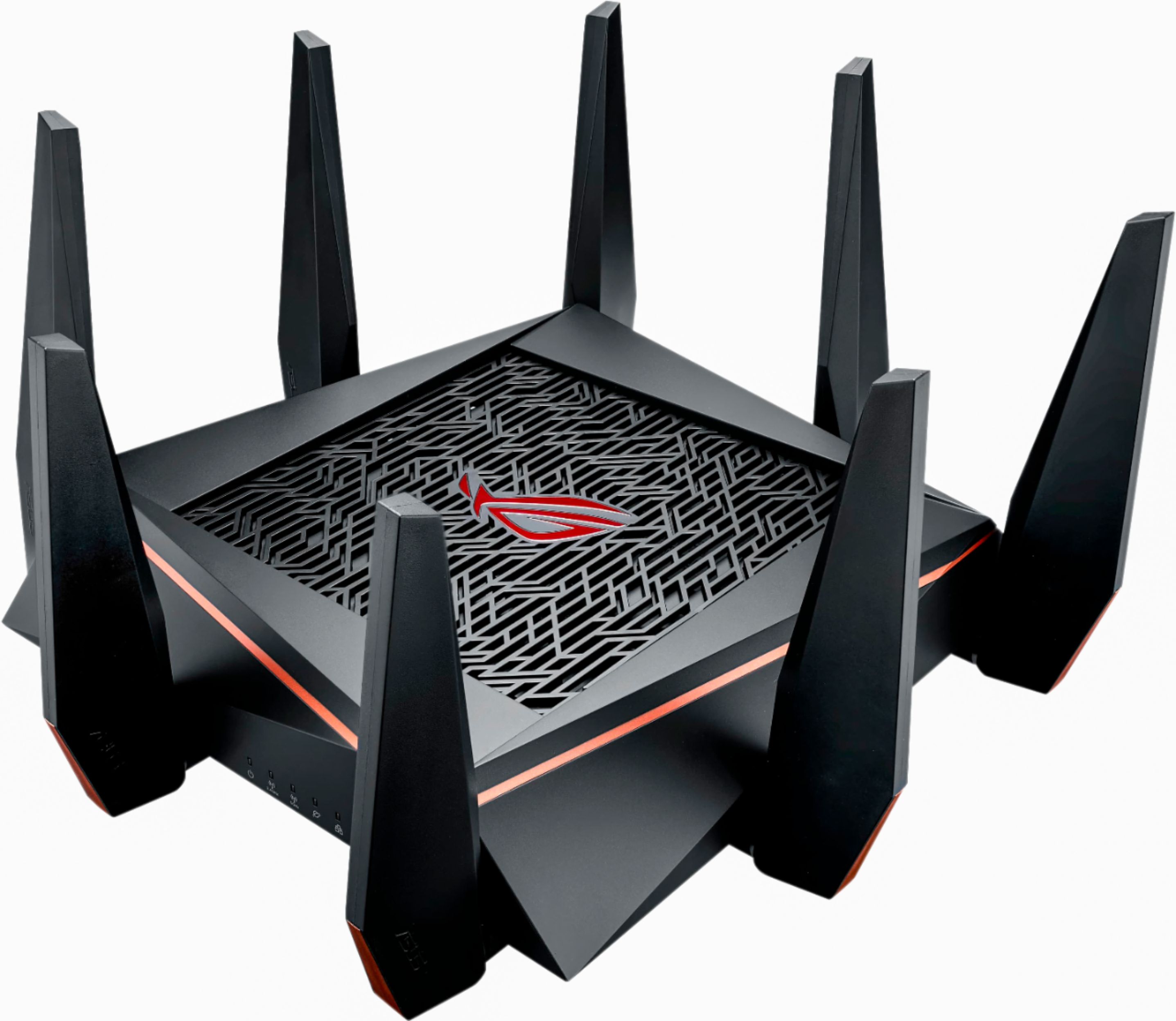
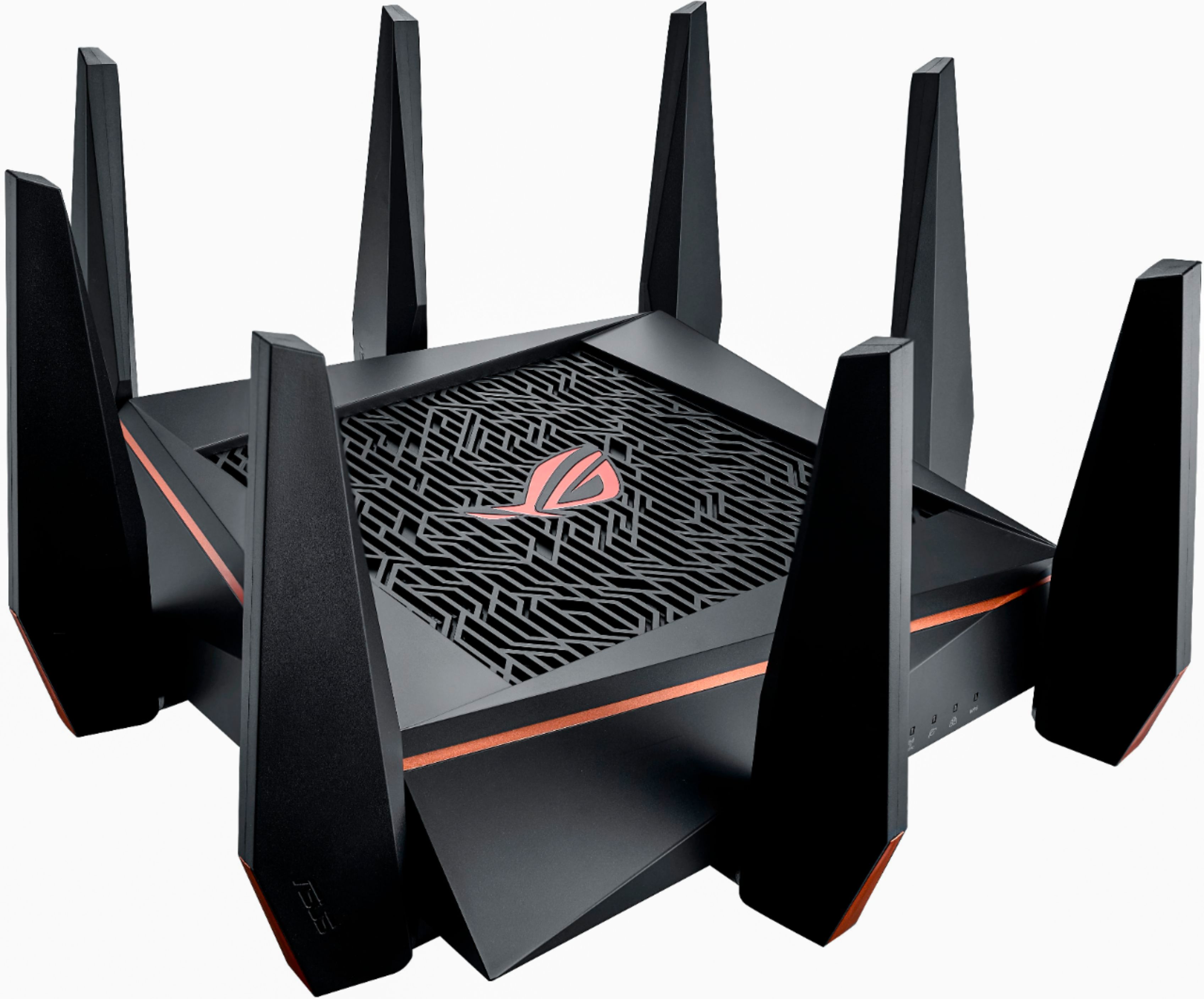
- Model:
- GT-AC5300
- |
- SKU:
- 5775807
Customer reviews
Rating 4.1 out of 5 stars with 74 reviews
(74 customer reviews)to a friend
Customers are saying
Customers express satisfaction with the ROG Rapture AC5300 Tri-Band Wi-Fi Router's performance and range, citing its ability to handle multiple devices and provide strong signal coverage. Ease of setup is also frequently praised. However, users have reported issues with the router's software, describing it as needing improvement and experiencing occasional crashes.
This summary was generated by AI based on customer reviews.
- Pros mentioned:Speed
Rated 5 out of 5 stars
Awesome Router
||Posted .This reviewer received promo considerations or sweepstakes entry for writing a review.I have had this router for 2 days, upgraded from my RT-AC68R and noticed a difference it speeds right away with a lower ping and loading of my streaming services. The routers dash board is very informative as well. Time to start checking out all these new settings. Hopefully MerlinWRT makes updates for this as well :)
I would recommend this to a friend - Pros mentioned:Ease of use
Rated 5 out of 5 stars
Best Router For The Money....
||Posted .This reviewer received promo considerations or sweepstakes entry for writing a review.Tried a few of the other routers and well was always having to reboot them when streaming video... This ASUS is rock stable and works as it should over a month almost up-time. This router and provides very useful networking details, and tools. The settings are very easy to navigate. Even the USB NAS works great with no file count limit like others!
I would recommend this to a friend - Pros mentioned:Range, Speed
Rated 4 out of 5 stars
Great Router, unreal performance, lots of options
||Posted .This reviewer received promo considerations or sweepstakes entry for writing a review.I got this to replace my AC-3100. The 3100 did ok but I wanted a bit more reach and maybe a bit more pipeline to keep up with streaming. I am not a gamer much, but I have 6 smart TVs, two of them 4k Ultras. I have 4 computers and 3 cell phones on the network as well. I like having 2 5G networks. I can keep the 4ks on one network by themselves and the other TVs and phones on the other 5G. I keep the laptops used for simple things (e-mail, schoolwork, etc...) on the 2.4 network and the high-performance laptop on the 5G with the 4Ks. Speed is incredible. The router is downstairs, tucked away in the furnace room, 2 walls and a floor in between my office computer and the router (2,500 sq ft distance) I get 100 Mbps average. In the downstairs with only one wall in between and the router (about 60 ft away) I get 238 Mbps. Signal is fairly strong but does degrade more than I'd like. I haven't really played with the 8 antennas much though so maybe I could gain some there. The firmware is good but everything is geared towards gamers. For example, intrusion protection is called Game IPS and the QoS function is under Game Boost. Once you get used to that there are enough settings and switches for even the most experienced IT geek. So far so good, I'm pretty pleased. So why 4 stars and not 5? One of my smart TVs does hang up once in a while with Loading. It did not under my old router. Also, Asus has still not figured out how to let you enable the Guest Network without trashing the router settings. I have had this problem with 3 Asus Routers over the years. You switch on guest and it hoses your settings on your non-guest and seems to get them mixed up. I always keep the firmware up to date and have a great deal of experience with Layer 2 and 3 switches and many routers. I don't think it's me. Right now the guest network is shut off but I may fiddle with it sometime. Just annoying, but not a show-stopper.
I would recommend this to a friend - Cons mentioned:Software
Rated 3 out of 5 stars
Amazing Hardware, but needs a lot of software love
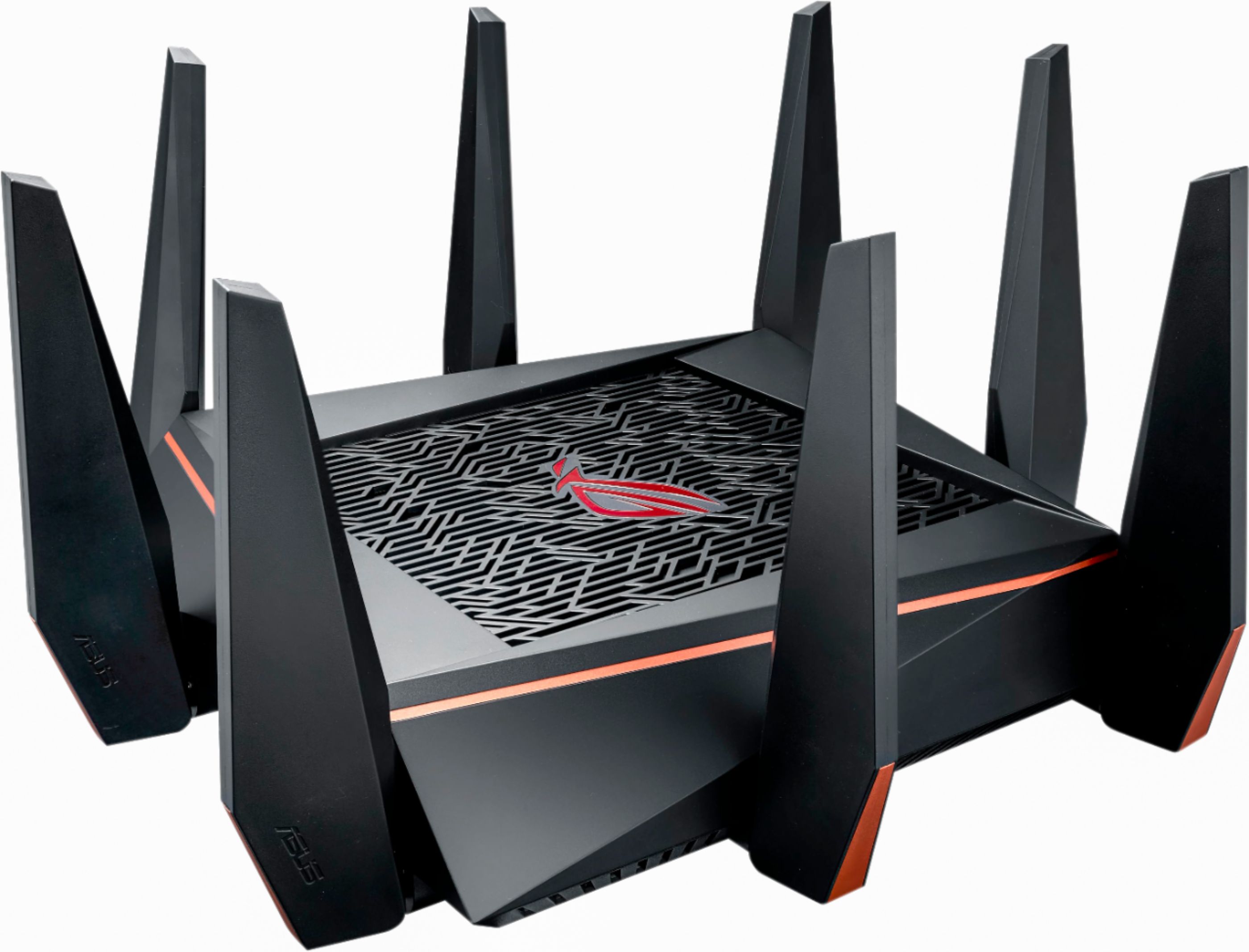
||Posted .This reviewer received promo considerations or sweepstakes entry for writing a review.Picked up this router the other day, I've been waiting for it to come out and to pass my time I was using the Asus AC3100. First off this thing is HUGE, make sure you have a lot of room wherever you put it. I'm a huge fan of ASUS's UI, especially compared to Netgear and other router companies. I love how you can monitor packets being sent on an individual device basis and see where they are going. Definitely cool to see what your PC is connecting to and doing when you aren't around. This router has a lot of the features of their other high end models like the ASUS RT-AC88U and the Previous RT-AC5300. I am a big fan of the Trend AiProtection on these routers for an extra layer of security. Also I really love the phone app they have for their routers. You can pretty much control everything from it. So lets first talk about the hardware. Quadcore 1.8 ghz, some of my work laptops aren't even this powerful. The signal strength is very good on this router. I live in a 3 story TH, and the router is in the basement in a closet. I have no issues getting a signal on the top floor. My current phone shows an Excellent signal Strength with a Link Speed of 390mbps right now. I currently have 14 devices connected. The majority on the 1st 5ghz network and 3 on the 2.4ghz. I have not put anything on the 2nd 5ghz network yet, but I will soon be adding my Wii U and Xbox to it. Now here is why I'm going to say you might want to hold off on this router. While the hardware is great, the software needs a lot of work. This router has been available for about 2 months world wide (and 1 week in the US) and its already had 4 firmware updates. There are a lot of annoying UI issues such as not being able to rename connected devices (after the first few are done). Connected Wifi Devices mysteriously disappearing from the Network Map (this is a display issue only, but annoys me a lot since the same issue was happening on my AC3100). There is a few other issues I've seen folks on other message boards post about but have not confirmed them myself. For the cost of this router it should be almost flawless out the door, it shouldn't have these annoying little UI issues. Now obviously they are trying to fix the issues as you can see by all the firmware updates, but 4 in a month means this router wasn't ready for prime time. Anyways for now I'm giving it 3 stars, ASUS routers usually don't hit their full potential until 6 months to a year of being out and most of the software issues are resolved.
No, I would not recommend this to a friend - Cons mentioned:Software
Rated 4 out of 5 stars
Overall a great router
||Posted .This reviewer received promo considerations or sweepstakes entry for writing a review.Overall this router is not for the faint of heart me there are some great features and some hangups in the firmware. I purchased it to get better WiFi coverage in a 3500 sqf house across two floors. It was able to send AC to the basement and provide a decent connection speed. Issues I have had is that the QoS system have worked properly but this was a known issue and I have just not used it. Pros: 8 port network switch built in, great WiFi coverage, and thruput speed is great. Cons: size is enormous, issues with firmware
I would recommend this to a friend - Pros mentioned:Speed
Rated 5 out of 5 stars
Wow! extremely fast!
||Posted .This reviewer received promo considerations or sweepstakes entry for writing a review.Bought this router and didn't even know it was on sale! for $303 out the door had to be stupid to not purchase two year warranty!! so I did! I bought this router because my ac 3200 router just couldn't handle my son and I playing xbox one x and me on my alien 15 r3 together. extremely laggy! well with this router that's is no more! heck I even had my wife hope on my xbox project scorpio and we all three played gears of war 4 which was very nice! when I say no lag at all! I mean it! this router is worth the $400 but if you get while on sale then that's makes it waaayyy more sweeter! Interface was simple for me and so was the phone app and logging in with that as well. Download speeds I was hitting 70-80mbps which was lovely and that was with one console online and two tv streaming hulu and Netflix! this router can do way faster with no problem. Haven't had any software issues I think that's been sorted out now! I seriously recommend this router its worth its money and will be current for at least 2-5 years I believe! doesn't get any better. Don't waste money on bull corn routers just spend the money or save up and get one that will do it all and then way more!
I would recommend this to a friend - Cons mentioned:Software
Rated 1 out of 5 stars
$399 Paper Weight! Very Disappointing!!
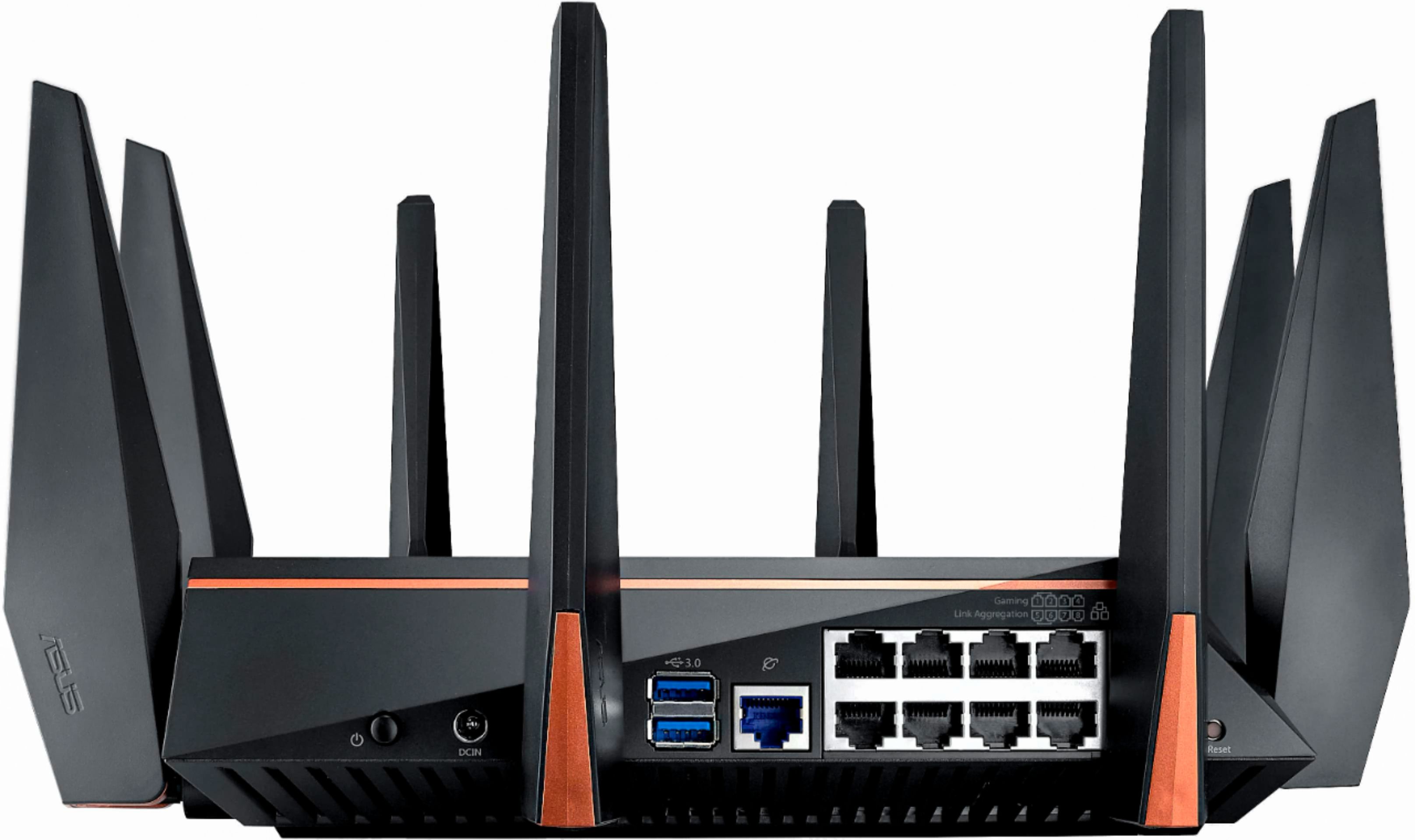
Posted .This reviewer received promo considerations or sweepstakes entry for writing a review.Being a Proud Owner of Asus RT-AC5300, i was very existed to buy GT-AC5300 and was hoping to increase Wifi Range, USB Read/Write Speed, etc. But what a disappointment!!! I spend close to 4 Hrs try to troubleshoot the router and could not connect to my Verizon FIOS internet. Router's Software is terrible, it was keep crashing and becomes un-responsive after login into router setup, and every time i reboot router Its resets its self to back to default settings. It seems like Router has been rushed to the market. Also Router was overheating, even though it was placed in sub 40F environment in the basement, where i already had my RT-AC5300 for years and never had any heating issue. Comparison - GT-AC5300 vs RT-AC5300 - GT-AC5300 VS RT-AC5300 has same footprint / thickness, and body. - GT-AC5300 Antennas are taller VS RT-AC5300 Antennas - GT=AC5300 Antennas are slimmer VS RT-AC5300 Antennas - GT-AC5300 has 1GB RAM VS RT-AC5300 has 512MB RAM = This will help with the NAS Setup or when you are trasferring large files , e.g 70GB. Pros: 1.8 Ghz Quad Core Processor 1GB RAM 8 Gig Ports. 2 X USB 3.0 Ports. Cons: - Could not setup the Router as Router Keep crashing!!! and could not conduct any TESTING. - Software Crashes every second. - Router Could not connect to the FIOS Internet. - Router Resets to Default settings every time Router Reboots. - Expensive. - Overheating Issue. Final Decision = Returned GT-AC5300 and KEEPING RT-AC5300! I would expect great WiFi products from Asus as being Product owner of previous routers like - AC1750, AC1900, and AC5300.
No, I would not recommend this to a friend Rated 2 out of 5 stars
Amazing Hardware but failed to deliver
||Posted .This reviewer received promo considerations or sweepstakes entry for writing a review.1st off I am an ASUS fanboy. ASUS has produced some amazing products. However, the GT-AC5300 is just not one of them. Without a doubt the hardware on this beast beats the competition hands down and the GUI is a work of art. My wireless ping has always been 3 but with this router it dropped to 2! Wireless range... well let’s say it is inconsistent. The 1st unit I had the range was crazy far. I could go several hundred feet outside my house and still get a usable WiFi signal. The 2nd unit barely covered my yard. Actually by the time I made it to the driveway I lost all connections Ah. So here is the interesting part. I had to exchange the 1st unit because the 3rd WiFi band was randomly stop working. Sometimes it was days or a couple of weeks but the band would just stop broadcasting and in the GUI it would report channel 0. It was critical that this WiFi band stay on since my security cameras and wireless bridges used the band for connection. So I exchanged it. Then the 2nd unit was worse! Same day as installation channel 0 and it would stop broadcasting. A day later same thing and the WiFi strength of this second unit was subpar compaired to the 1st. Called ASUS customer support and after 30 min they simply said the unit needed to be replaced and they had no idea what was wrong. All their “troubleshooting” steps I had performed as I am already very technical because of my profession. I conclusion is that this issue with the WiFi channel is a software based issue and researching this has exposed the fact that this is an ongoing issue with other ASUS WiFi products as well so it is doubtful that they will resolve it soon. Since it is highly critical my network be operational for home automation, security and distributing connectivity then I cannot have a flaky product. If you do not have an issue with random loss of signal then this is the perfect product. Now ASUS may or may not fix this issue with future firmware updates but I wouldn’t hold my breath. Sadly back to using the Netgear Nighthawk X8 for me. At least it is reliable.
No, I would not recommend this to a friend- Pros mentioned:Ease of use, Speed
Rated 4 out of 5 stars
AWESOME
||Posted .This reviewer received promo considerations or sweepstakes entry for writing a review.Very easy setup plus I love the app for my phone. Super fast for all my internet needs
I would recommend this to a friend - Pros mentioned:Speed
Rated 4 out of 5 stars
Works Good
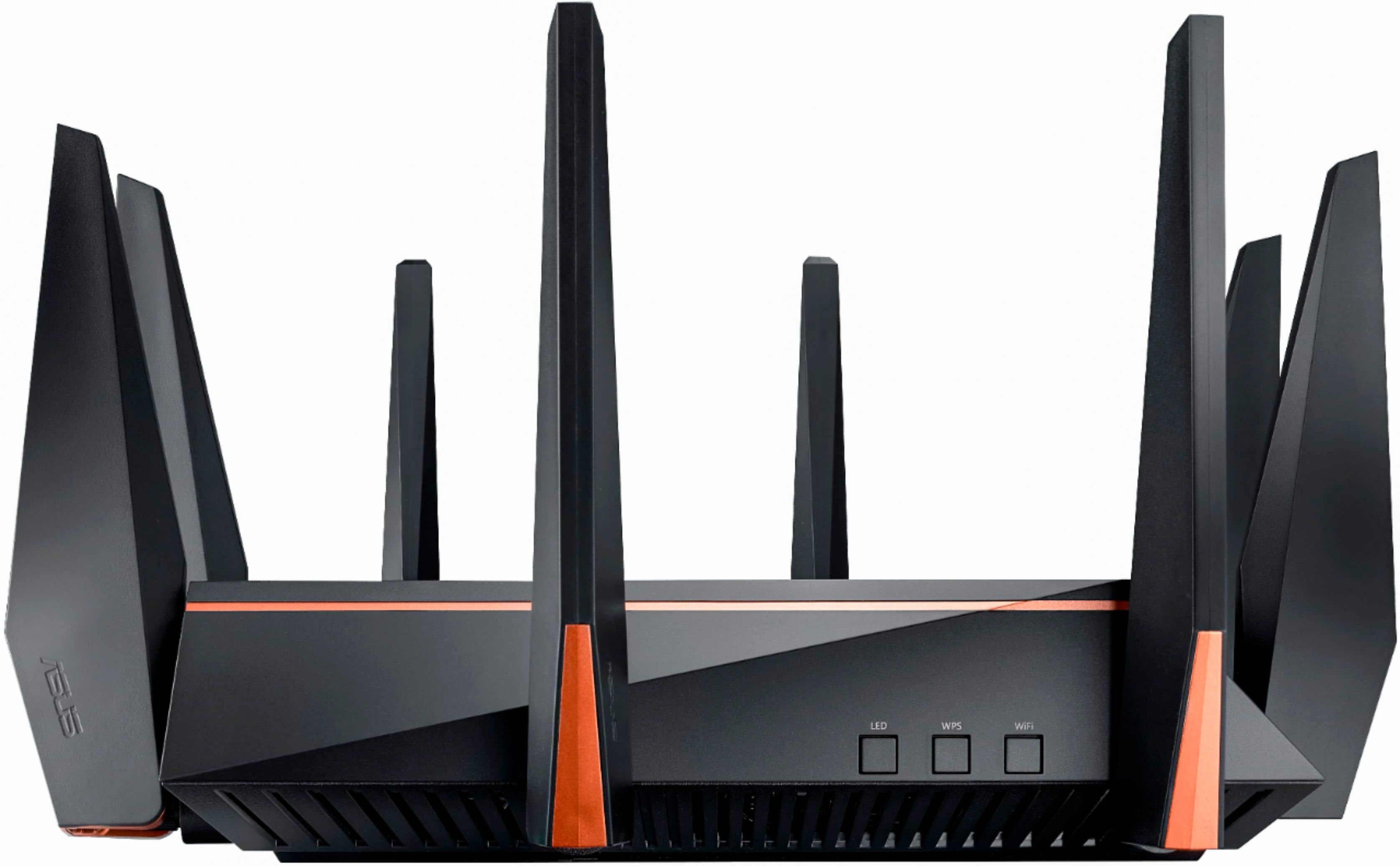
||Posted .This reviewer received promo considerations or sweepstakes entry for writing a review.This thing is fast I went from a nighthawk 6 and noticed a big difference in speed and coverage, I have only had this thing for about a month so far I have had a few problems with it the first one is the LED lights button only works when it wants to, The second problem is sometimes my wifi will go very slow like under 1mbps and I'm supposed to have 25mbps speeds, simply restarting the wifi router fixes that problem. All in all I think its worth the purchase I just hope they will fix the small issues with it
I would recommend this to a friend - Pros mentioned:Speed
Rated 4 out of 5 stars
Great Router, but pricey
||Posted .This reviewer received promo considerations or sweepstakes entry for writing a review.Got this router on MEGA sale, 279. Was worth it at that price, but wouldn't pay full retail. The antennas have to be individually attached, which took some time. Speeds are fantastic and the UI could be better but overall, typical ASUS quality.
I would recommend this to a friend - Pros mentioned:Performance
Rated 5 out of 5 stars
It's so beautiful
||Posted .This reviewer received promo considerations or sweepstakes entry for writing a review.In a nutshell, this router just works. It is a powerhouse, handling multiple tablets, streaming tv's, a couple pc's and a few phones without breaking a sweat. Also it has nice features too, especially being able to configure a 4g hotspot as WAN. I've had bad Asus router experience before with an RT N66U that went haywire so I was apprehensive, but it's been a month of rock solid performance so far. Highly recommended for everyone from newb to expert if you have a high performance or demanding home network setup.
I would recommend this to a friend Rated 4 out of 5 stars
Good, but needs work
||Posted .This reviewer received promo considerations or sweepstakes entry for writing a review.I purchased this device from bestbuy. Setup was fairly easy, only issue I had was having to power cycle cable modem so router could find internet connection. Another disappointment was link aggregation not being functional with my synology ds916+. That was one of the reasons I purchased this, was to remove my cisco switch. Hopefully they will fix this issue. Wifi range is no better than my rt ac-1900. I've had high hopes for this router, but it may take a few months for Asus to iron out all the issues. With luck all the issues will be ironed out in future firmware updates.
I would recommend this to a friend- Pros mentioned:Performance, Range
Rated 5 out of 5 stars
Great performance and range
||Posted .This reviewer received promo considerations or sweepstakes entry for writing a review.Easy to setup, great range, great performance and impressive game specific capability.
I would recommend this to a friend - Pros mentioned:Ease of use, Performance
Rated 5 out of 5 stars
Perfect for heavy streaming
||Posted .This reviewer received promo considerations or sweepstakes entry for writing a review.Simple to set up. Very happy with its performance.
I would recommend this to a friend - Pros mentioned:Ease of use, Speed
Rated 5 out of 5 stars
Best router i’ve Ever used
||Posted .This reviewer received promo considerations or sweepstakes entry for writing a review.Only drawback is slightly large footprint. Excellent speed and easy to setup.
I would recommend this to a friend - Pros mentioned:Speed
Rated 5 out of 5 stars
A Believer Now
||Posted .This reviewer received promo considerations or sweepstakes entry for writing a review.I was at first skeptical as to whether the processor speed and the extra memory in this router would make much of a difference. Since I have put this router into service it has helped even out the streaming to my Roku and other internet connected devices in my home.
I would recommend this to a friend Rated 5 out of 5 stars
GREAT
||Posted .This reviewer received promo considerations or sweepstakes entry for writing a review.This router is well worth the price. The wifi covers my WHOLE house (2 story's) and will reach 6 houses away. Plus there is no lag no matter how many people are hear with phones laptops and gaming systems running WELL WORTH THE INVESTMENT
I would recommend this to a friendRated 4 out of 5 stars
Good Unit
||Posted .This reviewer received promo considerations or sweepstakes entry for writing a review.Easy to set up and helped with coverage issue in my house
I would recommend this to a friendRated 5 out of 5 stars
Technically Advanced and Powerful
||Posted .This reviewer received promo considerations or sweepstakes entry for writing a review.I picked up the GT-5300AC Saturday morning (5/6/2017) to replace my RT-3100AC and it's running perfectly! All my wireless devices are far more responsive like IP cameras, Pioneer stereo app and the router web interface itself. The features I currently use and are working great, include: Link Aggression to server 2012 r2 which is also my DNS, Media, and FS server. OpenVPN Server Traffic Monitoring All Network Protections are enabled Asus Router App DDNS Firewall features Steps for setting up the router that worked for me: 1.) Download the latest firmware update from Asus's website. 2.) Hook router up to a computer that's offline in port #3 and use Firefox browser to connect to the web interface. 3.) Select manual setup. Asus's setup wizards are always clunky. 4.) Choose DHCP for your WAN setup unless you know you have a static address, which most residential setups do not. 5.) Once you get through the manual setup, update the firmware and reboot. 6.) Now plug the WAN into your modem. Verify you can get out to the internet. 7.) You can now enable any features you wish and tweak your settings. At this time you will see how fast it begins work. Please note that in my picture I use a Cooler Master NotePal X-Lite II - Ultra Slim Laptop Cooling Pad with 140 mm Silent Fan for cooling as an option. This is not required, I choose this method of cooling for all my routers. I hope this can help for those experiencing technical difficulties with this router.
I would recommend this to a friend