Customer Ratings & Reviews
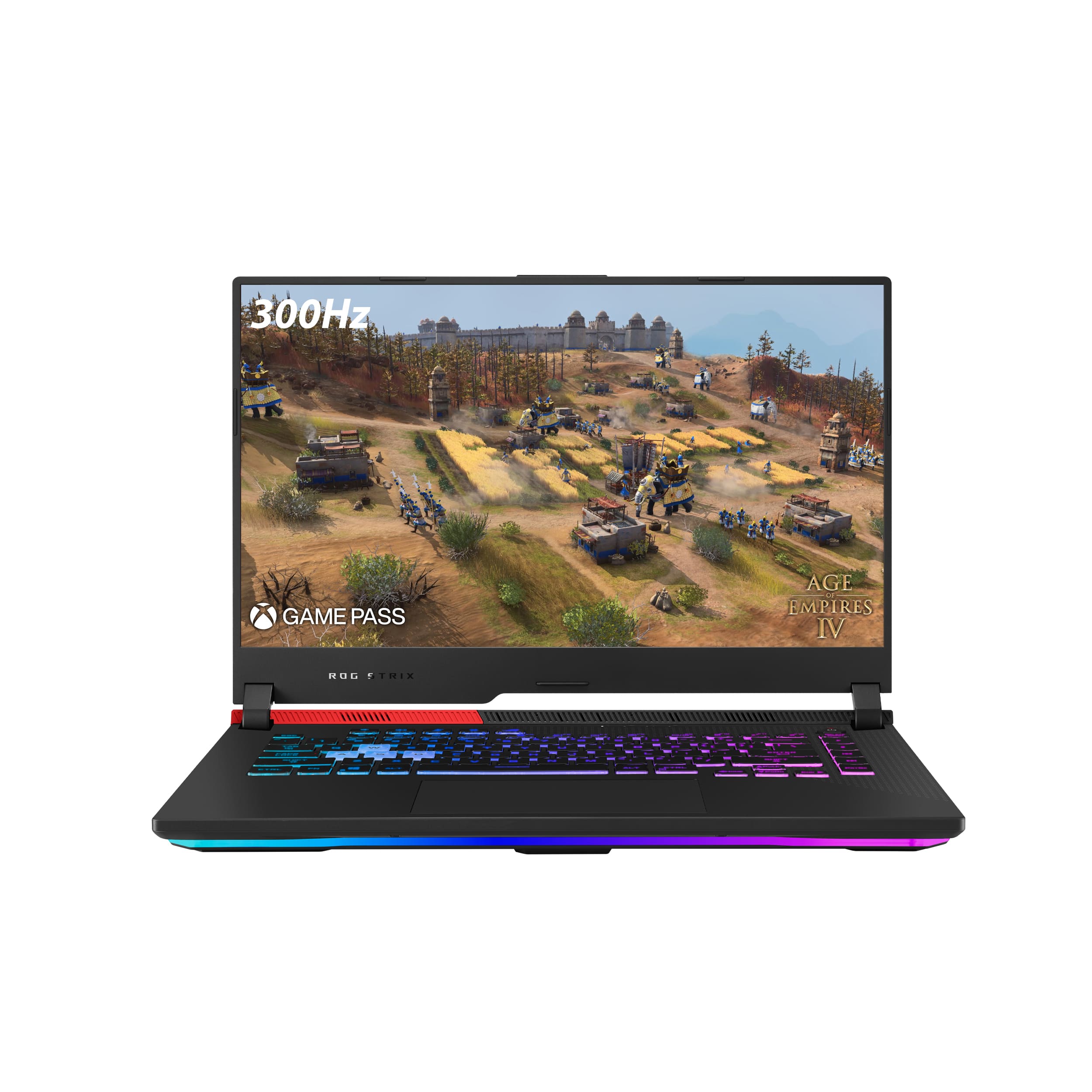
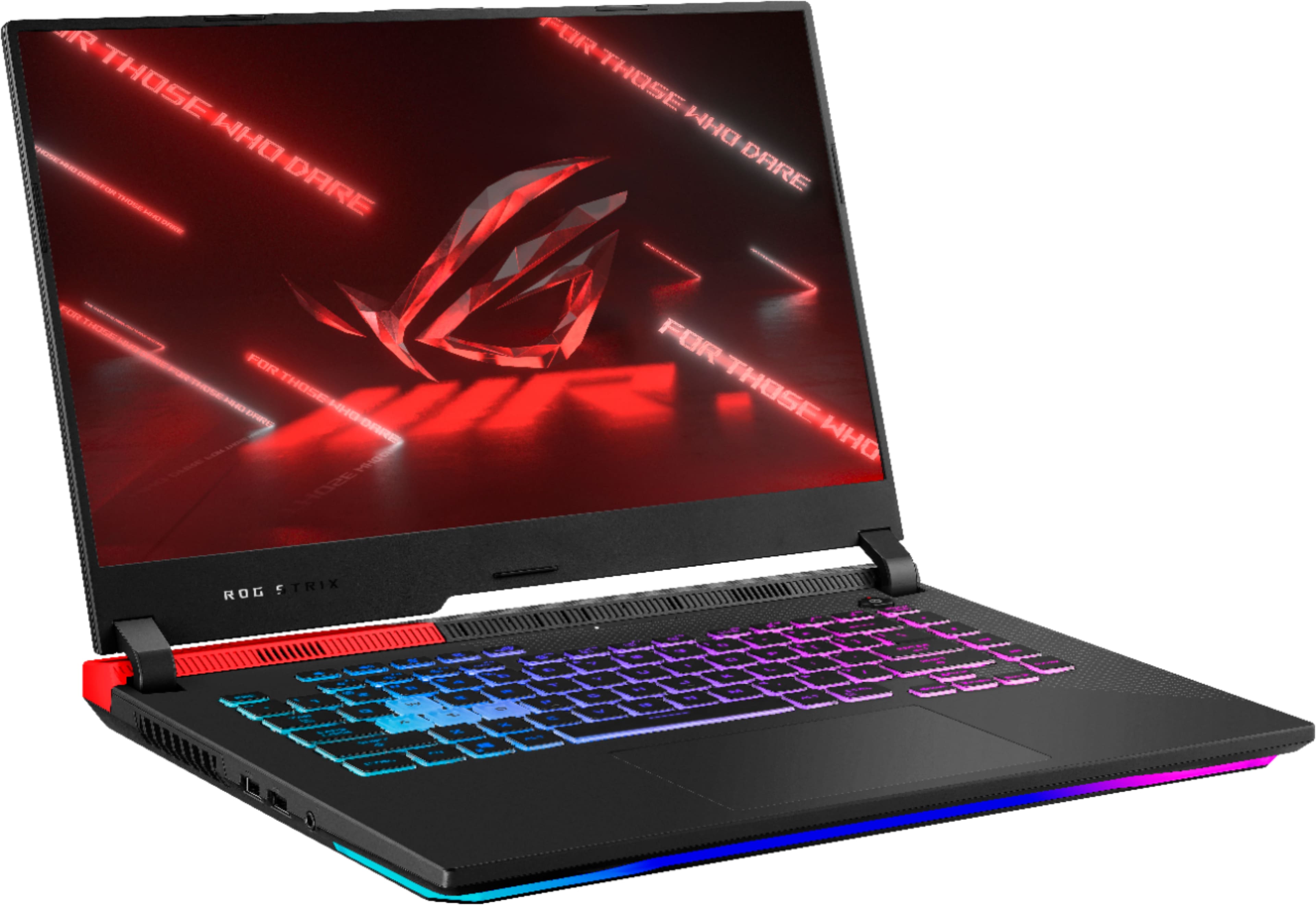
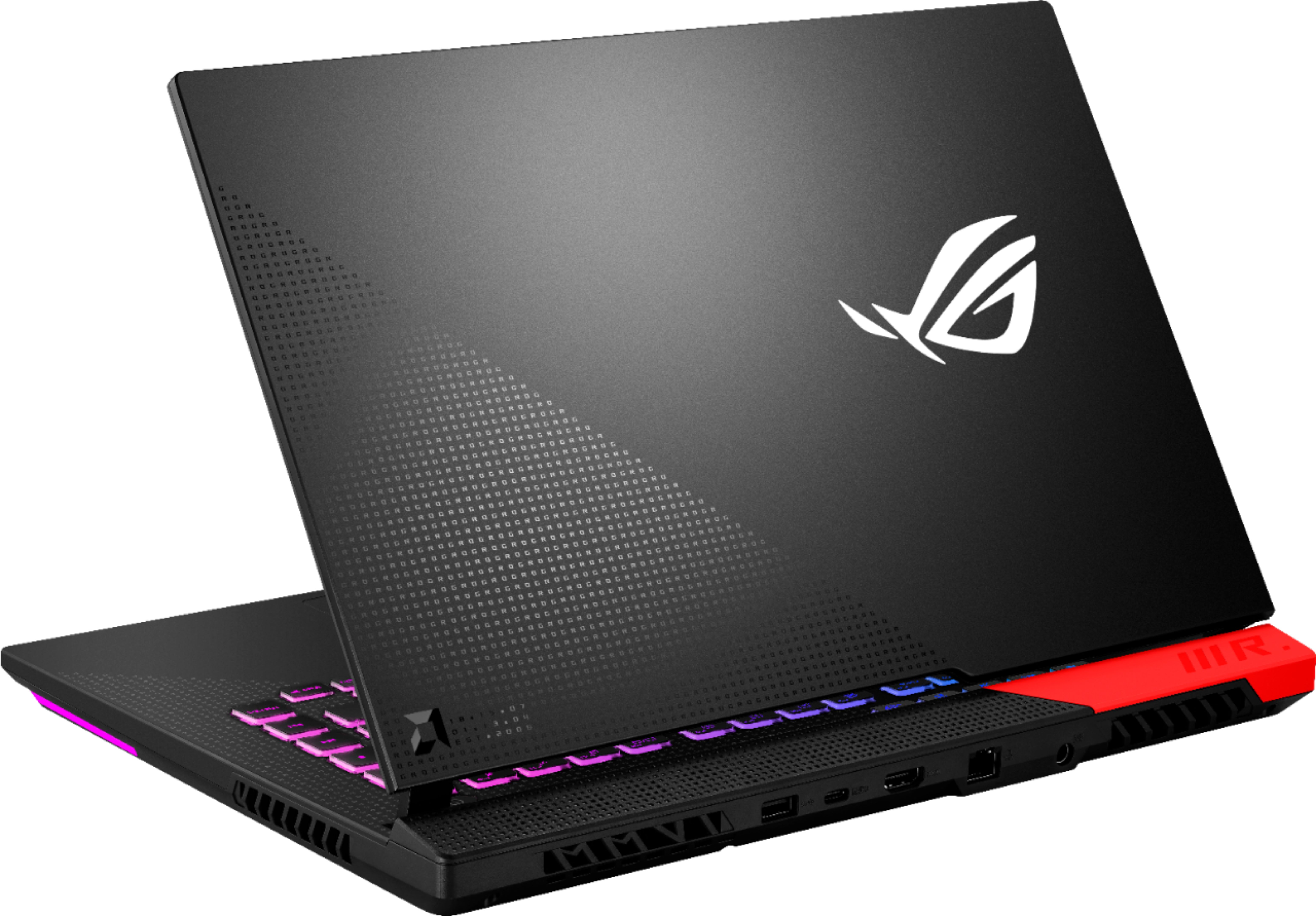
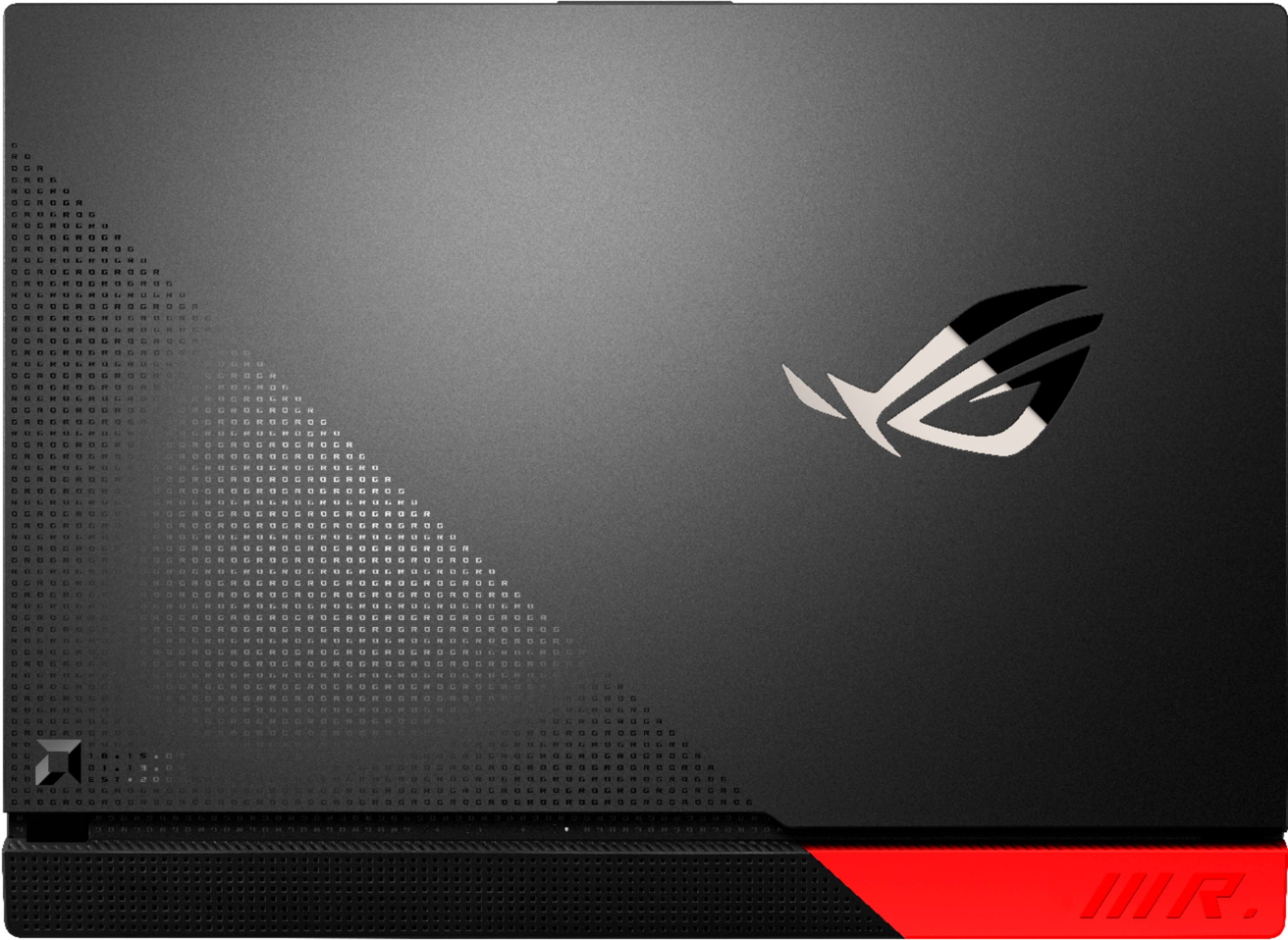
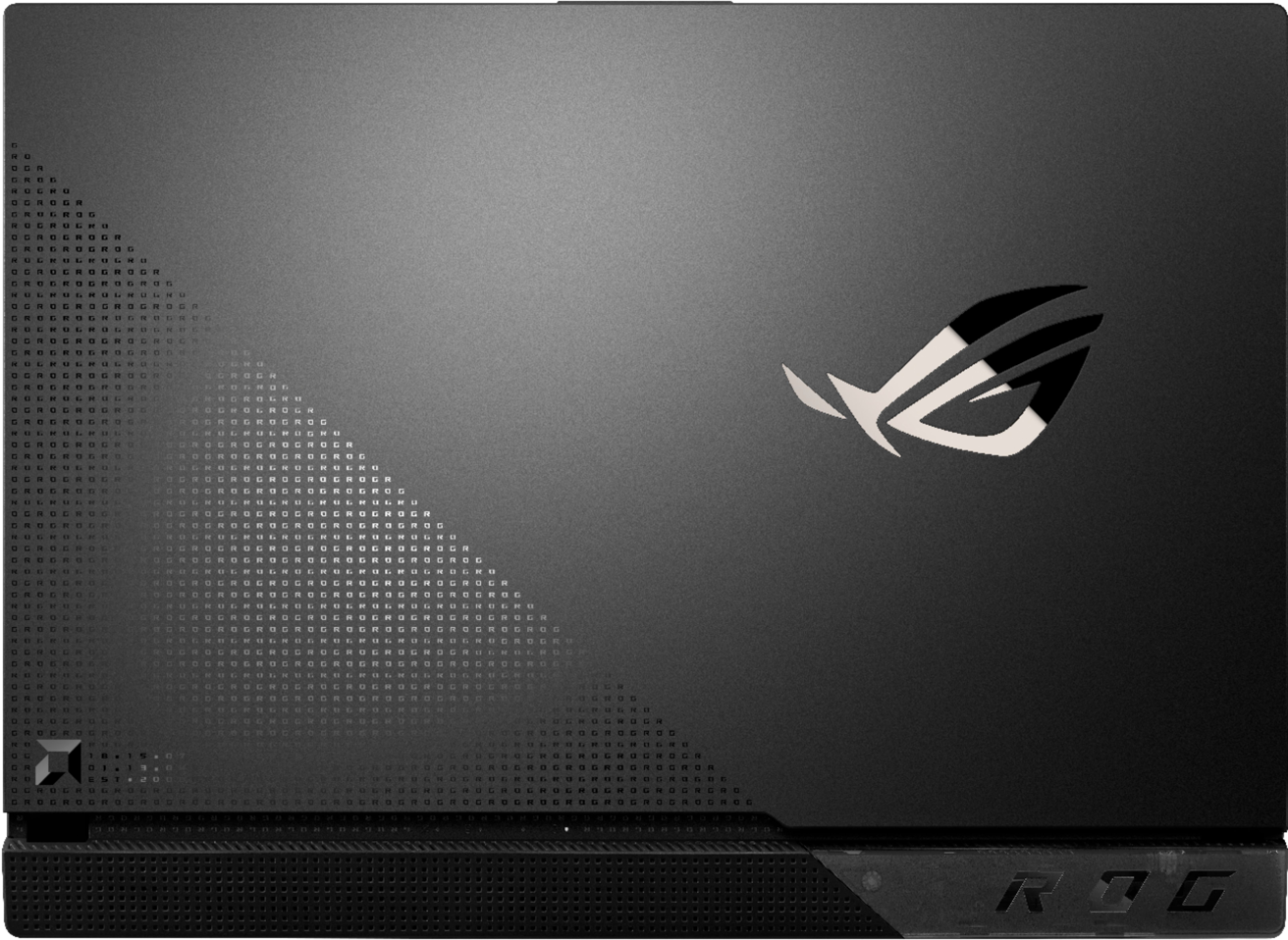
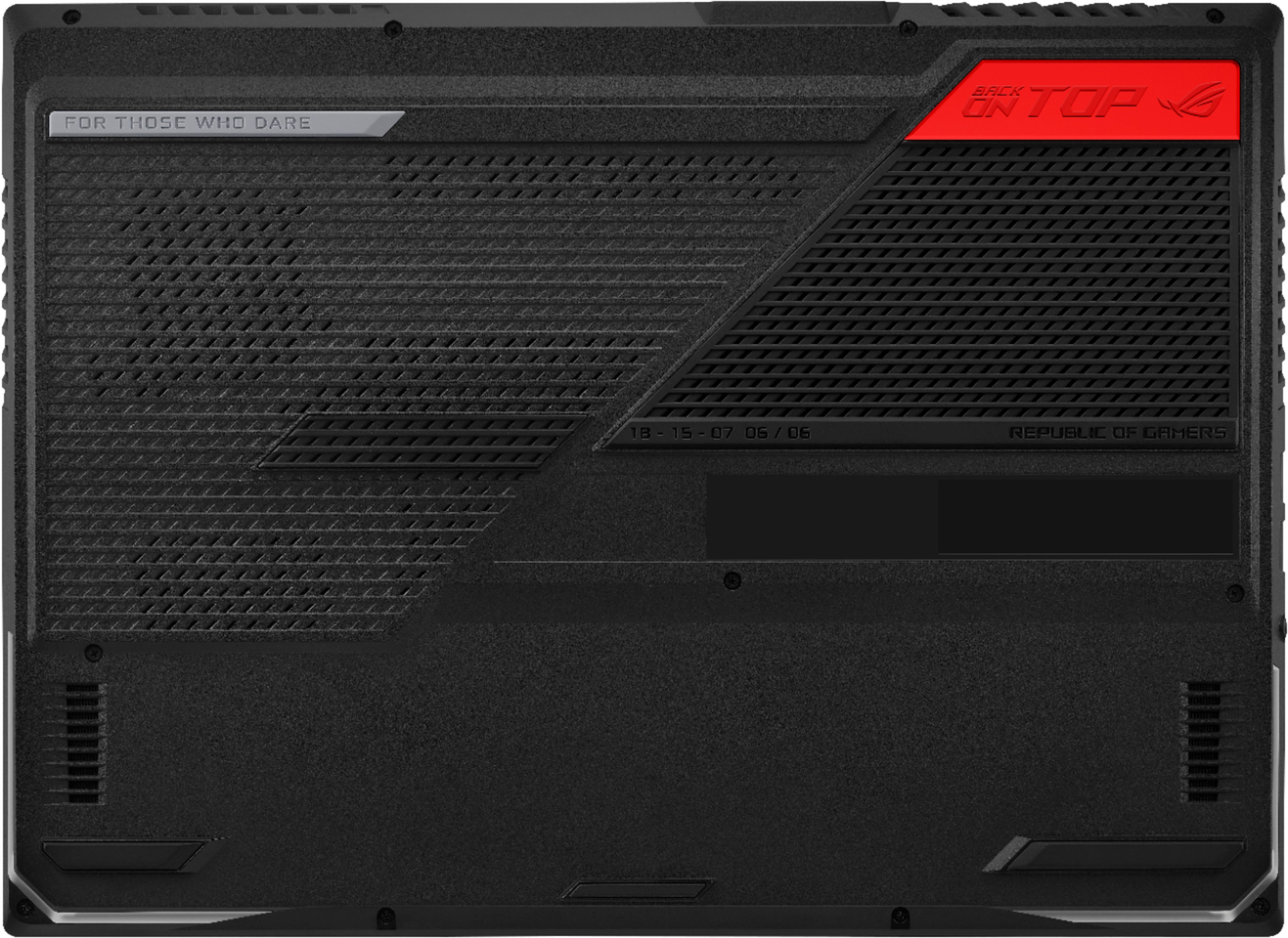


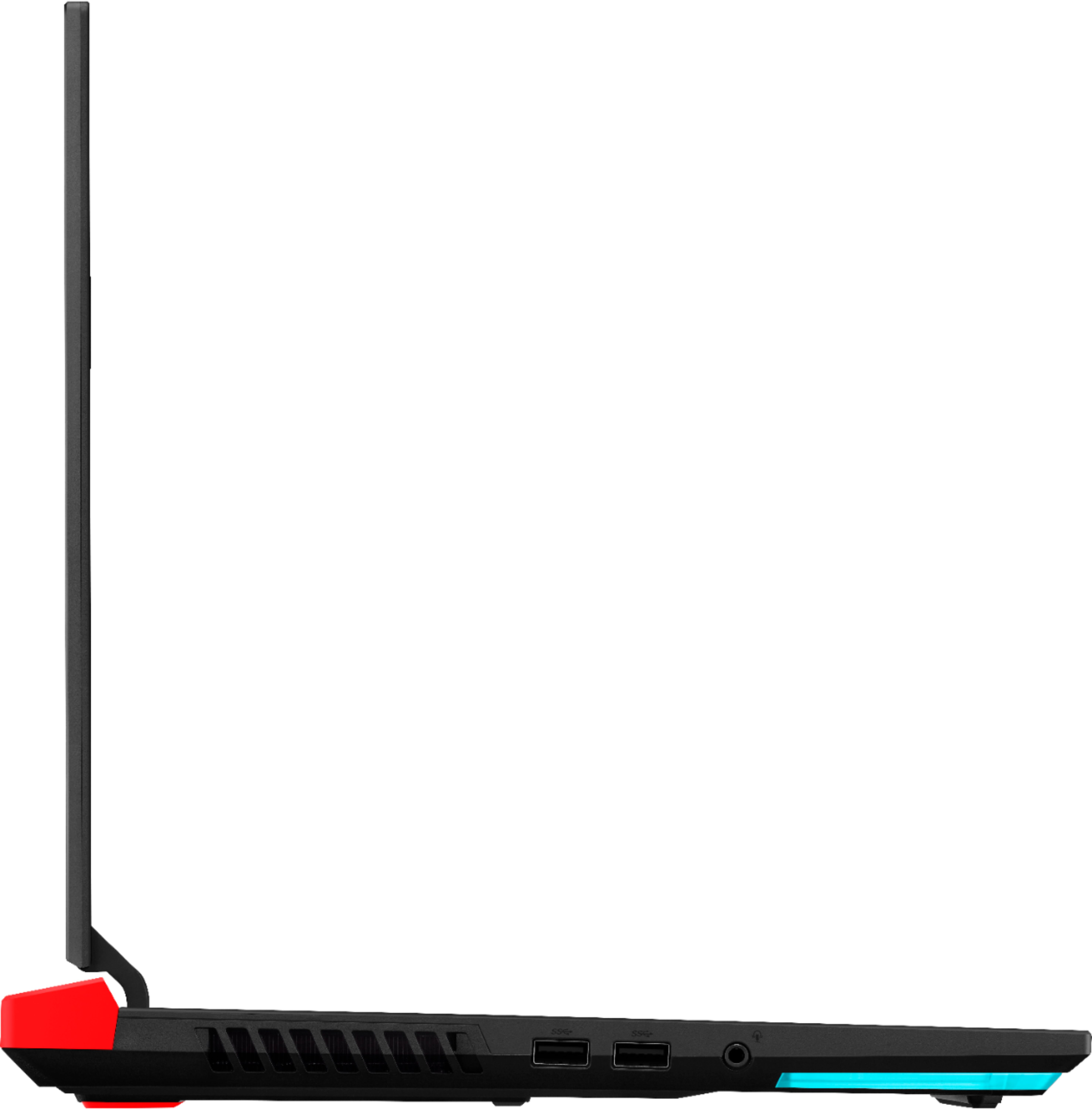
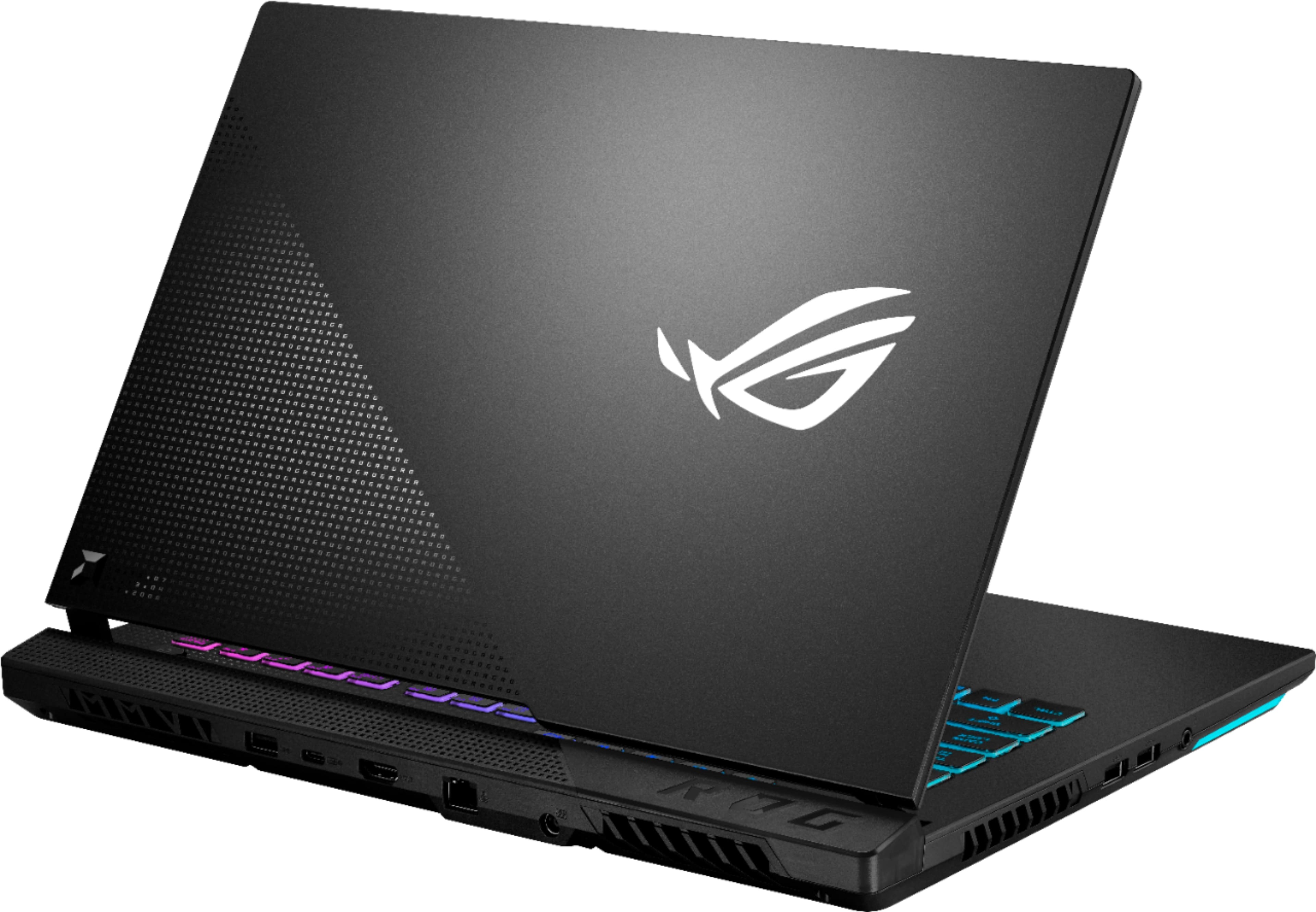

- Model:
- G513QY-212.SG15
- |
- SKU:
- 6466550
Customer reviews
Rating 4 out of 5 stars with 768 reviews
(768 customer reviews)Rating by feature
- Battery Life4.3
Rating 4.3 out of 5 stars
- Speed4.7
Rating 4.7 out of 5 stars
- Display4.5
Rating 4.5 out of 5 stars
Customers are saying
Customers praise the ROG Strix G15 Advantage Edition for its exceptional performance, long battery life, and stunning graphics. They appreciate the customization options of the keyboard and the overall build quality. However, some customers have expressed concerns about the slow stock RAM, lack of a webcam, limited storage, overheating issues, and random restarts.
This summary was generated by AI based on customer reviews.
- Pros mentioned:Battery life, Performance, Ssd
Rated 4 out of 5 stars
Driver beware, but when its good, its GOOD!
||Posted . Owned for more than 2 years when reviewed.This reviewer received promo considerations or sweepstakes entry for writing a review.Definitely more a tech savy person orientated laptop than your average gaming laptop. Found myself tinkering with drivers and such ALOT early on. Would be 5 stars if now for all that headache honestly. All in all... has been a great laptop, 2 years owned. Found a second when my friend was looking for a Laptop at a best buy and he has been a happy camper too! He's not exactly tech savy, but set it up and forget it and has been running like a champ, Battery life has been unmatched for any laptop, you throttle it down and run on the integrated, do presentations, office work, and netflix to your hearts content. The HDMI is perfect for this, runs the integrated right to any screen. When at home, plug that USB-C in and let it really sing full performance. Have since upgraded to 64GB of Ram, and as sales came about found my way to 2TB and 4TB SSD's. Setup for the long haul, great 1080P performance, average 1440P performance, 12BG of VRAM more than enough and actually surprising for this era of laptop.
I would recommend this to a friend - Pros mentioned:Battery life, Performance
Rated 4 out of 5 stars
Liquid-Metal Woes, but Excellent Performance
||Posted . Owned for 1 month when reviewed.This reviewer received promo considerations or sweepstakes entry for writing a review.Overall Impression: Keyboard had a great layout and respectable amount of travel. I liked it far more than the mechanical variant found in the STRIX Scar 15. My display was ~319 nits bright at the center, measured with my Wacom display calibrator. 300Hz was buttery smooth and automatically switches to 60Hz to save battery, which is a neat trick and convenient. Battery life was fantastic, easily getting 7-8 hours with 'real' work (i.e. emails, Slack, Excel, with YouTube in the background for music) at 75% brightness. Performance was nearly identical to the numbers that JarrodsTech found after his RAM swap, which I also did (I had a 64GB OLOY kit with better secondary subtimings that I used for testing). I was absolutely floored at the scores I was seeing. Expect to perform better than a 3070 in most titles, and even a 3080 in others, particularly so with an external display attached (DLSS/RTX aside) Disassembly was straightforward and only required a Phillips screwdriver and small pry-tool to disengage the various clips that hold the bottom panel to the chassis. CPU temperatures were pretty awful in any dual-load, even with max fans manually enabled. CPU was regularly in the low to mid-90s even in menu screens or practice lobbies (e.g. Apex Legends firing range). GPU temperatures were acceptable, usually around 65-75C. This persisted even in GPU-bound scenarios, where the CPU was only pulling 20-25W. The liquid-metal application was horrendous and outright dangerous to machine longevity, particularly on the GPU-side. ASUS used far too much Conductonaut and was practically spilling over their proprietary barrier. Some of the GPU traces were left bare as well. I decided to remove much of the liquid metal and reapply myself, since both the CPU and GPU looked pretty bad. Unfortunately, load temperatures remained largely unchanged, which was disappointing. I experimented further and removed the liquid metal entirely and replaced it with Thermal Grizzly Kryonaut. This dropped CPU temperatures by 5C and GPU temperatures by 8C in the Shadow of the Tomb Raider benchmark (Highest preset). This would indicate that the vapor chamber/heatsink combo has poor mounting pressure which is basically required while using liquid-metal, given its viscosity (or lack thereof). Finally, my friend decided to run tests without the bottom panel on, which seems to be quite restrictive to airflow for the intake fans. It was. Load temperatures dropped nearly 10C across the board between runs, bringing the CPU to 73-75C and peaking at 81C rather than the 90's. TL;DR: The STRIX G15 Advantage Edition is a fantastic value and is quite capable after a RAM swap despite its poor thermal performance. Though, for a laptop that's employing liquid metal, has a huge vapor chamber, and is about 1" thick, it is thermally-disappointing. The fact that standard aftermarket thermal paste aided in load temperatures is something that needs to be researched, as well as the impact on removing the bottom panel.
I would recommend this to a friend - Pros mentioned:Battery life, Build quality, PerformanceCons mentioned:Fan noise, Weight
Rated 5 out of 5 stars
Best gaming laptop under $2,500
||Posted . Owned for 1 week when reviewed.This reviewer received promo considerations or sweepstakes entry for writing a review.Not just incredible value for money, it’s insanely powerful, period. Upgraded the RAM to 32GB via my friendly neighbourhood Geek Squad agent in store (that’s the max the motherboard supports) and I suggest you do the same to get into gaming Nirvana. Budget ~$90 for the RAM. Battery life is epic (although not needed, since I keep it plugged in). I don’t use the screen, have it plugged into my living room TV. It’s built like a beast, is heavy and the fans get loud at times, when under heavy gaming load. That’s what I don’t like about it. I also dislike the fact that you can’t upgrade this to 64GB RAM. That’s a trivial $200 upgrade that would put this laptop in an even higher league. I’ve tried over a dozen gaming laptops in the past year. The only laptop that performed better than this in my trials was an MSI GE66 Raider with NVIDIA RTX 3080 and Intel 12900KF and 32GB RAM. That’s a beautiful machine, but will put you back by $2,999 (if you find it in stock).
I would recommend this to a friend - Pros mentioned:Build quality, PerformanceCons mentioned:Webcam
Rated 5 out of 5 stars
A Great Purchase with Excellent Value-for-Money!
||Posted . Owned for 1 month when reviewed.This reviewer received promo considerations or sweepstakes entry for writing a review.I bought this laptop open-box after watching many reviews on Youtube. Initially, I was a bit spooked after reading several negative reviews on open-box purchases of this laptop, but thankfully my unit works fine and I can vouch for the many positive qualities of the laptop. For context, this is my second gaming laptop (my first gaming laptop is a mid-tier Acer Predator Helios purchased in 2018) and 5 other non-gaming laptops purchased between 2008-2019. Also, take note that in the pictures, I placed dark tape on the non-RGB lights and on/off button which is just personal preference. But anyway, on to the pros and cons: Pros: 1) RGB: It really is a sight to behold. It's bright, has full range of lighting (I think?), and has many different modes. The keyboard is divided into 4 zones and it has lighting under the laptop as well which is cool. I'm not a huge RGB fanatic so I tend to just leave it in on in bright yellow. 2) Performance and Price: I have played Assassin's Creed Valhalla (averages around 70-80 fps max settings at 1080p on Silent) and Overwatch (buttery smooth, probably between 100-200 fps at max settings 1080p). I think there are many videos on Youtube that can give a better comparative perspective on the performance (which basically show that the 6800m graphics card of this laptop performs somewhere between the mobile versions of the GTX 3070 and 3080), but based on gameplay on my unit, the gaming performance is great. Considering the price, it feels like a steal! 3) Keyboard: A pleasure to type on. I've had 6 laptops bought in the past (including a ThinkPad) and I think the ROG Strix G15 Advantage Edition gave me one of the best typing experiences. It has excellent tactile feel and great responsiveness, the keys are perfectly spaced-out, and it feels as good as a Thinkpad (in my humble opinion). 4) Screen and Speakers: Excellent for watching movies and videos. Speakers don't sound "cheap". No complaints. Cons: 1) Stutters: Sometimes it stutters as I am task-switching between gaming/watching a video/using an app in fullscreen. I hope its not an issue with my open-box unit alone. I suspect this has something to do with software settings in Smartshift but I can't be too sure. I hope AMD updates can fix this issue. 2) Display settings: Probably also an AMD software issue. Basically, I can't create custom display profiles as easily as I used to using Intel's Graphics settings. AMD's Radeon Software display settings just seems a bit...clunkier 3) Overheating: This laptop can reach the 90s Celsius in gaming sometimes though I didn't feel the heat on the keyboard nor did I experience thermal throttling. I am considering a laptop cooler to alleviate this. 4) No Webcam: Not a deal breaker for me since I don't use one, but do take note if one requires a webcam. Conclusion: Despite several (possibly software-related and fixable) inconveniences, the ROG Strix G15 was a great purchase and I would highly recommend it for those looking for a value-for-money, mid-to-high tier gaming laptop.
I would recommend this to a friend - Pros mentioned:Battery life, Processor speed, Ssd
Rated 5 out of 5 stars
Yes, It is that amazing!!!
||Posted . Owned for less than 1 week when reviewed.This reviewer received promo considerations or sweepstakes entry for writing a review.I never write reviews, but I signed up because this laptop is that good! This is not a sponsored review. I payed for it with my own hard earned money. I'm not going into details on specs. Others have done a great job with that. I am here to tell you that this PC laptop is amazing. I use this laptop for gaming and for work. I have it hooked up to a 27" MSI 144hz gaming monitor using a USB-C to Display Port cable that I bought here at Best Buy too. OMG is this thing amazing. I have the MSI monitor with the laptop screen as extended display and it handles everything I throw at it with ease. I work for TV and I'm always editing video on this laptop. I have been using it and abusing it for a few days now and it has never disappointed. Never has it crashed. Never has it rebooted. Never any problems. The AMD Ryzen 9-5900hx is fast. Super fast. The integrated GPU is awesome, but the real star of the show is the RX 6800M... when connected to an external monitor you are getting the best of the 6800M so I do recommend that for gaming. I have gamed and video edited with only the laptop screen and OMG it is amazing too. Smooth and Quick. Oh yeah, and the BATTERY... it lasts so long that I sometimes get bored trying to drain it all the way. AMAZING! You can't go wrong with this laptop. Best bang for the money. Don't think about it. GET IT! Student? GET IT! Gamer? GET IT! Content Creator? GET IT!
I would recommend this to a friend - Pros mentioned:Build quality, PerformanceCons mentioned:Heat
Rated 5 out of 5 stars
Best bang for the $$, a total Beast!
||Posted . Owned for 11 months when reviewed.This reviewer received promo considerations or sweepstakes entry for writing a review.After almost a year with this it's just as great today as it was day one. So glad they solved the paste issue with this. It does get loud but most gaming laptops do. The current price of $1150 is a killer deal IMO. The screen is buttery smooth, refresh rate and fps are excellent. Paired with a great monitor (34" 144hz for my testing) this really shines.
I would recommend this to a friend - Pros mentioned:Processor speed, Ssd
Rated 5 out of 5 stars
Turn off turbo mode for a great time!
||Posted . Owned for 1 week when reviewed.This reviewer received promo considerations or sweepstakes entry for writing a review.This is a great laptop, once you figure out that it's the ASUS clock up software that makes a mess out of things. Initially when I got the device I experienced the same issues that alot of the people here experienced, BSOD's for hours without hope of boot repair yet somehow just comes back to life, which led me to diagnose this device for hours on end and finally figured out the cause of the issue - turbo mode Out of the box the RX6800 + Ryzen 9 is already an insanely powerful combo, it will run every modern game you can throw at it on ultra WITHOUT clocking it up, yes even Cyberpunk 2077. Hours of diagnosis and multiple BSOD's found that turbo mode causes spikes that would end up dropping the CPU and GPU frequency to the floor every few minutes which caused the system to think it was malfunctioning, after I set the device on Windows mode I haven't encountered an issue ever since and have been binge gaming for at least 18 hours a day on it daily. The laptop roars at a beastly clock speed yet stays stable since shutting off turbo. So far I've now upgraded the device to a 1tb Samsung 980 and 32gb of CL22 So-dimm RAM from GSkill. Paired with the 3k 3ms refresh freesynch monitor on either DP or HDMI connectivity you really get to see the 6800 shine At this setup and stability I've been recommending the device to my gamer crew with flying colors. My only gripe now is that I didn't forsee the price drop coming but oh well, gaming is an itch that I have to scratch Overall I'll just have to say that Asus needs to QA it's bloatware a bit better, turbo mode would end up breaking this thing as I don't think they tested it's compatibility well enough with a monster hardware setup such as this 10/10 buy it, shut off turbo mode and enjoy all the games pics for reference attached
I would recommend this to a friend - Pros mentioned:Battery life, Performance, Ssd
Rated 5 out of 5 stars
11/10 for Gaming but subpar for Work
||Posted . Owned for less than 1 week when reviewed.This reviewer received promo considerations or sweepstakes entry for writing a review.I will keep my review unique to my needs: Pros: 1- This thing is a beast. This is hands down the Best Value/performance laptop you can found at moment. 2- I bought the open box version (~1523 USD) and it was without a doubt a steal. This is my first AMD GPU in years so I was a little hesitant but boy did the laptop changed my perception of AMD. 3- Constant 6-hour game session followed 1.5 Hour Time-spy Loop Stress Test and this machine didn't break a sweat. Though the Junction Temp of the GPU 2 did reach 100 degrees still I didn't notice any stuttering or crashes. All of my usage on this device was on Performance Mode using laptop screen without Ram Upgrade: Dota 2 Ultra Settings: ~130 FPS Death Stranding Max Settings: ~140 FPS Little Nightmare 2 Max Settings: 144 FPS (FPS are locked by the game) NFS the RUN Max Settings: ~ 260 FPS 4- I like the Keyboard as it wasn't too cluttery like Lenovo but that does cost it NUM-Pad. 5- I Used it for 3 days and was constantly getting updates making it more stable. The first day I witnessed random restart but that cleared out on the second and third day possibly because of updates. 6- I received Bios Update on my Day 3, which made Fan noise even on Performance very decent. Cons (These are specific to me so might not apply to you -> Work Related) 1- There is no recording support by AMD. I used Nvidia Shadow Play a lot to record my game-plays but that that thing is absent on this. The reason being AMD record/Stream is only available for desktop GPUs. There are some hacks with which there are ways to run AMD Relive on AMD Laptops (Shadowplay Counter Part) but that did not work for me. I tried like hell for them to work :o . 2- I also tried to record using OBS which I saw online as the only sensible alternative but the performance degradation is too much to ignore. Shadow of Tomb Raider Benchmark without recording came around 95 FPS but with recording, it dropped to 63 FPS. I repeated these things 3 times before giving up. 3- I used Filmora and Camtasia (I am a noob at Video Editing) for brushing my videos, but both of them do not actually use the Hardware Acceleration (GPU) Feature (At atleast not Properly). The performance of this laptop's video export was more or less comparable to that of my GTX 1060. I think my GPU was never being used for rendering. The support for this GPU is almost negligible (at least in these 2 apps). 4- (Too Personal Very Highly Unlikely that it applies to you) I am preparing for CCNP. The support for New AMD CPUs by cisco is also close to non-existent. I kept running into errors while trying to set up my lab on it. There are definitely fix presents but when you are preparing for something you would rather prefer if it ran on your system out of the box (like it did on i9-9900k) I ran some Benchmarks and all of these are also done on Performance Profile You would get more on Turbo Profile. Time Spy in-game Picture is taken after 40 Min of (Constant Loop of Stress Test). GPU 2 is integrated and GPU 1 is Dedicated. Two temperature on GPU 1 is Standard Temp and Junction Temp respectively. ---In Summary, if you just want to Game (no game-play recording/streaming) then without a doubt buy this beast. Before Ram upgrade, this thing lands Between RTX 3070 and RTX 3080 but after Ram Upgrade this equals RTX 3080 and even with RAM upgrade this costs at least 500 $ less.With upcoming games demanding more Vram I highly recommend 12 GB of 6800m over 8 GB of RTX 3070. As you can see my cons are very nitpicky and will not apply to 95% of you guys so I only shared my experience for the remaining 5%--- I am returning this for an i7 11800h with RTX 3070 and trust me even with my work requirements a major part of me is crying due to the sheer amount of performance this thing gives for such a price and build.
I would recommend this to a friend - Pros mentioned:Ssd
Rated 5 out of 5 stars
SLEEPING BEAST. AWAKINING.
||Posted . Owned for 2 weeks when reviewed.This reviewer received promo considerations or sweepstakes entry for writing a review.This gaming laptop is a sleeping beast! In good hands, this beast can wake up and smash all competitors. Let me be clear with you - I have read all reviews and FAQ's on every possible sites. I truly believe that my review will help you decide to buy this model! All links, recommendation or references for other products are my honest opinion (it is not promotion or advertisement) and serving for purely informative purposes only. //OVERALL I have bought this laptop in July 2021 and picked up at the beginning of August 2021, so all information is valid on that date. I am pretty sure if you're going to buy the same model, my review will be useful for you. But, please, double check everything before buying! //PACKAGING Pretty massive package including 1) laptop itself, 2) charger, 3) paperwork, 4) two replaceable bumpers for customization. It does NOT include any USB cables, mouse, keyboard, external camera, bag or anything else. //LOOK It looks amazing. Also, I wouldn't say that it is super heavy. I can easily hold it in one hand. Sure, it looks thick but when I tried to put it in my bag for 15" laptops when I hold my MacBook 15", it fitted pretty good. So, please, don't be afraid of the size of this laptop. The other thing is charger. This thing is MASSIVE. If you ever see MacBook laptop charger, charger for this laptop is twice bigger and heavier. So If you think to carry this laptop in your backpack - be ready for a workout. //OS Despite ASUS website, this laptop comes with Windows 10 HOME EDITION (NOT PRO). You can upgrade to Pro version for extra cost, though. //CPU and CHIPSET Based on CPU-Z app, here are CPU and CHIPSET specs: Number of cores 8 (max 8) Number of threads 16 (max 16) Manufacturer AuthenticAMD Name AMD Ryzen 9 5900HX Codename Cezanne Specification AMD Ryzen 9 5900HX with Radeon Graphics Package Socket FP6 CPUID F.0.0 Extended CPUID 19.50 Core Stepping CZN-A0 Technology 7 nm TDP Limit 45.0 Watts Core Speed 3243.4 MHz Multiplier x Bus Speed 32.5 x 99.8 MHz Base frequency (cores) 99.8 MHz Base frequency (ext.) 99.8 MHz Northbridge AMD Ryzen SOC rev. 00 Southbridge AMD Carrizo FCH rev. 51 //GPU This laptop has two GPU - Dedicated and Integrated. Here are specs of INTEGRATED GPU: Name AMD Radeon(TM) Graphics Board Manufacturer ASUSTeK Computer Inc. Cores 512 ROP Units 8 Memory size 512 MB Here are specs of DEDICATED GPU: Name AMD Radeon RX 6800M Board Manufacturer ASUSTeK Computer Inc. Codename Navi 22 Cores 2560 ROP Units 32 Technology 7 nm Memory type GDDR6 Memory size 12272 MB Driver version 27.20.15002.9006 WDDM Model 2.7 // MUX switch MUX is a technology, simply means that laptop can switch between Integrated and Dedicated GPU's. It DOES NOT mean that Dedicated GPU is disabled or something like that. In this particular laptop video signal can be displayed in two ways: 1) When using laptop screen. In this case, video signal after Dedicated GPU goes through Integrated GPU. Because Integrated GPU is slower than dedicated one, it cost you 10-15% FPS in the game. 2) When using Display port. In this case, video signal from a Dedicated GPU (AMD Radeon RX 6800M) goes directly to the display. That means, that using the external monitor, you will see 10-15% more FPS than playing on your laptop screen. I would recommend reading the official ASUS answer about this case. It is published here: https://twitter.com/JarrodsTech/status/1403162485390077954 //RAM Here are stock RAM specs: Manufacturer: Micron Amazon link - https://www.amazon.com/Micron-MTA8ATF1G64HZ-3G2J1/dp/B084GQRGMW Brand name - Micron MTA8ATF1G64HZ-3G2J1 FULL SPECS: Memory Type DDR4 Memory Size 18 GBytes (2X8 Gb). Channels Dual Memory Frequency 1596.8 MHz (1:16) CAS# latency (CL) 22.0 RAS# to CAS# delay (tRCD) 22 RAS# Precharge (tRP) 22 Cycle Time (tRAS) 52 Bank Cycle Time (tRC) 74 Command Rate (CR) 1T Uncore Frequency 1596.8 MHz Speaking of upgrading RAM you can find many question about slow memory in this laptop. First, I would say that is not exactly right. Here is ASUS statement about it: "The ROG Strix G Advantage Edition uses the fastest 8GB memory sticks available, and performs extremely well, especially considering its aggressive price point of 1649 USD in the USA. DRAM chipmakers have shifted production, and as a result, the only 8GB memory sticks available today and going forward will be single rank x16. This is a PC industry-level transition and not limited to any one model or brand. Older memory sticks can perform 5-10% better depending on the chips used and their configuration (x8). The performance difference depends on the game and graphics settings, but is generally smaller for newer titles that use more efficient memory management mechanisms. The memory in the StrixG Advantage Edition is fully upgradeable, so anyone interested in getting the most out of their ROG StrixG Advantage Edition and has access to an older 8+8GB memory kit or a 16+16GB memory kit can get a couple of extra FPS by swapping their memory". Here is a link where you can read it: https://twitter.com/JarrodsTech/status/1403162485390077954 I would like to say that I use this laptop for resource intensive tasks, including game streaming. So I decided to upgrade my RAM. I think that the best product overall is Crucial 32GB Kit (16GBx2) DDR4 3200 MT/s (PC4-25600) CL22 DR x8 Unbuffered SODIMM 260-Pin Memory - CT2K16G4SFD832A. And that is the product I bought for myself. Here is my new RAM specs: Manufacturer: Crutial Memory Type DDR4 Memory Size 32 GBytes Channels Dual Memory Frequency 1596.8 MHz (1:16) CAS# latency (CL) 22.0 RAS# to CAS# delay (tRCD) 22 RAS# Precharge (tRP) 22 Cycle Time (tRAS) 52 Bank Cycle Time (tRC) 74 Command Rate (CR) 1T Uncore Frequency 1596.8 MHz As you can see, all parameters are identical (despite capacity of cause). So as I told you before I wouldn't say, that stock memory is bad or slow. Also, I wouldn't upgrade the RAM if I need this laptop only for gaming (without streaming). I think that stock memory is more than enough for this kind of purposes. IMPORTANT: Based on information from ASUS official website and from my SiSoftware Sandra Lite 2021 - the maximum RAM you can install in this laptop is 32Gb. I have read about technical possibility to install 64Gb but I can't either deny or confirm this information, not to mention I haven't seen any 64Gb RAM tests in this laptop. Overall, if you need so, I would stick with 32Gb which is more than enough basically for every possible task. //STORAGE Here are SSD specs (I did NOT upgrade SSD, so if you buy this laptop this one is what you get): INTEL SSDPEKNU512GZ Type Fixed, SSD Bus Type NVMe (17) Capacity 512 GB Controller NVM Express (NVMe) Controller at bus 6, device 0, function 0 Link Speed PCI-E 4x @ 8.0 GT/s\ Link for product (oficcial INTEL website): https://www.intel.com/content/www/us/en/products/sku/204107/intel-ssd-670p-series-512gb-m-2-80mm-pcie-3-0-x4-3d4-qlc/specifications.html My honest opinion, this SSD is very good and more than enough, speaking of speed. I ran some tests using CrystalDiskMark 8. In all tests, reading speed was about 3500 Mb/s and writing speed was about 1600 Mb/s. If you don't want to expand the storage capacity and 512 GB is enough for your needs, then I wouldn't recommend upgrading SSD. If you want to upgrade this SSD, be advised of the following FACTS: 1) This laptop DOES NOT support GEN. 4 of NVMe (based on the information from SiSoftware Sandra Lite 2021 and ASUS website). That means that though you can physically install GEN. 4 of NVMe in this laptop (because it is universal M.2 port) you WILL NOT get full speed from your GEN. 4 SSD. Instead of increasing SSD speed, I would consider thinking about increasing the total capacity. 2) This laptop has two M.2 slots. One is occupied with stock SSD. Second one is empty. 3) There is no hardware limitation of SSD you can plug-in. Despite ASUS website which claimed that you can upgrade SSD up to 1 Tb - you can buy as big SSD as you want. The problem here is the modern market of SSD's. As far as I know, the biggest M.2 SSD right now is Rocket Q 8TB NVMe PCIe M.2 2280 Internal SSD Solid State Drive (SB-RKTQ-8TB). It cost about $2000. If you want to upgrade SSD, I think that the best option right now is Crucial P5 2TB PCIe M.2 2280SS SSD (2TB M.2 SSD • PCIe NVMe Gen 3 • 3400 MB/s Read, 3000 MB/s Write). It is faster and bigger and relatively chip. If one day I decided to upgrade my SSD, I would definitely think about this option. //MISCELLANEOUS It looks amazing! First the RGB light is magnificent! Feature: if you put the laptop in sleeping mode, RGB light will be flashing red color and it looks like heartbeat of sleeping beast! I would recommend buying a keyboard cover to protect the laptop from liquid and coffee leaks. Also, it will protect the keyboard buttons from abrasion. Also, I would recommend buying a cooling pad. It will reduce inner temperature of CPU and GPU for couple degrees and protect your arms from heat (if you will hold your arms close to ventilation holes - it could burn). Both of these products I bought for myself. //CONCLUSION There are no doubts that this laptop is the best gaming laptop (speaking of comparison of the price/quality and price/power) you can buy right now. I can't recommend it enough!!! I haven't experienced any problem with the quality of manufacturing, random rebooting, with display or something else. You can easily upgrade this laptop following detailed guides by ASUS itself. If you think about buying it - JUST DO IT! P.S. I physically posses this laptop and if you want me to run any tests or answer any question - please leave a comment to my review. I am happy to help you!
I would recommend this to a friend - Pros mentioned:Performance
Rated 4 out of 5 stars
Excellent Gaming Rig
||Posted . Owned for 1 year when reviewed.This reviewer received promo considerations or sweepstakes entry for writing a review.The all AMD gaming systems are great when it comes to gaming. Especially in a laptop where the TDP is limited. The 6800M performs just as good as a 3080 in some titles, but average performance is like a 3070Ti from most titles I play (1080p). Very happy with how it games and the cooling is amazing. This is where the money is well spent. Asus knows how to cool their products with the 3 fan system . Battery is kinda mid, but I don’t care too much as I use this as a “docked” travel laptop used when it’s plugged in. Like a desktop setup when I can’t be at home. The only cons about this laptop is the glossy lid and keyboard area is very susceptible to fingerprints and no camera. If you want a strictly gaming laptop this one is amazing. Especially if it’s on sale
I would recommend this to a friend - Pros mentioned:Build quality, Performance
Rated 5 out of 5 stars
AMD performance at its BEST.
||Posted . Owned for 1 week when reviewed.This reviewer received promo considerations or sweepstakes entry for writing a review.This laptop is great, well built, good RGB one zone keyboard, mouse pad is responsive and large, the LED strip in the front is bright and colorful (just wish it be controlled separately from the keyboard RGB), the ROG logo on the back of the panel has a slight glow and overall this laptop ran great in all AAA games. The panel is 300hz and vary smooth even when its on battery and its running @60hz the panel just looks really smooth and crisp. Color on the panel is also good. Not sure why others are experiencing issues with the GPU, but I have not had any issues at all, just make sure you update all drivers, check windows updates and install the latest AMD software and its good to go. The speakers on these laptops are also above average and sounds great, better than the Razer blade 15. This GPU and CPU combo from AMD is a beast and for the price you can't find anything that will beat this performance.
I would recommend this to a friend - Pros mentioned:Battery life, Performance
Rated 5 out of 5 stars
Great Laptop
||Posted . Owned for more than 2 years when reviewed.This reviewer received promo considerations or sweepstakes entry for writing a review.Great Laptop! When reading reviews, Isaw that the liquid metal heat sync tends to cause a lot of issues. I replaced it with my own heat sync compound. Haven't had any issues with the laptop. Battery life is surprisingly good for a gaming laptop. I usually get about an hour and a half to 2 hours while on battery if not using it super heavily. The laptop can play any games I've thrown at it. Overall, a great laptop. Highly revommended!
I would recommend this to a friend - Pros mentioned:Build quality, Performance
Rated 5 out of 5 stars
Best Gaming and Working Laptop I Have Ever Owned
||Posted . Owned for 1 week when reviewed.This reviewer received promo considerations or sweepstakes entry for writing a review.Spending this much money always makes me a little nervous, but the unboxing experience settled me down quickly. As you open the box, the laptop rises up out of the box. Wow. Everything was clean and in perfect condition. The laptop was wrapped up perfectly and even the screen protection was done perfectly. Hardly a piece of dust to be seen anywhere. It was almost elegant, and gave me piece of mind that I had made a good hardware purchasing decision, and I have spend a lot of money on laptops in the past. One thing that turned me off about the look was the red corner. Asus includes two extra corner modules, one that is translucent, which is my favorite, and another is brushed silver. The translucent is the one in the picture. The keyboard on this laptop is hands-down the best keyboard I have ever used on a laptop. The keys feel great, don't require a lot of pressure to register, and are spaced well for my big hands. It feels more like a desktop keyboard than it does a laptop keyboard. The touchpad is also topnotch as well. Taps and drags are easily inputted. I love the size of it. You don't have to have sensitivity cranked up to move the cursor from one corner of the screen to the other, and it does not show fingerprints easily so it stays clean looking even after using it for a while. Mine needed a couple of Windows 10 updates that I had to cycle through, and no problems there. I did use the ASUS Armoury Crate software that you just enable by pressing the ROG logo on the top of the keyboard. It went through and made sure I had the latest drivers for the laptop and even updated to the latest BIOS which was pain free as well. Also the ASUS software will let you pick from three preconfigured power plans, Silent, Performance, and Turbo. It has a graphic depiction of what these do, and it also has profiles for Windows, and Manual settings as well. Not sure what the Windows one does yet. You can also turn on or off the rather cool "ninja sword slice" sound effect here as well if that is not your thing when you boot up. Working on it has been great, mostly because of the keyboard and touchpad and just how well those work. The screen is great as well. I tend to use most everything in Dark Theme modes and the screen is great for that and working in bed or a dark room. It is also bright enough to work well in an office environment with horrible fluorescent lighting as well. To the gaming, I have played Gears 5 (I know, old, but I never got around to it.) and a bunch of Hunt Showdown which is super demanding even on my desktop 6900 XT and 2080 Ti cards. Gears 5 is fast moving and perfect as to be expected. It blew me away that I could run Hunt Showdown with every image quality option turned on (except motion blur - motion blur sucks) and play the game at a buttery smooth low of around 75fps up to 125fps depending on what areas you are in. Some pics of that in action with the FPS and frame times in the upper corner. Also buttery smooth and no screen tearing at all. Speakers are a lot better than I expected as well. More than sufficient if you want to watch a movie with someone else and not have to both put on headphones. I love this laptop. It is one of the best purchases I have made in a long time. And considering I can't even buy a video card that is equal to it for about the same price, this is the way to go. Plug in your desktop monitor via the USB C connector and you are ready to rock.
I would recommend this to a friend - Pros mentioned:Battery life, Build quality, Performance
Rated 5 out of 5 stars
R9 5900hx with 6800m = powerhouse
||Posted . Owned for 1 week when reviewed.This reviewer received promo considerations or sweepstakes entry for writing a review.So much power in a laptop. I have my 4K monitor on the desk and this laptop handles everything I through at it. VR gaming has been great. I you like strixs laptops you will love this thing. I like that you can control the fans and lighting with quick keys or through software. I think the screen is good but what surprised me is the battery life on this gaming laptop is all day. I got a superposition benchmark score that equals the rx6700xt. I’m happy that the performance loss is low compared to a desktop.
I would recommend this to a friend - Pros mentioned:Performance, SsdCons mentioned:Webcam
Rated 5 out of 5 stars
Great Laptop, Great Price
||Posted . Owned for less than 1 week when reviewed.This reviewer received promo considerations or sweepstakes entry for writing a review.I looked at the other reviews while waiting to receive this laptop and got a little nervous. You would think Asus would have better quality control with their products. Once I receive my unit, I ran the now old school Heaven benchmark. I then ran the program over night and benched it again in the morning. The score did drop a bit due to heat but it was still running. I figured that was a good enough burn in test for the GPU. Performance in the games I play is good enough for me while I'm on the road. I have a much faster desktop at the house(5900x,3090). I bought this for road use. It would be nice if it had a Windows hello webcam. Reviews have complained about the lack of a MUX switch for the GPU's. I attached two screenshots from the Heaven benchmark. The highest score is from hooking up a monitor directly to the dGPU using a USB C to HDMI adapter. There is no laptop at this price with this much performance.
I would recommend this to a friend - Pros mentioned:Battery life, Performance
Rated 4 out of 5 stars
Powerful Laptop, and great screen.
||Posted .This reviewer received promo considerations or sweepstakes entry for writing a review.Great Laptop for gaming. Good for Software Development. Good For anything you can throw at it. The only Con I have is Asus clunky software, and I have had the keyboard not work occasionally. After updating the bios it seems to have fixed the issue. I originally got this laptop because I suffer from migraines and needed the matte screen with 0 "pwm". If you need a powerful laptop that can run vms and play games at the same time this is it! Would of given 5 start if not for the keyboard issues. PS I bought this open box as I do with most. Better battery life than intel versions.
I would recommend this to a friend - Pros mentioned:Battery life, Build quality, Performance
Rated 5 out of 5 stars
Bang for the buck !
||Posted . Owned for less than 1 week when reviewed.This reviewer received promo considerations or sweepstakes entry for writing a review.The best laptop I’ve ever used ! I got the perfect piece no issues whatsoever. The screen is crisp and fast. I benchmarked it in various games and it just gave amazing results! I had problem with the audio jack so I would suggest updating the drivers and software right if the box. It performs better with an external screen if you want more FPS (I don’t). As a college student this easily replaced my gaming PC (rtx2070 and ryzen 7 4000). If you want pure performance and don’t care for aesthetics I’d suggest you go for this instead of scar 15 3080 version (it gave almost similar results). The temperatures never went beyond 85 c° in any of my games And the battery life is also amazing.
I would recommend this to a friend - Pros mentioned:Performance
Rated 5 out of 5 stars
Best value to performance ratio out there!
||Posted . Owned for 1 week when reviewed.This reviewer received promo considerations or sweepstakes entry for writing a review.I’m not much of a type to write reviews – specially with products having many of them already. But there’s a few reasons why I feel inclined to do so; price to performance of this laptop is insane, hardware “quality” for the price, and overall accessibility. Lets state the biggest selling point here; the price of this laptop will get you performance between a high wattage RTX 3070 and an RTX 3080 laptop, STOCK. Have a hundred bucks or so of extra cash? Spend it on a x8 3200mhz ram upgrade and you’ll easily get 9-14% performance increase without an issue (see attached photo’s) I mean, how insane is that? You’re spending under $1,700 on a gaming laptop that has performance on par with a lot of spec-comparable laptops at the $2,500+ range. The question is then – where did Asus penny pinch to get the price so low? Honestly, it’s difficult for me to answer that because there’s not too many tradeoffs. But I’ll try my best and list them below. *Zoned RGB keyboard, rather than per-key RGB *Lack luster port selection *Nearly all plastic-design (except the top lid on the screen) *Screen performance is fantastic, but doesn’t compare in color of other DCI-P3 100% laptops out there. I know the Dell XPS 9700 (4K) is not a gaming laptop, but this my reference point as it’s the best screen on the laptop market in terms of color reproduction/accuracy and brightness. That’s it. Those are the only real “downsides” to this laptop. Yes it’s a mostly plastic build, but it’s solid; no cracking, no creaking, no bending when picking up the laptop to put in my bag, SOLID. The screen may not have the best color that’s currently out there, BUT, you can still get 100% sRGB if you calibrate it a bit. Heck, it’s still pretty decent out of the box. I upgraded the memory to x8 3200mhz Kingston Fury Impact 64GB RAM – and without any configuration changes at all, my 3D Mark scores jumped up about 12% on average. This is mind boggling to me. The 1080p resolution on this laptop is perfect for the size. I personally don’t think QHD on a laptop is necessary unless it’s on a bigger 17” screen. With that said, you’ll be getting fantastic FPS in most competitive games. I get 240+ in high settings in League of Legends, 300+ in Counter Strike, 150+ in Battlefield V, and 150+ in Fornite on all Epic settings (no Ray Tracing on). As you can see form the photo’s – I’ve skinned the laptop to make it look substantially more understated. I understand many people enjoy the look of the laptop in it’s default state but I want to be able to use this thing in my office without drawing too much attention. All in all – this is a no brainer purchase. But my suggestion is to not buy used and buy directly from Best Buy. That way – if you do happen to get a dud, a return or exchange shouldn’t be an issue.
I would recommend this to a friend - Pros mentioned:SsdCons mentioned:Fan noise, Heat
Rated 5 out of 5 stars
Great for gaming!
||Posted . Owned for 1 week when reviewed.This reviewer received promo considerations or sweepstakes entry for writing a review.I am very happy with this laptop! Runs highest settings games very well (120 to 130 FPS with the Shadow of the Tomb Raider in-game Benchmark on highest settings). I did change the RAM as suggested by many reviewers (with a 32GB CL22 dual rank Crucial kit) and added 1TB WD m2 SSD. It does get hot (90+ degrees C) but that is understandable considering how powerful this laptop is. Fans on turbo mode are not loud, but after manually maxing the fans it gets somewhat loud. I do not have any GPU problem. I only had one random restart so far. The lack of MUX switch is an issue, but if I understood correctly it would affected the price if there was one. No driver issues for me. Overall, the G15 Advantage Edition is a great gaming laptop at this price.
I would recommend this to a friend - Pros mentioned:Performance
Rated 5 out of 5 stars
Great laptop for your gaming nights
||Posted . Owned for 10 months when reviewed.This reviewer received promo considerations or sweepstakes entry for writing a review.I could purchase this laptop with an excellent price and no regrest, this is the most powerfull and bauty laptop I ever have. I can run any game and the most important thing is the cooler don't even sound. Its really cool .
I would recommend this to a friend