Customer Ratings & Reviews

- Model:
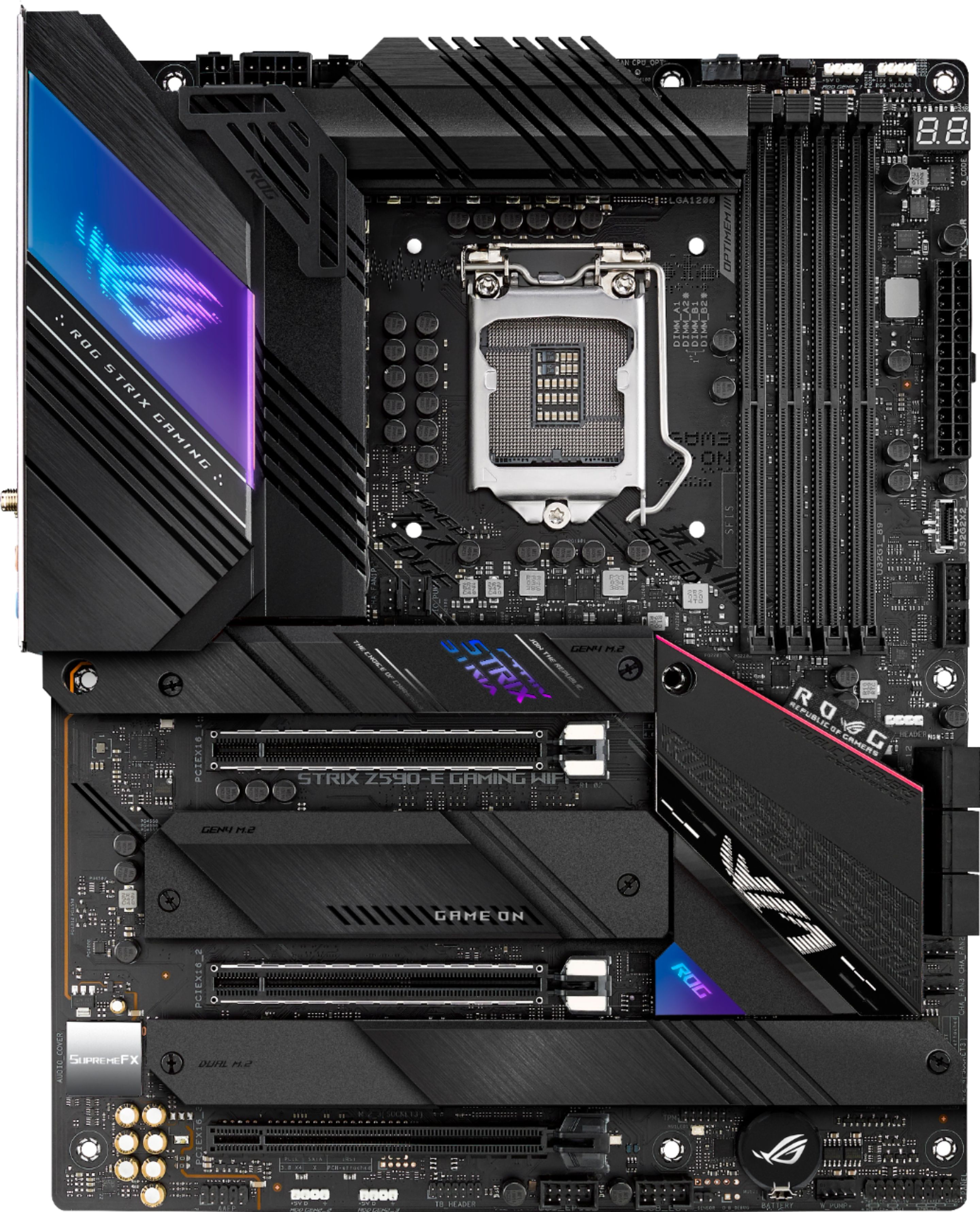
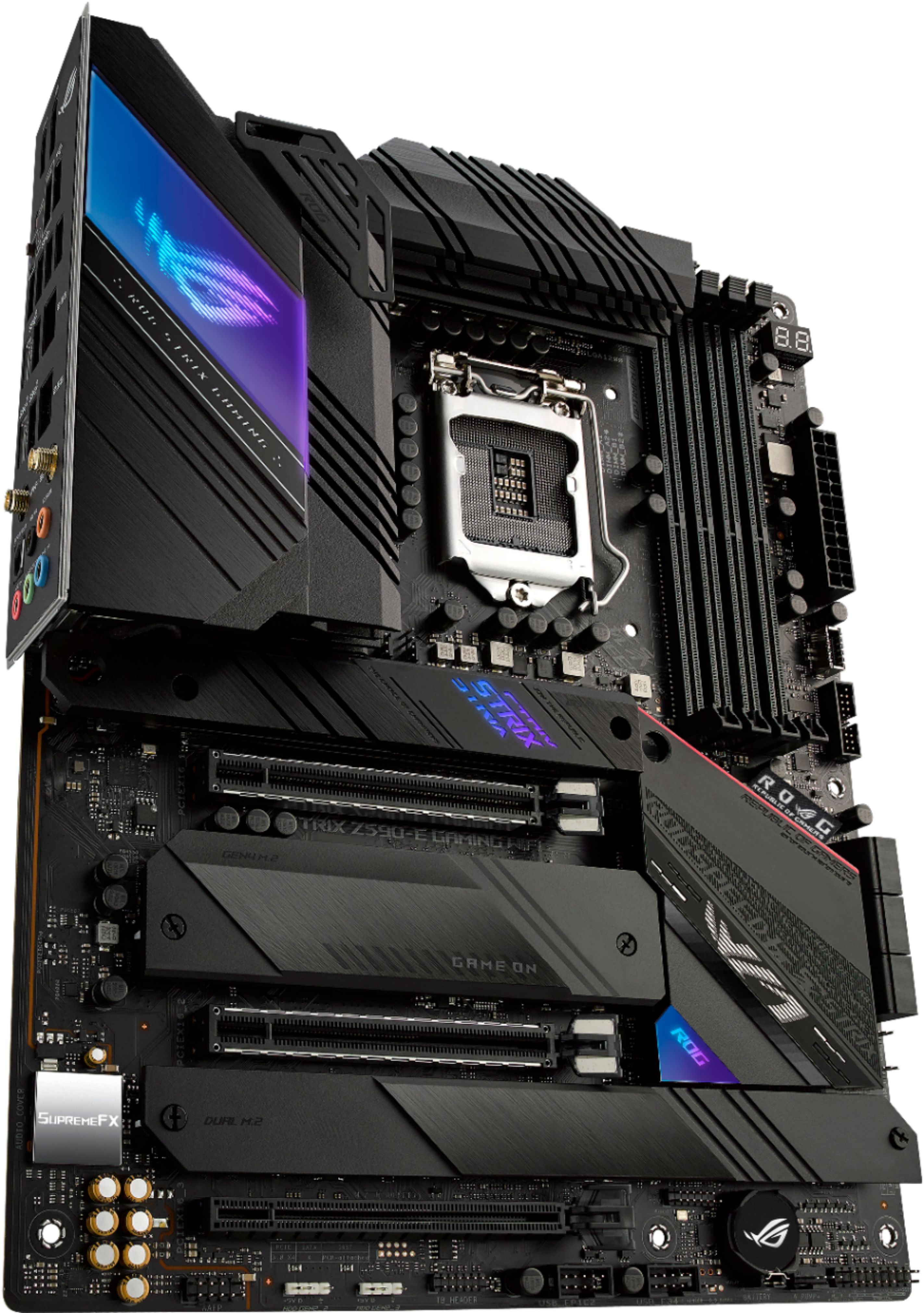
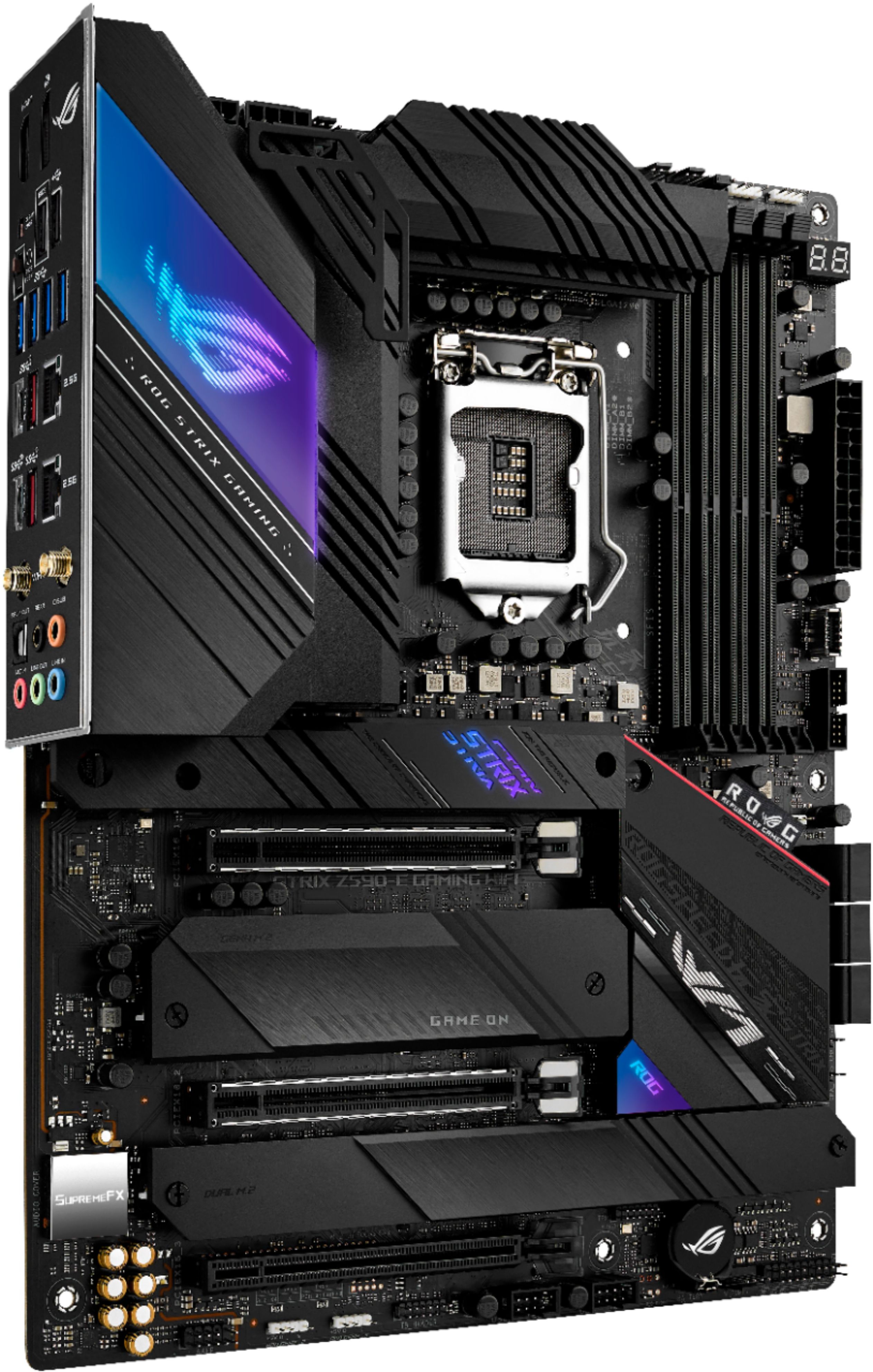
- ROG STRIX Z590-E GAMING WIFI
- SKU:
- 6452560
Rating by feature
- Value
Rating 4.6 out of 5 stars
- Quality
Rating 4.7 out of 5 stars
- Ease of Use
Rating 4.6 out of 5 stars
Customers are saying
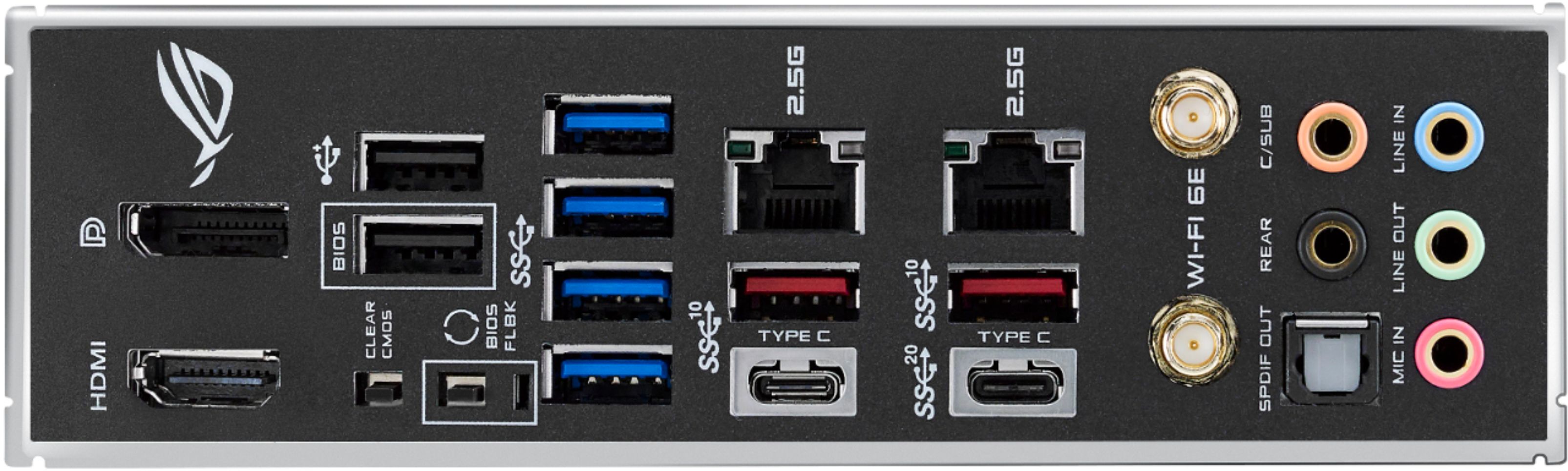
Customers are satisfied with the ROG STRIX Z590-E GAMING WIFI motherboard's ease of use, impressive performance, and user-friendly BIOS. Many appreciate the aesthetically pleasing RGB lighting and the extensive features offered, including robust connectivity options like WiFi 6E. The board's power capabilities also receive positive feedback.
This summary was generated by AI based on customer reviews.
Motherboard
||Posted . Owned for 1 month when reviewed.This reviewer received promo considerations or sweepstakes entry for writing a review.Motherboard worked well and computer is very fast.
I would recommend this to a friendAsus motherboard
||Posted . Owned for 1 month when reviewed.This reviewer received promo considerations or sweepstakes entry for writing a review.I'm trying this one because i really like Asus products.
I would recommend this to a friendGreat Z590 mobo
||Posted . Owned for less than 1 week when reviewed.This reviewer received promo considerations or sweepstakes entry for writing a review.Excellent motherboard. Great features and build quality.
I would recommend this to a friendBest Motherboard
||Posted . Owned for 1 month when reviewed.This reviewer received promo considerations or sweepstakes entry for writing a review.the most wonderful experience in the new in technology
I would recommend this to a friendGood Board Bad BIOS
||Posted . Owned for 3 weeks when reviewed.This reviewer received promo considerations or sweepstakes entry for writing a review.The board in general is good. It is well built and looks good. BUT, the BIOS is not configured correctly from the manufacturer. When you want to save your settings, the BIOS says to " Save and RESET" not "Save and EXIT" Saving and RESETTING just puts all of the changes back to what it was before you made the changes.
No, I would not recommend this to a friendmother board
||Posted . Owned for 3 weeks when reviewed.This reviewer received promo considerations or sweepstakes entry for writing a review.very fully on components such as m.2 chips and ssd's it will work with
I would recommend this to a friendNice Motherboard
||Posted . Owned for 2 months when reviewed.This reviewer received promo considerations or sweepstakes entry for writing a review.Great motherboard. nice to have the added speed of ramdisk.
I would recommend this to a friendMissing equipment
||Posted . Owned for less than 1 week when reviewed.This reviewer received promo considerations or sweepstakes entry for writing a review.Great board. Just got it today but the box wasn’t sealed and it didn’t come with the WiFi antenna. The first time I have had a issue with Best Buy sending me potentially tampered with hardware. Not happy I spent 380 dollars and not receiving all parts.
I would recommend this to a friendPoor Value
||Posted . Owned for 2 months when reviewed.This reviewer received promo considerations or sweepstakes entry for writing a review.I had consistent issues with this board. Its expensive compared to other mid range Z590 Motherboards.
No, I would not recommend this to a friend- Pros mentioned:Ease of use, Performance
A good solid motherboard
Posted .This reviewer received promo considerations or sweepstakes entry for writing a review.This motherboard was very easy to use. There are lots of options for installing storage devices. Cable management was good, though a little tight around my GPU (EVGA 3080 FTW3), but easily doable. I have had no problems with functioning -- zero -- everything works great.
I would recommend this to a friend Not what i expected
||Posted . Owned for 2 weeks when reviewed.This reviewer received promo considerations or sweepstakes entry for writing a review.I have use rog for years but my last two buys where bad,the board jeep the overheating sensor on even when the tempeture is 40,meaby was juat me but i guess
No, I would not recommend this to a friendBrand response from ASUS Answers
Posted .Dear Andrewrranger101,
We are sorry to hear about the overheating issues you're having with this model. Please allow us to make your experince with ASUS a better one. We would recommend that you attempt the following steps:
Usually first, please check if the chassis and CPU fans are malfunctioning
Test each fan to make sure they are running and turned on
Unplug and plug the fans from fan headers to make it work again
Replace fans that are malfunctioning or not turning properly
Avoid blocking the vents on the computer
Never place PC on the bed, blanket or any soft surfaces, these location can block the air flow and which resultantly warming the PC up
please suggest customer to put it on hard surfaces, like wooden table or laptop tray, so the ventilation area is not blocked
Clean up the PC/Motherboard
Completely turn off the system and open the case
clean visible dust by using compressed air or leaf blower.
Clean dust from the fans (dust on old fans);
blow the main pc components with air, with fans, from front and back sides
For more information send us an email at [email protected] and provide the link of this review for reference. We’ll do our best to provide a quick resolution to your case. Your feedback is important as it helps with improvements to ASUS Support channels. Please copy a link to this post as a reference.
Thank you for choosing ASUS.
Best Regards,
Joan
ASUS Customer Loyalty US Support