Customer Ratings & Reviews
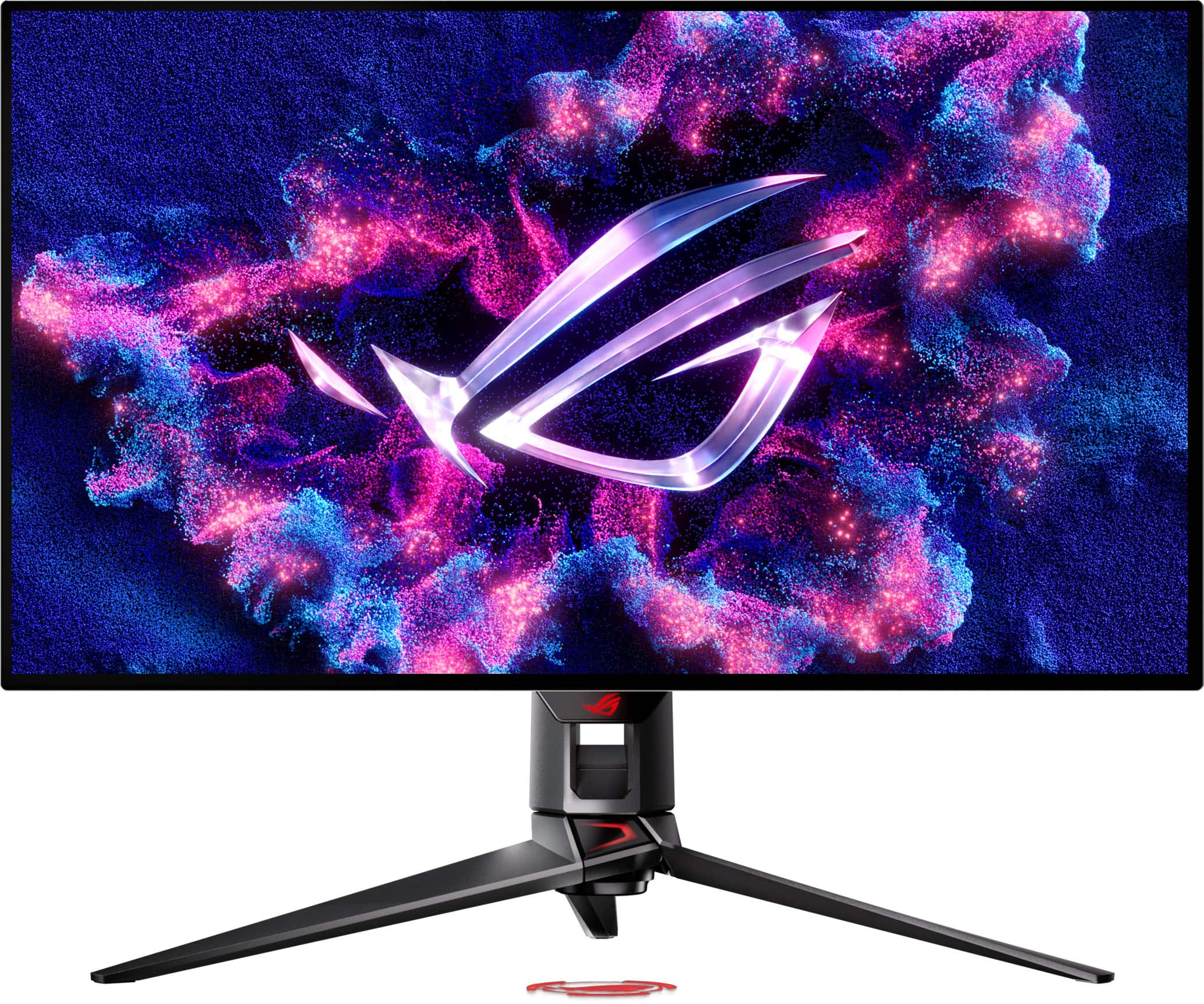
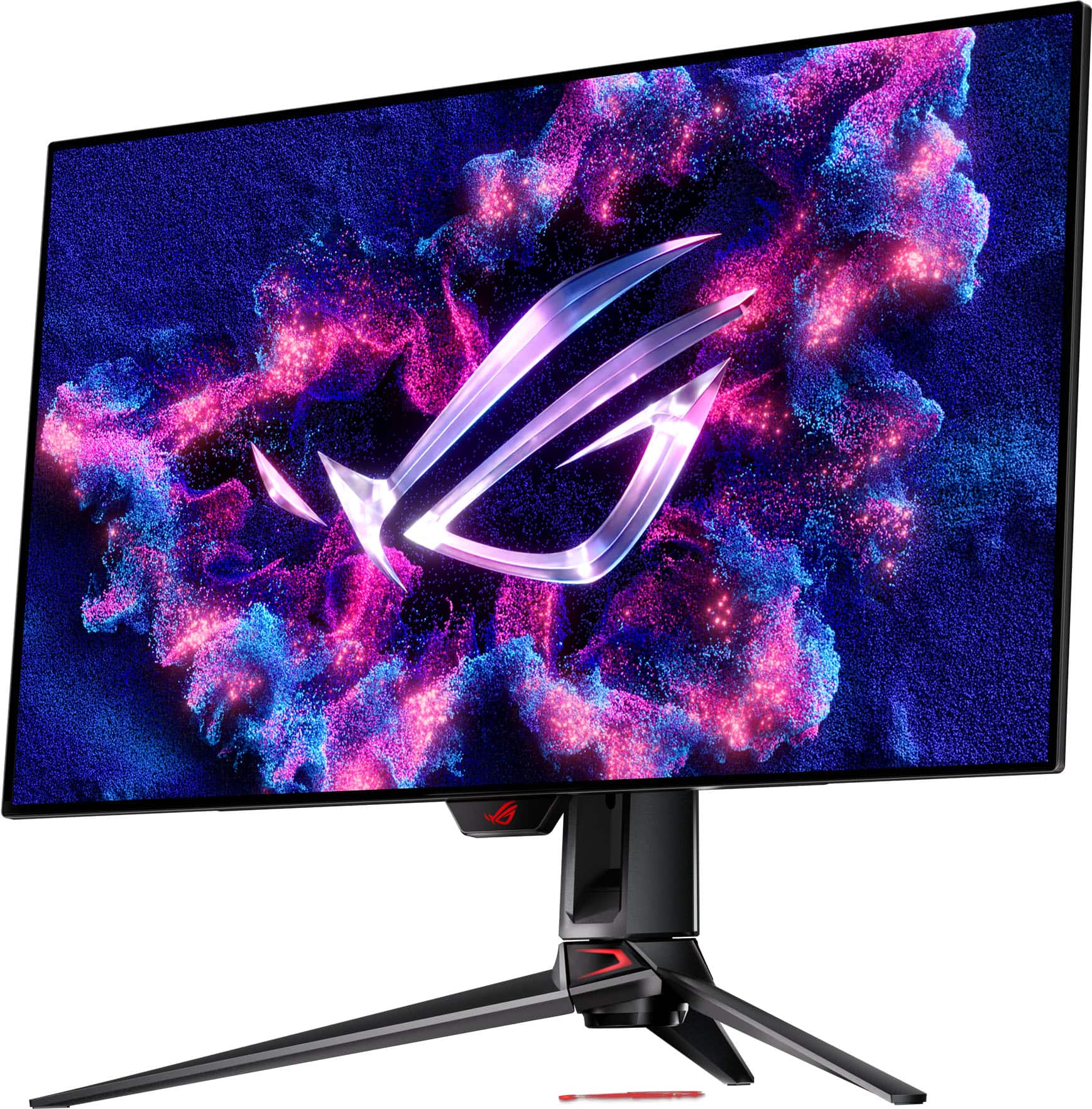
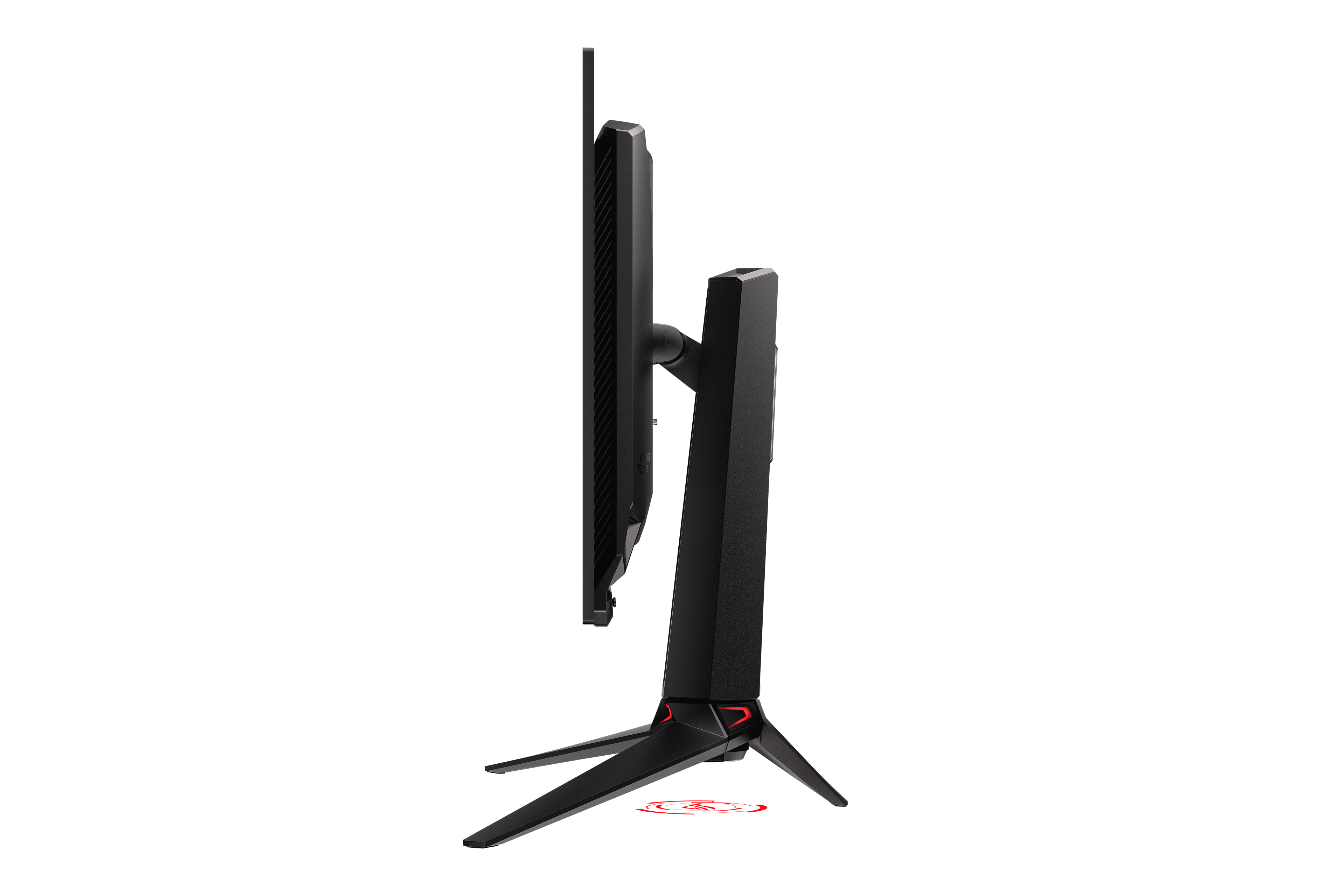
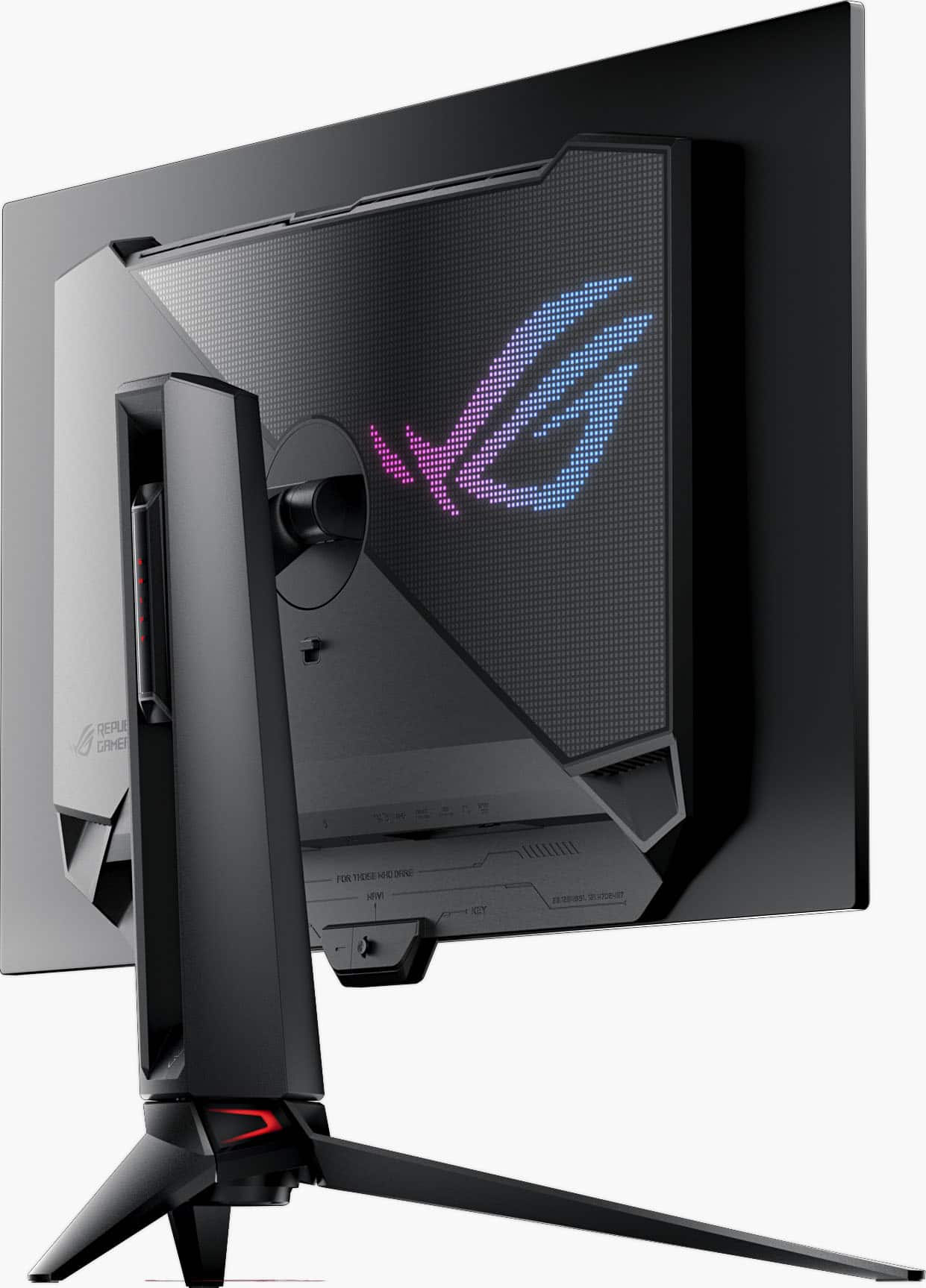
- Model:
- PG32UCDP
- SKU:
- 11524285
Rating by feature
- Display Quality
Rating 4.8 out of 5 stars
- Ease of Use
Rating 4.8 out of 5 stars
- Features
Rating 4.8 out of 5 stars
Don't buy
||Posted . Owned for 3 weeks when reviewed.This reviewer received promo considerations or sweepstakes entry for writing a review.Just bought this Monitor within a month screen flickering and going black Just as soon as the 2 weeks past i tried everything to troubleshoot why do a $1000 monitor have worse problems then a $500 monitor sh doesn't make sense
No, I would not recommend this to a friendBrand response from ASUS Answers
Posted .Dear JoevonH,
We’re sorry to hear about the screen flickering and blackout issues with your ASUS PG32UCDP monitor. We understand how frustrating this can be, especially with a premium product. To obtain assistance with repairing the monitor or to further investigate the problems described, we recommend contacting our support team directly at https://www.asus.com/us/support/CallUs.
We stand behind our products and continuously strive to improve our products and processes to achieve customer service excellence. If you require further assistance, please email us at [email protected] and include the case number "N2508001252-0001" as a reference. We will do our best to resolve your case quickly. Your feedback is very important to us and enables us to improve our support channels. Thank you for choosing ASUS.
Best Regards,
Chantae
ASUS Customer Loyalty US Support
Bent Monitor
||Posted . Owned for 1 month when reviewed.This reviewer received promo considerations or sweepstakes entry for writing a review.I bought this monitor about a month ago. Its been pretty great, but while doing some cable management, i noticed something. The monitor was bent at the bottom left corner! I’m screwed because im out of my “return period”. I will be contacting Customer Support for both Best Buy and ASUS about this. Terrible quality for a $1200 monitor.
No, I would not recommend this to a friendBrand response from ASUS Answers
Posted .Dear Jaxson,
Thank you for your comment.
We certainly understand your disappointment and the inconvenience this may have caused if the monitor was bent at the bottom left corner. ASUS is an ISO certified company, as a result, all products go into a strict quality manufacturing standard. All ASUS products undergo intensive quality control testing and inspections that ensure each one is trouble-free. The issue with the monitor is random. We recommend you send the product in for service so this may be resolved immediately. An RMA number is required to send it in for service. For RMA details, please go to: https://www.asus.com/us/support/article/818/. If you need more information or further assistance with the warranty for the product, please email me at [email protected] and I would be more than happy to help. Or, you are most welcome to call Product Support Hotline at: 1(888) 678-3688. Also, you can chat with an ASUS live support agent from the link: https://www.asus.com/us/support/article/1135/.
Thank you for choosing an ASUS product.
Regards,
Rodel
ASUS Customer Loyalty
- Pros mentioned:Color quality
Almost Perfect
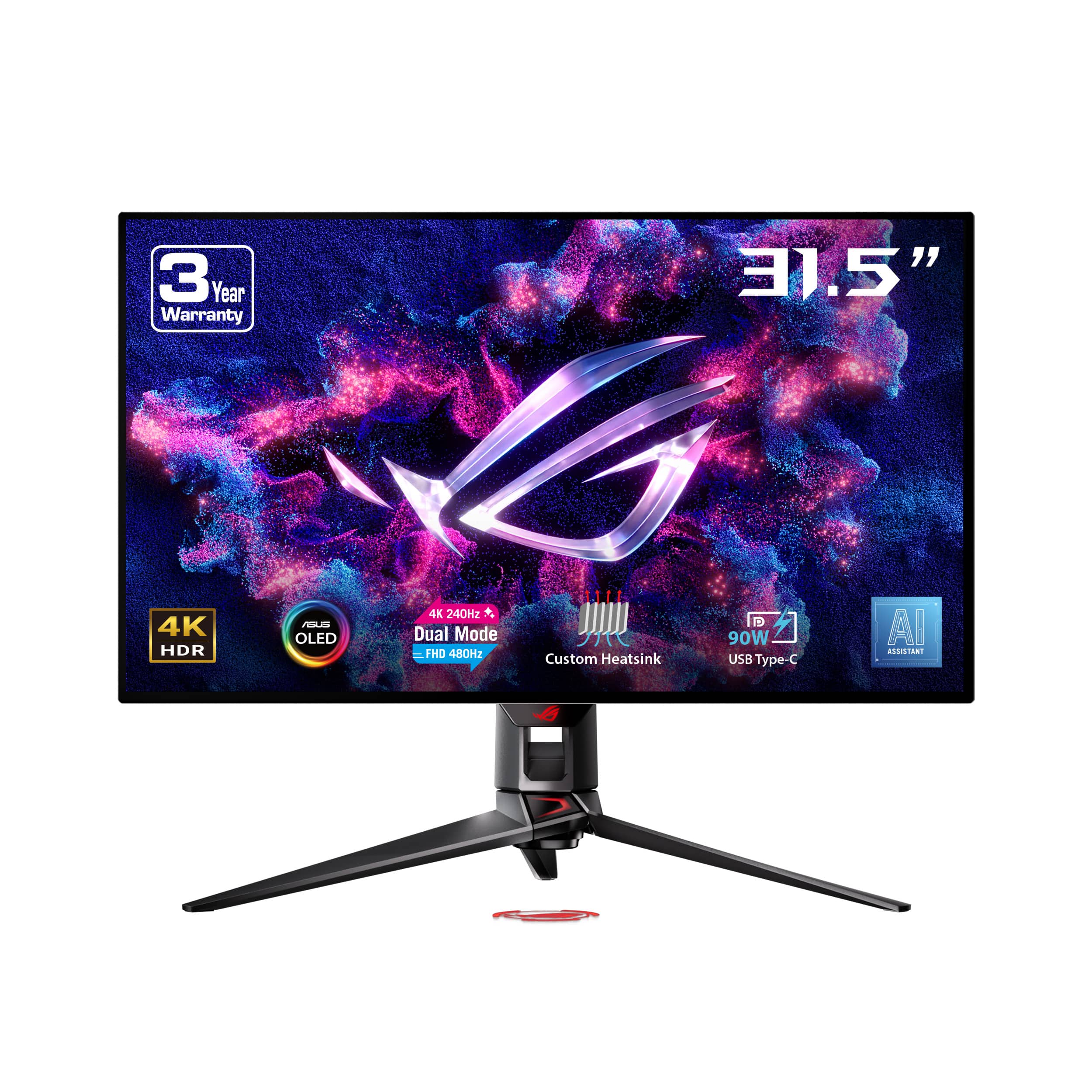
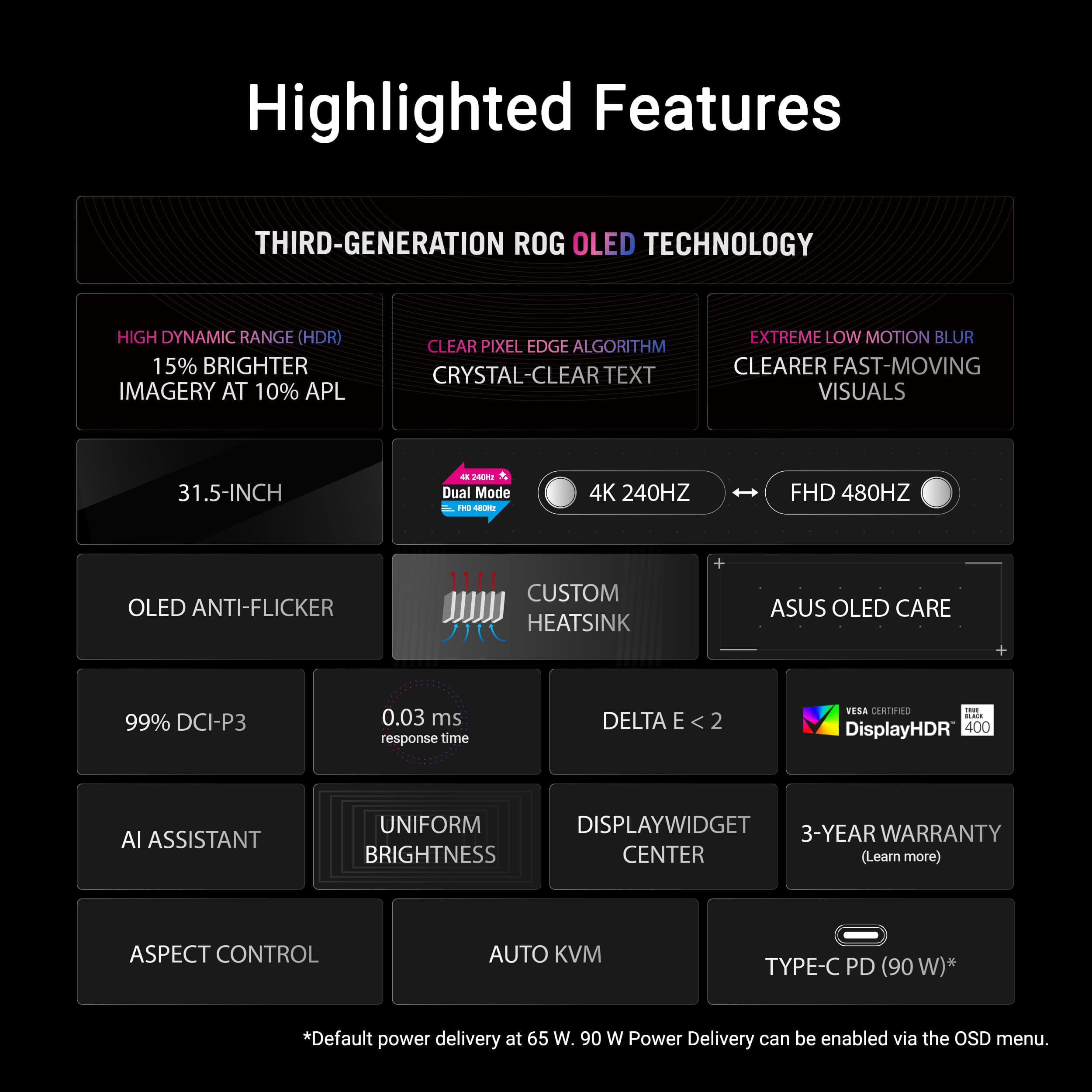
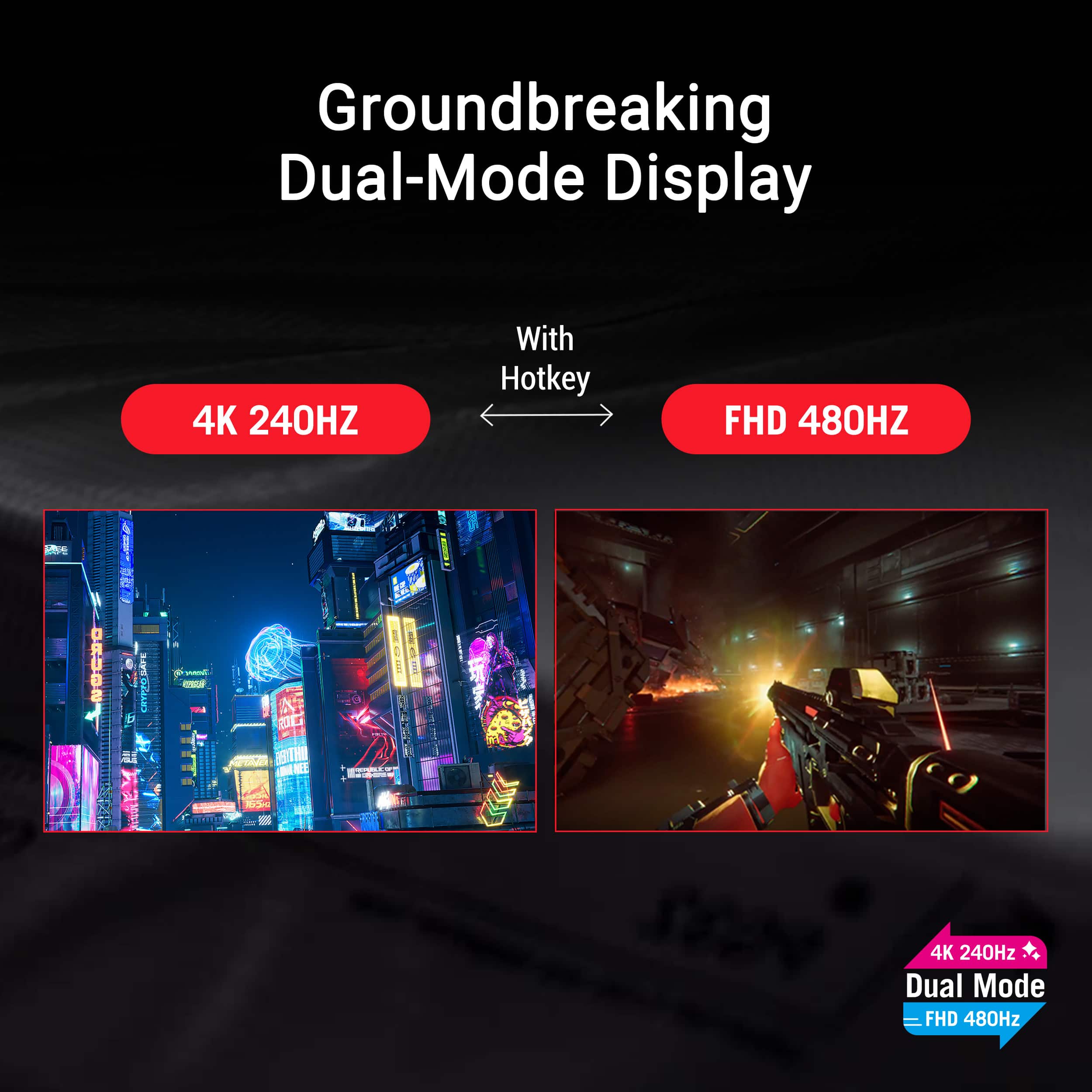
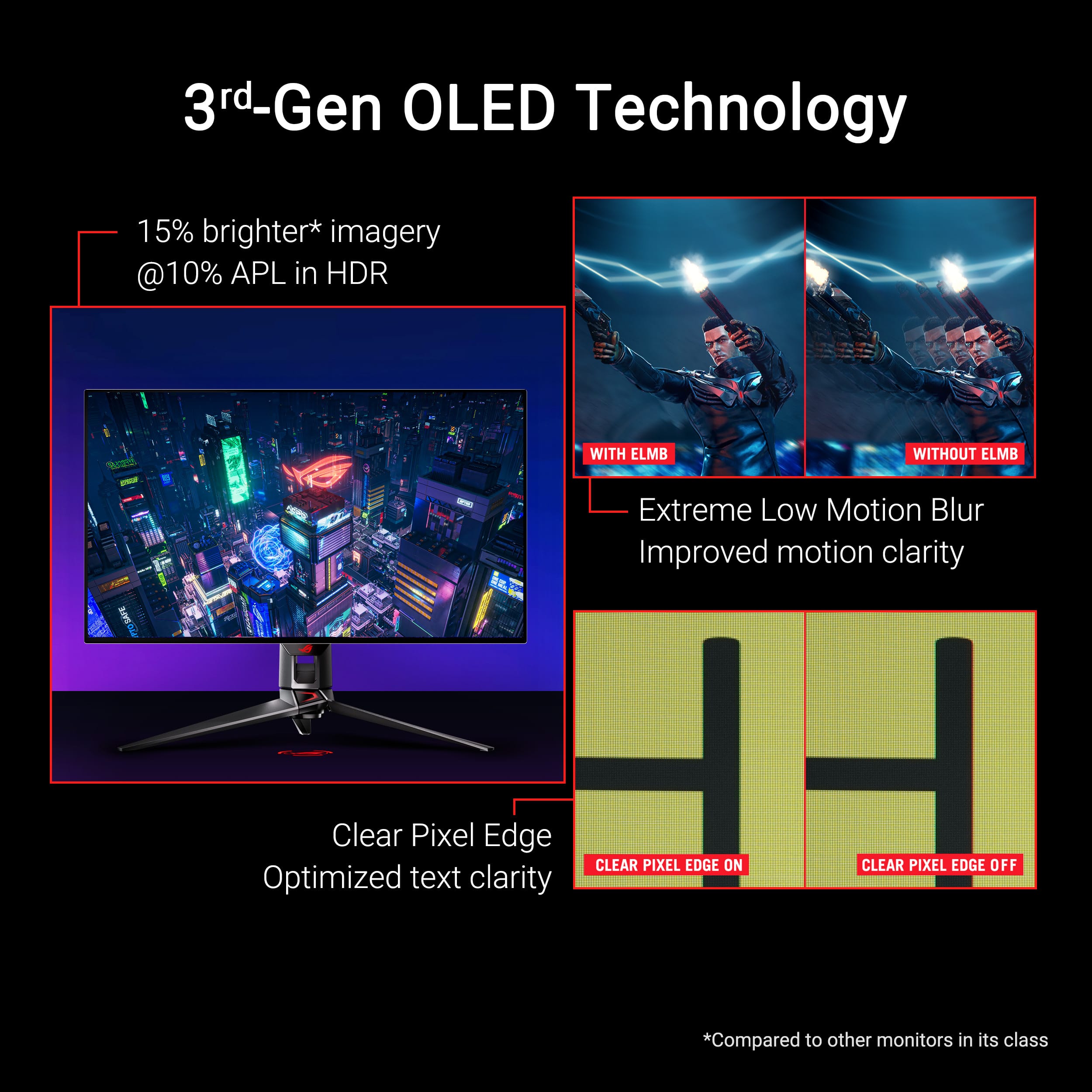
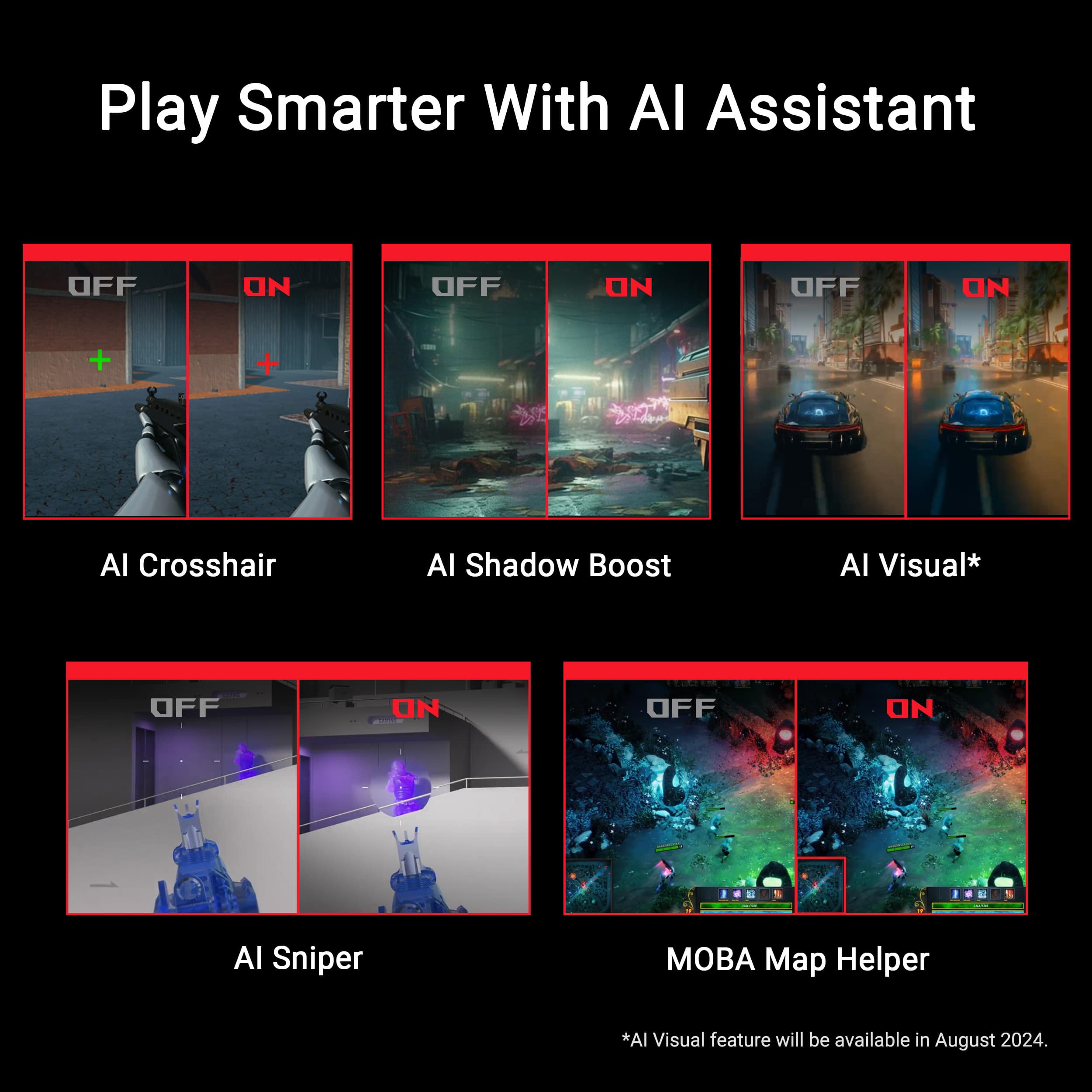
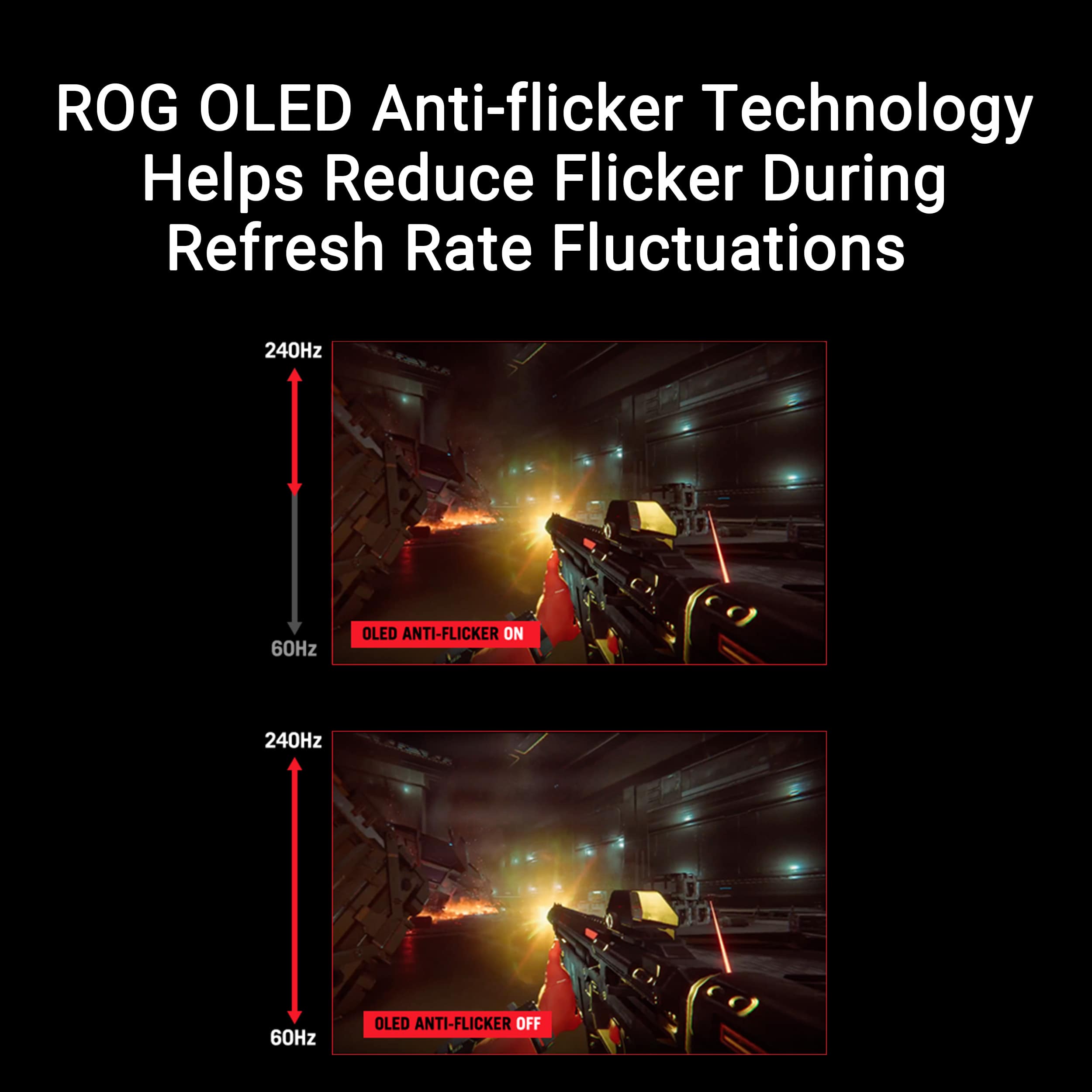
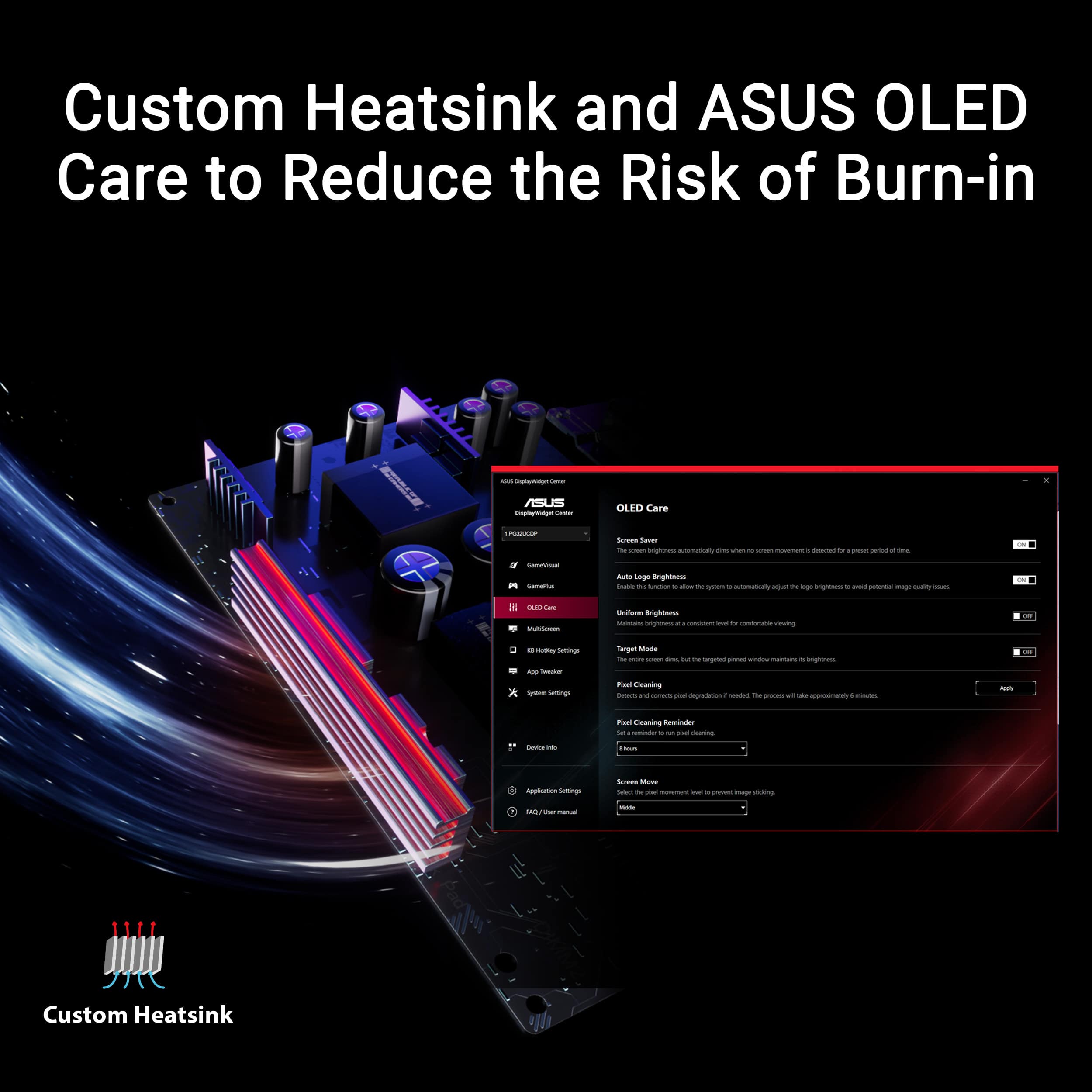
||Posted . Owned for less than 1 week when reviewed.This reviewer received promo considerations or sweepstakes entry for writing a review.Purchased the ASUS PG32UCDP after owning the PG32UCDM (the QD-OLED version) for 8 months. I'll go over 3 topics in this review which will include 1. a review of the PG32UCDP, 2. differences between the UCDP and the UCDM, and 3. why I switched to the UCDP. 1. The ASUS ROG Swift PG32UCDP is a stunning monitor. The 31.5" display size is the perfect for immersive gaming, media consumption, and productivity without it being too large on a desk. The gorgeous colors, infinite contrast, and instantaneous pixel response times that OLEDs give you is an experience you cannot go back from. This model also gives a nice dual mode option that lets you use your display at 4K 240Hz or 1080p 480Hz. This feature is useful for those who play fast pace competitive games where high frame rates and low latency is priority. This is also a useful feature for those playing demanding games that have low FPS since you can conveniently switch to native 1080p if you are willing to sacrifice resolution for motion smoothness. OLEDs do suffer from VRR flickering in some games where you have darker scenes and fluctuating frames. Although this doesn't happen often, it can be annoying when it does. This monitor does have an "Anti-Flicker" option that limits the VRR range to reduce flickering. In my experience this does work in some scenarios to reduce but not eliminate flicker. It's a nice option to have, but I still think limiting the frame rate or reducing your monitors refresh rate is a better choice to VRR flicker. The KVM switch also works great. I love being able to switch between my PC and MacBook on this monitor while being able to keep my MacBook charged all with the same USB-C connection. There are also a number of other features ASUS offers that I have not really found use for yet such as ELMB black frame insertion and AI Assistant options. I do like the OLED care options that are available, and that ASUS does offer a 3-year warranty that covers burn-in (although ASUS does not have a good track record when it comes to honoring warranties). Nonetheless, this is a fantastic OLED monitor. 2. PG32UCDP vs PG32UCDM: The PG32UCDM is an alternative version to this monitor with a QD-OLED panel versus a WOLED found on this UCDP model. QD-OLEDs offer a little more vibrant colors and color volume, are slightly clearer and sharper due to the glossy panel and offer other features such as Dolby Vision. However, QD-OLEDs are best used in dim or dark rooms since they have "raised black" issues where blacks turn to grey or purple when in brighter rooms or when light is reflecting off of it. Even though most QD-OLEDs are considered gloss, they do still have an anti-glare coating on them. This coating is extremely delicate and is easily scratched, even when wiping with a soft microfiber cloth. WOLEDs on the other hand are excellent in any environment, not only because the semi-matte finish on the display that combat reflections better, but because they do not suffer from the raised black issue. Blacks will remain perfect in bright or dark rooms. The WOLED on the UCDP also is brighter in HDR than the QD-OLED on the UCDM. The UCDP also offers unique features over the UCDM such as the dual mode, anti-flicker, and AI assistant options. The matte finish is also more durable, so wiping with any microfiber cloth or t-shirt most likely won't cause any permanent damage or markings like QD-OLEDs. Ultimately, the QD-OLED is best for those who mainly use their monitor in dim or dark rooms as it provides the best colors and clarity and offering features such as Dolby Vision. The UCDP is best for those who use their monitor in all types of brightness environments since the display does better at fighting reflections, maintains deep blacks, and has brighter HDR. You also get the option for features such as dual mode. 3. The last thing I want to cover is why I made the switch to the UCDP. As much as I loved the colors and clarity the QD-OLEDs provide, after many months of use, I found that QD-OLEDs actually give me eye strain and fatigue and I would need to take frequent breaks from working or gaming. I've read online that others have experienced this as well. I've seen reasons from the blue light that QD-OLEDs emit, the unique sub-pixel structure they use, and adjustments from glossy to matte panels. Not really sure what was causing mine, but switching the WOLED has significantly reduced or even eliminated this issue for me. Another reason is because I do like to use my monitor in a bright room during the day since I like to open my windows to get natural light especially when I am working. It's also nice to not have to worry so much about cleaning the display and possibly damaging the fragile coating on the QD-OLED panel. The reason I say this monitor is almost perfect is because I believe the perfect OLED will eventually come with the same color and clarity that QD-OLEDs bring along with the perfect blacks and bright HDR that WOLEDs provide. Include a combination of the features that both display types have and no VRR flickering issues. Until then, this monitor gets very close.
I would recommend this to a friend - Pros mentioned:Color quality
Easily the best OLED monitor to date!
||Posted .This reviewer received promo considerations or sweepstakes entry for writing a review.This is one of the best OLED monitors you can buy. WOLED for deep blacks even in the brightest rooms, great motion, lots of great features like optical audio out and customizable HDR. Even though it's matte, it's more of a semi-matte, so the image is still very much 3D-like. I can't find really any negatives on it other than, sometimes, it takes some time to wake up from sleep when I turn my computer on. (I've heard you can disable auto scan to fix that, but sometimes my wife uses her MacBook through USB-C on it, so I don't wanna do that!) Probably the best screen you can get for any environment until the new glossy WOLEDs come out in August/September!
I would recommend this to a friend You owe this to your gaming machine!
||Posted . Owned for 3 months when reviewed.This reviewer received promo considerations or sweepstakes entry for writing a review.I’ve had high quality IPS panels for many years now, and always kept my machine on the high end of performance hardware. But I always found that after a new GPU, the extra frames were nice, but something was missing in my setup. This OLED panel absolutely blew away all of my expectations and opened up an appreciation for higher detailed and cinematic experiences that I otherwise would have ignored. The perfect colors and contrast have hightened the experiences I have with my machine everyday to the point it felt almost too good to be true. This monitor is the Apex of 4K display for any kind of content, movies and games alike. To start a game and see the individual pixels come to life in perfect contrast is something to behold. I especially like how well it handles high refresh rate content. Some of my other monitors have trade-offs like ghosting or latency introduced by various things, but this monitor seems to truly offer all of it’s extra features just as you’d expect them. This monitor has no trouble at all wirh ghosting or sync issues with G-Sync. It has taken my machine to another level, from which I cannot return. This will ruin IPS panels for you, so make sure you’re ready, there’s no going back. This monitor also features some things I really have not found much use for, such as the 1080p 480Hz mode. The 480Hz mode does look scary smooth, but when you have the option of STUNNING 240Hz 4K it really doesn’t make much sense to use it that way, for me anyways. One note, the saturation of the standard color profile is a bit high, I’ve found that in SDR mode the image is over-saturated by about 5-7%. And in HDR mode it is under-saturated by nearly the same amount. This is easily adjusted on the monitor itself or through your video management software like Nvidia Control Panel. In conclusion: This monitor rocks and it is truly something that makes me exited every time I boot up my machine, so many old and new experiences that this display breathes new life into.
I would recommend this to a friend- Pros mentioned:Color quality
Amazing OLED Gaming Monitor – Super Smooth, sharp
||Posted .This reviewer received promo considerations or sweepstakes entry for writing a review.I’m very impressed with this ASUS ROG Swift 32” OLED monitor. The image quality is incredible — the OLED panel delivers deep blacks, vibrant colors, and excellent contrast. Gaming at 4K 240Hz looks extremely smooth, and the dual-mode feature is a huge bonus. Switching to 1080p 480Hz is perfect for competitive games and feels incredibly responsive. The 0.03ms response time makes motion blur almost nonexistent, and input lag feels very low. HDR performance is also great and really makes games and videos pop. The build quality feels solid and premium, and the design looks clean on my desk. Keep in mind that this monitor does not have built-in speakers, but that wasn’t an issue for me since I use external speakers and headphones. Overall, this is an excellent high-end gaming monitor and well worth it if you want top-tier performance and image quality. Highly recommended for both competitive and immersive gaming.
I would recommend this to a friend - Pros mentioned:Color quality
Exactly As Advertised
||Posted .This reviewer received promo considerations or sweepstakes entry for writing a review.This monitor has been great. I switched to it from a monitor rated for 600 nits, so it seemed a bit dim at first at 400 nits. The colors and blacks are phemomenal though, and absolutely no washing out since theres no backlight. Pros: It has every feature you could want, g-sync, HDR, high refresh rate and low latency, with almost perfect color accuracy. It feels really high quality and the esthetics are nice. Cons: Its a bit dim compared to some panels, but thay might be a pro for extended use. It has mitigations for burn in, like dimming the screen when inacitve, but its still a bit nerve wracking. Its kind of software dependant and occasionaly gets hung up tabbing between applications. I've had a few crashes i suspect are related.
I would recommend this to a friend - Pros mentioned:Color quality
Rog swift oled = endless amounts of happiness
||Posted . Owned for 2 months when reviewed.This reviewer received promo considerations or sweepstakes entry for writing a review.This monitor is the best one ive owned hands down on my momma!. Amazing features oled screen repair and sooo much more. Ive tried alot of high end monitors and they’ve failed within a year. This is my first oled and ill never use a different display. The colors are amazing it really makes everything seem alive save the hassle and stress and get the best. Dont think about it just buy it because we all know youll be up at night losing sleep just thinking about having this beauty of a monitor on your desk :) oled for the win!
I would recommend this to a friend - Pros mentioned:Color quality, Refresh rate
If u got money to spend then go for it.
||Posted .This reviewer received promo considerations or sweepstakes entry for writing a review.Great monitor for EVERYTHING. It has it all you wanna be a super sweaty tryhard we got 400hrz 1080p GAMING. Wanna just chill with 4k gaming and still get 240hrz is crazy top of the line best performace you can get unit next year...
I would recommend this to a friend - Pros mentioned:Refresh rate, Resolution
Incredible Performance
||Posted . Owned for 1 week when reviewed.This reviewer received promo considerations or sweepstakes entry for writing a review.I recently upgraded to the ASUS ROG Swift 32” OLED Dual mode Gaming Monitor, and it has completely transformed my gaming experience. The stunning 4K resolution at 240Hz and the option for FHD at an incredible 480Hz with a lightning-fast 0.03ms response time make this monitor a dream for any serious gamer. The colors are vibrant, the contrast is deep, and the smoothness of gameplay is unmatched. The G-SYNC and FreeSync support also ensure that every game runs seamlessly without any screen tearing. However, I do have one small complaint. When I use the monitor in 1080p 480Hz mode, and I have my second monitor connected, the game sometimes launches on the secondary monitor instead of the ASUS ROG Swift. It’s a bit annoying to have to move the game back to the main monitor. This is the only issue I’ve encountered, and it’s a minor one in the grand scheme of things. Overall, this monitor has greatly enhanced my gaming setup, and I would highly recommend it to anyone looking for top-tier performance and flexibility in a gaming display. Despite the small inconvenience with dual monitors, the pros far outweigh the cons.
I would recommend this to a friend - Pros mentioned:Color quality
I love it
||Posted . Owned for 2 months when reviewed.This reviewer received promo considerations or sweepstakes entry for writing a review.The ASUS Swift OLED Dual Mode is hands down the best monitor I’ve ever used! The ability to switch between 4K at 240Hz and 1080p at 480Hz is a game-changer, giving me the perfect balance between stunning visuals and ultra-fast response times. The OLED display makes everything look amazing, with deep blacks and vibrant colors. Gaming feels incredibly smooth with G-Sync/FreeSync support, and there’s virtually no motion blur. The build quality is premium, and setup was easy with plenty of ports. My only minor concern is potential OLED burn-in, but ASUS includes features to help prevent it. Highly recommend for gamers and creators who want the best of both worlds!
I would recommend this to a friend - Pros mentioned:Color quality, Refresh rate
Awesome Monitor
||Posted . Owned for 1 month when reviewed.This reviewer received promo considerations or sweepstakes entry for writing a review.Great monitor! good colors! i love the fact that i can switch to 480hz when i play competitive games! no regrets with my purchase!
I would recommend this to a friend Great value + great experience
||Posted .This reviewer received promo considerations or sweepstakes entry for writing a review.Short term - First OLED monitor and I'm loving the WOLED panel. HDR is a bit intense for my liking but I'm used to a dimly lit room and this thing looks outstanding in that environment. Wife has a rig behind mine and I'm glad I chose this matte version as it lowers the reflections. Bought a second one for my brother in law. I was a bit concerned with the Open-Box status but indeed the panel and accessories were all present and in good condition despite a bit of dust. Great value and the total membership warranty gives me piece of mind. Hopefully I'll have a longer term review with similar satisfaction.
I would recommend this to a friend- Pros mentioned:Color quality
Excellent monitor!!!
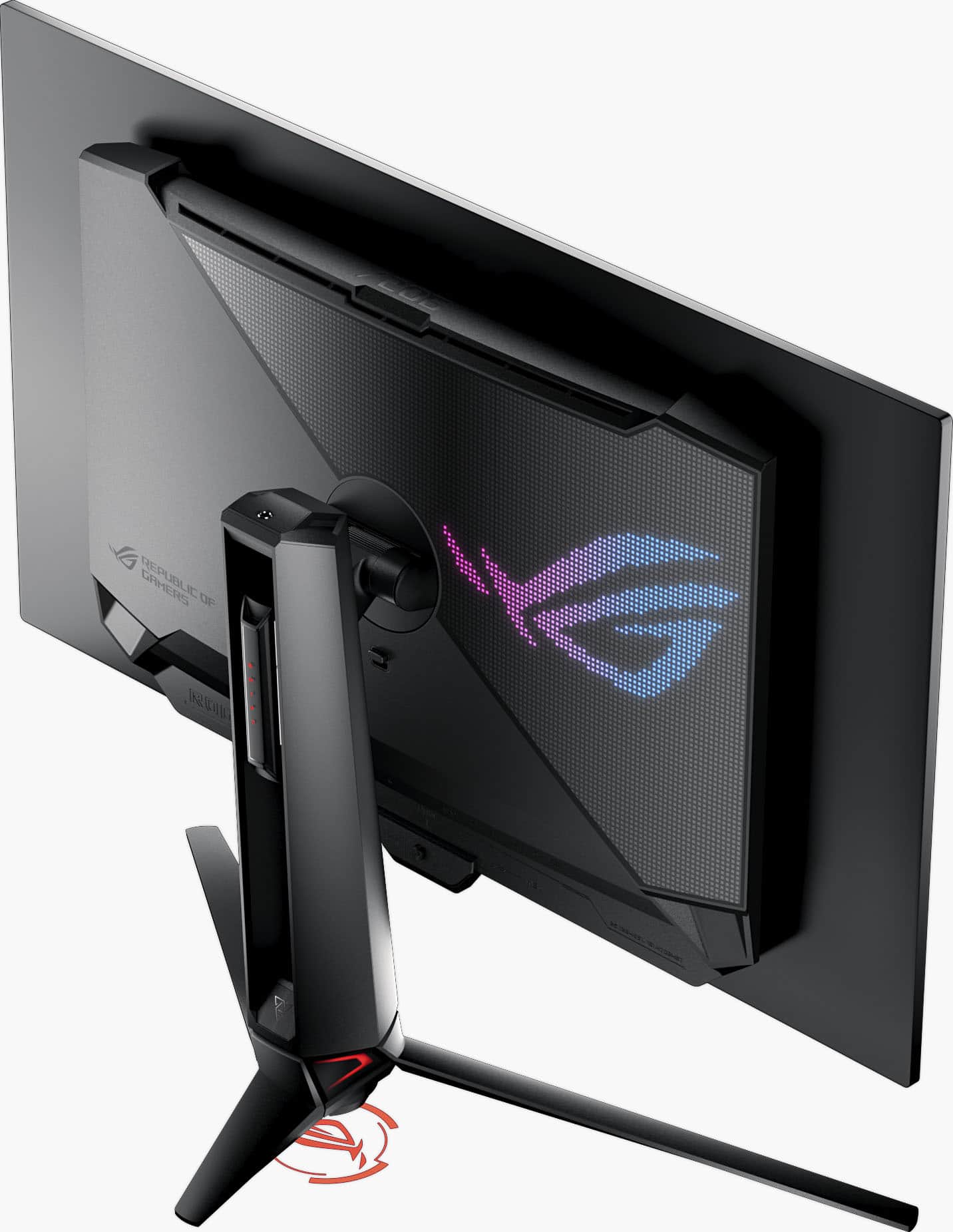
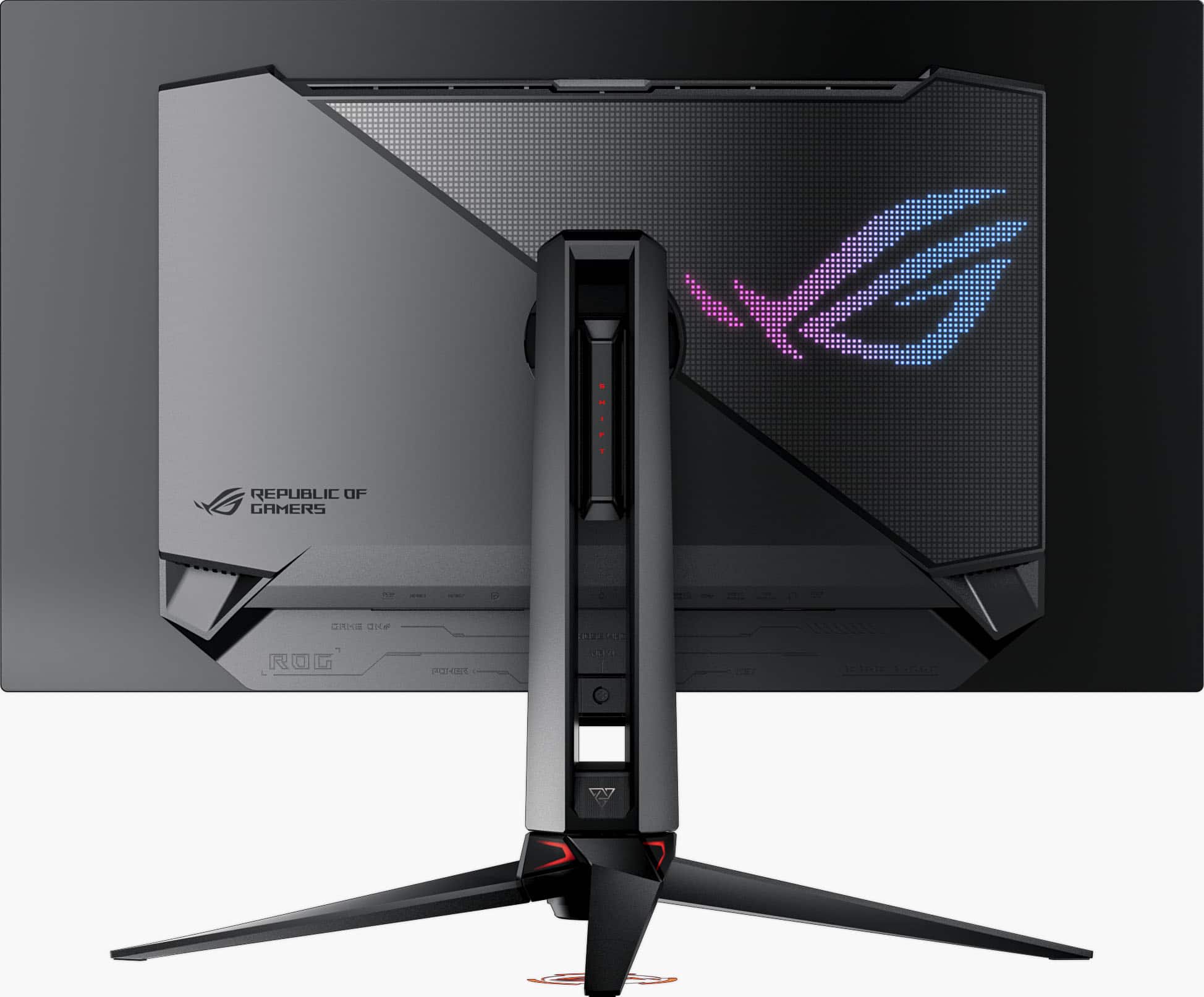
||Posted . Owned for 3 months when reviewed.This reviewer received promo considerations or sweepstakes entry for writing a review.Excellent colors and deep blacks, the screen is an impressive size and looks absolutely beautiful when being used for games. I also use it for photoshop and LRC and the clarity is phenomenal. Id also like to mention the quality of materials being used is top teir, has some plastic and metal and glass. Its has lighting accents and an rgb accent on the back which looks great, easy to set up, and has more features than id actual use. the monitor was worth every penny of my hard earned money.
I would recommend this to a friend 
Best of Both Worlds
|Posted . Owned for less than 1 week when reviewed.This reviewer received promo considerations or sweepstakes entry for writing a review.I've been looking for a panel that has been this versatile for a while. When comparing this to the LG they are very similar but the extra features like KVM and USB-C put this over the top for me. So far I enjoy it a lot!
I would recommend this to a friend- Pros mentioned:Color quality, Refresh rate
Asus monitor
||Posted . Owned for 1 month when reviewed.This reviewer received promo considerations or sweepstakes entry for writing a review.This is a very good monitor the colors are really vibrant and good the refresh rates are right on point I'm using 240 refresh rate no issues what's the weather I highly recommend this monitor it doesn't break the bank I think that if you buy it it would be very satisfied with it
I would recommend this to a friend - Pros mentioned:Refresh rateCons mentioned:Stand
Best Monitor of 2024!
||Posted . Owned for 1 week when reviewed.This reviewer received promo considerations or sweepstakes entry for writing a review.4k Quality WOLED panel with deeep blacks for those movies nights Matte finish that isn't so matte it washes out the picture quality. Super crisp picture. Stand is on the big side and need lots of space but is extremely sturdy with its all metal design for the base. I went from a 27 inch 2k display to this 32 inch 4k display and this takes it to a new level of immersion. No need to have dual monitors with how much you can see on this display. 240hz is buttery smooth but 480hz with its frame boost setting is extremely smooth. Just make sure to set your audio settings every time you change the frame boost setting back on and off.
I would recommend this to a friend - Pros mentioned:Color quality, Resolution
Excellent OLED gaming monitor.
||Posted . Owned for 3 weeks when reviewed.This reviewer received promo considerations or sweepstakes entry for writing a review.Bought this monitor for video analysis and gaming. It is amazing! Excellent color and resolution. Deep blacks. Great details. And the frame rates in HD games with HDR on is very high. I have it coupled to a GeForce 5080 RTX and it is very impressive! Great deal for the money.
I would recommend this to a friend - Pros mentioned:Color quality
Best purchase for 4k OLED monitors out there
||Posted . Owned for 1 month when reviewed.This reviewer received promo considerations or sweepstakes entry for writing a review.I think this is the best 32” 4k 240hz OLED monitor you can buy. Great visuals and ROG is a very reliable brand. Out of all the Alienware, LG, and Samsung monitors, this ROG monitor is the brightest of them all. 500+ nits brightness compared to the other 300-400 nits. Highly recommend and I will be getting another ASUS ROG OLED monitor
I would recommend this to a friend - Pros mentioned:Refresh rate
Everything you need
||Posted . Owned for 3 months when reviewed.This reviewer received promo considerations or sweepstakes entry for writing a review.This monitors 4K 240hz mode is beautiful and everything you meed for 99% of your gaming. And for the other sweaty competitive times you have the 1080p 480hz ready to go at the push of a button
I would recommend this to a friend