Customer Ratings & Reviews
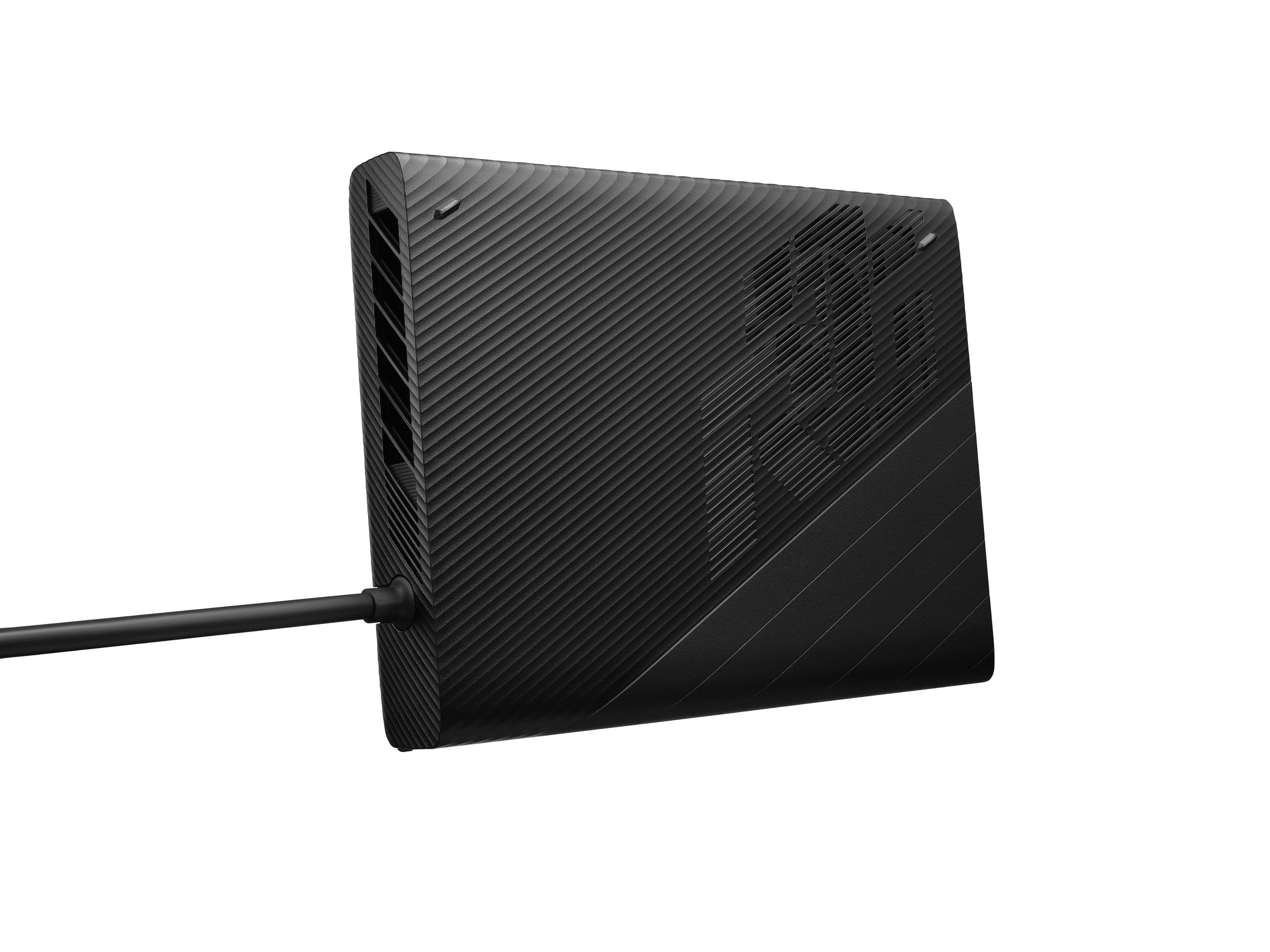
- Model:
- GC32L-059
- SKU:
- 6510754
Rating by feature
- Value
Rating 3.5 out of 5 stars
- Quality
Rating 4.2 out of 5 stars
- Ease of Use
Rating 3.5 out of 5 stars
Customers are saying
Customers admire the ROG XG Mobile eGPU Dock's impressive performance, noting its ability to significantly boost gaming capabilities and create a powerful hybrid desktop/portable setup. However, some users find the device's fan noise excessive, and others have experienced connectivity issues or software-related problems. The lack of USB-C ports is also a recurring criticism. Despite the high price point, many appreciate its portability and overall performance when functioning correctly.
This summary was generated by AI based on customer reviews.
- Pros mentioned:PerformanceCons mentioned:Noise, Usb-c
70 decibels is just too loud
||Posted . Owned for 1 month when reviewed.This reviewer received promo considerations or sweepstakes entry for writing a review.I got it for $500 open box and tried with Ally Rog. Performance wise - no complaints, 4k F1 22 at ultra setting with medium ray tracing gives 60fps. Cyberpunk 4k RT 25fps. Completely playable. But there is no joy without a pain - it is just unbearably loud, phone app measures 70db a feet away! As a hub it also lacks USB C connection type. I ended selling it on eBay, along with Rog Ally and bought a proper gaming Legion for much less money. But will revisit future Mobile XG versions since it has potential.
No, I would not recommend this to a friend - Pros mentioned:PerformanceCons mentioned:Connection, Noise
Connection Issues
||Posted . Owned for 1 week when reviewed.This reviewer received promo considerations or sweepstakes entry for writing a review.When it works, it works well enough. When it doesnt want to connect, it makes you regret even buying it. Not as seamless using the less powerful docking method. When using it with more demanding games, the fan is LOUD— reminds me of my old PS4, to be honest.
No, I would not recommend this to a friend - Pros mentioned:PerformanceCons mentioned:Noise, Software
Egpu is definitely A-lie (Ally)
||Posted . Owned for 1 month when reviewed.This reviewer received promo considerations or sweepstakes entry for writing a review.I got this to use with the Asus Ally. The good It performs well The bad Advertised to have 8 pcie lanes. It only has 4 pcie lanes when using it with the Asua Ally. This causes micro stutters when playing games like call of duty and gives less performance. The software used to connect it can be good. However i have already been unable to use it on two different occasions due to the software being updated and breaking compatibility or causing huge bugs. Its loud! Due to these things i can not in good faith recommend it especially if you are considering on using it with the Asus ROG Ally
No, I would not recommend this to a friend - Pros mentioned:Performance, Portability
The best accessory for your Ally
||Posted . Owned for 3 weeks when reviewed.This reviewer received promo considerations or sweepstakes entry for writing a review.Love it!. I use it with my Asus ROG ally, I was able to find one open box and it was in excellent condition as new and with that I saved some money. No issues as other people has reported with the connection, it works every time. The only thing is that every time I switch the Ally on it has to install the external graphics card and restart (2 times), that’s it. When I am at home my Ally is a beast, when I am on the go my Ally is an excellent portable gaming PC. I LOVE this combination.
I would recommend this to a friend - Pros mentioned:Performance
280 open box, excellent addition to ally.
||Posted . Owned for 1 month when reviewed.This reviewer received promo considerations or sweepstakes entry for writing a review.Turned my ally into a great 1440p gaming desktop. Picked up for 280 no box or instructions and it was an amazing deal.
I would recommend this to a friend - Pros mentioned:Performance
Loving the extra boost of power
||Posted . Owned for 2 weeks when reviewed.This reviewer received promo considerations or sweepstakes entry for writing a review.Loving the extra boost on my rog ally. It runs high graphic games on ultra settings everything at 70 fps.
I would recommend this to a friend - Pros mentioned:Performance, PortabilityCons mentioned:Usb-c
Easy to Setup Equivalent to RTX3080
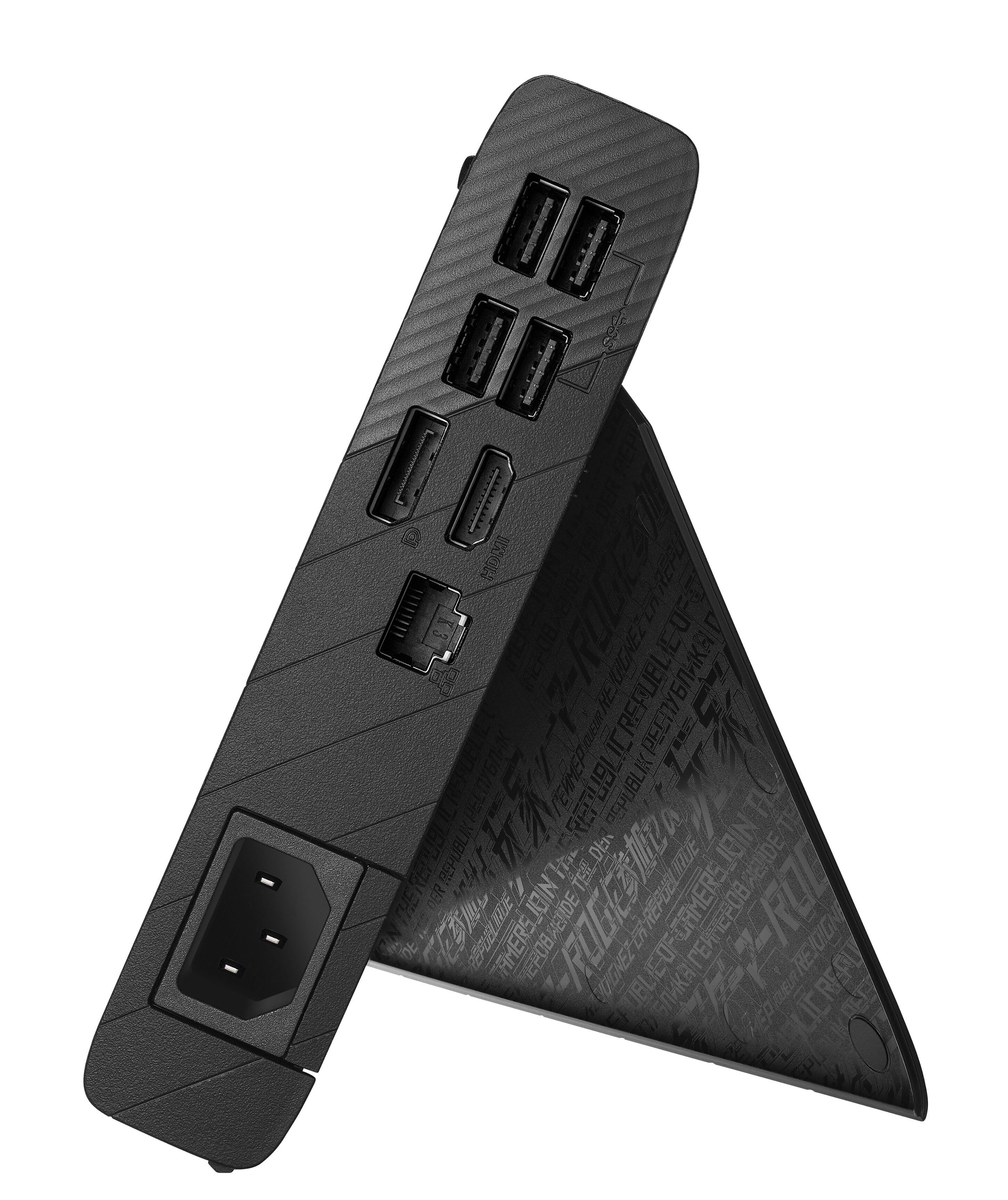
||Posted .This reviewer received promo considerations or sweepstakes entry for writing a review.I setup this up on both my ROG Ally and my Asus Flow x16. Setup was very easy and the card was recognized immediately. Performance is about equivalent to a RTX3080. Several ports are on the XG mobile but there is no usb-c which I think is an oversight. If I evaluate this not considering price, I definitely recommend it. If I consider price, the situation becomes much more iffy and depends on your need for the speed increase this provides.
I would recommend this to a friend - Pros mentioned:PerformanceCons mentioned:Software
Over OK Purchase
||Posted . Owned for 2 months when reviewed.This reviewer received promo considerations or sweepstakes entry for writing a review.I bought the Asus XG Mobole RX 6850M XT to use with my Asus Rog Ally with the Z1 Extreme. What can I say, when it work it work but when it decides to be buggy its a pain. The xg mobile itself is a great device with wonderful performance but the software is where the issue lies. Thw software was buggy and keeps disconnecting the xg mobile when you thry to connect, after the most recent update the software as been a lot less buggy but still buggy never the same. I'll used the xg mobile occasionally but not often due to the software issues, if you consider yourself a patient person i guess you can manage the pain and headaches that comes with using the xg mabile especially with the Asus Rog Ally
I would recommend this to a friend Buy this for Flow, not for your Ally
||Posted . Owned for 2 weeks when reviewed.This reviewer received promo considerations or sweepstakes entry for writing a review.I am writing this review after having already bought the XG Mobile 2023 (Nvidia 4090 model) and returning it to purchase this one. This will be going over my experience using it with the ROG Ally as well as the Flow Z13 and Flow X13. Right out the gate I will say, DO NOT BUY THIS FOR YOUR ALLY (yet). For the Ally: The Ally is not designed for use with the XG Mobile, at least for now. I saw many videos and reviews for the XG Mobile and ROG Ally combo before pulling the trigger on a purchase, but after owning 2 different models I can safely say that the Ally is not suitable for these docks at least for now. When connected to the device there are many hiccups and hoops that need to be jumped through before getting it to work properly without it going into a connecting/disconnecting loop. To solve this I waited a good 5 minutes before manually restarting with the XGM connected. Afterwards I ran tests on an external monitor and got great FPS! The issue, however, is with the frametimes. When a keyboard and mouse are used together in demanding titles, the device suffers MASSIVE framerate drops to the point where the games become unplayable. This is not the case in many games, but I have tested in Borderlands 3 and Valorant and both titles showed very odd behavior where one would stutter and the other would have "stuck inputs" (longer pauses depending on how many keys and mouse buttons were pressed in succession). This behavior was seen on both the 2022 XGM and the 2023 XGM. I looked in the settings of the Radeon Software and can confirm that the Ally is only using a PCIe 3.0 x4 connection. This leads me to believe that there is some type of bandwidth limitation when playing games and using multiple device inputs at once. This may not be apparent if using a controller, but if your hope was to turn the Ally into a desktop, you're best off just building a desktop or getting a Flow device. Speaking of Flow devices... Flow X13: Overall both this XGM and the 2023 XGM with 4090 worked great on that laptop. I own the 2022 X13 and it saw a significant increase in performance when connected to both, but I felt the performance to cost of this XGM was a much better value for that device. Opening Radeon software shows this device supports PCIe 3.0 x8 connection so no issues there. Flow Z13: I owned the 2022 Flow Z13 and now own the 2023 model. Both were tested with this model XG Mobile and both show a measurable increase in gaming performance when docked. This device is my primary device and I use the XGM as a docked desktop to play games when I am at home. I have been able to play many of my games at my monitors refresh cap of 240Hz and more demanding titles are still able to push to the 160FPS mark at 1440p resolutions. Overall this is one of the nicest hybrid devices I have seen in some time and the 2022 XGM is such a good complementary device for this. Performance is incredible even when using the newer Flow Z13 and the extra USB ports provided by this turn the gaming tablet into a fully featured gaming desktop. Overall I am very happy with this XGM purchase and look forward to any more improvements that come its way. Now for the general use case: This device will need some patience. There are many guides out there for how to make the most of it, but so long as you follow the very basic instructions provided by the manufacturer there should not be any issues. Most importantly, FOLLOW THE CONNECTION AND DISCONNECTION GUIDELINES. EVEN IF THE LIGHT IS WHITE, WAIT FOR THE NOTIFICATION SAYING IT IS SAFE TO DISCONNECT THE XG MOBILE BEFORE ATTEMPTING TO REMOVE THE DEVICE. Doing so will make it much less likely to have issues, and the safety connect tabs should slide off without any resistance at all. I highly recommend you give it 5 minutes after first connecting the device to get all the drivers, doing a device restart with the device still connected, then checking for any updates in Armoury Crate and the MYAsus apps.
I would recommend this to a friend- Cons mentioned:Connection
Great device. Not Perfect.
||Posted . Owned for less than 1 week when reviewed.This reviewer received promo considerations or sweepstakes entry for writing a review.This device is just like the Rog Ally. Its a solid device that requires a bit of a learning curve to understand. Yes it could have been straight plug and play butafter day 1, it's easy to get going and access. After the original updates and restarting, i dint have any connections issues. Seems like Asus fixed a lot of the issues other people had early on. I haven't had them and ive been going hard on mine for a week. Love this thing.
I would recommend this to a friend Great at current Asus direct price (matched)
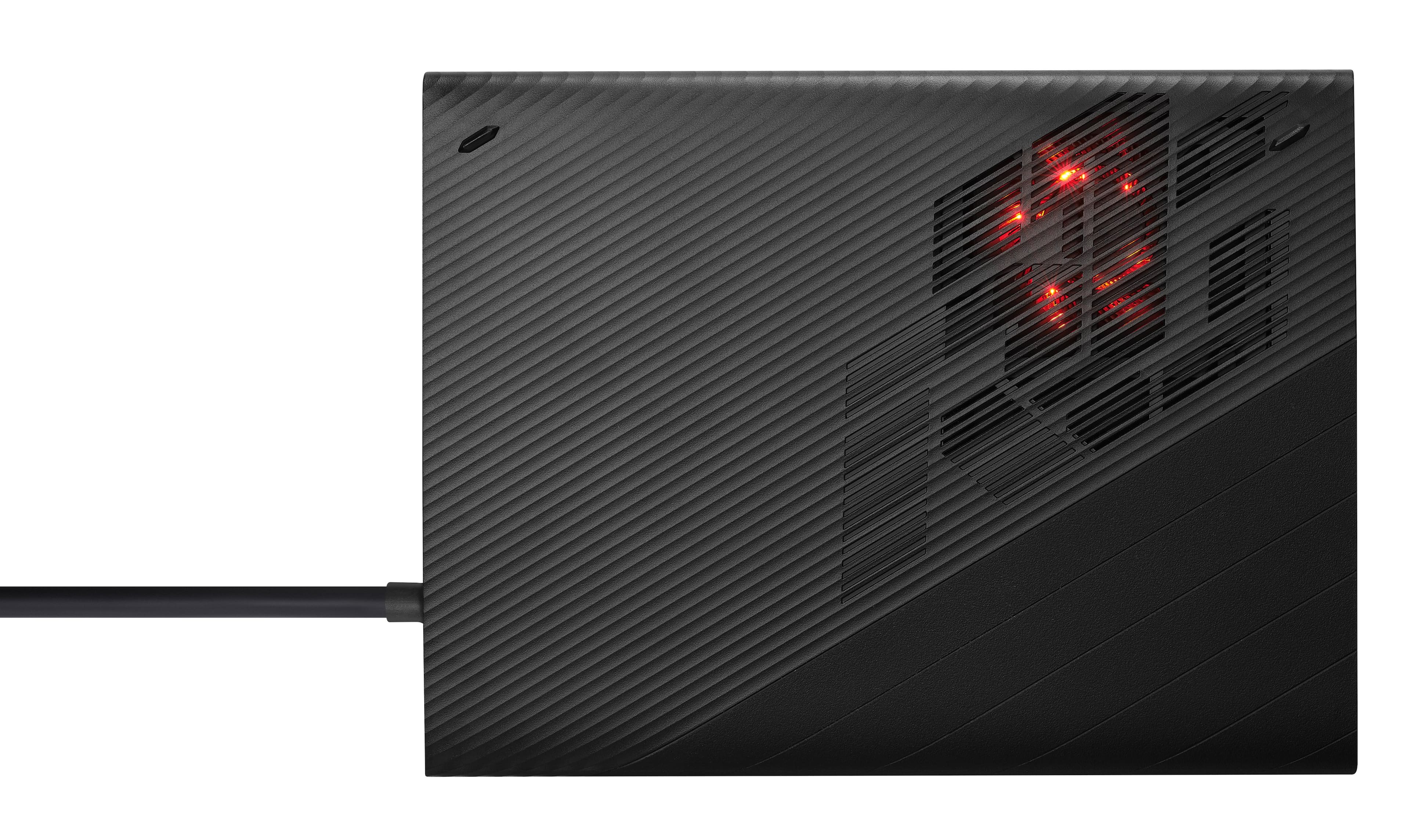
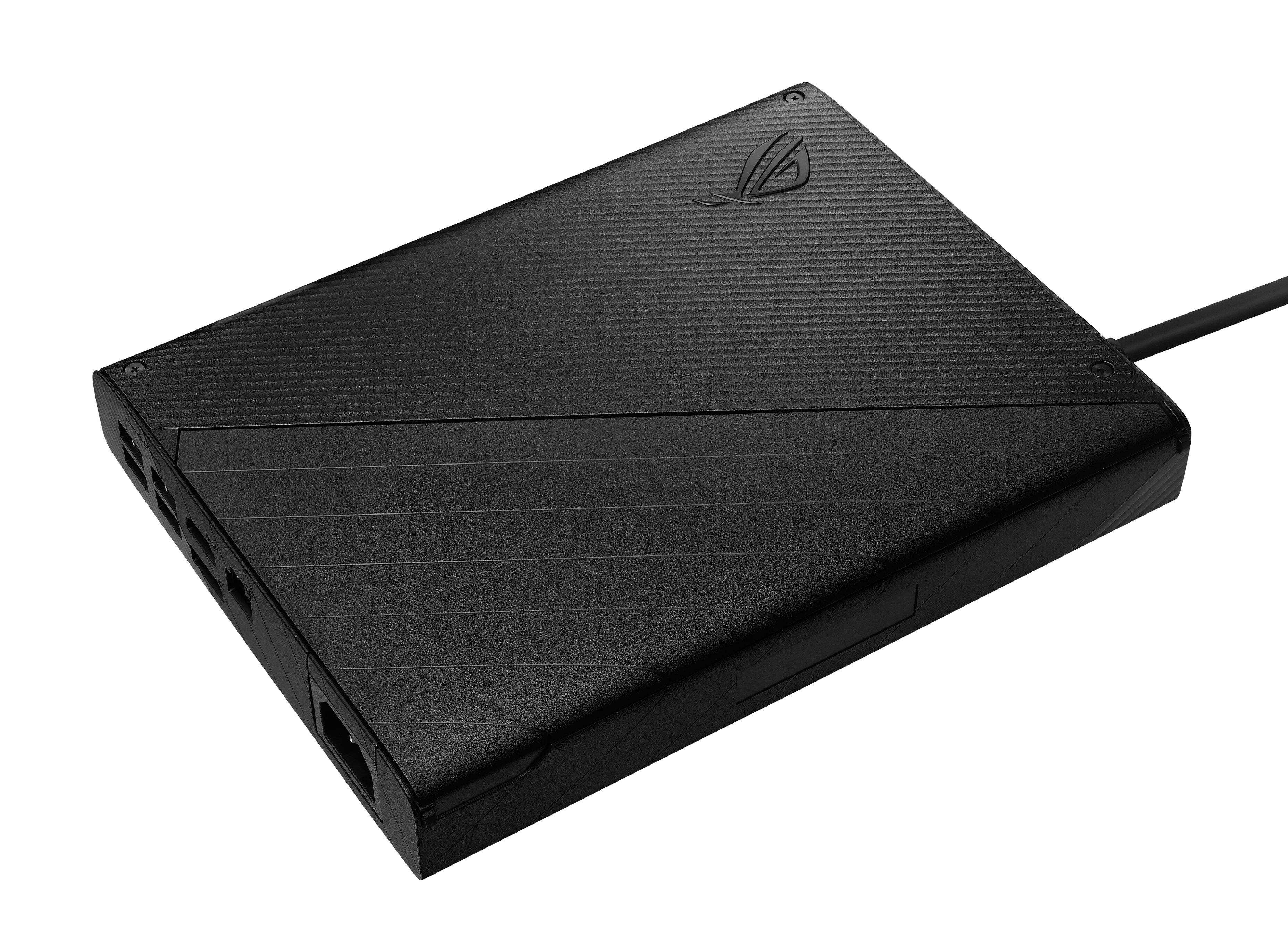
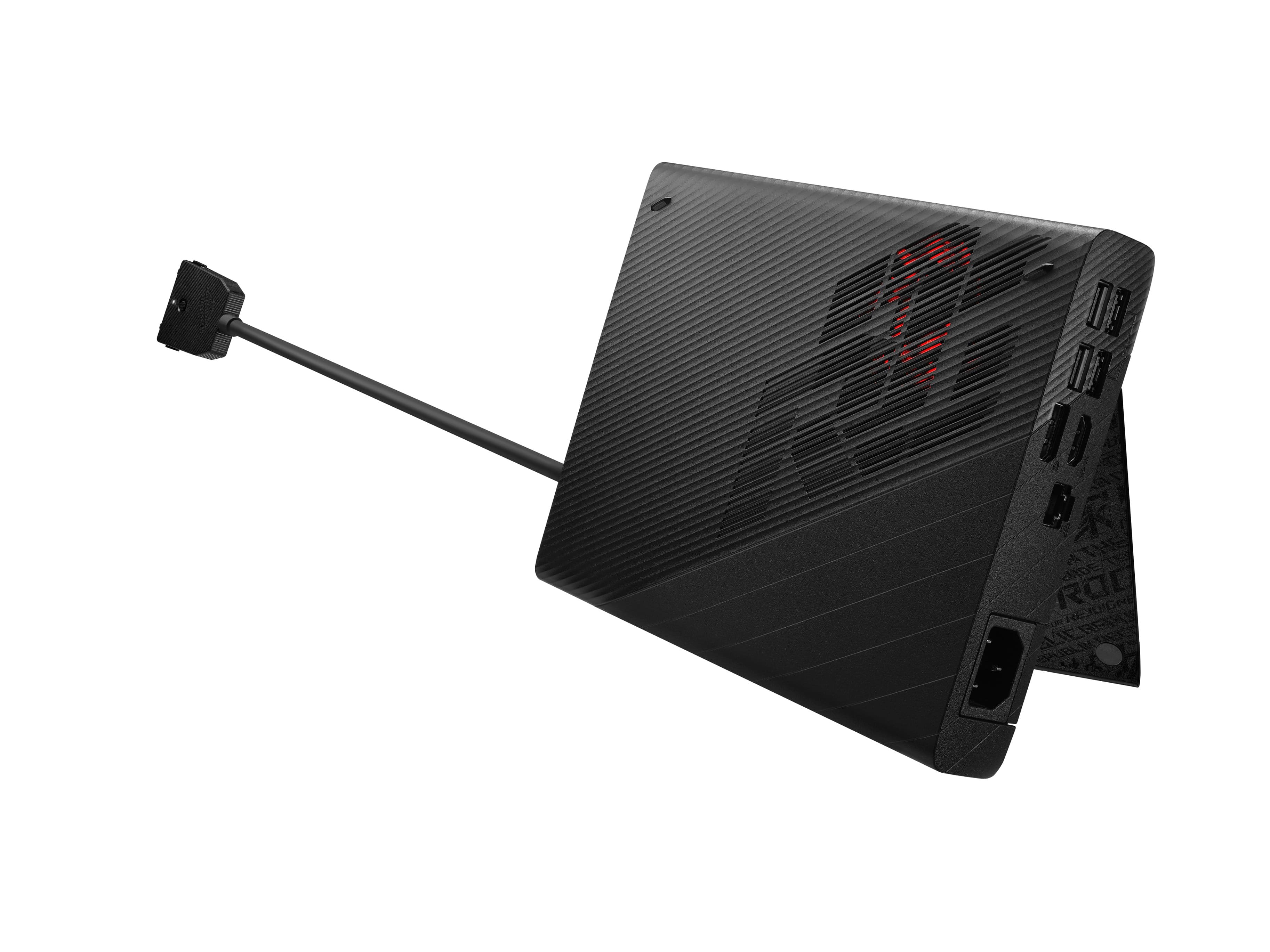
||Posted . Owned for 1 week when reviewed.This reviewer received promo considerations or sweepstakes entry for writing a review.I'll start with the reasons for knocking 1 star... Physically, the dock/eGPU is very sleek but the heat vents, due to the short and stiff nature of the connecting cable, will inevitably end up very close to the laptop. You can angle it so it's venting toward the left and mostly away, but if you're using this in laptop mode as opposed to desktop, you'll be getting a nice dose of heat. If your room is drafty in the winter, this could be a good thing, I suppose... At full fan speed it is fairly loud. The next contributing factor to the 1 point loss is the activation/deactivation procedure. This is not as simple as plug it in and go...and most definitely not an unplug and, well, go again. You have to plug it in while the machine is on (fine), lock it, wait for the software to prompt you to enable it...click then wait a number of seconds for the status LED on the connector to turn red. Once enabled (and the LED is red), if you wish to quickly grab the laptop... you need to open the software manually...deactivate the eGPU...wait for it to do its thing and turn the LED back to white...then unlock and unplug... Except often times something running in the background is using the GPU and the software barks at you. These are annoyances more so than shortcomings, but as simple as they may sound, they tend to add up. As a side note, because this relies on Asus software (extension of Armor Crate), this solution will only activate under Windows. No Linux support, in case you were wondering. Finally, and this may not be a big deal to some, but when active the discrete Nvidia GPU on your Flow device is disabled..and I mean, at the hardware level. It does still alow use of the built in Radeon iGPU, but if you were planning on offloading workloads to the 3050 Ti (rendering, PhysX, etc), this arrangement won't work. That was a bummer for me and had the largest weight in the lost point. So...why only a single point knocked off after this wall of gripes? Simply put, this XG Mobile with the 6850m is amazing for its intended purpose. I am a fan of super light, 13" class laptops... But they're not easy to come by with powerful GPUs due to inherent power and thermal limitations. Leveraging a proprietary interface that provides direct PCIe 3.0 x8 while making use of a hefty PSU for better TDP availability, the 6850m is able to shine and breathe new life to this little laptop. The additional high speed ports, as well as 2.5Gb ethernet are a nice bonus...and its ability to power the laptop means you don't need to haul both this and the laptop's power birck in your backpack. It is also lighter than I expected... Definitely not a feather, but manageable in a backpack. The performance is superb and, if you look at it as a compact, high speed dock + power supply + GPU instead of just a simple eGPU, at the current Asus direct price it is a no-brainer, which is almost half its MSRP! I'm not sure if that price is a permanent update or a sale but Best Buy honored a price match which sweetened the deal as I can get perks to use later on. This has extended the life and usability of my ROG Flow x13, which means money saved in the long run.
I would recommend this to a friend- Cons mentioned:Connection
Solid performance booster for the X13/x16/Ally!
||Posted . Owned for 1 month when reviewed.This reviewer received promo considerations or sweepstakes entry for writing a review.If you can find one (especially under $800), simply buy it. You won't regret it. It is especially well-matched with the AMD laptops and Asus Ally. Don't be discouraged by reviews out there that knock the connection/disconnection process. The latest software and drivers have been excellent for me. With the XG Mobile, the Ally (with a 2TB drive upgrade) can easily be a primary computer.
I would recommend this to a friend - Pros mentioned:PerformanceCons mentioned:Noise, Price
good
||Posted . Owned for 1 week when reviewed.This reviewer received promo considerations or sweepstakes entry for writing a review.Works good and very powerful. It performs just a hair worse than my desktop 3070 but at an 1/8th of the size. noise isnt bad either. you can hear it, but its a lower tone that isn't too bad. The price is high, but if you need both a desktop and laptop this is a valid option (instead of the desktop at probably similar costs)
I would recommend this to a friend - Pros mentioned:PerformanceCons mentioned:Noise
Highly recommended, but not perfect.
||Posted .This reviewer received promo considerations or sweepstakes entry for writing a review.I've had this for a week now, and so far it has been amazing. The initial install was a little annoying because of ASUS Armory Crate. But after the updates were complete, this dock has been everything I wanted it to be. I run Davinci Resolve 18, and the dock handles 4K video edits and renders so much better than my old 2080. Plays games at 4K about as well as the 2080 did, also. A couple downsides to mention, which is why I gave it 4/5 stars. First, the cable is short and stiff, which makes desk placement somewhat awkward. Second, it runs a tad loud. Not a problem for me, but others may want a quieter system. Third, the system outputs heat directly towards the laptop, which seems like an odd design choice. Those quibbles haven't stopped me from thoroughly enjoying the system. It has been an upgrade over my old laptop without question.
I would recommend this to a friend - Cons mentioned:Noise
Good in theory, bad in practice
||Posted . Owned for 1 month when reviewed.This reviewer received promo considerations or sweepstakes entry for writing a review.I paired this with an ROG Ally. Was a total pain to work with, frequently cutting out and requiring multiple resets. The performance wasn't great either, with it being comparable to the cost of a ~$400 GPU on the market... for double the cost. If you need the form factor, perhaps you can justify it, but it dumps way too much heat and creates too much noise for it to be used on a desk, as I thought. In addition, the connector is proprietary variant of the "Oculink" cable. These are becoming a bit more prominent, so the lock-in that ASUS has is going to disappear.
No, I would not recommend this to a friendBrand response from ASUS Answers
Posted .Dear Abhi,
We appreciate your feedback on the ASUS - ROG XG Mobile eGPU Dock. We apologize for the disappointment you feel and we would like to hear from you regarding changes you believe would improve this product. We do stand behind our product and we continuously strive to improve our products and processes in order to achieve customer service excellence. For more information send us an email at [email protected] and provide the case number "N2307003058-0001" for reference. We’ll do our best to provide a quick resolution to your case. Your feedback is important as it helps with improvements to ASUS Support channels. Thank you for choosing ASUS.
Best Regards,
Leonardo
ASUS Customer Loyalty US Support
- Pros mentioned:Performance
Don't get for ROG ALLY
||Posted . Owned for 1 month when reviewed.This reviewer received promo considerations or sweepstakes entry for writing a review.This is the most user un-friendly device I have ever used. I am tech savvy but there are times this thing had me scratching my head. First off, don't plug this thing in and expect it to work right away. It requires a specific way of plugging in, switching it on and letting the program start. Even unplugging it is not straight forward as you have to do a safety disconnect, switch the proprietary plug off, then unplug. Doing anything different can damage it. None of this was even described at first use. Go to ASUS youtube which describes how to properly plug and unplug. Also if you're getting this for the Rog Ally, don't expect a console experience. I got it for mine, and as described before, its horribly user un-friendly. I got the eGPU to play on my TV but because of all the steps to make it work, its not worth it. The Ally plays most Indie and previous Gen console games well on its own, the eGPU isn't necessary and if you really want to play on TV or external monitor, just get the $65 dock. Its more user friendly and just works.
No, I would not recommend this to a friend Great hardware, terrible software compatibility
||Posted . Owned for less than 1 week when reviewed.This reviewer received promo considerations or sweepstakes entry for writing a review.I purchased this eGPU for ROG Ally. This is a great piece of hardware when everything just work. However, you can easily break it by running driver update either from AMD driver auto-detect tool or even update from MyAsus when this review is written. For AMD auto-detect, it will break the iGPU driver, so you can no longer access the iGPU when XG mobile is detached. The latest Ally driver update causes issue when connect to the eGPU. The solution is to roll back to the previous driver version for Ally and only install 6850m xt driver from Asus. The fix is extremely convoluted so it is definitely for average users. If you are tech enthusiast or deeply understand Windows, it will work fine eventually. Otherwise, keep away from it to save you some trouble. I like the hardware, but the user experience is 0/10 on the software side. Don't bother to spend $800 unless you know what you will get.
I would recommend this to a friend- Cons mentioned:Software
Turns the Ally into a legit desktop!
||Posted . Owned for 1 month when reviewed.This reviewer received promo considerations or sweepstakes entry for writing a review.Great Device! I've used it for over a month now daily, works great. I'm using it with an Ally, so just be aware the early July updates (latest at time of this review) added a bug with the on/off of this. Hopefully they'll fix it soon, but until then research better options (G-Helper) etc. Works great, just know what you are getting into until Asus decides to fix their software.
I would recommend this to a friend - Cons mentioned:Usb-c
Great with Rog ally
||Posted . Owned for 1 month when reviewed.This reviewer received promo considerations or sweepstakes entry for writing a review.Working great with the Rog Ally, It’s just stupid that in 2022 they did not put at least 1 usb-c to the device
I would recommend this to a friend 
Better than the Series X for Starfield.
|Posted . Owned for 1 week when reviewed.This reviewer received promo considerations or sweepstakes entry for writing a review.[Employee of bestbuy] The XG Mobile is a essential add-on to the ROG Ally. I mostly was interested in it when it was announced that Starfield would be capped at 30 FPS on Console. With the launch being a few days ago I have enjoy nothing short of Smooth 60+ FPS gameplay on Ultra settings thanks to the XG Mobile 6850. Amazing Product
I would recommend this to a friend