Customer Ratings & Reviews
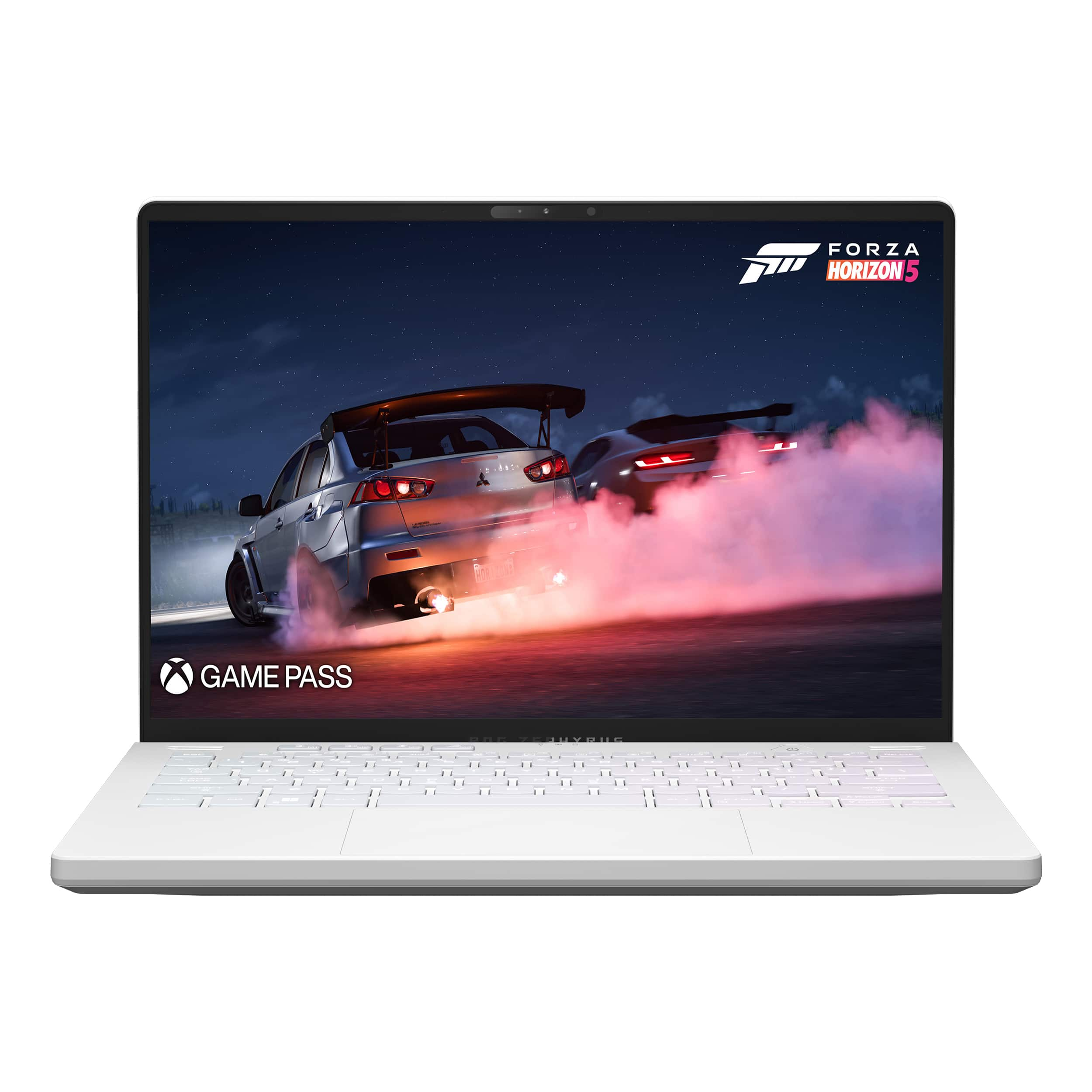
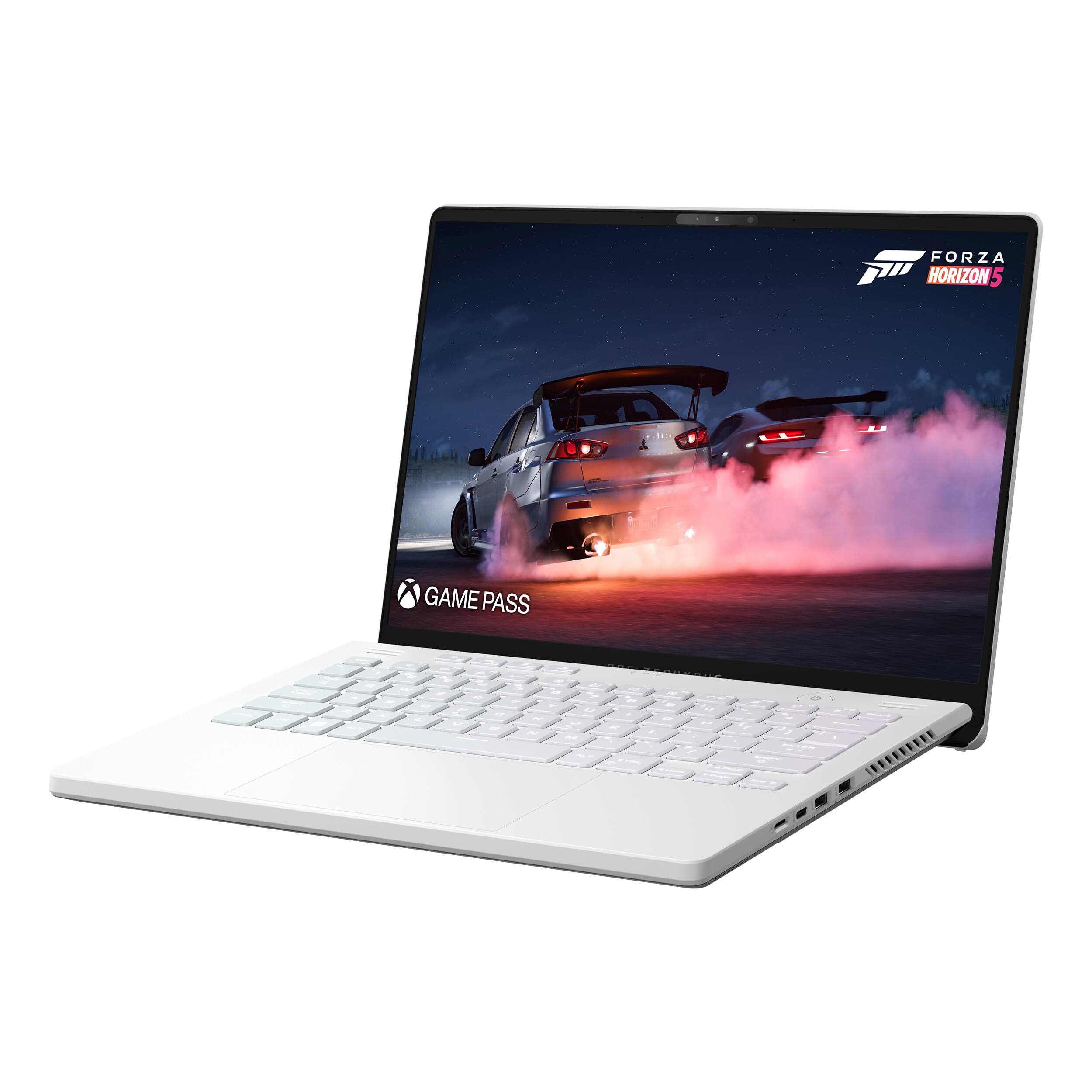
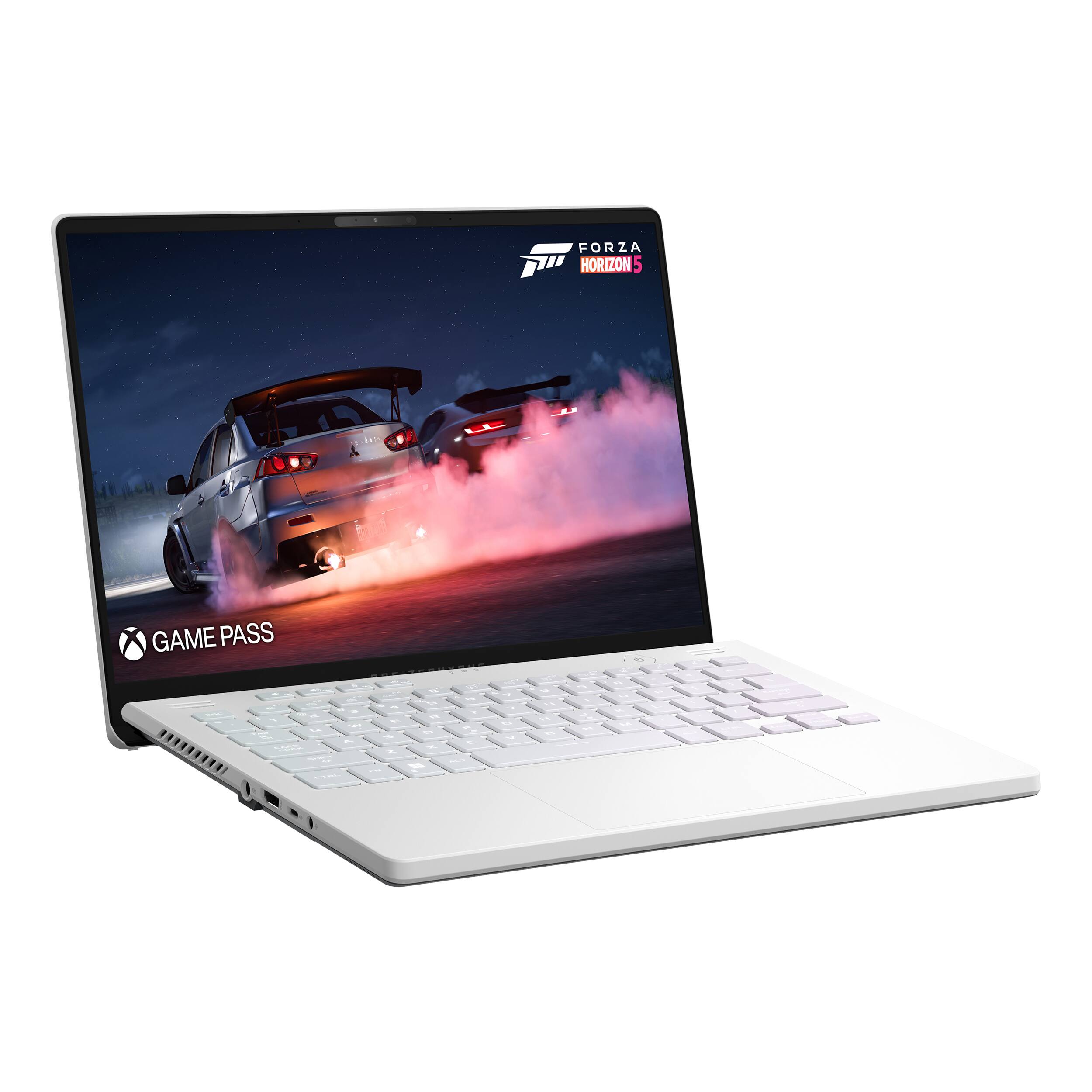
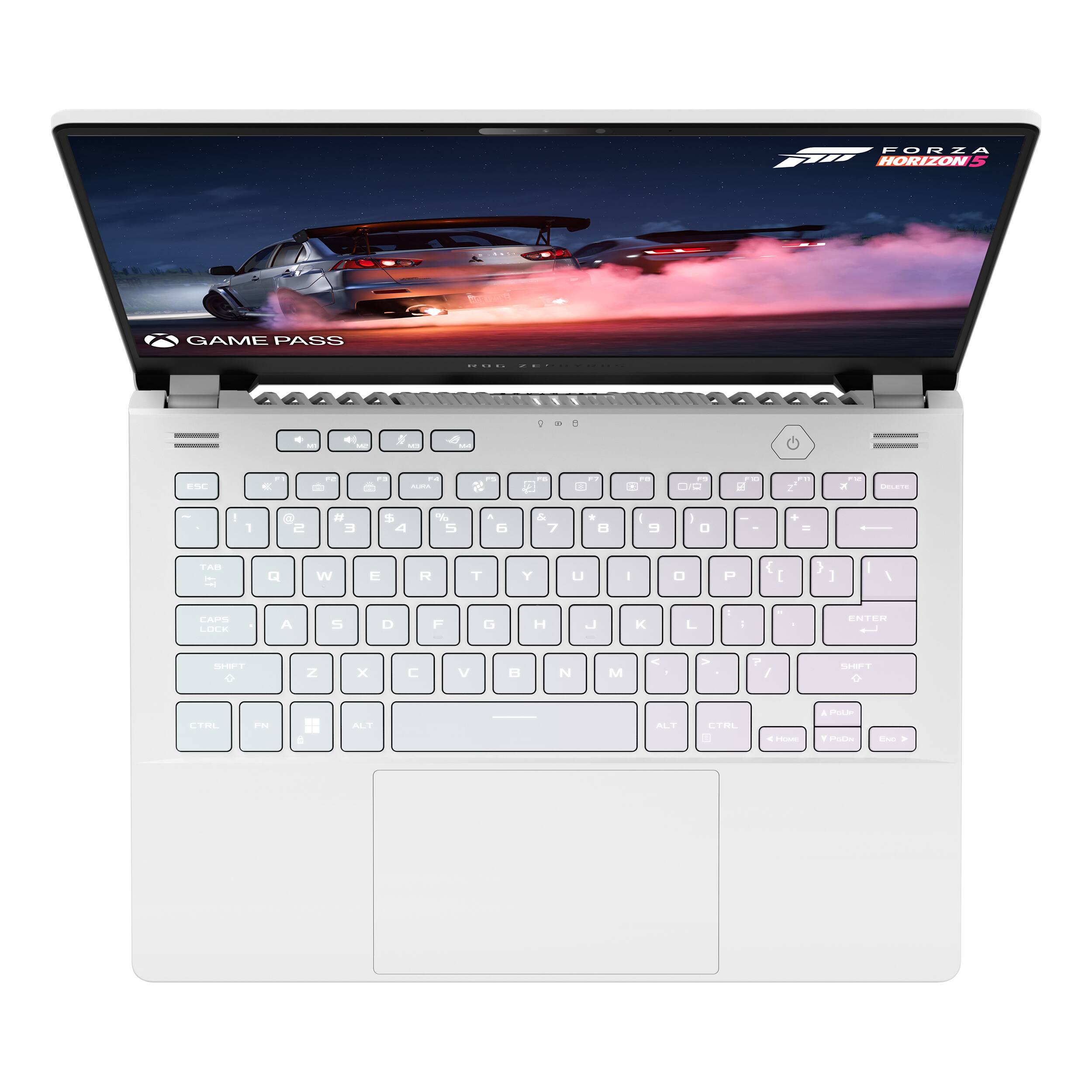
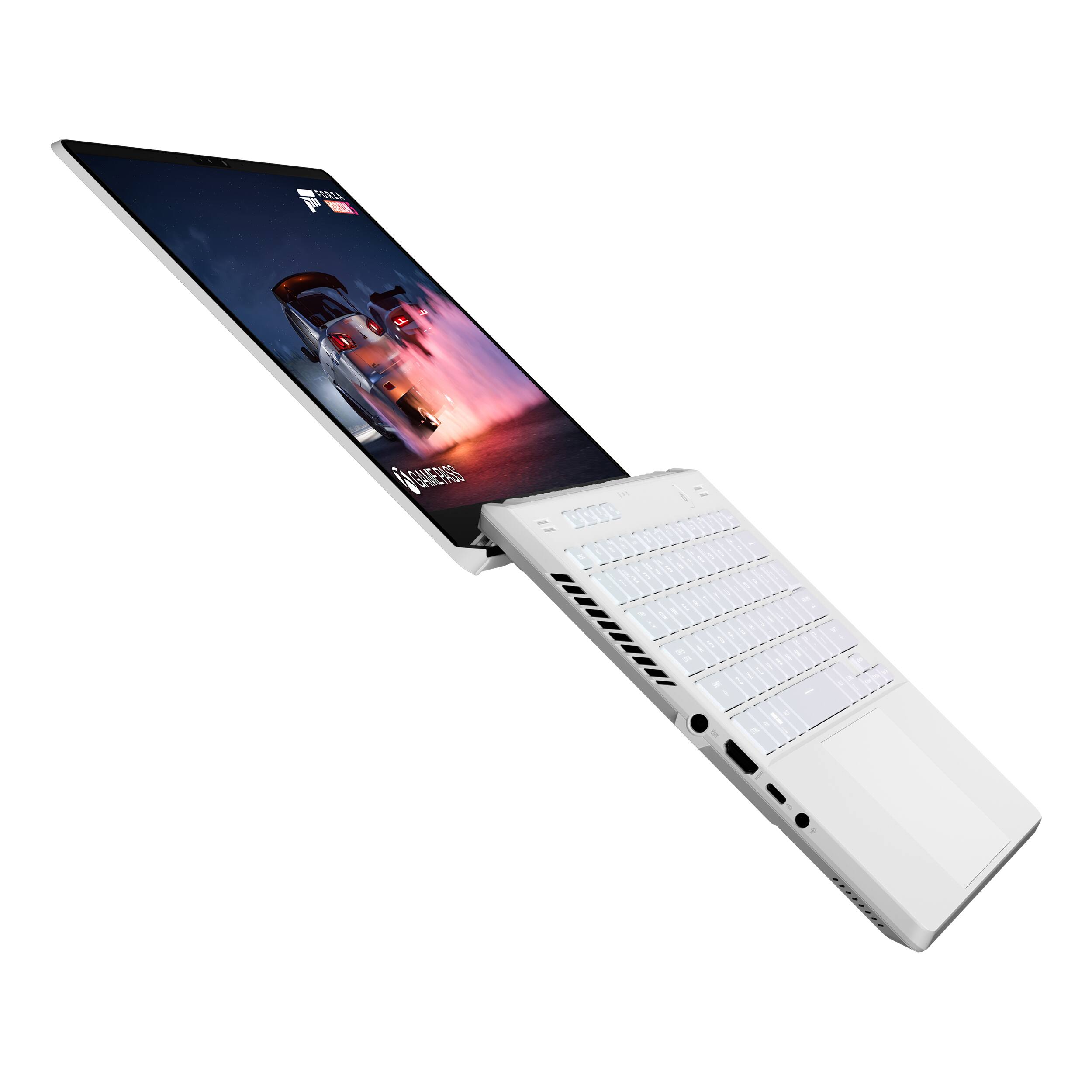
- Model:
- GA402RK-G14.R96800
- SKU:
- 6494639
Rating by feature
- Battery Life
Rating 4.1 out of 5 stars
- Speed
Rating 4.7 out of 5 stars
- Display
Rating 4.6 out of 5 stars
Customers are saying
Customers find value in the ROG Zephyrus 14's performance, battery life, and compact size, frequently praising its portability and lightweight design. However, some users experienced issues with heat generation, fan noise, and the screen. Concerns were also raised regarding the RAM and Wi-Fi capabilities.
This summary was generated by AI based on customer reviews.
- Pros mentioned:Performance
Best in its class
||Posted . Owned for 3 weeks when reviewed.This reviewer received promo considerations or sweepstakes entry for writing a review.No issues, runs all my games smoothly only wish it had the AniMe Matrix
I would recommend this to a friend - Pros mentioned:Performance
Beast of a laptop for its size
||Posted . Owned for less than 1 week when reviewed.This reviewer received promo considerations or sweepstakes entry for writing a review.The best laptop, I ever owned. Does everything efficiently and fast. Gaming, content, whatever you throw at it.
I would recommend this to a friend - Pros mentioned:Battery life, Performance, SizeCons mentioned:Heat, Wifi

One of the best gaming ultraportables you can buy
|Posted .This reviewer received promo considerations or sweepstakes entry for writing a review.It's not hard to find a good gaming laptop these days. Finding one that can genuinely be considered portable, however, remains a tricky proposition. But ASUS seems determined to fix that with their latest Zephyrus offerings. Regardless if you're working from home, doing content creation, or just killing time with some friends online, this laptop is a genuine pleasure to use. ASUS has a bit of a reputation for overbuilding their higher end products, and they've continued that practice here. The laptop is built around a sturdy metal frame with the case itself being predominantly metal and ABS. Access to the internals is provided via a single removable bottom plate, and while the cooler does cut off access to the bulk of the hardware it's still very easy to reach everything you might need to upgrade including RAM, storage, and the WiFi adapter. The keyboard and generously sized trackpad are both very comfortable even given the somewhat diminutive size of the laptop, and the display counts among some of the best I've seen. Even the sound you get from the integrated speakers is good. Everything just feels very premium here. Performance is excellent, as one would expect for a premium gaming laptop. Given that it is a Radeon GPU it can't really handle advanced raytracing, but it handles everything else I threw at it just fine. You do need to be plugged in to get peak performance, as the battery alone can't really keep up with the GPU's power draw, but it can still run at about 60% performance on battery and I found most titles to still be very playable. To give a concrete example, framerates for Shadow of the Tomb Raider on battery ranged from 39 to 65fps. On AC power, it was 58-96fps. Of course given that it will drain your battery in less than two hours of gaming time, you're probably not going to be doing a ton of battery fueled gaming to begin with. Oh, and yes, it will run VR and it will do so well. For less fun use, the laptop remains impressive. It's not going to give you all day battery life unless you're willing to be exceptionally aggressive when it comes to power saving, but I found it could comfortably manage five hours of mixed use. And as is typical with ASUS you can set a limit on charging to extend the useful life of your battery based on your anticipated use. If you plan to just keep it on a desk all day, you can stop charging once the battery hits 60%. If you're going to be taking it out to classes all day, you can charge it up to full. And if you do a bit of both, you can split the difference at 80%. This kind of thing can add years of life to a laptop. There is one downside to this I feel worth pointing out if you plan to use it on the go though: this thing runs hot. REALLY hot. AMD has traditionally set higher thermal limits for their hardware than their competitors, which means their chips push themselves a lot harder and longer before hitting a thermal limit and throttling themselves down again. And you can definitely feel that here. While it does a commendable job keeping the worst of the heat away from where your palms rest on the base, you are not going to forget it's there by any means. And the underside of the case, particularly the unpainted metal intake/heatsink, gets even worse. I found the most comfortable way to use this without a desk was to slouch a bit and cross my legs so that I could keep the display propped up on my thigh and leave a large, open void beneath for air to circulate. It does take about half an hour for it to get really bad, so sticking it on your lap for short jobs should be manageable, but this is definitely best used on a desk. Also, I have to admit that the MediaTek WiFi adapter is very much hit or miss. When it works, it works great. But occasionally it doesn't, and you have to reboot to get it back. I suspect that the MediaTek drivers just aren't very compatible with something else on the system, or possibly Windows 11 in general. Fortunately, it's also extremely fixable. Since the card is socketed, you can just order a compatible name-brand replacement and drop in a new part if you run into the problem too often. Overall, the Zephyrus scores very high marks as the rare laptop that can excel at multiple jobs without requiring any significant compromises. It's a premium device to be sure, but one that will likely reward you with years of satisfied use. I'd recommend it for anyone planning to do gaming on the go, photoshop afficionados, or just someone looking for a high powered gaming laptop that you can sneak into work without drawing attention to yourself.
I would recommend this to a friend Really good gaming laptop
||Posted . Owned for 1 month when reviewed.This reviewer received promo considerations or sweepstakes entry for writing a review.This is one of my first windows laptops but this does not disappoint! The screen quality is very nice as this is the first 1440p display I've used. This laptop can run pretty much any game and stay at a decent temperature when running these games. It's also super convenient when traveling and great for everyday use.
I would recommend this to a friend- Pros mentioned:Battery life, SizeCons mentioned:Heat
New Generation, Bigger Improvements
|Posted .This reviewer received promo considerations or sweepstakes entry for writing a review.New Generation, Bigger Improvements Pros Solid build with internal magnesium-aluminum Subdued gamer styling Quiet even at max speed QHD+ Screen Much brighter screen 120Hz screen with 3ms response time AMD Advantage Certified 16:10 Aspect ratio Webcam with Windows Hello RGB Backlit keyboard Good typing experience Good sound quality Excellent larger glass trackpad Includes MUX Switch Wi-Fi 6E support Upgradable SSD, RAM, and Wi-Fi Good battery life when properly set Auto switching performance profiles for each game Supports PCI-E Gen 4 Possible USB4 support in future update Cons Ports closer to the front of the chassis can get in the way Plastic shells lessons premium experience Inconsistent keyboard backlight Mediocre camera quality Average SSD performance HDMI 2.0b instead of 2.1 Mediatek Wi-Fi card sometimes drops out Occasional driver instability Exhaust blows heat on screen Gets fairly hot under full load Design and Features The Asus Zephyrus G14 has taken a different direction for 2022. The setup is now AMD for both the CPU and GPU and being an AMD Advantage means more changes towards a more premium design. While 2022 version still carries the plastic exterior covering the magnesium/aluminum chassis of the past, now included is a higher end screen and trackpad. The screen is now a 16:10 aspect ratio QHD+ screen versus the old 16:9 FHD screen making the display slightly taller and with less of a chin at the bottom. The top and side bezels are about the same as prior generations except of course included now is a 720P Windows Hello Webcam. The old fingerprint reader integrated into the power button is gone. The keyboard deck has changed from silver to white and now the keyboard backlight is a single zone RGB instead of white. With the 16:10 ratio making the laptop longer overall, this has allowed a much larger glass trackpad and a larger area to rest your palms. The speakers have also been moved to the top of the keyboard deck to clear space for your palms and prevent muffling of sounds. The more angular elements, like the spacebar and cooling vents of previous generations, have been reduced or eliminated for a more subtle design. Currently the USB ports are listed as USB 3.2 but prior reports and a article buried on Asus’s website says they are working to add USB 4 support to systems with Ryzen 6000 series processors. There is no timeline of when this might happen as the article states they will not release it unless or until they feel it is of high enough quality and stability. Currently there is a BETA BIOS available if you are willing to take the risk, but in its current state reports are it is unstable and even Asus recommends waiting. They also give no guarantees that it will ever be released. One other item not mentioned is that the installed Ram is rated as DDR5 CL40. Half of it is soldered onto the board and the other half is upgradeable to a max of 24GB. The bottom panel now has a metal plate with venting and dust screens. The signature kickstand screen is still included which also means all ports and the power plug are on the sides. Since all venting is at the back of the chassis this also means all ports are towards the front sides of the chassis. While this presumably is done to improve cooling, it does mean that anything plugged into the ports is more likely to get in your way. New for 2022 is the addition of a MicroSD card slot on the right side. A full-size SD card slot would have been great for creative types wishing to offload pictures and videos from their camera, but a MicroSD is still a welcomed addition. Usage and Performance Initially the G14 got off to a rocky start. Out of the box it wouldn’t turn on. Even after plugging in it wouldn’t turn on for a couple of minutes. At first it seemed as though the battery might have been completely dead but on startup it was over 50% charged. It’s possible this was a delay on the first startup as it has not happened again. Also, it definitely needed to have all the drivers and firmware updates installed to be stable. Before all updating it would not turn on once and froze in sleep another. Since the updates have been applied things have smoothed out noticeably. This is bit odd for an Asus computer but it’s possible this system was from an earlier production run before critical updates were released. The first thing you notice on starting the laptop is the screen. While the previous generation screens didn’t look bad, the new screen is noticeably sharper and brighter. Even in a bright room the screen is comfortable to view and is still useable in outdoor situations. Colors look accurate and backlight bleed is minimal. If there is anything that could be considered deficient it would be the contrast. This panel isn’t capable of darker blacks let alone the inky blacks of an OLED. This isn’t an indication of a problem with the panel but merely its weakest aspect. Overall, it is still a very good panel and step up from prior generations. While refresh rate is slightly down from the prior years 144Hz panel to 120Hz the response time has been greatly improve to a reported 3ms. Without hardware to test its hard to say how accurate this is but there wasn’t any sign of ghosting during gaming. Its nice to see Asus finally added a webcam and even did it without increasing the bezels while including Windows Hello. You’re just going to have to keep your expectations in check. It works great for logging you in the moment the system wakes but this is a best a passable camera for basic video chat. This isn’t going to be good enough if you are thinking to stream with it. The typing experience has been a strong point of the G14 laptops since their introduction and the 2022 edition is no exception. Whether you are gaming or working on a project the keys have a good amount of travel with a distinct activation point and soft bump at the bottom. The keys do wobble just a bit but not enough to slow you down. The change to white keys helps out visibility in bright light and also helps improve readability when the backlight is on. The downside is the backlight is not uniform. It seems to be a combination of two issues. The first is some keys just have smaller cutouts to let light through, such as the negative key and punctuation keys, but also that certain areas the backlight just doesn’t seem as bright, such as the left and right sides. Also, more of the backlight is bright and visible around the keys than through the letters reducing overall visibility. This can be improved by avoiding certain backlight colors, but Asus could do some further tweaking here. While the keyboard typing experience is largely unchanged from prior years the trackpad has had an upgrade. With the taller screen Asus was able to increase the size of the trackpad significantly. The glass surface is smooth and precise with good palm rejection even if it isn’t needed since there is plenty of room. Unlike some older trackpads, you don’t feel the need to avoid using this one. The G14 has the power to serve work duties and styling subtle enough to not look out of place at work, but the big question is how does it game? To start, they added a MUX switch. In Armory Crate you can set custom performance profiles that automatically change for each game and based on if you are running on battery power or AC so once you set it up you don’t have to adjust the settings when you start the game with one exception and that is Ultimate Mode. Ultimate Mode is where you activate the MUX switch and force the system to only use the discrete graphics and at full power. You have to restart to activate or deactivate this mode and Asus recommends you are plugged in and they mean it. It uses significantly more power and wouldn’t allow you to game very long before you run out of battery. With the system set on Turbo Mode and Ultimate Shadow of the Tomb Raider pulled off an average of 69fps using the Highest detail preset and a resolution of 1920x1600. Turning on Ray tracing dropped the framerate down to an unplayable 32fps average. Thankfully the system supports RSR which allowed the system to pull off an average of 68fps with Ray Tracing set to Ultra. Switching to Minecraft seemed to show that RTX is still the bottleneck in 2022. With resolution set to 2560x1600 and all other settings on default frame rates became unplayable. By dropping down to 1920x1600 and using RSR once again things became smooth and playable once again. In short, if you want RTX and high resolution then you are going to need to activate RSR. Further stressing the system with Borderlands 3 returned just shy of 53fps at the full resolution of 2560x1600 and all settings on Ultra. While Halo Infinite doesn’t have a dedicated benchmark mode making a comparison difficult, it had no problems running smoothly with graphics maxed out. What is nice is on games that require you to drop the resolution slightly and use RSR you don’t have to do this manually. You just configure the profile via AMD Software and it handles things for you when the game launches. It would be nice if somehow the AMD Software and Armory Crate could be integrated into one but once things are set you don’t need to mess with them anyway. Cramming this much power into such as small chassis isn’t without its tradeoffs. Asus has done a lot to try to get rid of all the heat, but they should allow the fans to spin a bit faster to keep the temps down. At full tilt the system can run too close or even over the max recommended by AMD. Also, on the exterior there were 4 spots reaching 130F and even blowing heat on the screen. Final Thoughts Asus made some significant improvements to the G14 for 2022. The G14 has been evolving from a mid-tier gaming laptop to more of a high-end gaming laptop. As long as it is fully updated, it is a solid laptop. If you are in the market for a compact mid to upper tier gaming laptop, the Zephyrus G14 is worth serious consideration.
I would recommend this to a friend Work of Art
||Posted . Owned for 5 months when reviewed.This reviewer received promo considerations or sweepstakes entry for writing a review.A power packed laptop, performance worth the pricing. It is by far better than my previous dell laptop (Dell G5). Although I would've given it a 'FLAWLESS' if the battery lasted a bit longer
I would recommend this to a friend- Cons mentioned:Screen
Pretty Disappointed
||Posted . Owned for less than 1 week when reviewed.This reviewer received promo considerations or sweepstakes entry for writing a review.I got the laptop on sale in the hopes i can play gaming on the go. It was tricky installing the drivers & the AMD Adrenaline software bc the Asus site says “recommended” on an older version & every time i downloaded the screen would go grey & never recover forcing me to hard shut off the computer. it wasnt usable until the computer told me to factory reset it. i had to factory reset the computer due to issues like these 3 times. the second i thought maybe i did something wrong the first time, but no the same issue, then had to factory reset. the third time, i downloaded the latest adrenaline software. there was an option to download that but keep old drivers & i still had that same issue so after that factory reset. i clicked to delete old drivers entirely & now it works. BUT NOW, if i unplug or even plug in the charger while its on the screen goes grey to swap between the modes & it never recovers. its a shame bc i loved the form size, the color, the screen & everything but i cant keep a device that isnt working properly after reading online articles time after time to figure out another solution & having to change out parts isnt something i want to resort to. it sucks bc im not satisfied at all. why isnt the adranline software not installed if thats the program to update the GPU drivers?
No, I would not recommend this to a friendBrand response from ASUS Answers
Posted .Dear Bethany,
We're sorry to hear about the unfortunate experience you had with your unit having driver related issues. We do value our customers and take negative customer service experience very seriously. All our products do go through an intensive quality control testing process to ensure that customers get units that are in proper working condition, what you've experienced was not intentional
For further assistance send us an email at customerloyalty@asus.com and provide the link of this review for reference. We’ll do our best to provide a quick resolution to your case. Your feedback is important as it helps with improvements to ASUS Support channels. Please refer to this case number (N2204027034-0005) for us to better assist you.
Thank you for choosing ASUS.
Best Regards,
Ramon
ASUS Customer Loyalty US Support
Powerful Ultrabook
||Posted . Owned for 6 months when reviewed.This reviewer received promo considerations or sweepstakes entry for writing a review.Good laptop, great balance between power and portability.
I would recommend this to a friendAsus Rog Zephyrus
||Posted . Owned for 3 weeks when reviewed.This reviewer received promo considerations or sweepstakes entry for writing a review.Awesome laptop work's excellent. all around excellent laptop
I would recommend this to a friend- Pros mentioned:Portability, SizeCons mentioned:Heat
Macbook Pro alternative that's better at gaming
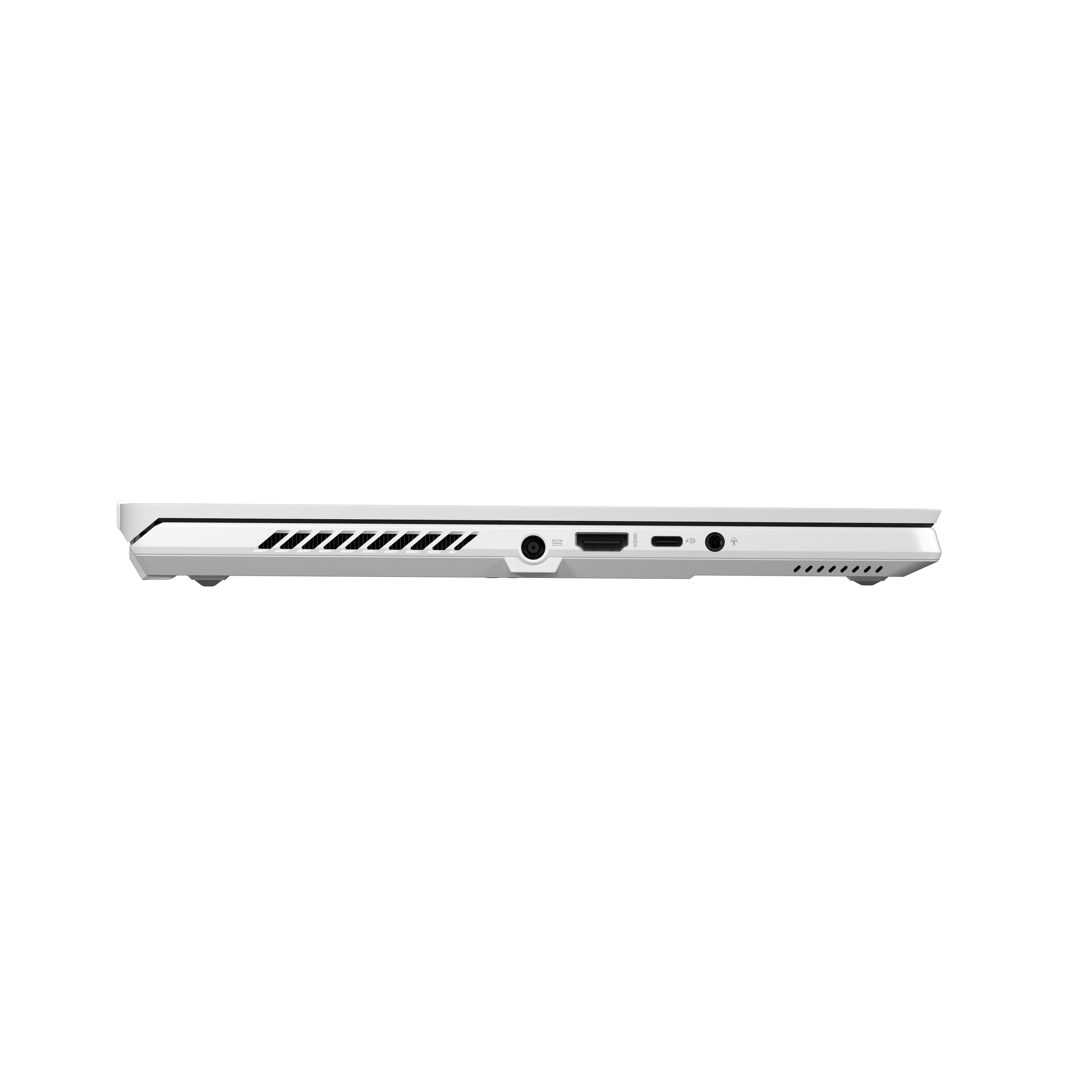
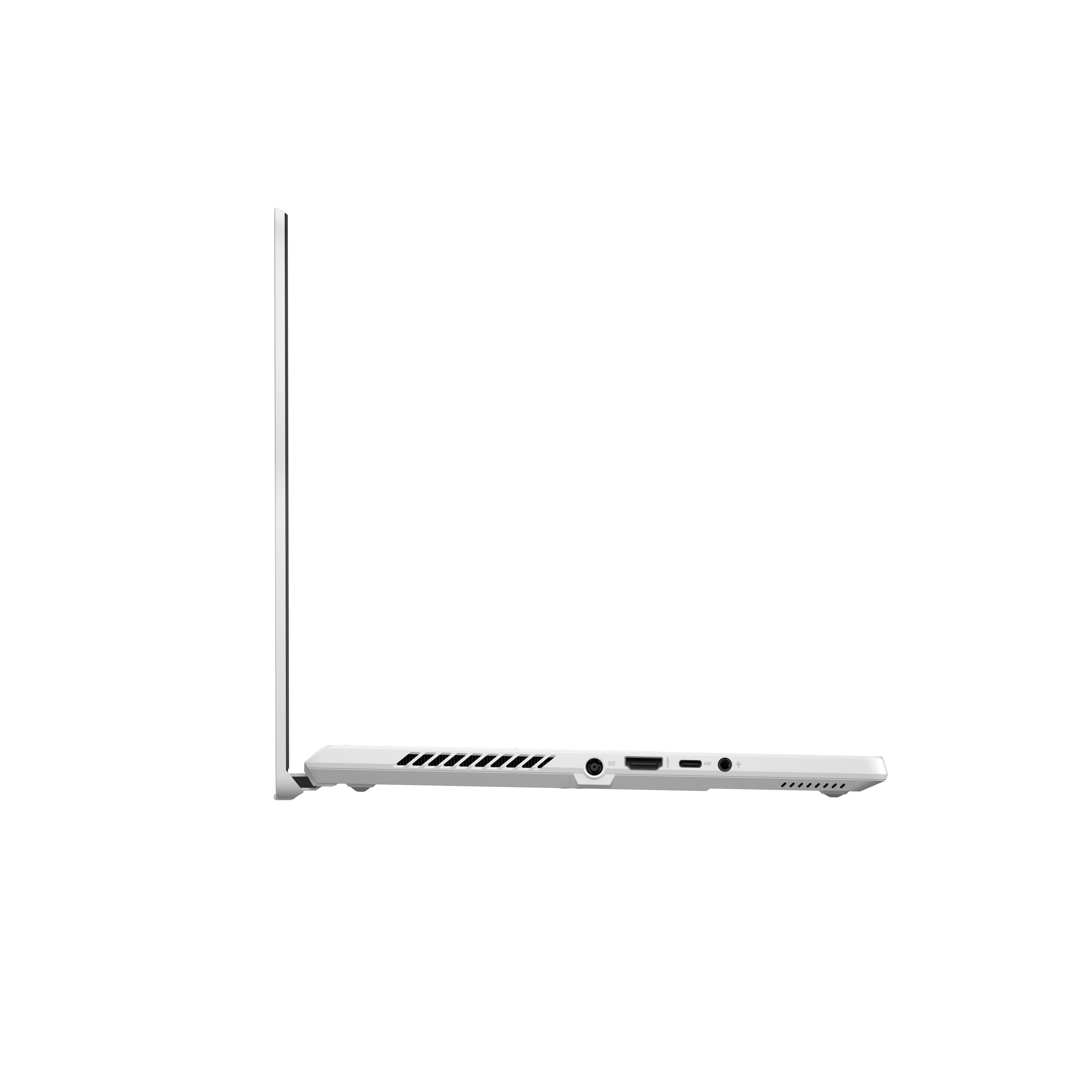
|Posted .This reviewer received promo considerations or sweepstakes entry for writing a review.The ASUS ROG Zephyrus 14” is an absolutely outstanding laptop, and one of the few gaming laptops that’s light and compact enough to truly be portable. In a compact 14” body that’s about ¾” thick and less than 4 lbs, this laptop contains the new and powerful AMD Ryzen 9 6900HS CPU mated to an AMD Radeon RX6800S GPU with 16GB ram and a 1 TB PCI-E hard drive (NVME). Attached to it is a lovely 2K anti-glare display with 500 nits of brightness running at a 120hz refresh rate. It’s not a touch screen, but it’s bright, sharp, and Dolby Vision HDR compatible. From a speed and specs standpoint, this laptop is top of the line, but what’s most impressive is how thin and practical they’ve made it. Usually, powerful gaming laptops are big and thick bodies that are more portable gaming machines than something practical to carry around all day. This bucks that trend. Not only can the Zephyrus 14 smoothly run Forza 5 at 2560x1600 @120fps, but it does it in a body that’s convenient enough to bring to the office, class, and carry around like any other laptop. It’s a solid Macbook Pro PC alternative, but much, much better at gaming. As a high end gaming laptop, I wanted to put it through some paces. I initially tried Cyberpunk 2077 with Ultra graphics @ 2560x1600 and ray tracing, but that was a big failure (4fps). However, most machines can barely handle that setting, so I toned it down to 1080p with the Low Ray Tracing preset and was ecstatic to see how smoothly it ran. There were a few glitchy moments (that might be game related), but it maintained 117 FPS throughout the whole session, which is outstanding. I then tried Forza 5 Horizon at 2k and was surprised to see it running so smoothly at 120 FPS. Same goes for Deathloop. Elden Ring also ran smooth at 120 FPS, but I had to drop the resolution to 1080P. Not too shabby. Most people game at 1080P for the performance advantage and I would still do the same here, even with the 2k screen. It really depends on the game though. In general, I think it’s best to game in 1080P and watch movies in 2k. But the fact that it can smoothly run games at 2k resolution and 120 FPS is incredible. The screen is a delight as well. It’s sharp, bright, has excellent color rendition, and is Dolby Vision HDR capable. The Zephyrus 14 is not only an excellent gaming laptop, but also makes for a formidable multimedia machine. And I need to mention the sound. The internal speakers are surprisingly loud and clear with excellent imaging. There’s no particular sound technology that’s featured, but it blows average laptop speakers out of the water and I rarely felt like I needed my headphones. However, there’s plenty of ports to connect peripherals to it. The left side features the AC charging port, an HDMI output, USB-C input, and headphone jack, while the right side features another USB-C port, 2 USB-A ports, and a little slot that I think is a Micro SD card reader, but I haven’t confirmed that yet. The power port is in a weird place, right in the middle of the side of the body. It doesn’t cover any ports, but I prefer it being at the back end of the laptop body, though it doesn’t really matter or affect performance. The body itself looks like a work of art in some places and there’s an interesting dot pattern on the laptop cover. The rear fan vents have a cool grill pattern with a chrome Zephyrus logo and hidden status lights behind it. The bottom of the body has a vented metal plate section that looks cool, but gets really, really hot when running in Turbo mode. The trackpad is large and responsive, confidently giving good feedback with every touch. The back-lit keyboard is nicely spaced out with quiet keys that register each press well. The dedicated Armoury Crate button is clutch as it enables you to quickly make performance and display changes and move on with what you’re doing. Overall, if you’re looking for a do-it-all laptop that’s not only good for serious gaming, but also works well for 4k video editing, Adobe CS, and is portable enough to carry around to class and meetings all day, this is the one for one for you. It’s beautiful, lightweight, powerful, and should be future proof for quite a good while. Great job Asus! PROS - Blazing fast - 2560x1600 resolution (2k) - Bright 500 nits anti-glare Pantone color calibrated display - Dolby Vision HDR screen - Thin and light body - Smoothly runs Cyberpunk 2077 on low Ray Tracing mode at 1080p@117fps - Smoothly runs Forza Horizon 5 at 2k resolution and maintained 120fps - Smoothly runs Elden Ring at 1080P with high quality settings @120fps - Smoothly runs Deathloop at 2k resolution at 120fps - Wide trackpad with excellent touch and feedback - Good size keyboard that types well and doesn’t feel cramped - 16GB RAM, 1TB SSD HD - Surprisingly loud and clear speakers - Futuristic and attractive body design - Practical as both a portable compact laptop and gaming machine - Plenty of ports - Macbook Pro alternative - Armoury Crate CONS - Power adapter port is in the middle side of the body (weird location) - Not touch screen - Bottom gets very hot in Turbo mode - Needed lots of Windows 11 updates to get started - OK battery life in Windows mode
I would recommend this to a friend - Pros mentioned:Performance, Size, WeightCons mentioned:Heat
So much power in a small package!
|Posted .This reviewer received promo considerations or sweepstakes entry for writing a review.I’ve always wanted a 14” laptop that was powerful enough for “play” yet stayed cool enough to use on my lap for travel work and lightweight with a long battery life! To begin with the screen is bright and “pops”. I really appreciate the extra screen real estate it has, since it's 2560x1600 instead of 2560x1440. An added bonus is that it has adaptive sync, so there's no screen tearing in sub-120fps situations. Weighing in at less than 4 pounds, it’s one of the lighter laptops I’ve owned and certainly the most powerful. But since this is marketed as a gaming laptop, let’s focus on that. My experience with gaming laptops with less power than this one, is that they get too hot to use if you’re “power gaming”. While you may not be comfortable resting this on your lap in full game mode (and it would block the intake cooling vents), the chassis and keyboard area remain comfortable to the touch. For non “heavy” gaming use, it’s fine using it on your lap while commuting. I’ve attached screen shots of the 3DMARK Time Spy Score and Hitman 2 Miami and Mumbai, with all settings on ultra-running at the full screen resolution. It was allowed to warm up and is running at actual gaming performance speed with the system fan set to turbo mode. The speakers are great to the point where I could detect the direction of footsteps in Warzone. The responsiveness of the keys is average at best, and the backlighting is not that bright. With the 100’s if not thousands of setting configurations available via the built in control program.
I would recommend this to a friend - Pros mentioned:Battery life, PerformanceCons mentioned:Heat
AMD and ASUS ROG have made something speical!
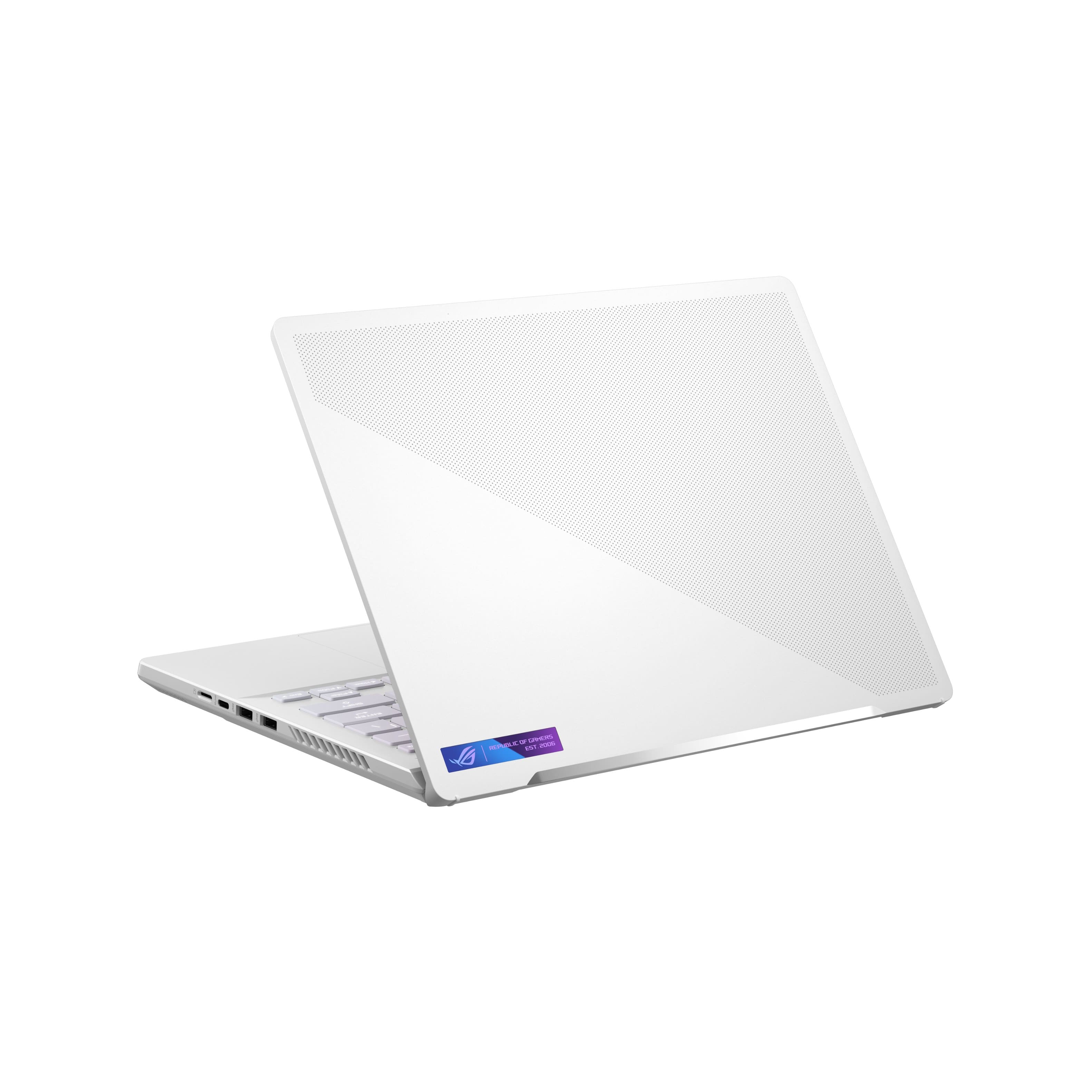
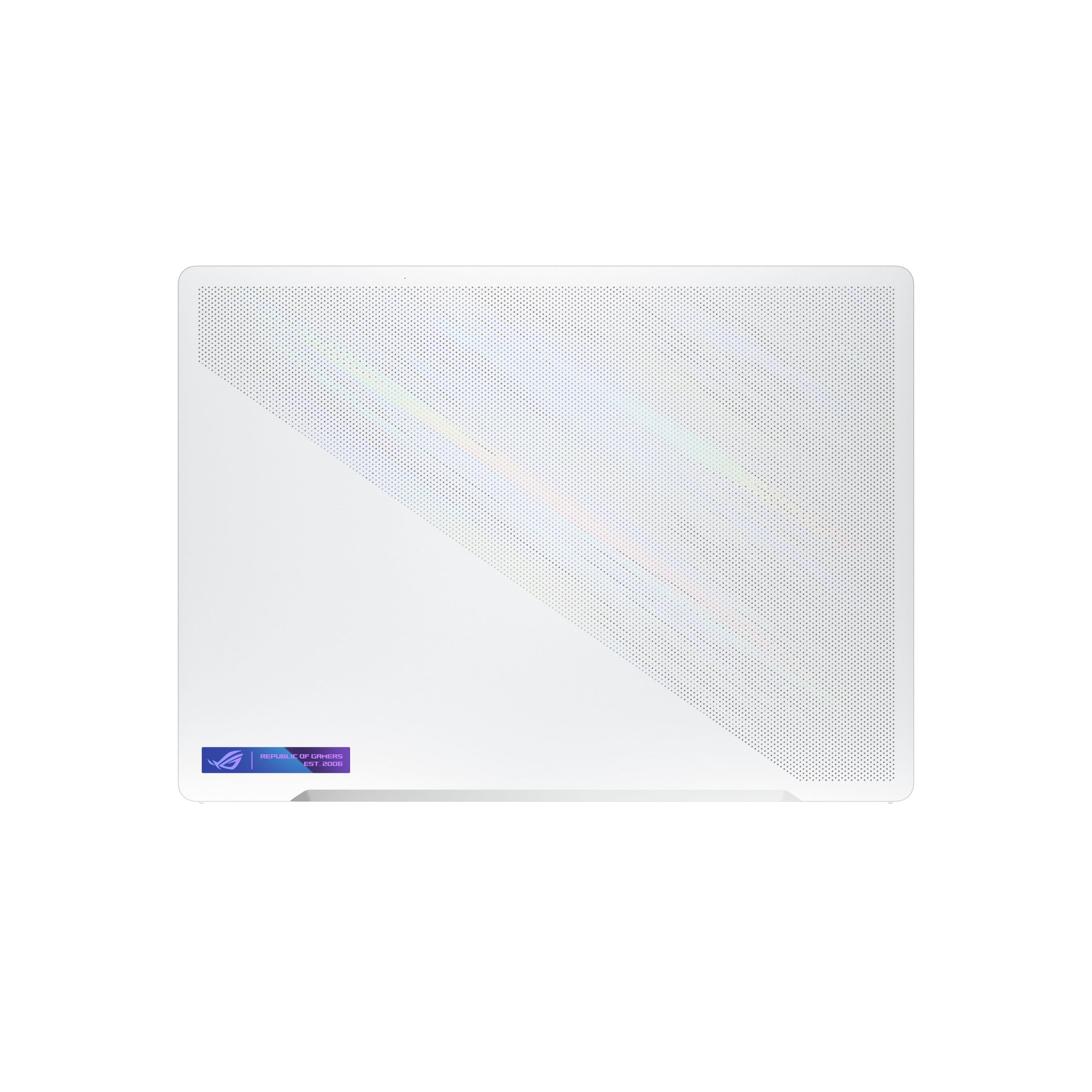
|Posted .This reviewer received promo considerations or sweepstakes entry for writing a review.It’s fast. It’s beautiful. It’s thin. It’s powerful. It’s everything a modern gaming laptop should be. Everything gamers should want today. The AMD ROG Zephyrus G14 GA402 (2022) There’s a reason why the ROG Zephyrus is one of the best laptops of 2022. There is a reason why it’s one of the fans The unboxing was unique on its right, not only is the ROG box good looking but once you open it up. The laptop pops up greeting you, with what I would assume is gamer hieroglyphics behind it. This is appreciated and a nod from ROG about their love for gaming. Inside the box are the ROG Zephyrus G14 laptop, A/C charger, and a quick start guide. Design: In my eyes, one of the most beautifully designed laptops I’ve ever used. It’s white but it matches everything else electronically white. PS5, Backbone, White Logitech headphones, mouse, monitors…just everything. If you have that aesthetic, this laptop will definitely match is it beautifully. The design matches those of the ROG Zephyrus line. The ROG Zephyrus M16 (2021) resembles this but just shrinks down into a 15-inch form factor laptop. This is by no means a bad thing, ASUS really just perfecting the design they already had before. The Dot matrix lid makes a return with better refinement. Beautiful machine-drilled holes layer the lid of the laptop. Chromatic finish underneath so when the light or sunshine upon it gives it a nice hint of color. ROG branding on the lid at the bottom corner. Display: Open the G14 laptop presents a very beautiful, bright, and vibrant screen! ROG calls this their Nebula display. From what I can tell is 500 nits of brightness and it’s Dolby Vision approved which gives even better contrast and colors with the video demo. Outdoor or Indoor visibility doesn’t matter, you will see the display. I feel like even 50% brightness is bright on this G14. That’s a good thing and even better for gaming. 16:10 / 14’ inch / 2560x1600 / 120hz / 3m response time / QHD display is perfect for gaming and it’s extremely smooth. Everything looks very crisp when gaming. Your eyes really have to see it in person to understand it. You can get better performance in games by bumping down the resolution to 1080p or 1440p. Which works out for me when gaming on a TV or monitor. 16:10 display takes over almost entirely the whole screen but not in the same way as the Asus M16. It’s impressive what they manage to put squeeze here into the screen size; this time though the charging like doesn’t bounce off the bottom of the screen. This year Asus decided to add a Webcam to the G14 line as well; it’s only a 720p but it’s there and it works. Well, it’s not mine blowing. It works beautifully with Windows Hello instead of having a fingerprint scanner. Sometimes the fingerprint scanner wouldn’t work and sign in but windows hello snaps me into the windows environment rapidly each time. Love it. Keyboard / RGB: I love the layout of the keyboard, and it’s very comfortable to type on. There is no bend in the middle from what I can tell of the keyboard. The keyboard also looked nice and white, though I’m unsure how long it will retain this look as white isn’t really “gamer” friendly. Overall the keyboard itself is nice. Extra media keys above the keyboard are just Volume up, Volume down, Mute, and an “Armoury Crate” button. I appreciate the RGBs on here again this year and they look great on the color of this laptop but they are single zone again this year which to me is still a disappointment. This doesn’t take away from the performance of the laptop at all because it’s very powerful but I would love to have per-key RGB on a Zephyrus. I mean you know I’m right especially at the price point. But with this laptop being so powerful and thin I can’t fault any stars for RGB. The RGB on the Keyboard does get bright with 3 levels of brightness. The trackpad is huge! The trackpad works fine, gliding around windows, but at the bottom left corner of the trackpad it doesn’t click in. Forcing you to move your fingers up just a tad bit. The RGB doesn’t bleed too and doesn’t get as bright as I like much but it is nice to use. Specs: This is an all-AMD laptop and it’s an all-AMD beast of a laptop. The CPU is an AMD RYZEN 9 6900HS that comes with an AMD RADEON RX 6800s GPU that’s all in a thin body with vapor chamber cooling that’s been pasted with Liquid Metal. All of this combine to give one of the best PC gaming experiences I have ever had. Since the laptop lifts up when the lid is open, this allows airflow to get under the laptop for increased performance. I love it so much. Also comes with 16GB of DDR5 which gives this laptop an insane level of speed during normal tasks. 8GB on Board and 8GB SO-DIMM which can be changed out. 1TB NVME of storage and is plenty enough fast in its speed. AMD Advantage / Smartshift really helps this laptop out in a variety of ways. Smart shift allows for the GPU and CPU to communicate with each other on the fly which helps with gaming and everyday task. Shifting power to where it’s needed. If you are gaming that’s where the power will shift. Smart, memory access eliminates bottlenecking of the VRAM. All this is to say that when you’re gaming, it just feels fast. Windows 11 is very speedy and fast on this thing so I didn’t have any issues. Once I was updated to the latest version it was great. Gaming / Performance: It’s fast. And it’s downright beautiful to look at the graphics on this 14-inch laptop. I am extremely impressed with the performance that you can get out of this little portable package. AMD’s FSR resolution scaling helps out with highly demanding games. But it also helps out on this laptop perfectly and is something many game developers should be looking into going forward. AMD’s FSR works as trying to achieve the same goal as Nvidia’s DLSS. Charts from my testing. 3D Mark - Timespy: 9063 3D Mark - Timespy Extreme: 4163 Forza Horizon 5 - 2560x1600 - 77fps. GTAV - 2560x1600 - 90fps. FarCry 6 - 2560x1600 - 92fps. God of War - 2560x1600 - 62fps. Horizon: Zero Dawn - 2560x1600 - 63fps. CyberPunk2077 - 2560x1600 - 64fps I am extremely happy with the performance of the G 14 laptop is exactly what I want especially when I want to take it on the go if I’m gaming elsewhere. The beautiful part about it is that it comes with a MUX switch. Which gamers have been asking for 2 years now. Outside of gaming doing normal everyday tasks was fun and wasn’t a horrible experience on the laptop. Just browsing the web listening to music and watching movies was a pleasant experience. Battery life lasts a while about 5 to 6 hours on Windows mode/silent mode. If you’re trying to game on the battery you probably wouldn’t get an hour of use. Just using a laptop normally though I do get a lot of hours out of it without charging. Perfect when. I just want to browse in the living room. Again you can use a 100w USB-C charger and still get massive performance out of it. Sound: G14 sounds OK again it’s nothing mind-blowing but it gets the job done when you need it. You can go in and fine-tune the audio and it does have Dolby Atmos. I just don’t think speakers on his laptop have anything to write home about and more than likely you might be using headphones. I feel like it is an improvement over the ROG M16 if that helps. This an area I wish more manufacturers invest in. I/O: I/O ports for whatever you probably need it is here in the G14. There is a 3.5mm Combo Audio Jack, HDMI 2.0, 2x USB 3.2 Type-A, 2x USB 3.2 Type-C (Support DisplayPort and power delivery), and MicroSD slot. The barrel charger is also on the side. Can charge the laptop with USB-C @ 100w as well but the best thing about this is that you can still game way above 60fps with this charger. Without the need for the bulky charger with you at all times. The charger with the laptop is 240w giving a great performance. Bluetooth works fantastic as it normally does with ROG products. keeps in sync with an Xbox One controller that’s connected with BT. WiFi 6E stays strong and connected to my router. Portability: The Asus G14 is about 4 pounds and definitely more comfortable to move around than my Asus M16. It feels really easy to slip into a bag and just go. Is the perfect amount of portability and wait for the laptop of this degree. But I also think that what makes this laptop very special is that it’s so small and thin but it’s also a gaming device. Definitely don’t have any issues with the weight. Dislikes: My dislikes with this laptop are very few. First; the laptop does get a little hot. I am not concerned about the heat as a laptop does a good job of dispensing the heat that comes from it. From testing, this is well within the spec but it’s also a little concerning. My second issue with the laptop is that it only has one NVME SSD slot and would prefer to have at least two inside. Overall: While is not the best gaming laptop you can buy it’s certainly one of the best gaming laptops I’ve used. Probably the reason why is the best one of 2022. Asus ROG G14 laptop balance everything out from Gaming to normal task; it crushes it. Delivers a pleasant user experience. Armory Create software is very useful to the laptop as well giving nice customization. as a person who played a lot of games, I can truly say this AMD advantage Asus laptop does represent gamers today. It has everything you can need in a laptop without being overly bulky or expensive. I won’t hesitate to recommend this to anyone who wants a gaming experience on a gaming PC that’s awesome. AMD and Asus ROG is just killing it with this product. TLDR: It’s one of the fastest gaming laptops I’ve used and It’s AMAZING.
I would recommend this to a friend - Pros mentioned:SizeCons mentioned:Heat, Ram
Great for on the go gaming
|Posted .This reviewer received promo considerations or sweepstakes entry for writing a review.I love the size of this laptop. I think this is perfectly sized screen for what I like in a laptop. It fits right in the middle of what is available. Anything bigger and I stop being able to put in in just about any bag I need and anything smaller I start really wishing for a bigger screen. Yes, if you ask my brother he would never have anything smaller than a 17.3” screen and if they ever came out with a 24” laptop he would figure out how to own it. But for those of you that have a need for portable power, this would be the one for you. This rig will take anything I throw at it gaming wise as well as video editing, CAD, mathCAD, and other programs I need to run that can bog down a lesser spec’d machine. Though I feel like the 16GB of RAM is not a stellar spec it gets the job done; especially with the 8GB of dedicated video RAM. So really that is me just being a spec snob as I haven’t really felt the need for more RAM. Now if you compare this directly with a high end desktop you will end up feeling this is lacking but where I look at this from is that I can’t take my desktop with me most places. This can come with me pretty much anywhere. The screen is absolutely amazing to use, it just looks good. The screen resolution, quality, and refresh rate come together to make gaming really nice on the go here. With the caveat that on the go is next to a power source. This may be mobile, but it is a power hog. I had the oven going, an air fryer, a crockpot, and then I plugged this into the same circuit and it popped the breaker. If you put it in power saving mode and all that, you can get more life out of it and not pop breakers on a fuller circuit… but where that also takes away from the gaming experience. If you have it going all out, don’t expect it to last more than a couple of hours on the battery. But you can get quite a bit more than that out of it if you put it in low power mode. Also, you can charge off of USB C if you have that type of connector; you will get a warning that how it is charging may not be fast enough, I even got a warning when I plugged in my 130W USB charger. I would like to call out the typing experience real quick as well, the travel on the keys is perfect for me. For gaming this is nice but I really like how it feels when I am just typing as well. Now for the not so great, I need to make sure that I put this to sleep, if I just close the lid it doesn’t always stop power hungry processes so sometimes the battery drain when it is off the charger can be significant enough to kill it. If I make sure to put it to sleep before hand this isn’t an issue. The other issue is that it runs hot, hotter than I’d prefer, but burn you hot, but hot enough that unless it is cold out you don’t want the extra heat on you. Once again, gaming with this on your lap isn’t really a thing so this is more when you are just using it for Netflix or something, in which case I recommend putting it in a more eco friendly mode that will also help with the heat. Overall, I love the design of this (I am a sucker for white). I love the screen size, the keyboard, the port selection (1 HDMI, 1 aux, 1 power port, 2 USB As, 2 USB Cs, and 1 micro SD card). I love that when you open the lid, it raises the body slightly off the table for better cooling and I love that I can play anything I want on this, and it looks great.
I would recommend this to a friend - Pros mentioned:Battery life, PerformanceCons mentioned:Heat
Absolute BEAST of a gaming laptop, but runs HOT
|Posted .This reviewer received promo considerations or sweepstakes entry for writing a review.PROS: - Ryzen 9 6900HS - RX 6800S - MUX Switch! - Amazing performance - Bright, 16:10 display with 3ms response - Great battery life - User upgradeable storage and memory - Windows Hello - Excellent keyboard CONS: - Gets very HOT - Backlit with white keys == SETUP == I don't think I've ever seen a Windows laptop ship with almost no bloatware. The only thing I uninstalled was "ClipChamp", and I think that's something that Microsoft puts in with Windows 11. There's no bundled anti-malware software to worry about, no long list of ASUS apps (Armoury Crate and MyASUS are great and pretty helpful), just a nice (mostly) clean version of Windows 11. Before doing anything serious, you'll want to make sure to install all the available Windows updates. Then use MyASUS to make sure your drivers are all up-to-date. Gaming performance is really going to take a hit if you're using out-dated drivers. ASUS also recommends that you plug in the included 240W power adapter before you do anything serious. What's really great about the G14 is that you can use the included 240W adapter -OR- you can charge using the left USB-C port. I love this option, as I can leave the bulky charger at home and just keep a smaller USB-C charger in my laptop bag. You CAN play games with USB-C charging (up to 100W), but there will be a hit to performance. == BUILD QUALITY == The laptop chassis is solid and feels premium. I like that the bottom cover has plenty of ventilation, especially considering the amount of horsepower is crammed into such a small laptop. The ports are: two USB 3.2 Gen 2 Type-A ports (both on the right), a USB 3.2 Gen 2 Type-C w/DisplayPort on the right, USB 3.2 Gen 2 Type-C w/DisplayPort + power delivery on the left, MicroSD card reader on the right, 3.5mm combo audio jack and barrel port for charging (the 240W adapter) on the left. The display hinge is designed to lift the laptop up off the surface to help improve airflow for cooling (more on that later). There's no screen wobble while typing and the keyboard is GREAT! One perk of going with a 16:10 aspect ratio is that ASUS was able to give you more space for the palm rest AND a larger trackpad. As far as I can tell, it's a glass trackpad and is really good (decent palm rejection too). The keyboard is comfortable for typing all day and the keys feel solid and have decent travel. My only complaint about the keyboard is that the keys are white, so the backlighting isn't very great when you're in a dark room. Speaking of the display, I really like the one on the G14. It's not OLED, but it does get quite bright (500 nits). I regularly have to turn down the brightness if not gaming, and not just to help save on battery life when away from an outlet. Colors are very accurate and look as good as they possibly can on a matte display. It has a 3ms response time, so it's fantastic if you're into competitive shooters. There is a 720p camera with an IR sensor at the top of the display housing, so you can enable and use Windows Hello for quickly logging into your desktop. == GAMING PERFORMANCE == This is the most important aspect of the G14, and thankfully, it doesn't disappoint. I'm amazed that ASUS was able to fit a Ryzen 9 and 6800S in such a small chassis. What's even better is that they made sure to give it a MUX switch! If you look in the Armoury Crate, the MUX switch is listed as "Ultimate" in the GPU Mode settings (which requires a restart). All of my testing was done with the "Ultimate" mode. I ran 3DMark to help give a general idea of just how powerful the G14 is (see screenshots). I also used the included benchmark in Far Cry 5 and Shadow of the Tomb Raider (see screenshots) to help get a better idea of performance with actual gaming. In my personal experience, I've been able to run all of my games at max settings at 1080p resolution without an external display, and a mix of mid-high settings with an external 1440p display (I was aiming for 120+ FPS). The only aspect of gaming that the G14 struggles with is with ray tracing, but this is more of an AMD issue in both mobile and desktop (hopefully that changes with the 7000 series). I think my games still look great without ray tracing enabled, but if ray tracing is important to you, I would suggest looking at a laptop with at least an RTX 3060. To get the most out of the 6800S, you will want to use the MUX switch (which will require a system restart). This will let you bypass the integrated graphics, so you won't see a performance hit compared to laptops without a MUX switch. You can absolutely leave the GPU setting to "Standard" if you want, just know that (especially if you're not using an external display) you're not going to get the best gaming performance possible. One negative side of gaming with the G14 is HEAT. This laptop get VERY hot, even with the fans set to max. I would regularly see the GPU temp spike up to the mid 90s. You can help reduce your temps by lowering your graphics settings or using a cooling pad (or both). I would HIGHLY recommend that you use a cooling pad when gaming and possibly even go with undervolting (if you're comfortable with that). == NON-GAMING PERFORMANCE == While the G14 is a beast for gaming, it's nice to know that you can use one laptop for fun AND productivity. The 16:10 display is great for getting work done (especially for programming), the keyboard is comfortable to type on for long periods of time, the WiFi card is good, and the battery life is really good for a gaming laptop. I've read/watched popular reviews for the G14 claiming 8-10 hours of battery life when not gaming. This is obviously going to GREATLY depend on what you're doing. However, in my personal use with screen brightness around 50% and setting Windows power mode to 'best power efficiency', I'm getting 6-7 hours when working with a browser, IDE, and streaming music with Bluetooth headphones. If you're worried about battery life, but don't want to bring the bulky 240W power adapter with you, you can use the left USB-C port for charging (up to 100W). This is actually the setup I use: keep the 240W brick at home for gaming and use a slim 85W USB-C charger in my backpack. == USER UPGRADEABILITY == You can upgrade: the storage, WiFi card (some users recommend upgrading to the Intel AX210 over the included MediaTek MT7922), and one DIMM module. 8GB of RAM is soldered to the board (bummer), so the max supported is 24GB (if you swap out the included stick for a 16GB stick). Not a big deal to me, but it's worth considering if you need to run multiple VMs. The battery is also very easy to access, so later on down the road you can easily+quickly swap it out with a new one. The G14 uses a vapor chamber for cooling, as well using liquid metal instead of traditional thermal paste, so I don't know if I'll be re-pasting later on the future (not a fan of working with liquid metal in a laptop). I don't see how you can replace the fans WITHOUT removing the entire cooling assembly, so just be warned that it's going to be time-consuming to replace a fan. == FINAL THOUGHTS == This is an absolute BEAST for gaming, especially considering its size. The compact design combined with high-end components does mean smaller cooling components as well, resulting in this laptop getting quite HOT when you push it. You can reduce the strain and use a cooling pad, but it's still not going to be perfect. You're trading some performance for a smaller/lighter laptop. If you want to play all the latest games at 60+ FPS and have a portable laptop for school/work, this is a solid option as long as you're mindful of the cooling hit the G14 takes by be smaller.
I would recommend this to a friend - Pros mentioned:Battery life, Size
Great premium gaming laptop that runs TOASTY!
|Posted .This reviewer received promo considerations or sweepstakes entry for writing a review.I’ve never spent more time benchmarking and testing a device, EVER, (at least 3 hours of benchmarking plus gaming time) and I’ve done this for years! (I’m an IT pro, with close to 20 years of PC building experience, and 8+ years of professional Networking/Tech Support experience). TL:DR - The 2022 Zephyrus G14 games like you’d expect in Turbo Mode (extremely well), but gets VERY HOT(like possibly dangerous for the 6900HS hot) Run it in manual with a tweaked fan curve and PPT for the APU. The screen is great, the Micron SSD is slower for a PCIE 4.0 drive, but a touch faster than the fastest PCIE 3.0 drives. It's very portable in weight and size (3lbs 10oz on my scale/laptop only), even with the chonky 240w power adapter. Buy if you understand the caveats and it meets your needs/wants! Build/feel/ports - To start, this G14 feels premium even as you’re opening the box. Asus creatively made the box pull the laptop up at an angle to “present” it. The build quality feels SO good and solid (the chassis is made of aluminum, magnesium alloy, and polycarbonate). The port selection is about as good as you’re going to find these days, 2 x USB3.2 C ports, 2x Display - The screen is phenomenal, nice and bright, 2560x1600 (16:10 ratio) instead of 2560x1440 (16:9). In gaming you won’t see much of a difference but just that little extra is great for productivity. You get an ok webcam squeezed above the screen, at least it does Windows Hello for face unlocking. Interface - The keyboard and trackpad are both top tier, with the trackpad being a star. Usually Windows PC trackpads are hit and miss, but this glass unit is baller, and very large. (the RGB keyboard is a nice touch for those who like that, I found that you can sync animated Aura Wallpapers on your desktop to the keyboard for a fun party trick) Audio - The speakers are decent for this size of PC, but I’m no audiophile to really be able to tell you they’re amazing or just ok. Battery - I wrote most of this review over a few hours and still had over 50% left. From my unscientific measurements I’d estimate you’ll get 6 or 7 hours of basic stuff at medium/high brightness, with a bit less watching stream videos. I’d estimate only an hour or so max of gaming on battery. Storage - The Micron 1TB NVME SSD (PCIE4.0) is decent and fast-ish, but will not win any benchmarking awards, as its only a touch faster than the fastest PCIE 3.0 drives. I peaked at about 3600MB/s reads and 3500MB/s writes on crystal disk mark. (Having a microSD slot is awesome, I can grab the one from my drone and go!) CPU/APU - The 6900HS is a VERY fast chip, hands down. If you run the system on the “Turbo” profile, you’ll get massive/consistent performance in such a small package. BUT IT WILL GO OVER AMD’s TJMAX! On gaming or benchmarks, I routinely hit a touch over 96C which is hotter than AMD recommends the CPU hit. It does not thermal throttle in my testing, but it will just STAY HOT. If you try to save the CPU’s temps, and try to use the “Performance” profile, it’ll still peak at 96C, but the clocks on both the GPU and CPU will drop and you’ll see a substantial performance drop after a short time. 3DMark has a great built in stress test (it just loops the test to see any variance) and it will FAIL in Performance mode with an 84.2%! (it passes in Turbo mode with a 98%) That might not sound awful, but that means you’re losing 16% performance in just 20 minutes, though it does level off. GPU - The RX 6800S is a great mobile GPU for 1080p ultra at higher FPS or native resolution at medium high. I won’t rehash the same stuff as in the CPU section, but at least in “Turbo” mode the GPU hot spot only maxes in the low 90c range, with the core only hitting 87c in my testing. It has the same type drop off in “Performance” mode that the CPU experiences. The overall “saving grace” of this laptop is the ability to create “manual” profiles in Armoury Crate. Making your own allows you to tune the CPU power target and the “platform” power target which aims to hit a specific power target for the GPU/CPU to share. You can also tune the fan curve to your liking, so the CPU isn’t hitting TJMax in testing or in gaming like Turbo mode, AND you can keep your FPS solid over longer gaming sessions. I tested with 3DMarks stress test again with a APU sPPT target of 55w and a Platform sPPT target of 115w and then played the newly released MW2. The CPU still maxed over 90c, BUT it did stop short of TJMax, hitting 93c after about an hour of gameplay, and only about 91c during benchmarking. It hit 9254 in Timespy with these settings, scored a “pass” on the stress test at 98.1%, 80FPS on the Forza 5 benchmark at 2560x1600 ultra, and 65fps at 2560x1600 ultra on MW2 or 101fps at 1080p ultra. With a tweaked/tuned profile vs the “Turbo” profile, you gain about 5% more FPS (up to 10% in some CPU benchmarks), but at the expense of the higher temps and slightly louder fans. NOT worth it in my opinion! I have many included photos, any highest scores/fps numbers were done in Turbo mode, with other numbers being near in “manual” mode. So overall this would be a 5 star laptop if Asus had not tried to “fly so close to the sun” with Turbo mode, OR made the “performance” mode set to run the APU at 90c max and try to keep it there with fan curve optimization/lower clocks/voltage. Your mileage may vary according to your use case, but as an “extra portable” gaming laptop, it should be tuned about 5-10%+ slower to keep it from running crazy hot.
I would recommend this to a friend - Pros mentioned:Battery life, Performance, PortabilityCons mentioned:Heat
No regrets with this wonderful laptop
||Posted . Owned for 8 months when reviewed.This reviewer received promo considerations or sweepstakes entry for writing a review.This is a fantastic machine. There is a reason it gets such high reviews as it is an amazing blend of size, power, and efficiency. It fit my goals perfectly: a smaller and lightweight machine that can hold its own in gaming performance, but is portable enough for travel. The pair of AMD Ryzen 9 and AMD discrete graphics card delivers on that performance with enough efficiency that you can do average workloads all day long without the laptop burning your hands or lap. The keyboard is also nice for a laptop. This laptop has a nice selection of ports that rarely requires me to use a docking station, and it can be powered via USB-C power delivery for travel convenience. This model also has very good memory and hard drive space for the price range (given its other specs). Hint to use the Asus Armoury Crate software to control the graphics card settings to get the most out of your battery life vs performance needs in a session. There is one downside I have with machine: the same hardware feature where the bottom of the screen raises the laptop to increase air flow is great for improving performance, but it hurts your legs if trying to use the laptop on your lap. Using a case or laptop sleeve as a protective layer between machine and legs can help. But in my opinion that scenario shouldn't dissuade you from buying this wonderful computer.
I would recommend this to a friend - Pros mentioned:Battery life
My go to computer
|Posted .This reviewer received promo considerations or sweepstakes entry for writing a review.This is a very stunning looking and performing laptop. Outwardly, the white color looks amazing and the design is very modern. Performance wise, I was stunned and greatly impressed with the AMD CPU and GPU. After a few weeks playing games, going on entertainment sites, and general home office, this has now been my go to device. Visually this is very stunning. The all white cover and casing is clean and crisp the ROG perforated top looks very nice, although this does not have Anime Matrix (more on that later). Typing on this is a great experience, as the keys feel nice and tactile and sturdy with great key travel. The touchpad is nice and large with great responsiveness and accuracy. The hinge is a great feature. In fact, the box opening was an experience in and of itself with how it presents to you. When opening the box, the laptop is lifted at an angle, foreshadowing the experience of opening the lid of the computer where the hinges angles the keypad for you. This is a great little detail that I immediately noticed. The 16x10 aspect ratio screen quality is visually stunning with amazing crisp detail and color. Playing games, surfing on the web and watching on this computer has been an utter joy. Brightness is close to 500 nites which is nice and bright. And…a webcam is included with nice quality especially for those daily zoom meeting I have to attend. The storage is 1 TB with 16GB or RAM, A much needed quality especially that I game on this and need that extra storage for downloading. I downloaded Halo Master Chief collection, World of Warships, Star Wars Battlefield 1 and 2, Squadrons and Fallen Jedi and still have over 75% storage available. This is fast, smooth and efficient when playing experience. Ports wise, there are 2 type A and 2 type C and a microscope storage. Battery life is AMAZING! I am averaging close to 7 hours on this. Yes, there are some problems with this. I had a hard time with downloading ARMOURY CRATE on this. I wanted to be able to use the power switch hybrid between the CPU and GPU. I was finally able to set it up with help from ASUS. Also, the WINDOWS HELLO initially did not work but I working now. Finally, this does not have Anime Matrix which is annoying especially when you look at that cover and it is wanting for more. Overall, this is a very efficient computer with great battery life, great screen quality and a joy to work on. Again, this is my primary computer for me.
I would recommend this to a friend Great Deal
||Posted . Owned for 2 weeks when reviewed.This reviewer received promo considerations or sweepstakes entry for writing a review.This is an excellent gaming laptop and a great deal. Its box is also very cool.
I would recommend this to a friendGreat gaming laptop
||Posted . Owned for 3 weeks when reviewed.This reviewer received promo considerations or sweepstakes entry for writing a review.Great Gaming laptop on for love it it's fast and keeps up with my games.
I would recommend this to a friend- Pros mentioned:Battery lifeCons mentioned:Heat
Tiny might!
|Posted .This reviewer received promo considerations or sweepstakes entry for writing a review.The Zephyrus is nearly a perfect ultraportable gaming beast. Stellar battery life, lightweight, and screen that looks truly amazing. After running benchmarks - screenshots attached - I started gaming. I'm still stuck on Warframe and just can't pull myself away from it yet. First mission and I thought, "Is this is HDR?" Doublechecked everything and to my surprise, it was just regular settings. However they have the monitor calibrated at stock is beautiful for games and video. The brights came out sharp and vivid and the shadows were dark without clipping and getting muddy. Impressive. Now the colors don't look true, so if you plan on doing color critical work there's going to have to be some tweaking and if you're a pro you should have a spectrophotometer. I won't bother using my i1pro because this one is for pure entertainment! I'd have been shocked if there were any frame drops playing WF, but it stayed at 120FPS throughout every battle. A more taxing game will start to make it sweat, but a few tweaks can fix any drops. The keyboard is comfortable for typing and gaming, but I still prefer a keypad when gaming. But the keyboard is nice enough that I'd use it if I ever forget my pad. Gaming on a touchpad is a "HECK NO!", lol. The webcam doesn't get much use from me for anything other than Windows Hello login. There's not fingerprint scanner, so the webcam that supports Hello is a nice addon. The unit gets hoooot, especially if you don't allow adequate airflow underneath. This is even when not gaming. If you don't allow the air to go across the metallic grate at the bottom your legs will be uncomfortable. During setup and running windows update it got pretty bad. I forgot to take a temp reading for gaming and other activities, but this one needs space to cool down. I didn't get to take it apart yet to check if the RAM is soldered, but I'll check it later. Giving the previous models had it soldered I'd doubt this one would be different. Overall, this is one beast of a puny laptop that has the power to hang when it's time to play.
I would recommend this to a friend