Customer Ratings & Reviews
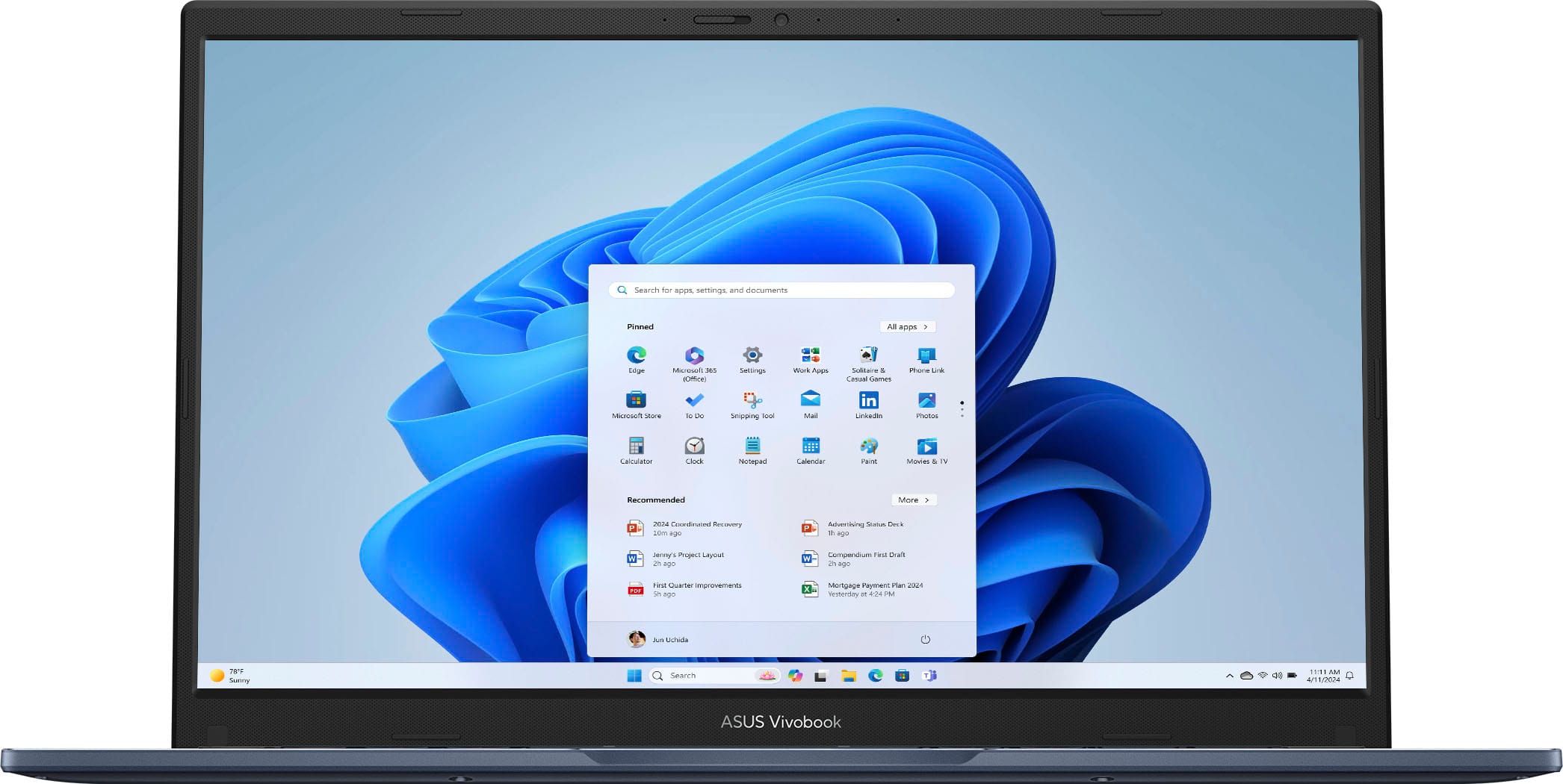
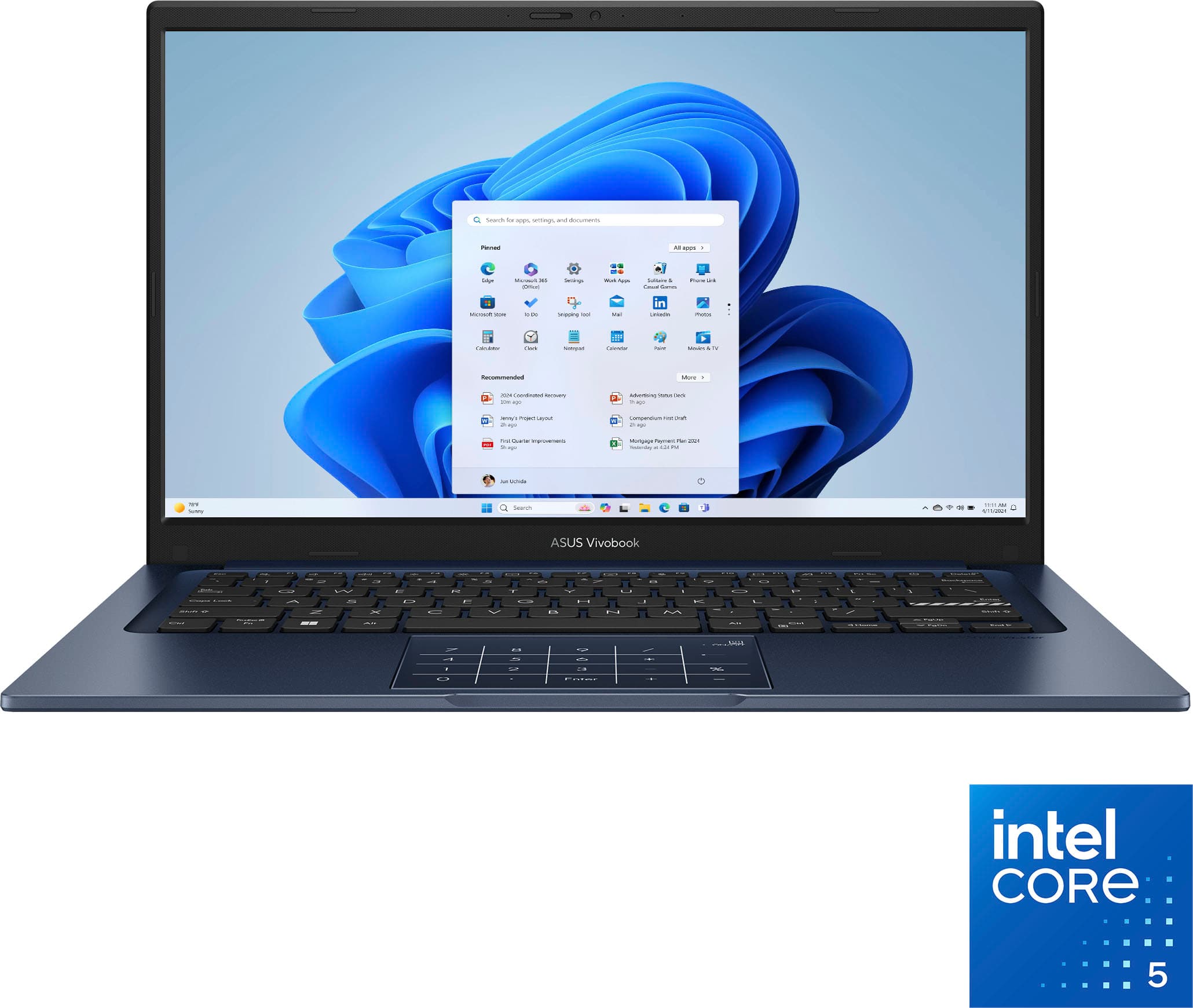

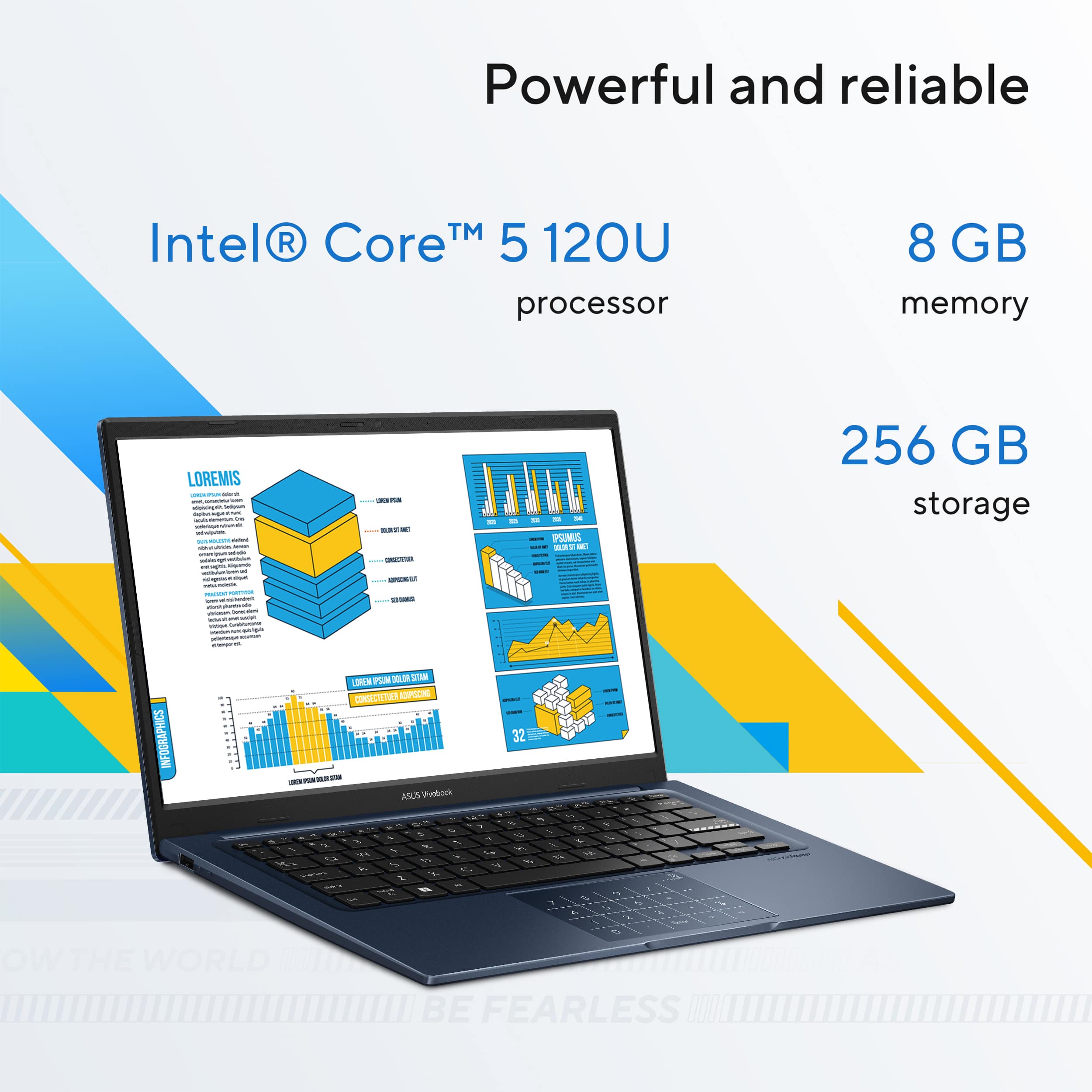
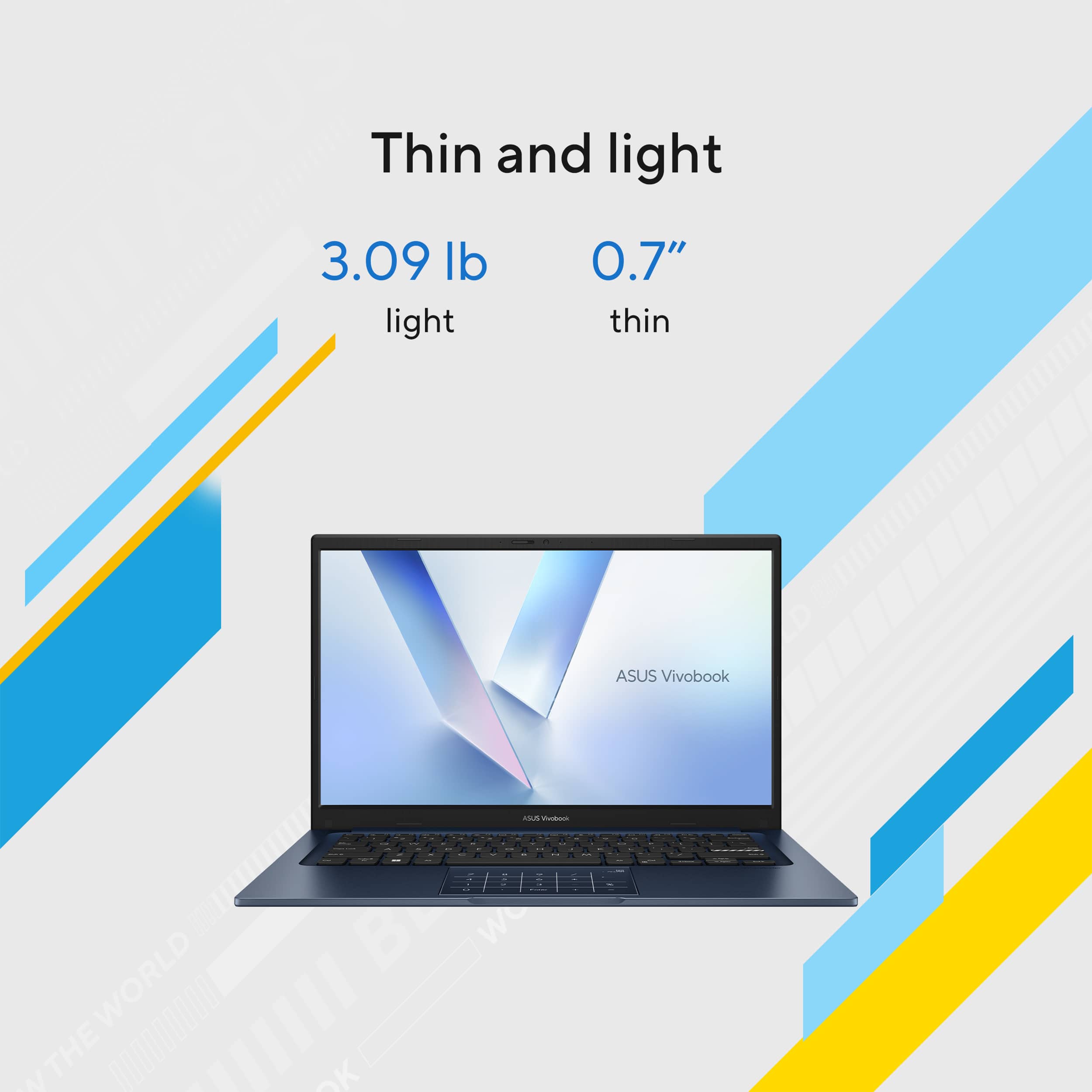


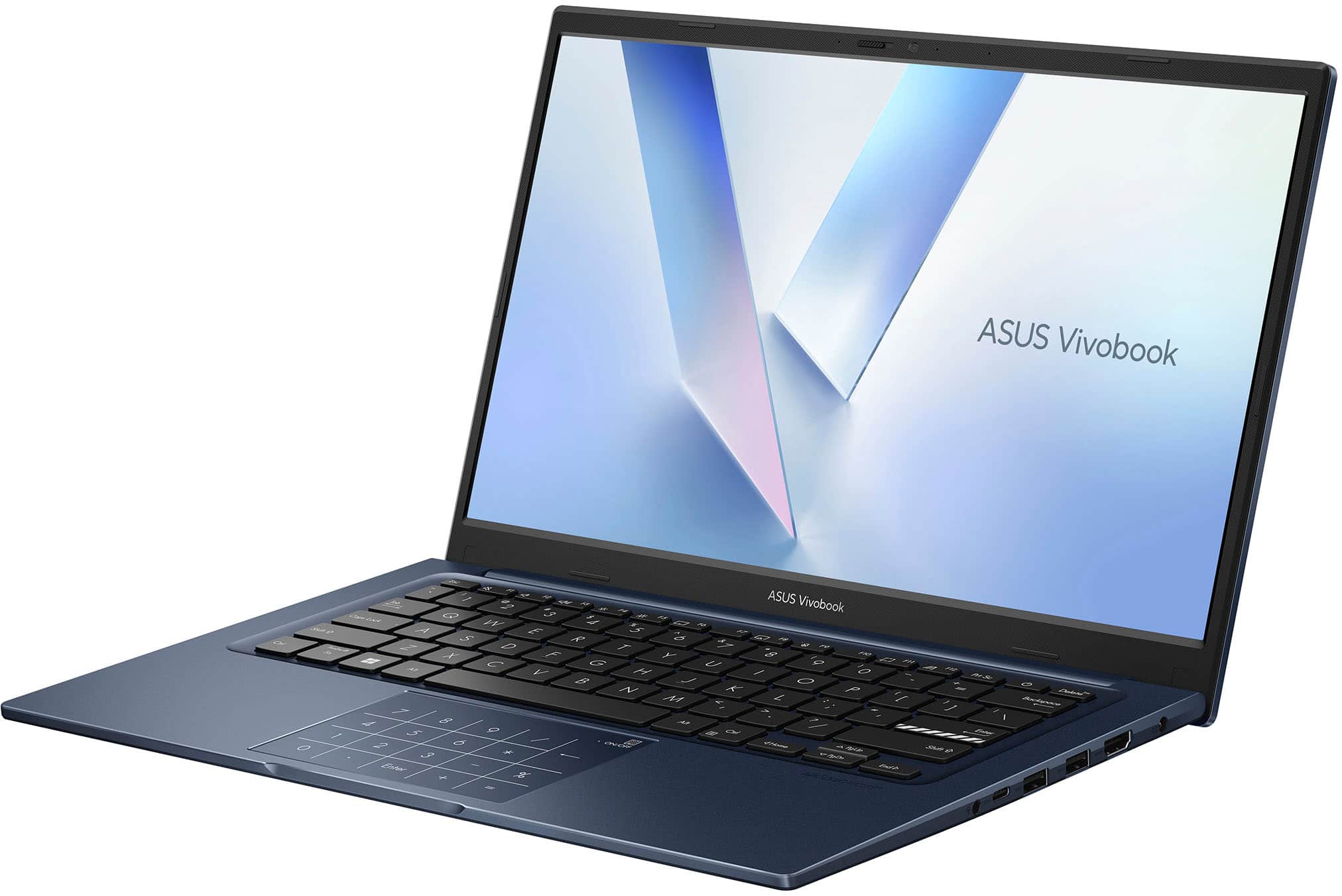
![ASUS VivoBook
Esc F1 F2 F3 F4 F5 F6 F7 F8 F9 F10 F11 F12 Prt Sc Delete
1 2 3 4 5 6 7 8 9 0 - = Backspace
Tab Q W E R T Y U I O P [ ] \
Caps Lock A S D F G H J K L ; '
Shift Z X C V B N M , . / Shift
Ctrl Fn Windows Alt Spacebar Alt Ctrl
Home PgUp PgDn End
Num Pad: 7 8 9 / 4 5 6 * 1 2 3 - % 0 . Enter + =
ASUS SonicMaster](https://pisces.bbystatic.com/image2/BestBuy_US/images/products/1f14f737-7512-4a16-a188-bf6010f7ad6d.jpg)


- Model:
- X1404VAP-V14.C58256
- SKU:
- 12241025
Rating by feature
- Battery Life
Rating 4.6 out of 5 stars
- Speed
Rating 4.5 out of 5 stars
- Display
Rating 4.5 out of 5 stars
Perfect Choice
||Posted . Owned for 2 weeks when reviewed.This reviewer received promo considerations or sweepstakes entry for writing a review.Thank you so much for all your assistance on picking the right laptop for our hobby at home.
I would recommend this to a friendASUS VIVOBOOK
||Posted .This reviewer received promo considerations or sweepstakes entry for writing a review.Package arrived on time and package was in good condition.
I would recommend this to a friendGreat quality laptop, except for ASUS software
||Posted . Owned for 2 weeks when reviewed.This reviewer received promo considerations or sweepstakes entry for writing a review.Sturdy, quality, well designed plastic case. Screen has good blacks. Upgradeable RAM, nVME, and Wifi. The only issue is ASUS software. Too many propiertary apps that slow down the PC, rather than helping it. Even after reinstalling Windows, the laptop still froze several times a week.
No, I would not recommend this to a friendBrand response from ASUS Answers
Posted .Dear Javi,
Thank you for sharing your experience with the ASUS X1404VAP laptop. We appreciate your positive feedback on the sturdy design, quality case, screen performance, and upgradeable component. However, we sincerely apologize for the inconvenience caused by the software issues and system freezes you’ve encountered.
To help address the problem, we recommend following the steps outlined in our FAQ guide linked below. If the issue continues, please contact our support team at https://www.asus.com/us/support/CallUs so we can assist you further or arrange repair service if necessary.
We stand behind our products and continuously strive to improve our products and processes to achieve customer service excellence. For more information, email us at [email protected] and include the case number "N2601012786-0003" as a reference. We will do our best to resolve your case quickly. Your feedback is very important to us and enables us to improve our support channels. Thank you for choosing ASUS.
Best Regards,
Chantae
ASUS Customer Loyalty US Support
[Windows 11/10] Troubleshooting - Resolving System Error Messages or Unresponsiveness (Freeze/Black Screen/White Screen during usage): https://www.asus.com/support/faq/1038855/
Nice value
||Posted . Owned for 1 week when reviewed.This reviewer received promo considerations or sweepstakes entry for writing a review.Great computer , only thing is the battery , , it drain too fast.
I would recommend this to a friendWorth Laptop
||Posted . Owned for 1 month when reviewed.This reviewer received promo considerations or sweepstakes entry for writing a review.Best budget friendly laptop for students for school.
I would recommend this to a friendQuiet
||Posted .This reviewer received promo considerations or sweepstakes entry for writing a review.It has nailed it the part that I like about it. The most is it, quiet, whisper, quietly, contented thing.
I would recommend this to a friendAsus Vivobook review
||Posted . Owned for 1 month when reviewed.This reviewer received promo considerations or sweepstakes entry for writing a review.Extremely slow after continuous use and touch doesn’t work
No, I would not recommend this to a friendBrand response from ASUS Answers
Posted .Dear Techi,
Thank you for reaching out regarding your ASUS X1404VAP laptop. We are very sorry to hear that the system has become extremely slow after continuous use and that the touchpad is not working. We sincerely apologize for the inconvenience this has caused.
To assist with troubleshooting, we recommend following the steps outlined in our FAQ guide linked below. If the issue continues, please contact our support team at https://www.asus.com/us/support/CallUs so we can assist you further or arrange repair service if necessary.
We stand behind our products and continuously strive to improve our products and processes to achieve customer service excellence. For more information, email us at [email protected] and include the case number "N2601012786-0001" as a reference. We will do our best to resolve your case quickly. Your feedback is very important to us and enables us to improve our support channels. Thank you for choosing ASUS.
Best Regards,
Chantae
ASUS Customer Loyalty US Support
[Windows 11/10] Troubleshooting - System is running slowly - https://www.asus.com/support/faq/1042398/
[Notebook] Troubleshooting - Touchpad abnormal problems - https://www.asus.com/support/faq/1042539/
Asus vivobook review
||Posted .This reviewer received promo considerations or sweepstakes entry for writing a review.The laptop is very affordable in price and excellent.
I would recommend this to a friendGreat inexpensive laptop.
||Posted .This reviewer received promo considerations or sweepstakes entry for writing a review.Great inexpensive laptop. Battery life could be better. Surprised with what the processor can handle.
I would recommend this to a friendExcellent
||Posted .This reviewer received promo considerations or sweepstakes entry for writing a review.Nice product with better configurations. it's a fair deal
I would recommend this to a friendNice w/office
||Posted . Owned for 1 week when reviewed.This reviewer received promo considerations or sweepstakes entry for writing a review.Very nice budget laptop with a free year of Office 365.
I would recommend this to a friendGreat laptop
||Posted .This reviewer received promo considerations or sweepstakes entry for writing a review.So easy to transfer data with windows 11 an fast too
I would recommend this to a friendFunctional
||Posted .This reviewer received promo considerations or sweepstakes entry for writing a review.Well it’s pretty Good for the price.i would Recommend.
I would recommend this to a friendGet Smart
||Posted . Owned for 1 week when reviewed.This reviewer received promo considerations or sweepstakes entry for writing a review.need to get printer going, a lot of ambiguities and unfriendly applications
No, I would not recommend this to a friendBrand response from ASUS Answers
Posted .Dear MarkK,
Thank you for sharing your experience with the ASUS X1404VAP Laptop. We sincerely apologize for the difficulties you’ve encountered in getting your printer set up, as well as the challenges with certain applications. We regret the inconvenience this has caused. To help resolve the issue, we recommend the following steps:
1. Update Drivers: Ensure both your laptop and printer have the latest drivers installed. You can check for updates through Windows Update and the printer manufacturer’s website.
2. Connection Method: Confirm whether the printer is connected via USB, Wi‑Fi, or Bluetooth, and ensure the connection is stable. For wireless printers, make sure both devices are on the same network.
3. Default Printer Setting: Go to Settings > Devices > Printers & Scanners and verify that your printer is set as the default device.
If the issue persists after these steps, we recommend contacting our support team directly at https://www.asus.com/us/support/callus/ so we can assist you further.
We stand behind our products and continuously strive to improve our products and processes to achieve customer service excellence. For more information, email us at [email protected] and include the case number "N2601012786-0002" as a reference. We will do our best to resolve your case quickly. Your feedback is very important to us and enables us to improve our support channels. Thank you for choosing ASUS.
Best Regards,
Chantae
ASUS Customer Loyalty US Support
Sad little laptop
||Posted .This reviewer received promo considerations or sweepstakes entry for writing a review.Not impressed with this tiny laptop. It is smaller than a chromebook.
No, I would not recommend this to a friendBrand response from ASUS Answers
Posted .Dear EllieS,
Thank you for sharing your feedback on the ASUS X1404VAP Laptop. We regret to hear that the size of the device did not meet your expectations, and we sincerely apologize for any disappointment this may have caused. Please be assured that your comments will be passed along to our product team.
We stand behind our products and continuously strive to improve our products and processes to achieve customer service excellence. If you require any further assistance, please email us at [email protected] and include the case number "N2512031402-0001" as a reference. We will do our best to resolve your case quickly. Your feedback is very important to us, and it enables us to improve our support channels. Thank you for choosing ASUS.
Best Regards,
Chantae
ASUS Customer Loyalty US Support
Worth buying this brand
Posted .This reviewer received promo considerations or sweepstakes entry for writing a review.This was my second Asus machine and this machine delivers what you expect at less price tag compared to big brands. Display - 10 on 10 Look and feel - 10 on 10 Performance- 10 on 10 Battery - 10 on 10
I would recommend this to a friend