Customer Ratings & Reviews





- Model:
- M1605YA-ES74
- SKU:
- 12229374
Rating by feature
- Battery Life
Rating 4.4 out of 5 stars
- Speed
Rating 4.7 out of 5 stars
- Display
Rating 4.6 out of 5 stars
- Pros mentioned:Screen size
Good, but not the best
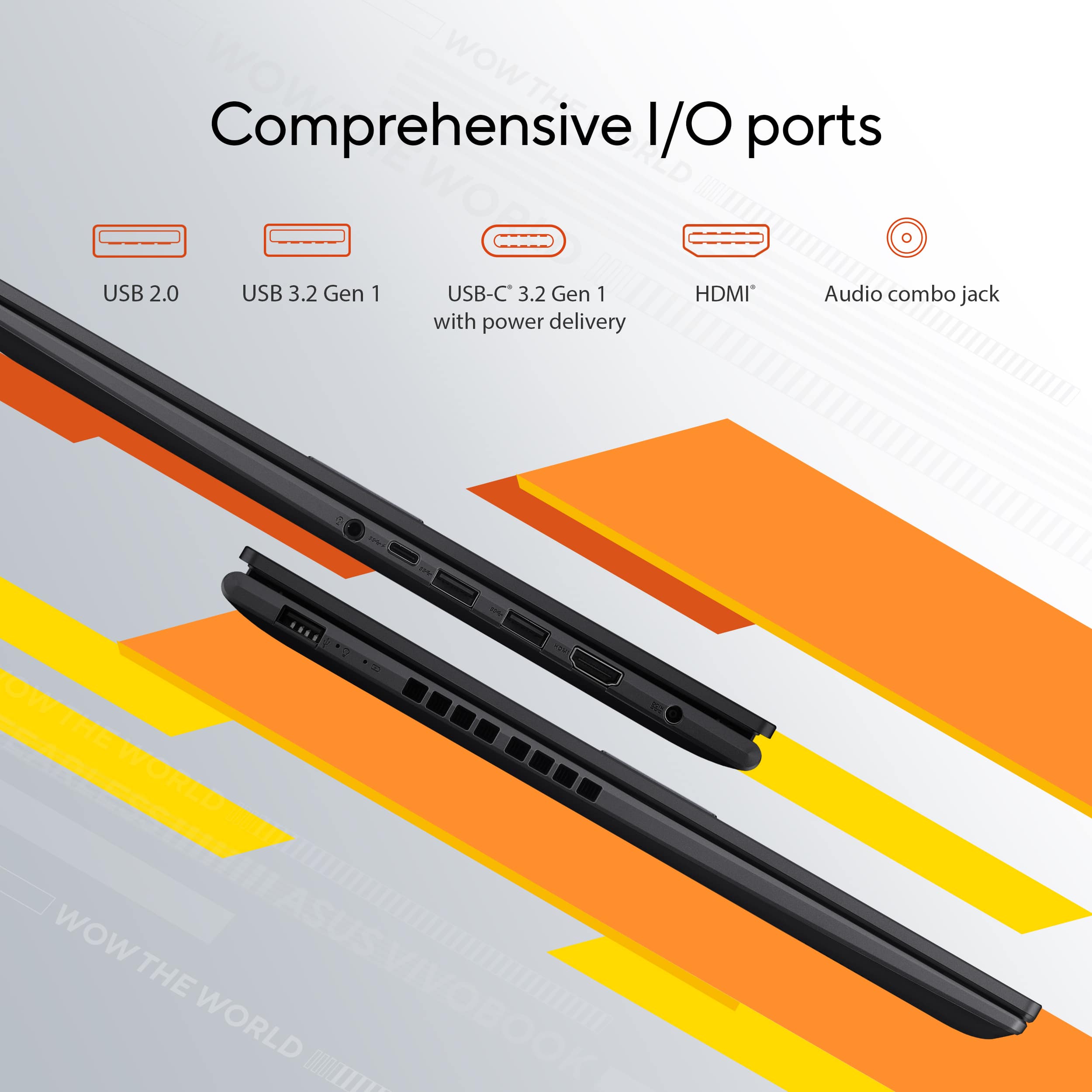
||Posted . Owned for less than 1 week when reviewed.This reviewer received promo considerations or sweepstakes entry for writing a review.Well, this laptop is good for what I bought it for. It has a nice keyboard, large trackpad, enough ports for things to satisfy most people, and a very big screen, which is extremely nice to have. Its build quality is not the best or the worst. Its good enough. I see people complaining about the speakers, but I didnt buy this laptop for its speakers. Overall, its good for school, work and home. If you want something more robust, go with something else, but this will get the job done to a good degree.
I would recommend this to a friend Not as reliable as other laptops I've owned.
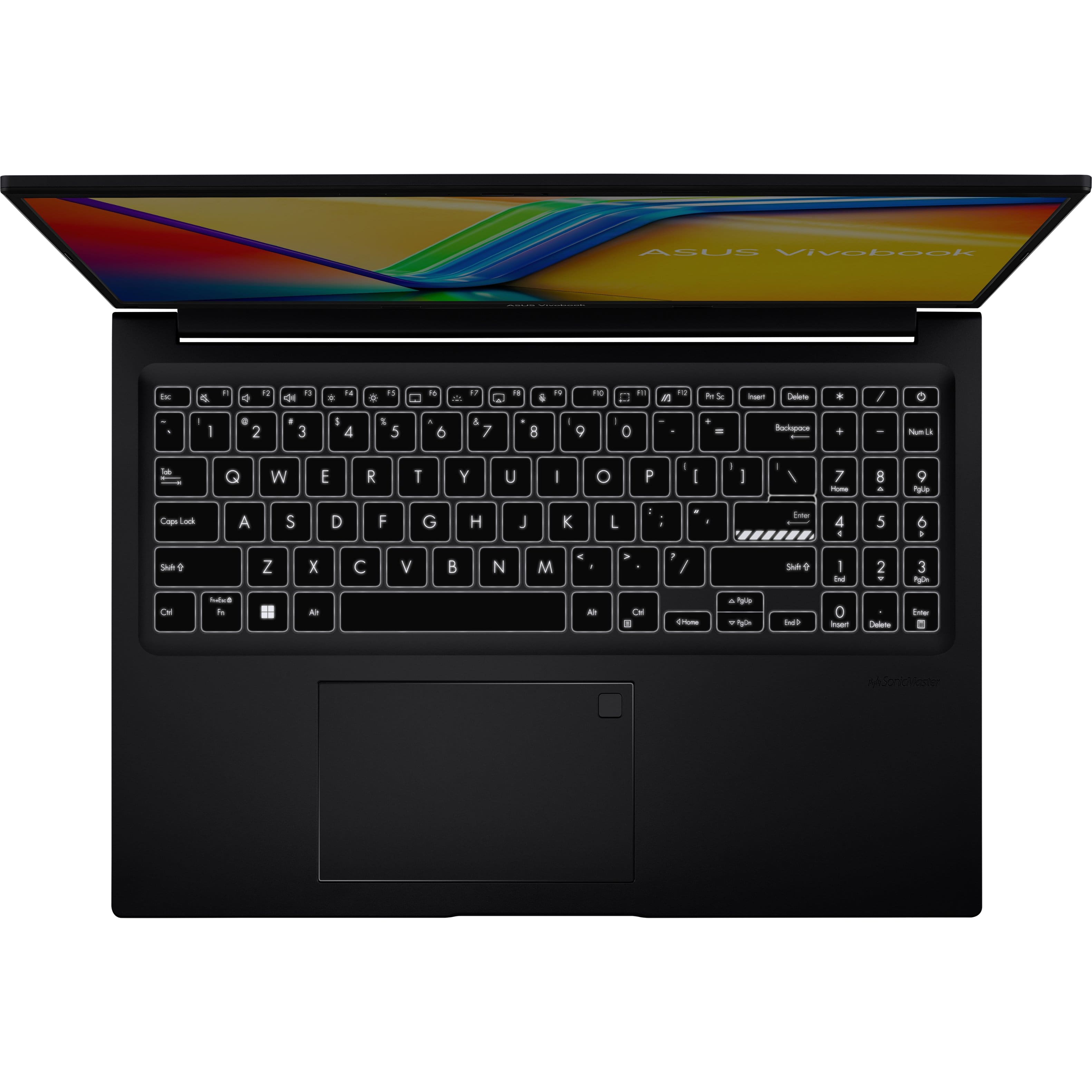
||Posted . Owned for 1 year when reviewed.This reviewer received promo considerations or sweepstakes entry for writing a review.Disclaimer: This is my first new computer with Windows 11, so I'm not certain how much of my experience to attribute to the OS versus the hardware. The good: The display is good, the track pad is fine, the battery life has been better than I expected. The bad: Every time I tell it to " display recent files " in File Explorer, hit Apply, then OK to close the settings window, it reverts to the default settings. I've encountered other similar bugs changing other settings. The number pad layout is funky, with the power button moved inline with the keys. It would have been a better use of space to have a Home and End keys in the space occupied by Num Lk and power, and have the power key slid out of the keyboard area. I run Autohotkey keyboard shortcuts constantly, and they are highly unreliable on this machine. Even simple things like #N to launch Notepad++ or hotstrings like q123 to send the date fail frequently. Copying large files off a micro SD card usually fails, and can corrupt the memory card. Inkscape crashes frequently. If I could tell me-from-the-past to buy this or buy something else, I'd steer him elsewhere. This machine's install of Windows 11 feels entirely half-baked and rushed to market. End users shouldn't be the beta testers. I'm getting an external hard drive and backing everything up, then switching to Linux Mint
No, I would not recommend this to a friendBrand response from ASUS Answers
Posted .Dear KyleW,
Thank you for sharing your detailed feedback on the ASUS M1605YA Laptop. We sincerely apologize for the issues you’ve encountered, including the settings reverting in File Explorer, unreliable keyboard shortcuts, file transfer failures, and application crashes. We understand how frustrating these experiences can be, especially when transitioning to a new operating system.
To ensure these concerns are properly investigated and addressed, we kindly advise contacting our ASUS Support Team directly at https://www.asus.com/us/support/callus/. Our specialists will be able to review the situation in detail and provide the most effective assistance.
We stand behind our products and continuously strive to improve our products and processes to achieve customer service excellence. For more information, email us at [email protected] and include the case number "N2405021983-0007" as a reference. We will do our best to resolve your case quickly. Your feedback is very important to us and enables us to improve our support channels. Thank you for choosing ASUS.
Best Regards,
Chantae
ASUS Customer Loyalty US Support
- Pros mentioned:Processor speed
Faster than I expected for a Ryzen 7 laptop
||Posted . Owned for 2 weeks when reviewed.This reviewer received promo considerations or sweepstakes entry for writing a review.Very good Ryzen 7, which is faster than I thought. Just make sure you get enough ram. This has 16gb which I feel is enough, but stay away from 8gb. Otherwise, I don't think you can go wrong with an Asus laptop. I prefer Asus to other brands.
I would recommend this to a friend - Pros mentioned:Overall performance
Good Purchase!
||Posted .This reviewer received promo considerations or sweepstakes entry for writing a review.Super Satisfied with the laptop. Runs smooth, and has all the features I needed!
I would recommend this to a friend - Pros mentioned:Overall performance
Asus Vivobook 16
||Posted . Owned for 1 month when reviewed.This reviewer received promo considerations or sweepstakes entry for writing a review.I don't like Microsoft Edge. I prefer to use Google. It is difficult to disable it. Other than that I like it. It's faster than my hP laptop from 2017 Windows 10. I like the thumbprint feature to sign in.
I would recommend this to a friend - Pros mentioned:Portability, Processor speed
Excellent value
||Posted . Owned for 1 month when reviewed.This reviewer received promo considerations or sweepstakes entry for writing a review.Fast and easy to use computer. My son has the same computer for four years now...no issues.
I would recommend this to a friend Asus VivoBook
||Posted . Owned for 2 weeks when reviewed.This reviewer received promo considerations or sweepstakes entry for writing a review.Great item quick and easy process! Asus Vivo book was great investment. Purchased for work/personal uses has everything that a professional or gamer or content creator could ask for.
I would recommend this to a friend- Pros mentioned:Overall performance
Asus review
||Posted .This reviewer received promo considerations or sweepstakes entry for writing a review.I caught this laptop on sale. It's super fast and works great. My wife got one too!
I would recommend this to a friend - Pros mentioned:Overall performance
Laptop
||Posted .This reviewer received promo considerations or sweepstakes entry for writing a review.Works as intended no issues with the computer. Would recommend.
I would recommend this to a friend - Pros mentioned:Overall performance, Portability
Laptop
||Posted . Owned for 1 month when reviewed.This reviewer received promo considerations or sweepstakes entry for writing a review.Fast and easy to use. Would buy again. Display is great
I would recommend this to a friend - Pros mentioned:Portability
Amazing Purchase
||Posted . Owned for 1 month when reviewed.This reviewer received promo considerations or sweepstakes entry for writing a review.Love the Indie Black and light weigth, easy to travel with.
I would recommend this to a friend - Pros mentioned:Overall performance
Labtop
||Posted . Owned for 1 year when reviewed.This reviewer received promo considerations or sweepstakes entry for writing a review.Great product feel in love the moment I turned it on..
I would recommend this to a friend - Pros mentioned:Processor speed
Excellent Laptop
||Posted .This reviewer received promo considerations or sweepstakes entry for writing a review.First time in my life to try Asus. Faster and practical than other companies. It doesn't get hot for no reason like HP. Highly recommend
I would recommend this to a friend - Pros mentioned:Overall performance
Good value for your money.
||Posted .This reviewer received promo considerations or sweepstakes entry for writing a review.Great quality/price. This product for college purposes.
I would recommend this to a friend - Pros mentioned:Battery life, Processor speed
Amazing Computer
||Posted . Owned for less than 1 week when reviewed.This reviewer received promo considerations or sweepstakes entry for writing a review.Amazing speed, battery life, and works great with my apps so far. Love the fingerprint log in as well, great graphics
I would recommend this to a friend - Pros mentioned:Overall performance, Processor speed
Great value
||Posted . Owned for 3 weeks when reviewed.This reviewer received promo considerations or sweepstakes entry for writing a review.Excellent quality, fast processing. I love this laptop.
I would recommend this to a friend - Pros mentioned:Overall performance
Best laptop computer!
||Posted . Owned for 1 month when reviewed.This reviewer received promo considerations or sweepstakes entry for writing a review.I had given up on Windows computers and especially windows 11. I've been using a chromebook but decided I needed another windows computer. I LOVE this computer! It is just exactly what I need. In fact, my husband has a macbook air that he's not totally thrilled with, so I just ordered another one for him!
I would recommend this to a friend - Pros mentioned:Processor speed
Its perfect for me
||Posted . Owned for 2 weeks when reviewed.This reviewer received promo considerations or sweepstakes entry for writing a review.Love that it is so light weight!! Easy set up and so fast!! Great value as well
I would recommend this to a friend - Pros mentioned:Screen size
Nice laptop
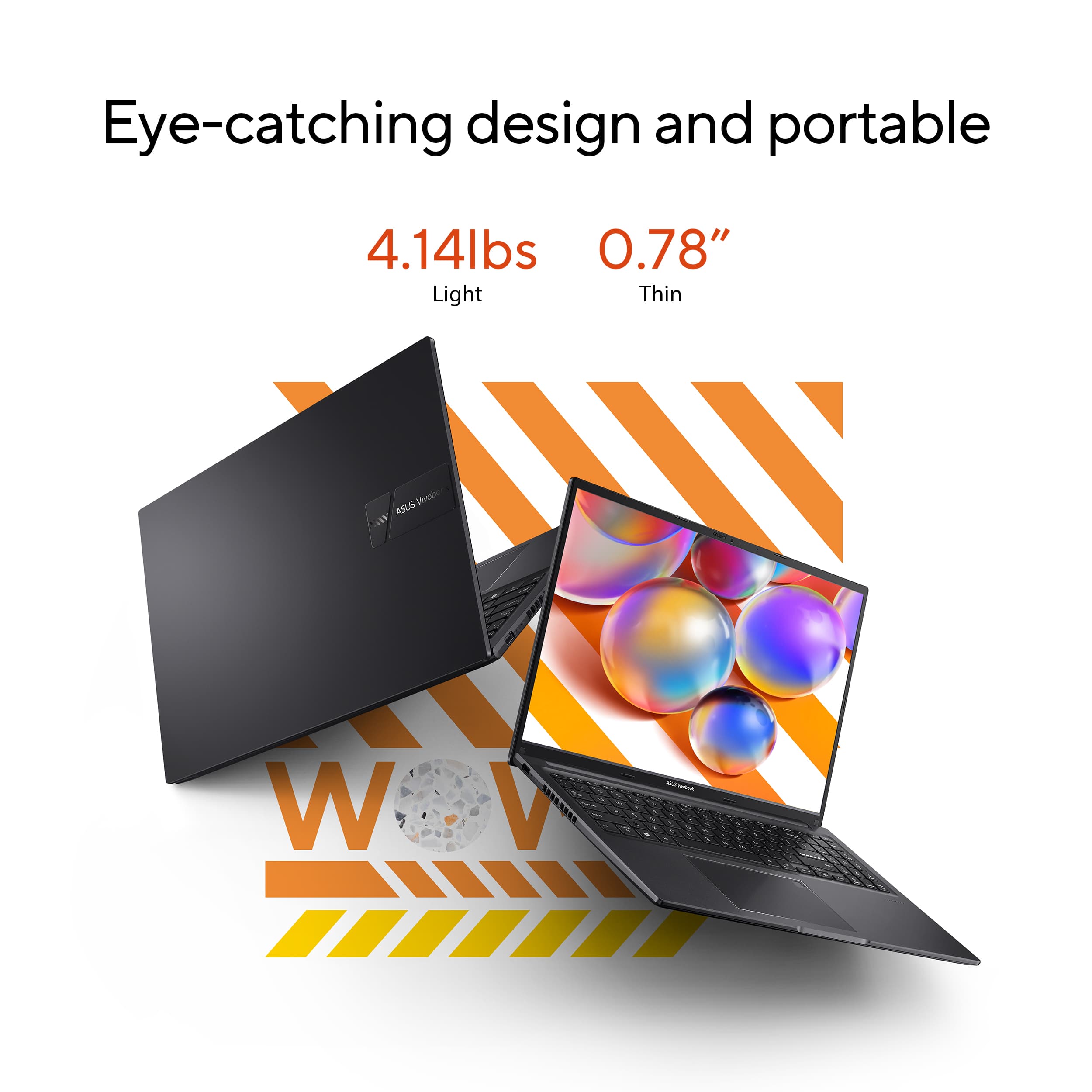
||Posted . Owned for 2 months when reviewed.This reviewer received promo considerations or sweepstakes entry for writing a review.I bought this laptop for my wife. She uses it for her crafting projects with her Cricut machine. She is quite happy with the performance and the size of the screen. This isn't a travel laptop if you will. This is better suited for those people that need to work on different areas around the house. I wouldn't want to be carrying this bulky laptop on a backpack for college. Although it is not heavy, it is definitely bulky.
I would recommend this to a friend - Pros mentioned:Processor speed
ASUS
||Posted . Owned for 1 month when reviewed.This reviewer received promo considerations or sweepstakes entry for writing a review.Excellent value. Fast with enough memory for my needs.
I would recommend this to a friend