Customer Ratings & Reviews





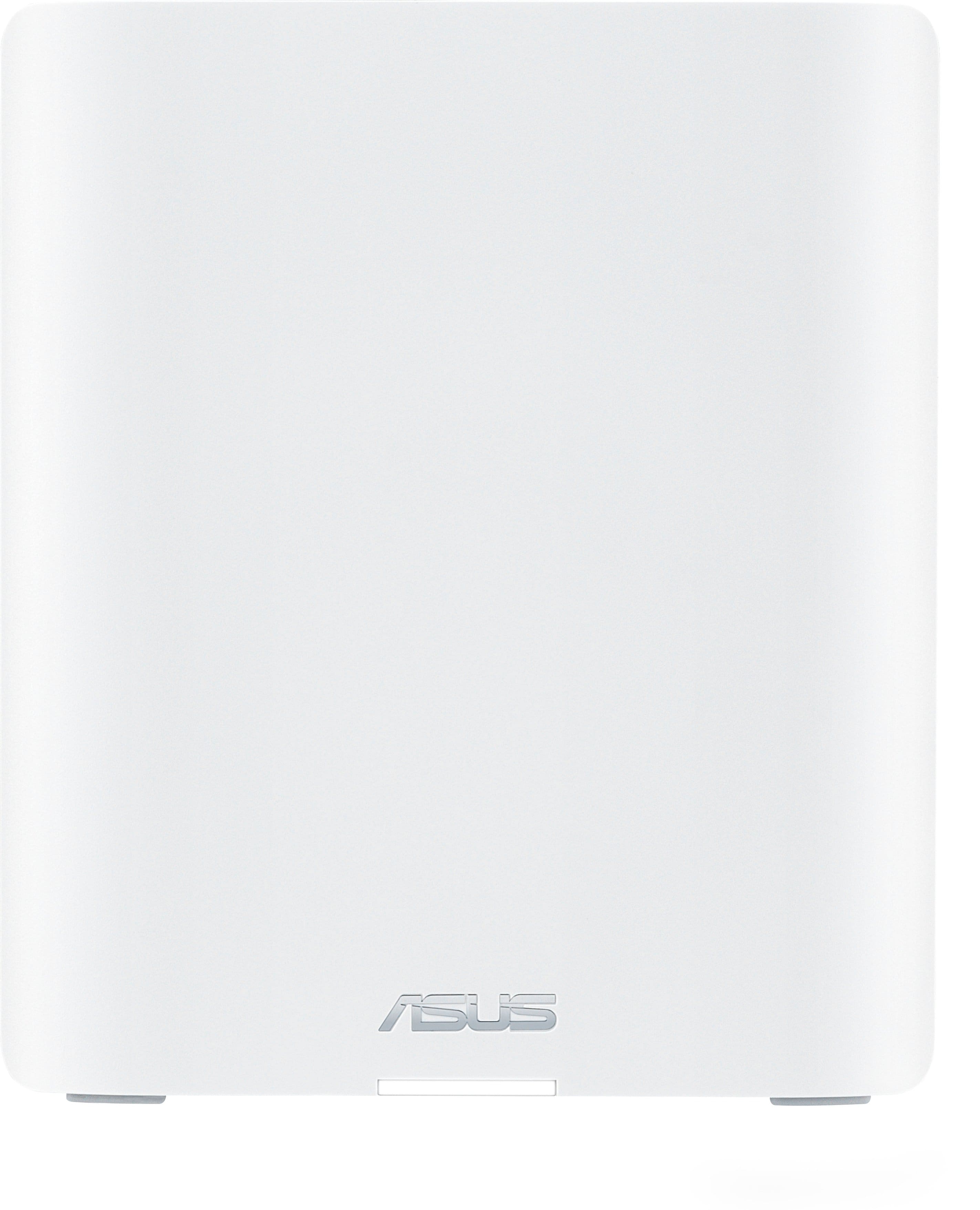
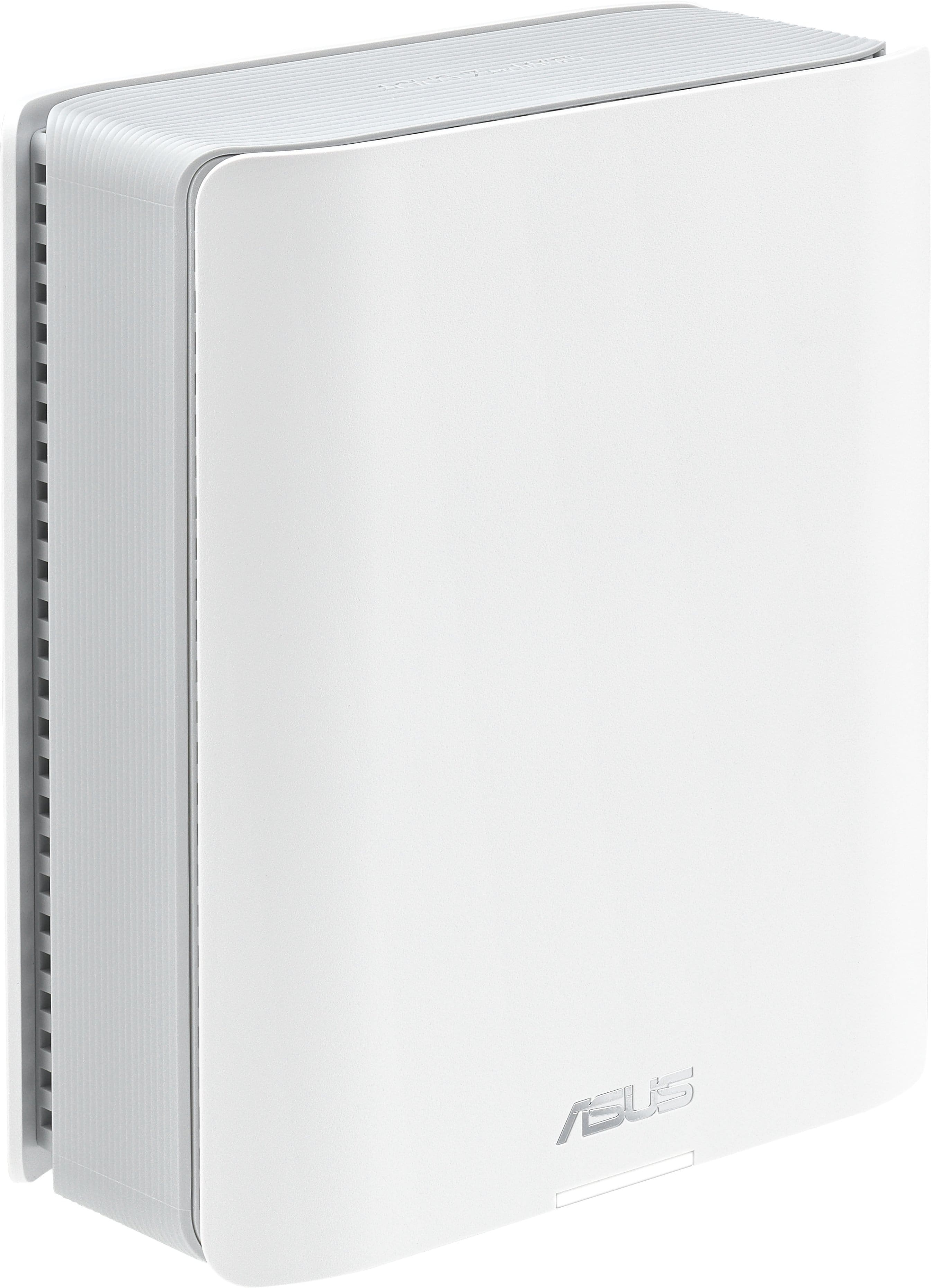
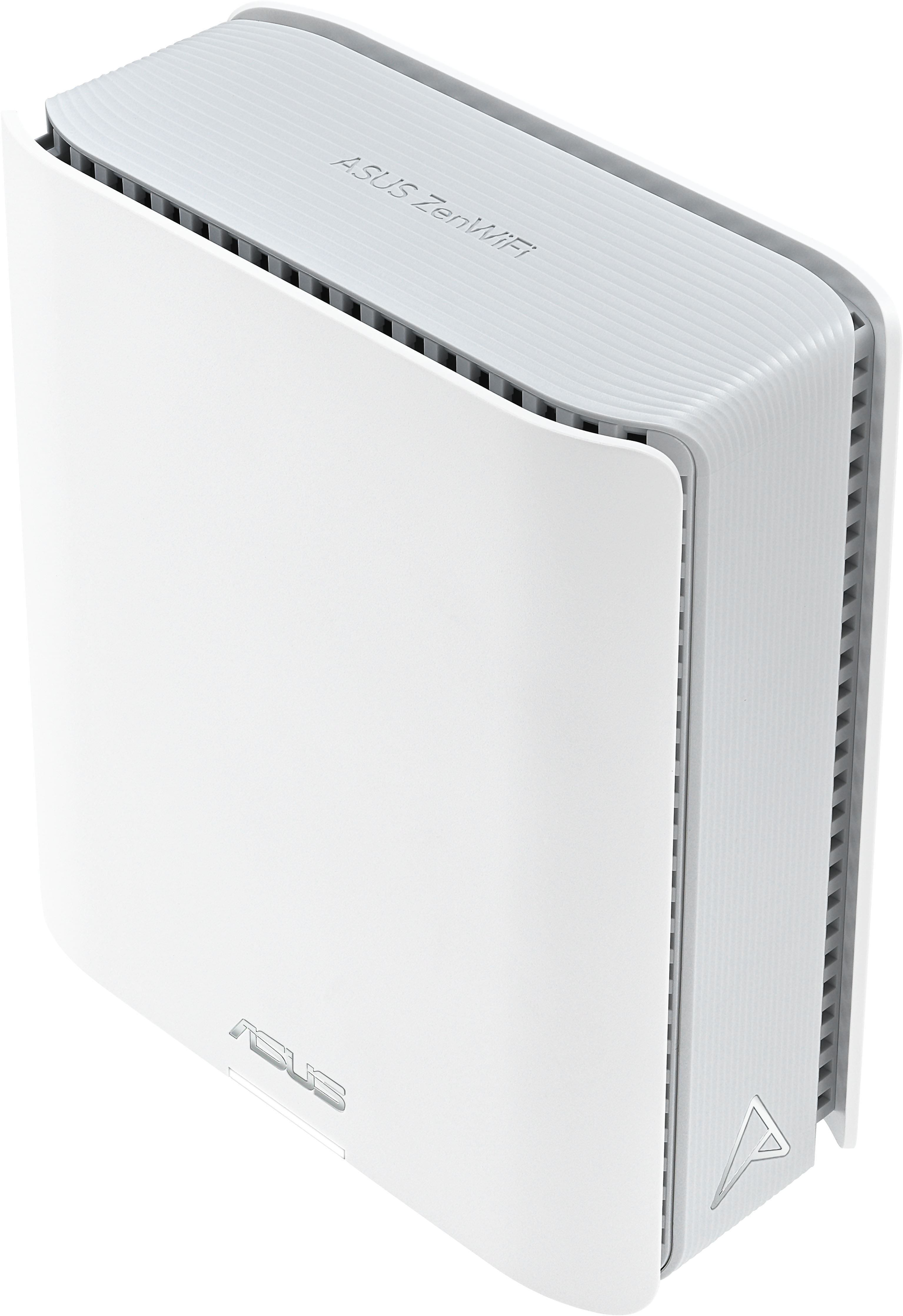


- Model:
- ZenWifi BE14000 3-PK
- SKU:
- 10732644
Rating by feature
- Setup
Rating 4.2 out of 5 stars
- Range
Rating 4.3 out of 5 stars
- Signal Strength
Rating 4.3 out of 5 stars

Simple
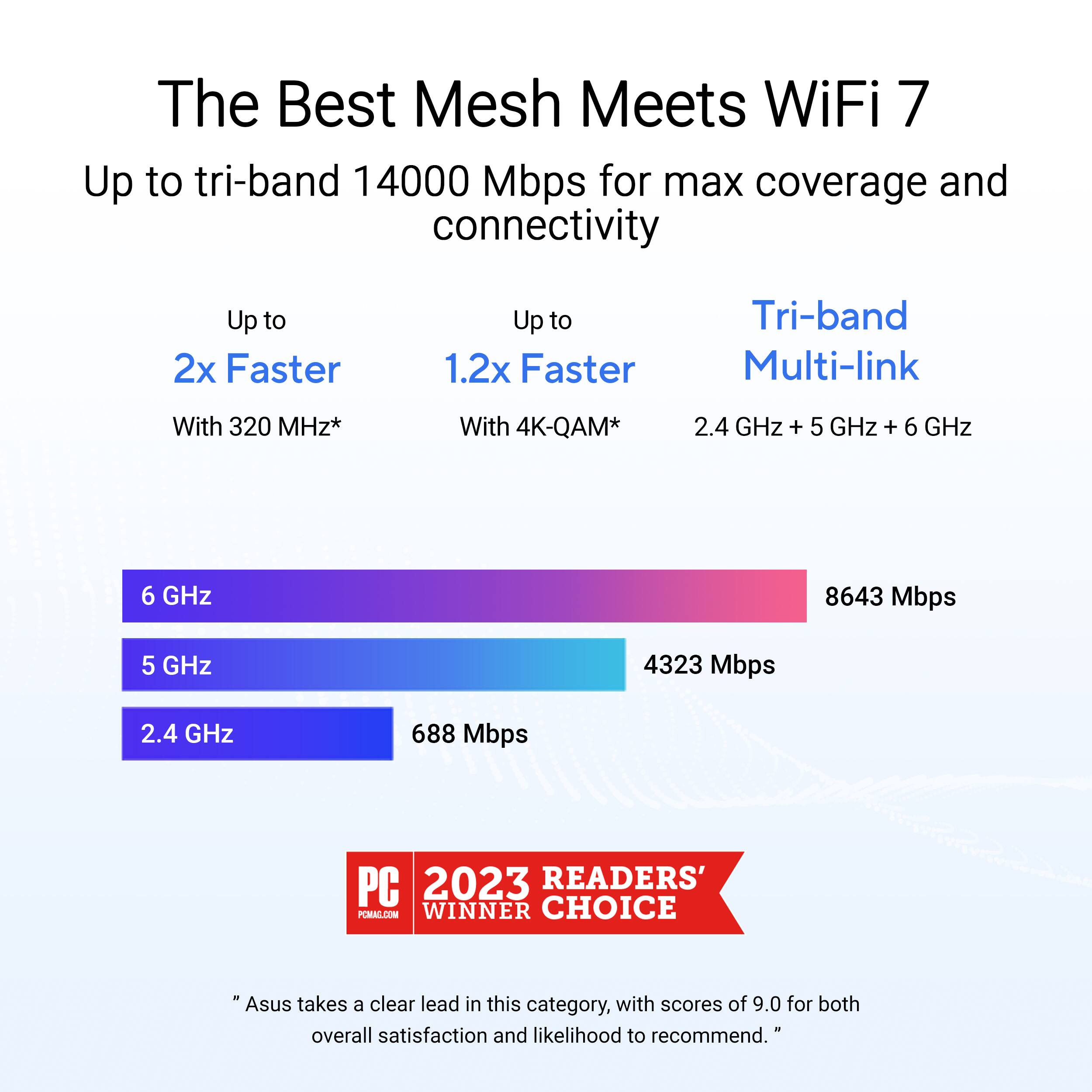
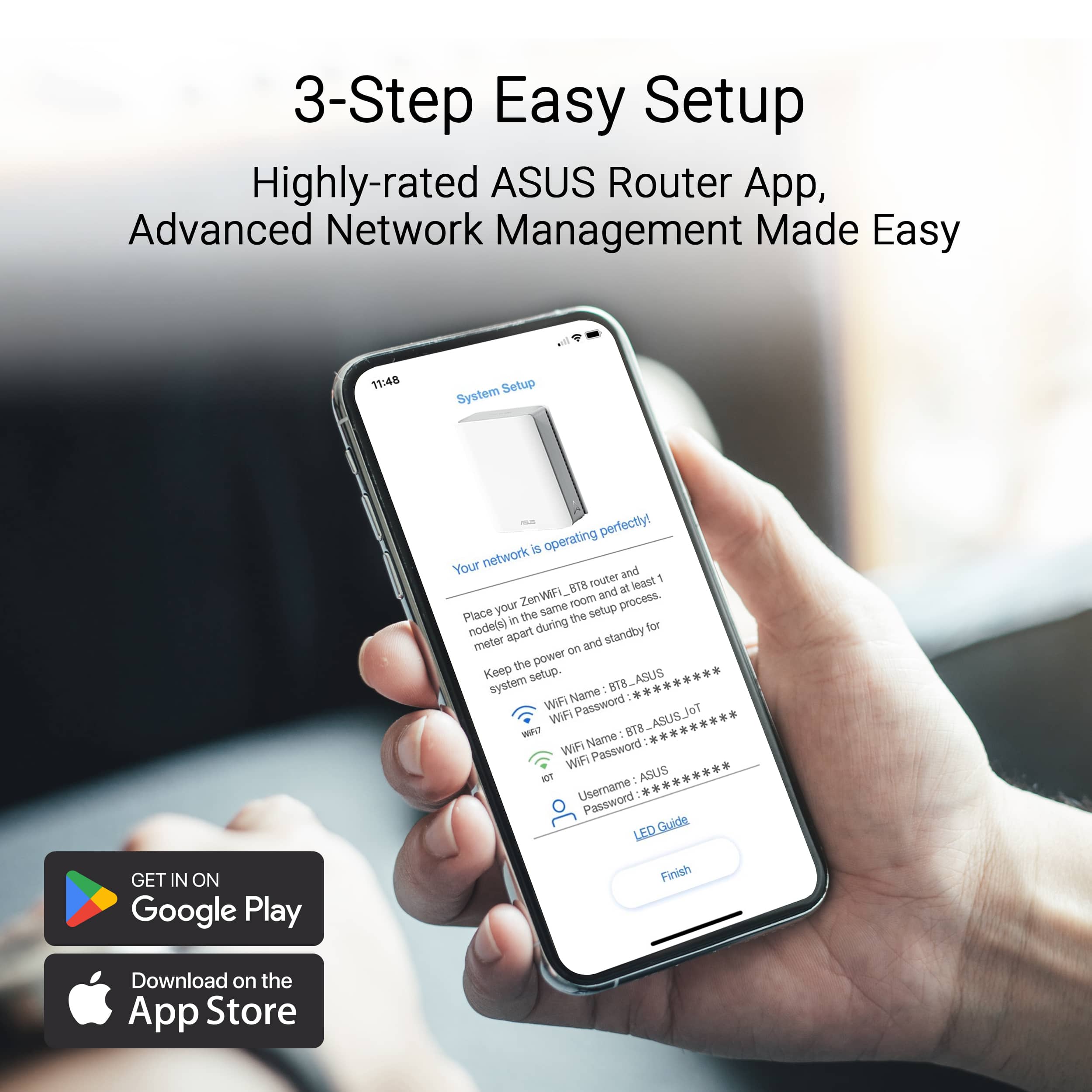
|Posted .This reviewer received promo considerations or sweepstakes entry for writing a review.If I could use only one word to describe the ASUS ZenWifi BE14000 it would be - SIMPLE! I had been looking at these and other products for some time, due to the fact that where I live and the way our home is laid out I have a lot of “deadspots” for some reason. I have a small workshop that is located on our property that is about 175’ from our router and could not get a Wi-Fi signal constantly, and I have a CNC machine and need a strong signal. I have purchased several “boosters” and even then it was sketchy. I began looking at this product even before I had received it and the first thing that I did was download the App, I thought I would register for an account and be ahead of the game. That’s were the simple part comes in to play, once you get this product its basically a three step, simple process. You find which node has a sticker that tells you that node is the “base” node and the other two work in conjunction with it. You attach the power cord to all three and power them on, and then use the provided cable to attach to your home router. After that process it’s simply allowing the ASUS app do the rest, that’s it. W/ in 20 minutes they all were paired and I had assigned the name of the Wi-Fi on my phone and I had the system up and running. I placed one of the nodes in the farthest part of our home that normally we had trouble getting a stead, good, strong signal and one in our basement. I was reluctant that it would work but I gave it a try. I was pleasantly surprised that w/ in minutes both were recognized and we now have a strong signal all throughout our home. And the caveat is I did not have to reprogram all my existing Wi-Fi based cameras, garage opener, etc. ASUS say this product will cover 8000 sq feet and 8+ rooms, I truly believe that it does. The nodes are small and take up very little space and are hardly noticeable. I am just scratching the surface w/ what this product can do and how reliable and secure they make our system. I am so pleased that we no longer have any dead spots in our home or basically on our property. If you are looking for a very simple, reliable, and fast mesh system look no further than the ASUS - ZenWifFi BE14000 Tri-band WiFi system. I highly recommend it.
I would recommend this to a friendSo far, so good!
Posted .This reviewer received promo considerations or sweepstakes entry for writing a review.I always purchase Linksys routers but their products and customer service has taken a nosedive over the years so I took a chance on Asus and I’m glad I did! Setup was intuitive and seamless. We just got 2GB Google Fiber service and this router provides full speed! I’m extremely happy with this product!
I would recommend this to a friendGreat mesh system, firmware could use some work.
Posted .This reviewer received promo considerations or sweepstakes entry for writing a review.Installed in a two floor, 2,000 sq ft house. Great speeds between nodes. 1Gbps fiber, get nearly full speed when connected via ethernet at both of the satellite nodes using wireless backhaul. Only knock would be every little change in the software requires the entire system to reboot, which disconnects all devices and takes a few minutes to get back online.
I would recommend this to a friendFinally full Wi-Fi house coverage includ. garage
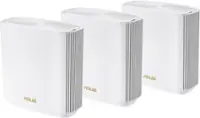
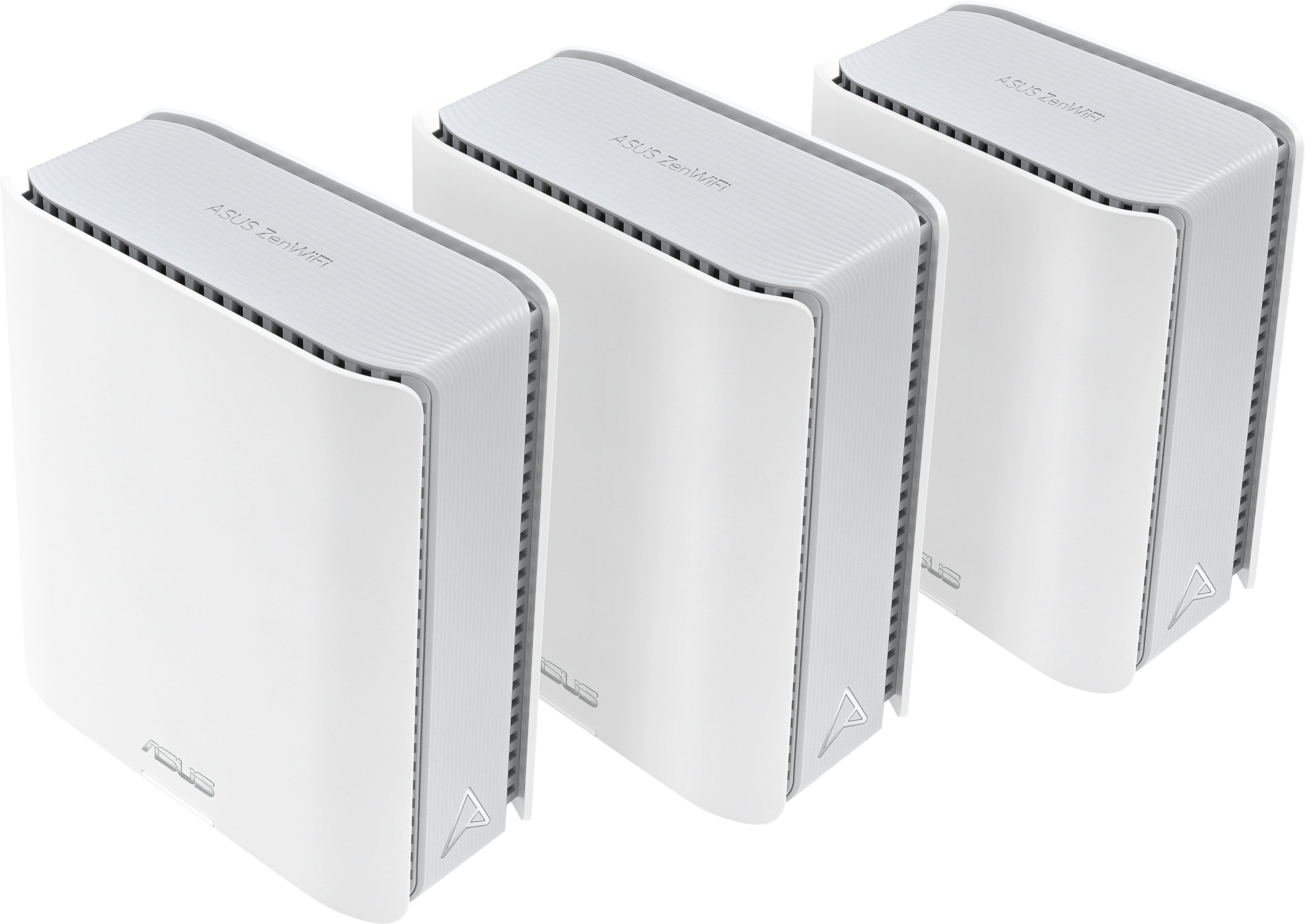
|Posted .This reviewer received promo considerations or sweepstakes entry for writing a review.The devices themselves look nice and are antenna-less. Getting it all up and running was overall easy. I connected to my Comcast router/ modem combo and had it all up and running fairly quick. These made all the Wi-fi connections through the house work much smoother and faster. We have 4 TV's, 3 of which are running on Wi-Fi only. They use to have buffering and pauses but all streaming is nice and smooth now. My main issue was that when doing projects in my garage I like to be able to look stuff up on my phone. And my data connnection isnt always there. So I wanted a strong wireless to reach the garage for looking up part numbers, tutorials, etc. So I put on of the nodes near our front door that leads to the garage. I now have perfect Wi-Fi all the way into my driveway and then some. There are a lot of very specific settings available on these to tweak if you want to. But for me just leaving it at default setting for now is fine. I may get in there and change a few things, but for now its doing exactly what I needed and then some. If you rely heavily on wireless in your house or office this is a great option to set it and forget it. Very much on the recommended list.
I would recommend this to a friendThis system paired with App is amazing!!
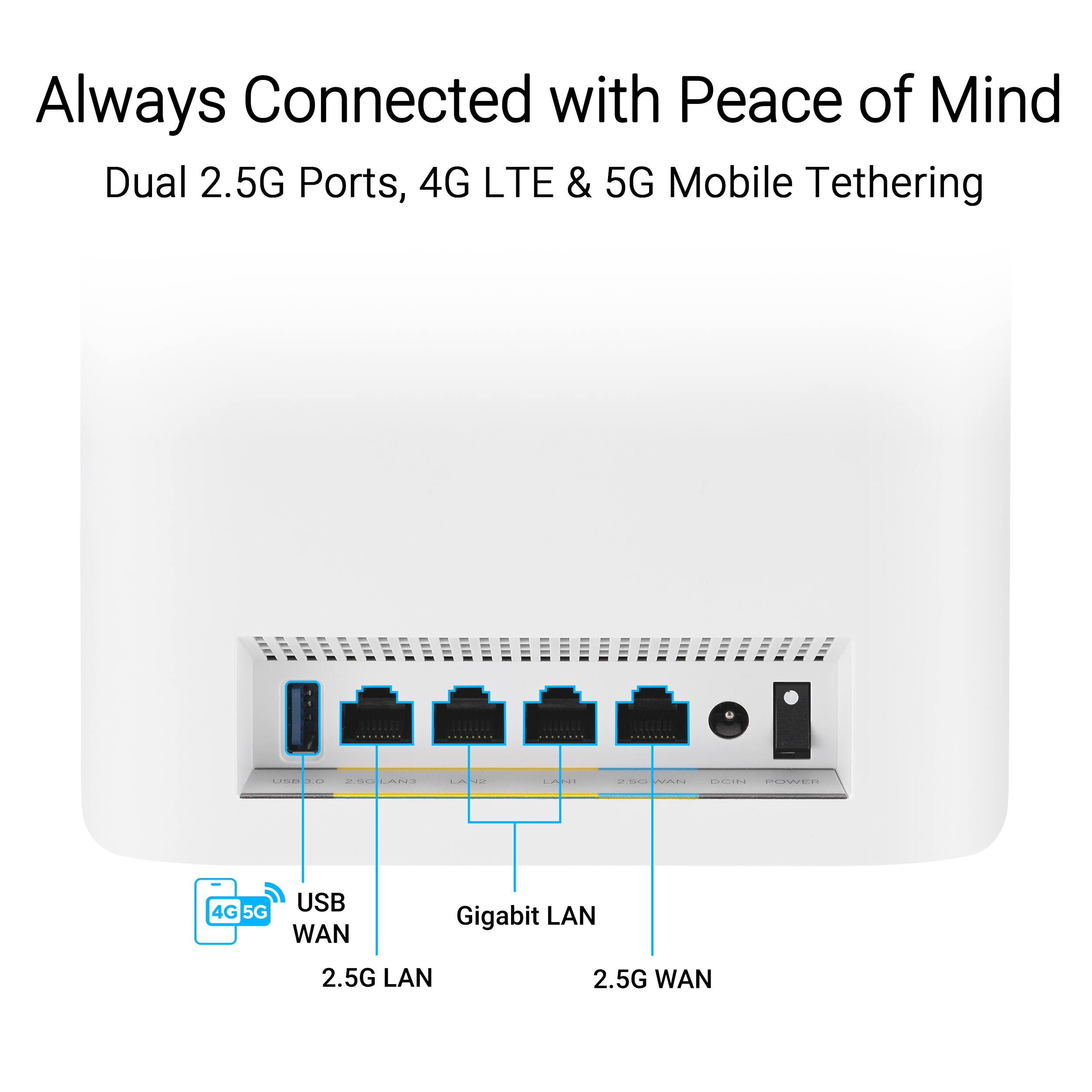
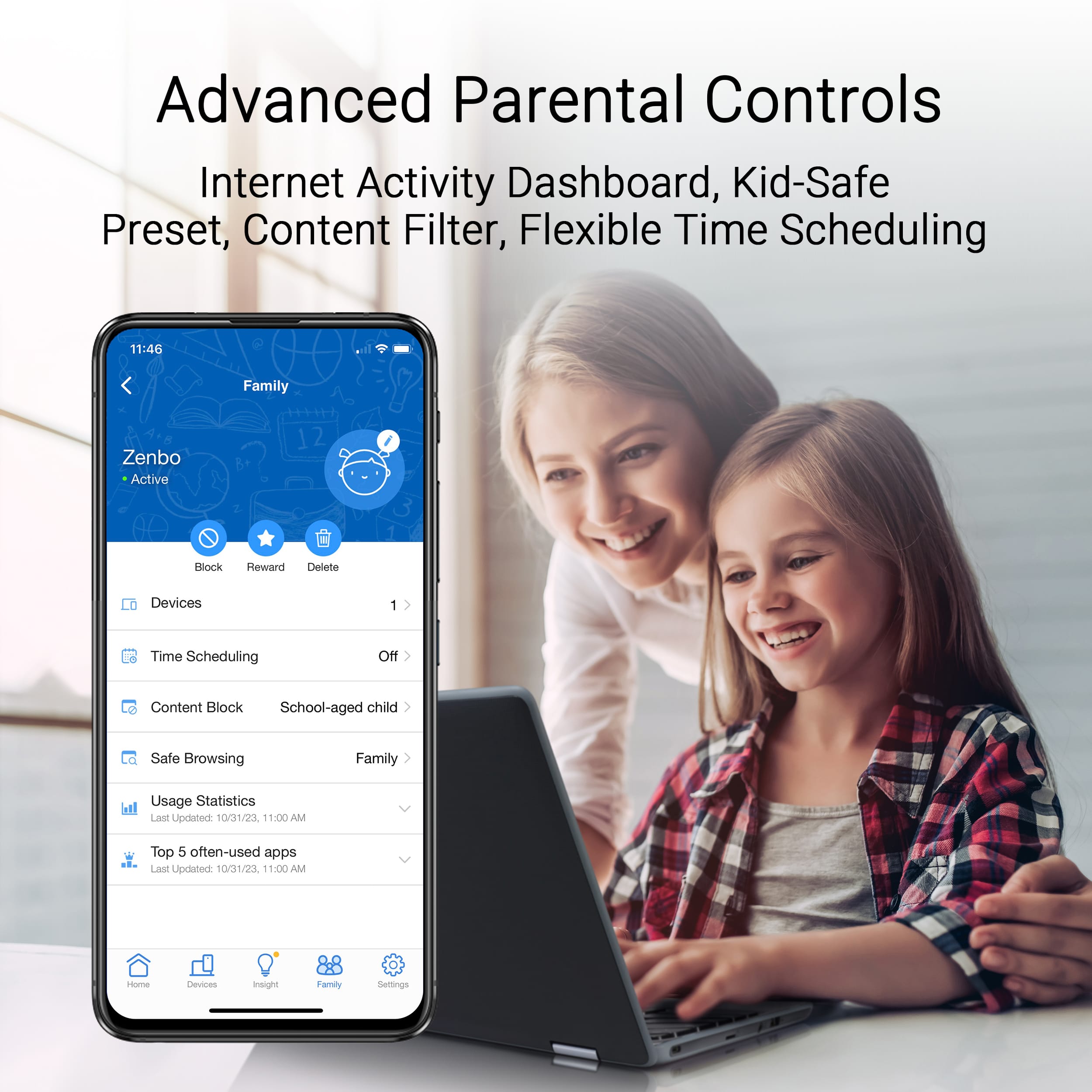
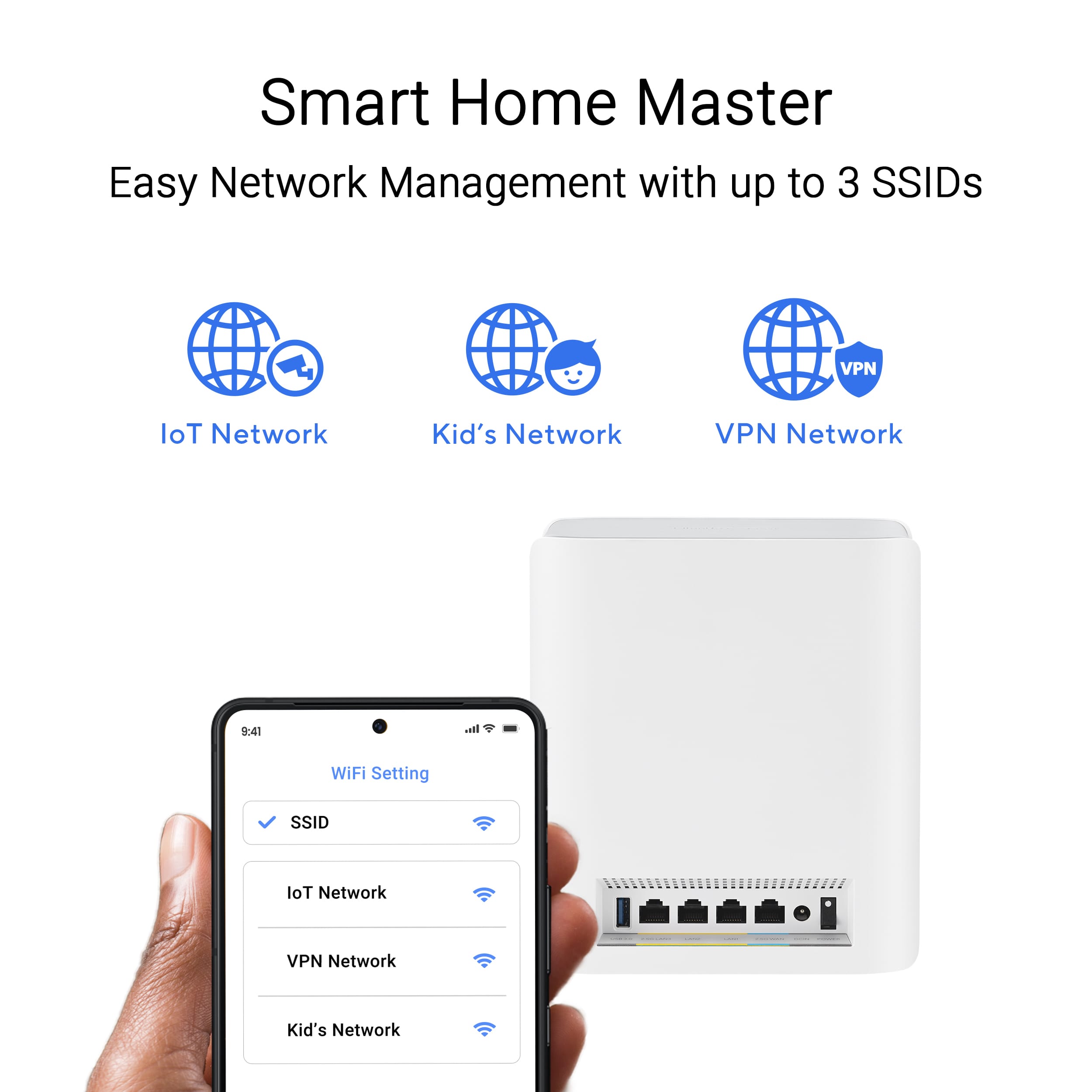
|Posted .This reviewer received promo considerations or sweepstakes entry for writing a review.ASUS - ZenWifi BE14000 3-PK Tri-band WiFi 7 (802.11be) Smart AiMesh Extendable Router - White It's a great system. First, make sure you follow the directions, even if you think you know what you’re doing. I have set up other mesh systems, but this one was slightly different but so much better. Let’s talk about the pros, number one the app! The app allows you to see the connectivity of each node throughout the system. As in which node is connected how many devices are connected to each node? It also allows you to see the name of the device that is connected to each node. Let’s say you have one node that is significantly closer to your router. You can choose which point you want your nodes to connect to. For example, I have a node in the garage, and another node in my master bedroom which is significantly closer to the garage than the office where my router is, so I have my node in the garage connected to the one in the master bedroom. The back of each node also has Ethernet ports which allows for four devices to be connected to it via Ethernet. This mesh system sets the bar high for other systems, and the best part is, if you have an Asus AI Mesh system-enabled router, it is beyond easy to use, and set up is a breeze. Oh yeah, one last thing, each node has an LED, which is great unless you put it in a bedroom right, but you can turn off the LED with the App, and voila no more light.
I would recommend this to a friendThis is the ZenWiFi BT8 (BE14000)
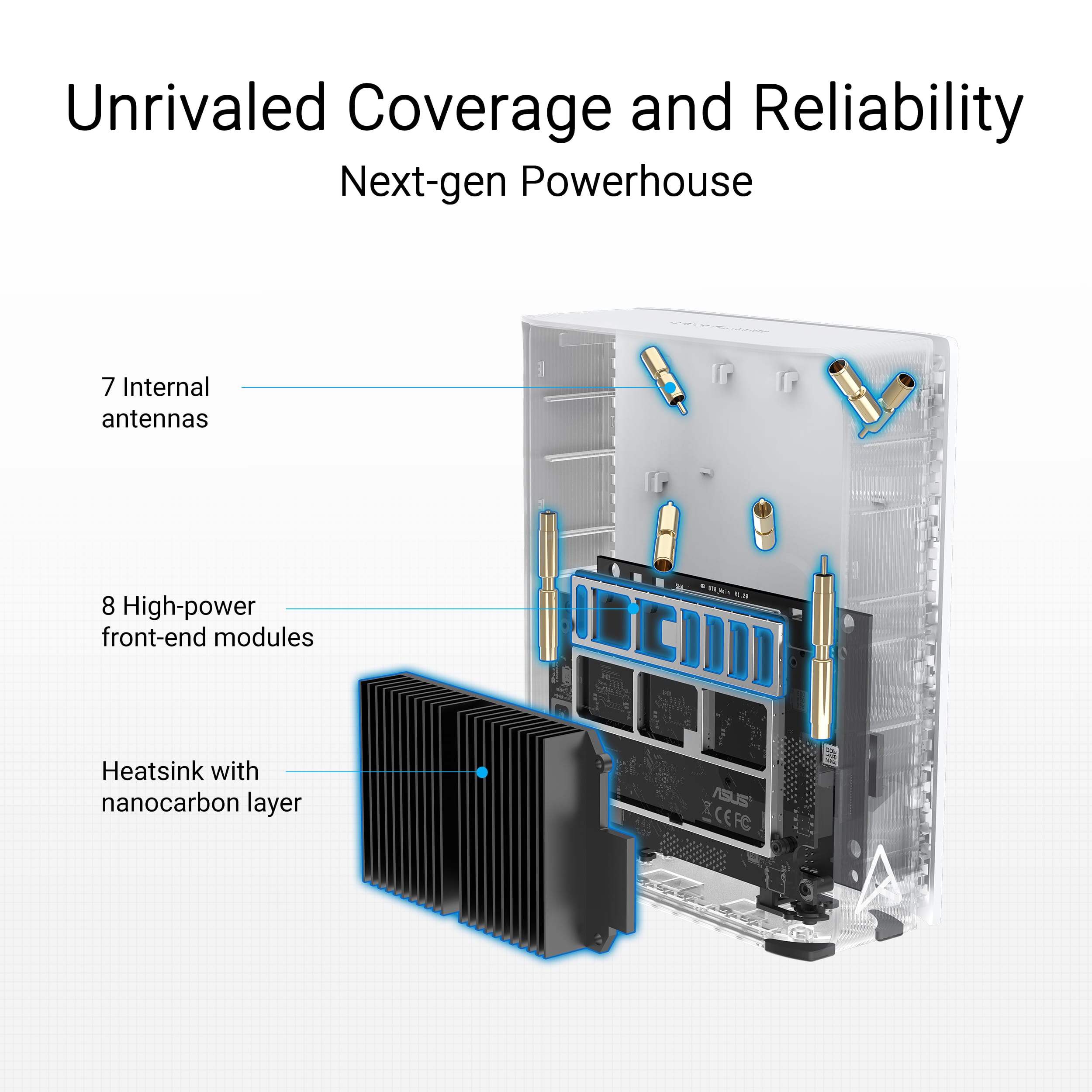
Posted .This reviewer received promo considerations or sweepstakes entry for writing a review.I haven't bought one, but other people like it so i gave it 5 stars. I wanted to point out that that this is Asus ZenWiFi BT8. I had to search the Asus site to figure that out. I'm testing a BT10 (BE18000) which is quite similar, but has 1 more antenna, 2 more Front-end Modules (whatever they are), 10 G ports instead of 2.5 G, 2 GB DRAM instead of 1 GB. But it pretty much looks the same from the outside.
I would recommend this to a friendTrash cutomer service
Posted .This reviewer received promo considerations or sweepstakes entry for writing a review.Do not buy.... Customer service is the worst experience ever. Called, and they walked through resting the router and still have the same issue on 2 different sets. Now theu wont help or even answer the phone. Placed on hold and hung up numerous times. Dont waste your time or money buy a diffent brand. Thankfully, Best Buy has great customer service and returned for a different brand.
No, I would not recommend this to a friendBrand response from ASUS Answers
Posted .Dear Whzzzup,
Thank you for your comment.
We appreciate your feedback. Information coming from valuable customers, like you, will continuously help us improve our future product offering and services. Should you need further assistance with the product, please email me at [email protected] and I would be more than happy to help. Or you are most welcome to call Product Support Hotline at: 1(888) 678-3688. Also, you can chat with an ASUS live support agent from the link: https://www.asus.com/us/support/article/1135/.
Thank you for choosing an ASUS product.
Regards,
Rodel
ASUS Customer Loyalty