Customer Ratings & Reviews





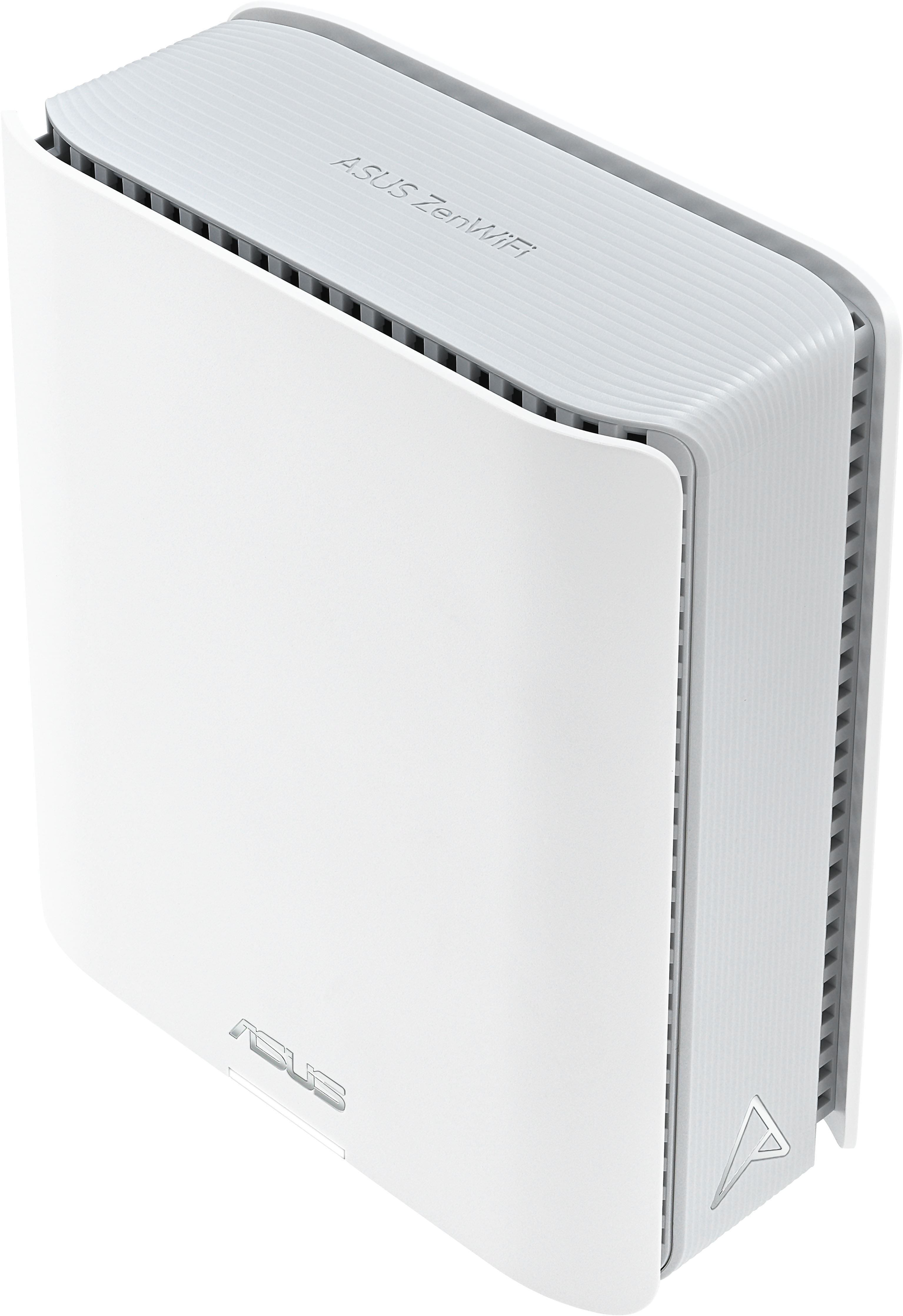


- Model:
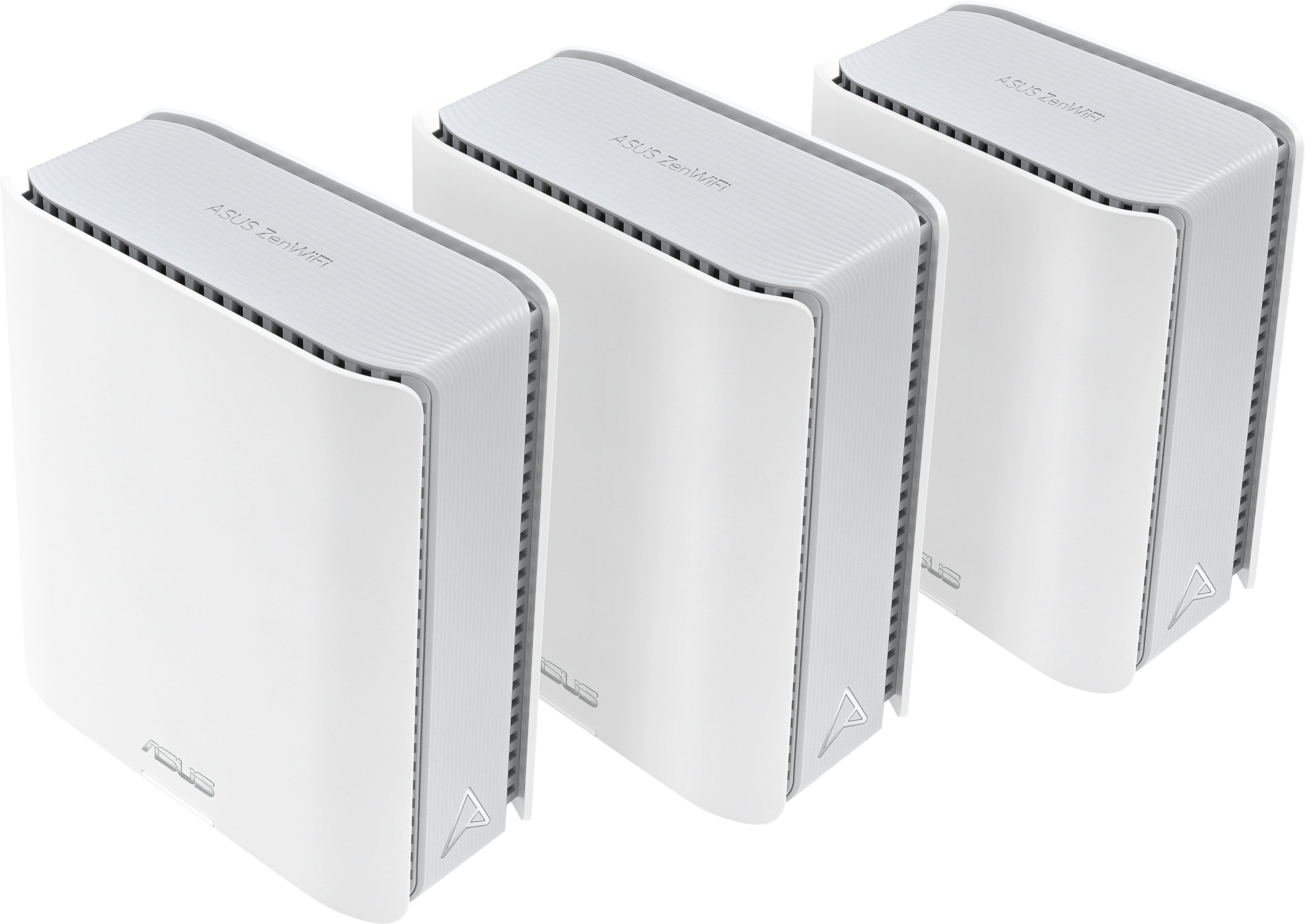
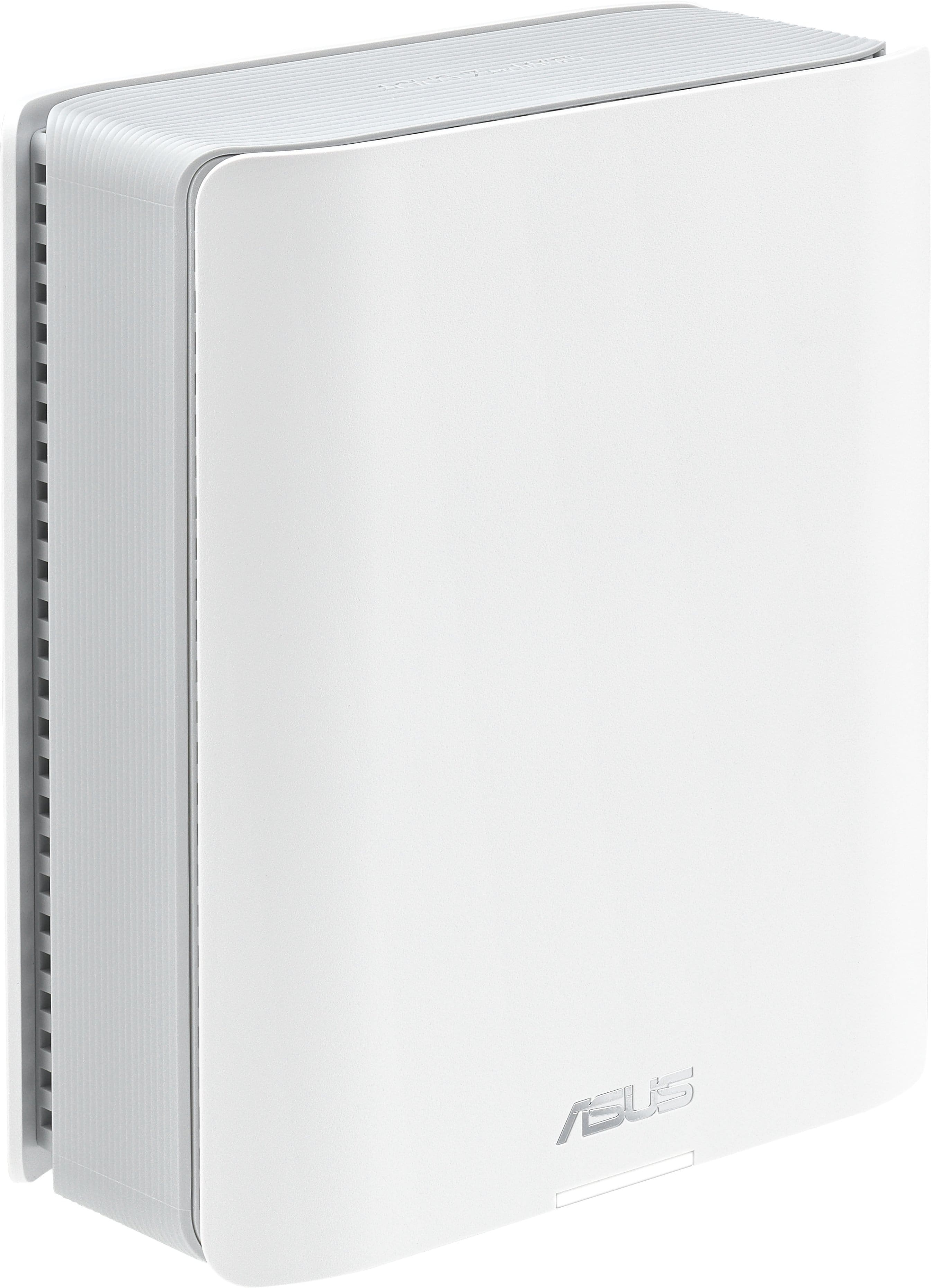
- ZenWifi BE14000 3-PK
- SKU:
- 11234109
Rating by feature
- Setup
Rating 4.2 out of 5 stars
- Range
Rating 4.3 out of 5 stars
- Signal Strength
Rating 4.3 out of 5 stars
Excellent mesh WiFi system
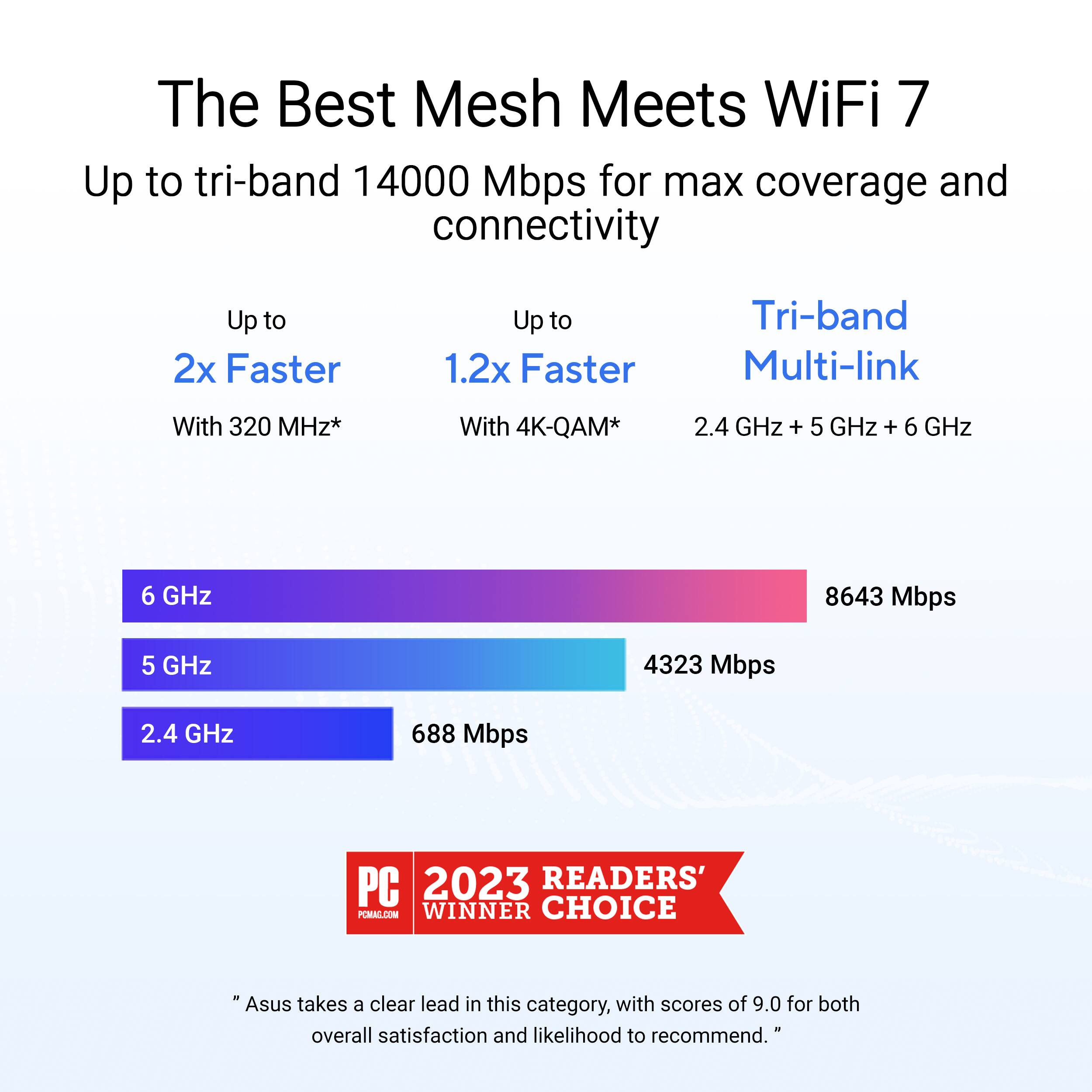
||Posted . Owned for 1 week when reviewed.This reviewer received promo considerations or sweepstakes entry for writing a review.The range on these are incredible, and I am seeing speeds I had never seen before. I was also able to add some older nodes to the mesh setup, and they work great as well. WiFi 7/MLO allows you to aggregate all of the WiFi bands to increase your speed.
I would recommend this to a friendGreat tri band mesh router.
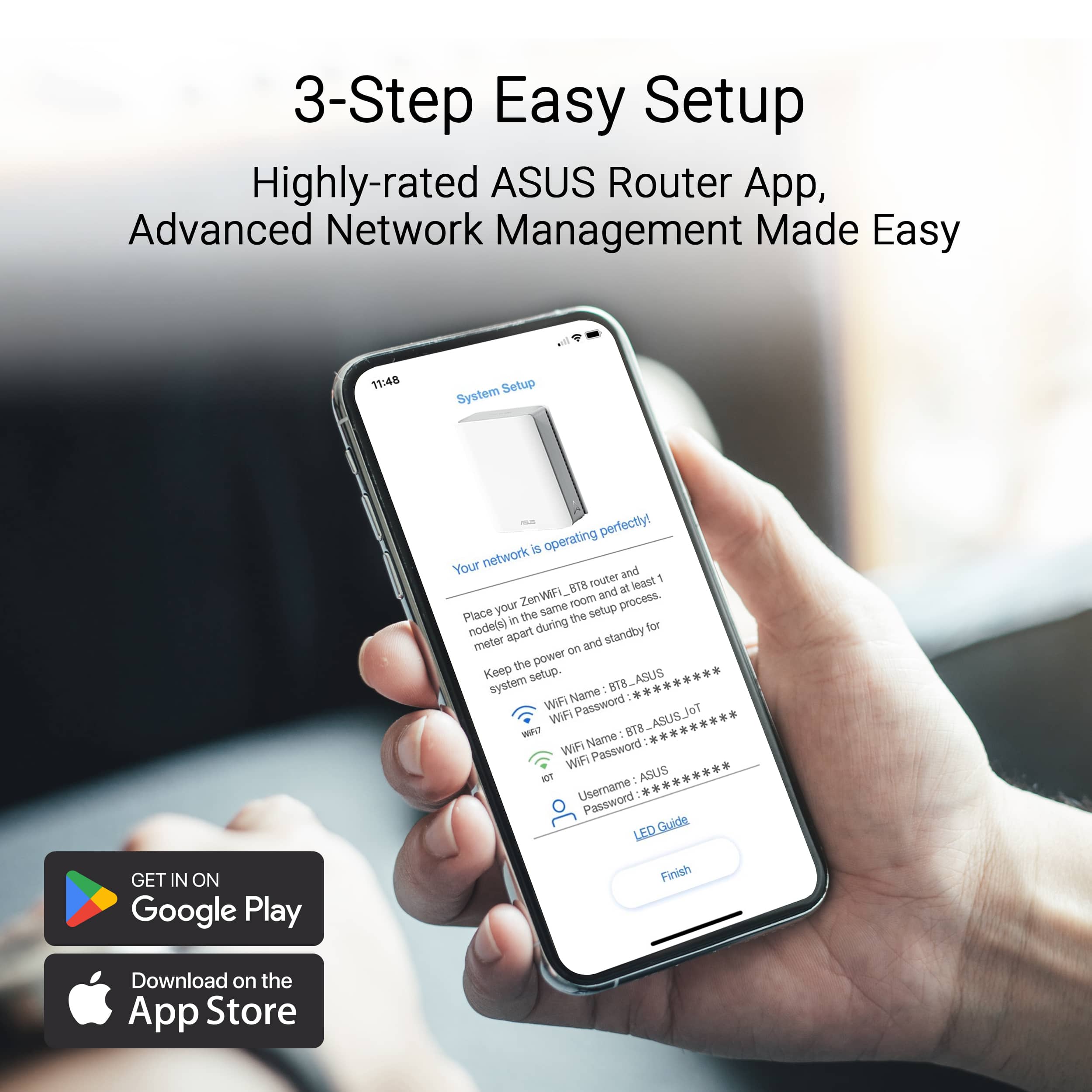
||Posted . Owned for 1 week when reviewed.This reviewer received promo considerations or sweepstakes entry for writing a review.Great and easy to setup with just phone app. Best tri band WiFi setup. Good signal with optimization enhancements.
I would recommend this to a friendGreat product if your internet is stable
||Posted . Owned for less than 1 week when reviewed.This reviewer received promo considerations or sweepstakes entry for writing a review.Extremely easy to setup. Great speed and coverage. The only drawback is that it does not report issues with your internet.
I would recommend this to a friendSo Far, So Good
||Posted .This reviewer received promo considerations or sweepstakes entry for writing a review.I've had this for about a week so far and everything appears to be running well. I replaced my TP-Link XE75 WiFi 6E with this and it definitely is an improvement. I used to have issues with some IoT devices dropping randomly and not reconnecting without resetting. So far that has not been an issue with these and I hope it continues that way. The only issue I have noticed is my upload speed via wireless is about 25 Mbps. If I run the speed test through the router is shows the 100 Mbps that I pay for, but on any other device it is throttled down to about 25 Mbps. I'm thinking it may be related to the AIProtection that is running which monitors the traffic for suspicious behavior, but I'm not entirely sure. Other than that, I am very happy for now and even that has not been an issue for most everything that I do. I also think the Asus app is better than the Deco app and the web interface is 1000x better with a lot more control which is nice.
I would recommend this to a friendover 4x speed
||Posted .This reviewer received promo considerations or sweepstakes entry for writing a review.I went from 280mbps on my providers router to over 1400mbps switching to this mesh setup. Only using wireless backhaul right now. I don't see a reason to setup ethernet backhaul right now. Using 2 for 1500sq ft is already overkill. 3 should do fine all the way up to 4000 sq ft and beyond if it's standard wood and drywall.
I would recommend this to a friendDecent system, but not for me
||Posted . Owned for 1 week when reviewed.This reviewer received promo considerations or sweepstakes entry for writing a review.Good range and speed for downloads, but poor upload speeds. The system was also a little overly complicated. The setup was ok, but I couldn't get some of my home's wireless products to recognize the signal. I'm not a tech genius and not interested in all of the system options that Asus has to offer within its app. I want a strong plug and play system. So I cannot fault Asus for my lack of tech knowledge. However, I exchanged this for the Eero Max 7 2-pack and couldn't be happier.
No, I would not recommend this to a friendBrand response from ASUS Answers
Posted .Dear Cisom85,
Thank you for sharing your feedback on the ASUS ZenWifi BE14000. We apologize that it did not fully meet your expectations, and we understand your concerns. Providing our customers with a high level of satisfaction is our top priority, and we will forward your feedback to our team for review. For optimal upload speed, please try updating your firmware to version 56199. You can find the firmware update file at the provided link below*. If the issue persists, consider submitting your feedback log from your router's WEBGUI by navigating to Firmware > Administration > Feedback. Please include the time the problem occurs, the device model name, and the device's MAC address for our analysis. Although you have returned the router, we stand behind our products and continuously strive to improve our offerings and processes to ensure customer satisfaction. If you require further assistance, please email us at [email protected] and include the case number "N2410033539-0001" as a reference. We will do our best to resolve your case promptly.
Your feedback is very important to us and helps us enhance our support channels. Thank you for choosing ASUS.
Best Regards,
Chantae
ASUS Customer Loyalty US Support
*Firmware link:
https://www.asus.com/us/supportonly/zenwifi%20be14000/helpdesk_bios/
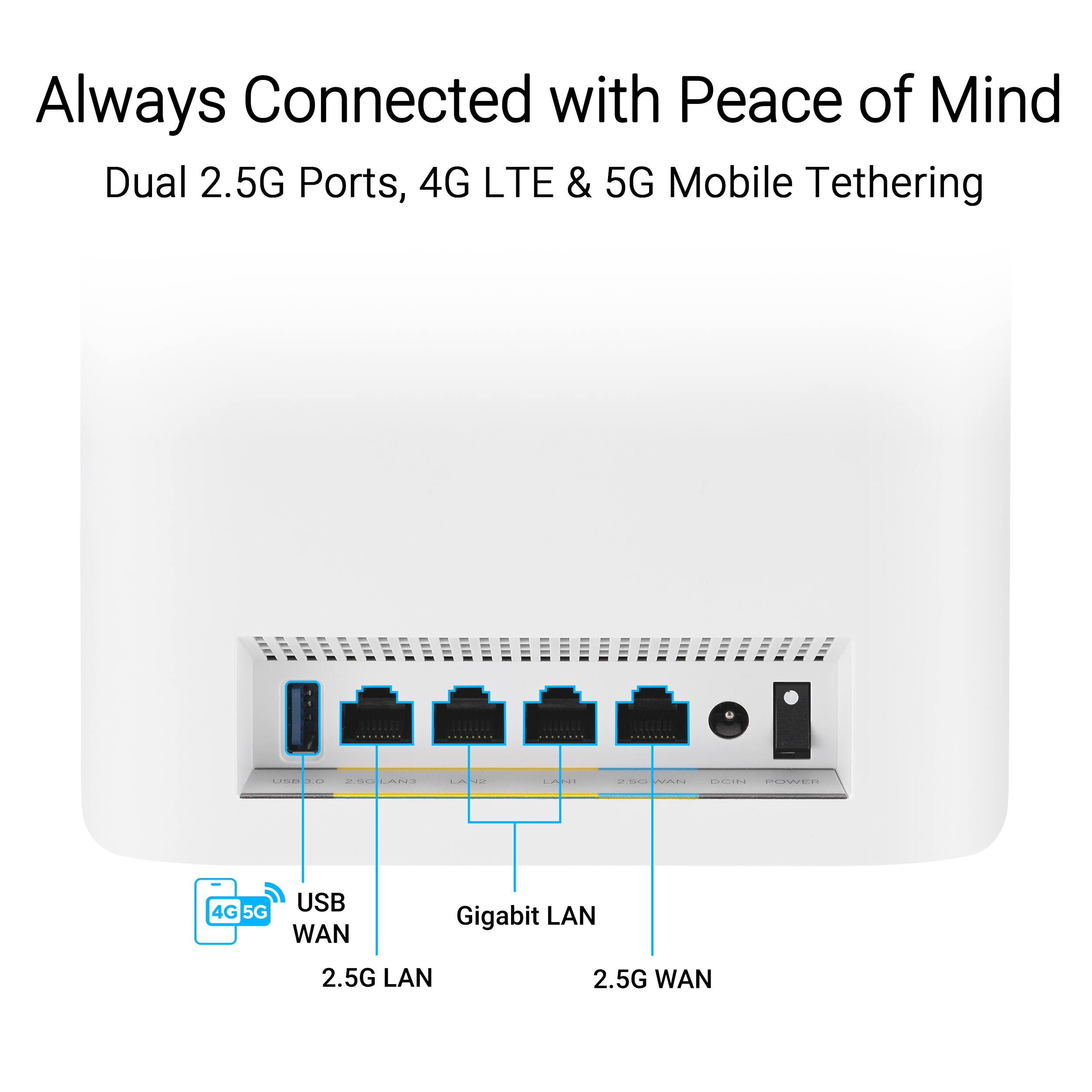
WiFi 7 at 2.5G works great for us.
||Posted . Owned for 1 month when reviewed.This reviewer received promo considerations or sweepstakes entry for writing a review.I've settled in to ASUS routers, and had a older Mesh system. When I changed over to fiber, the installer recommended getting WiFi7 to take advantage of the higher speed. I tried this 3 pack with the 2.5G LAN connection, and have been thrilled with their performance. I also changed my 2 plugin routers to 2.5G since 1 of my routers is connected through a cable which helps the far corner of the house. Getting a Mesh system that support 10G wired ports is 3 times the cost, and not necessary for anything we're doing at a residence. These work great. Software interface is great. Super happy with the upgrade.
I would recommend this to a friendGreat Step Up
||Posted . Owned for 1 week when reviewed.This reviewer received promo considerations or sweepstakes entry for writing a review.Replaced an older ASUS mesh system. It was a litle challenging but perseverance paid off. Great improvement over the previous system.
I would recommend this to a friendLacking customer support
||Posted . Owned for less than 1 week when reviewed.This reviewer received promo considerations or sweepstakes entry for writing a review.I'm not hating this, but the customer support is non existent. I connect through the ATT provided fiber router and use IP passthrough to the Asus, a setup I've used for quite a long time with Netgear products. Netgears wifi 7 series lacked so I grabbed these based on reviews. I connected it up and checked wire speed and I got 100 up and 7 down for a 1gb connection. Hit the forums, ended up turning on QOS-which you shouldn't have to for a 1gb connection. Speeds returned to normal performance levels on wired. Wireless has taken more and the download is finally running great, but the upload speeds run at 20 or below for devices. Contacted Asus and 5 days later I have no support. I've ensured the best channels and checked signal strengths etc...but cannot get that upload speed above 20, ever. With no support and spending 5 days going through every router setting I'll be returning it. Its a tolerable device, its just not gotten great results with wifi connected devices thus far.
No, I would not recommend this to a friendBrand response from ASUS Answers
Posted .Dear Lunatix4,
We regret to hear about the connectivity issue you're experiencing with the ZenWifi BE14000 and we apologize for the difficulties you have encountered with our support team. We understand the impression this may have created and we hope this will not be a long-term lasting impression as you have chosen ASUS as a trusted brand for excellence. We would like to make your experience with us a better one.
Please email us at [email protected] and include the case number "N2410033539-0006" as a reference so that we can investigate this issue further. Maintaining a functioning unit is an urgent matter, and we are committed to helping you.
We stand behind our products and continuously strive to improve our products and processes to achieve customer service excellence. We will do our best to resolve your case quickly. Your feedback is very important to us, and it enables us to improve our support channels. Thank you for choosing ASUS.
Best Regards,
Chantae
ASUS Customer Loyalty US Support
Problem at first weeks.
||Posted . Owned for 1 month when reviewed.This reviewer received promo considerations or sweepstakes entry for writing a review.First dew weeks, both of my samsung S24 Ultra keep rebooting, and can not pass start page when its connected to Asus. Solution was walk away from the range, let the phone started and turn off auto wifi reconnext to Asus. I also have another router to connect. Few weeks later, there is an updateand it solve the problem.
I would recommend this to a friendMediocre
||Posted . Owned for 3 months when reviewed.This reviewer received promo considerations or sweepstakes entry for writing a review.Speeds are great when my devices are connected. However, there are a lot of connectivity issues and dropping. Had to change many of the router settings to get devices to remain stable but there’s still drop offs. My 13 year old Orbi was more reliable.
No, I would not recommend this to a friendBrand response from ASUS Answers
Posted .Dear sReviews,
Thank you for sharing your experience with the ASUS ZenWiFi BE14000. We are pleased to hear that you are satisfied with the speeds when your devices are connected. However, we sincerely apologize for the connectivity issues and drop‑offs you have encountered.
To assist with troubleshooting, we recommend following the steps outlined in our FAQ guide linked below. If the issue continues, please contact our support team at https://www.asus.com/us/support/CallUs so we can assist you further or arrange repair service if necessary.
We stand behind our products and continuously strive to improve our products and processes to achieve customer service excellence. For more information, email us at [email protected] and include the case number "N2410033539-0010" as a reference. We will do our best to resolve your case quickly. Your feedback is very important to us and enables us to improve our support channels. Thank you for choosing ASUS.
Best Regards,
Chantae
ASUS Customer Loyalty US Support
[Troubleshooting] WiFi signal is often disconnected - https://www.asus.com/support/faq/1030641/
Works OK, liked old Asus XT8 better
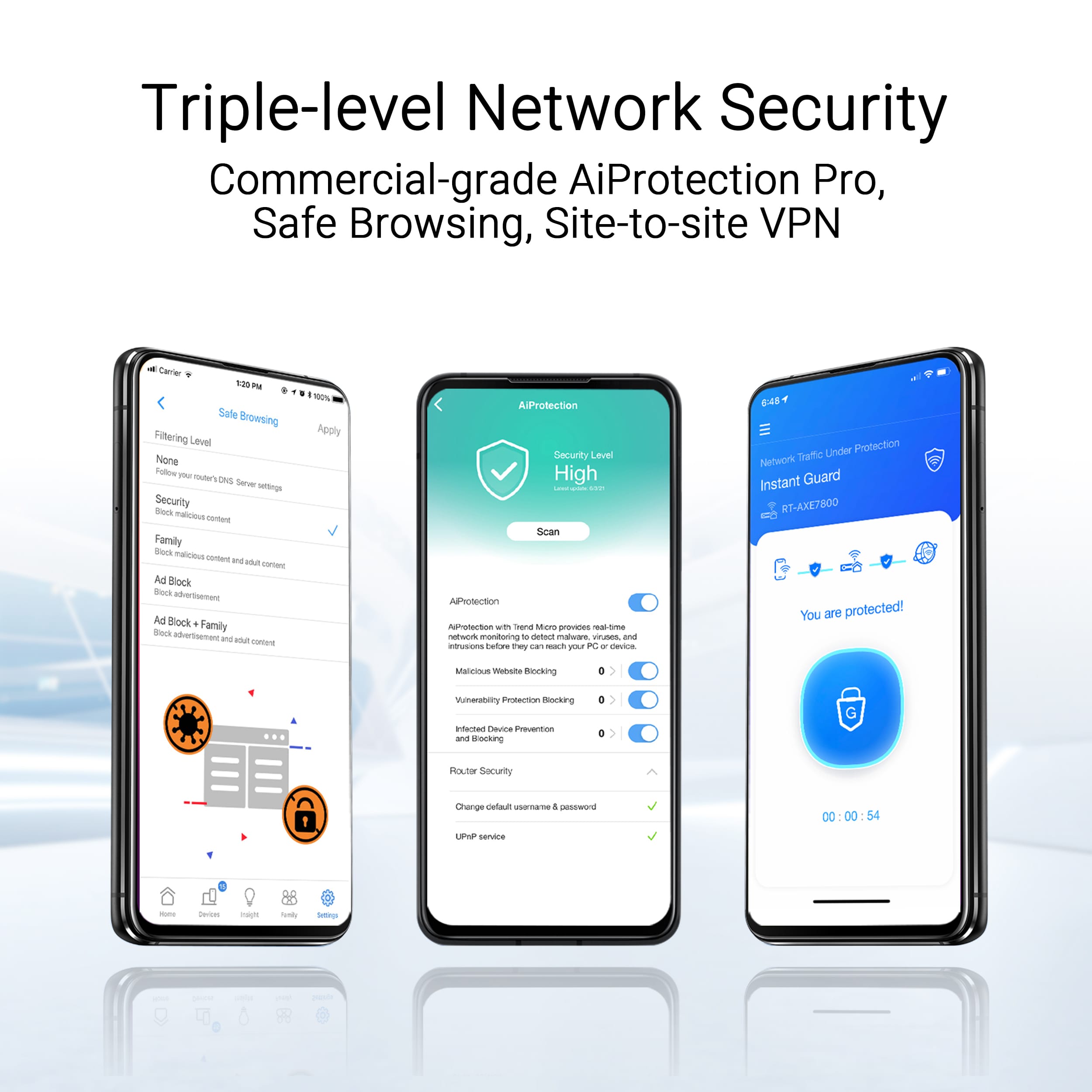
||Posted . Owned for 3 weeks when reviewed.This reviewer received promo considerations or sweepstakes entry for writing a review.My house took a lightning hit and it took out one of 2 Asus XT8. I got this new 3 pack of BE14000 to replace them. Setup was pesky. First 2 went OK, third one did not want to connect to mesh. Eventually I had to reset all 3 and start over. Now all connected. I have been messign with settings for a month now trying to get them to be reliable. Currently using 6GHZ for wireless backhaul and 2.4 and 5GHZ for wireless devices. The IOT network works well for my camers. I do not own any WiFi 7 devices at this time. I disliked setup and I like that thTrend Micro security is good, it was one factor in my original switch to Asus several years ago.e Ausus interface is same as my old XT8's so I am familiar with it. The built in
I would recommend this to a friendBrand response from ASUS Answers
Posted .Dear Hytrin5,
Thank you for sharing your experience with the ASUS ZenWiFi BE14000. We’re glad to hear that your system is now fully connected and that features like the Trend Micro security and familiar interface have been helpful. We apologize for the difficulties you encountered during setup, especially with the third unit. Your feedback is valuable and will be shared with our product team to help improve future setup experiences.
Regarding reliability and performance, we recommend reviewing the steps in the troubleshooting guide linked below. If the issue continues, please contact our support team at https://www.asus.com/us/support/CallUs so we can assist you further.
We stand behind our products and continuously strive to improve our products and processes to achieve customer service excellence. For more information, email us at [email protected] and include the case number "N2410033539-0008" as a reference. We will do our best to resolve your case quickly. Your feedback is very important to us and enables us to improve our support channels. Thank you for choosing ASUS.
Best Regards,
Chantae
ASUS Customer Loyalty US Support
[Wireless Router] How to improve Wi-Fi Connection - https://www.asus.com/support/faq/1047919/
Linksys lost a customer!
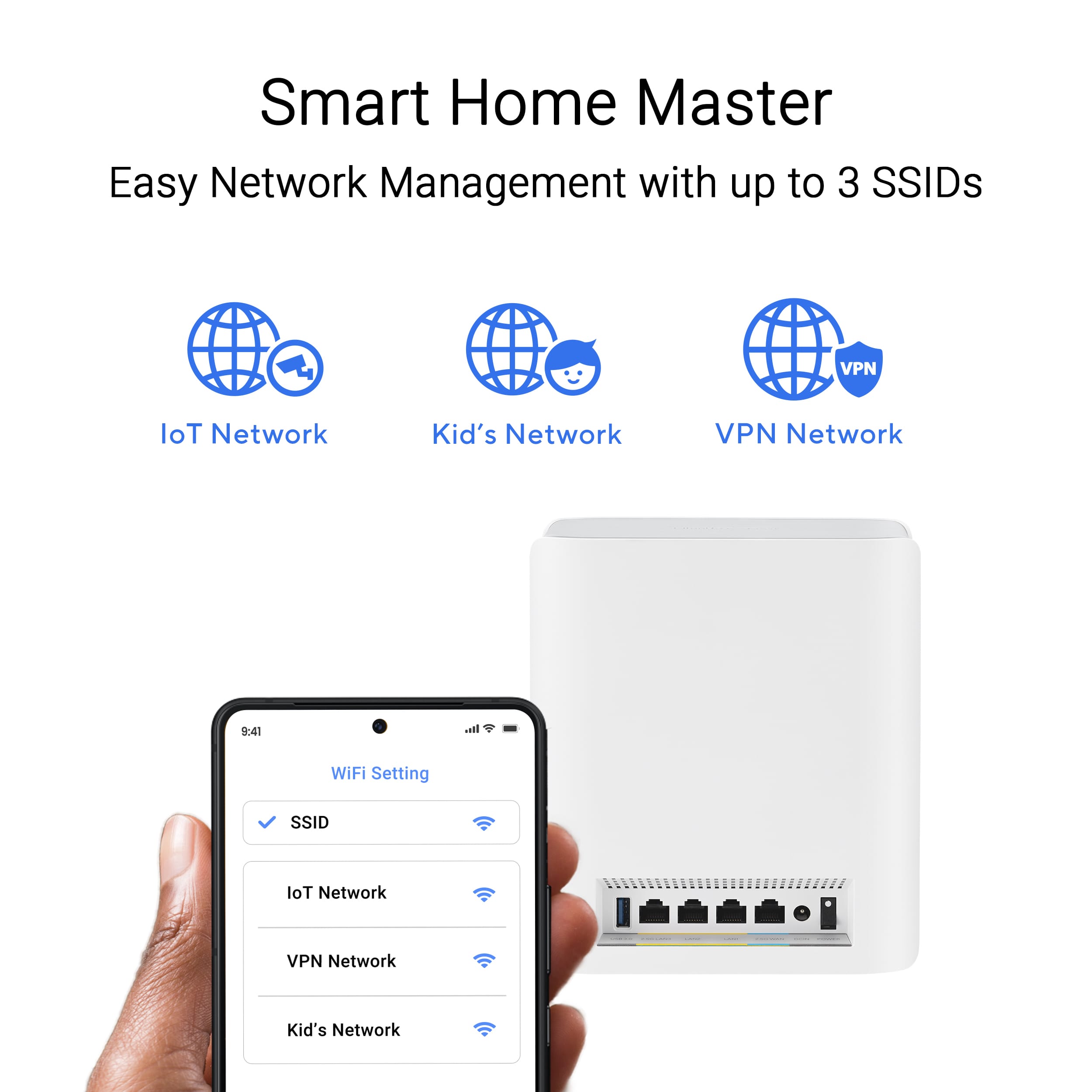
||Posted . Owned for 1 week when reviewed.This reviewer received promo considerations or sweepstakes entry for writing a review.So far, so good..I would really give it a 4.5 rating...I had been a Linksys customer for years (dating back to the 1990s). I tried the Velop Pro 6E AXE5400 system last year. It was a disaster. Spent 12 hours on the Linksys support line. No luck! I went back to the Router/Velop mesh system until one node died. The installation of the Asus BE14000 went as advertised - Simple! Used the app. The app process upgraded the firmware with no issues! Phew! After some devices would not come online, for the older devices I used the IoT SSID and only enabled 2.4GHz (i.e., disabled 5Ghz). Once I did that all of the Ring cams, Govee smart thermometers, leak detectors and our Skylight came online. Had to reset the Feit Smart plugs, but they are good now. I have three BE14000 nodes. The range is not as good as advertised. - maybe too much interference (maybe!). But I used the "Bind to AP" feature to stop a few Ring cams from going offline for short periods. The one confusing thing - The Asus BE14000 has the same specs as the Asus BT8 (even the same firmware). Is the BE14000 a BestBuy re-branded product? Another caveat: I have no devices that support WiFi 7, yet. I did enable WiFi 7 on the primary WiFi net (not the IoT net) and the Roku Ultra devices would not connect. I disabled WiFi 7 and all good. WiFi 6e with WPA3 Personal is working on the devices that support it - Windows 11, Samsung Galaxy 24+. I will try to re-enable WiFi 7 and see what happens, now that the net s basically stable but I would like to relax for a bit! :-) Yet another caveat: The Linksys remote app interface is better than the Asus remote interface. I have not been able to get the Asus app to connect to my net if I am not home. I can use the web interface, but that is clunky when using it on my Galaxy S24+....If a config setting is required to get the app to work remotely, please let me know! That's it for now!
I would recommend this to a friendExcellent upgrade - worth the investment
||Posted . Owned for 1 month when reviewed.This reviewer received promo considerations or sweepstakes entry for writing a review.Bought this as an upgrade for our busy household, provided a vast improvement on our internet speeds.
I would recommend this to a friendGood coverage and fast.
||Posted . Owned for 1 week when reviewed.This reviewer received promo considerations or sweepstakes entry for writing a review.Jury is still out to move to 5 stars but so far so fast. Huge upgrade for coverage and speed. I don't have many 6GHz devices to take advantage just yet but definitely fell like I'm future proof for the next few years. Love the security features.
I would recommend this to a friendGood product
||Posted . Owned for 2 months when reviewed.This reviewer received promo considerations or sweepstakes entry for writing a review.Works great. Easy to use once it’s all set up. Set up was a bit challenging when adding each of the satellites to the main router. Coverage is above average for my 2900sq ft home. I have the main router on my second floor master bedroom, a satellite in the first floor family room and the 3rd satellite in the basement.
I would recommend this to a friendGreat product
||Posted . Owned for 1 week when reviewed.This reviewer received promo considerations or sweepstakes entry for writing a review.Easy to set up and greatly improved our WiFi speeds.
I would recommend this to a friendGreat speed and coverage
||Posted .This reviewer received promo considerations or sweepstakes entry for writing a review.This has improved my wifi coverage by quite a bit and now I am getting my 1 gig speeds from Verizon Fios. The Asus Zen Wifi BE14000 is getting around 3 to 5 gig speeds over wifi throughout my house. Make sure to keep your existing router/gateway from Verizon because connecting this wifi directly to the Verizon modem has very slow upload speeds. I would still give this wifi mesh system 5 stars and would recommend to anyone that wants good coverage and reliably fast speeds throughout their house.
I would recommend this to a friendFast speeds...WHEN it works.. overall unstable
||Posted . Owned for 2 months when reviewed.This reviewer received promo considerations or sweepstakes entry for writing a review.I've been dealing with this system for a little over 2 months... At first this seemed like an upgrade from my Xfinity system, in places I got 50 mbps speeds, I now got 500, and in places where I got 250 mbps with xfinity, I now get up to 1100 mbps per second... However I've learned fast that faster speeds mean nothing if devices contantly lose their connection, or are constantly buffering despite supposed strong wifi signals. At first I was having issues with my iPhones, every 2-3 days they'd get stuck in connect and disconnect loop, which you'd have to forget the wifi and reconnect and re-enter the password. They seemed to have fixed that with a firmware upgrade, but the lastest firmware is even worse.... Now all my devices, iPhones and home security system appear to be connected to wifi with strong connections, but they have no internet access - this is especially alarming with my home security devices which then potentially can't be monitored while away. You have to toggle the wifi (which isn't possible with some of my devices including the security) or reboot the whole system, which isn't possible if I'm not home, I also have issues with TV streaming occaionally buffering or dropping quality, on phones scrolling though posts or videos locks up, or buffers, etc. The specs on the system are solid, but I can't recommend it at this time due to all of the firmware issues and instability... I have posted in ASUS forums and others report very similar issues so it isn't just me or my setup - also check out the reviews on Amazon which also are negative. It's too late for me to return, so at this point I'm holding out hope that they can fix these issue with future updates, at which point I will update my review accordingly.
No, I would not recommend this to a friendBrand response from ASUS Answers
Posted .Dear John,
We sincerely apologize for the wireless connectivity issue you're experiencing with the ZenWifi BE14000 and for the inconvenience this has caused you. This is not the kind of quality to expect from our products and it's not the norm. To troubleshoot the issue described, we recommend following the steps in the FAQ below. Should the issue persist, please contact our support team at https://www.asus.com/us/support/CallUs to further investigate the problem or assist with repairing the device.
We stand behind our products and continuously strive to improve our products and processes to achieve customer service excellence. For more information, email us at [email protected] and include the case number "N2501022731-0002" as a reference. We will do our best to resolve your case quickly. Your feedback is very important to us and enables us to improve our support channels. Thank you for choosing ASUS.
Best Regards,
Chantae
ASUS Customer Loyalty US Support
[Troubleshooting] WiFi signal is often disconnected - https://www.asus.com/support/faq/1030641/
Best Wifi Speeds I've ever seen
||Posted . Owned for less than 1 week when reviewed.This reviewer received promo considerations or sweepstakes entry for writing a review.I've been using Google Nest and then Google Nest Pro mesh networks for years. Despite having wired mesh points and a relatively small home I rarely ever saw wifi speeds over 200mbps on a 1gig fiber connection. Since installing this Asus system my speeds have over doubled across the board and almost quadrupled on devices that support wifi 7. My general connection stability is also far greater than I ever managed with Google Mesh networks. If you're wondering if the upgrade is worth if, it definitely is.
I would recommend this to a friend