Customer Ratings & Reviews





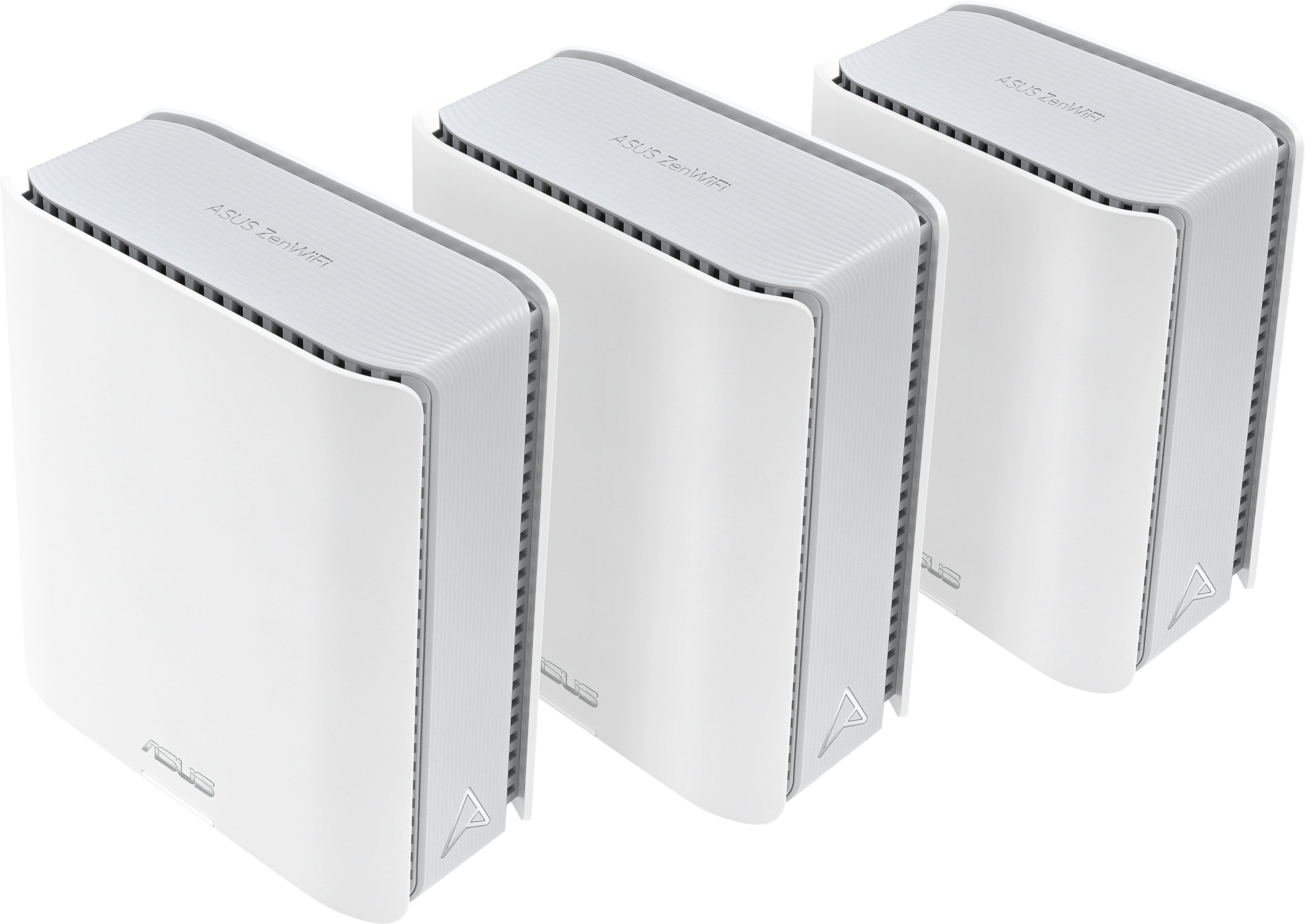
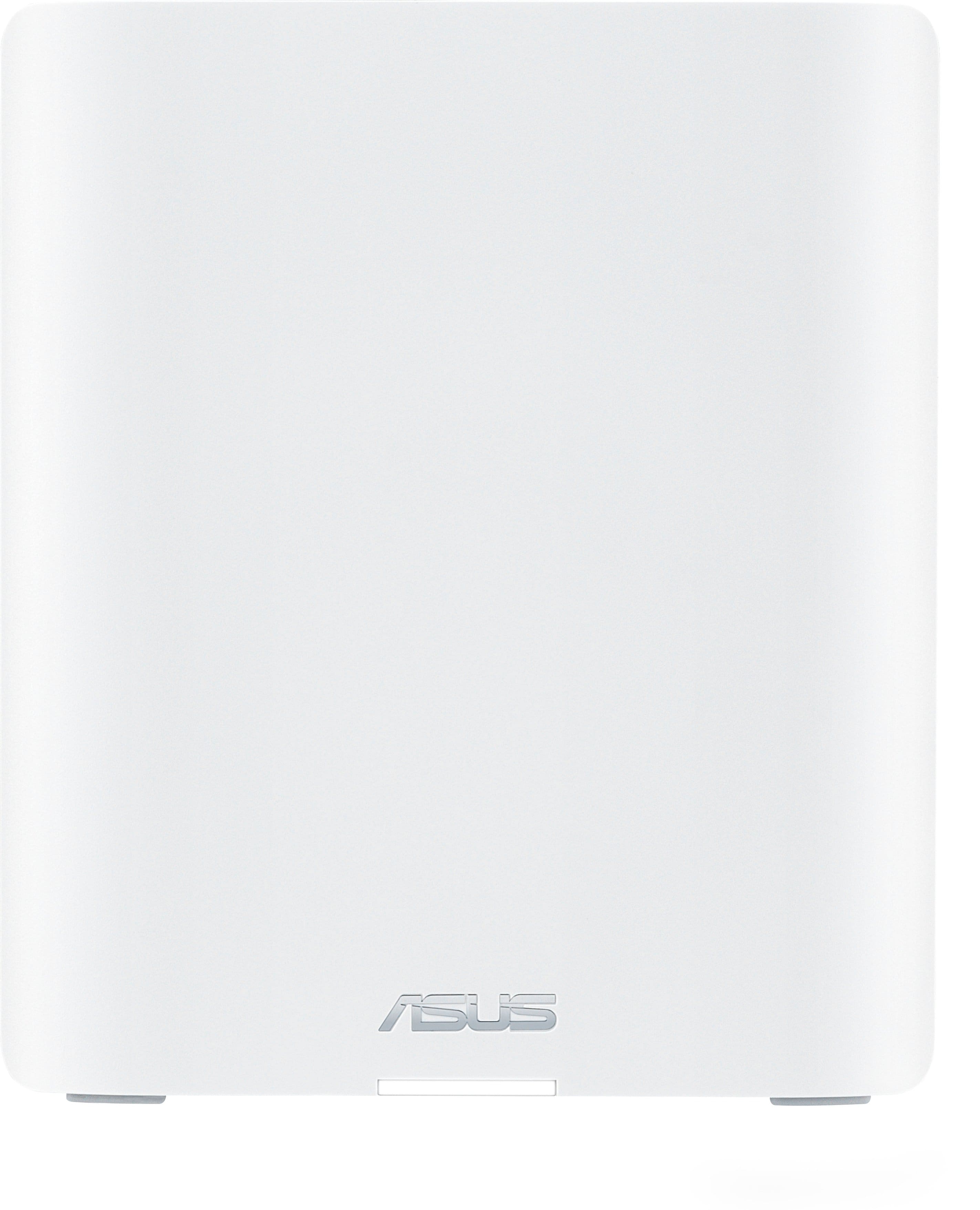
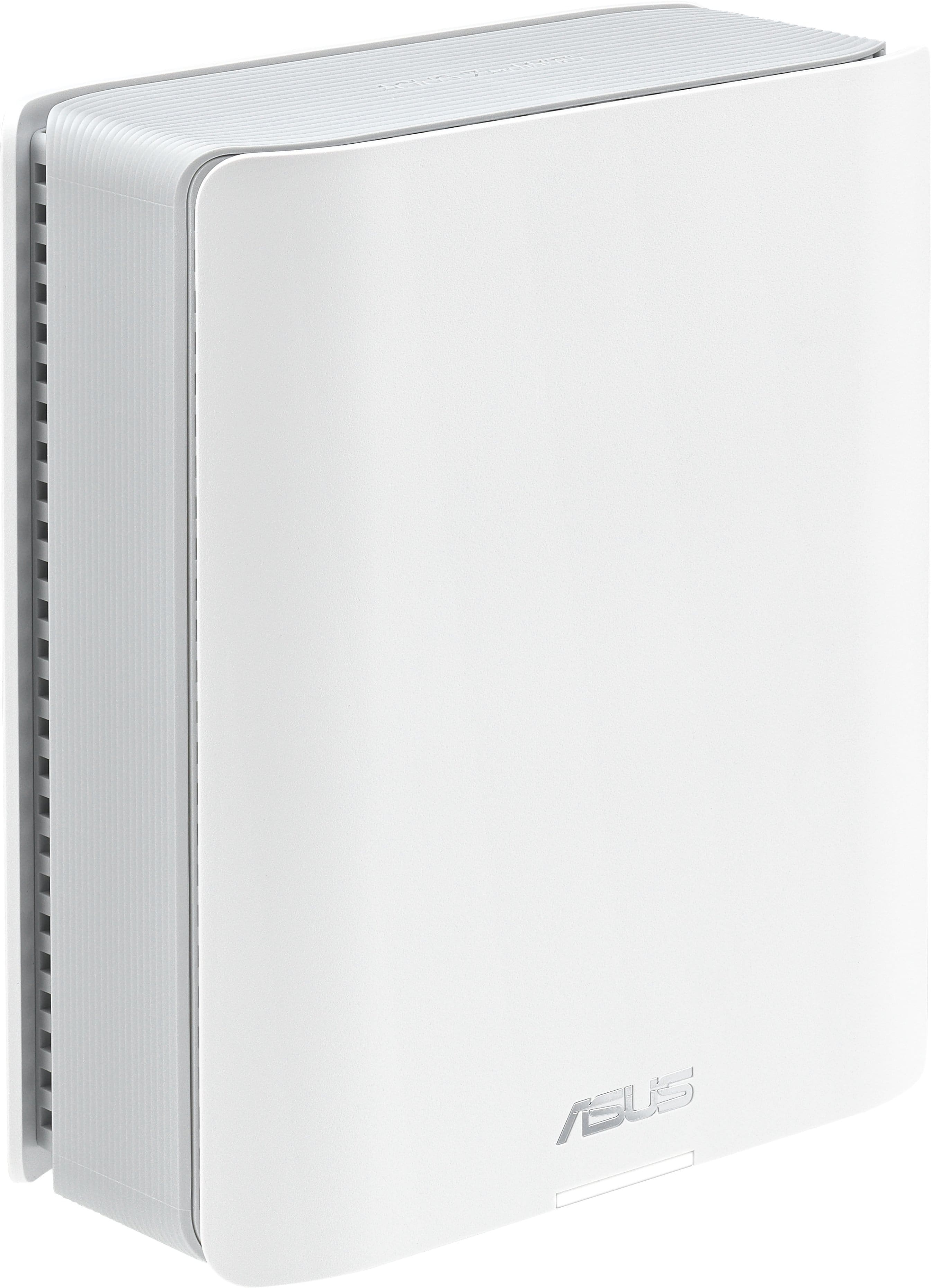
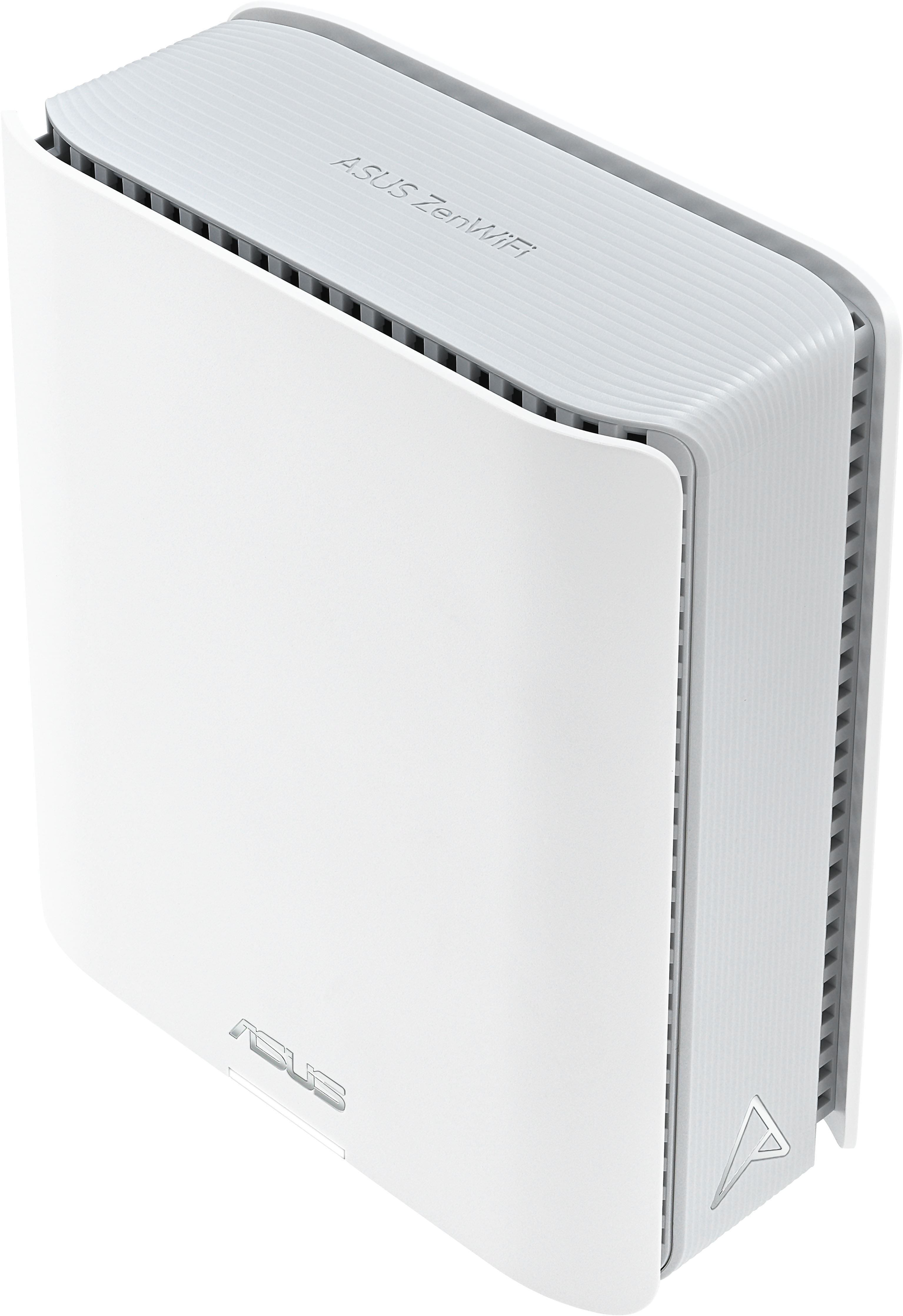


- Model:
- ZenWifi BE14000 3-PK
- SKU:
- 11234109
Rating by feature
- Setup
Rating 4.2 out of 5 stars
- Range
Rating 4.3 out of 5 stars
- Signal Strength
Rating 4.3 out of 5 stars
Great when it works
||Posted . Owned for less than 1 week when reviewed.This reviewer received promo considerations or sweepstakes entry for writing a review.Setting them up is fairly easy, but I've gone through two sets of these routers, and I've had the same issue on both. When they work the way they're intended, the speed and connection is rock solid. Unfortunately, I have had issues with the nodes losing connection to the main unit unless I use a wired back haul connection, which is slower than what it would be if they were connecting properly. On top of that, even with an IoT network, devices seem to struggle to stay connected to wifi, with google home mini's, computers, phones, and quest devices constantly disconnecting and requiring full reboots just to connect again.
No, I would not recommend this to a friendBrand response from ASUS Answers
Posted .Dear Logan,
Thank you for your comment.
We do understand your disappointment with the product and the inconvenience this may have caused if you are experiencing drop wireless connection. To resolve this connection issue, place the Mesh routers in a central location within your home, away from walls and obstructions, keep it elevated off the floor and away from electronic devices that may cause interference. Legacy devices may not work properly with WIFI-6e and WIFI-7, please check updates for these device. Also, try connecting this manually to either 2.4GHz or 5GHz. Furthermore, we recommend updating the Mesh router firmware if running with an older version. Firmware is available for download at: https://www.asus.com/supportonly/zenwifi%20be14000/helpdesk_bios/. Should you need further assistance with the product, please email me at [email protected] and I would be more than happy to help. Or you are most welcome to call Product Support Hotline at: 1(888) 678-3688. Also, you can chat with an ASUS live support agent from the link: https://www.asus.com/us/support/article/1135/.
Thank you for choosing an ASUS product.
Regards,
Rodel
ASUS Customer Loyalty
Evaluation
||Posted . Owned for 7 months when reviewed.This reviewer received promo considerations or sweepstakes entry for writing a review.Great Product . Easy to install. Performance is excellent. No problems.
I would recommend this to a friendASUS Mesh
||Posted . Owned for 3 weeks when reviewed.This reviewer received promo considerations or sweepstakes entry for writing a review.Wi-Fi coverage seem good but they were lots of signal drops and connection issues. Switched to another brand and had no more issues.
No, I would not recommend this to a friendBrand response from ASUS Answers
Posted .Dear Rich,
Thank you for sharing your experience with the ASUS ZenWiFi BE14000. We’re glad to hear the Wi-Fi coverage met your expectations, but we’re sorry to learn about the signal drops and connection issues you encountered. Your feedback is important and will be shared with our product team to help improve future performance and reliability.
We stand behind our products and continuously strive to improve our products and processes to achieve customer service excellence. If you require further assistance, please email us at [email protected] and include the case number "N2410033539-0009" as a reference. We will do our best to resolve your case quickly. Your feedback is very important to us and enables us to improve our support channels. Thank you for choosing ASUS.
Best Regards,
Chantae
ASUS Customer Loyalty US Support
Great Mesh System
||Posted . Owned for 3 weeks when reviewed.This reviewer received promo considerations or sweepstakes entry for writing a review.Previously I had the Netgear Orbi 850 (3 pack). Had nothing but problems with the router and nodes. I had everything backhauled, but once the router updated firmware the network would shutdown, there was some issue with node firmware not matching router and they were never in sync. Long story short, after 3 years of this I switched over to ASUS and have had 0 issues. The app and functionality is great, no monthly fees either, and the support of wifi 7 is excellent!
I would recommend this to a friendFor optimal performance, put the time into set up!
||Posted . Owned for 1 week when reviewed.This reviewer received promo considerations or sweepstakes entry for writing a review.As with moat Asus routers and products, , being knowledgeable well above average with wifi will go a long way tweaking the settings and configuration to optimize your experience. May require a minor learning curve though well worth it.
I would recommend this to a friendEasy to use with tons of features
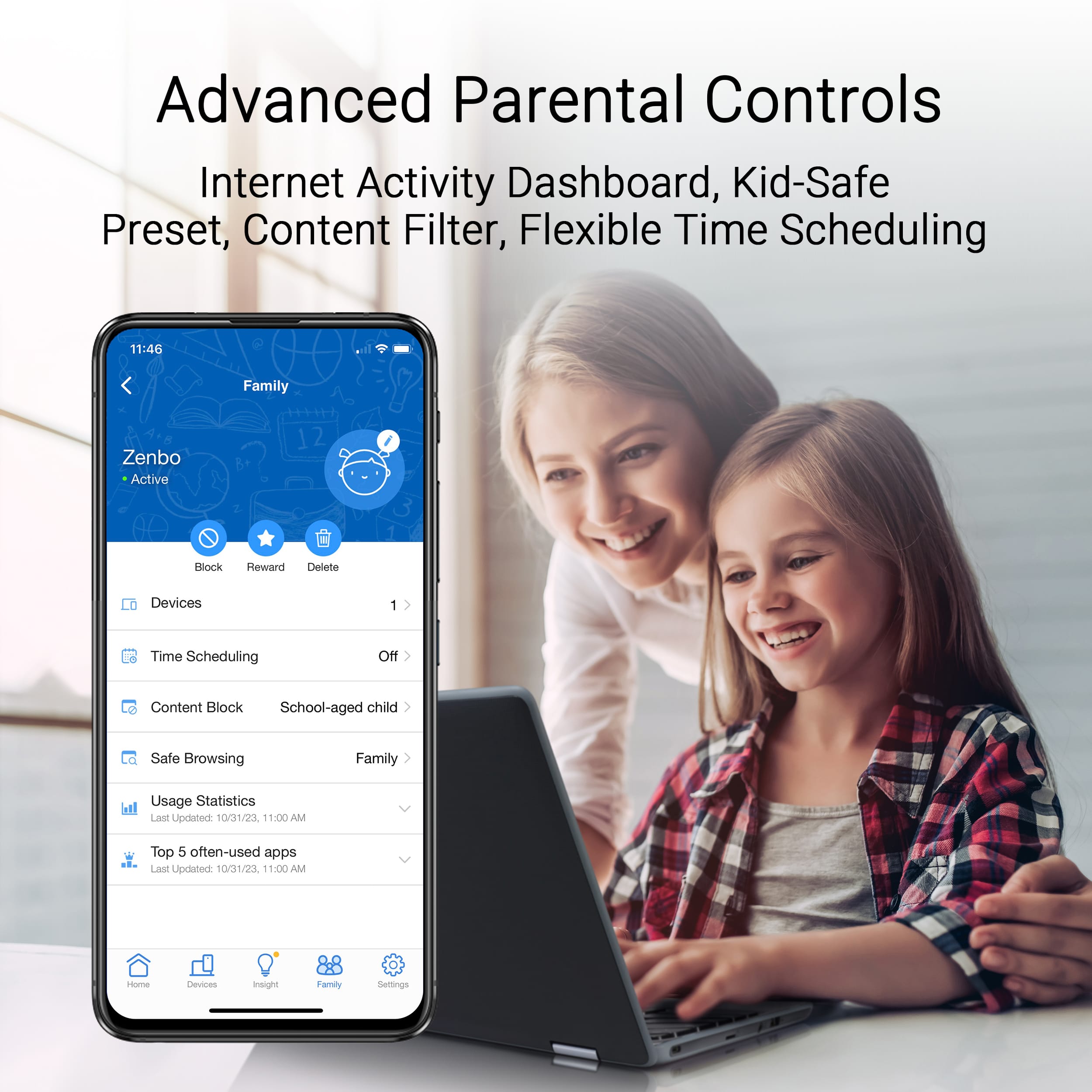
||Posted . Owned for 1 week when reviewed.This reviewer received promo considerations or sweepstakes entry for writing a review.It was very easy to set up, and the coverage is great in my split-level house. The app is intuitive and easy to use. I like that I can optimize different devices or the whole network. I also like the parental control feature. It's especially good if you use Apple's Screen Time system to manage device usage. This fills in the gaps with that solution. If you want something you can set up easily and not have to think much about, this is good.
I would recommend this to a friendGood setup
||Posted . Owned for 1 week when reviewed.This reviewer received promo considerations or sweepstakes entry for writing a review.Pretty good setup, it works great once you get it fully configured.
I would recommend this to a friend
Great System
|Posted .This reviewer received promo considerations or sweepstakes entry for writing a review.Probably one of the best systems I’ve ever had. I upgraded from a AMPLIFI HD and it’s beyond noticeable. For the money you can’t beat it, this thing reaches to my neighbors house and it’s pretty strong even then.
I would recommend this to a friendGreat Product
||Posted . Owned for 1 week when reviewed.This reviewer received promo considerations or sweepstakes entry for writing a review.ASUS ZenWifi a real winner. Increased home wifi speed 6x.
I would recommend this to a friendIn Love with Zenwifi Mesh
||Posted .This reviewer received promo considerations or sweepstakes entry for writing a review.Outstanding speeds and coverage and set-up is a breeze. The application has so many unexpected features!
I would recommend this to a friendGreat
||Posted . Owned for 1 week when reviewed.This reviewer received promo considerations or sweepstakes entry for writing a review.Fantastic coverage and constant connection. The app is very easy to use also.
I would recommend this to a friendAsus be 14000
||Posted . Owned for 1 month when reviewed.This reviewer received promo considerations or sweepstakes entry for writing a review.Seems to work well.Like the aimesh nodes Range seems to be good
I would recommend this to a friendreview
||Posted . Owned for 1 week when reviewed.This reviewer received promo considerations or sweepstakes entry for writing a review.works very well throughout the house. good purchase
I would recommend this to a friendFast speeds.. if using one unit
||Posted . Owned for 1 week when reviewed.This reviewer received promo considerations or sweepstakes entry for writing a review.If you are buying only one module, the speeds are fast. However, the steering of devices between nodes is really not smart. And will cause you to dropout for longer than 10 seconds at a time whenever your devices does try to swap between nodes
No, I would not recommend this to a friendBrand response from ASUS Answers
Posted .Dear Brad,
Thank you for your comment.
We do understand your disappointment with the product and the inconvenience this may have caused if you are experiencing connection problem if using the Mesh routers. On the contrary, having two or more routers in an AIMesh network will enhance and increase wireless range and coverage. To resolve this connection issue, ensure you have configured the ZenWiFI routers correctly. For helpful tips on how to configure your AIMesh network properly using these router, please visit our Product Support page at: https://www.asus.com/us/support/faq/1045754/ . Additionally, place routers in a central location within your home, away from walls and obstructions, keep it elevated off the floor and away from electronic devices that may cause interference. Also we recommend updating the Mesh router firmware if it running with an older version. Firmware is available for download at: https://www.asus.com/supportonly/zenwifi%20be14000/helpdesk_bios/.
Should you need further assistance with the product, please email me at [email protected] and I would be more than happy to help. Or, you are most welcome to call Product Support Hotline at: 1(888) 678-3688. Also, you can chat with an ASUS live support agent from the link: https://www.asus.com/us/support/article/1135/.
Thank you for choosing an ASUS product.
Regards,
Rodel
ASUS Customer Loyalty
Not the Best
||Posted . Owned for 3 months when reviewed.This reviewer received promo considerations or sweepstakes entry for writing a review.Was really excited to upgrade my WIFI with the new mesh system but unfortunately it has connectivity issues and it is too late to return it. I will have to use it for a while and then replace again.
No, I would not recommend this to a friendBrand response from ASUS Answers
Posted .Dear Ret568254,
Thank you for your comment.
We do understand your disappointment with the product and the inconvenience this may have caused if you are experiencing issues with wireless connection. To resolve this connection issue, place the Mesh routers in a central location within your home, away from walls and obstructions, keep it elevated off the floor and away from electronic devices that may cause interference. Legacy devices may not work properly with WIFI-6e and WIFI-7, please check updates for these device. Also, try connecting this manually to either 2.4GHz or 5GHz. Furthermore, we recommend updating the Mesh router firmware if running with an older version. Firmware is available for download at: https://www.asus.com/supportonly/zenwifi%20be14000/helpdesk_bios/. Should you need further assistance with the product, please email me at [email protected] and I would be more than happy to help. Or you are most welcome to call Product Support Hotline at: 1(888) 678-3688. Also, you can chat with an ASUS live support agent from the link: https://www.asus.com/us/support/article/1135/.
Thank you for choosing an ASUS product.
Regards,
Rodel
ASUS Customer Loyalty
5 gig router
||Posted . Owned for 1 week when reviewed.This reviewer received promo considerations or sweepstakes entry for writing a review.Its been working amazingly with my 5 gig plan i get a solid 1.5 gigs over wifi on most of my devices
I would recommend this to a friendPleasantly surprised.
||Posted . Owned for 1 week when reviewed.This reviewer received promo considerations or sweepstakes entry for writing a review.Works really well, despite no visible antennas. Set up was really easy. Didn’t even have to go into any menus to set up the mesh nodes. Range is really good too, even through a few walls and windows. Very pleased overall.
I would recommend this to a friendAsus-Incomplete Firmware
||Posted . Owned for 1 month when reviewed.This reviewer received promo considerations or sweepstakes entry for writing a review.The system has potential with a ton of features built in. The firmware is holding it back. Until Asus can address its issues I would sit this one out.
No, I would not recommend this to a friendBrand response from ASUS Answers
Posted .Dear Bchris2597,
We're sorry to hear that you are having issues with the firmware on the ASUS ZenWiFi BE14000, and we apologize for any inconvenience this may have caused you. To further investigate this problem, we recommend contacting our support team directly at https://www.asus.com/us/support/CallUs.
We stand behind our products and continuously strive to improve our products and processes to achieve customer service excellence. For more information, email us at [email protected] and include the case number "N2501022731-0004" as a reference. We will do our best to resolve your case quickly. Your feedback is very important to us and enables us to improve our support channels. Thank you for choosing ASUS.
Best Regards,
Chantae
ASUS Customer Loyalty US Support
Works great!
||Posted . Owned for 2 weeks when reviewed.This reviewer received promo considerations or sweepstakes entry for writing a review.I have backhaul eithernet and these work absolutly great.
I would recommend this to a friend
Fast, Flexible, and Future Proof
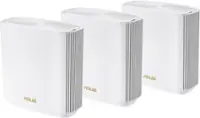
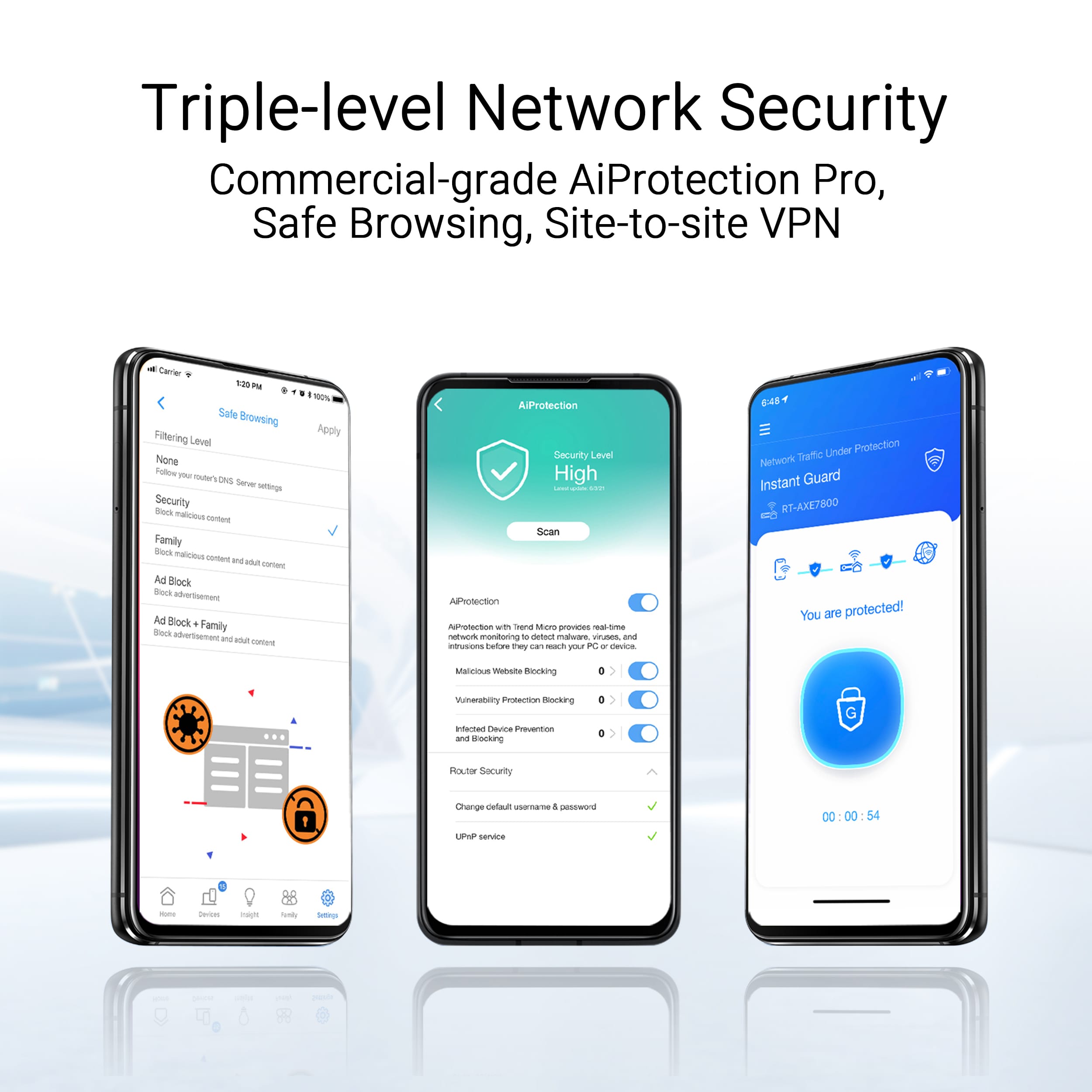
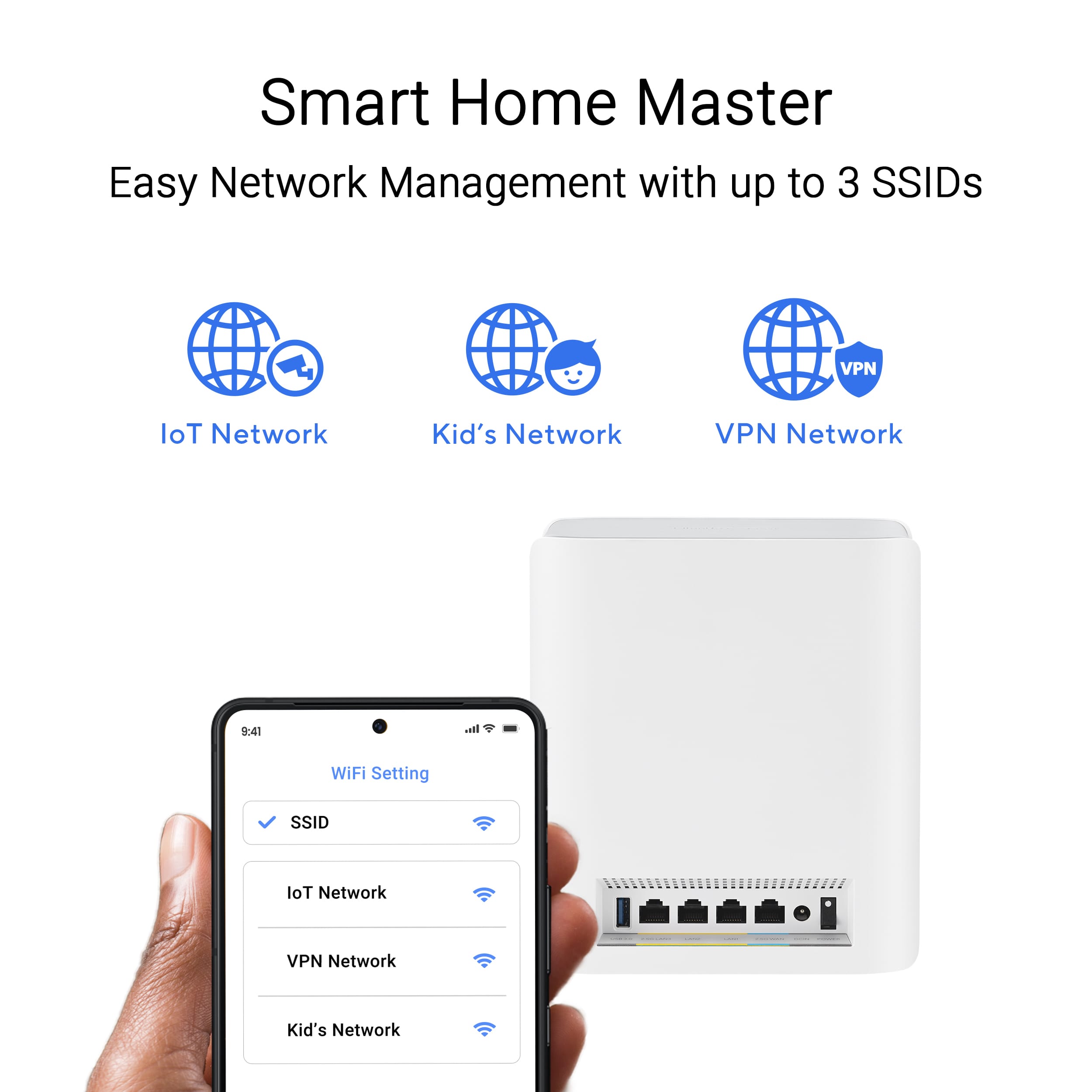
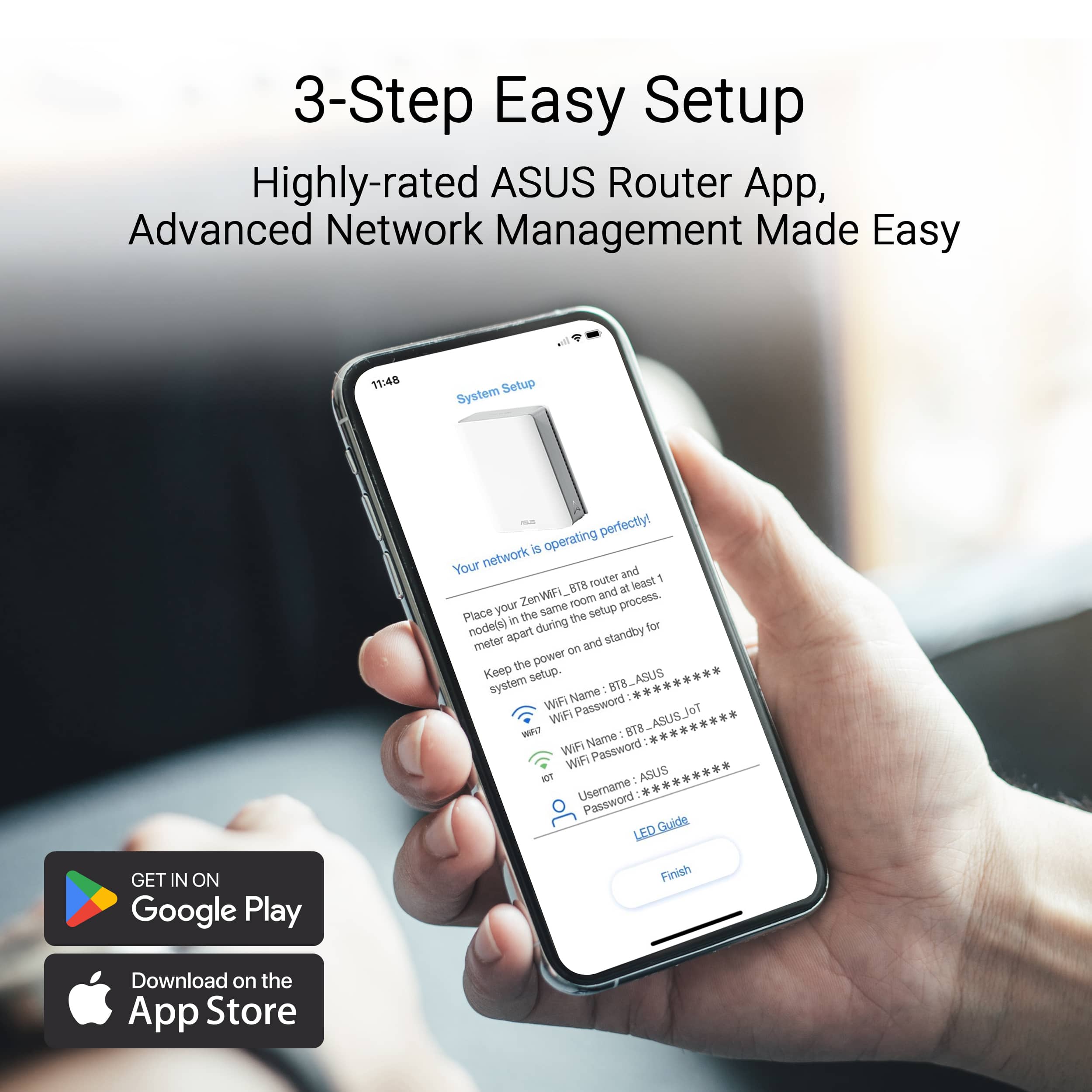
|Posted .This reviewer received promo considerations or sweepstakes entry for writing a review.An overall easy setup process, fantastic speeds, and flexible connectivity with just a few quirks. The setup process was simple and straightforward for the most part where I was up and running in about 15 minutes. I chose to use the same wifi name as my previous router to avoid the need to rejoin a new network on my existing devices. One thing to note if you choose to do this is to unplug all your old routers or access points before doing so to avoid conflicts. While this system provides an extreme level of customization, it’s only if you want it, the normal setup process is a breeze. What I found interesting is that I only set up the main unit and one node initially, adding the 3rd node after the fact and I did not have to do anything, literally anything for the node to appear in my network. I just plugged it in and after it initialized it just appeared in my network. That’s different than any other mesh network which I’ve used before where I usually have to add them via the app. As for setup issues, while a few others mentioned some issues, it was generally smooth for me other than the app would not connect to the main unit via the QR code - I had manually join the default setup network through the wifi settings on my iPhone. After that the setup process was smooth. Another thing I appreciate is that I did not have to create an Asus account to get this set up. It’s ridiculous how some apps require you to create an account with them to use their device which in turn requires one more account with one more password with more marketing emails hitting your inbox. One caveat though is if you want to create remote connection access while physically away from your network where you’ll need to link an external account like Google, Facebook, or your Apple account. One bug I noticed in the app is that satellite units don’t correctly display the number of devices connected to that particular unit. It seems to display most (but strangely not all) the connected devices only on the main unit even if devices are hard-wired to satellite units. However, connecting a new device to the network was nearly instantaneous and connections also seem to be stable with my time over the last week. Internet speeds are also fantastic but of course, internet speeds are slower than the max bandwidth this can provide. It’s the transfer speeds between devices where I saw the biggest difference especially with my network attached storage where file transfers were noticeably much faster. At the beginning of 2025 when I’m writing this review, only very current devices support wifi 7 so this is where only a handful of my devices can take advantage of the faster speeds but this system provides some piece of mind as more devices get this support for years to come. And I did not have any backwards compatibility issues with even very old devices so that has not been a concern with this system. In addition, it also sets up two different networks: one for standard devices with typical wifi but an additional IoT network for smart-home-like devices like smart lights and smart locks and such. I also like that the satellite units come with additional ethernet ports just like the main unit so I can hard-wire devices into each unit without the need for an additional switch. Each unit also comes with a USB port for network attached storage - that comes in super handy. One thing to be aware of is the size where these are the size of thick, hardback book so these are a bit harder to hide if you want a cleaner look in your home or office however they provide the option to turn off the LED light on the front which I find nice to have. I'm overall very pleased with this system thus far - a few quirks with the app that need to be ironed out but I'm overall happy with this system.
I would recommend this to a friend