Customer Ratings & Reviews

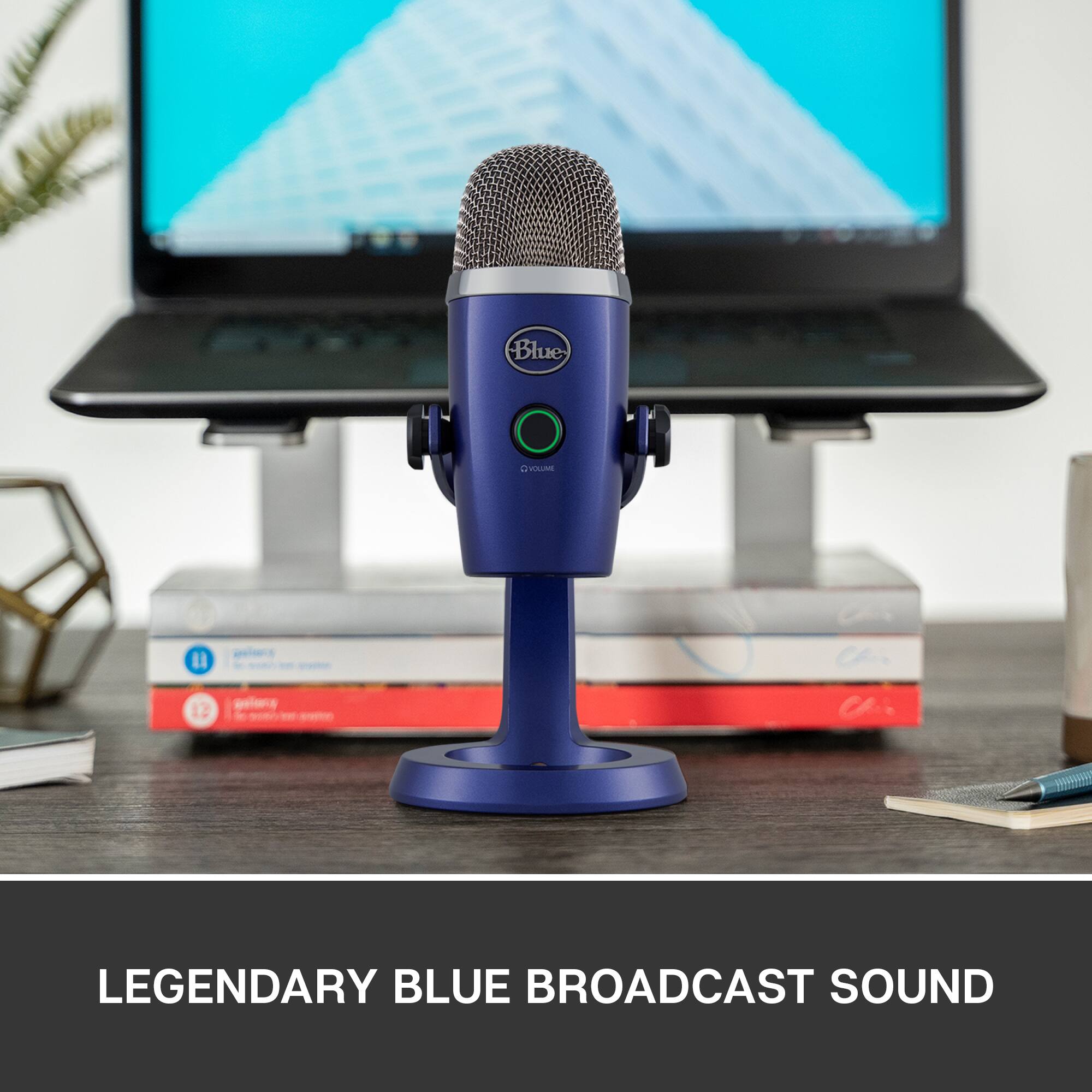
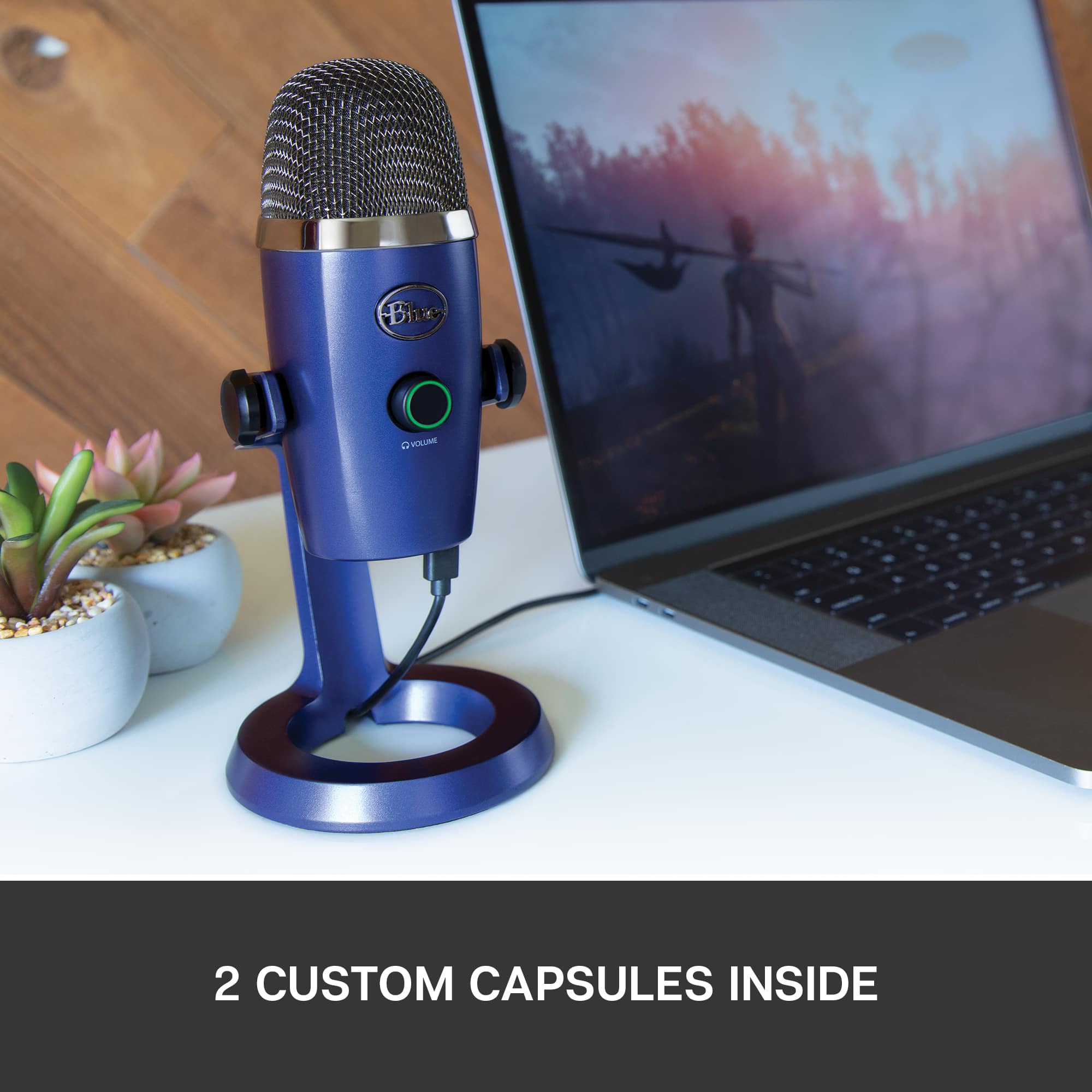
- Model:
- 988-000089
- SKU:
- 6373455
Rating by feature
- Value
Rating 4.6 out of 5 stars
- Quality
Rating 4.7 out of 5 stars
- Ease of Use
Rating 4.7 out of 5 stars
Customers are saying
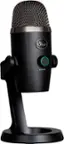
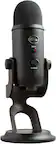
Customers love the Blue Yeti Nano microphone for its excellent sound quality and ease of use. Many appreciate its perfect size and find it to be a great value. Some customers have noted issues with the USB connection and the software installation process. A few have mentioned its higher sensitivity.
This summary was generated by AI based on customer reviews.
- Pros mentioned:Ease of use, Sound quality
Great quality that won't break the bank
||Posted . Owned for 3 weeks when reviewed.This reviewer received promo considerations or sweepstakes entry for writing a review.The sound quality and ease of use is great with this mic. Overall though, I was looking for a budget set up to allow me to play online, create videos, stream, etc. With this mic, you are a good 50 bucks less than the next level mics, but it still performs exceedingly well. Beware, it works so well that you will pick up key strokes and mouse clicks along with everything else. Because you saved money, you can head to Amazon and grab: - A mic holder (comes with foam and has elastics around the mic, 9 bucks). - A boom arm (allows the mic to sit anywhere near you, 18 bucks). - A USB extender (to give it reach on the boom). Altogether you're still coming in under the price of the other "mainstream" mics but with the same capabilities and quality.
I would recommend this to a friendBrand response from Logitech
Posted .Thanks for your feedback! We’re glad you like the Blue Microphones - Blue Yeti Nano Premium Wired Multi-Pattern USB Condenser Microphone, and we appreciate your input to help us get even better.

- Pros mentioned:Ease of use, Size, Sound quality
Yeti Nano = Buy this mic
||Posted . Owned for 3 weeks when reviewed.This reviewer received promo considerations or sweepstakes entry for writing a review.Sounds great. Simple setup. I had to replace a ten year old usb mic. This was my choice. While the previous mic was good, i had several compliments that the sound from this one was crystal clear. It is big enough to use, but not so large that it gets in the way. Build quality is solid and the relatively minimal controls work well and have a quality feel to them. The appearance is cool, with the deep blue color standing out. I am very pleased and would recommend this to other buyers.
I would recommend this to a friend - Pros mentioned:Size, Sound quality
Great usb microphone
||Posted . Owned for 4 months when reviewed.This reviewer received promo considerations or sweepstakes entry for writing a review.I really don’t regret buying it. When I started streaming, it was very comfortable and lightweight. It doesn’t take up much space, and the people who watched my streams always said it sounded very good—clean audio with no background noise. It was my first microphone, and it was truly great to have it. I gave it to someone who also started streaming, and they said it was the best gift for a new streamer. I highly recommend it for streaming or ASMR videos—the audio is perfect
I would recommend this to a friendBrand response from Logitech
Posted .Thanks for the thoughtful review! We’re glad to hear our product is delivering the quality and convenience you were looking for. Your feedback helps us keep improving, and we’re grateful for your trust in Logitech.
- Pros mentioned:Size
Amazing microphone for a unbelievable price
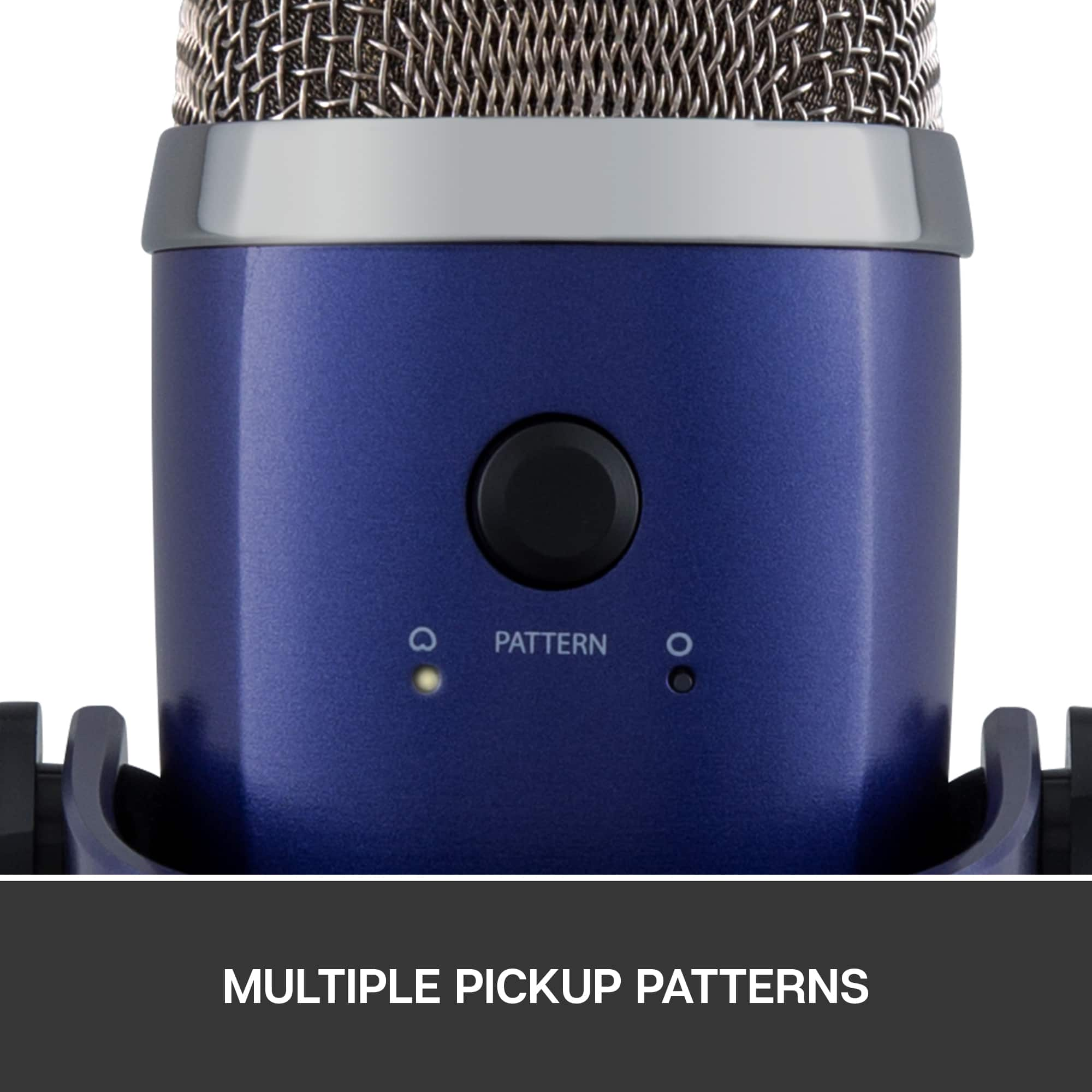
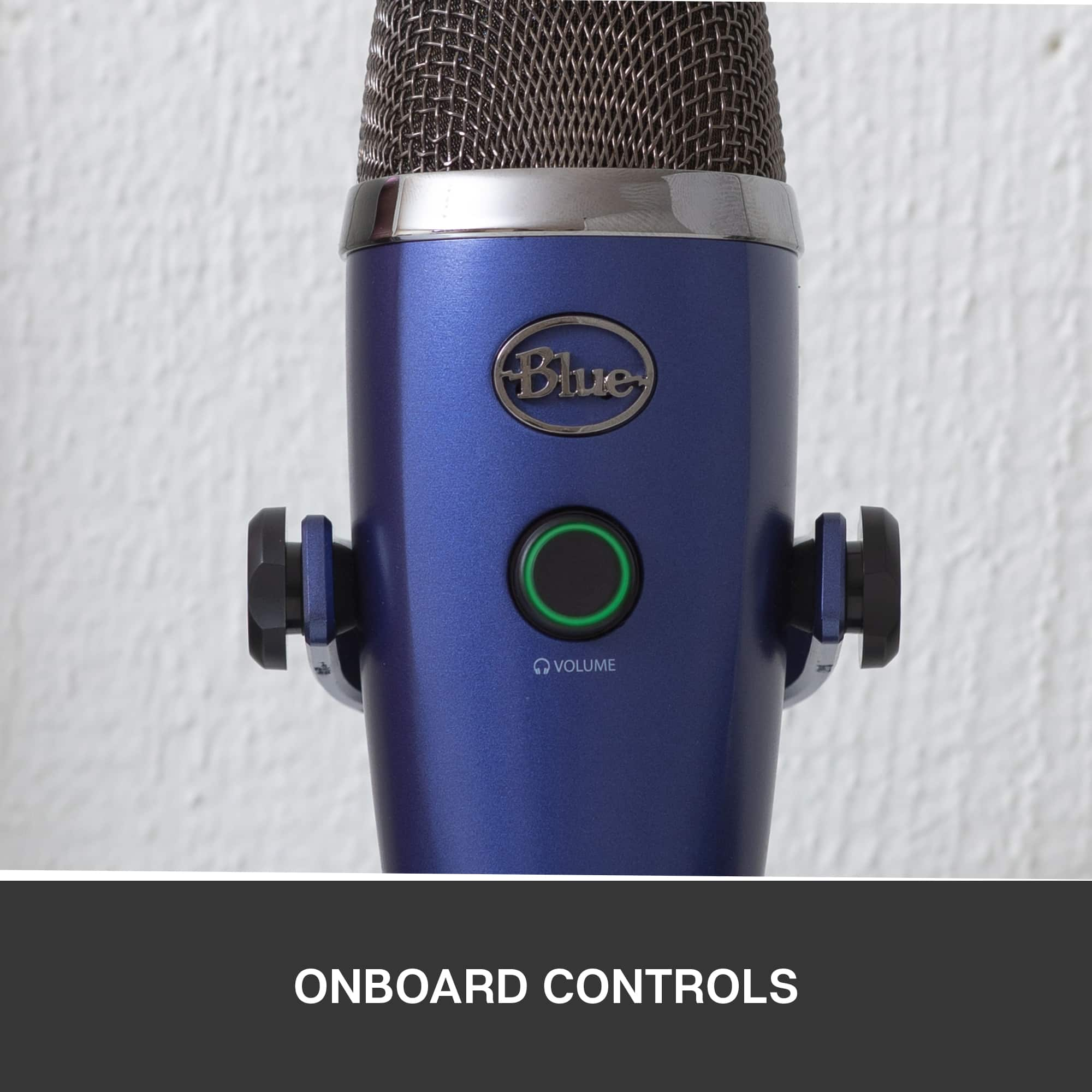
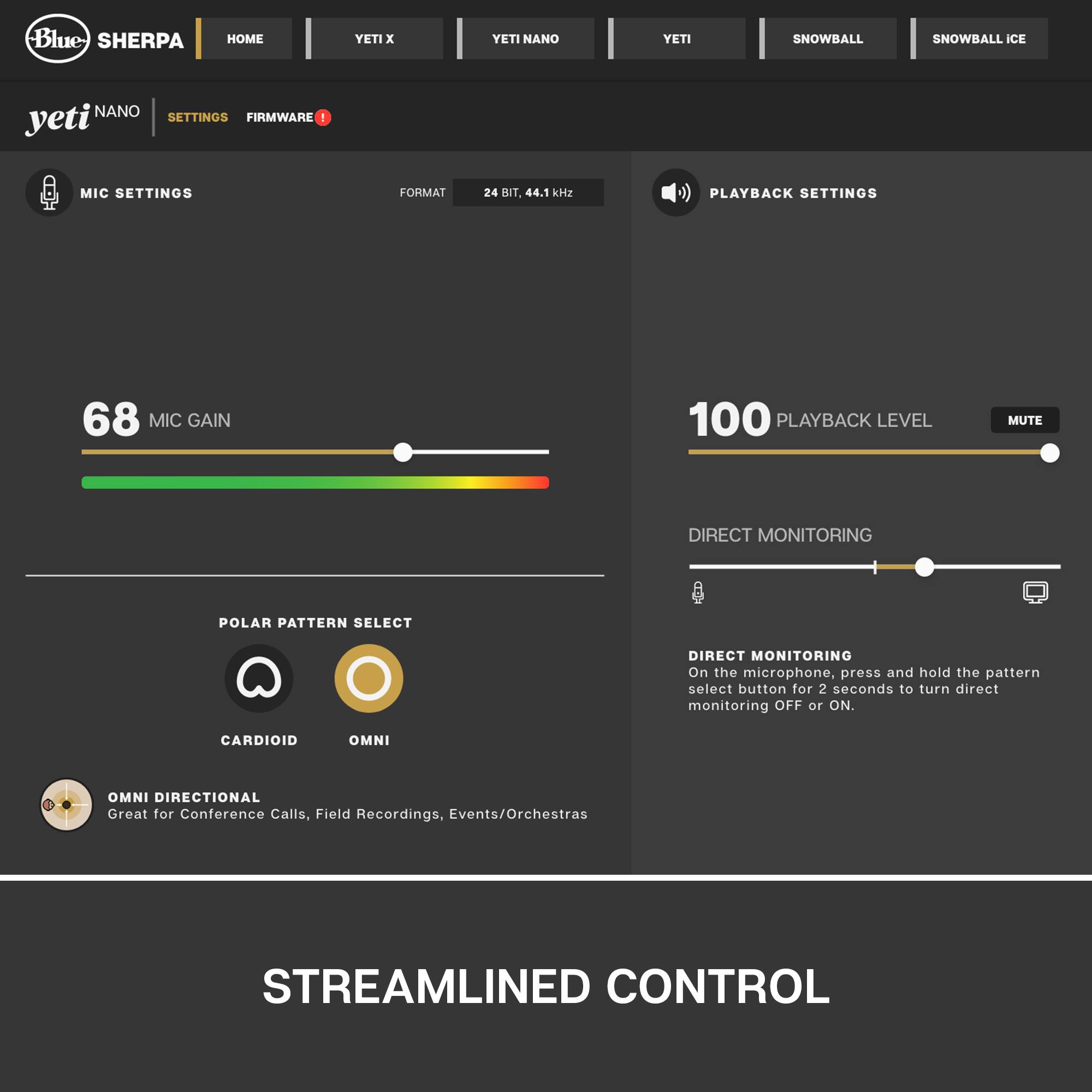
||Posted . Owned for 1 month when reviewed.This reviewer received promo considerations or sweepstakes entry for writing a review.First hearing about the Nano I was completely unsure but willing to give it a shot since my Blue Snowball has lasted me many years. Right out of the box this thing is ready to go and feels incredibly sturdy in the hand + the stand design is pretty neat. This comes with some features I’d like to point out, the ring in the middle of the mic is not only a volume slider (twisting it left or right) but also used as a MUTE or UNMUTE button by a really easy press. On the back is a flat button that you only really have to touch to change between omnidirectional (just you) and multidirectional (you + however many other voices) audio input. The whole mic itself can be positioned to be either tilted forward so much that it’s literally upside down or just keep it straight up! Pros: Compact Great input for single person use Great input for multi person use Simple cable management Sleek design Cons: Cable disconnects occasionally through simple movement My honest rating on this microphone is a solid 9/10 only reason I could not give it a 10 is because the cable coming loose sometimes can be real inconvenient when playing certain games.
I would recommend this to a friend - Pros mentioned:Sound qualityCons mentioned:Software
Good Microphone, Terrible Software, and Micro USB
||Posted .This reviewer received promo considerations or sweepstakes entry for writing a review.All in all, we can start from the outside of the microphone. It looks good, buttons are where they should be. Stand is nice or you can put it on any boom arm/third party accessory for holding it. The microphone doesn’t sound bad at all. The two big things that will be a big set back. G Hub software is abysmal and will cause issues with other programs recognizing the microphone or cause a change of audio quality. Even when you open it after the fact of noticing any issues, the program still will not latch and a full system restart will be needed. Last, this microphone uses a very fragile micro-USB in late 2025. Any random bump on the cable will cause the microphone to disconnect, and cause a plethora of issues due to the first above. All in all, it’s a disappointment after the fact since I’ve had this microphone for almost 2 years. I’ve learned to deal with the oversight and such and would advise anyone reading this to save their money and move on as it’s clear why this microphone is always on sale.
No, I would not recommend this to a friendBrand response from Logitech
Posted .We appreciate you taking the time to provide your feedback; it's valuable in helping us refine and improve the Blue Microphones - Blue Yeti Nano Premium Wired Multi-Pattern USB Condenser Microphone.
- Pros mentioned:Sound quality
Outstanding
||Posted . Owned for 2 months when reviewed.This reviewer received promo considerations or sweepstakes entry for writing a review.The Blue Yeti Nano delivers clear, professional-quality audio with its cardioid and omnidirectional pickup patterns, making it perfect for streaming, podcasting, and voice calls. Its compact design, easy USB setup, and zero-latency monitoring make it a great choice for creators like me who needs a high-quality microphone without the bulk.
I would recommend this to a friendBrand response from Logitech
Posted .That's fantastic! We're so glad the Yeti Nano is delivering the clear, professional-quality audio you need for your streaming, podcasting, and voice calls. It's designed to be compact and easy to use, so we're thrilled that its size, USB setup, and zero-latency monitoring are working well for you. Thanks for the great feedback – it's really helpful for other creators looking for a high-quality microphone!
- Pros mentioned:Sound quality
Works as intended
||Posted . Owned for 2 weeks when reviewed.This reviewer received promo considerations or sweepstakes entry for writing a review.For the price I believe it a pretty good mic. I use discord and haven’t had much issues. But this is my first mic so I don’t really have anything to compare it to.
I would recommend this to a friendBrand response from Logitech
Posted .Thank you for your feedback! We're glad the Blue Yeti Nano has been a reliable first mic for you and works well with Discord. Your comments are truly appreciated.
- Pros mentioned:Ease of use, Size, Sound quality
Slays
||Posted . Owned for 1.5 years when reviewed.This reviewer received promo considerations or sweepstakes entry for writing a review.Sounds really good, easy to set up and use as well. Also nice, compact size.
I would recommend this to a friend - Pros mentioned:Sound quality
Awesome
||Posted . Owned for 1.5 years when reviewed.This reviewer received promo considerations or sweepstakes entry for writing a review.Nice microphone. Fits my arm i got with it. Nice sounding quality nice budget mic compared to others
I would recommend this to a friendBrand response from Logitech
Posted .Thank you for your kind words and for letting us know how our product is working for you. We’re thrilled that it’s meeting your needs and making a positive impact. Your feedback is incredibly valuable to us, and we’re grateful you chose Logitech.
- Pros mentioned:Sound quality
Fantastic microphone for entry level users
||Posted .This reviewer received promo considerations or sweepstakes entry for writing a review.Sound clarity is amazing and clear, picks up audio very well.
I would recommend this to a friendBrand response from Logitech
Posted .It’s great to hear your experience has been positive. Your feedback helps us refine and improve our products. Thanks for choosing Logitech!
- Pros mentioned:Compatibility, Sound quality
Great quality mic for streaming or meetings from h
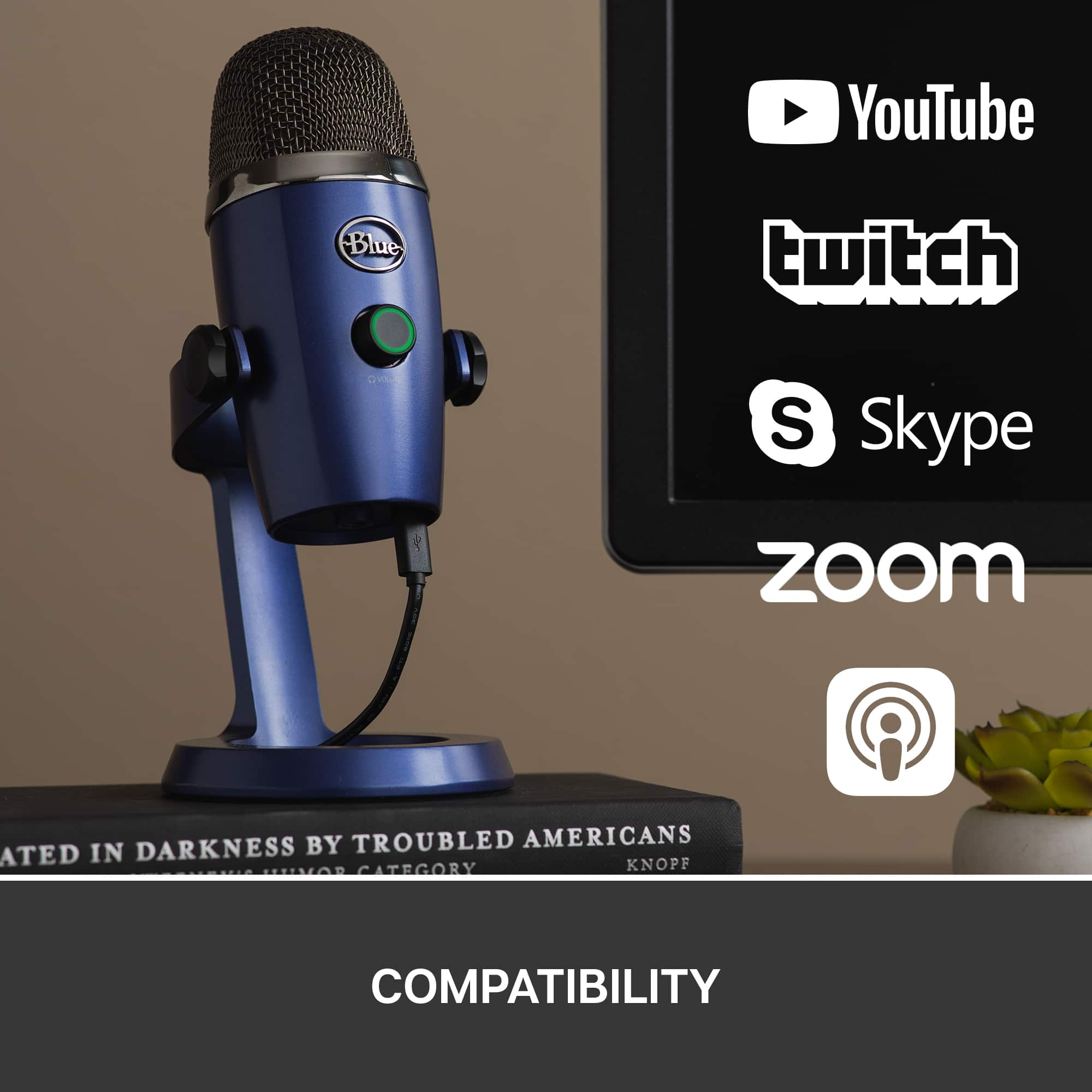
||Posted .This reviewer received promo considerations or sweepstakes entry for writing a review.This is a great quality mic for work applications, voice over and podcasting. Bought it due to a new environment of working from home. Works well with Teams and Zoom.
I would recommend this to a friendBrand response from Logitech
Posted .Hi WiRick,
We are glad to hear that you are enjoying your Yeti Nano! If you ever have additional feedback or questions regarding Blue products feel free to visit https://support.bluedesigns.com/hc/en-us
Thanks,
-Logitech
- Pros mentioned:Sound qualityCons mentioned:Software
nice for the price
||Posted . Owned for 3 weeks when reviewed.This reviewer received promo considerations or sweepstakes entry for writing a review.sounds great but software was clunky to install.Other than that great mic as for the review system at best buy i will never leave another after i was forced to write 50 words for a product that shouldnt need it.
I would recommend this to a friendBrand response from Logitech
Posted .Hey! Thank you for your informative review of the Blue Yeti Nano microphone! We appreciate you mentioning the great sound quality and affordability. While we apologize for the clunky software installation, your feedback is valued and will be shared for future design considerations.
- Pros mentioned:Size, Sound quality
Great mic for conference calls!
||Posted . Owned for 3 weeks when reviewed.This reviewer received promo considerations or sweepstakes entry for writing a review.Love this mic. I bought it for using on conference calls and it's been awesome. I was torn between this and the larger version, but I'm glad I went with this one because of its size. It doesn't take up too much space on my desk and the quality is great.
I would recommend this to a friend - Pros mentioned:Sound quality
Great Mic at a Great Price
||Posted . Owned for 1 week when reviewed.This reviewer received promo considerations or sweepstakes entry for writing a review.My Blue Yeti recently kicked the bucket. I considered buying a new Yeti, but then saw the Yeti Nano. I use it for content creating and live streaming. I’ve only had it for a week, but the audio quality is just as good as the Yeti in my opinion. I’ve seen the complaints about no gain knob on the back and using an app on your computer instead, but honestly it isn’t a big deal for me. Most of my voice settings are set up in my DAW anyways. It is definitely smaller than the Yeti, and if you’re looking to save a few bucks, but still want Yeti quality then I would definitely recommend the Yeti Nano.
I would recommend this to a friendBrand response from Logitech
Posted .Hello, I am so glad to hear you are satisfied with the product! Thank you for being a Logitech customer, and taking the time to write this review!
- Pros mentioned:Sound quality
Excellent quality and performance
||Posted . Owned for less than 1 week when reviewed.This reviewer received promo considerations or sweepstakes entry for writing a review.The microphone is just the best choice for this price. The quality of sound is very high and clear and it gets setup immediately after connecting the usb cable. Build quality on the actual mic is super high, the body is metal made and it does NOT feel cheap at all. If you want to get the best out of this mic, buy a shock mount and an arm mount for it. I definitely recommend this .
I would recommend this to a friendBrand response from Logitech
Posted .Hi Arad,
Thank you for your five-star review! It is greatly appreciated. Continue to enjoy your device. If you ever need assistance, please contact Logitech Support on the website.
LaShonda from Logitech
- Pros mentioned:Sound quality
Lots of Power in a small device
||Posted . Owned for 3 weeks when reviewed.This reviewer received promo considerations or sweepstakes entry for writing a review.My first computer microphone. Very clear sounding and extremely powerful. I have a bunch of zoom meetings and I'm liking the results and feedback that im getting.
I would recommend this to a friendBrand response from Logitech
Posted .We're thrilled to hear the Blue Yeti Nano is such a great first computer microphone for you! It's fantastic that you're experiencing clear and powerful sound, and that you're getting such positive feedback from your Zoom meetings. Thank you for sharing your experience!
- Pros mentioned:Sound quality
Amazing!
||Posted . Owned for 3 weeks when reviewed.This reviewer received promo considerations or sweepstakes entry for writing a review.I love it it’s so great and has clear sound and I love the sound effects in the Logitech g hub! Note: I had to change the playback output in my windows settings back to my speakers, for some reason it was reading my mic as speakers
I would recommend this to a friend - Pros mentioned:Ease of use, Sound quality
NANO
||Posted . Owned for less than 1 week when reviewed.This reviewer received promo considerations or sweepstakes entry for writing a review.Crisp quality. Easy to use and install. Highly recommended.
I would recommend this to a friend - Pros mentioned:Price, Sound quality
Amazing low budget mic
||Posted . Owned for 10 months when reviewed.This reviewer received promo considerations or sweepstakes entry for writing a review.Amazing low budget mic no problems still to this day. Recommend for low budget mic.
I would recommend this to a friend - Pros mentioned:Sound quality
Get a yeti
||Posted . Owned for 1 year when reviewed.This reviewer received promo considerations or sweepstakes entry for writing a review.I personally love the fact I didn’t need the large yeti to pick up a whole rooms audio If you don’t have a yeti it’s a need to
I would recommend this to a friendBrand response from Logitech
Posted .Thank you for your amazing review of the Blue Yeti Nano Premium Wired Multi-Pattern microphone! We're thrilled to hear that you appreciate its compact size and ability to capture clear audio without needing a larger microphone. Your positive feedback means a lot to us as we continue to provide exceptional products that enhance your recording and streaming experiences.