Customer Ratings & Reviews




- Model:
- 6895C012
- SKU:
- 10765407
Rating by feature
- Value
Rating 4.6 out of 5 stars
- Quality
Rating 4.7 out of 5 stars
- Ease of Use
Rating 4.7 out of 5 stars
Customers are saying
Customers are delighted by the exceptional video quality, impressive autofocus, and overall great performance. They also appreciate its ease of use, lighter-than-expected weight, and powerful capabilities for its size, along with excellent ergonomics. However, some customers note that the battery life is a little short, particularly when shooting in 4K, and that it lacks an integrated flash.
This summary was generated by AI based on customer reviews.
- Pros mentioned:Autofocus, Video quality

Better than expected
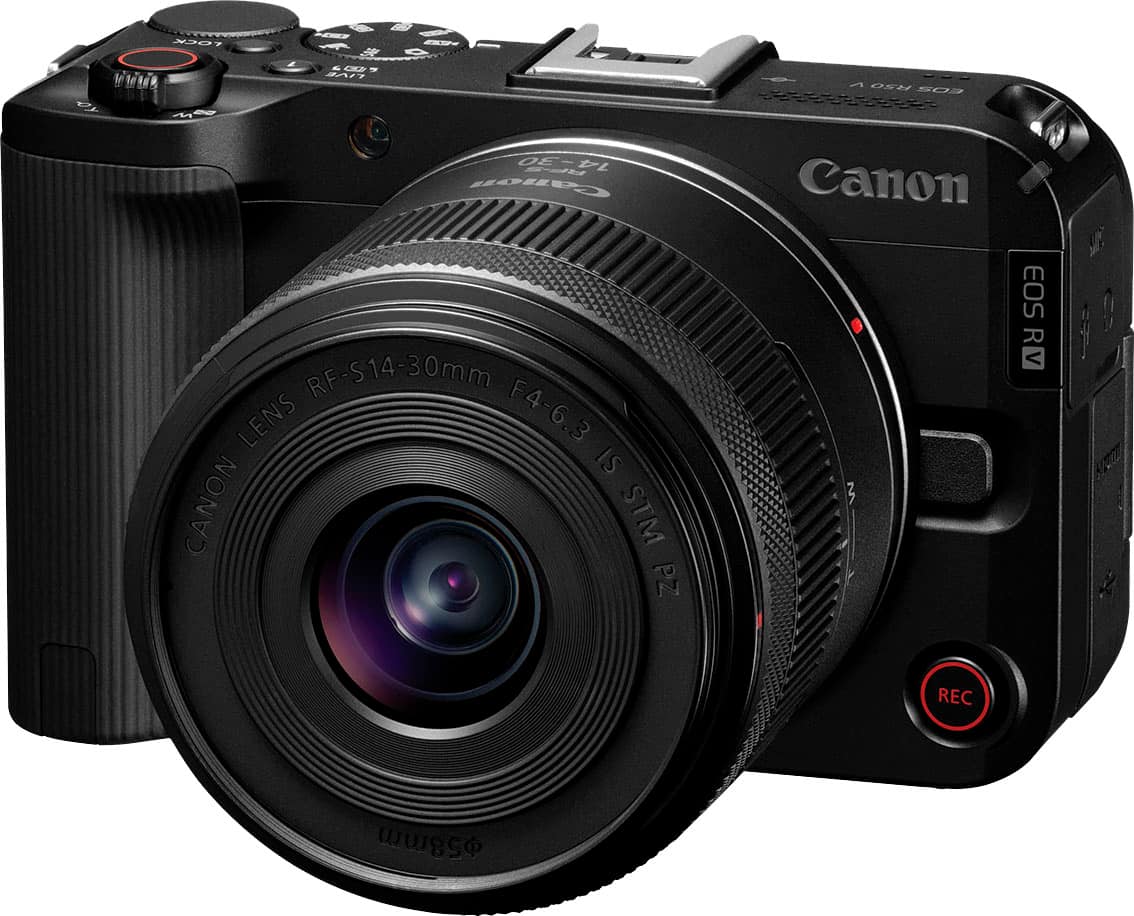
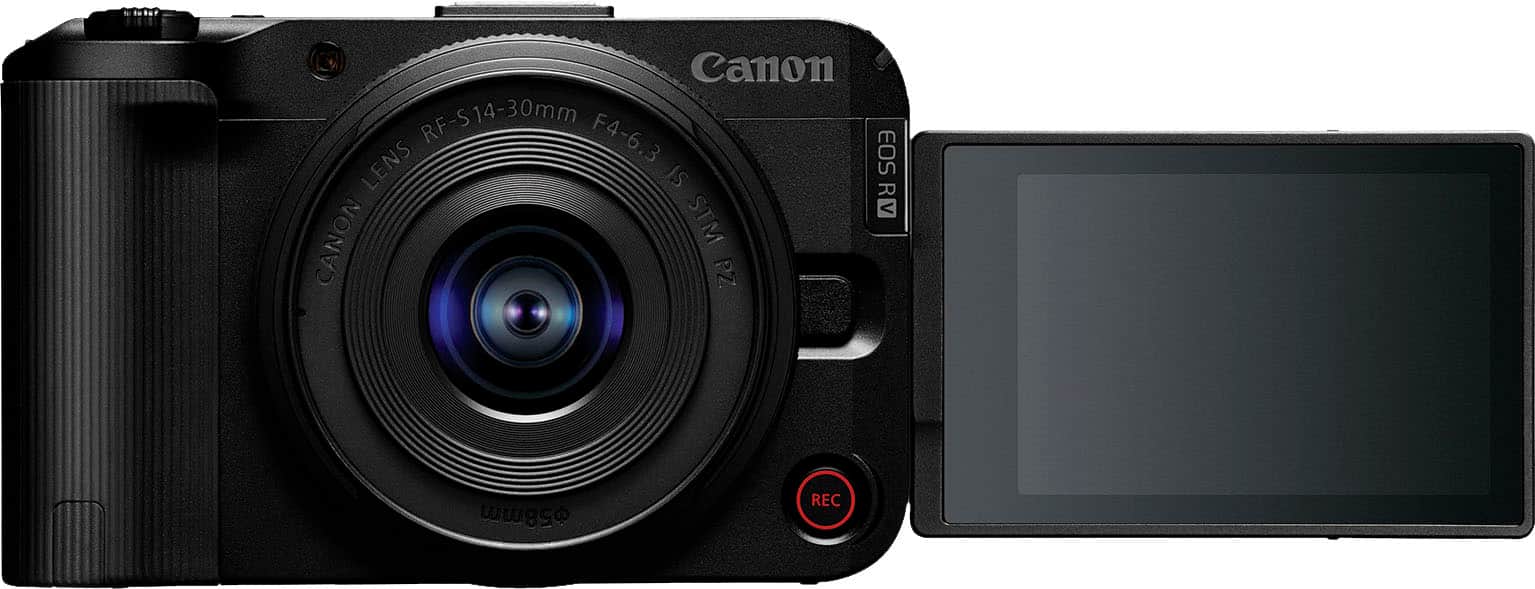
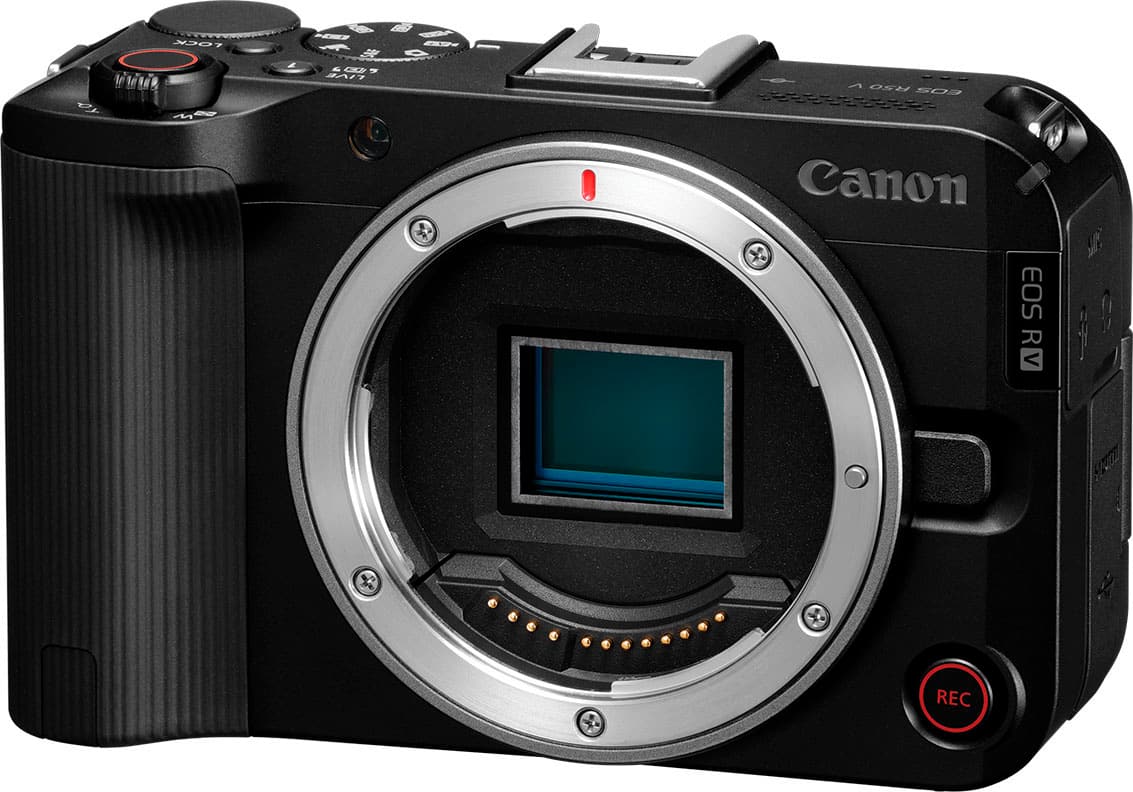
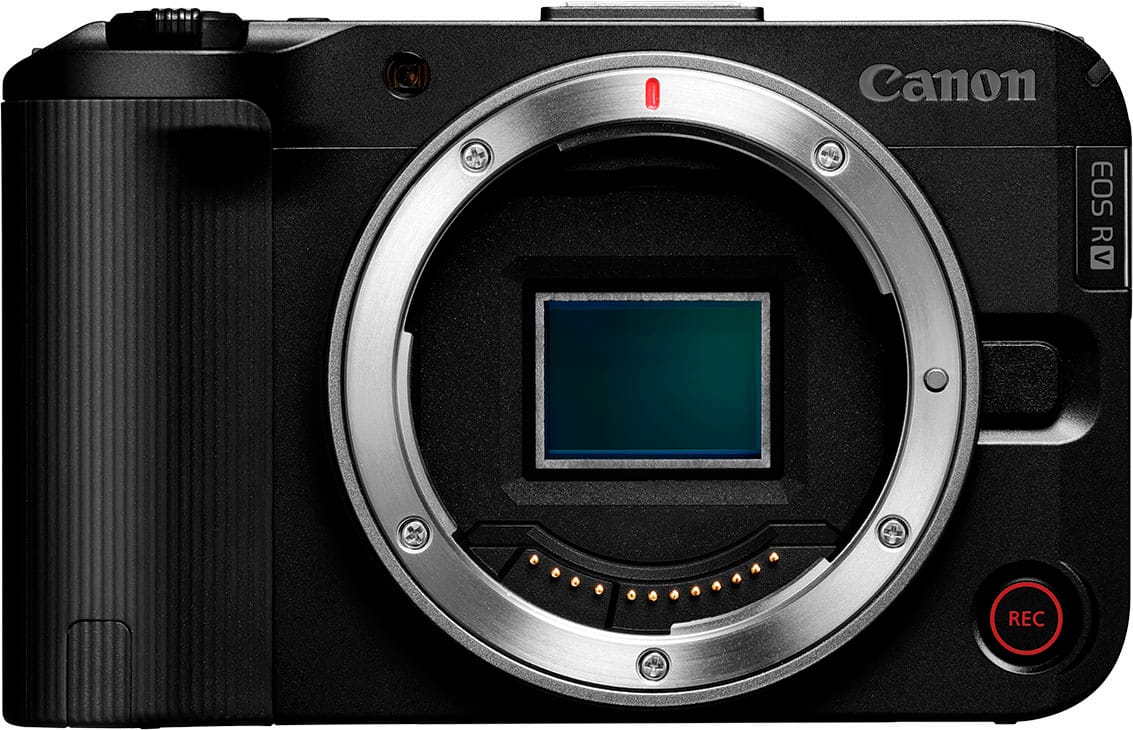
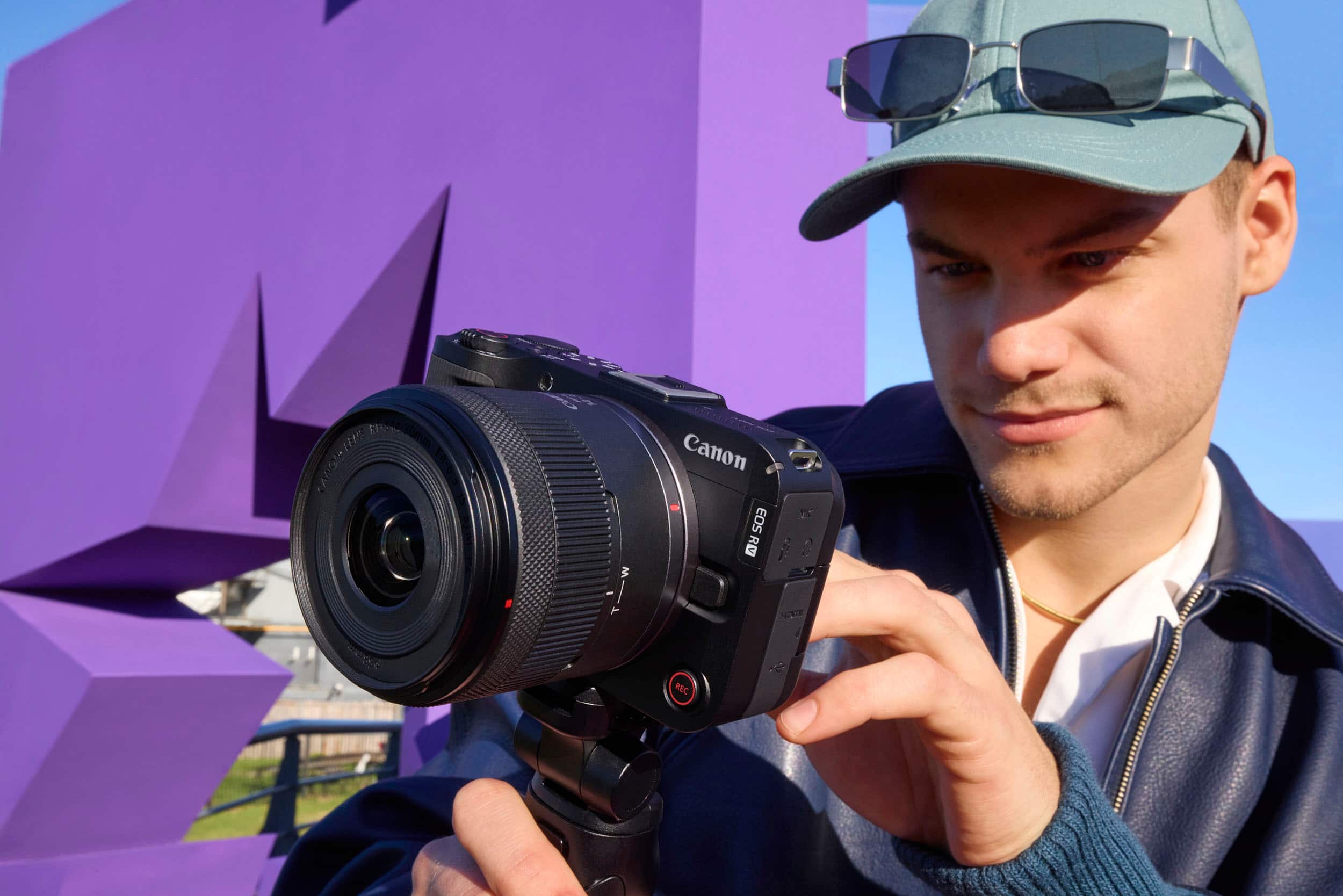
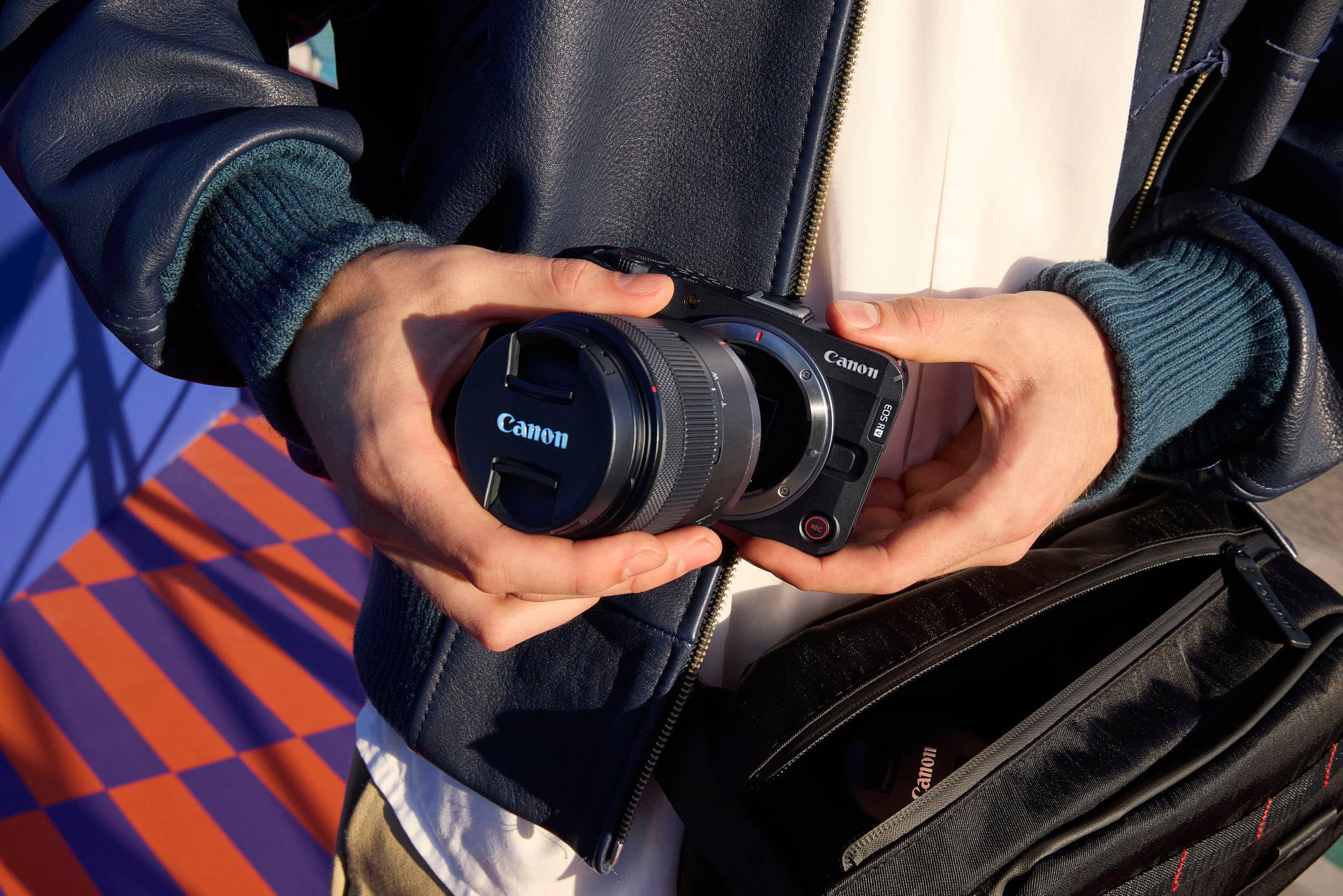
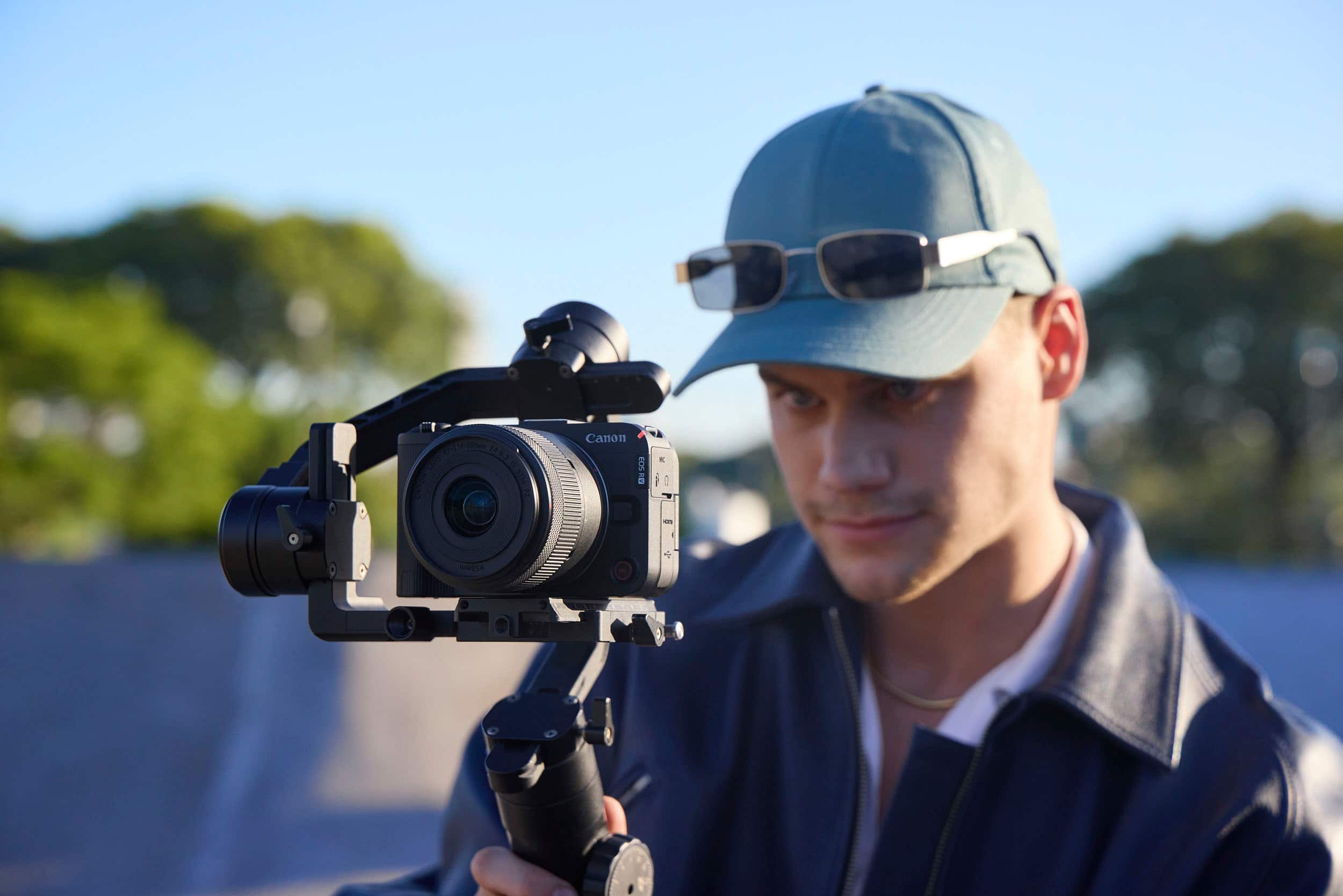
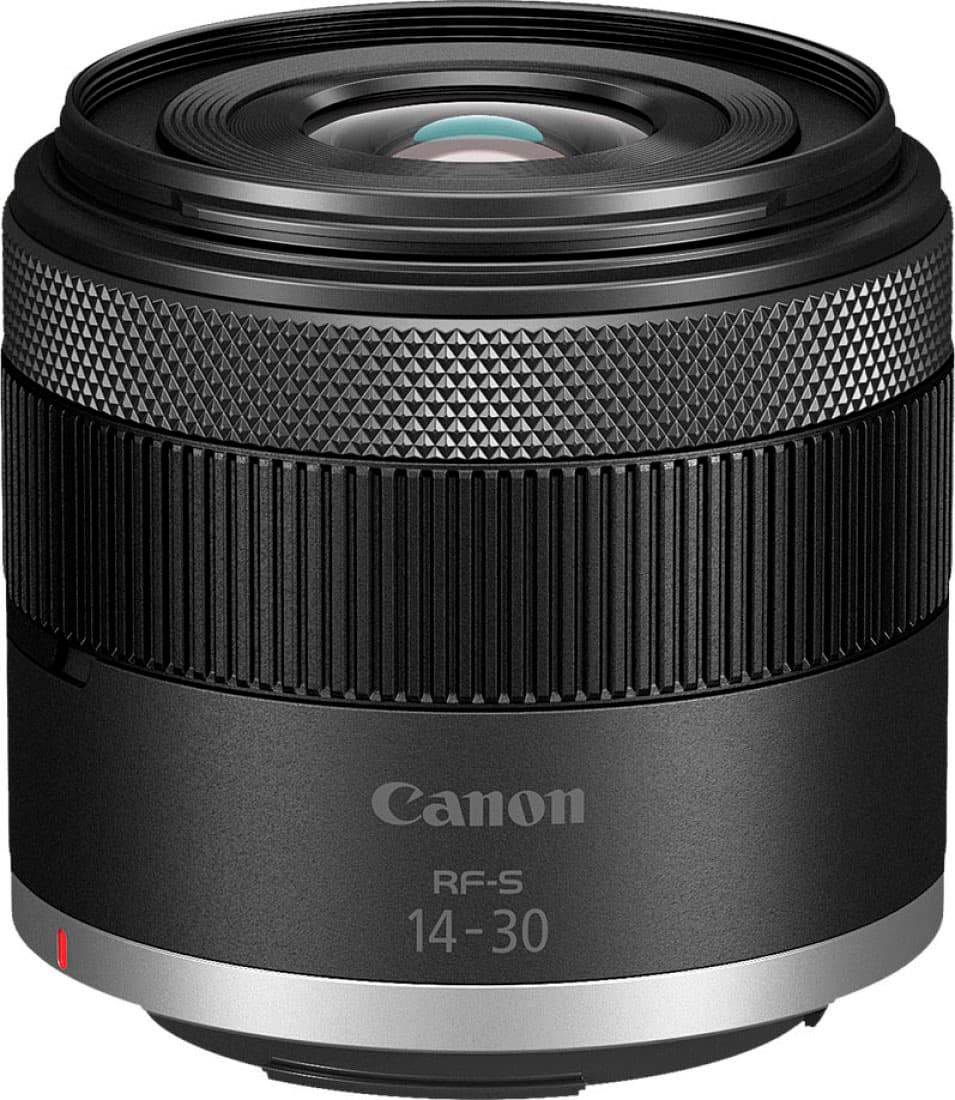
|Posted .This reviewer received promo considerations or sweepstakes entry for writing a review.I have been genuinely impressed with the Canon R50V & 14-30mm lens. The performance and level of features for what is generally considered to be an entry level content creation/vlogging camera is impressive. To start, lets talk about the body and build of the camera. It is very light yet feels sturdy and well made. Even though it is plastic, it doesn't feel cheap. The various buttons and controls are (for the most part) easy to use and logically placed. I say for the most part because one of the few gripes I have with the body is the very tiny and easy to bump rear control wheel. Thankfully, the controls can be locked to prevent this from happening, but it would be better if we didn't need to lock it. However, I guess the small size of the wheel is a price to be paid for keeping the body small. I love that the screen is fully articulating. I do wish the resolution of the screen was higher, but with the brightness set to high I haven't had any real trouble seeing the screen in sunlight. Some might not like that it doesn't have a proper view finder but considering the target market I think it is completely understandable. The front grip is a bit small but considering the small size of the camera I haven't had any real issues holding it with my big hands. The inclusion of the tally light and second record button on the front are awesome. Now for performance. Keeping in mind it is designed for video more so than stills, I think it works great. Everything from the feature set to the controls makes shooting high quality video a breeze. Having 10-bit video in an entry level camera is a big plus. Being able to do 4k 60fps at this price point is great. But keep in mind that doing so brings even more of a crop than the standard 4k but I haven't found it to be a problem. The top mount internal microphone works very well. I do get better results with an external microphone but that can be said of just about any camera. The 24mp sensor I think is the sweet spot for video. It provides clear, well defined video. Honestly, more megapixels would only mean larger files to deal with. Using it for both vlogging and walking around with it on a gimbal (which it works great at I might ad) I haven't once felt the video has been lacking in any way. Now it's role as a stills camera seems to get overlooked. True, that isn't what it's main purpose is. But I have found it takes great stills with great clarity & color. The controls may not really be set out perfectly for stills work, but it is very manageable and combined with it's great video quality it really makes this an almost perfect on the go do it all camera. A quick mention on the included 14-30mm lens. It is a rather slow lens being only f4-f6.3, but it is very sharp with virtually no color fringing. It is small and light and pairs with the body well. The camera doesn't have built in stabilization (there is electronic stabilization but only for video), but the lens does have stabilization built in and it works great. Combined with my gimbal, I have been able to shoot rock-steady video. The zoom range of 14-30mm cropped might seem odd, but in reality it is a perfect range for vlogging. Overall I am very happy with the R50V & 14-30mm combo. It works great, it's easy to understand and it doesn't leave me feeling like I am missing out on anything.
I would recommend this to a friend - Pros mentioned:Autofocus, Video quality
Two tripod mounts for video creators
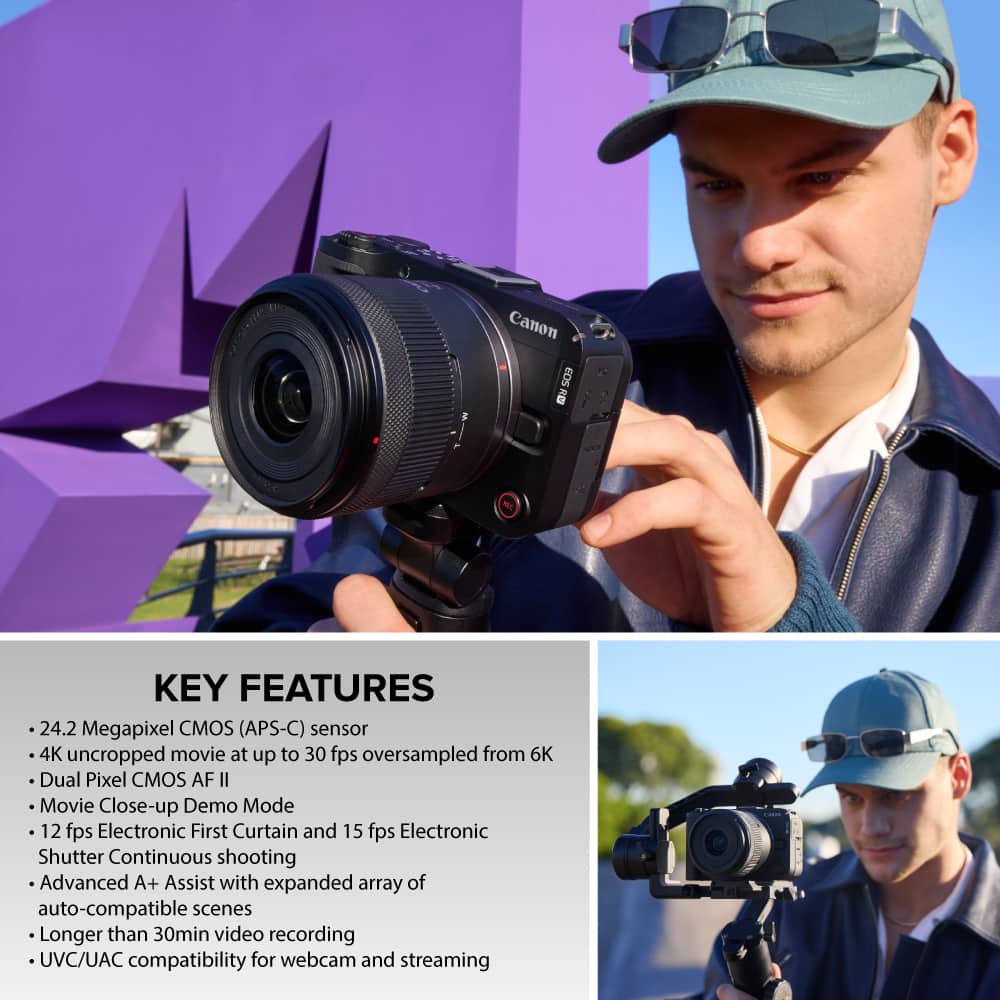
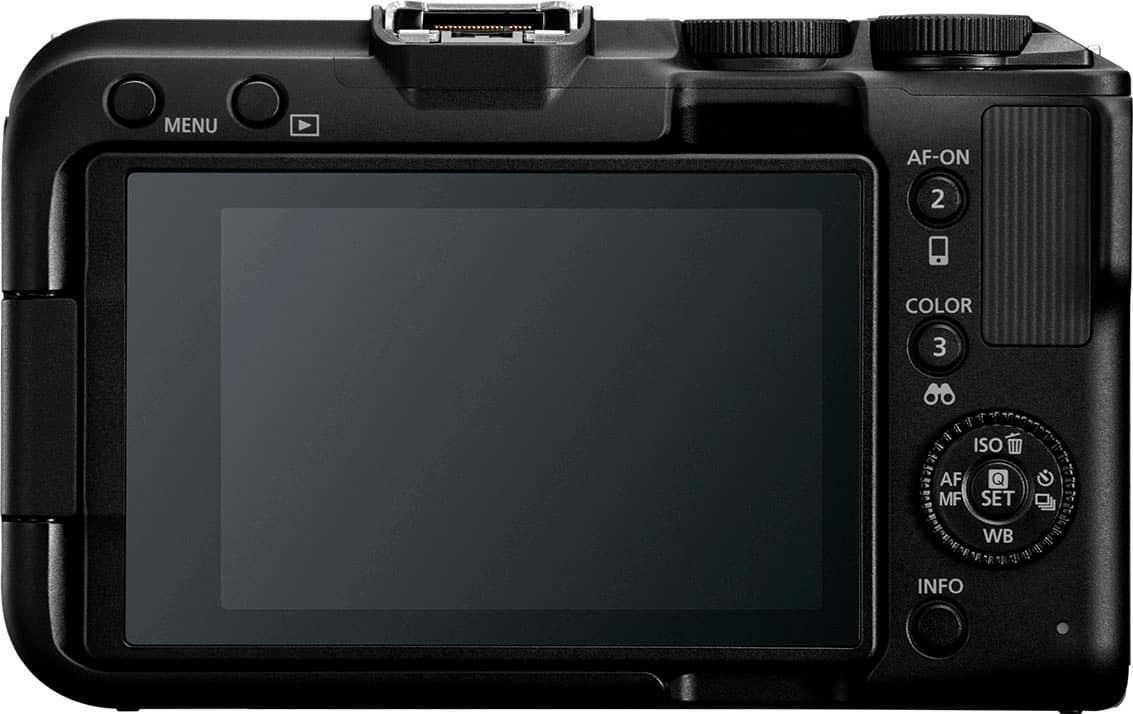
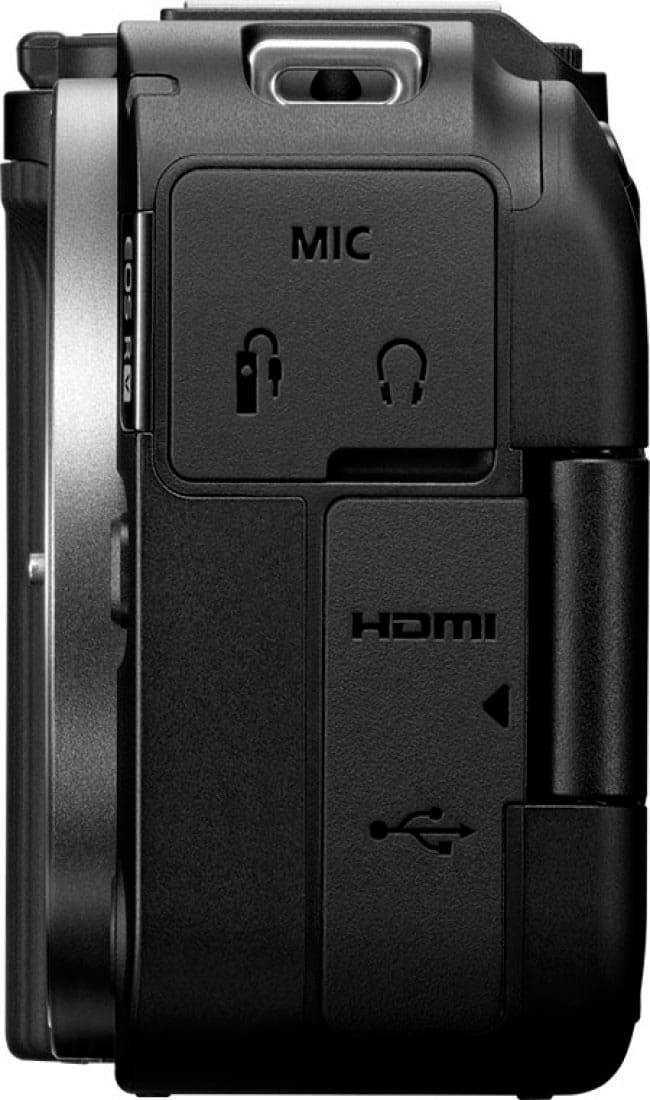
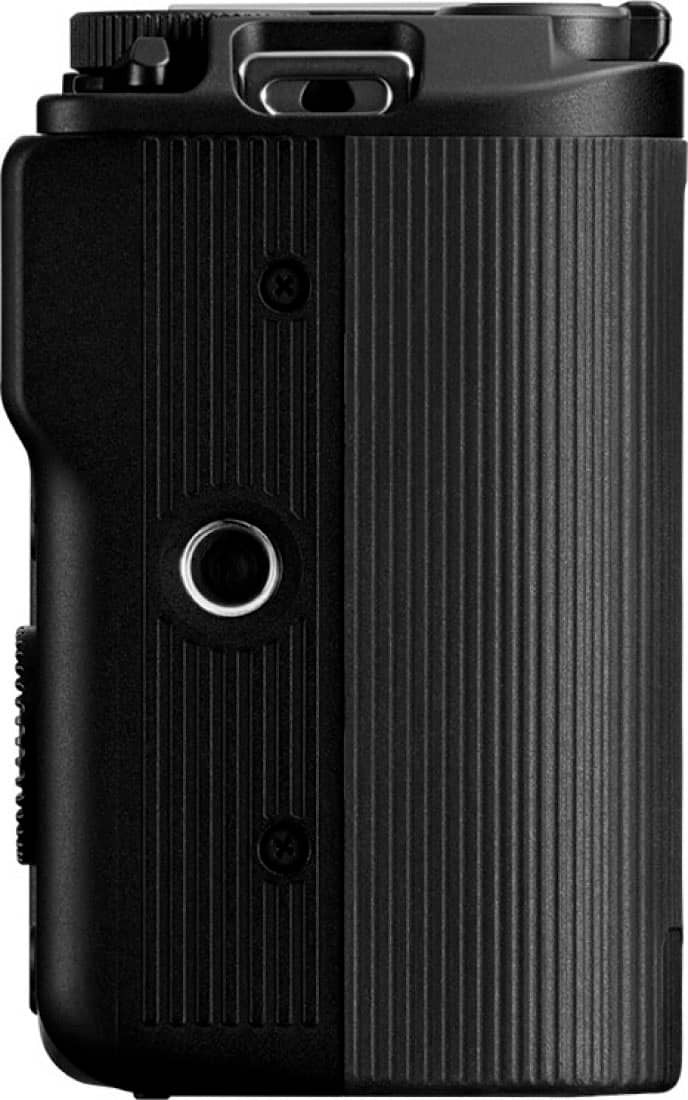
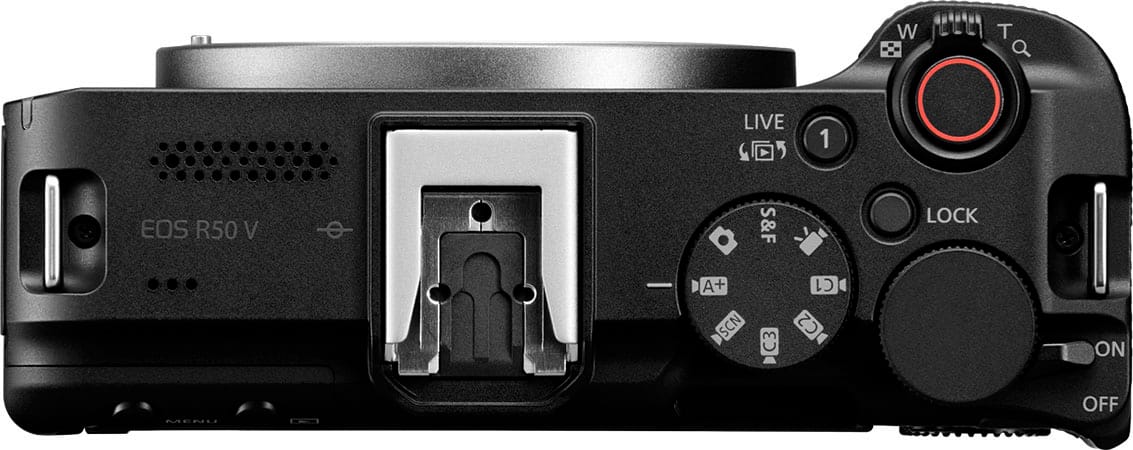
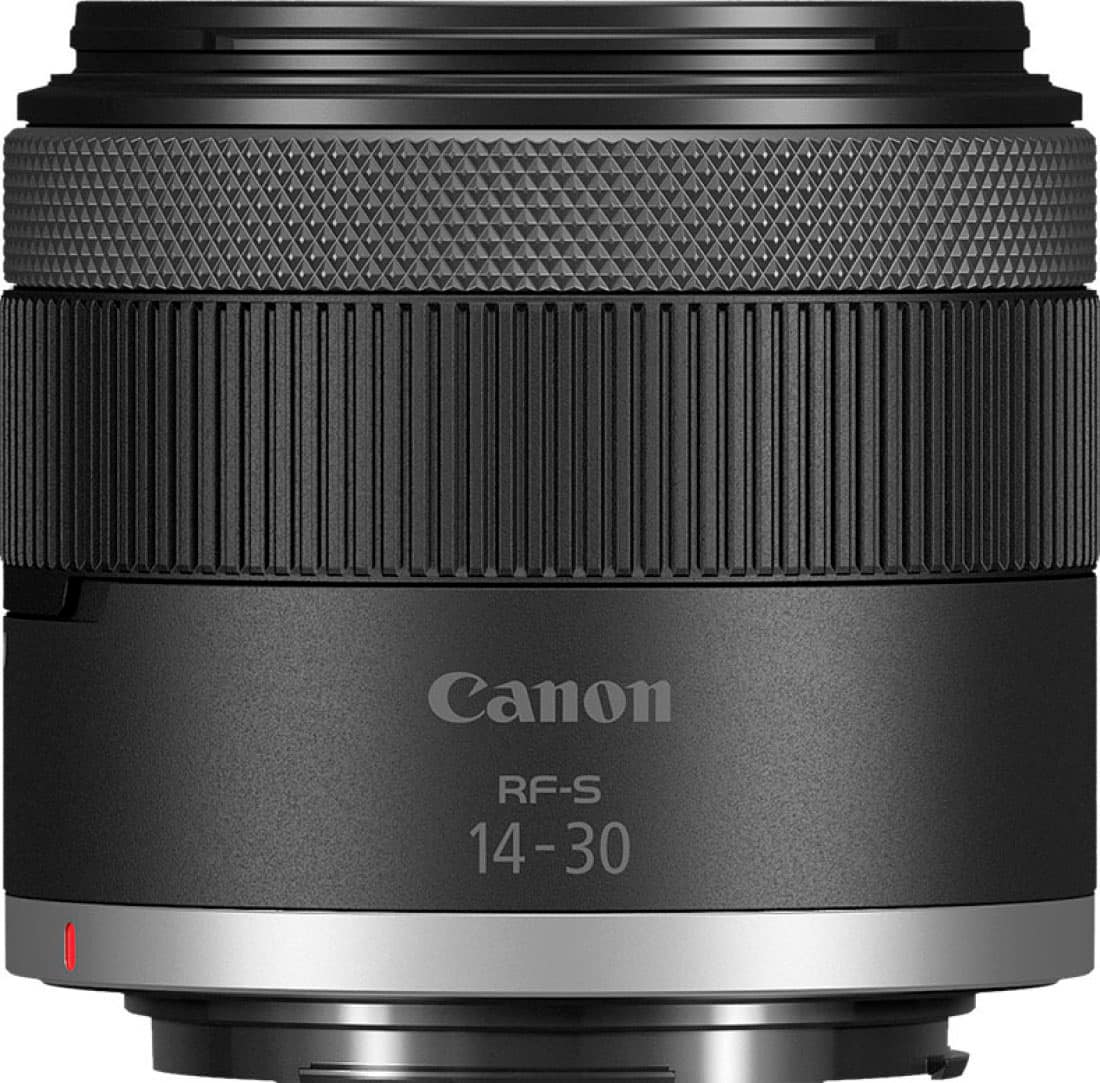
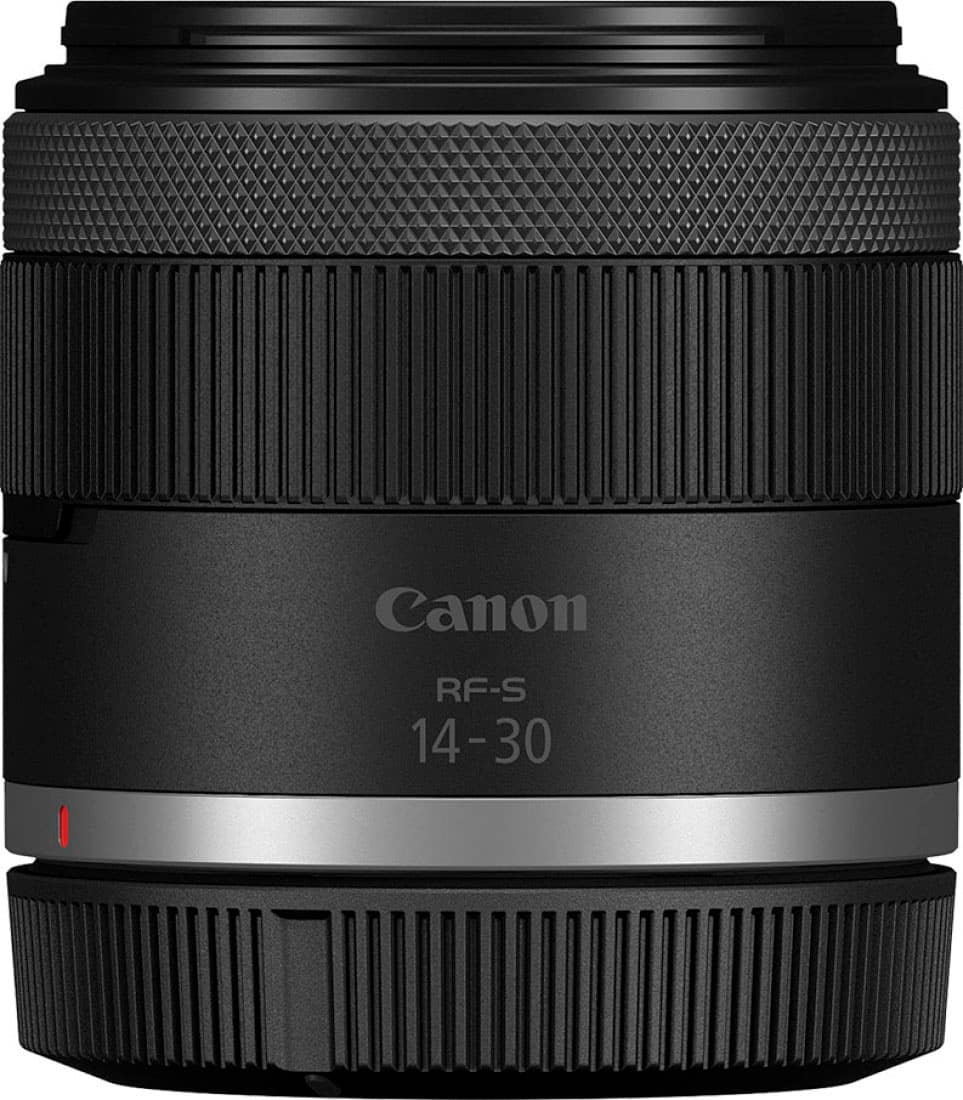
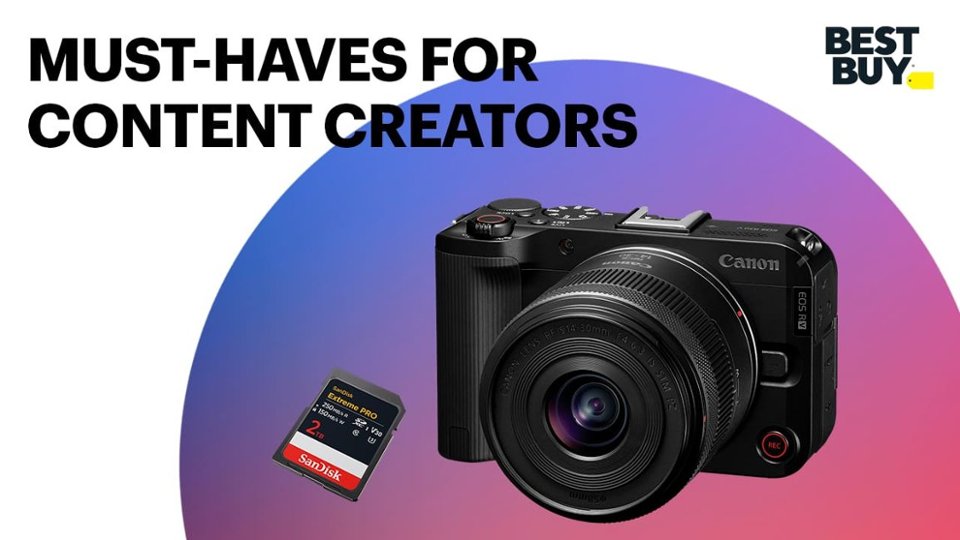
|Posted .This reviewer received promo considerations or sweepstakes entry for writing a review.TLDR: A new camera in a compact body using Canon RF series lenses; a 3” articulated touchscreen, records 4K video, has both Portrait & Landscape tripod screw mounts, uses SD/SDHC/SDXC cards, has a 24.2 Mpixel CMOS sensor, & video features such as Canon LOG 3 & “smooth skin”. It includes a new Power Zoom Canon 14-30 mm ultra wide angle lens at a reasonable $850 list price. AC adapter ready for video bloggers. One feature is the long-named “Register People Priority Autofocus” for video: Take a still picture of the person you want to focus on and the camera will track that individual and keep them in proper focus. Canon Log 3: Among the features is Canon “Log 3” whereby the sensitive CMOS image sensor and logarithmic gamma curve technology in the camera allow that the dynamic range in a video is maximized without increasing the recorded file size. Using it requires post-production work and a video editing software. Using Log 3 improves the results in high contrast scenes and in bright scenes. Lens: The Canon 14-30 mm ultra wide angle power zoom lens has a collar on the lens to Power Zoom back and forward. The lens also has inherent optical IS image stabilization to hold down blur in challenging action filled situations. Other RF mount lenses are usable such as the “normal” Canon 50mm f 1.8 lens and the Canon 28mm to 70mm f 2.8 lens. The Canon RF50 V camera can use them all. Note: not all lenses will have the new Power Zoom function. Body: On the camera top plate is a shutter button surrounded with a toggle lever also for Power Zooming in and out with compatible lenses. The back has the COLOR select button which opens up the preset menu choices for color effects, sepia, and other choices. The 3 inch touchscreen pulls out and swivels; it displays a red frame when video is in use; the camera also has a red tally light on the front when recording video. By tapping the screen the camera will focus on that tapped area. This modern Canon R50 V camera has both Manual and Automatic modes for still photographers and is ideal in that the body is smaller than other “full size” Canon cameras. The quality of videos and photos it produces beats any smartphone hands down. Built-In Settings: Separate from the immense post production capabilities when using LOG 3, the camera also has built-in video settings & color profiles to quickly automatically create great videos. The R50 V has a COLOR shortcut button to quickly adjust Color modes. You can adjust the Picture Style, Colour Filter and Custom Picture settings to refine the look of a video. In my use I obtained wonderful clear video results for all manner of video when used as is in full automatic mode with audio noise reduction built in. There are 2 record buttons, on top and in front of this camera for extra convenience when making videos with the group and the “director” wants to be in the take also. It shoots 1080p video with 24, 30, 60 & 120 frames per second. When making 4K video, 24 & 30 fps are available and 4K with 60 fps with crop. The R50 can capture still images in HDR mode, which merges multiple images taken at different exposures to enhance dynamic range. When switched on the images produced are excellent. For video creations, the R50 V can record 10-bit HDR video using the PQ response curve with 10-bit color. This means HDR Movie mode delivers enhanced brightness detail – perfect for online creators who want high-quality online social media with no processing required and fast uploads. A built-in USB-C port (also used for charging the battery) allows you to connect the camera to a smartphone or computer. By using USB-C the Canon Camera Connect app features that can be used with Wi-Fi are also available when the camera and smartphone are connected via USB. The supplied LP-E17 battery will charge in the camera. The R50 V has a new power zoom function for use with Power zoom lenses that have that new feature. It works silently and smoothly and is not heard on the video soundtrack. As someone who hates the wildfire proliferation of bad “Skinny” videos (I blame iPhone Facetime), I appreciate this R50 V has “Cinema View” mode which produces Landscape mode wonderful widescreen 2.35 to 1 aspect ratio movie house quality videos. Of course with the dual tripod mounts skinny videos (Portrait mode) are also possible if so inclined (such as for Shorts, Reels and for those who are fans of skinny videos). The dual tripod mounts and the front record button allow “directors” and video creators to join the group scene. With built-in 2.4 and 5 Ghz WiFI, Bluetooth, and the use of the “Canon Camera Connect” app a user can instantly share images and videos to a smartphone or to others. Once on a smartphone, photos or video can be shared via any social media. The Bluetooth function allows connecting to a smartphone. It has Digital Stabilization built-in which is very effective in making videos on the go much smoother. It records onto SD cards including UHS-II/UHS-I/UHS speed class/SD speed class cards. BTW, this camera does not stop video recording at the 30 minute mark for a continuous video. Get large memory cards. This feature is definitely WOW: The camera detects dust particles on the low pass filter in front of the CMOS image sensor to automatically erase the dust spot for all future uses. The auto focus is superb. It has a maximum of 651 zones (31 x 21) for Still images and a maximum of 527 zones (31 x17) for videos. This is performed with the Dual Pixel CMOS AF sensor system and the Canon DIGIC X image processor.
I would recommend this to a friend - Pros mentioned:Video quality, Weight
Impressed!
|Posted .This reviewer received promo considerations or sweepstakes entry for writing a review.This was my first Canon mirrorless camera. The experience was a great one. I was familiar with mirrorless cameras myself. Learning the controls and settings was simple and easy for me. There are plenty of YouTube videos on how to set up the Canon EOS R50V. First off, this is a camera meant for video recording. So, content creators will love this camera. I know I did. Features The Canon R50V comes with an interchange lens. So you can attach other lenses that may fit your liking. The lens that comes with it is good for starting off; it's a 14-30mm lens. The lens is a mid-grade style with zoom-in and zoom-out features. You have multiple ways of doing the Zoom feature. You also get a Vertical video tripod mount. I don't think I've seen this on any other camera. Maybe, not at this price. SO you can get your vertical angles for your content. This is a very unique feature because vertical videos are popular these days. Slow and Fast mode! What is this, you ask? Well, when you are recording that optimal video, you can slow down the footage. Letting the video sink in, hammering your point or message. You can slow it down to 1080p 120 frames which looks great. You also get C-Log 3, which made color grading inside Resolve Studio easy. I'm no professional color grader myself. Again, this is a video camera. Can you take images? Yes, you can, but it lacks a viewfinder. You can still get good-quality images. The menu was easy to navigate. The touch screen was a decent size. I have XXL hands, and I didn't experience any problems with the screen. I do like the beefyness of the camera. Even though it feels plastic, it still feels solid. The weight isn't that bad either. The battery is decent. Depending on what your doing with your camera and settings. I didn't connect to the app because I don't want to be overloaded with apps. Plus, I'm fine just taking out the SD card and connecting it to my desktop. It takes like 20 seconds. I did like the "auto-level" feature. That way you know your video isn't turned if you are holding the camera. Overall, I did enjoy the Canon R50V. With a wide range of modes like Photo, Video, Fast and Slow, and multiple custom modes you can tailor it torward your needs. This is a great content creator-focused camera.
I would recommend this to a friend - Pros mentioned:Ease of use, Video quality
I good camera with a video...focus.
|Posted .This reviewer received promo considerations or sweepstakes entry for writing a review.Although this camera is generally considered an entry level, it's pretty high up there in terms of professional product - and it's my first mirrorless. I'm more accustomed to creating video content from my phone or an older video camera. The first thing I noticed about the R50 V is how light it is. It has a traditional right-handed grip (although it feels slightly shallow in my hands) and is comfortable to hold and carry around. The second thing I noticed was the fact that it doesn't have a viewfinder. This really shows that this camera is geared more towards creating video content - and probably best on a tripod with the little video screen flipped out. Because this is a mirrorless camera, you need to use an external lens - and the included RF-S 14-30 is a good start. This lens has its own zoom capability and is light just like the camera, itself. The 14-30 range isn't that large and the F4-6.3 aperture meant it wasn't the best in low-light conditions. Of course, outside, the quality was fantastic. Overall, this camera is light enough to carry around and takes great video (and also good stills) for the price; and being compatible with the Canon RF and RF-S lens format opens the video capabilities up to suit whatever needs I have. One other thing: The camera also has a mounting point on its side so that you can create portrait video. I still fundamentally hate videos in that orientation, but it's nice to have that option if/when I eventually give in to it.
I would recommend this to a friend - Pros mentioned:Autofocus, Video quality
Canon R50V
||Posted . Owned for 3 months when reviewed.This reviewer received promo considerations or sweepstakes entry for writing a review.The Canon R50V delivers an impressive balance of performance and simplicity, making it a standout option for creators who prioritize both photography and video quality. From the moment you start shooting, the camera’s strengths become clear—especially in how it handles color and detail. For photography, the image quality is excellent. The sensor captures sharp, detailed photos with a pleasing level of contrast, but what really stands out is Canon’s signature color science. Skin tones look natural and accurate without requiring heavy editing, and colors overall feel true-to-life rather than overly saturated. Whether you’re shooting portraits, street photography, or everyday moments, the results consistently look clean and professional straight out of the camera. Dynamic range is also solid, allowing you to recover details in highlights and shadows without the image falling apart. When it comes to video, the R50V continues to impress. Footage is crisp, smooth, and highly usable right out of camera, making it ideal for content creators, vloggers, or anyone wanting high-quality video without a complicated setup. Autofocus is fast and reliable, locking onto subjects with minimal hunting, which is especially useful for moving shots or talking-head videos. The camera also does a great job maintaining accurate colors in video, preserving that same natural Canon look that photographers love. Another strong point is how approachable the camera feels. It doesn’t overwhelm you with unnecessary complexity, yet it still delivers results that can compete with more advanced setups. This makes it perfect for beginners stepping up their game, as well as experienced users who want a lightweight, dependable camera for everyday use.
I would recommend this to a friend - Pros mentioned:Video quality
The bridge between photography and cinematography
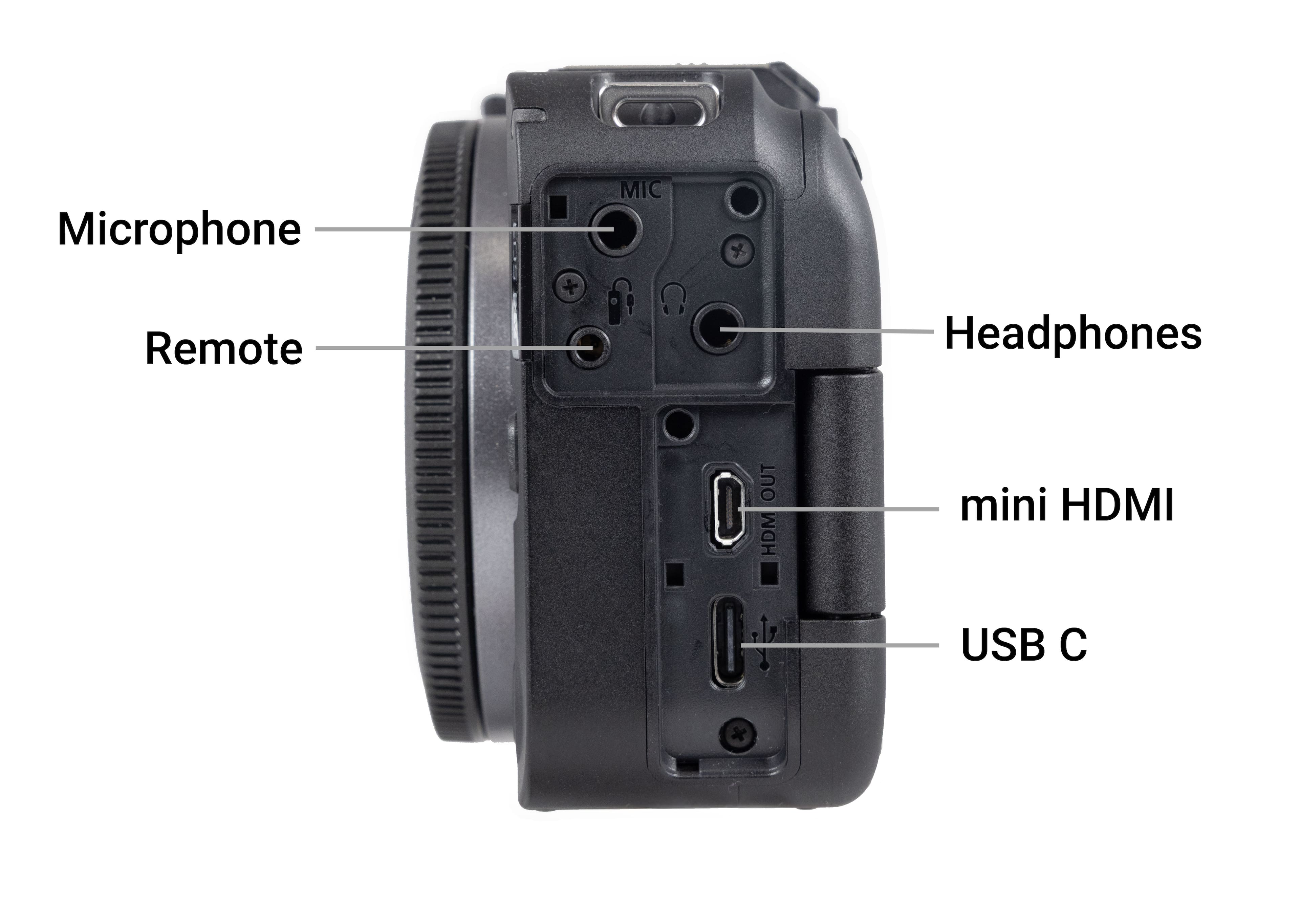
|Posted .This reviewer received promo considerations or sweepstakes entry for writing a review.I'm an experience hobby photographer, who dabbles in creating fun videos. Except, I don't have very good a good video camera. Or rather, I didn't have a good video camera. This is, at its core, a standard mirrorless digital camera, with an APS-C sensor. But they packed this camera with features, and have put video creation at the front, without taking much away from the photography side either. That means, this camera does have a bit of a learning curve, and may require some experimentation before you get to making top-notch videos. Although, if you do need to unbox it and start shooting, you can with its automatic mode. The default settings out of the box aim for maximum compatibility. But it has a lot of options for connecting external monitors, microphones, and adjusting image output. Honestly, it can be a bit overwhelming. But I think it's more of an advantage than disadvantage. It does let you keep it basic to recording videos, but if you want to dip your toes into the more advanced areas of video creation, this camera will get you there. But then there are the touches that make you realize Canon put video creators workflows first when designing this camera. The function dial is all video modes, except for one photography mode. Three of the video modes are programmable, so you can set one to be 4k HDR, or if you don't need something so intense, you can set one to full HD 30fps (or 29.whatever fps). It has the side tripod mount so you can record vertical videos for social media platforms (and the fold out display also rotates accordingly), and a record button on the front of the camera so you can start/stop just from the front of the camera. It also has great integration with the Camera Connect smartphone app, which lets you fully control the camera from your phone, including viewing the live video from the camera, meaning you can get yourself or your subject in frame easily without having to be next to the camera. The full control also means you can start/stop recording from your phone as well. The app also lets you setup live streaming to YouTube, Facebook, Twitch, or a custom RMTP URL. The stream then gets broadcast directly from the camera over wifi. But you can also connect directly to HDMI (micro-HDMI cable required) and stream to a video capture device (or just output to the HDMI monitor). The camera and lens aren't too heavy, but still more heavy than a phone, so won't want to hold it on an outstretched arm for too long. The lens is relatively large for a 14-30mm lens, but it does have a built in motor for zoom, so if you do need or want to have some zoom control in your videos, its smooth and constant. In my tests, I couldn't hear the lens zooming on videos very easily. The on-board mic is good, not great. It will get you by, but for better sound, you'll want to get a cardioid or shotgun mic on the hotshoe. And finally, if you want to take photos with this, you absolutely can. And you won't be disappointed. And your lens options are virtually limitless if you get the lens adapter for EF/EF-S lenses (EF-M lenses not supported). And, the image quality is fantastic. Sure, your smartphone takes great video, but this will take it up a notch and give flexibility and options that a smartphone can never give you. I have been throughly enjoying this camera, and you will too. I can't attach videos to this review, so here are some photos from it.
I would recommend this to a friend - Pros mentioned:Ease of use
Stepping up my often small content
|Posted .This reviewer received promo considerations or sweepstakes entry for writing a review.As a content creator working with gaming miniatures, capturing intricate details is crucial, and my old setup often fell short. The Canon EOS R50 - promised an upgrade, and it largely delivered. Right away, the built-in video features impressed me. It offers extensive playback rate and resolution options natively, meaning I can shoot without worrying about conversions later. This seamless functionality is a big win for my workflow. I also appreciate its SLR appearance; it lends a certain visual credibility when filming in varied locations outside my usual studio. The power zoom on the included lens kit is really nice - and I love that this basically combines the SLR function of interchangeable lenses on a video-first camera. The focus tracking is killer. I can set it up almost anywhere, and it brilliantly adjusts to lighting and environment, keeping sharp focus on the subject. This used to require a lot of fiddling for moving around tiny miniatures, but this camera gets what I'm doing and makes capturing things much more intuitive. This makes the content much more natural. However, there are a couple of points to consider. The feature-rich interface can sometimes feel convoluted. There are so many options that mastering it for quick, confident adjustments will definitely take more time. My other main detractor emerged when using it outdoors: the display screen brightness was underwhelming on a sunny afternoon, making it hard to see. I'll need strategies to mitigate this in the future. Despite these minor hurdles, the Canon EOS R50 has significantly elevated my video content, especially for miniature work.
I would recommend this to a friend - Pros mentioned:Overall performance, Video quality
Great light camera
||Posted . Owned for 1 week when reviewed.This reviewer received promo considerations or sweepstakes entry for writing a review.I got this camera to be my light travel camera. It works great and takes very good pictures and video. I'm a fan of Canon cameras and this doesn't disappoint. You can certainly find higher resolution on much more expensive cameras, but for what I wanted it for, it's pretty good.
I would recommend this to a friend - Pros mentioned:Ease of use, Video qualityCons mentioned:Flash
Canon
||Posted . Owned for 1 week when reviewed.This reviewer received promo considerations or sweepstakes entry for writing a review.Clear quality for both video and photo light weight as well the only thing is no flash but I was able to get something separate most of my use for it is day use so I’m not worried about it !
I would recommend this to a friend - Pros mentioned:Ease of use, Video quality
Perfect size
||Posted . Owned for 1 month when reviewed.This reviewer received promo considerations or sweepstakes entry for writing a review.The portability and structure of the camera make it feel natural to shoot with. Great video quality, only down side is the stabilization warping, but this can be minimized with proper handling of the camera.
I would recommend this to a friend - Pros mentioned:Ease of use, Video quality
Great Picture Quality
||Posted . Owned for 1 month when reviewed.This reviewer received promo considerations or sweepstakes entry for writing a review.This camera is user-friendly, it really holds a charge, and takes quality photos!
I would recommend this to a friend - Pros mentioned:Ease of use
Sylvia
||Posted . Owned for 11 months when reviewed.This reviewer received promo considerations or sweepstakes entry for writing a review.Great camera and compact. Easy to use. Enjoy using it at concerts.
I would recommend this to a friend - Pros mentioned:Ease of use, Weight
Amazing Video for Content
||Posted . Owned for 2 weeks when reviewed.This reviewer received promo considerations or sweepstakes entry for writing a review.I always love Canon cameras, but having a dedicated portable video camera is amazing, very easy to use and so light. paired up with my DJI RS4 Mini with great performance and results
I would recommend this to a friend V is for Video
|Posted .This reviewer received promo considerations or sweepstakes entry for writing a review.Before buying this camera understand it's a VIDEO camera first. While it does some some great features for shooting photos, the main focus on the features will be video related. I'm not really a blogger or do live streams. Near 100% of what I'll be using the video functions for won't involve many humans so beautification filters will be used at a minimum if used at all. The main subjects will be machinery and production videos I post on our website. I really wish I had more time to work with the camera before making a review because I'm still not done reading the manual - I always RTFM and this one is over 800 pages. So I don't have a hold of all the features nor do I have very many subject to record and play with since the slow season just started this week after the holiday. One thing I thought was weird was that the box included a huge "manual." Imagine my disappointment when I open it and it's only a CYA and note on where to find the real manual in dozens of languages. So you won't have a physical copy of the manual to lug around if needed. Get the PDF and have a good time reading it on your phone. My older camera is a Micro 4/3 that has been going strong for about 13 yrs. Sadly, my collection of lenses won't transfer over to the R50 V so I'll have to slowly rebuild my collection - lenses aren't cheap! I didn't get a chance to dig deeper into the features like I had hoped because setting up, recording, and editing videos isn't a fast process. So the majority of what I've done is with auto mode until I can get a proper set up, subject, and most importantly, more time. With photos under auto and in a indoor setting with LED lights, the photos come out slightly too dark. Good thing is that the RAW images can be post processes with Lightroom or Camera Raw and Photoshop to get everything where you want it to be. The resolution and detail are fine, but I need to do more testing or try a different lens to try and get more detail. The images come out just a bit too soft for my tastes. Videos have tons of options and custom presets - opposite of what you'd expect with a still photo camera. Most of my video will be at 1080p with some being reduced to 720p. Maybe I'm expecting too much but even the video has slightly soft images like the photos. I really need to get another lens to rule it out as the problem and not the sensor. The raw files are pretty grainy compared to my other camera and the built in processing uses too much noise reduction for my tastes and makes the image too smooth to almost finger paint quality when zoomed at 100%. So, my impression right now is that the Camera is just OK. Maybe with more time discovering the quirks and trying other lenses I can tweak everything to where it's more pleasing. But as of now...I don't find it more than just a decent, not great, camera for video and photos.
Overheating Issues & Best Buy Restocking Fee
||Posted . Owned for 2 weeks when reviewed.This reviewer received promo considerations or sweepstakes entry for writing a review.I purchased this camera specifically for podcasting because that’s exactly how it was marketed. It even advertises streaming capabilities. Unfortunately, in real-world use, it overheats after about an hour of continuous operation and shuts itself down to prevent damage, making it unsuitable for long-form recording or live streaming. To make matters worse, there doesn’t appear to be a practical way to power the camera continuously for extended sessions without constantly swapping and recharging batteries. For anyone planning to podcast, stream, or record long videos, this is a major limitation that isn’t made clear before purchase. What made this experience even more disappointing was Best Buy’s return policy. I explained that I believed the camera was defective because it couldn’t perform as advertised for my intended use, yet I was still charged a 15% restocking fee. I was told the policy exists because people buy cameras, use them, and return them, but that blanket policy was applied to me despite my concerns. I also tried returning it online and found there was no way around the fee there either. Between a product that failed to meet expectations and a retailer that showed no flexibility when I raised legitimate concerns, this was an extremely disappointing experience. I won’t be purchasing this camera again, and after this experience, I’ll be taking my business elsewhere instead of shopping at Best Buy.
No, I would not recommend this to a friendGreat camera
||Posted . Owned for 3 weeks when reviewed.This reviewer received promo considerations or sweepstakes entry for writing a review.Great camera for the price, has enough features that i don't feel like i should have gotten a more expensive camera. Very nice that it came with a lens as well. Its small enough you can carry it all day without it becoming cumbersome. Definitely a good value.
I would recommend this to a friend- Pros mentioned:Ease of use, Video quality
Camara
||Posted . Owned for 2 weeks when reviewed.This reviewer received promo considerations or sweepstakes entry for writing a review.The pictures are great and its easy to take everywhere you want.
I would recommend this to a friend - Pros mentioned:Video quality
Love the Quality and all the different modes
||Posted . Owned for 1 week when reviewed.This reviewer received promo considerations or sweepstakes entry for writing a review.100% recommend this for anyone looking for a good video camera and it’s very affordable. And yes it may be classified as a video camera but the picture quality is very solid as well. 10/10
I would recommend this to a friend - Pros mentioned:Ease of use, Weight
Great Product-Canon-EOS R50 V
||Posted . Owned for 3 weeks when reviewed.This reviewer received promo considerations or sweepstakes entry for writing a review.I like the weight of them camera. Very light compared to others. Easy to use and having the movable viewer is a definite plus.
I would recommend this to a friend - Pros mentioned:Video quality
Possibly the best starter camera for video/photo
||Posted . Owned for 6 months when reviewed.This reviewer received promo considerations or sweepstakes entry for writing a review.I have been using this camera for about 6 months now and I am in love with it! I have taken it on multiple trips and just to local parks and all of the photos come out amazing! And the video is amazing also! It has everything you need all in one combo! The kit lens does everything I need it too and I see myself using it for a while before changing anything!
I would recommend this to a friend