Customer Ratings & Reviews
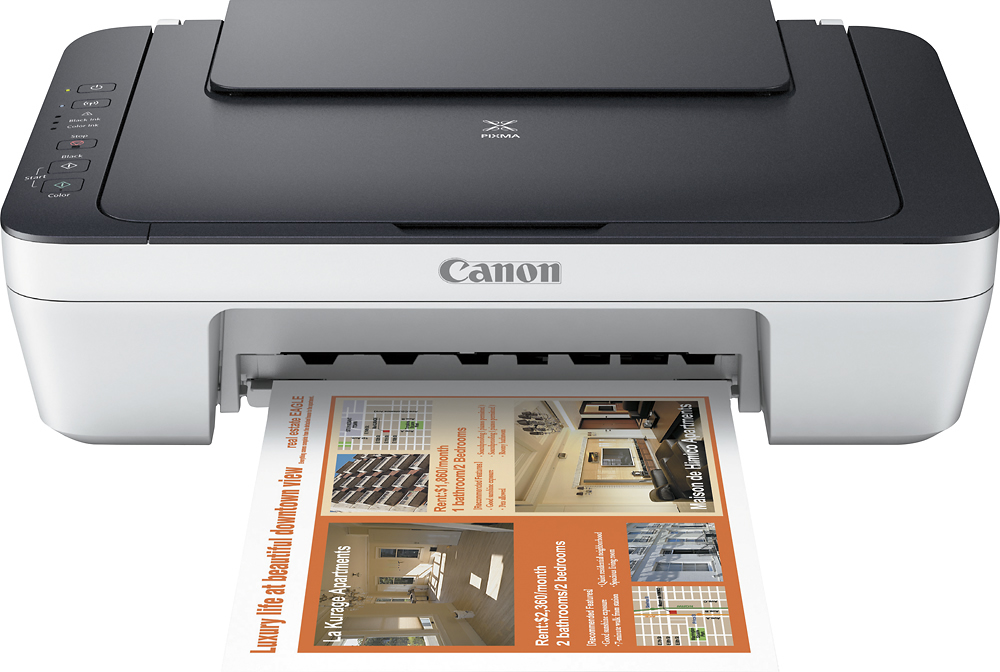
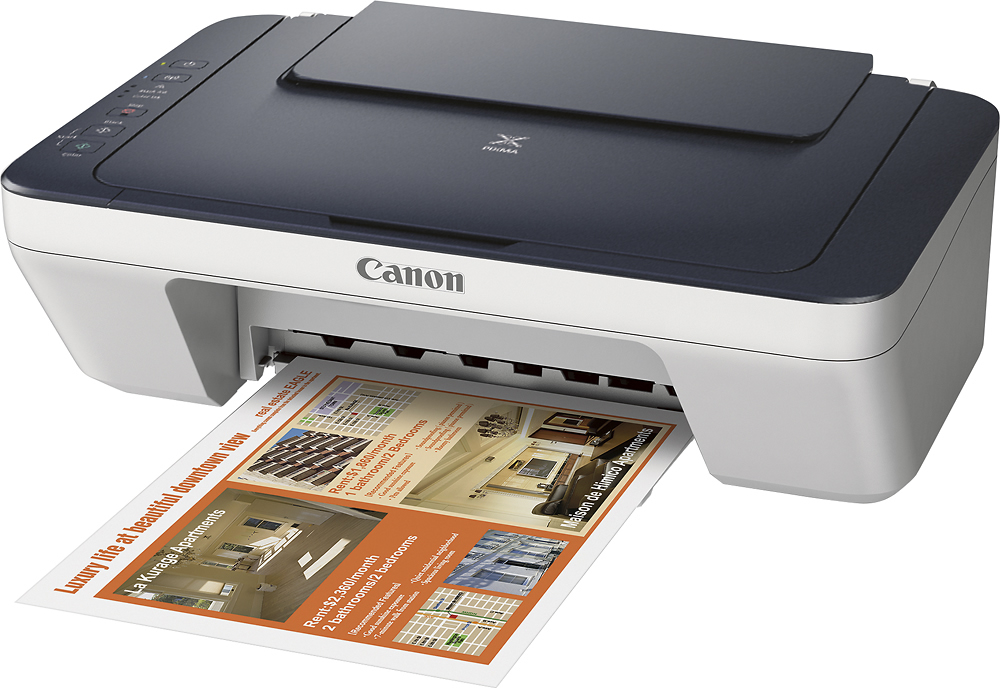
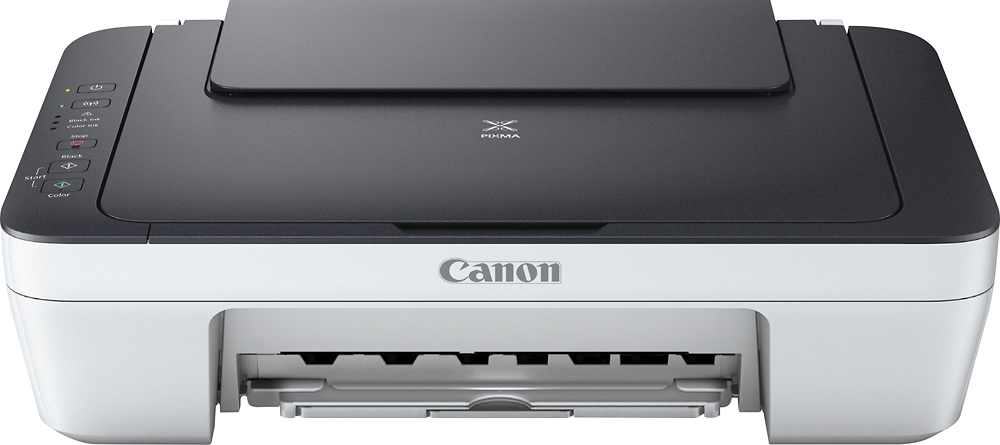

- Model:
- 9500B023
- |
- SKU:
- 5680700
Customer reviews
Rating 4.2 out of 5 stars with 581 reviews
(581 customer reviews)to a friend
Customers are saying
Customers find value in the PIXMA MG2922 Wireless All-In-One Printer's excellent print quality, ease of use, and affordable price. Many appreciate its wireless functionality and compact size, making it suitable for various spaces. While some users found the setup process challenging and the printer a bit noisy, the positive feedback on print quality and ease of use outweighs these concerns. The printer's scanning capabilities are also frequently noted as a useful feature.
This summary was generated by AI based on customer reviews.
Rated 1 out of 5 stars
So so printer
||Posted .This reviewer received promo considerations or sweepstakes entry for writing a review.Printer would never connect up to wifi had to hard wire it to my computer
No, I would not recommend this to a friendRated 1 out of 5 stars
Beginner printer
||Posted .This reviewer received promo considerations or sweepstakes entry for writing a review.The printer is a okay printer for a beginner printer! I paid $19 for it.
I would recommend this to a friendRated 1 out of 5 stars
Did not do what I wanted
||Posted .This reviewer received promo considerations or sweepstakes entry for writing a review.Could not get it to print from my I pad, will be returning it.
No, I would not recommend this to a friendRated 1 out of 5 stars
hard to use
||Posted .This reviewer received promo considerations or sweepstakes entry for writing a review.The printer can't connect to the WIFI. That means can't use
No, I would not recommend this to a friendRated 1 out of 5 stars
Doesnt work
||Posted .This reviewer received promo considerations or sweepstakes entry for writing a review.It would not connect at all didnt come with all attachments
No, I would not recommend this to a friendRated 1 out of 5 stars
No good
||Posted .This reviewer received promo considerations or sweepstakes entry for writing a review.I could not print anything off my iPad or iPhone or laptop
No, I would not recommend this to a friend- Pros mentioned:Size
Rated 5 out of 5 stars
Nice to have
Posted .This reviewer received promo considerations or sweepstakes entry for writing a review.I am impressed with its performance. The printer is compact in size, making it a great fit for my home office without taking up too much space.
I would recommend this to a friend - Pros mentioned:Print qualityCons mentioned:Noise level
Rated 5 out of 5 stars
Definitely Recommend It
Posted .This reviewer received promo considerations or sweepstakes entry for writing a review.I got this printer on sale for less than $20. I work from home, so I needed an urgent replacement for a 3-month-old Epson all-in-one device that up-and-died on me. The Pixma seems to be much faster when printing and especially when scanning. I also like it that the interface allows you to scan multiple pages into one PDF document. The wireless cableless setup took me much longer than I was looking to spend on this, but it is only fair to mention that there is an online video which shows you how to setup your device. Canon let you know this in the first sentence of their manual. I did not do it until after a couple of failed attempts. Once I saw the video, I connected every device I needed connected (5 total) in about 20 minutes. The printer also comes with an app I installed on my phone that allows you to print and scan from / to your phone. I love how they thought of this. Areas that need improvement: upon installation, interface is set up to launch immediately and takes up the better portion of the screen. I found this a bit disruptive - but no big deal, can be fixed from settings menu. Is it noisy? Yes, but you cannot realistically expect a device in this price range to not be. As a caveat, this is my second day using the device, but I would say it gets well-deserved 5 stars for the money spent.
I would recommend this to a friend - Pros mentioned:Print qualityCons mentioned:Noise level
Rated 5 out of 5 stars
Great deal, Great Printer
Posted .This reviewer received promo considerations or sweepstakes entry for writing a review.I like this printer. The setup is bizarre, frankly. I had to use a smartphone to set it up but once done I can print from anything on my network. The printer itself could wake the dead with its noise but it prints well and quickly. I haven't needed to buy cartridges yet but I have printed a decent amount already.
I would recommend this to a friend - Pros mentioned:Ease of use
Rated 5 out of 5 stars
Great and economical wireless printer!
Posted .This reviewer received promo considerations or sweepstakes entry for writing a review.I got this on sale and installed it with absolutely no trouble. Just put the disc in and run setup - I had it installed with the test page and alignment in less than ten minutes - not bad for unboxing, installing the ink cartridges and loading paper, then up and ready to print and scan. Canon definitely is on top of their game with this printer.
I would recommend this to a friend - Pros mentioned:Ease of use, Wireless
Rated 5 out of 5 stars
Easyuse
Posted .This reviewer received promo considerations or sweepstakes entry for writing a review.Good printer, easy to use, I have Printed from phone and laptop
I would recommend this to a friend - Pros mentioned:Price
Rated 4 out of 5 stars
nice price
Posted .This reviewer received promo considerations or sweepstakes entry for writing a review.great product at really reasonable price and works fine
I would recommend this to a friend - Pros mentioned:Wireless
Rated 5 out of 5 stars
Great price
Posted .This reviewer received promo considerations or sweepstakes entry for writing a review.Purchased for my son as a gift as I have one of my own and the wireless feature is such a convenience for everyone to print from their own device. Great low price!
I would recommend this to a friend Rated 2 out of 5 stars
Not what you might want
Posted .This reviewer received promo considerations or sweepstakes entry for writing a review.I have yet to install it on my computer. It does scan and copy, buy only on 8X11 paper, No legal paper. You can't load paper in, only scan to make copies. Ink cartridges are around 45 bucks for both, as the new ones dried up quick from non use, I guess. I bought it for work, but we use a lot of legal paper, so that's a bust.
No, I would not recommend this to a friendRated 1 out of 5 stars
Don't buy it for grayscale printing.
Posted .This reviewer received promo considerations or sweepstakes entry for writing a review.I bought this printer to fulfill my needs both for color as well as black and white prints, but ever since I used it mostly for B&W. In spite of selecting grayscale printing for every print, this one tries to print a part of it in color (mostly pdf's, and webiste articles which are not necesarily in B&W all the time), thus consuming unnecessary color ink, and to your surprise when the color ink runs out you cannot even print pages in B&W, Cannon says its an inkjet printer so it needs all the tanks to have ink before it can print. Don't waste your money if you're mostly going to use it for B&W.
No, I would not recommend this to a friend- Cons mentioned:Setup
Rated 3 out of 5 stars
Ok
Posted .This reviewer received promo considerations or sweepstakes entry for writing a review.Ok for the price. Not an air printer... hard to set up
I would recommend this to a friend Rated 1 out of 5 stars
Don't do it
Posted .This reviewer received promo considerations or sweepstakes entry for writing a review.This printer is a nightmare. I have issues printing literally EVERY time I try to print something. It's brand new and I'm ready to throw it out to buy a new one. It's true, you get what you paid for.
No, I would not recommend this to a friendRated 3 out of 5 stars
good product
Posted .This reviewer received promo considerations or sweepstakes entry for writing a review.wireless will not work you have to use cable the best thing you will get ink with printer which is twice expensive if you will buy just ink
I would recommend this to a friendRated 3 out of 5 stars
Great printer low on ink
Posted .This reviewer received promo considerations or sweepstakes entry for writing a review.The printer runs out of ink relatively closely. In my case the it was cheaper to buy it new because it was in sale
No, I would not recommend this to a friendRated 1 out of 5 stars
Holy iOS nightmare, Batman
Posted .This reviewer received promo considerations or sweepstakes entry for writing a review.I assumed the bad reviews for two hour setups were just from older non techies... NOPE. Took an hour on troubleshooting blogs to set up, only to find out once it was connecting that it is NOT COMPLETELY COMPATIBLE WITH IOS!! This will NOT AirPrint! Very deceiving marketing as it says compatible with iOS. Must use third parties apps bc Google does not make an app for iOS, MOST ARE NOT FREE! Tried three and could get none to work. Yes, I could call geek squad, but at the end of the day, I just want to AirPrint in one step and not worry about going through a chain of steps!
No, I would not recommend this to a friend
















